WPS Office PPTX Viewer

Free PPTX Viewer

Open .pptx, .ppt, and .ppsx decks without Microsoft PowerPoint. The WPS Office PPTX Viewer works online in your browser and offline on Windows, Mac, and mobile—slides, speaker notes, and animations, then present or edit in the same app.

0 Monthly Active Users Windows, Mac, Linux, iOS, Android .pptx · .ppt · .ppsx · Online & Offline
Pain → Solution

Need a Reliable PPTX Viewer After Microsoft Retired PowerPoint Viewer?

Email attachments still arrive as .pptx. Online viewers want an upload. WPS opens the file on your device and lets you present it.

Viewer Discontinued

Pain

Microsoft retired the standalone PowerPoint Viewer. Double-clicking a .pptx now fails on PCs without Office.

WPS Solution

PPTX Viewer included — open modern decks inside free WPS Presentation.

.pptx · .ppt · .ppsx

Upload-Only Web Viewers

Pain

Browser PPTX viewers ask you to send client decks to a third-party server before you can even see slide one.

WPS Solution

Local open — view files from disk or email without a forced web upload.

Offline & Private

Broken Layouts

Pain

Cheap readers flatten charts, drop fonts, or freeze animations so the deck no longer matches the original.

WPS Solution

PowerPoint-compatible — keep slides, media, and common animations readable.

Slide Fidelity

View-Only Dead Ends

Pain

You can preview the file but cannot fix a typo, add a slide, or present fullscreen with notes.

WPS Solution

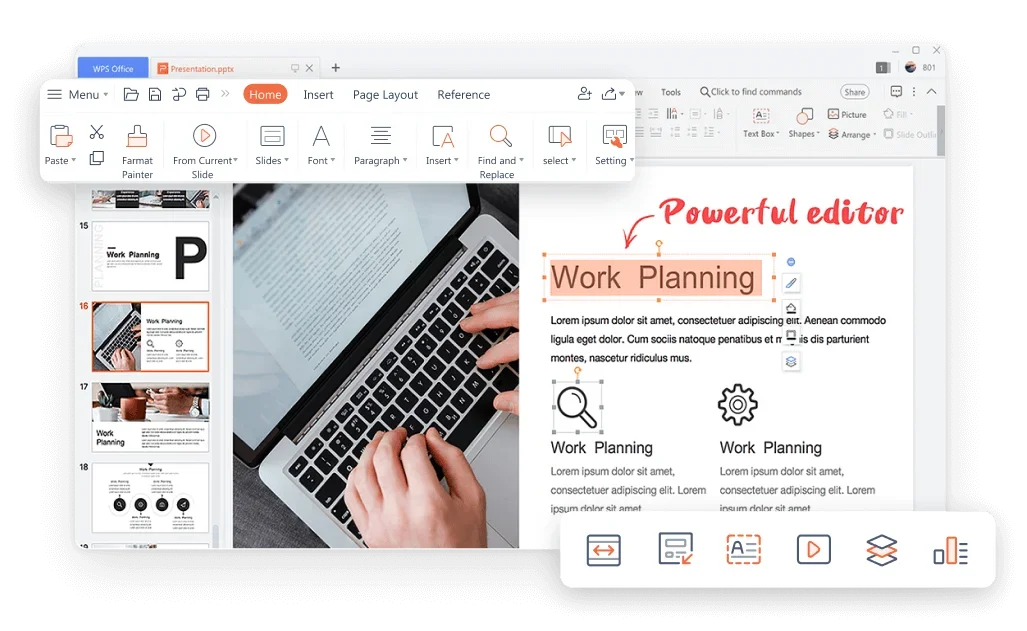
View then edit — slideshow, notes, and full edit in one PPTX Viewer workspace.

Present + Edit

Built Into WPS Presentation

Download the WPS Office PPTX Viewer Free

One installer opens PowerPoint files on your PC or phone, plays the slideshow, and keeps Writer, Spreadsheet, and PDF in the same suite.

PPTX Viewer Offline Open Fullscreen Present
Download WPS App Free

Windows · Mac · Linux · Android · iOS

WPS Presentation · PPTX Viewer LIVE

Open → Review notes → Present — all inside WPS

Why Choose the WPS Office PPTX Viewer

Use it online in the browser or offline on your device. Open PowerPoint files, build slides with WPS AI, let others view and co-edit, then keep working in the same all-in-one suite.

Use the WPS Office PPTX Viewer Online and Offline

Need a quick look in the browser, or a full slideshow with no Wi-Fi? The WPS Office PPTX Viewer supports both: open .pptx files online at WPS PowerPoint Online, or download WPS Office and view the same deck offline on Windows, Mac, Linux, iOS, and Android.

  • Online: open PPTX in your browser—no Microsoft PowerPoint and no install
  • Offline: install WPS Office and view, present, or edit without an internet connection
  • Same .pptx / .ppt file both ways—slides, speaker notes, and animations stay intact
Online Offline .pptx .ppt Slideshow
Open PPTX file in WPS
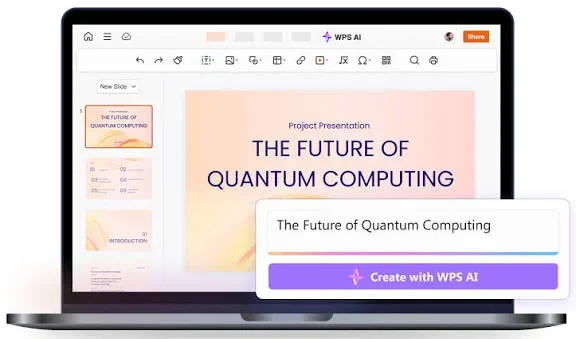
WPS AI presentation tools for slides WPS AI

Create Slides Faster with WPS AI Presentation Tools

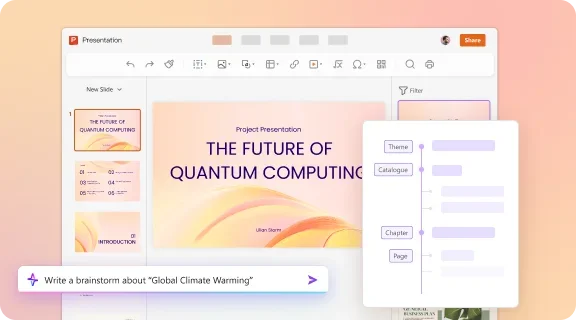
Need more than viewing? Built-in WPS AI helps you brainstorm topics, generate slide outlines, draft speaker notes, and apply smart layouts while the PPTX file stays open.

  • AI brainstorm — turn any topic into slide ideas and bullet points
  • Smart layout assist — auto-format text, images, and charts on each slide
  • AI speaker notes — generate presenter scripts slide by slide
AI Layout Brainstorm Speaker Notes

Let Others View and Co-Edit Your Deck Online

Send one link so teammates or clients can preview the same PPTX in real time. They can view, comment, and co-edit—without installing Microsoft PowerPoint.

  • Single share link — others view and co-edit in real time
  • Comments and change tracking for team review
  • Automatic cloud backup — the deck is not stuck on one laptop
Share Link Co-Edit WPS Cloud
View and co-edit PPTX online Co-edit
Edit charts after viewing PPTX All-in-one

More Than a Viewer — Keep Working in One Suite

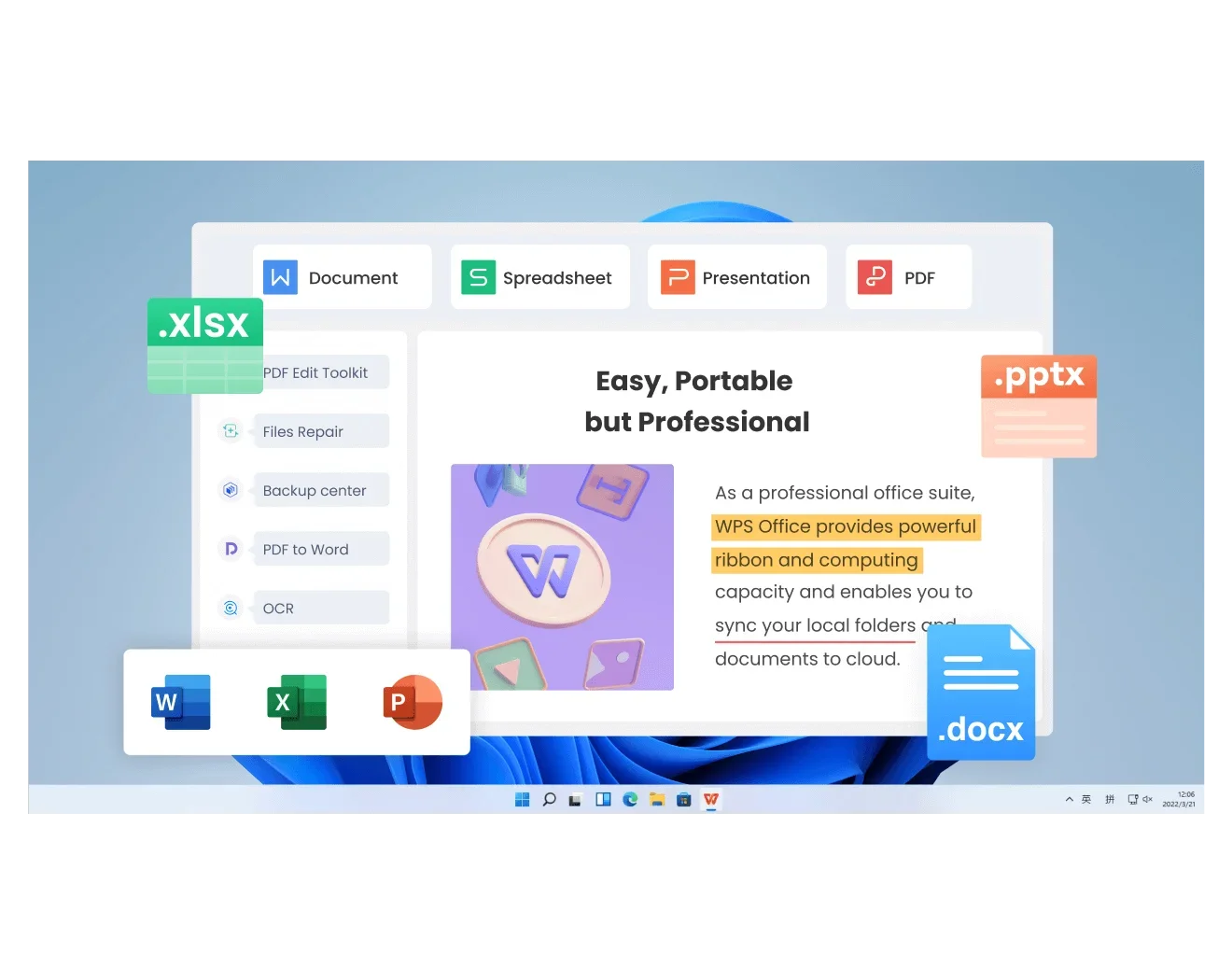
WPS Office is an all-in-one suite. After you view a PPTX file, stay in the same installer to edit slides, export a handout, or jump into Writer, Spreadsheet, and PDF.

  • Fix a typo, swap a chart, add animations, or insert a new slide without switching apps
  • Export to PDF for a locked handout, or save back as .pptx for colleagues on PowerPoint
  • Continue in Writer, Spreadsheet, and PDF from the same WPS Office download
Full Editor PPT to PDF Writer · Sheet · PDF

REAL USERS · WPS OFFICE

Teams open PPTX files here instead of hunting a leftover viewer

Students, sales teams, and teachers use the WPS Office PPTX Viewer to review decks on laptops and phones—then present without a Microsoft 365 license.

0

Users

5

Platforms

3

PPT Formats

Free Download WPS Office

Windows · Mac · Linux · Android · iOS

"I stopped asking classmates to convert decks to PDF. WPS opens every PPTX on my laptop and I can present the same night."
JL

Jordan L.

Graduate Student

3 Steps

How to Use WPS Office PPTX Viewer in 3 Steps

From download to fullscreen slideshow in a few minutes.

1

Download and install WPS Office

Install WPS Office on Windows, Mac, Linux, Android, or iOS. The PPTX Viewer lives inside WPS Presentation—you do not need a second viewer app.

2

Open your PPTX file

Launch WPS Office, choose Presentation, then Open. Pick the .pptx, .ppt, or .ppsx file from your computer, USB drive, or Downloads folder.

3

View, present, or edit

Review slides, check speaker notes, press F5 for a slideshow, then save changes as PPTX or export PDF if you need a handout.

FAQ

Frequently Asked Questions

FREE DOWNLOAD · ALL PLATFORMS

Open Any Deck with the WPS Office PPTX Viewer

Download WPS Office free, open the next .pptx attachment on your machine, and present or edit without a Microsoft PowerPoint license.

  • Free PPTX Viewer for .pptx, .ppt, and .ppsx
  • Offline open, fullscreen slideshow, and full editing
  • Trusted by 600M+ users worldwide
Free Download WPS Office

One installer · Writer + Spreadsheet + Presentation + PDF

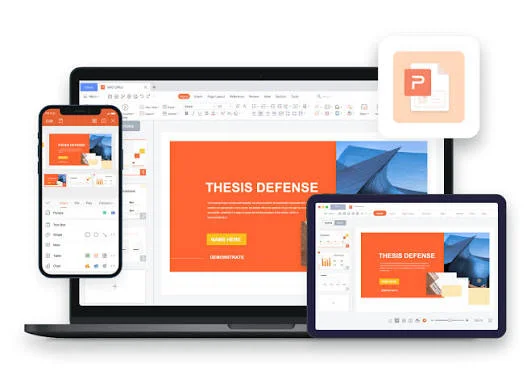
WPS Office on laptop and phone