WPS Presentation · Official Guide

The free online PPT viewer for PowerPoint files

By WPS Office4.8★ · 200M+ usersOfficial product page

Open, view & present .pptx and .ppt in your browser — or download WPS Office free for offline slideshow, editing & PDF export. A trusted online powerpoint viewer for PC, Mac, tablet & phone, built by the team behind WPS Presentation.

.pptx .ppt Cloud Slideshow PDF export
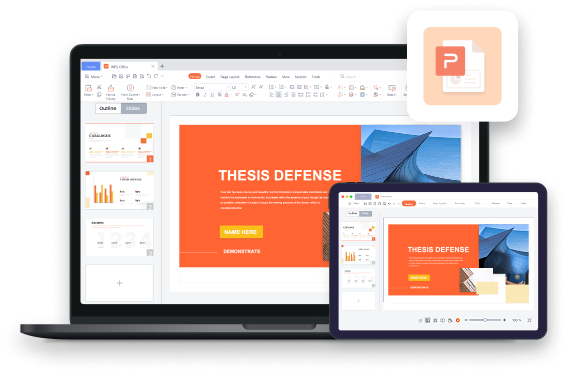
WPS online PPT viewer — view PowerPoint PPTX files in browser
PPT · PPTX Slideshow WPS Cloud Export PDF Share Link Animations
Online PPT Viewer Features

Why teams choose WPS as their free PowerPoint viewer

View PowerPoint files in your browser, present in fullscreen, share via link — then edit when you need more than preview. Click any image to zoom.

Written by the WPS Presentation product team and tested across Chrome, Safari, Edge, and mobile browsers. WPS maintains native .pptx compatibility with PowerPoint 365, 2021, and earlier — the same engine trusted by 200M+ users in 220+ countries. Read our full PPT online tutorial.

Feature 01

Open PowerPoint Instantly in Your Browser — No Install Required

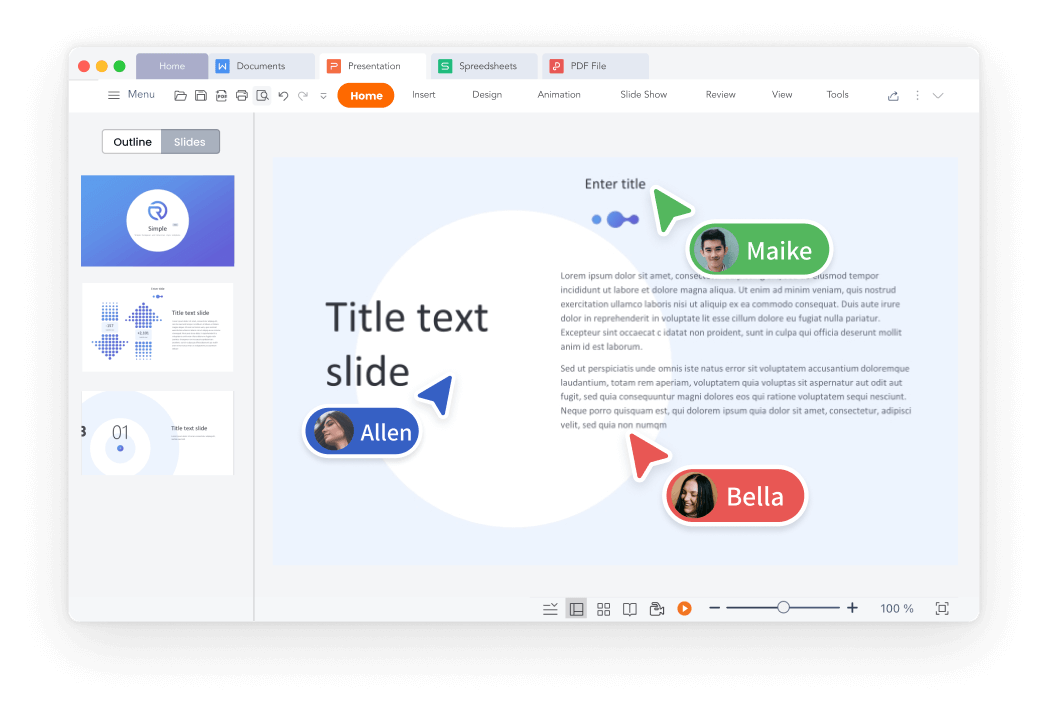
Received a .pptx by email or download? Open WPS 365 Slides in your browser and preview every slide immediately — or download WPS Office to view offline. This free ppt viewer online works on Windows, Mac, Linux, Android, and iOS with full PowerPoint compatibility and cloud storage built in.

  • Open .pptx & .ppt in browser — zero downloads
  • Navigate with thumbnails, scroll, or keyboard arrows
  • Start free at WPS 365 — sign in and open Slides
Free Download
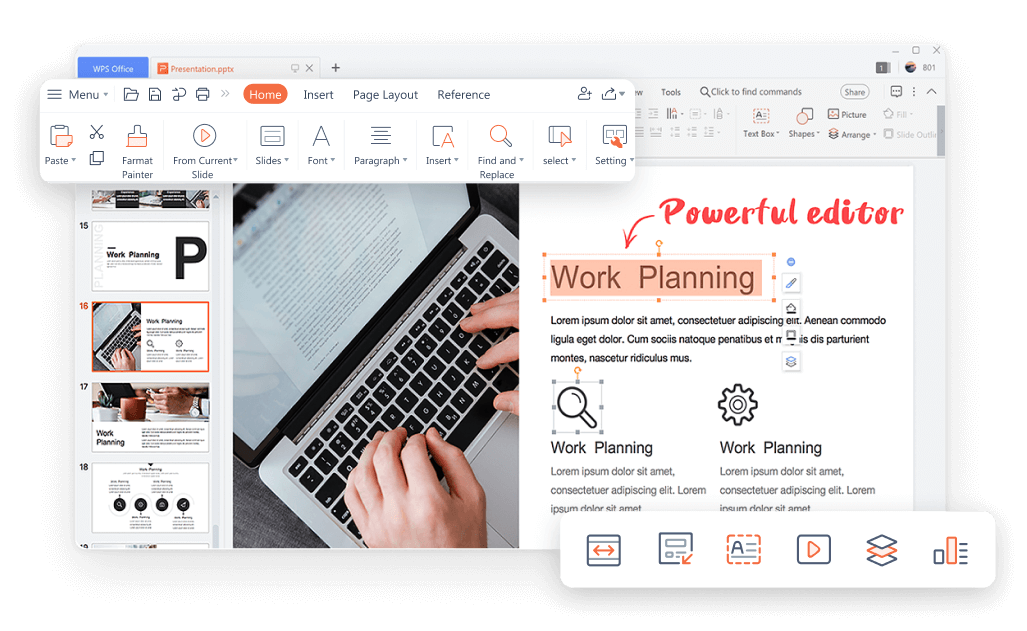
WPS online ppt viewer — open and preview PowerPoint slides in browser
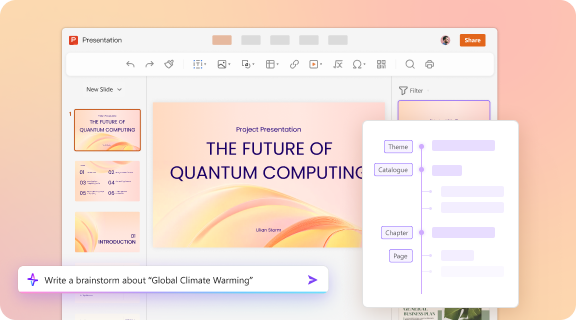
WPS Presentation AI — brainstorm slide ideas and smart layout in PPT online
Feature 02

Create Slides Faster with WPS AI Presentation Tools

Need more than viewing? WPS Presentation includes built-in AI presentation tools that help you brainstorm topics, generate slide outlines, draft speaker notes, and apply smart layouts — while you preview or edit .pptx files online in WPS 365 Slides or offline in WPS Office.

  • AI brainstorm — turn any topic into slide ideas & bullet points
  • Smart layout assist — auto-format text, images & charts on each slide
  • AI speaker notes — generate presenter scripts slide by slide
AI Layout Brainstorm Speaker Notes
Free Download
Feature 03

Present Slides Online from Any Device

Head to the Play tab in WPS Slides online and start your slideshow from the beginning or current slide. Enter fullscreen presentation mode — deliver talks directly from your browser on PC, Mac, or mobile without installing PowerPoint.

  • Slideshow — From beginning or From current
  • Fullscreen browser presentation — no app needed
  • Rehearse timings to fine-tune your delivery pace
Free Download
WPS online ppt viewer slideshow — present PowerPoint in browser
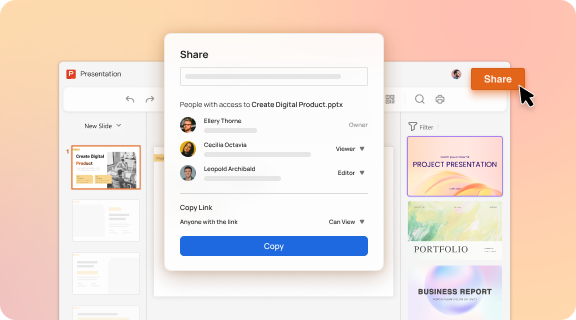
WPS online ppt viewer — share presentations via link
Feature 04

Share a Link — Others Can View & Co-Edit Online

Send one link and let teammates or clients preview your deck in real time. Leave comments, track changes, and co-edit slides — all saved to WPS Cloud Drive. WPS goes beyond view-only browser tools with secure collaboration built in.

  • Single share link — view & edit in real time
  • Comments & change tracking for team workflows
  • Automatic cloud backup — never lose your deck
Free Download
Feature 05

More Than a Viewer — Edit, Animate & Export Online

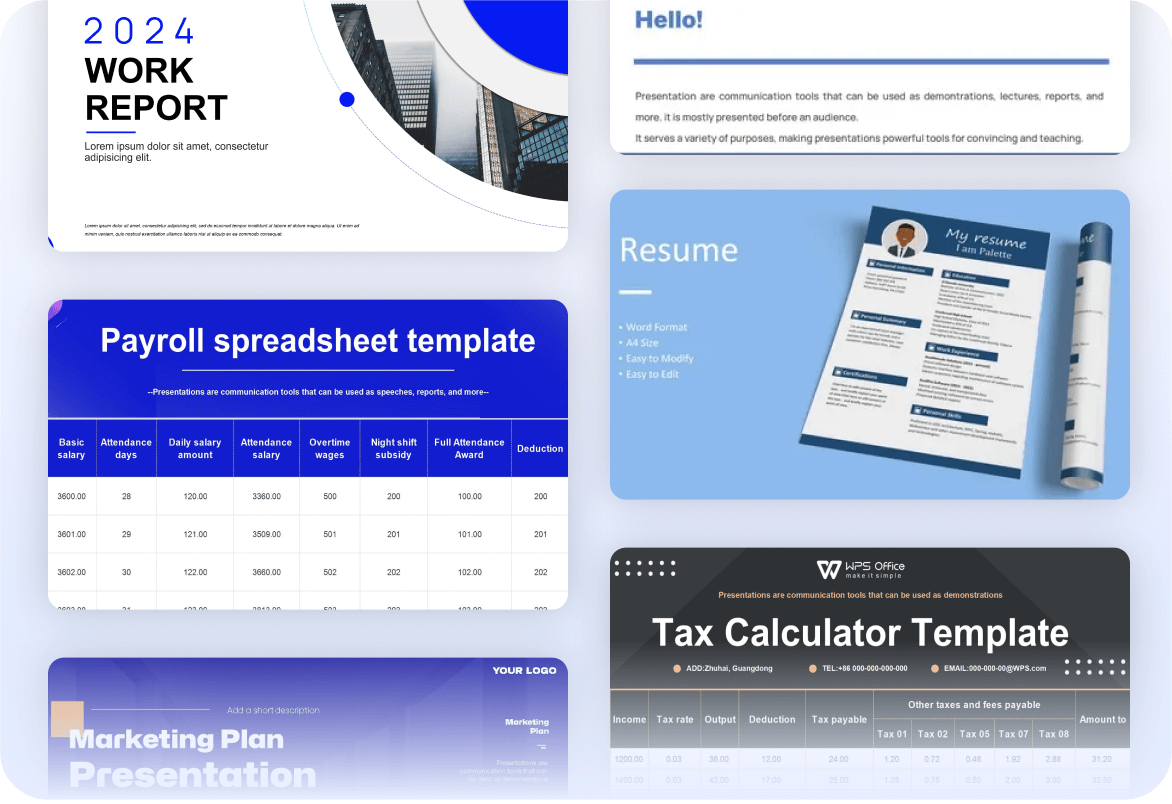
Finished reviewing? WPS becomes a full presentation maker. Insert text, shapes, images, and animations; browse free online PPT templates; export to PPTX, PDF, or images — in browser or desktop app.

  • Free online PPT templates for business & education
  • Object & slide animations, transitions, multimedia
  • Export PPT to PDF or image after viewing
Free Download
WPS online ppt viewer — edit templates and export PDF
Use Cases

Who uses a free online PowerPoint viewer?

From business meetings to classroom lectures — real users rely on WPS to open .pptx files without Microsoft Office installed.

Business Meetings

Review sales pitches and client decks in the browser before meetings — no PowerPoint install on every laptop.

Academic Lectures

Students open lecture slides on any device. Group projects co-edit the same online powerpoint presentation for free.

Marketing Campaigns

Preview webinar decks and product launch slides online, then share a link with stakeholders instantly.

Personal Projects

Travel stories and photo albums — view and present personal PowerPoint slides online from phone or tablet.

Free · All platforms

Ready to open PowerPoint files without Office?

Download WPS Office free — the online ppt viewer and offline Presentation app for .pptx & .ppt. Preview slides, present in fullscreen, and export to PDF.

.pptx .ppt Slideshow Export PDF
Free Download
100% secure 4.8 · 200M+ users
See how to view PPT online in 5 steps
Step-by-Step Guide

How to open PowerPoint files online with WPS

Follow this 5-step guide from the WPS team — view .pptx files in your browser in minutes, or download WPS Office for offline access. No Microsoft Office subscription required.

1

Open WPS 365 or download WPS Office

Navigate to WPS 365 and sign in free — or download WPS Office below for offline viewing on any device.

2

Click Slides to open the online ppt viewer

From the WPS 365 dashboard, select Slides. Upload your .pptx or .ppt file, or pick a free template to preview instantly.

3

View & navigate your presentation

Scroll through slides, use thumbnails, or open the Play tab to present in fullscreen — your ppt viewer online workspace is ready on any device.

4

Edit, animate, or insert content (optional)

Need more than preview? Use the Insert tab for text boxes, pictures, and shapes. Add animations from the right panel — WPS online goes beyond view-only.

5

Share or export your deck

Copy a collaboration link for others to view ppt online, or download as PPTX / PDF. Changes auto-save to WPS Cloud Drive.

Why Choose WPS

Why 200M+ users trust WPS for PowerPoint viewing

Truly free online

View, present, edit & share PowerPoint at no cost — a full presentation suite, not a limited trial.

Any device, any browser

Open presentations on PC, Mac, Linux, Android & iOS — WPS Cloud syncs your decks everywhere.

AI presentation tools

AI layout assist, content ideas & speaker notes — go from viewing to creating slides online.

PowerPoint compatible

Open PPTX & PPT with animations & layouts intact — the online powerpoint viewer that won't break your deck.

0

M+ Users

0

PPT Templates

0

Platforms

0

+ File Formats

Real users · Online PPT viewer

Trusted by 200M+ users worldwide

Real feedback from students, marketers, and freelancers who open PowerPoint files with WPS — in browser or offline — when they need more than a basic preview tool.

★★★★★ 4.8 avg rating · G2 Leader · Editor's Choice
Free Download

Reviews reflect common themes from G2 Crowd, CNET, Google Play & Trustpilot.

Group projects made easy

WPS Presentation Online is a lifesaver for group projects. We can all work on the online powerpoint at the same time, and it's completely free!

Sarah J. University Student

Opened client PPTX without Office

I needed to edit a client's PPTX file urgently and didn't have PowerPoint on my laptop. WPS's online ppt viewer worked perfectly. No compatibility issues at all.

Mark T. Marketing Manager

Professional templates in minutes

The templates are modern and save me so much time. I can create a professional-looking presentation in minutes — or just view ppt online before sharing.

David Chen Startup Founder

Better than view-only tools

Most online ppt viewers are preview-only. WPS lets me open, present, and edit in the browser — then export PDF for clients who don't use PowerPoint.

Emily R. Freelance Designer · USA

Works on my phone

I receive PPT attachments daily. WPS online opens them on my Android with proper formatting — the best ppt viewer online I've tried for mobile.

James K. Sales Rep · UK

Secure cloud for teams

Our team shares decks via WPS Cloud links. Stakeholders view ppt online without installing anything — data stays encrypted and synced.

Priya S. Project Manager · India
FAQs

Frequently asked questions about viewing PPT online

What is an online PPT viewer?

An online ppt viewer is a browser-based tool that lets you open, preview, and present PowerPoint .pptx and .ppt files without installing Microsoft PowerPoint. WPS Presentation Online is a free ppt viewer online with full compatibility, cloud storage, and optional editing.

Can I view PPTX files online without PowerPoint?

Yes. Upload your file to WPS 365 Slides and view ppt online instantly — no Microsoft Office, no desktop app, and no Microsoft account required. Works in Chrome, Edge, Firefox, and Safari.

Is WPS online PPT viewer free?

Yes. WPS Presentation Online offers a robust free tier to view, present, edit, and share PowerPoint files online. Premium templates and advanced AI features are available via subscription.

Can I present slideshows in the browser?

Yes. Use the Play tab in WPS Slides online to start a slideshow from the beginning or current slide. Fullscreen presentation mode works directly in your browser — the core feature of any good online powerpoint viewer.

Can others view my presentation via a link?

Yes. Share a single link so teammates, clients, or classmates can view ppt online and co-edit in real time. All changes save automatically to WPS Cloud Drive.

Can I edit after viewing, or is it view-only?

WPS is more than a view-only online ppt viewer. After previewing, you can edit text, insert images, add animations, apply templates, and export to PDF — all in the same browser session.

Is my data secure while using WPS PPT online?

Yes. WPS employs encryption and advanced security measures for cloud-stored presentations. Your files are backed up automatically and accessible only through your account and shared links.

Free download · All platforms

Download WPS — free online PPT viewer + offline power

View PowerPoint online in your browser, or download WPS Office for offline slideshow, AI slide design & full Presentation tools on every device.

  • View PPTX & PPT online — no PowerPoint required
  • Slideshow, templates, animations & co-editing online
  • Trusted by 200M+ users worldwide
Free Download WPS Office

One installer · Presentation + Writer + Spreadsheet & PDF