Workbook Will Not Open
Pain
Excel says the file is corrupt or unreadable. Double-clicking fails; Open and Repair feels like a dead end.
WPS Solution
Recover Excel file with File Repair—scan broken headers and rebuild a usable workbook.
Fast, local repair for corrupted or unsaved Excel files (.xlsx/.xls)—no cloud upload required.

Crashes, bad USB copies, and half-saved workbooks should not erase a week of numbers. WPS helps you recover Excel file data locally—then keep editing in Spreadsheet.
Pain
Excel says the file is corrupt or unreadable. Double-clicking fails; Open and Repair feels like a dead end.
WPS Solution
Recover Excel file with File Repair—scan broken headers and rebuild a usable workbook.
Pain
Power cuts and forced quits wipe hours of entry before anyone hit Save.
WPS Solution
Auto-recovery paths help restore unsaved Excel work and reopen it in Spreadsheet.
Pain
Web “Excel recovery” sites ask you to upload payroll, customer lists, or board packs.
WPS Solution
Local repair — recover Excel file data on your PC or Mac. No third-party upload.
Pain
A Microsoft 365 seat should not be required just to rescue one damaged workbook.
WPS Solution
Free Spreadsheet — recover Excel file copies, then edit and Save As .xlsx in the same suite.
Built Into WPS Office
Stop gambling with shady online uploaders. Open File Repair, drop in the damaged workbook, and export a recovered sheet you can trust.
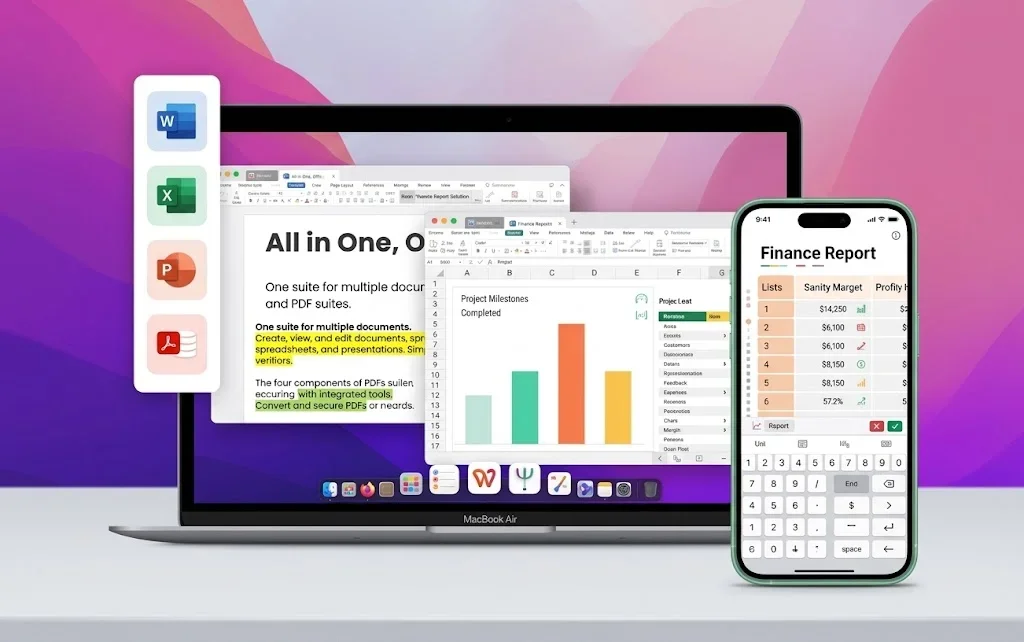
One installer · Writer + Spreadsheet + Presentation + PDF
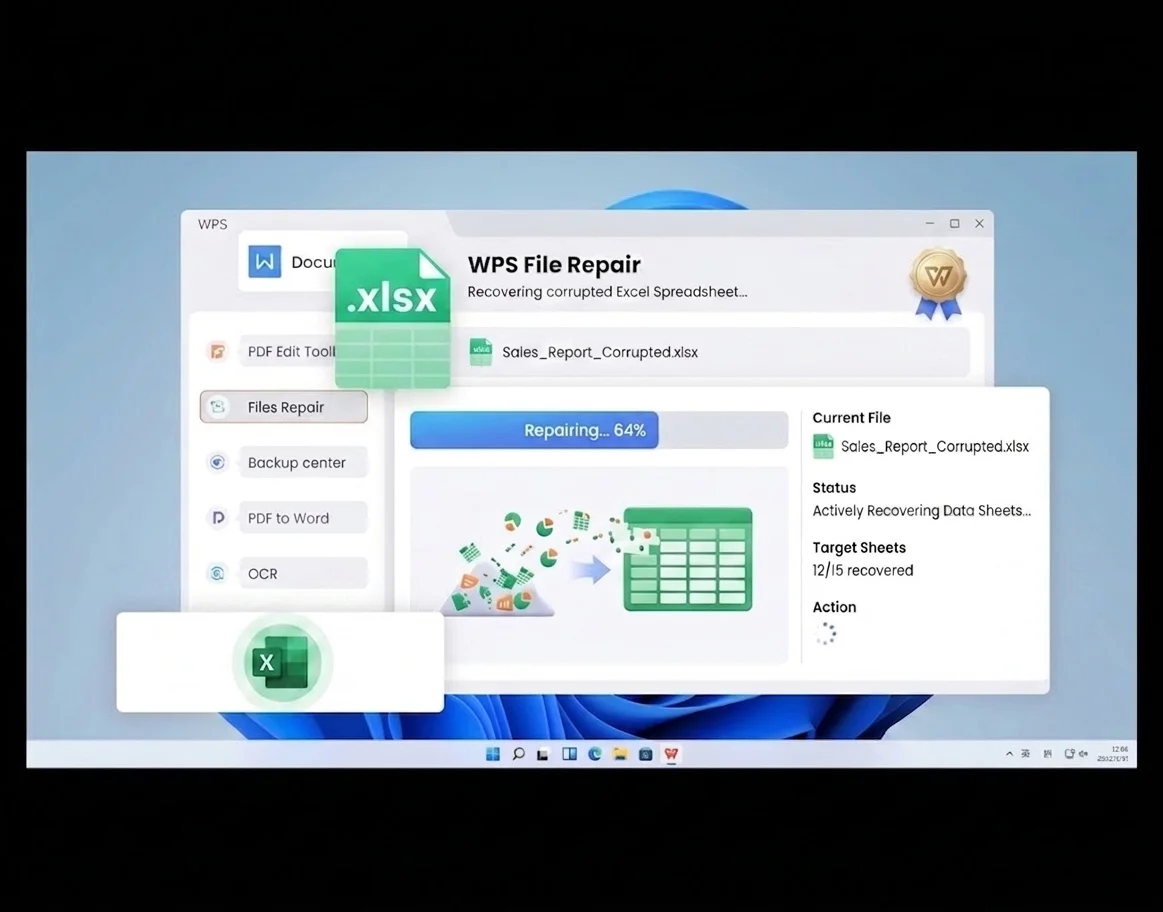
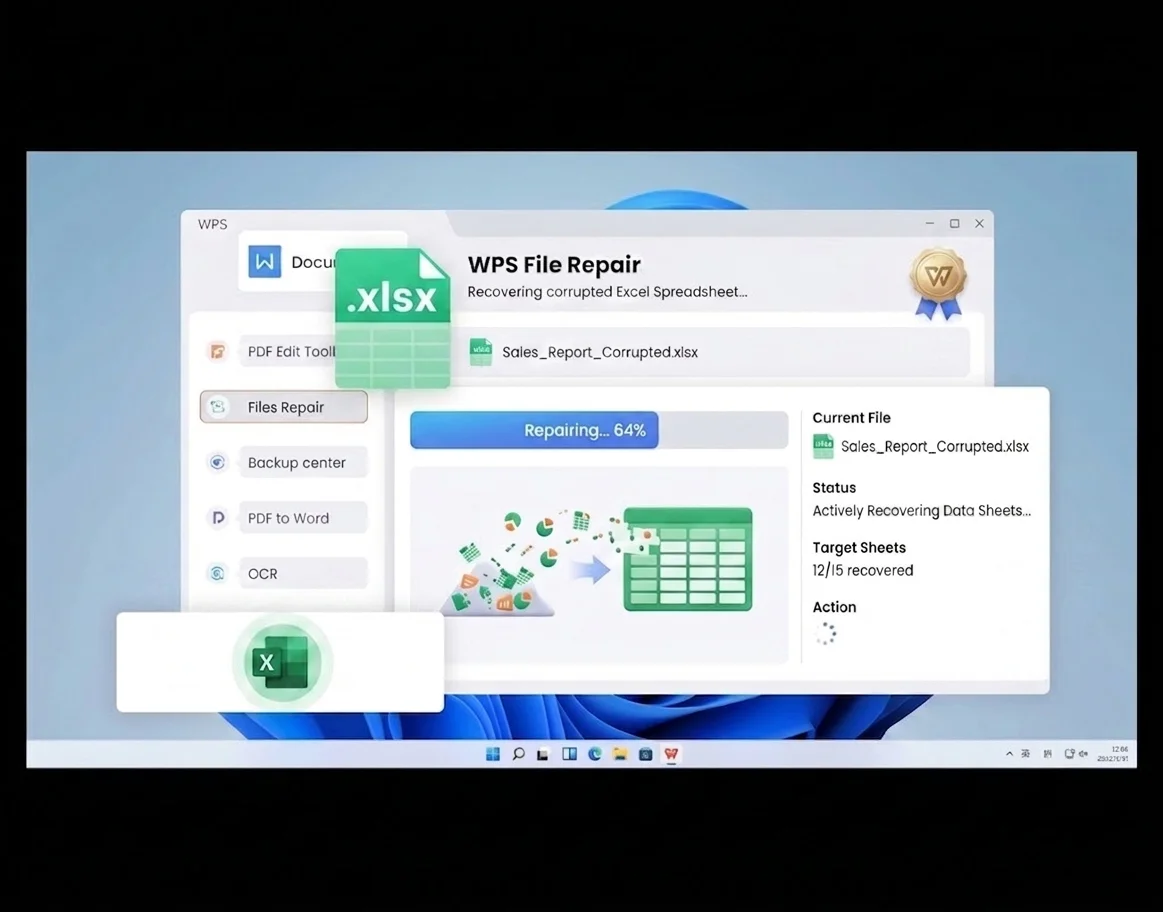
Everything you need to recover Excel file damage inside WPS Office—repair corruption, restore unsaved work, and keep editing in Spreadsheet.
When headers break or sheets fail to open, WPS File Repair rebuilds readable content instead of giving up.
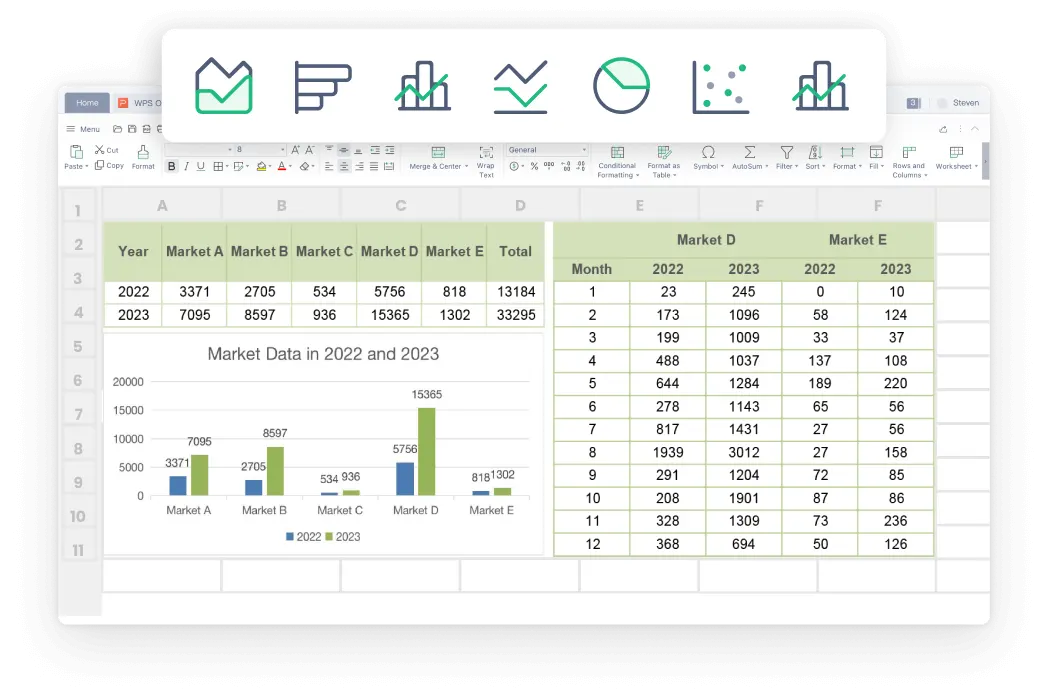
Forgot Save before a reboot? WPS helps you recover Excel file drafts that still live in temporary recovery paths.
Online repair tools upload your sheet. WPS repairs locally, so confidential ledgers never leave this computer.

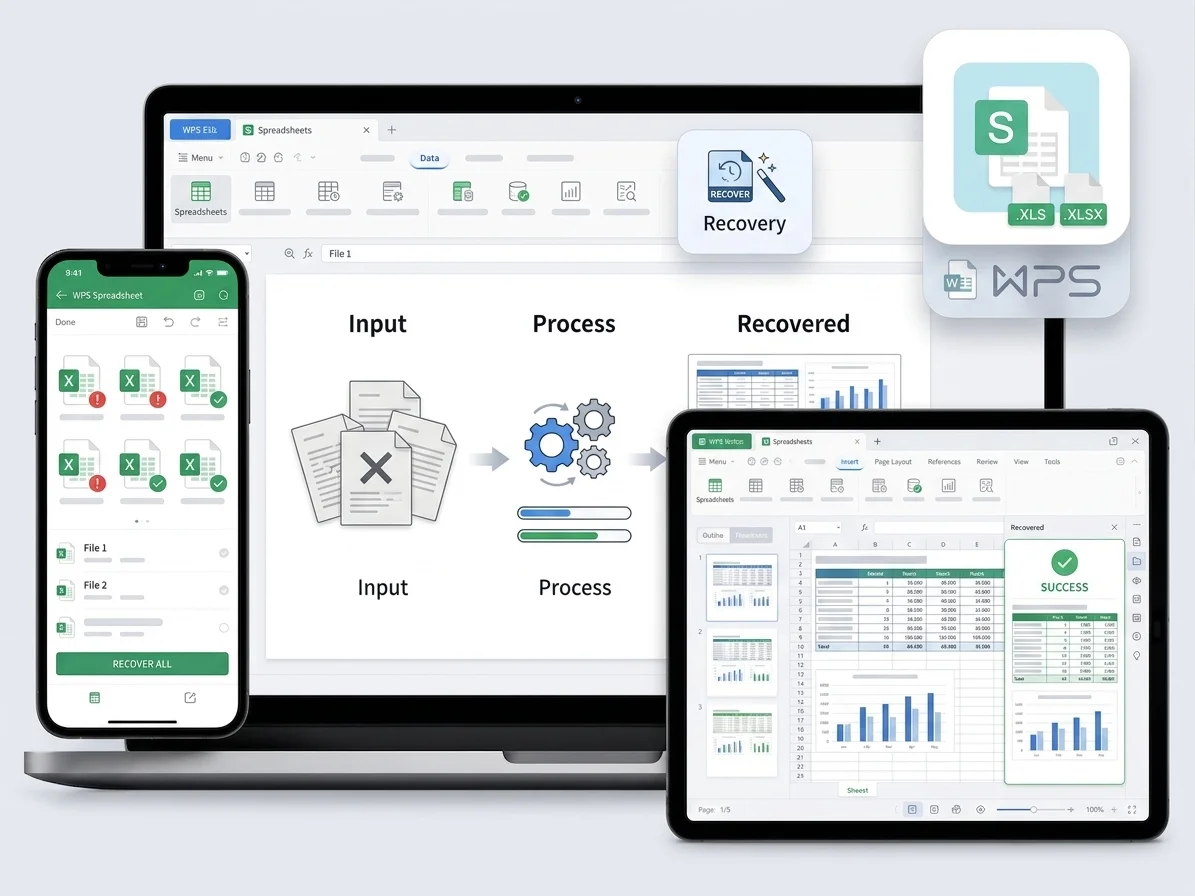
Recover Excel file formats from older .xls through modern .xlsx, then open the result on Windows, Mac, or mobile.
REAL USERS · WPS OFFICE
Analysts and students recover Excel file damage locally—then keep filtering and charting in Spreadsheet.
0
Users
5
Platforms
Local
Repair
Windows · Mac · Linux · Android · iOS
"Our quarterly Excel report would not open the night before board review. WPS File Repair let us recover Excel file data with formulas intact—no upload."
Sarah T.
Financial Analyst
Install the free suite. On the Home page, open Productivity Tools → File Repair to start recover Excel file tools built into WPS.
Browse or drag your damaged .xlsx / .xls workbook into File Repair. WPS scans headers, formulas, and sheet structures on your device.
Review the repaired spreadsheet, then export a clean Excel file. Continue editing in WPS Spreadsheet or share the .xlsx with Excel users.
Download WPS Office free and recover Excel file damage locally—repair corruption and reopen workbooks without a Microsoft Excel license.
One installer · Writer + Spreadsheet + Presentation + PDF