XLSX Drops Macros
Pain
Save As Excel Workbook (*.xlsx) and buttons, event handlers, and custom functions disappear with no undo.
WPS Solution
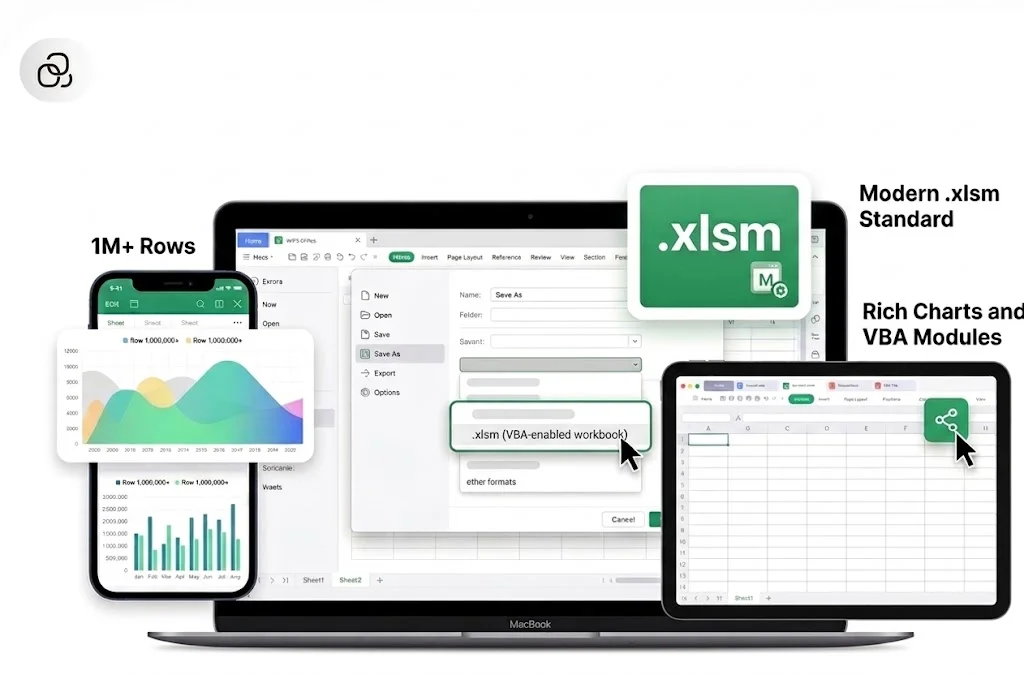
XLS to XLSM — pick Excel Macro-Enabled Workbook so VBA stays in the new file.
Convert XLS to XLSM in WPS Spreadsheet when old Excel 97-2003 files still hold VBA. Save as a modern Excel Macro-Enabled Workbook so macros survive—unlike .xlsx, which strips them.
=SUMIF(B2:B6,"Closed",C2:C6)
| A | B | C | D | |
|---|---|---|---|---|
| 1 | Region | Status | Revenue | Owner |
| 2 | APAC | Closed | $48,200 | Maya |
| 3 | EMEA | Pipeline | $31,750 | Omar |
| 4 | NA | Closed | $62,410 | Lia |
| 5 | LATAM | Closed | $19,080 | Diego |
WPS Spreadsheet XLS to XLSM preview
Old .xls files still run macros. Saving them as .xlsx deletes VBA. WPS Spreadsheet converts XLS to XLSM locally so automation stays in the file.
Pain
Save As Excel Workbook (*.xlsx) and buttons, event handlers, and custom functions disappear with no undo.
WPS Solution
XLS to XLSM — pick Excel Macro-Enabled Workbook so VBA stays in the new file.
Pain
Excel 97-2003 .xls caps sheets at 65,536 rows and 256 columns and blocks newer spreadsheet features.
WPS Solution
Modern .xlsm — leave Compatibility Mode without throwing away the macros you still need.
Pain
Web upload tools often flatten macros or refuse .xls files that contain code—and they see your data.
WPS Solution
Local Save As — convert XLS to XLSM on your PC or Mac. No third-party upload.
Pain
A Microsoft 365 seat is overkill when you only need to upgrade one legacy workbook with macros.
WPS Solution
Free Spreadsheet — open .xls, Save As .xlsm, then keep editing in the same suite.
Built Into WPS Spreadsheet
Stop hunting for a one-off converter. Open the .xls file, choose Save As Excel Macro-Enabled Workbook, and keep VBA on your device.
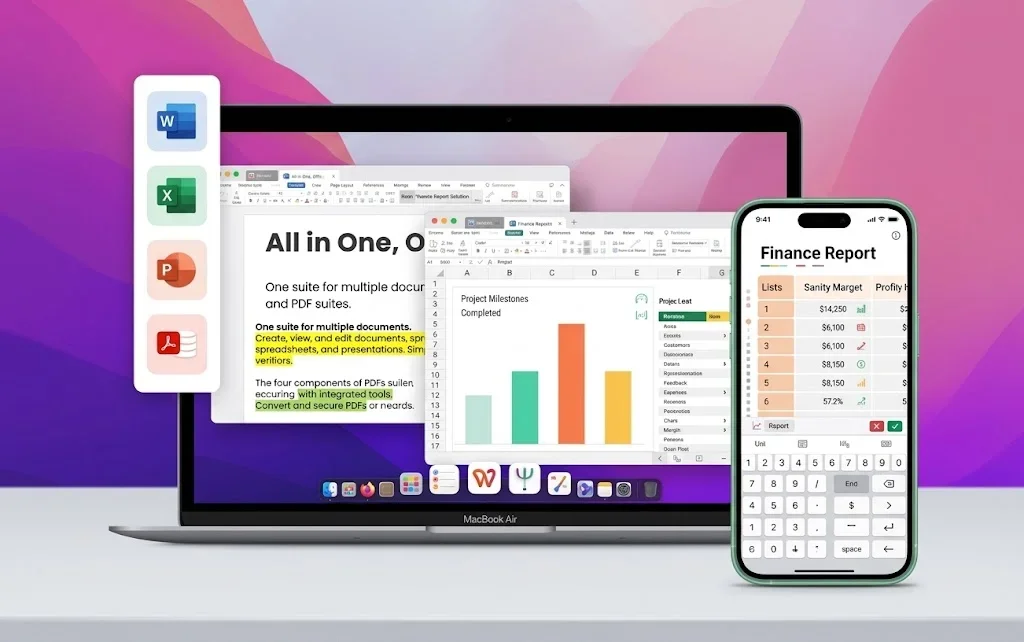
One installer · Writer + Spreadsheet + Presentation + PDF
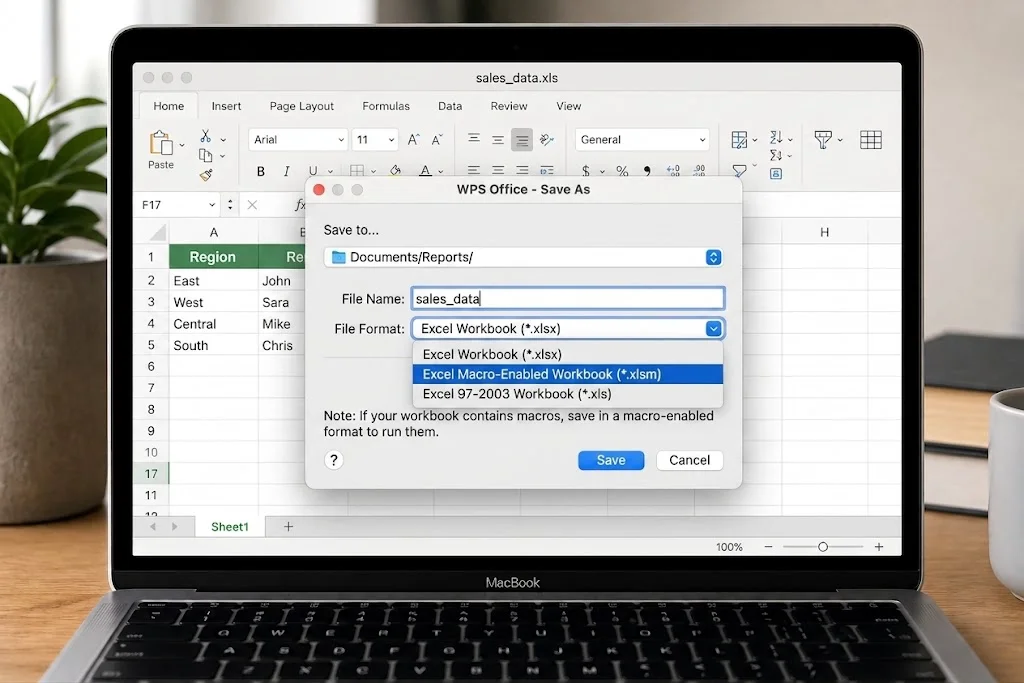
Everything you need to convert XLS to XLSM inside WPS Spreadsheet—keep VBA, leave Compatibility Mode, and save the file locally.
No extra converter. Open the old .xls file and Save As .xlsm—don’t just rename the extension in Explorer.
Saving as .xlsx wipes VBA. Buttons, event handlers, and custom functions disappear with no undo.
Old .xls files stop at 65,536 rows and 256 columns, and they block newer Excel features.

Online converters upload your spreadsheet. WPS converts locally, so payroll and finance files never leave this computer.
Start from real WPS Excel templates—budgets, invoices, inventory, and schedules—then keep working in the same Spreadsheet app you used for XLS to XLSM.
Need macros in a fresh sheet? Convert XLS to XLSM, then start from a WPS Excel template.
Free DownloadREAL USERS · WPS OFFICE
Finance and ops keep VBA in legacy workbooks by saving as .xlsm in WPS Spreadsheet—locally, on every platform.
0
Users
5
Platforms
XLS→XLSM
Save As
Windows · Mac · Linux · Android · iOS
"Our old .xls pack still had macros. Saving as XLSX killed them. WPS XLS to XLSM kept the buttons and we did not buy Excel."
Jordan K.
Operations Analyst
Install the free suite on Windows, Mac, Linux, iOS, or Android. XLS to XLSM conversion lives in WPS Spreadsheet—no extra converter.
Choose File → Open and select the Excel 97-2003 file. Sheets, formulas, and existing macros load locally. Check Developer → Macros if you need to confirm VBA is present.
Choose File → Save As, pick Excel Macro-Enabled Workbook (*.xlsm), and save. Re-open the new file and test trusted macros. If there is no VBA, use .xlsx instead.
Download WPS Office free and convert XLS to XLSM locally—Save As Excel Macro-Enabled Workbook without a Microsoft Excel license.
One installer · Writer + Spreadsheet + Presentation + PDF