Online Converters Want the XLSM
Pain
Upload tools ask for a macro-enabled workbook that finance and security teams will not send to the cloud.
WPS Solution
XLSM to CSV runs on your device—open the file, then Save As CSV with no upload.
Open .xlsm in WPS Spreadsheet, review the active sheet locally, then Save As CSV to drop macros and hand databases, CRMs, and scripts a plain-text table.
=SUMIF(B2:B6,"Closed",C2:C6)
| A | B | C | D | |
|---|---|---|---|---|
| 1 | Region | Status | Revenue | Owner |
| 2 | APAC | Closed | $48,200 | Maya |
| 3 | EMEA | Pipeline | $31,750 | Omar |
| 4 | NA | Closed | $62,410 | Lia |
| 5 | LATAM | Closed | $19,080 | Diego |
sales-q3.csv
Region,Status,Revenue,Owner
APAC,Closed,48200,Maya
EMEA,Pipeline,31750,Omar
NA,Closed,62410,Lia
LATAM,Closed,19080,Diego
WPS Spreadsheet Save As CSV preview
Teams often need the spreadsheet data—not the VBA. WPS Office lets you open the macro workbook locally, then save a clea CSV export for safer sharing.
Pain
Upload tools ask for a macro-enabled workbook that finance and security teams will not send to the cloud.
WPS Solution
XLSM to CSV runs on your device—open the file, then Save As CSV with no upload.
Pain
SQL, Python, Shopify, and most CRMs import CSV—not .xlsm with VBA projects inside.
WPS Solution
Plain-text CSV is the interchange format those tools already expect.
Pain
A shared .xlsm can still carry Enable Content prompts and unwanted automation.
WPS Solution
CSV cannot hold VBA, so the export is values only—keep the original .xlsm if you still need macros.
Pain
People expect every tab in one CSV and then wonder why lookups or extra sheets vanished.
WPS Solution
Export the active sheet, then repeat Save As for other tabs—each CSV stays a single table.
Built Into WPS Spreadsheet
Skip websites that demand a macro file upload. WPS Spreadsheet opens .xlsm locally, lets you confirm the sheet, and Save As CSV when a system needs plain rows and columns.
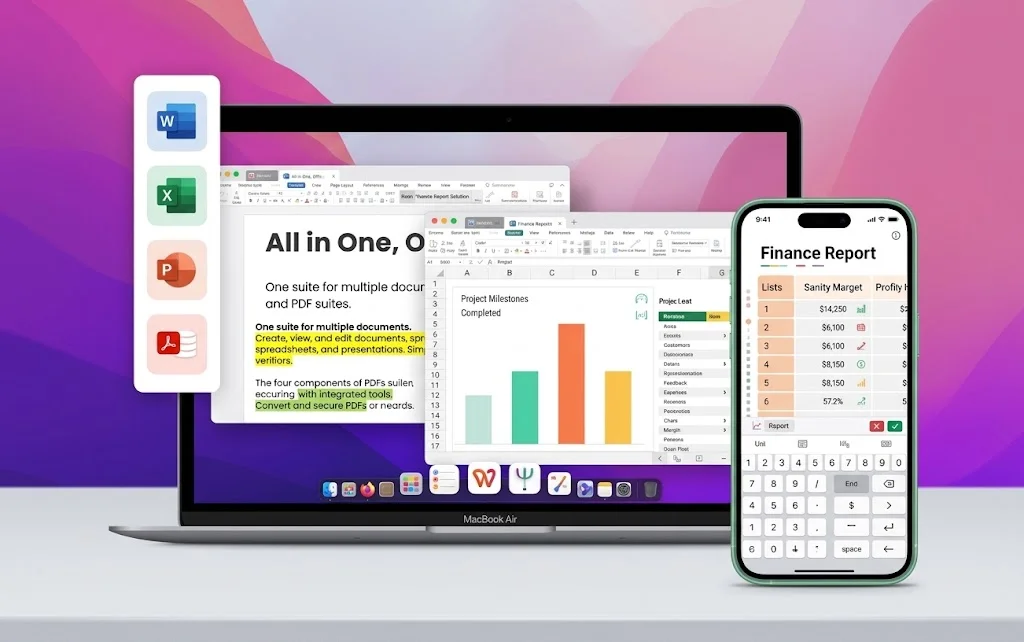
One installer · Writer + Spreadsheet + Presentation + PDF
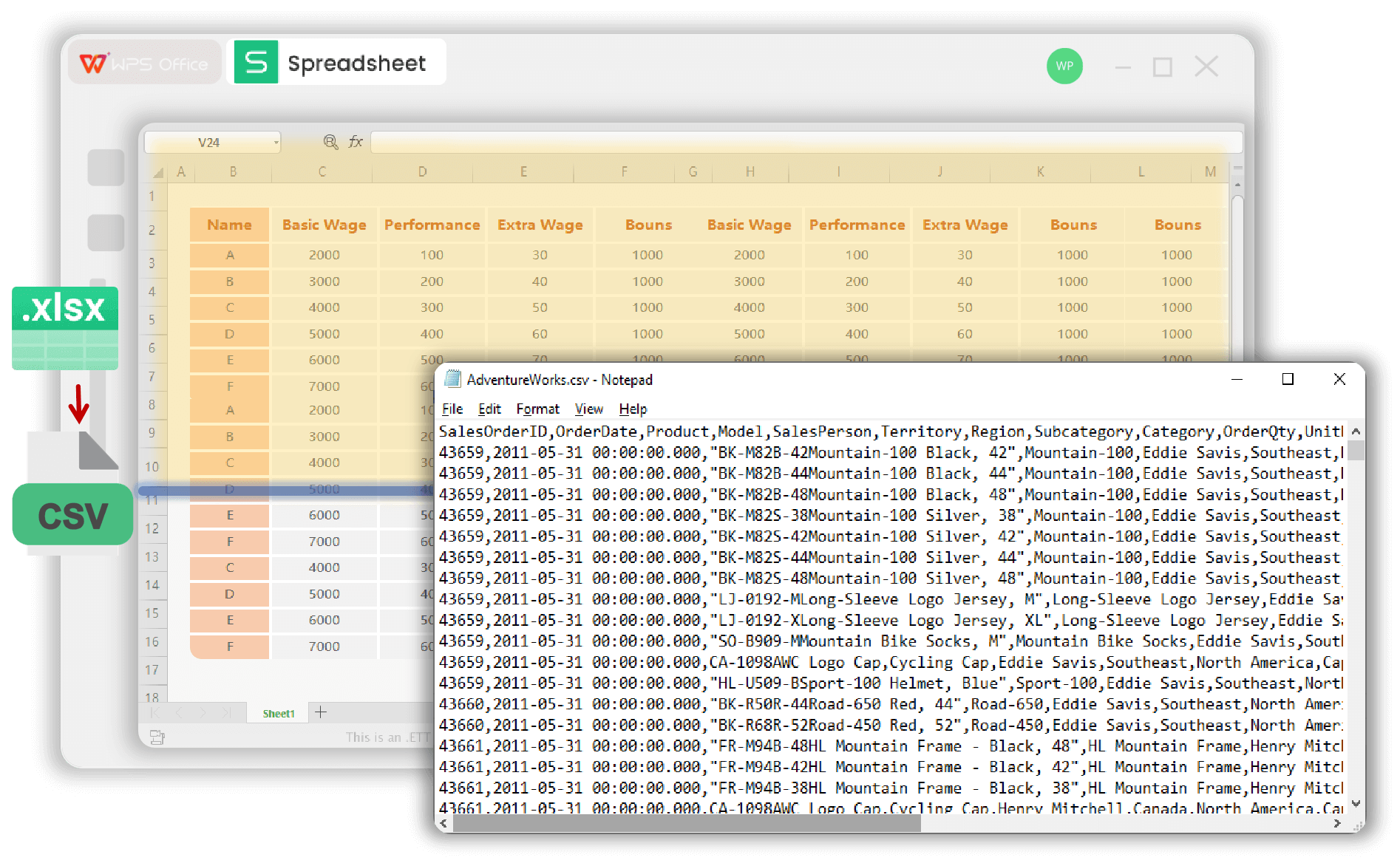
Export macro-enabled Excel workbooks to CSV without paid Excel—open locally, write one sheet of values, and leave VBA behind for safer imports.
You should be able to check the sheet first, instead of uploading a macro-enabled workbook to a converter and hoping nothing important gets lost.
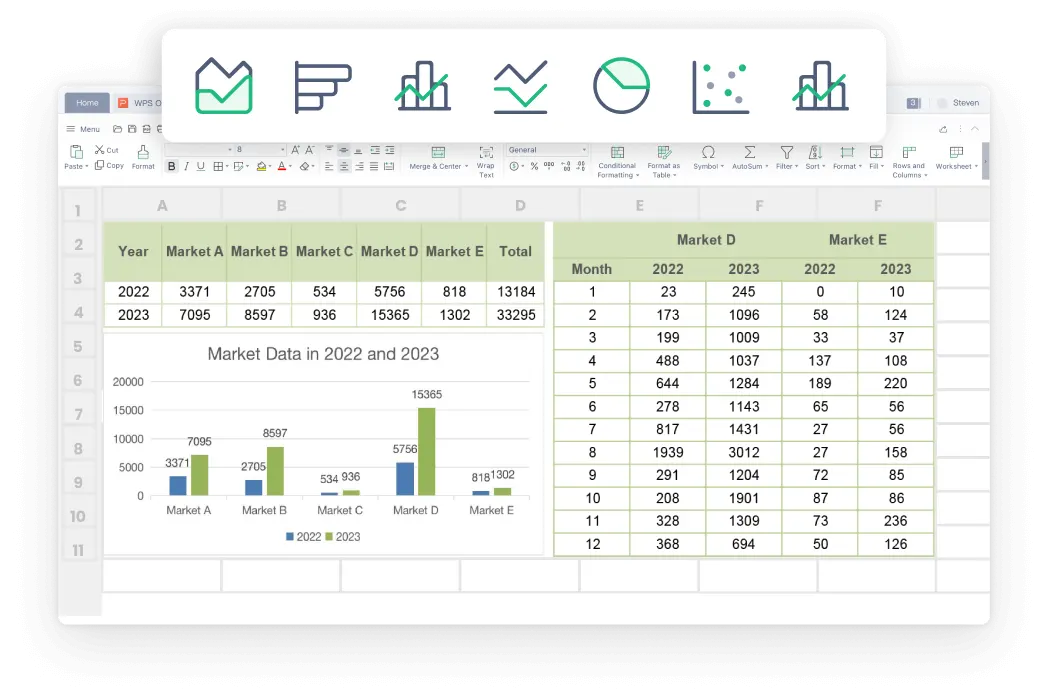
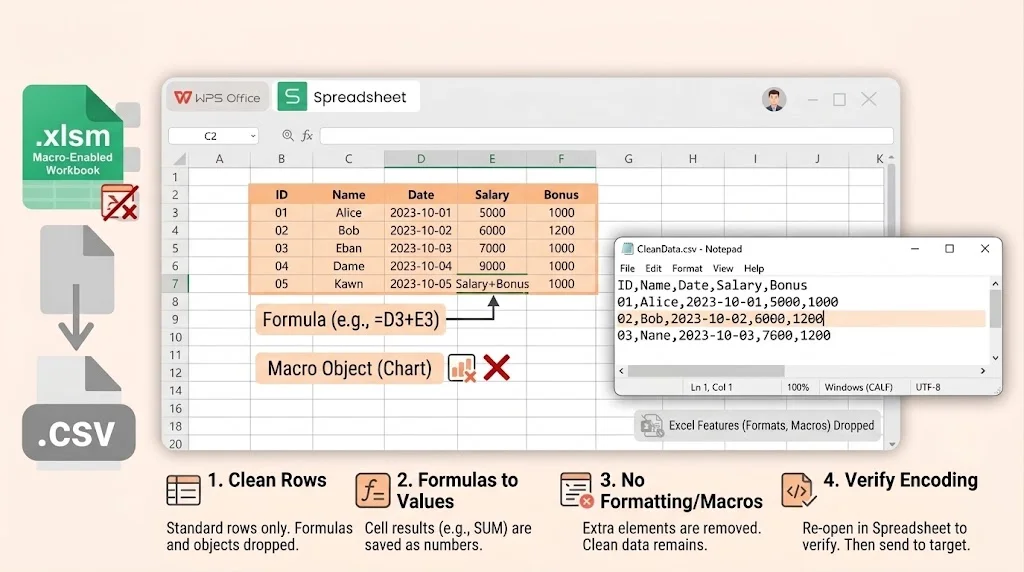
When people ask for CSV, they usually want clean rows and columns for import, not formulas, chart objects, or workbook-only features.
Macro workbooks often fail in import flows. A CSV from WPS Spreadsheet is much easier for databases, scripts, and business tools to accept right away.
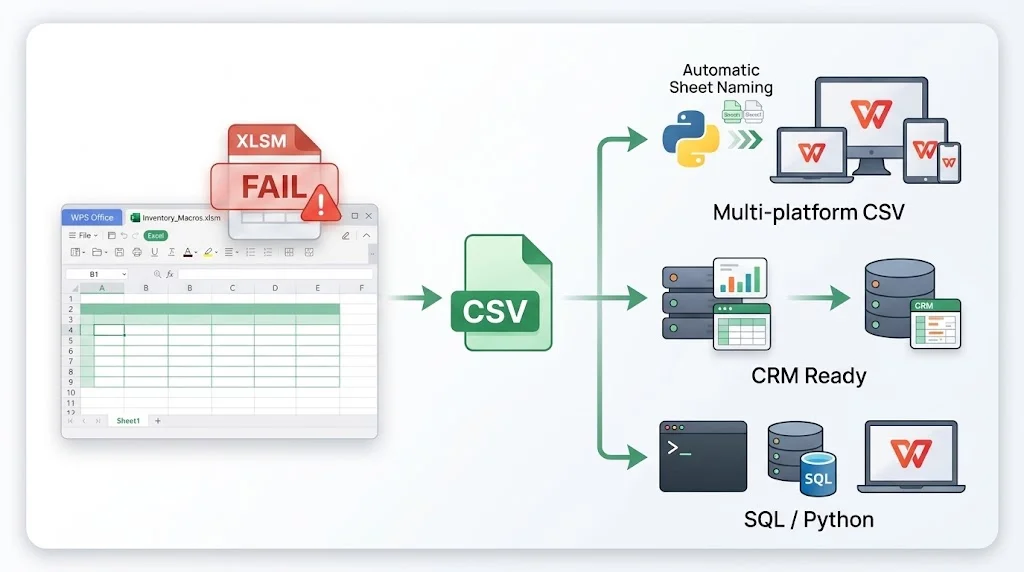

If the workbook contains finance, HR, or internal business data, a local WPS workflow is safer than sending the original XLSM file to an online converter.
Build the table in WPS Spreadsheet from a real Excel template, then Save As CSV when a system needs a flat file—same app, no extra converter.
Need more than a converter? Open templates and macro workbooks in the same free suite.
Free DownloadREAL USERS · WPS OFFICE
Finance, ops, and analysts use WPS Office to open macro workbooks, save clean CSV copies, and keep editing in Spreadsheet.
0
Users
5
Platforms
CSV
Export
Windows · Mac · Linux · Android · iOS
"We kept the original .xlsm for the model owner and exported CSV for the warehouse job. No more Enable Content on the import side."
Jordan K.
Finance Ops Lead
Install the free suite on Windows, Mac, Linux, iOS, or Android. XLSM to CSV lives inside WPS Spreadsheet—no extra converter app.
Choose File → Open and select the Excel Macro-Enabled Workbook. Click the tab you want to export—CSV stores one sheet. Leave macros disabled unless you trust the sender.
Choose File → Save As, pick CSV (Comma delimited) or CSV UTF-8, and save. Formulas become values; VBA is not written to the .csv file. Repeat for other sheets if needed.
Download WPS Office free, open .xlsm locally, and Save As CSV to feed databases and CRMs without a Microsoft Excel license.
One installer · Writer + Spreadsheet + Presentation + PDF