Macro Warnings Block Sharing
Pain
Recipients see security prompts and refuse to open .xlsm attachments.
WPS Solution
XLSM to XLSX — review the workbook locally, then Save As XLSX for handoff.
Open .xlsm in WPS Spreadsheet, inspect the data locally, then Save As XLSX to remove macros and share a clean workbook your team can edit anywhere.
=SUMIF(B2:B6,"Closed",C2:C6)
| A | B | C | D | |
|---|---|---|---|---|
| 1 | Region | Status | Revenue | Owner |
| 2 | APAC | Closed | $48,200 | Maya |
| 3 | EMEA | Pipeline | $31,750 | Omar |
| 4 | NA | Closed | $62,410 | Lia |
| 5 | LATAM | Closed | $19,080 | Diego |
WPS Spreadsheet Save As XLSX preview
Teams often need the spreadsheet data—not the VBA. WPS Office lets you open the macro workbook locally, then save a clean XLSX copy for safer sharing.
Pain
Recipients see security prompts and refuse to open .xlsm attachments.
WPS Solution
XLSM to XLSX — review the workbook locally, then Save As XLSX for handoff.
Pain
Cloud converters ask you to upload confidential finance or HR workbooks.
WPS Solution
Local conversion — open .xlsm on your device and save .xlsx without uploading.
Pain
Unsolicited XLSM files may push Enable Content before you can read the sheet.
WPS Solution
Safer XLSX copy — the saved .xlsx removes VBA from the version you share.
Pain
Managers and clients only need tables, charts, and formulas—not automation buttons.
WPS Solution
Standard XLSX — a familiar format for everyday edits across devices.
Built Into WPS Spreadsheet
Stop uploading workbooks to random converters. WPS Spreadsheet opens .xlsm locally, lets you verify the data, and Save As XLSX when you need a macro-free copy.
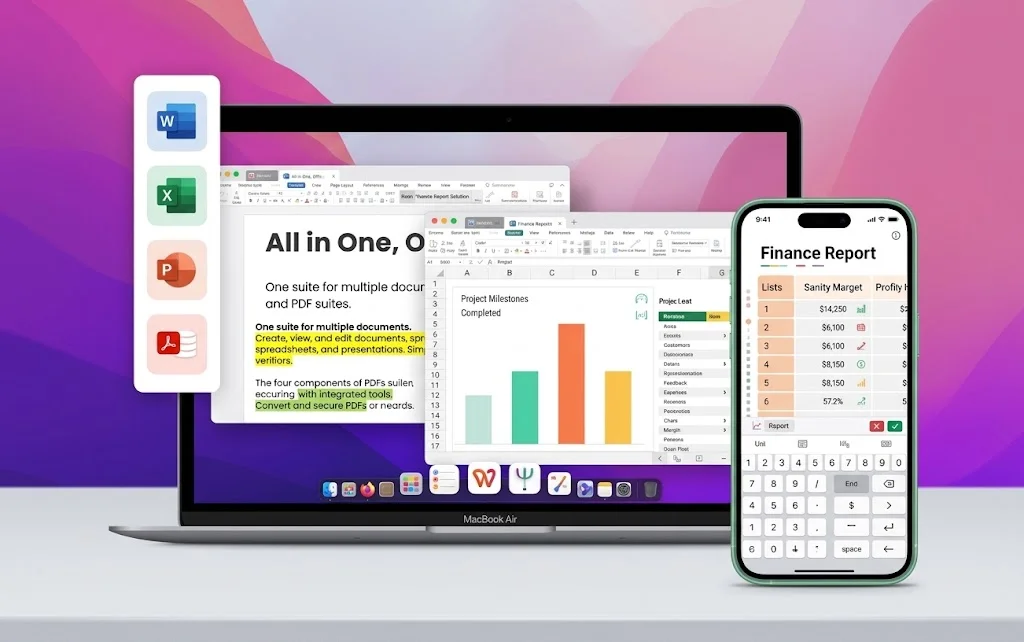
One installer · Writer + Spreadsheet + Presentation + PDF
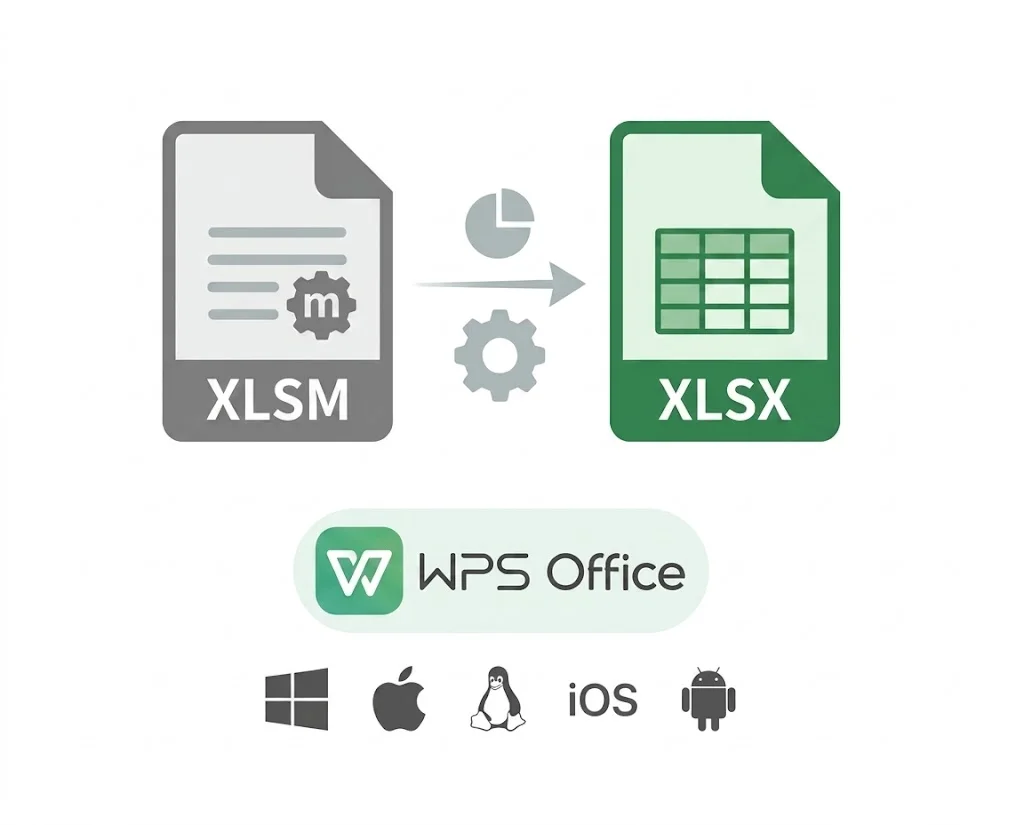
Convert macro-enabled workbooks to standard XLSX without paid Excel—keep spreadsheet data intact, remove VBA from the shared copy, and hand off a cleaner file.
Free online converters often corrupt layouts or skip a review step before changing the file format.
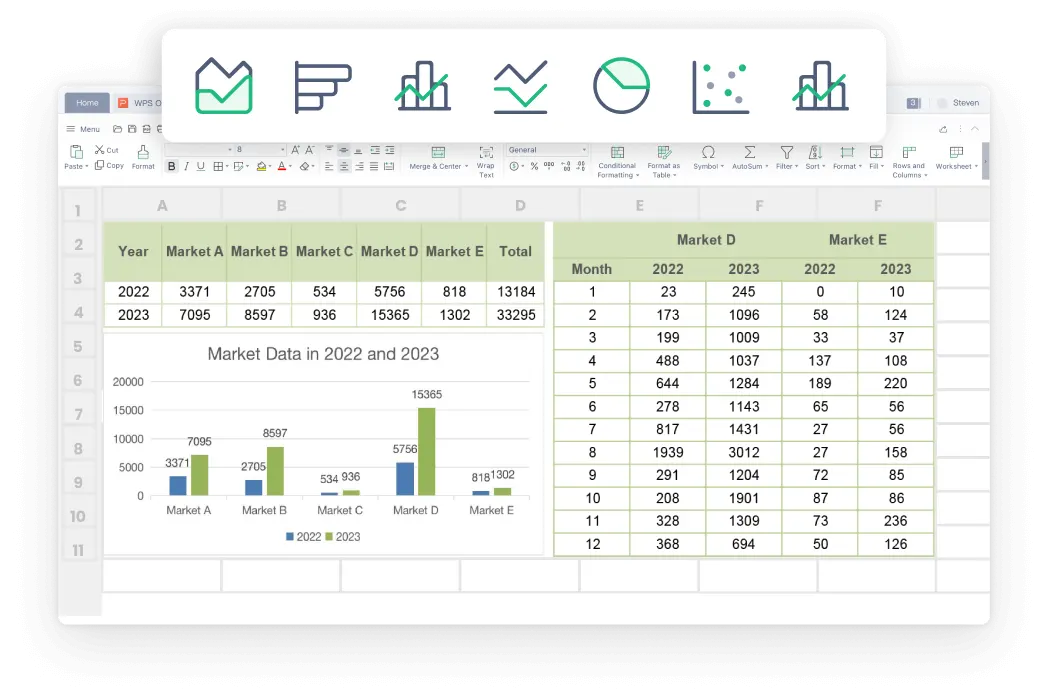
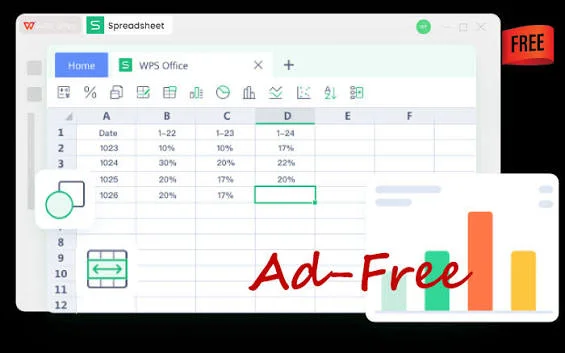
People worry that converting XLSM to XLSX will break formulas, charts, or formatting.
Macro workbooks trigger security prompts that slow down everyday collaboration.

Online XLSM-to-XLSX tools ask you to upload sensitive finance or HR workbooks to the cloud.
After you convert to XLSX, start from real WPS Excel templates—budgets, invoices, inventory, and schedules—in the same Spreadsheet app.
Need more than a converter? Open templates and macro workbooks in the same free suite.
Free DownloadREAL USERS · WPS OFFICE
Finance, ops, and analysts use WPS Office to open macro workbooks, save clean XLSX copies, and keep editing in Spreadsheet.
0
Users
5
Platforms
XLSX
To XLSX
Windows · Mac · Linux · Android · iOS
"We kept the original .xlsm for the analyst but shared an XLSX copy with everyone else. Macro prompts disappeared from our review loop."
Jordan K.
Finance Ops Lead
Install the free suite on Windows, Mac, Linux, iOS, or Android. XLSM to XLSX conversion lives inside WPS Spreadsheet—no extra converter app.
Choose File → Open and select the Excel Macro-Enabled Workbook. Sheets, formulas, and charts load locally. Leave macros disabled until you trust the source.
Choose File → Save As, pick Excel Workbook (.xlsx), and save under a new name. The XLSX copy keeps spreadsheet content but removes VBA macro code.
Download WPS Office free, open .xlsm locally, and Save As XLSX to share a macro-free workbook without a Microsoft Excel license.
One installer · Writer + Spreadsheet + Presentation + PDF