"I share before-and-after photos of my home renovation projects online. This blur image tool helps me hide addresses and personal items in seconds."
Rachel Kim
Homeowner
Blur sensitive information or create soft backgrounds — instantly. Protect privacy or add artistic effects to any photo.
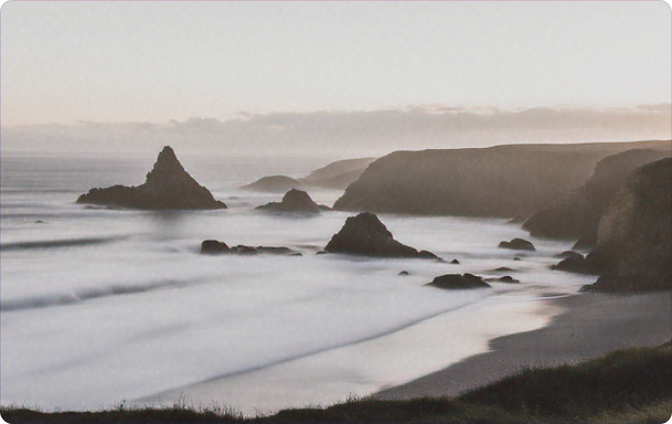 Before
 After
After
or drag and drop an image file
 Free and UnlimitedNo Signup RequiredSave TimeNo Ads
Choose any image from your device — JPG, PNG, or common formats. Our blur image tool works on photos of any size.

Use your cursor to highlight the region you want to obscure. Our blur photo tool applies a smooth, natural blur that blends seamlessly.

Get your edited image in seconds — sensitive details hidden, background softened. Perfect for sharing or protecting privacy.
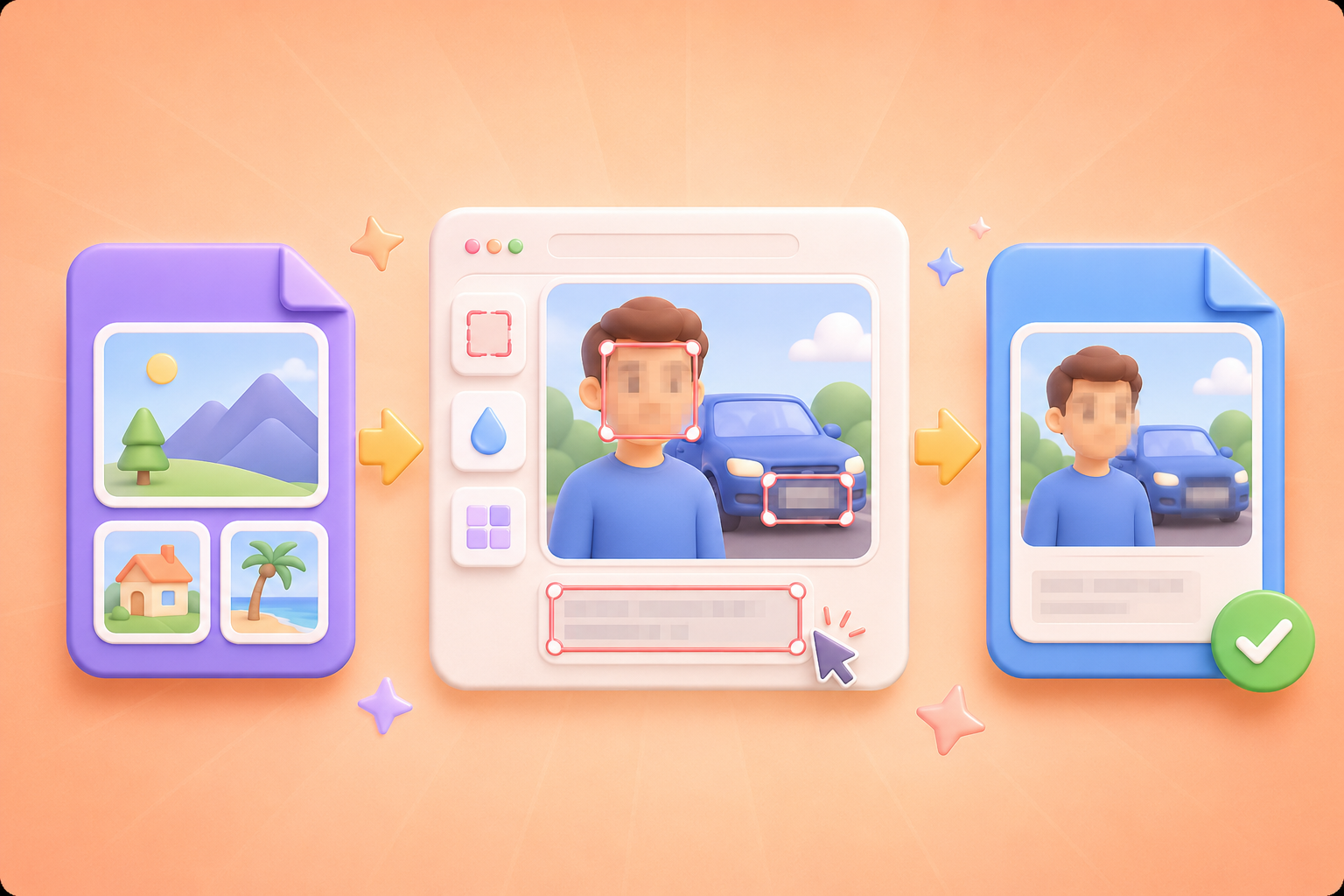
Faces, license plates, private info — sometimes you need to obscure parts of an image. Our blur photo tool makes it simple. Just select the area and let the tool do the work. No complex editing software. Get a clean, professional blur in seconds.
Get StartedWant to make your subject stand out? Blur the background for a professional depth-of-field effect. Our blur image editor lets you apply a natural, adjustable blur that mimics a real camera. Perfect for portraits, product shots, or any image where you want to draw attention.
Get Started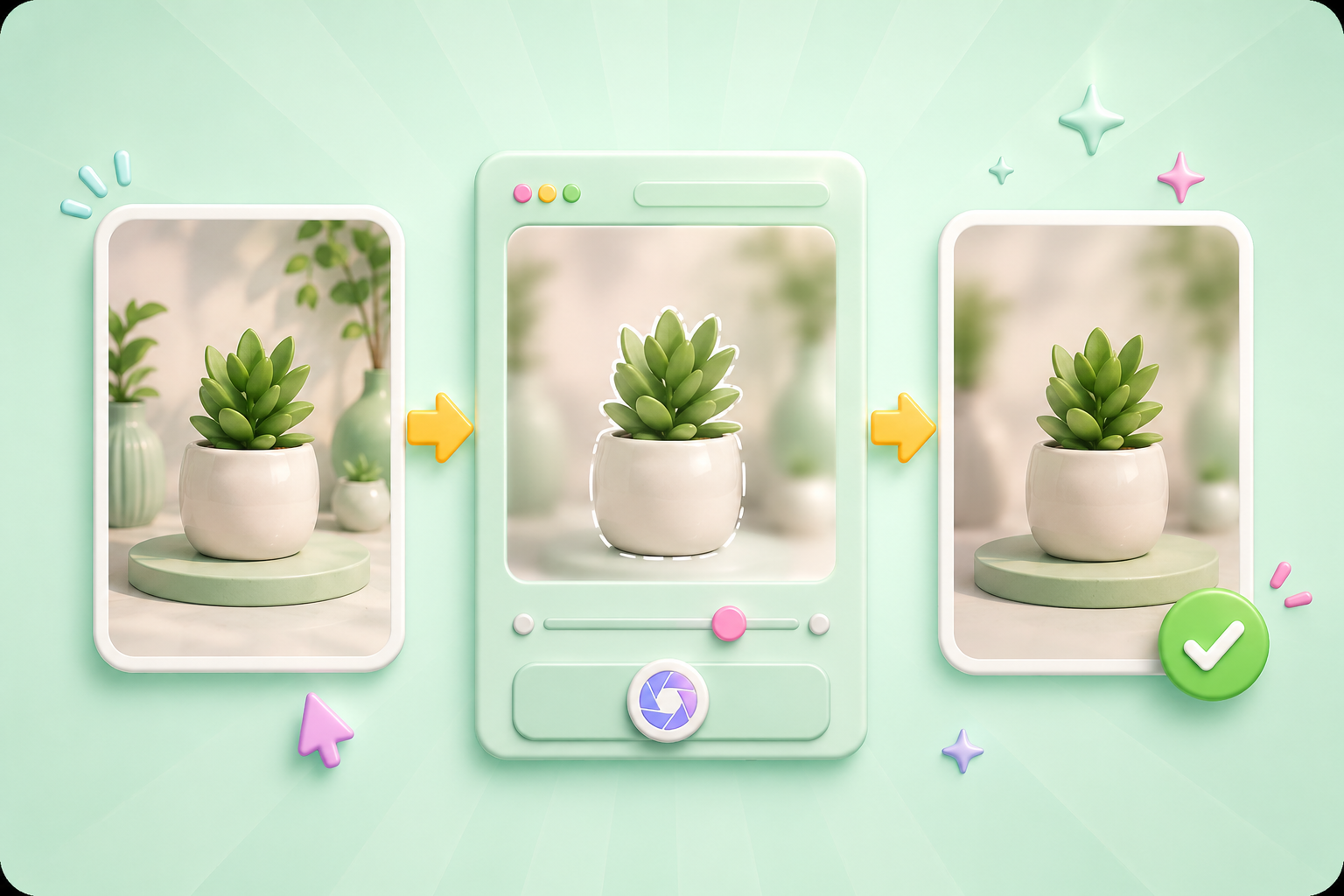
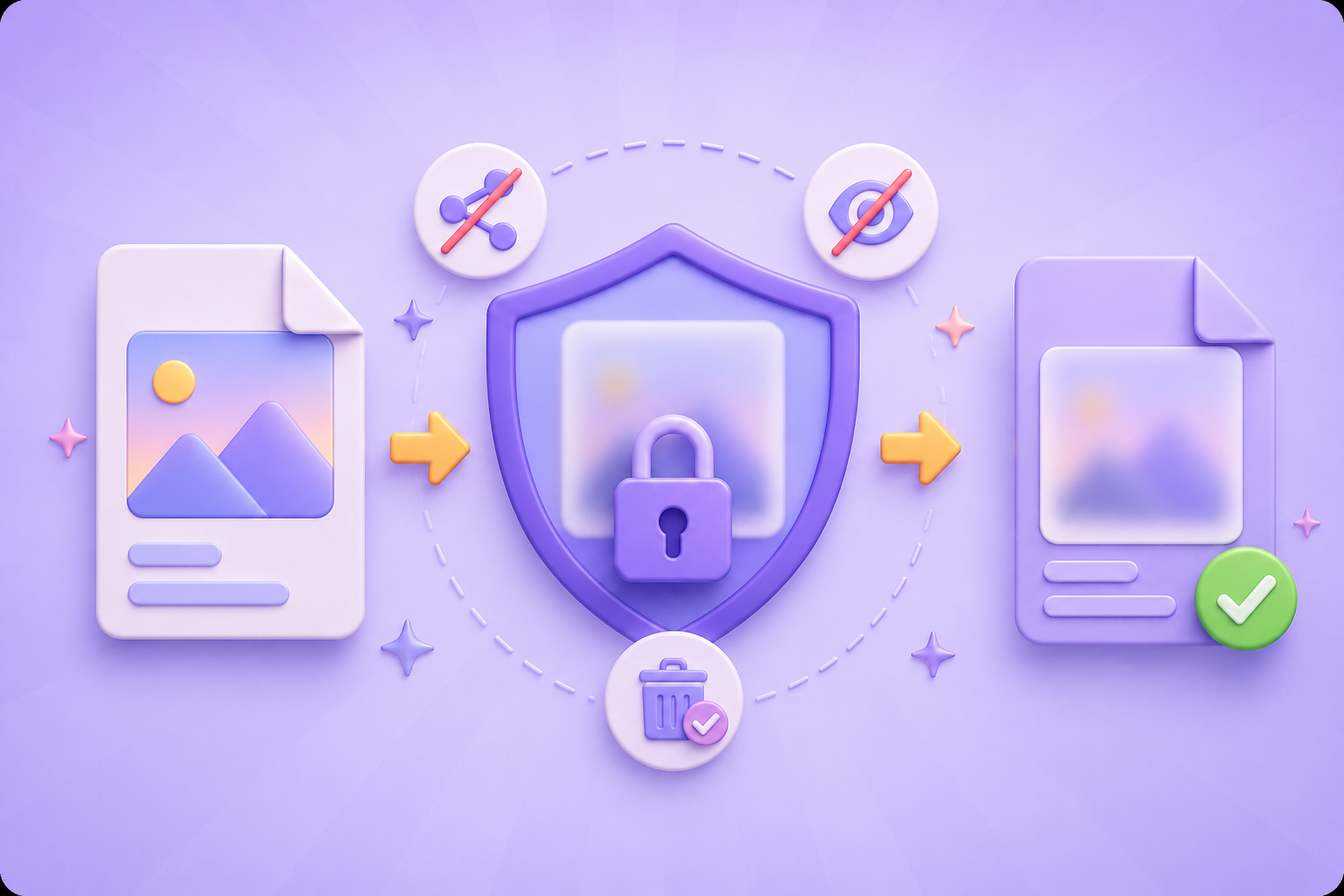
Your images are processed securely and automatically removed from our servers after editing. We never store or share your photos. No accounts, no tracking — just a straightforward blur image tool that respects your privacy.
Get StartedDesktop, tablet, or phone — our blur photo tool works in any browser. No installation, just open and start editing. Ideal for social media managers, content creators, or anyone who needs to blur images on the go.
Get Started

Convert WEBP images to high-quality PNG format quickly and securely.

Easily change Apple HEIC photos to standard JPG format for universal viewing.

Transform WEBP graphics into universally supported JPG images in seconds.

Convert next-gen AVIF image files into widely compatible JPG format.

Convert iPhone HEIC images to transparent and high-resolution PNGs.

Change AVIF files to PNG format while preserving image quality and transparency.

Compile your HEIC photos into a secure and shareable PDF document.

Extract tabular data from JPG images and convert them into editable Excel spreadsheets.

Save your MP3 tracks as compact M4A files for clear online playback.

"I share before-and-after photos of my home renovation projects online. This blur image tool helps me hide addresses and personal items in seconds."
Rachel Kim
Homeowner

"I take product photos for my shop and use the blur photo tool to soften backgrounds. It makes my products pop without expensive camera gear."
Marcus Webb
E-Commerce Seller

"I run social media for a school and need to blur children's faces before posting. This tool is fast, easy, and keeps families happy."
Sophia Chen
Communications Coordinator

