"I had scanned contract pages with dark borders and extra blank space. Crop PDF helped me clean the file before sending it to the team."
Michael Turner
Operations Coordinator
Crop PDF pages online to remove extra margins, blank space, unwanted borders, and distracting areas. Upload your PDF, let the tool process it, and save a cleaner file.
or drag and drop a PDF file
 Free and UnlimitedNo Signup RequiredSave TimeEasy to Use
Choose the PDF file you want to crop, such as a scanned document, worksheet, report, form, slide export, or page with extra white space.

The tool processes your PDF and helps remove unnecessary page areas, including wide margins, blank borders, and unwanted outer space.

Download the cropped PDF and use it for printing, sharing, uploading, reading, archiving, school assignments, or office documents.
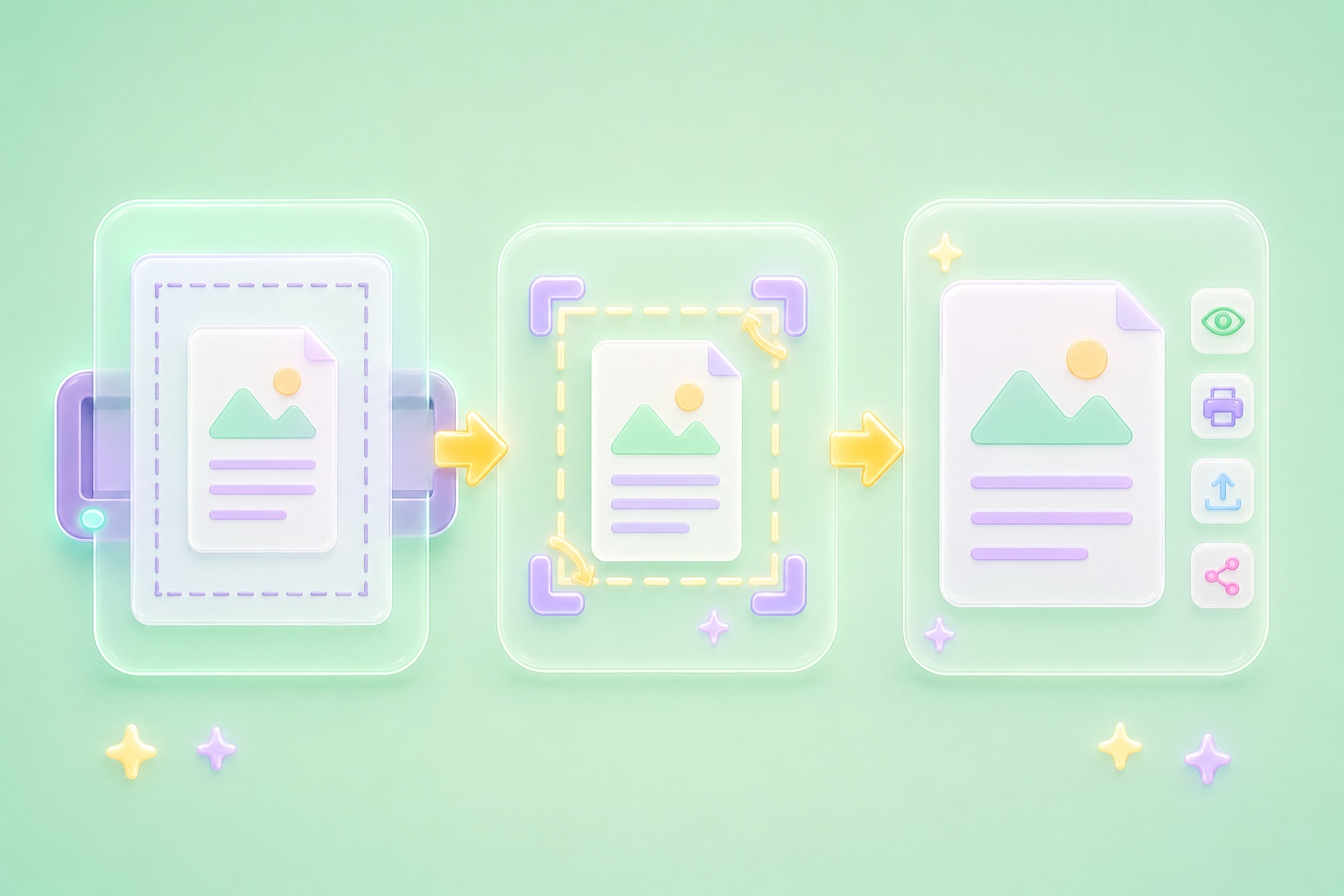
PDF files often include wide margins, blank borders, scanner edges, or extra page space that makes documents harder to read and less professional. Crop PDF helps clean up those unnecessary areas so the important content is easier to view, print, upload, and share. It is useful for students, office workers, and general users working with scanned pages, forms, reports, worksheets, and presentation exports.
Crop PDF NowScanned PDFs can include dark edges, uneven borders, desk background, or empty areas around the actual document. Crop PDF helps focus the page on the content that matters, making scanned notes, receipts, contracts, worksheets, and forms look cleaner. This reduces distractions when reviewing, submitting, printing, or sending files to classmates, teachers, clients, or coworkers.
Clean Scanned PDF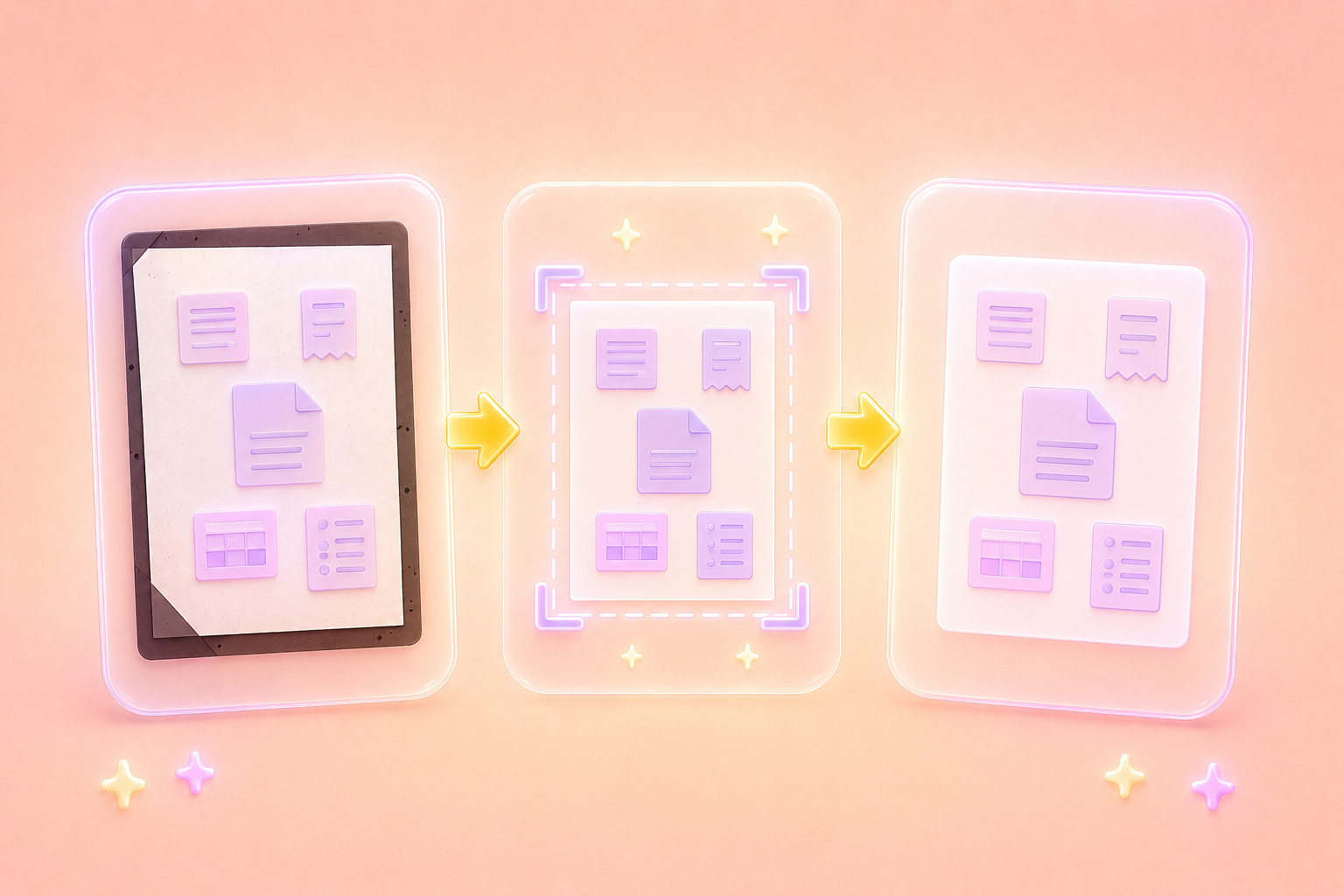
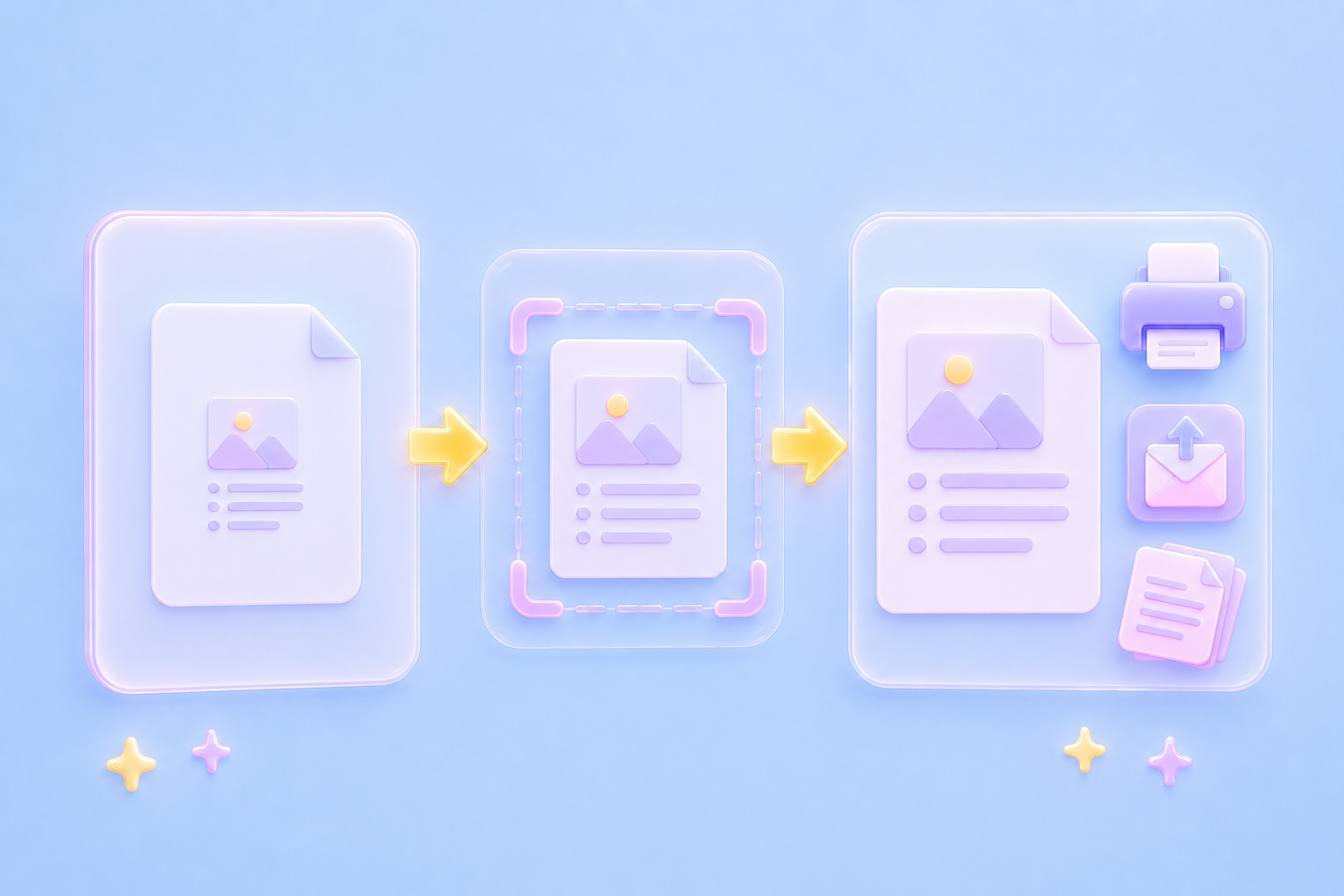
Extra margins and blank page areas can make printed PDFs look smaller than expected or waste paper space. Crop PDF helps prepare cleaner pages for printing, emailing, uploading, and sharing. Whether you are submitting homework, sending a business form, preparing a report, or organizing study materials, a cropped PDF can look more focused and easier to handle.
Prepare PDF FileYou should not need a complex PDF editor just to trim page borders. The workflow is simple: upload the PDF, let the tool process it, then save the cropped result. Crop PDF helps general users, office workers, and students clean up files quickly for assignments, forms, presentations, scanned notes, reports, and everyday document tasks.
Start Cropping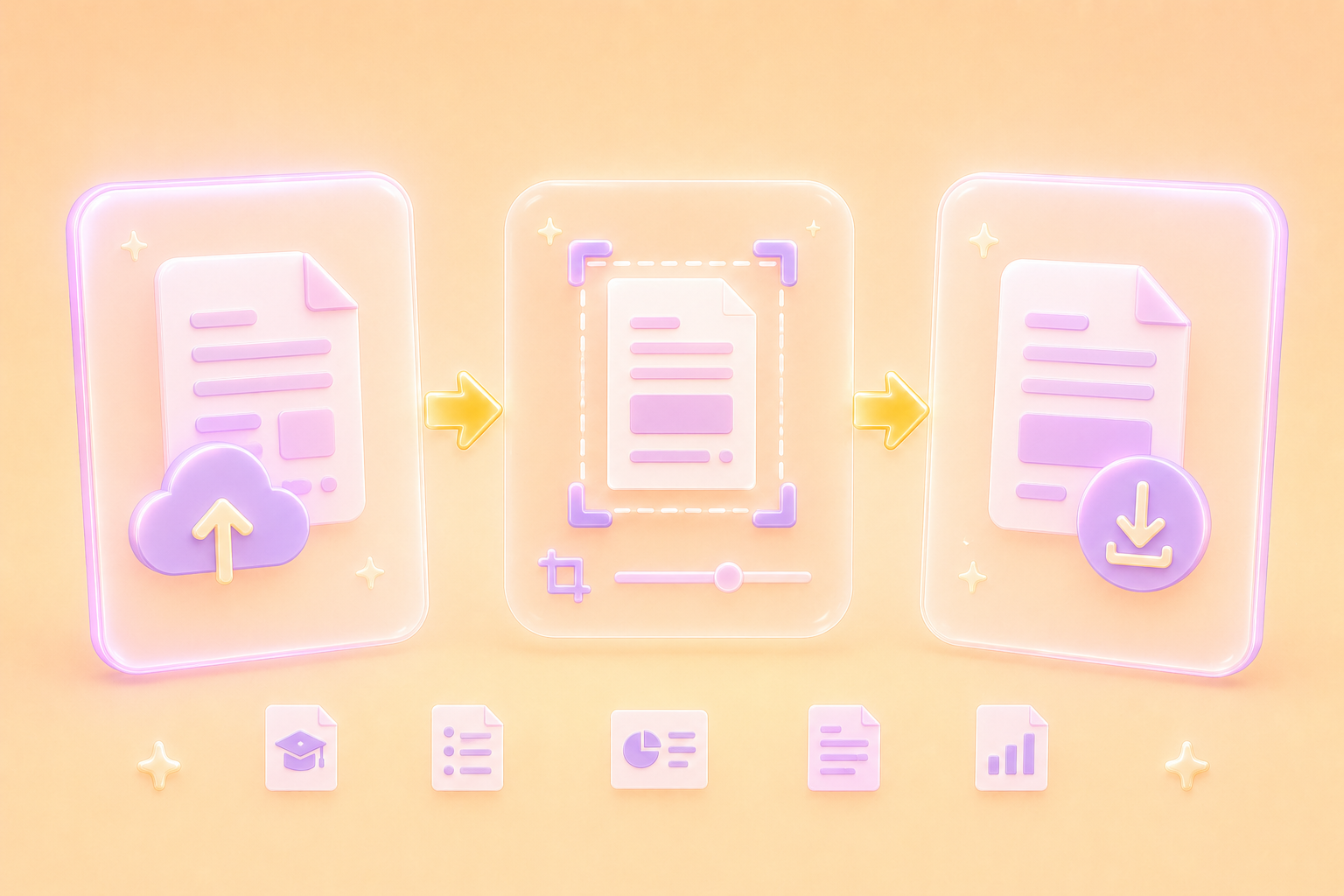

Convert WEBP images to high-quality PNG format quickly and securely.

Easily change Apple HEIC photos to standard JPG format for universal viewing.

Transform WEBP graphics into universally supported JPG images in seconds.

Convert next-gen AVIF image files into widely compatible JPG format.

Convert iPhone HEIC images to transparent and high-resolution PNGs.

Change AVIF files to PNG format while preserving image quality and transparency.

Compile your HEIC photos into a secure and shareable PDF document.

Extract tabular data from JPG images and convert them into editable Excel spreadsheets.

Save your MP3 tracks as compact M4A files for clear online playback.

"I had scanned contract pages with dark borders and extra blank space. Crop PDF helped me clean the file before sending it to the team."
Michael Turner
Operations Coordinator

"My lecture notes had huge margins after scanning. Crop PDF made the pages easier to read and better for uploading to my study folder."
Emily Carter
College Student

"I needed to submit a form, but the PDF had extra borders from the scanner. Crop PDF helped me create a cleaner version for upload."
Sarah Bennett
Administrative Assistant

