"I used to fix CSV files manually for hours. Now it takes seconds."
Daniel Kim
Data Analyst
Convert CSV to Excel in seconds. Upload your file and get a clean, structured Excel spreadsheet without formatting issues or manual work.
or drag and drop a CSV file
 Free and UnlimitedNo Signup RequiredSave TimeNo Ads
Select and upload your CSV file from your device. No setup required.

We detect delimiters and structure your data into clean columns.

Download your fully formatted Excel (.xlsx) file instantly.
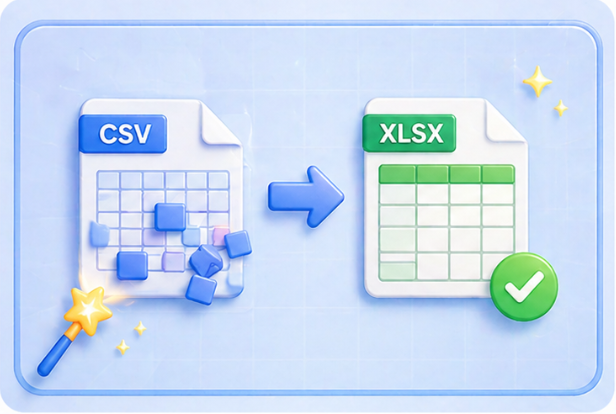
Convert CSV to Excel without dealing with broken rows or misaligned data. This tool restructures your CSV file into a clean Excel table, so you can read, filter, and analyze your data immediately. No manual cleanup needed.
Convert CSV NowConvert CSV to Excel with automatic delimiter detection. This tool recognizes commas, semicolons, and other formats to correctly split your data into columns. Your CSV file is converted into a structured Excel sheet without errors, saving time on manual fixes.
Get Started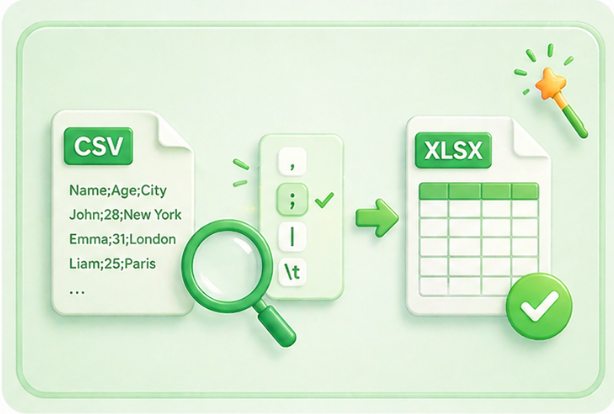
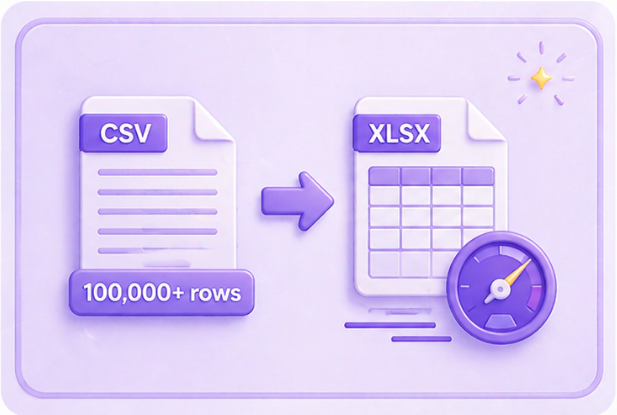
Handle large datasets with ease. This CSV to Excel converter processes thousands of rows quickly, so you can convert big CSV files into Excel without freezing or crashing your system. Ideal for reports, exports, and bulk data.
Upload Large FileUse this CSV to Excel tool directly in your browser. No downloads, no setup, no learning curve. Upload your CSV file, convert it to Excel, and download the result in seconds from any device.
Get Started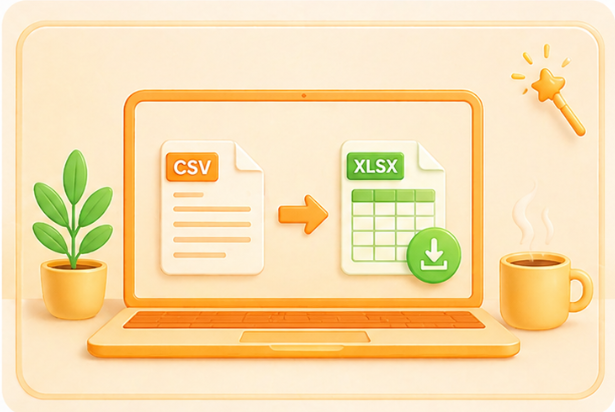

Convert WEBP images to high-quality PNG format quickly and securely.

Easily change Apple HEIC photos to standard JPG format for universal viewing.

Transform WEBP graphics into universally supported JPG images in seconds.

Convert next-gen AVIF image files into widely compatible JPG format.

Convert iPhone HEIC images to transparent and high-resolution PNGs.

Change AVIF files to PNG format while preserving image quality and transparency.

Compile your HEIC photos into a secure and shareable PDF document.

Extract tabular data from JPG images and convert them into editable Excel spreadsheets.

Save your MP3 tracks as compact M4A files for clear online playback.

"I used to fix CSV files manually for hours. Now it takes seconds."
Daniel Kim
Data Analyst

"This CSV to Excel tool saved me from constant formatting errors."
Sarah Lopez
Marketing Manager

"Handles large CSV files without crashing."
Emily White
Operations Lead

