"I needed to extract only a few pages from a 200-page report. This tool made it incredibly fast and accurate."
Jason Reed
Financial Analyst
Extract specific pages from any PDF in seconds. Upload your file, select pages visually, and generate a new PDF instantly—no installation, no signup, no quality loss.
or drag and drop a PDF file
 Free and UnlimitedNo Signup RequiredSave TimeNo Ads
Upload any PDF document. The tool instantly loads your file and prepares page thumbnails for selection.

Browse page thumbnails and choose exactly which pages you want to extract. Supports multiple selections with full preview control.

Generate a new PDF containing only selected pages. Download instantly with original formatting preserved.
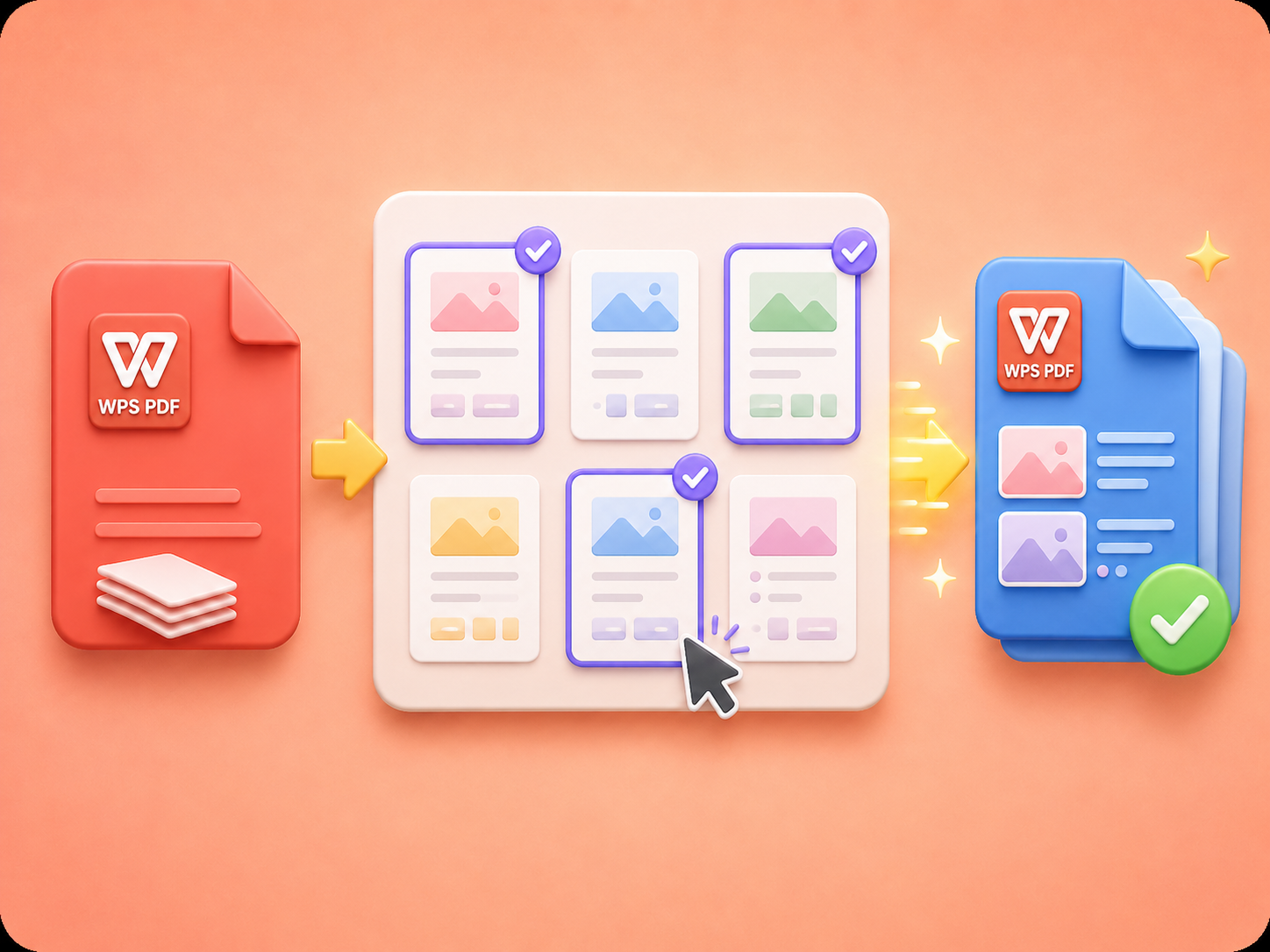
Upload your PDF and instantly view all pages as thumbnails. Select specific pages to extract with precision, ensuring you only keep the content you need without manually editing or using complex PDF software.
Start ExtractingSelect one or multiple pages and generate a new PDF instantly. The system rebuilds your file in the exact order you choose, while preserving original layout, formatting, and visual clarity without any quality loss.
Try Page Extraction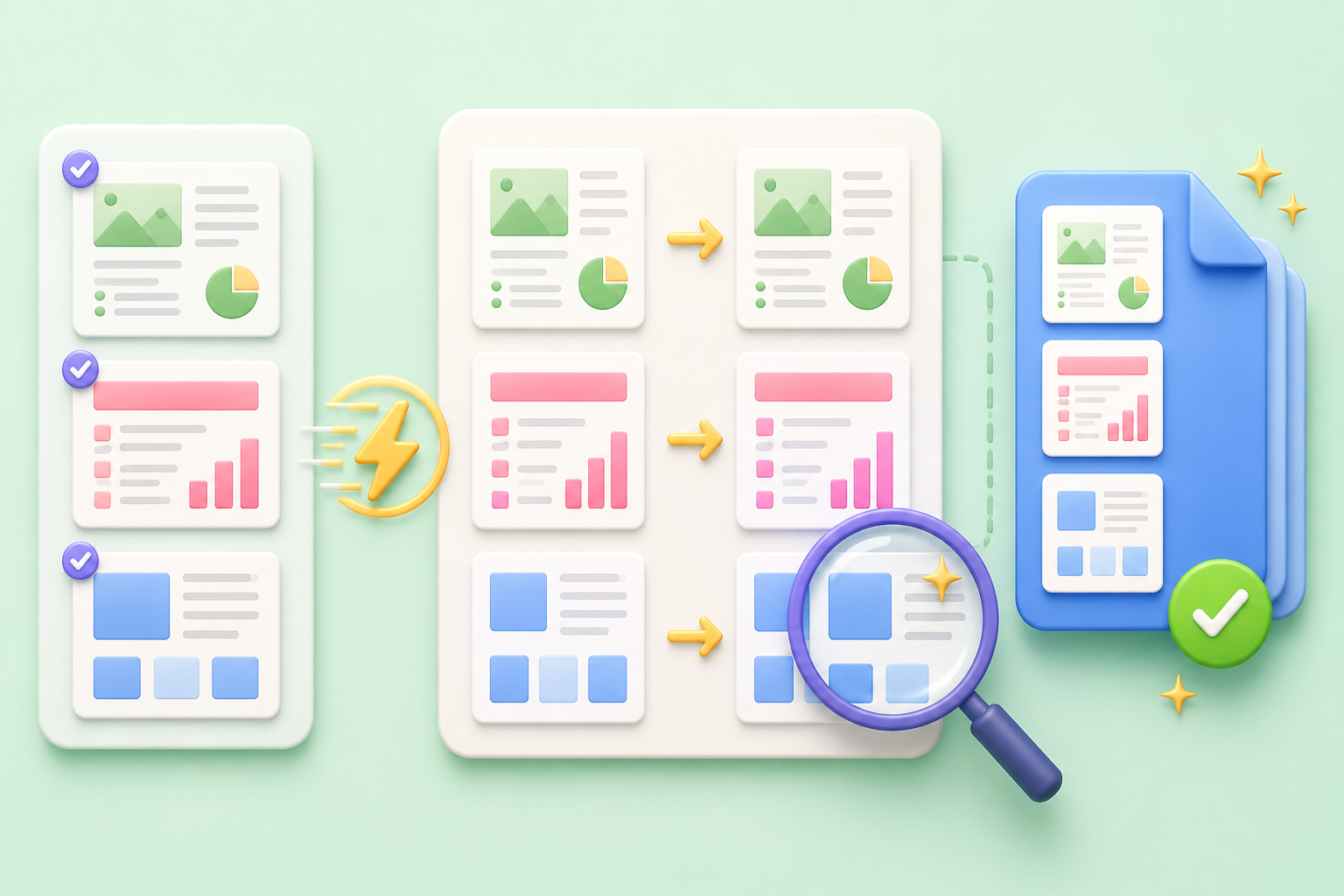
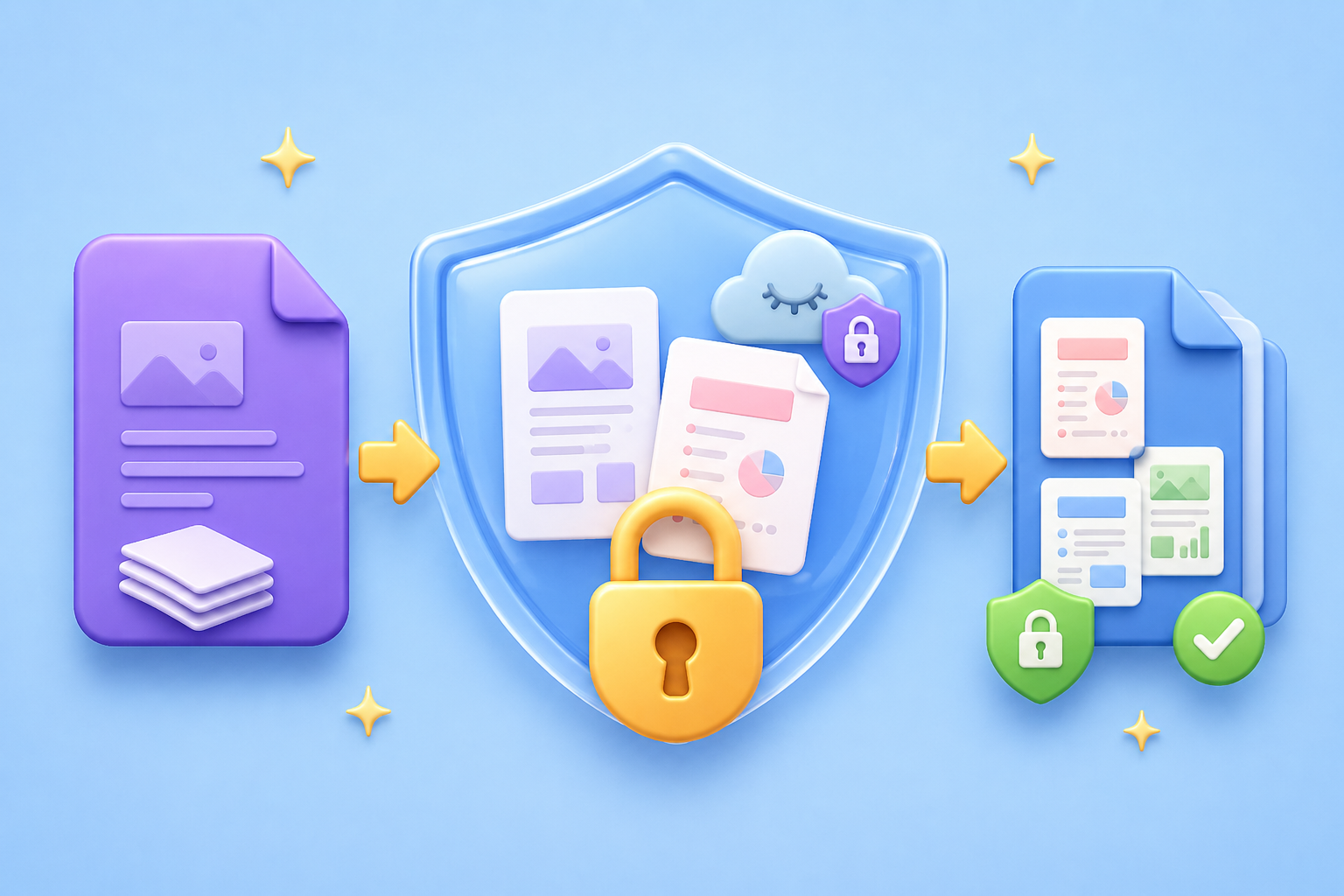
Your files are processed securely and never stored permanently. Extract PDF pages in a safe environment designed to protect your privacy, ensuring your documents remain confidential throughout the entire process.
Download PDFNo downloads, no plugins, no setup required. Everything runs online in your browser, making it easy to extract PDF pages anytime from any device, whether desktop, tablet, or mobile.
Use Online Tool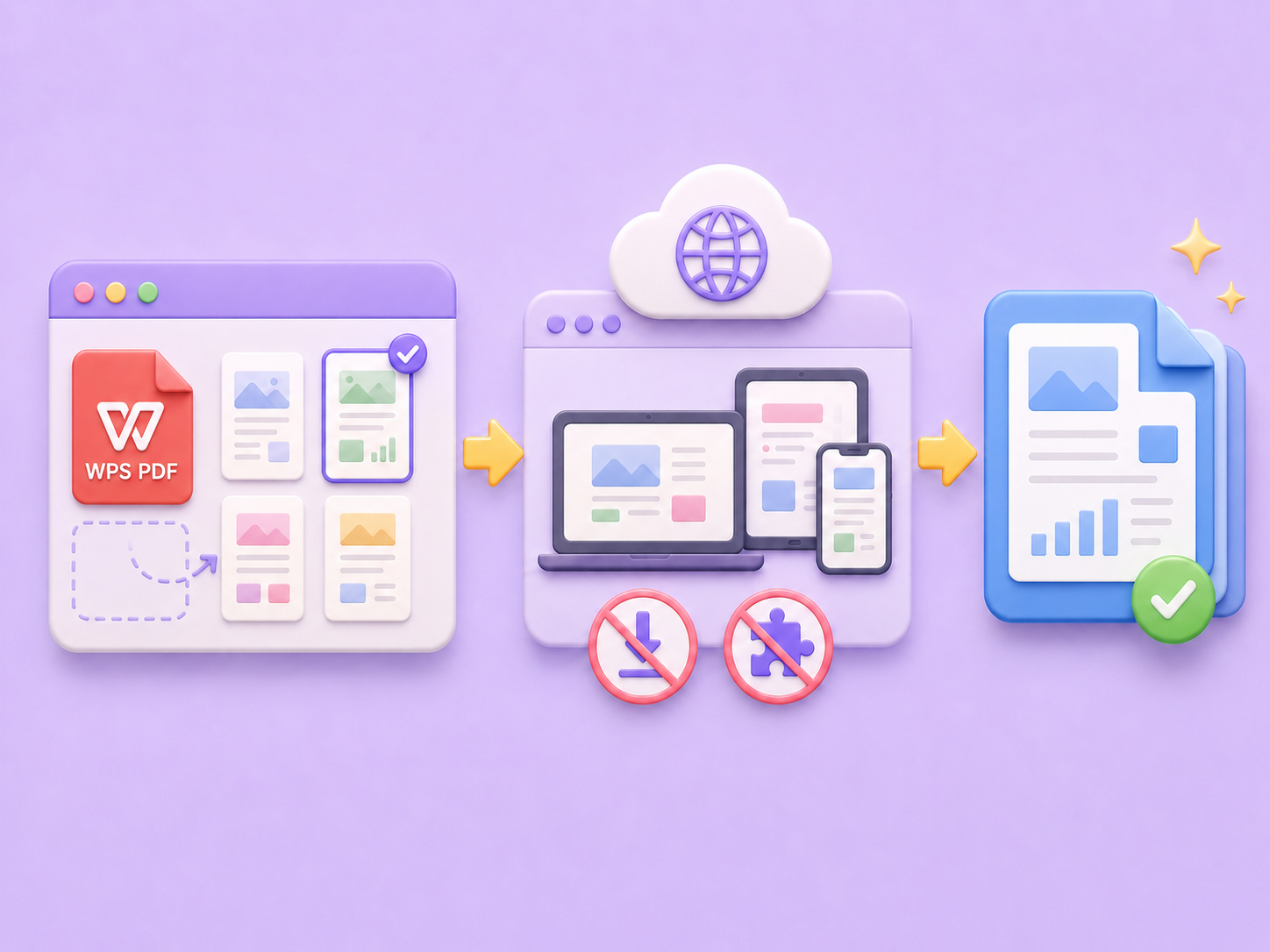

Convert WEBP images to high-quality PNG format quickly and securely.

Easily change Apple HEIC photos to standard JPG format for universal viewing.

Transform WEBP graphics into universally supported JPG images in seconds.

Convert next-gen AVIF image files into widely compatible JPG format.

Convert iPhone HEIC images to transparent and high-resolution PNGs.

Change AVIF files to PNG format while preserving image quality and transparency.

Compile your HEIC photos into a secure and shareable PDF document.

Extract tabular data from JPG images and convert them into editable Excel spreadsheets.

Save your MP3 tracks as compact M4A files for clear online playback.

"I needed to extract only a few pages from a 200-page report. This tool made it incredibly fast and accurate."
Jason Reed
Financial Analyst

"No software, no hassle. I just selected the pages I needed and downloaded a clean PDF instantly."
Olivia Brooks
Marketing Manager

"Perfect for handling client documents. The page selection preview saves me so much time every day."
Sophia Bennett
Legal Consultant

