"Before sending signed contracts to clients, I always flatten PDF files first. It prevents form fields from being edited later and keeps the final document exactly as approved."
Jason Reed
Operations Manager
Flatten PDF online to permanently merge form fields, annotations, layers, and comments into a fixed PDF page. Prevent edits, improve compatibility, and create secure PDFs ready for sharing, printing, or archiving.
or drag and drop a PDF file
 Free and UnlimitedNo Signup RequiredSave TimeNo Ads
Upload a PDF that contains form fields, annotations, comments, or layered content. The tool checks the file and prepares it for flattening.

The tool merges form fields, annotations, layers, and markup directly into the PDF pages so the content becomes fixed and non-editable.

Export and download your flattened PDF instantly. Your document is ready for secure sharing, printing, or long-term storage.
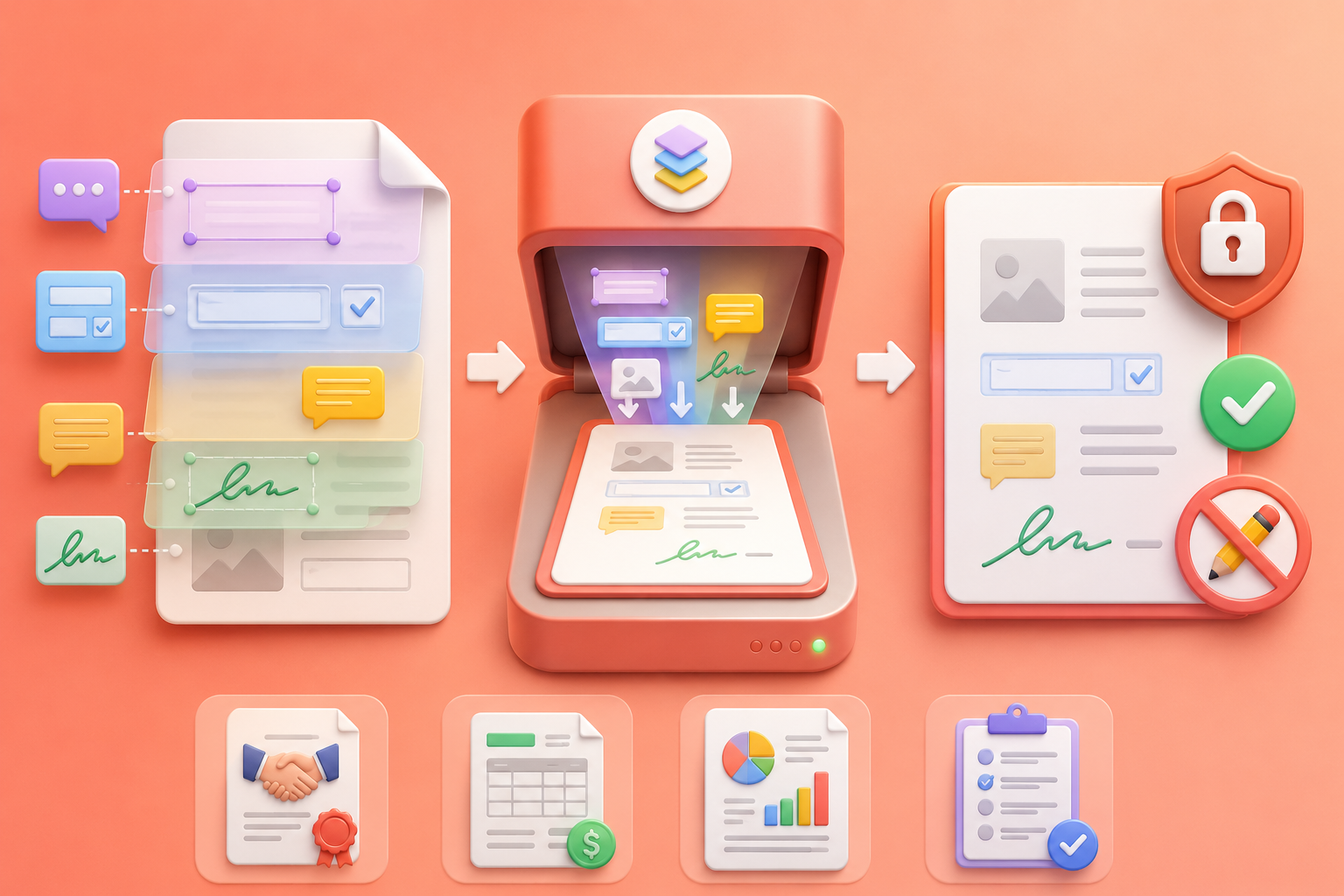
Flatten PDF files to permanently embed form fields, annotations, signatures, comments, and layers into the document itself. This prevents recipients from changing important information after sharing. It is especially useful for contracts, invoices, reports, and submitted forms where document accuracy and content integrity must remain unchanged across devices and viewers.
Flatten PDF NowSome PDF viewers, printers, and enterprise systems cannot properly display layered PDFs, interactive forms, or annotation-heavy documents. Flatten PDF files online to convert complex content into standard fixed pages that display consistently everywhere. This reduces formatting errors, missing fields, invisible comments, and printing failures during document sharing.
Fix PDF Compatibility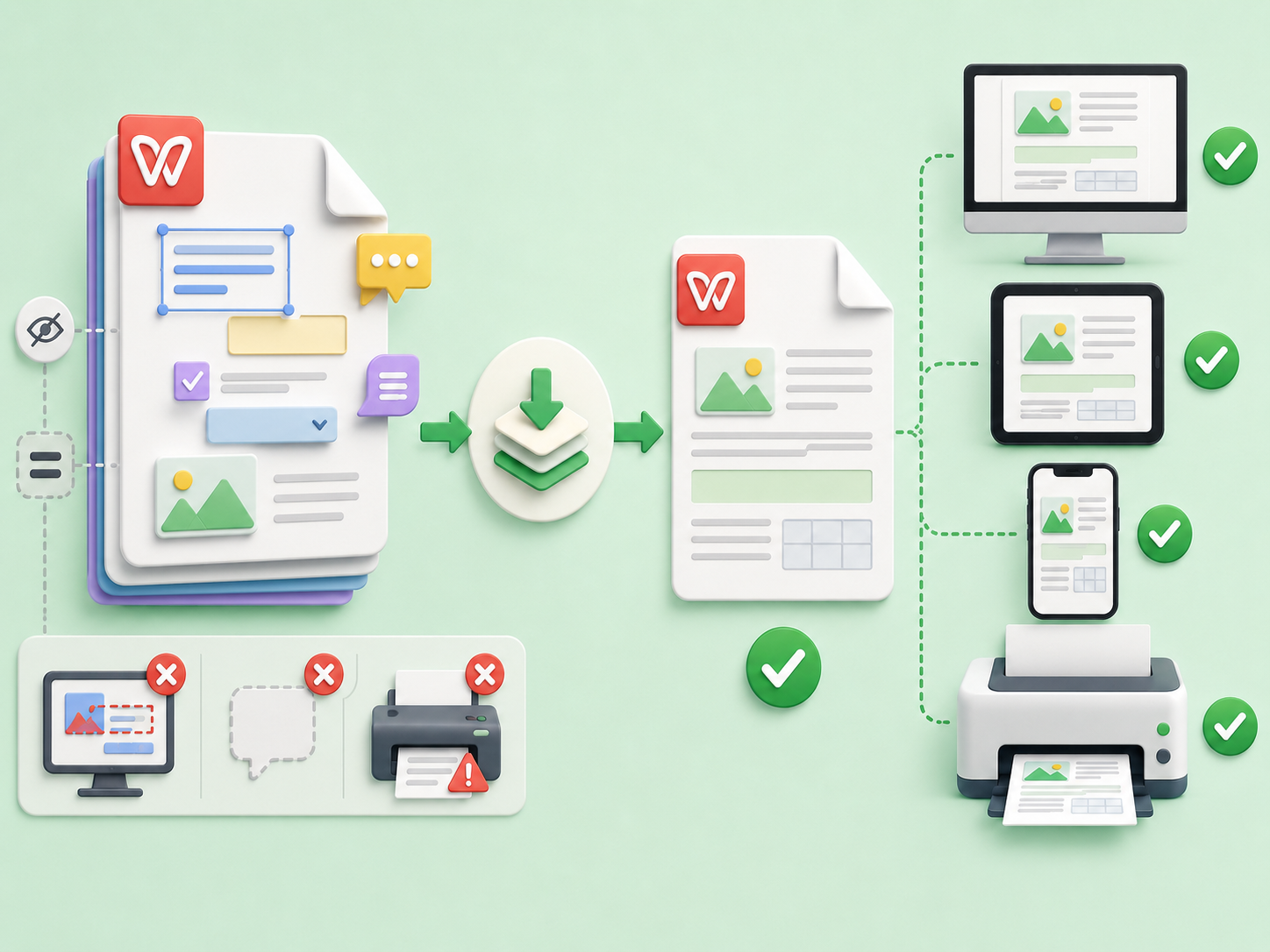
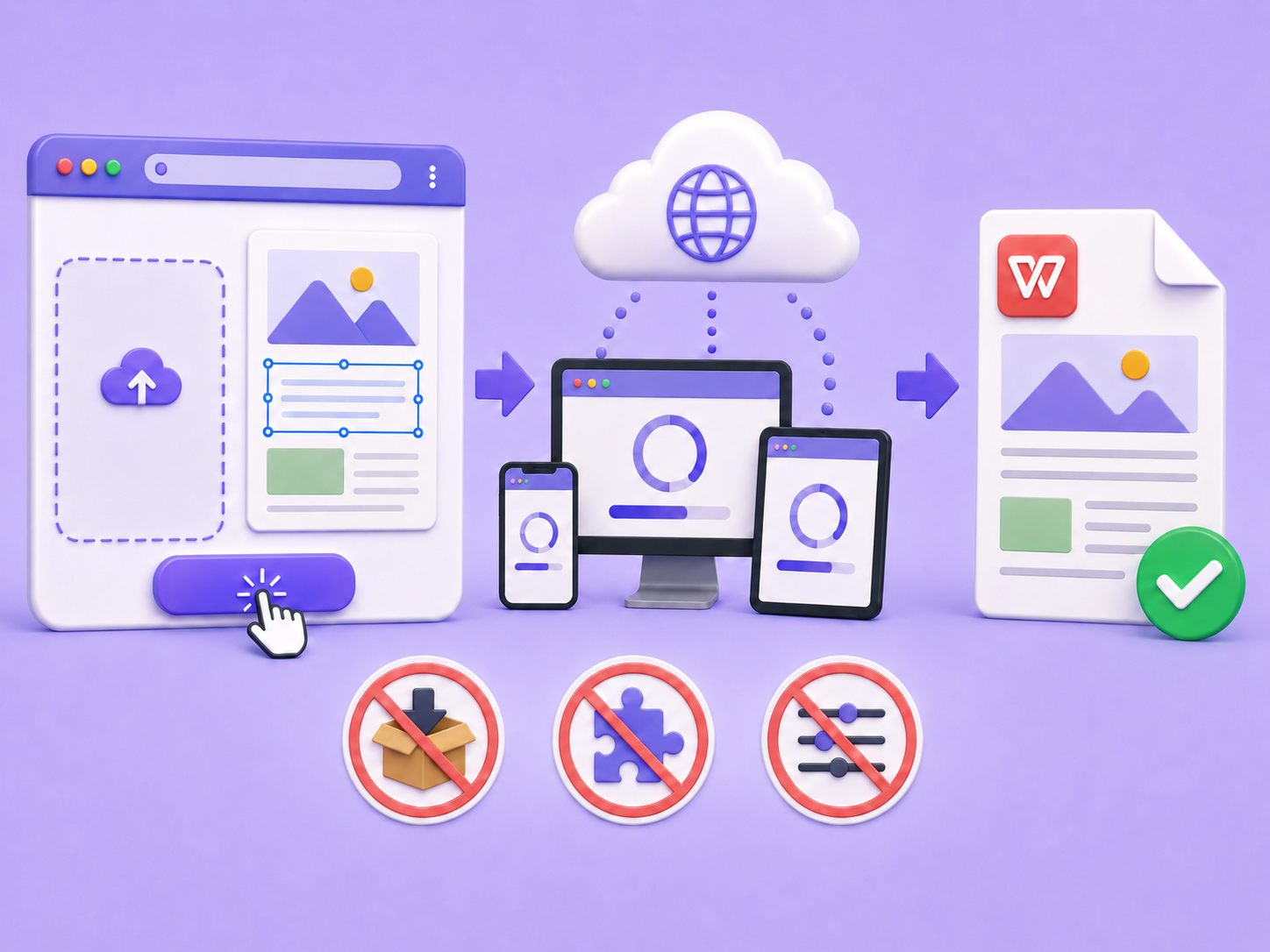
Use the Flatten PDF tool directly in your browser without downloading desktop software or configuring advanced PDF settings. Upload the file, flatten editable elements automatically, and export the final document in a few clicks. The workflow is simple for students, office teams, legal users, and anyone handling PDFs regularly.
Start OnlineAfter flattening, your PDF is immediately ready for download with all form content, markup, and visual elements permanently merged into the page. The exported flattened PDF helps reduce accidental edits before printing, emailing, submitting forms, or archiving business records, making document distribution faster and more reliable.
Export Flattened PDF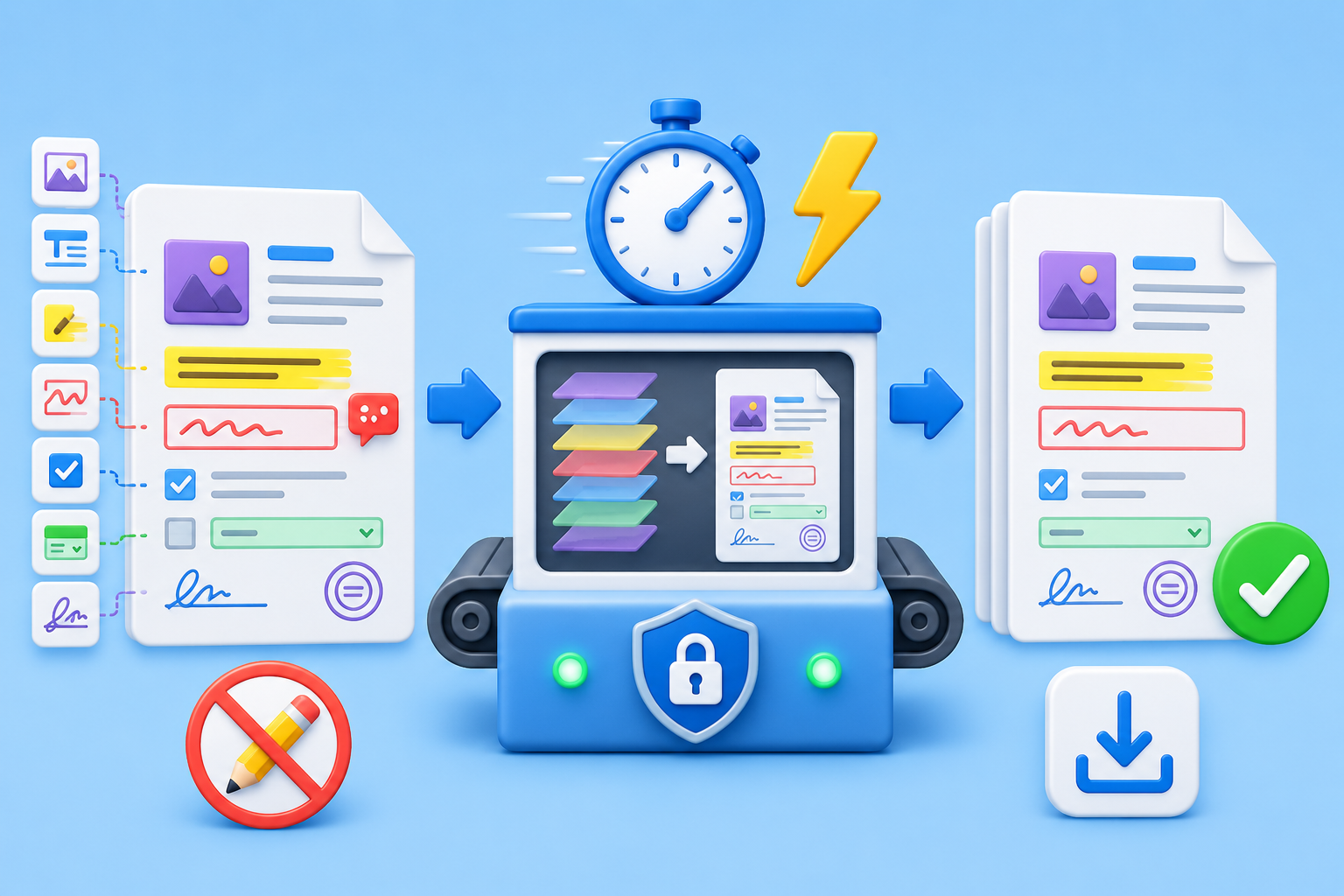

Convert WEBP images to high-quality PNG format quickly and securely.

Easily change Apple HEIC photos to standard JPG format for universal viewing.

Transform WEBP graphics into universally supported JPG images in seconds.

Convert next-gen AVIF image files into widely compatible JPG format.

Convert iPhone HEIC images to transparent and high-resolution PNGs.

Change AVIF files to PNG format while preserving image quality and transparency.

Compile your HEIC photos into a secure and shareable PDF document.

Extract tabular data from JPG images and convert them into editable Excel spreadsheets.

Save your MP3 tracks as compact M4A files for clear online playback.

"Before sending signed contracts to clients, I always flatten PDF files first. It prevents form fields from being edited later and keeps the final document exactly as approved."
Jason Reed
Operations Manager

"Our accounting team had issues with layered PDFs not printing correctly. After using the Flatten PDF tool, the files display properly across every device and printer."
Olivia Brooks
Finance Specialist

"I needed a fast way to flatten PDF forms before submitting documents to government portals. The online workflow is simple and the exported files work every time."
Sophia Bennett
Administrative Coordinator

