"I used extract text from image to pull details from scanned receipts for a work report. It saved me from typing every line by hand."
Andrew Miller
Operations Assistant
Extract text from images instantly with AI-powered OCR technology.
or drag and drop a file
Uploading...

Choose a screenshot, photo, scanned note, receipt, document image, or other image that contains text you need to copy.

The tool reads the image and identifies visible text, helping you avoid manual typing from photos, screenshots, and scanned pages.

Review the extracted text, make any needed edits, then copy it into your document, email, spreadsheet, notes app, assignment, or work file.
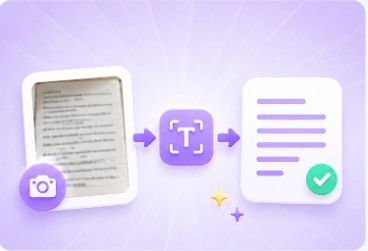
Manually typing text from a screenshot, photo, scanned page, receipt, or classroom note wastes time and often creates mistakes. Extract text from image helps turn visible text into editable content you can copy and reuse. It is useful for students capturing notes, office workers processing documents, and general users who need text from images without retyping every line.
Extract Text NowScreenshots often contain useful details, but the text inside them cannot be edited directly. Extract text from image helps capture words from screenshots, app pages, web pages, chat images, error messages, and shared references. You can then copy the result into reports, emails, study notes, support tickets, or project documents for easier follow-up.
Copy Screenshot Text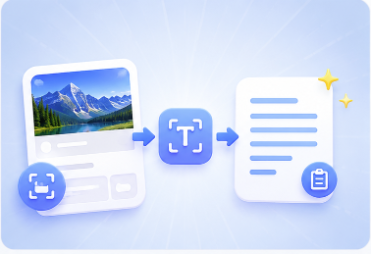

Students may need text from lecture slides, textbook photos, handwritten study images, or assignment screenshots. Office workers may need text from receipts, scanned forms, meeting photos, or document images. Extract text from image helps move that content into editable text, so it can be organized, corrected, searched, summarized, or reused in another file.
Process Image TextYou should not need a complex editing process just to get words out of an image. The workflow is simple: upload the image, let the tool process it, review the output, and copy the text. Extract text from image helps you move faster when working with photos, screenshots, scanned notes, document captures, and image-based references.
Copy Extracted Text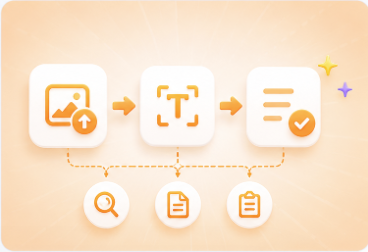

Convert WEBP images to high-quality PNG format quickly and securely.

Easily change Apple HEIC photos to standard JPG format for universal viewing.

Transform WEBP graphics into universally supported JPG images in seconds.

Convert next-gen AVIF image files into widely compatible JPG format.

Convert iPhone HEIC images to transparent and high-resolution PNGs.

Change AVIF files to PNG format while preserving image quality and transparency.

Compile your HEIC photos into a secure and shareable PDF document.

Extract tabular data from JPG images and convert them into editable Excel spreadsheets.

Save your MP3 tracks as compact M4A files for clear online playback.

"I used extract text from image to pull details from scanned receipts for a work report. It saved me from typing every line by hand."
Andrew Miller
Operations Assistant

"I had lecture screenshots with important notes. Extract text from image helped me copy the text into my study document and clean it up faster."
Emma Bennett
College Student

"I needed text from several product screenshots for a support ticket. Extract text from image made it easier to copy the details accurately."
Laura Parker
Customer Support Coordinator

