"I needed smaller audio files for my app uploads. This tool reduced file size without noticeable quality loss."
James Carter
Mobile App Developer
Turn your MP3 files into AAC format for smaller size and better compatibility. Upload, convert, and download instantly—no software required.
or drag and drop an MP3 file
 Free and UnlimitedNo Signup RequiredSave TimeNo Ads
Select your MP3 file from your device. No sign-up or setup required.

The tool processes your file and converts MP3 to AAC automatically with optimized settings.

Get your converted AAC file instantly, ready for playback or upload.
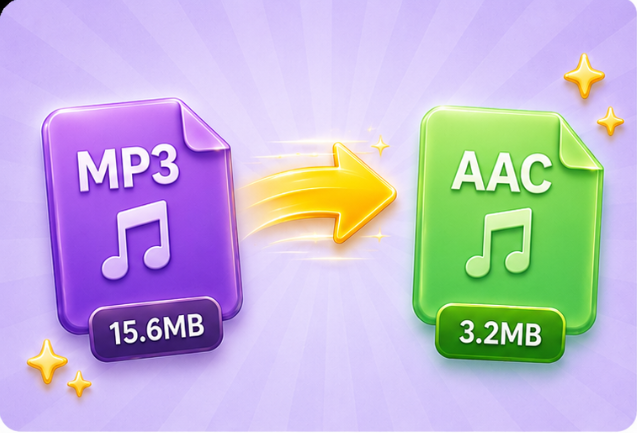
Large MP3 files can slow down uploads, take up storage, and cause issues when sharing. This MP3 to AAC converter helps you reduce file size significantly while keeping audio clear and usable. AAC is a more efficient format than MP3, meaning you get smaller files at similar perceived quality. Whether you're uploading audio to a website, sending files by email, or saving space on your device, converting MP3 to AAC gives you a practical balance between size and sound.
Convert NowMany audio tools require you to choose bitrate, codec, and other technical options before converting. If you're not familiar with these settings, it’s easy to make mistakes that affect sound quality or file size. This MP3 to AAC converter simplifies the process by applying optimized settings automatically. You can convert MP3 to AAC in one step and get a properly formatted file without learning audio terminology or adjusting anything manually.
Try It Free
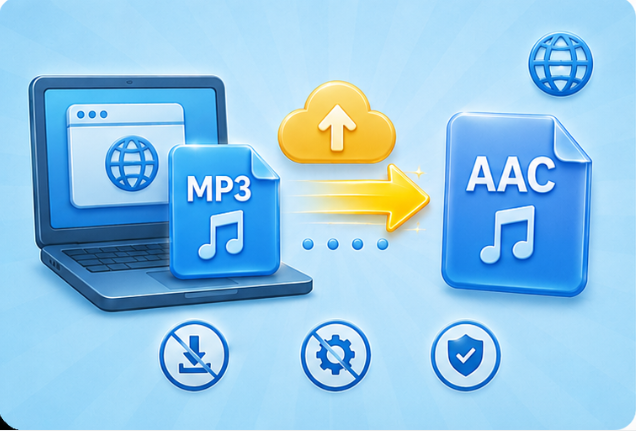
Downloading and installing audio software takes time and may not be possible on work or shared devices. This MP3 to AAC converter works entirely in your browser, so you can start converting immediately. No installation, no setup, and no system permissions required. Whether you're using a laptop, tablet, or mobile device, you can convert MP3 to AAC anytime you need it without interrupting your workflow.
Start Online ConversionWhen you need to upload, share, or use an audio file quickly, slow conversion tools can delay your work. This MP3 to AAC converter processes your file fast so you can download the result in seconds. It’s designed for quick turnaround tasks like preparing audio for presentations, content uploads, or last-minute edits. Upload your MP3, convert it, and get a ready-to-use AAC file without waiting.
Convert Instantly

Convert WEBP images to high-quality PNG format quickly and securely.

Easily change Apple HEIC photos to standard JPG format for universal viewing.

Transform WEBP graphics into universally supported JPG images in seconds.

Convert next-gen AVIF image files into widely compatible JPG format.

Convert iPhone HEIC images to transparent and high-resolution PNGs.

Change AVIF files to PNG format while preserving image quality and transparency.

Compile your HEIC photos into a secure and shareable PDF document.

Extract tabular data from JPG images and convert them into editable Excel spreadsheets.

Save your MP3 tracks as compact M4A files for clear online playback.

"I needed smaller audio files for my app uploads. This tool reduced file size without noticeable quality loss."
James Carter
Mobile App Developer

"My MP3 files didn’t work well on my iPhone. After converting to AAC, everything played smoothly."
Maria Gonzalez
Content Creator

"I use this to prepare audio for email sharing. Files are smaller and easier to send."
Emily Watson
Reporter

