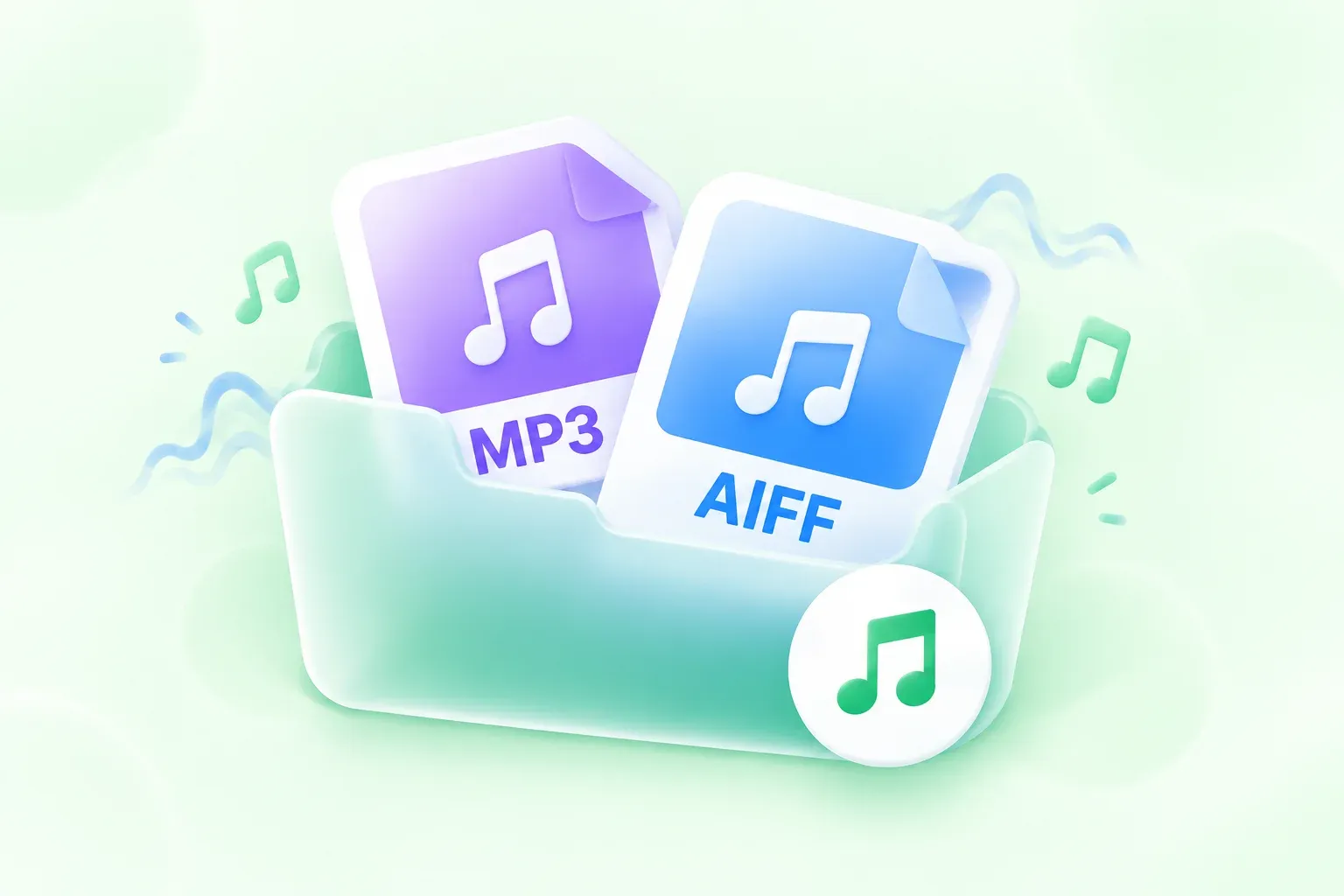
MP3 to AIFF Converter

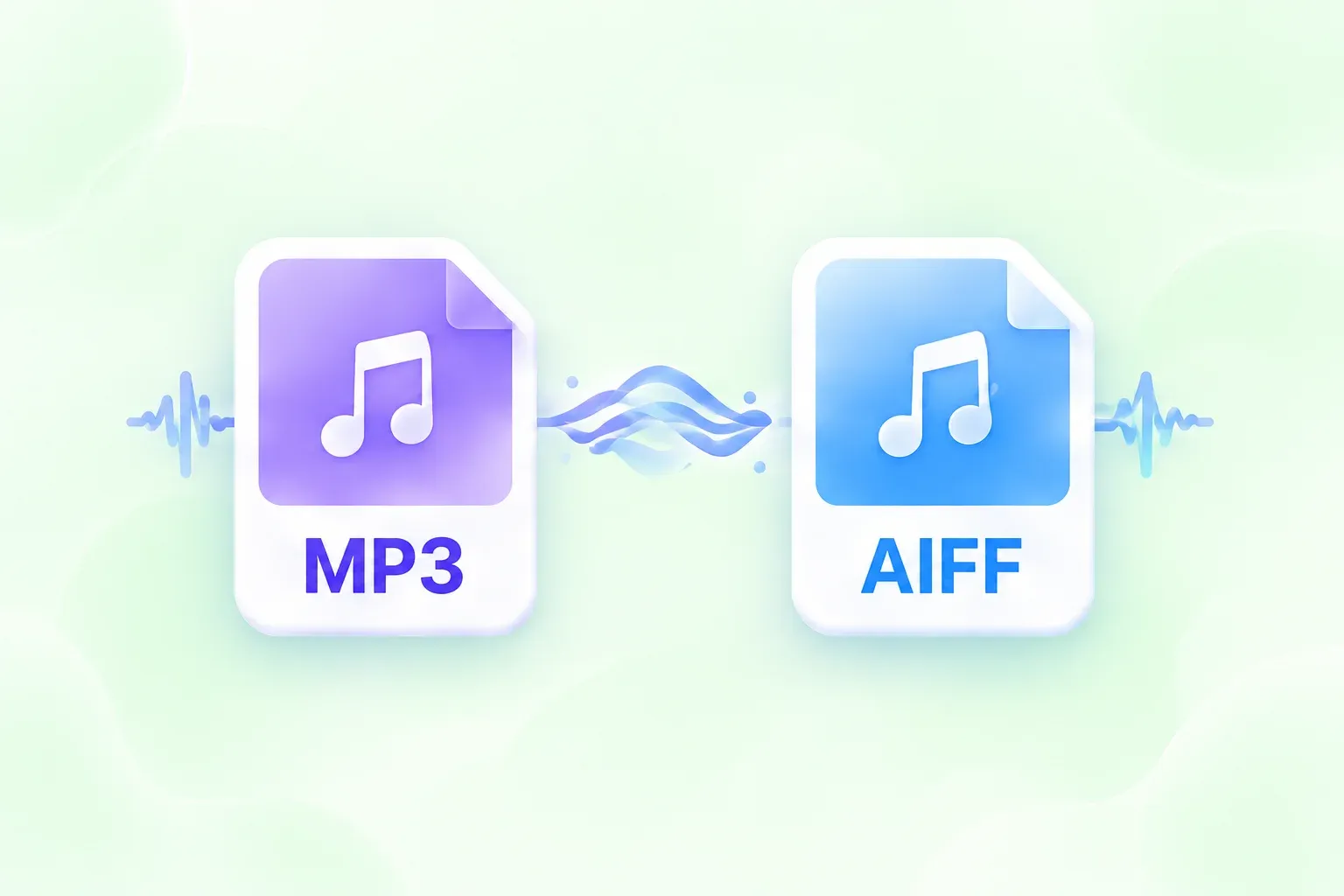
Convert MP3 to AIFF online with WPS. Prepare an MP3 cue or demo for a production session that asks contributors for AIFF. Use the MP3 to AIFF converter to make a separate file for playback, editing, or delivery. Check the new copy against the original recording before using it.

or drag and drop an MP3 file

Free and Unlimited
No Signup Required
Save Time
No Ads
Free to Use
No Sign-Up
No Ads
Any Browser

How to Convert MP3 to AIFF

  1. Step 1: Upload Your MP3 File

    Upload the MP3 file you want to convert. Start with the copy that contains the complete recording. Play the opening and closing sections before uploading if you are unsure whether it was exported in full.

  2. Step 2: Convert MP3 to AIFF

    Run the conversion and wait for the AIFF output to finish. Check which MP3 recording is selected if your folder has several versions. Save the AIFF result with a filename that identifies the recording and its new format.

  3. Step 3: Check and Save the AIFF File

    Download the AIFF result, then open it in the app where you plan to use it. Play part of the AIFF copy after saving it and give it a name that identifies the recording. Compare its duration if timing matters to the next edit.

Make AIFF Copies of MP3 Reference Tracks

Make AIFF Copies of MP3 Reference Tracks

Prepare an MP3 cue or demo for a production session that asks contributors for AIFF. Record the target format in your handoff notes so a teammate can tell which copy to play and which file to keep as the original. Check the first AIFF result in the app you will use to review the track.
Try It Now
Convert MP3 Audio in Your Browser

Convert MP3 Audio in Your Browser

Upload the source and convert it to AIFF when that format is required for playback, editing, or delivery. Keep track of which version you are converting, especially when a folder contains raw audio and an edited version of the same recording. Check the start and end before reusing the converted copy in another project. Note the intended clip length if it has to align with other media.

Try It Now
Keep the MP3 Recording for Future Edits

Keep the MP3 Recording for Future Edits

Download a separate AIFF copy for the handoff and keep your source recording available. Use an AIFF copy when an editor or production workflow asks for it. Inspect properties such as sample rate, channel count, and the intended point where the clip should start. Save the AIFF alongside a clearly named source if you need both for the same project.

Try It Now
Check the AIFF Audio Before You Send It

Check the AIFF Audio Before You Send It

Open the result in the intended player or editor. Compare duration and playback. The AIFF copy cannot recreate information removed from the original MP3. Import the AIFF into the receiving session and compare its timing with the source before adding edits. Keep the original if your project needs the full record of how the file was prepared.

Try It Now

Customer Stories

Real results from people converting MP3 to AIFF for practical needs

Daniel Carter

I was preparing MP3 interviews for editing in Logic Pro and needed AIFF copies for that stage. I used the converter to make the files in the format I wanted to work with, while the MP3 interviews were the material I started from.

Daniel Carter

Podcast Producer

Emily Brooks

I was working with an editing project and used the converter to make an AIFF version from my MP3 source. That was the part of the work I used the converter for. I needed an AIFF copy for what I was preparing, with the existing MP3 as my starting point.

Emily Brooks

Music Editor

Sophia Bennett

I needed to prepare archived recordings for post-production and made an AIFF copy from the original MP3. I use that copy during post-production. The archive material is where I start, and the format I need for the next edit is the reason I make a separate version.

Sophia Bennett

Audio Archivist

Your Questions, Answered

01

How do I convert MP3 to AIFF online?

Upload the MP3 file you want to convert. Run the conversion and wait for the AIFF output to finish. Download the AIFF result, then open it in the app where you plan to use it. Before you begin, check that the MP3 file is the complete version you intend to convert. Keep it available while you verify the AIFF copy.

02

What should I check after converting MP3 to AIFF?

Compare duration and playback. The AIFF copy cannot recreate information removed from the original MP3. Check playback from the new AIFF file, not an already open player tab with the original MP3. If a project specifies audio properties, verify them in the exported copy.

03

Can I use the MP3 to AIFF converter for free?

Yes. WPS offers basic online conversion for this format pair. Keep the MP3 source and validate the output in the app or workflow that needs AIFF before replacing or handing off any file.

04

Can I convert an MP3 interview to AIFF for a production handoff?

Yes. Deliver the AIFF in the format the editor requests and retain the original interview for reference. Listen to a representative passage and check the beginning and end before using the AIFF file in your project.

05

Can I convert just an excerpt of an MP3 track?

Prepare the excerpt as its own MP3 before converting it. The format conversion works from the audio in the file you provide. Note the original filename and the part of the track you need. That makes it easier to match the AIFF export to the right source.

06

How can I verify the AIFF matches my audio project's requirements?

Check the properties requested by the project, such as sample rate, bit depth, and channel count. Keep the MP3 if you need to deliver another copy later. Use the AIFF file you have tested in the actual playback or editing workflow.