CSV to JSON Converter

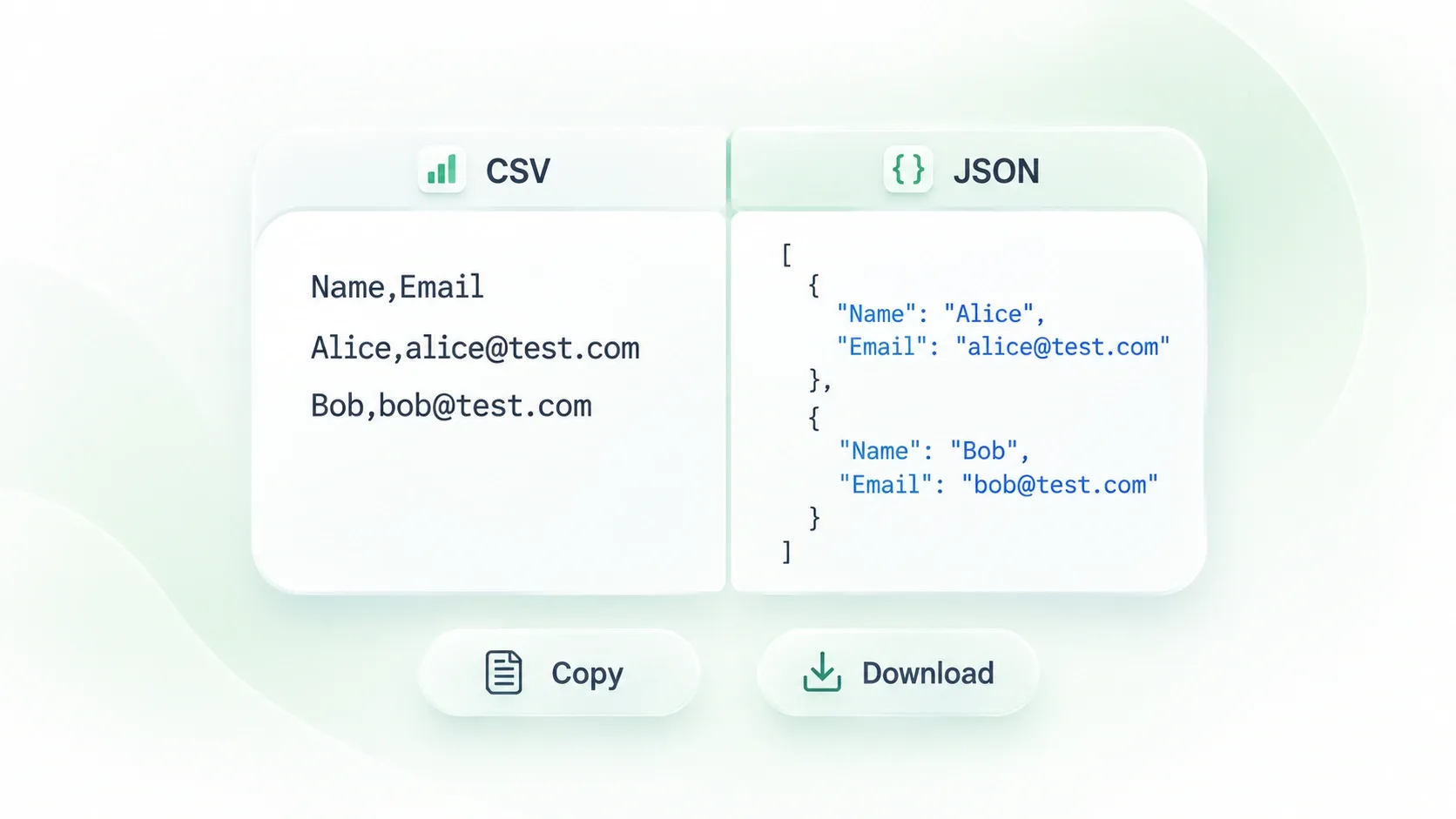
Use WPS’s online CSV to JSON converter to turn tabular data into a JSON output for development and data handoffs. Set the delimiter, headers, and value types, then review the table and generated JSON together.

or drag and drop files here

CSV, up to 100 MB

No file selected
Upload a CSV file to begin.
Encoding: —Delimiter: AutoRows: —Columns: —
Parsing settings
Choose Auto to detect comma, semicolon, tab, or pipe.
Auto detects the most likely quote wrapper.
Output mode
JSON formatting
Ready to convert in your browser.
Converting CSV to JSON…
Parsed rows: —Columns: —JSON size: —
CSV preview
Showing the parsed table structure.
No preview available yet.
JSON output
Syntax highlighted with collapsible nodes.
Convert your CSV file to see JSON here.
Free to Use
No Sign-Up
No Ads
Any Browser
Free to Use
No Sign-Up
No Ads
Any Browser

How to Convert CSV to JSON in 3 Steps

  1. Step 1: Upload the CSV

    Choose your .csv file and inspect the detected delimiter and preview. Check that columns have not shifted before continuing.

  2. Step 2: Set the parsing rules

    Choose header handling, delimiter, quote character, and type inference. Select the output structure that your next workflow expects.

  3. Step 3: Convert and review

    Select Convert to JSON. Compare rows and values with the source, then copy the JSON or download the file.

Parse CSV Columns with the Right Delimiter

Parse CSV Columns with the Right Delimiter

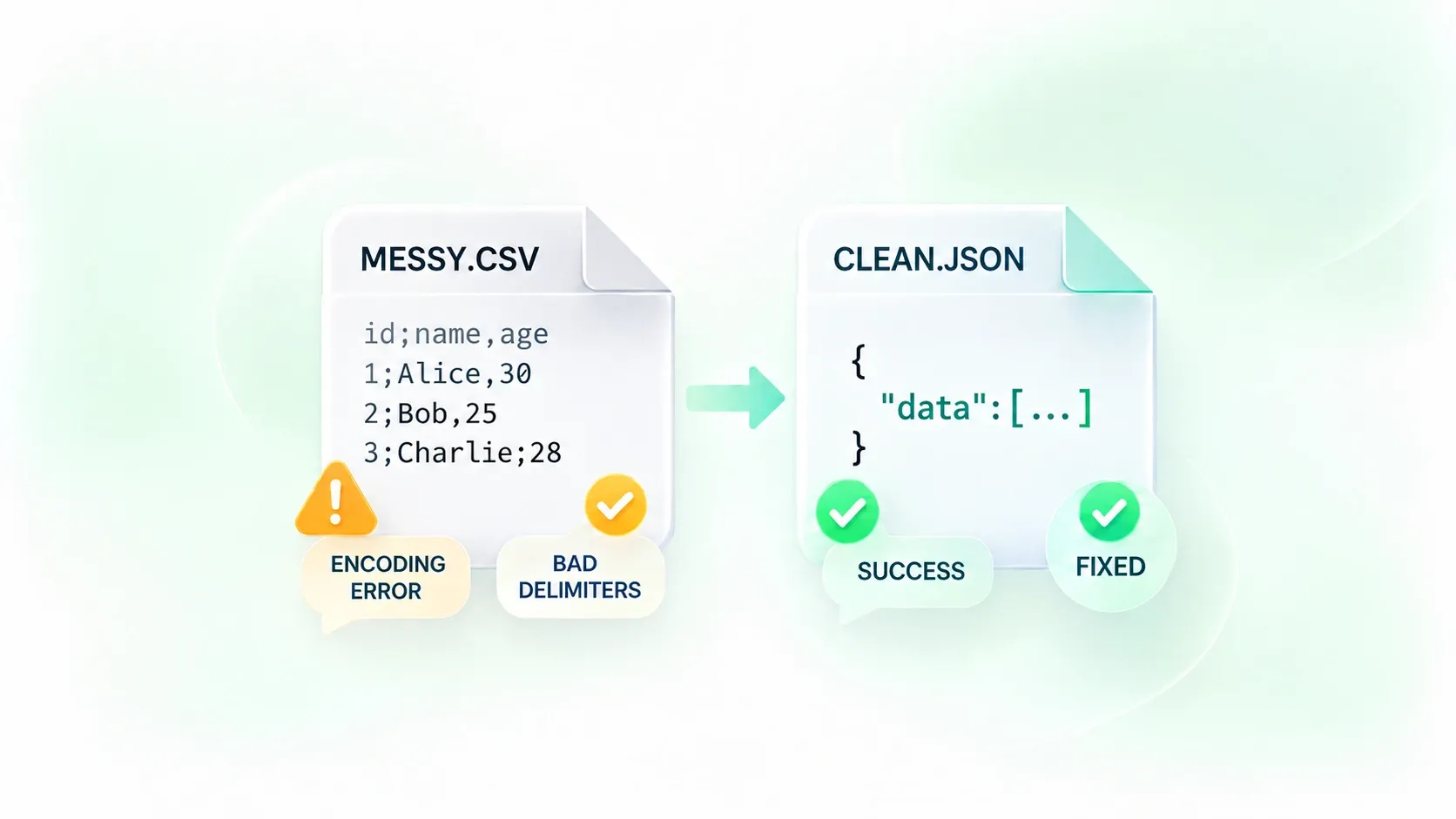
A semicolon-delimited export can be misread as one long column. Delimiter detection and manual separator controls let you correct the parsing, so WPS’s CSV to JSON converter can organize the values into the intended columns.
Try It Now
Convert CSV to JSON with Named Fields

Convert CSV to JSON with Named Fields

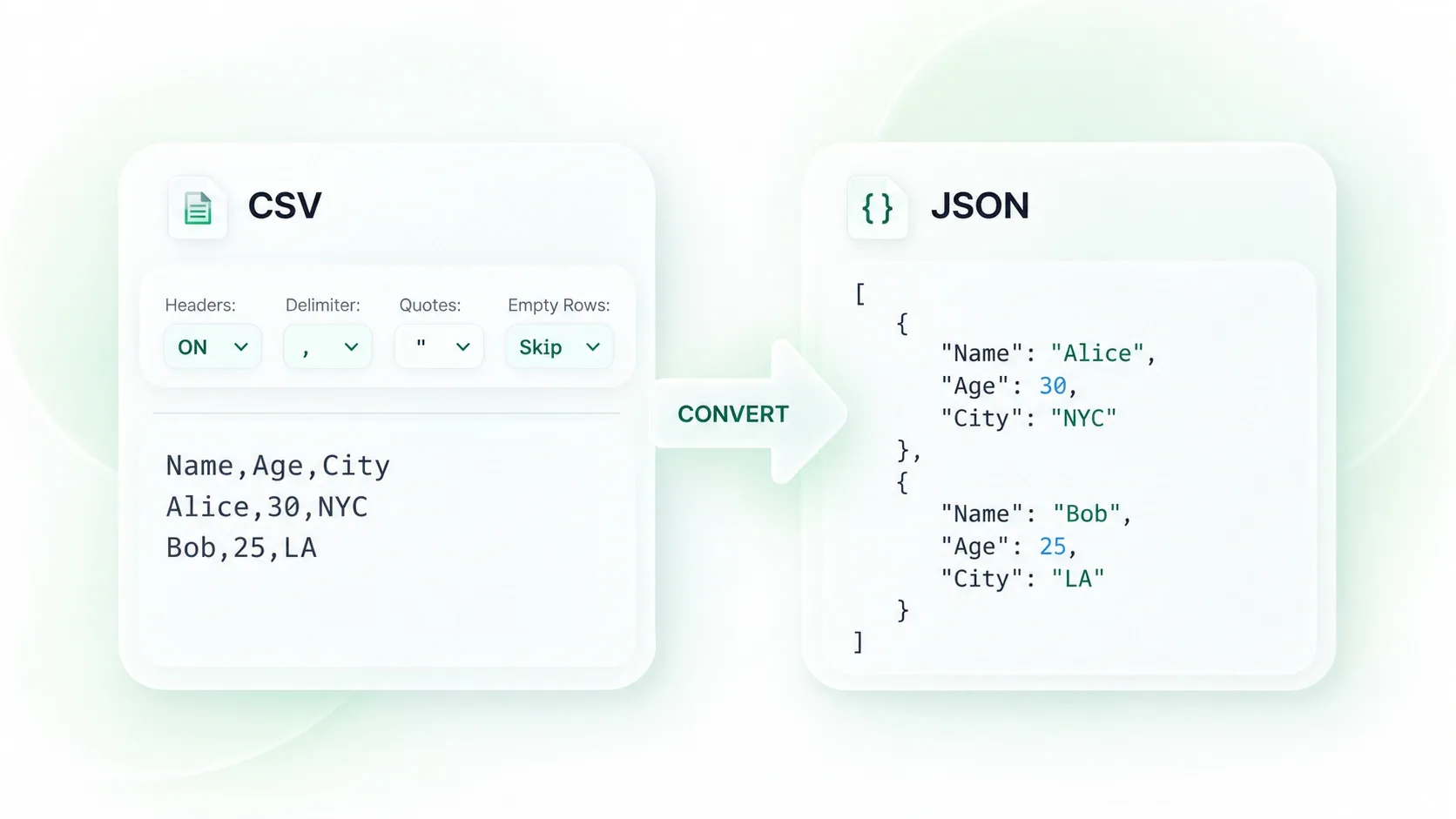
Data without meaningful keys is harder to read and map. Header-row controls let you use column names as object keys, so your JSON output can retain the labels needed by the receiving workflow. Review duplicate or blank headers.

Try It Now
Keep JSON Strings and Numbers Distinct

Keep JSON Strings and Numbers Distinct

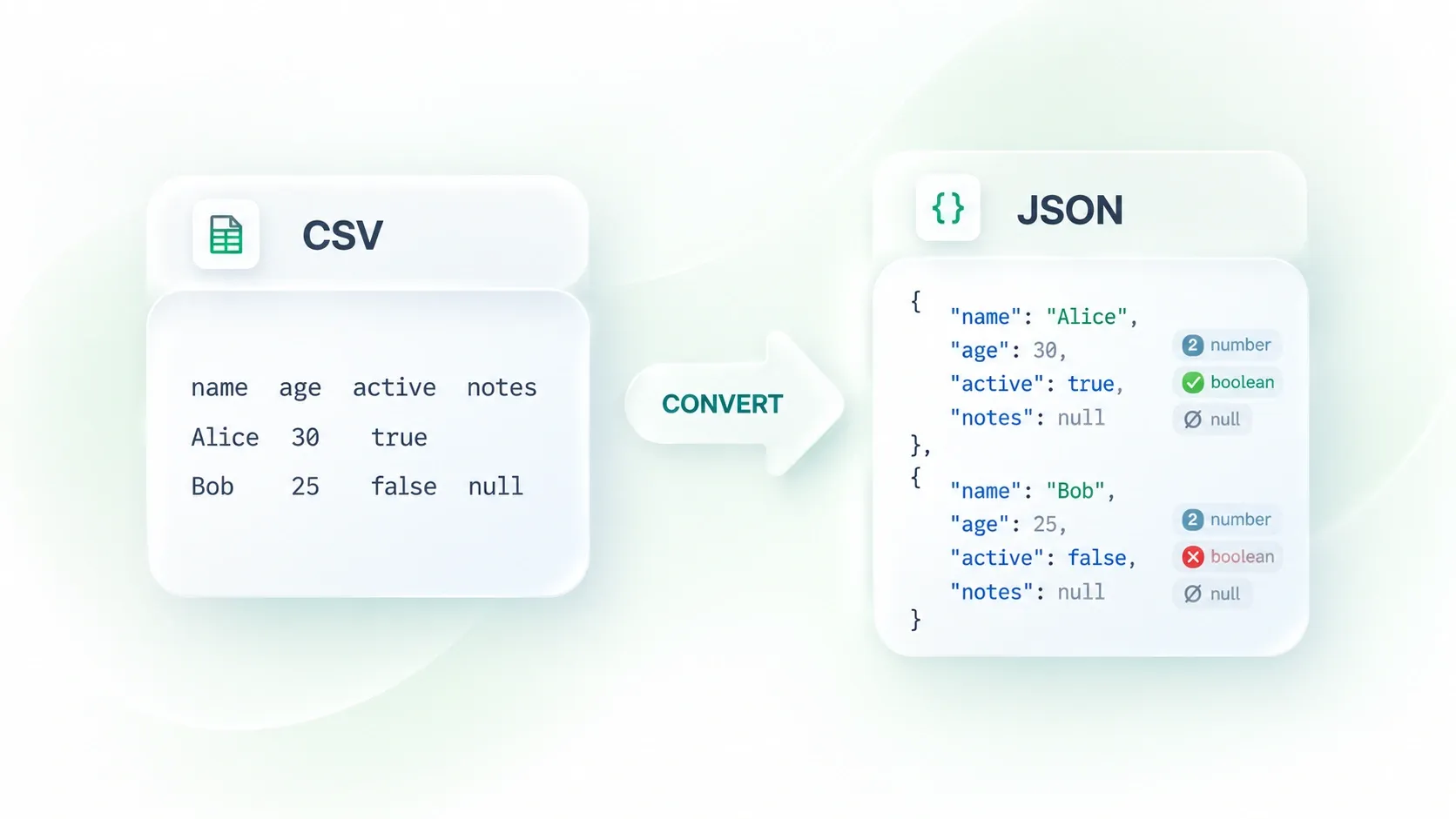
An identifier such as 00123 is different from the number 123. Type inference and string-preserving options let you choose how values are interpreted, so you can protect identifiers while using numeric or boolean values where appropriate.

Try It Now
Preview CSV Rows Beside the JSON Output

Preview CSV Rows Beside the JSON Output

A valid JSON file can still contain incorrectly mapped data. The table and JSON views let you compare the parsed rows with the output, so you can catch missing values or unexpected types before copying or downloading the result.

Try It Now

API test data

Convert CSV to JSON for sample payloads or test fixtures. Check field names and types against the target schema before using the output in a request.

API test data

Developers and QA teams

Catalog exports

Use CSV to JSON online for a product or inventory export. Preserve leading zeros in item codes and compare record counts before passing the data downstream.

Catalog exports

Operations teams

Array-based imports

Export CSV to JSON using the array structure your next step requires. Object arrays retain field names with each row; two-dimensional arrays need a different mapping.

Array-based imports

Data analysts

CSV to JSON FAQ

01

How do I convert CSV to JSON?

Upload the CSV, check the delimiter and headers, and choose the parsing options. Select Convert to JSON, compare the output with the source, then copy or download it.

02

Does CSV to JSON conversion use the first row as headers?

The header option controls this behavior. Enable it when the first row contains field names; check the preview if the file starts with data instead.

03

Can I use semicolons, tabs, or pipes as separators?

Yes. The parsing controls include common delimiter choices and automatic detection. Use the preview to confirm the selected separator splits each row correctly.

04

How do I keep leading zeros in identifiers?

Keep values as strings when the zeros are meaningful, such as postal codes or product identifiers. Review type-inference settings before conversion and verify the resulting JSON values.

05

Is a CSV to JSON array the same as a nested object?

No. An array is an ordered collection; its elements can be objects or other values. Nested structures require a specific mapping. Choose the available output mode and compare it with the schema you need.

06

Can I use the JSON directly in an API?

Only after checking the API’s required structure, field names, and value types. This converter changes the data representation; it does not validate every destination’s schema or business rules.