DOCX to Markdown

Convert DOCX Word documents into clean Markdown while preserving headings, paragraphs, lists, tables, links, and document structure for easy editing, copying, and download.

or drag and drop a file here

0%

Processing...

FILE

Free and Unlimited
No Signup Required
Save Time
No Ads
Free to Use
No Sign-Up
No Ads
Any Browser

How to Convert DOCX to Markdown in 3 Steps

  1. Step 1: Upload a DOCX File

    Choose a Word .docx file. The DOCX to Markdown converter checks the selected file before conversion.

  2. Step 2: Convert Word to Markdown

    Start the Word to Markdown conversion. Common elements such as headings, paragraphs, lists, links, and tables are represented in Markdown when supported by the source structure.

  3. Step 3: Copy or Download the Markdown

    Review the result, correct any formatting that needs attention, then copy the Markdown or download the .md file. Save extracted image assets when that option appears.

Convert DOCX to Markdown Online

Convert DOCX to Markdown Online

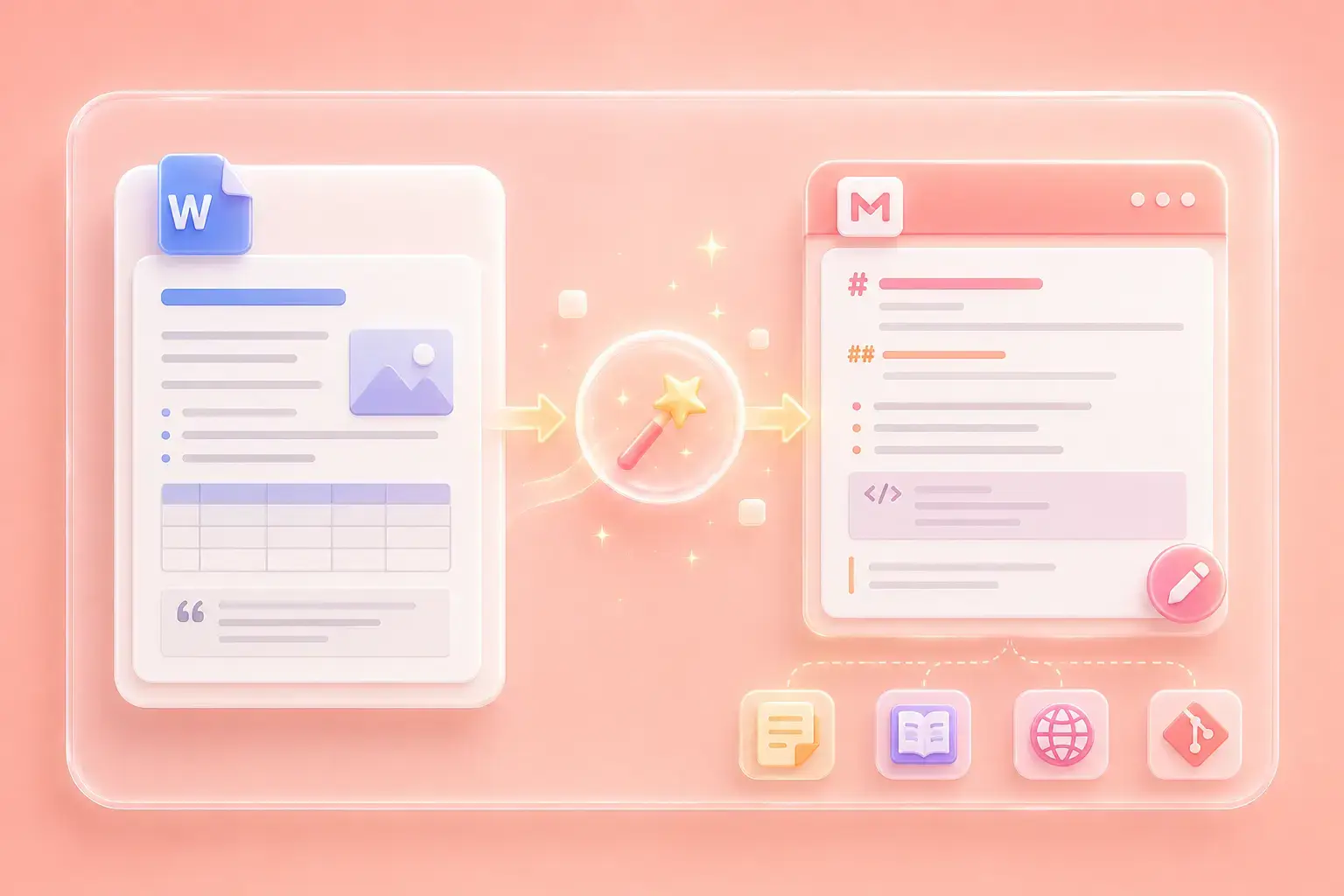
Copying from Word into a Markdown editor often leaves formatting to rebuild. This online Word to Markdown converter gives you an editable Markdown result that you can review before moving it into a documentation platform, note app, CMS, or code repository.
Get Started
Review Word Structure as Markdown Syntax

Review Word Structure as Markdown Syntax

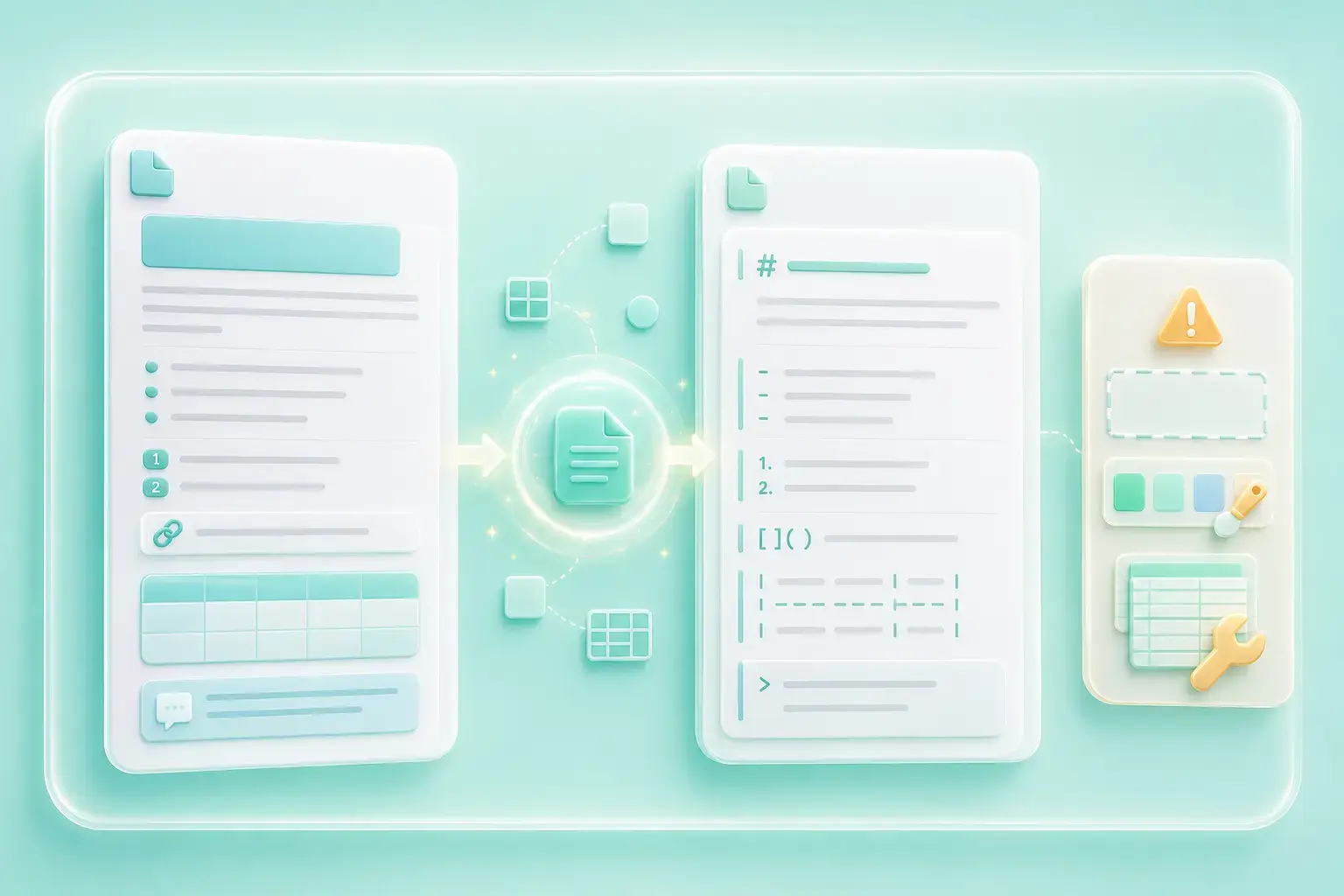
The conversion maps common Word elements—including headings, paragraphs, bullet and numbered lists, links, and supported tables—to Markdown syntax. Complex layouts, text boxes, custom styles, and nested tables may still require manual cleanup.

Get Started
Markdown for Blogs, Wikis, READMEs, and Notes

Markdown for Blogs, Wikis, READMEs, and Notes

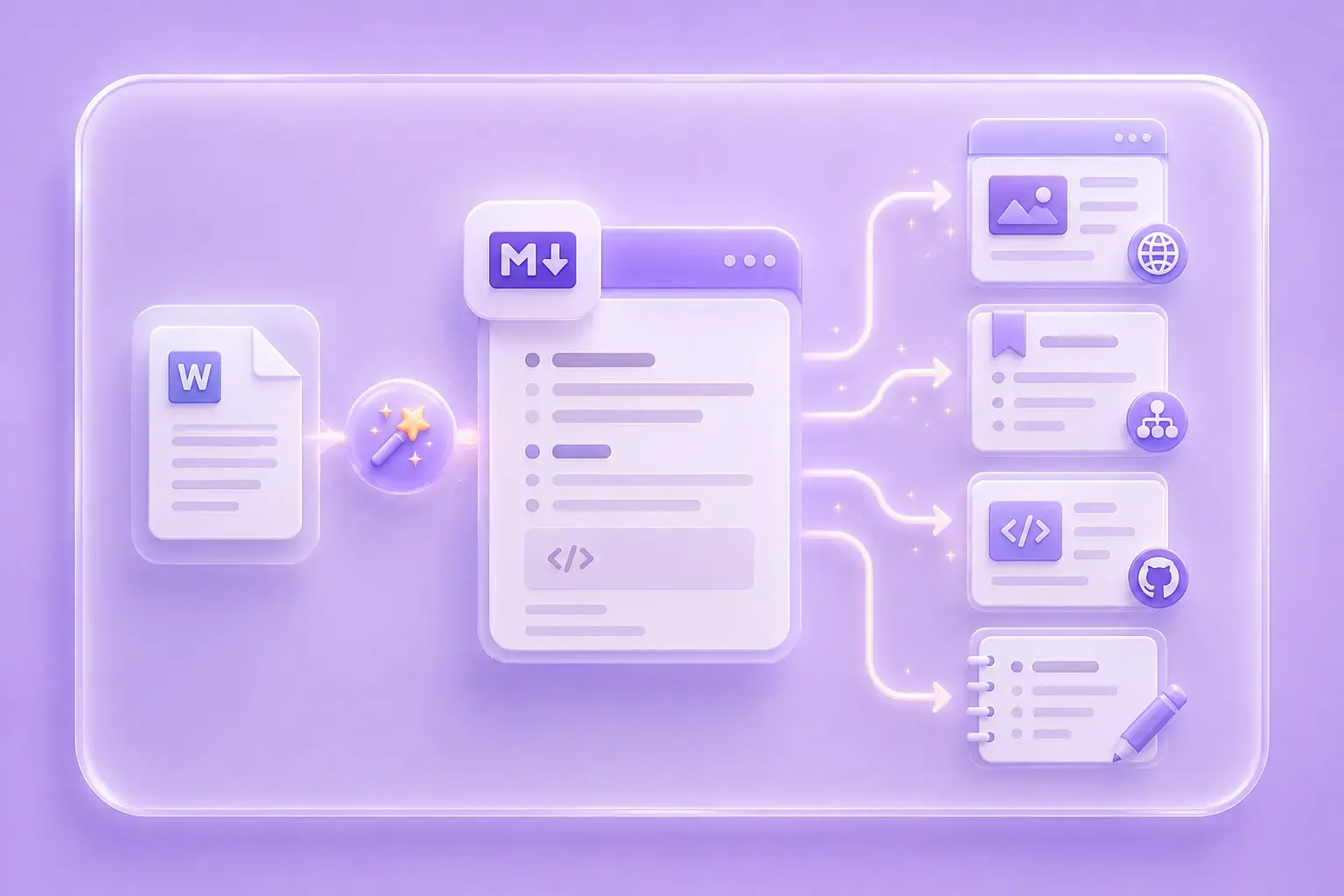
Convert DOCX to Markdown when a report, essay, meeting note, or older draft needs to move into a blog, wiki, README, documentation site, or knowledge base. Check the destination's Markdown flavor before publishing tables, links, or embedded media.

Get Started
Handle DOCX Tables and Image Assets

Handle DOCX Tables and Image Assets

Supported Word tables can be represented in the Markdown output, while available image assets may be provided separately. Review table alignment and image references after conversion because Markdown platforms can render these elements differently.

Get Started

DOCX to Markdown Use Cases

Practical ways to reuse Word content in study notes, internal wikis, technical documentation, and online publishing.

Study Notes

Convert lecture notes from Word to Markdown before organizing them in a note app. Review headings, lists, equations, and tables against the original document.

Study Notes

Student workflow

Internal Wiki

Move older Word reports into an internal wiki or knowledge base. Check links, table syntax, and image references in the destination before publishing.

Internal Wiki

Team documentation

Online Publishing

Convert a Word draft to Markdown before moving it into a blog or documentation CMS. Edit the output to match the platform's supported Markdown flavor.

Online Publishing

Writer workflow

DOCX to Markdown Converter FAQ

01

What is DOCX to Markdown?

DOCX to Markdown converts a Microsoft Word .docx file into Markdown text. Use the result as a starting point when moving Word content into documentation, publishing, note-taking, or developer workflows.

02

How do I convert DOCX to Markdown online?

Upload a .docx file, start the conversion, and review the generated Markdown. You can then copy the result, download the .md file, and save extracted image assets when supported.

03

What formatting can the Word to Markdown converter preserve?

The converter maps common headings, paragraphs, bullet and numbered lists, links, and supported tables to Markdown. Complex Word layouts, custom styles, text boxes, and nested structures may require manual cleanup.

04

Can DOCX to Markdown extract tables and images?

Supported tables can be represented in Markdown. When extracted image assets are offered, save them separately and check that their references work in the platform where you will use the .md file.

05

Can I use the DOCX to Markdown converter for free?

The converter is free to use online with no registration required. Simply upload your document, convert it in just a few clicks, and download the result.

06

Why convert a Word document to Markdown?

Markdown is portable, easy to edit, and widely used in wikis, README files, documentation sites, CMS platforms, and note apps. Converting Word to Markdown reduces manual cleanup when moving content into those workflows.