Ebook to PDF

Turn an EPUB ebook into a PDF document for reading, printing, class notes, or shared review. Upload the file, run the conversion, then check the finished pages before you use them.

or drag and drop an EPUB file here

0%

Preparing conversion...

Free Access
Online Conversion
PDF Download
Review Ready
Free to Use
No Sign-Up
No Ads
Any Browser

How to Convert Ebook into PDF Online in 3 Steps

  1. Step 1: Upload Your EPUB Ebook

    Start by adding the EPUB ebook you want to turn into a PDF. Use the ebook file to PDF converter only with files you can open and are allowed to convert. If the source has chapters, images, or a specific reading order, keep that in mind when you review the PDF.

  2. Step 2: Let the File Convert

    Watch the visible progress as the file moves from upload to conversion. Because ebooks and PDFs use different layout models, expect the output to become fixed pages instead of reflowable text. This makes the result easier to cite, print, and place beside other documents.

  3. Step 3: Download and Check

    Download the finished PDF and review several pages before you rely on it. Check chapter order, page breaks, images, and special characters. If the ebook has complex formatting, inspect more than the first page.

Ebook to PDF Output for Printable Reading

Ebook to PDF Output for Printable Reading

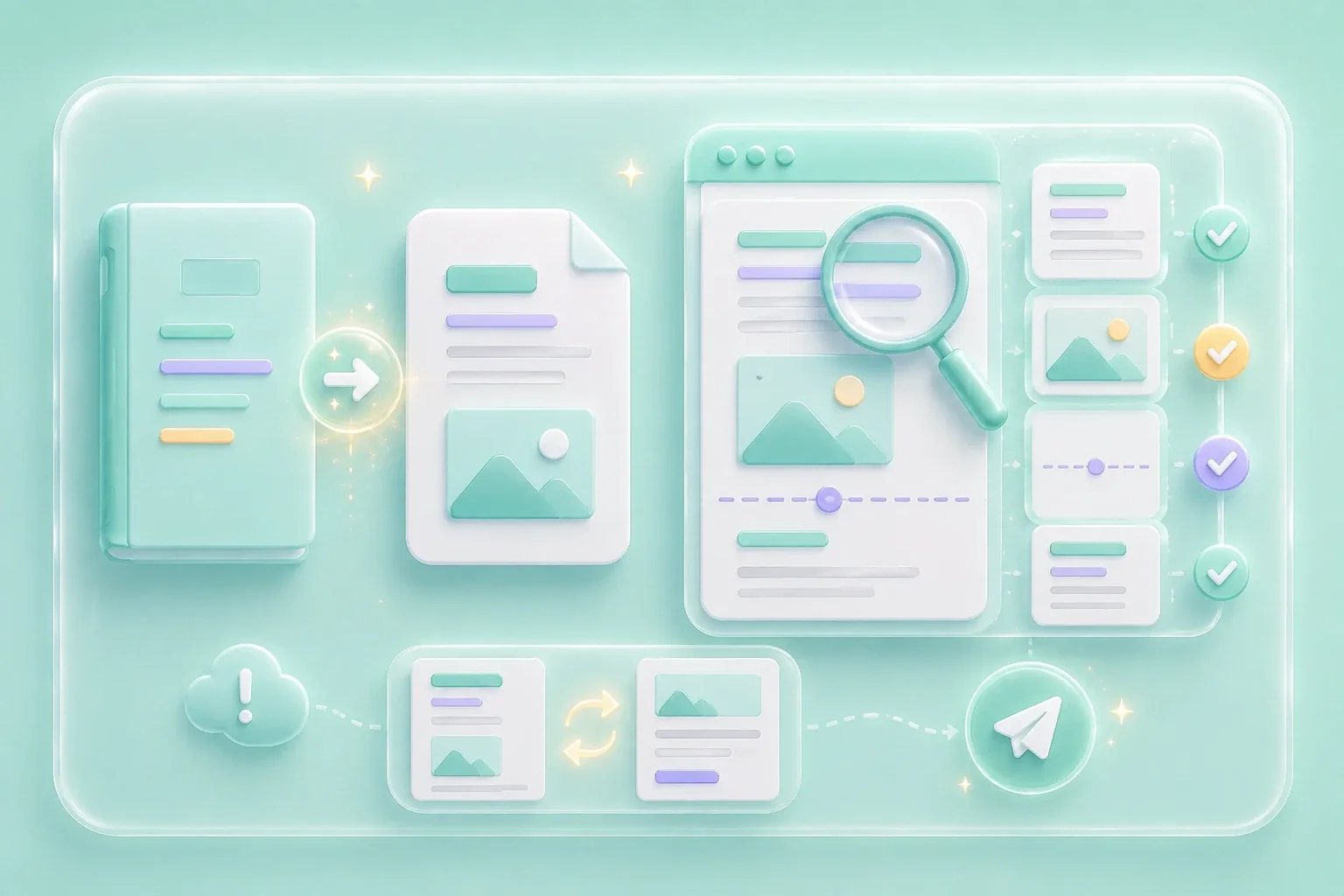
Reflowable EPUB books are comfortable on readers, but they can be awkward when you need page references or paper copies. This converter turns the uploaded EPUB into a downloadable PDF document, giving you a fixed-page version to inspect. Use it when a class handout, office attachment, or personal reading file needs to sit cleanly beside other PDFs.
Create PDF
Fixed Pages for Notes, Citations, and Handouts

Fixed Pages for Notes, Citations, and Handouts

A long ebook can become hard to discuss when everyone sees different page positions on different screens. Converting the EPUB into PDF gives your group one page-based file for notes, citations, and review. Before you share it, scan key sections so chapter breaks, tables, and images still support the way you plan to use the document.

Prepare Pages
Online Conversion with a Clear Review Step

Online Conversion with a Clear Review Step

A free online ebook to PDF converter is most useful when it keeps the task simple: upload, process, download, then inspect. The tool exposes that basic workflow without asking you to rewrite the ebook by hand. Review the finished file carefully, because moving from a flexible ebook layout to fixed PDF pages can change spacing, image placement, and page breaks.

Review PDF
PDF Copies for Study, Work, and Archives

PDF Copies for Study, Work, and Archives

Students often need a PDF excerpt they can mark up before class. Office users may need an ebook section stored with proposals, research notes, or reference folders. Archivists and heavy readers can keep a PDF copy beside related documents, while still checking that the converted pages match the source closely enough for their purpose.

Download PDF

User Review Scenarios

First-person workflows for study, printing, and archive tasks

Class Review

I had an EPUB reading that was hard to cite in class, so I converted it to a PDF and checked the chapter breaks before adding notes.

Class Review

First-person scenario

Print Handout

I needed a printable handout from an ebook excerpt. The PDF made it easier to review margins and page order before I shared it with my students.

Print Handout

First-person scenario

Project Archive

I keep research files in project folders, and a PDF copy is easier for me to store beside slides, notes, and source documents.

Project Archive

First-person scenario

Ebook Conversion Questions, Answered

01

What does this converter do?

It changes an uploaded EPUB ebook into a fixed-page PDF document for reading, printing, annotation, or sharing. The result should be reviewed because EPUB and PDF organize content differently.

02

How do I convert ebook to PDF online?

Upload your EPUB file, run the conversion, download the PDF, and inspect several pages. Check headings, images, and page flow before using the file in a study or work workflow.

03

Is ebook to PDF free on this page?

The page presents free access in the tool area, but always follow any current on-page prompts if they appear. Use files you own or have permission to convert.

04

Which ebook files work best?

This tool is built around EPUB input. DRM-protected, encrypted, damaged, or unusual ebook files may not convert correctly, so start with a file that opens normally.

05

Will ebook formatting stay the same after conversion?

Not always. EPUB is reflowable, while PDF uses fixed pages, so spacing, page breaks, images, and tables can shift after conversion.

06

What should I check after converting?

Check chapter order, page breaks, images, tables, links, and special characters. If the ebook has complex formatting, inspect multiple pages rather than only the first page.