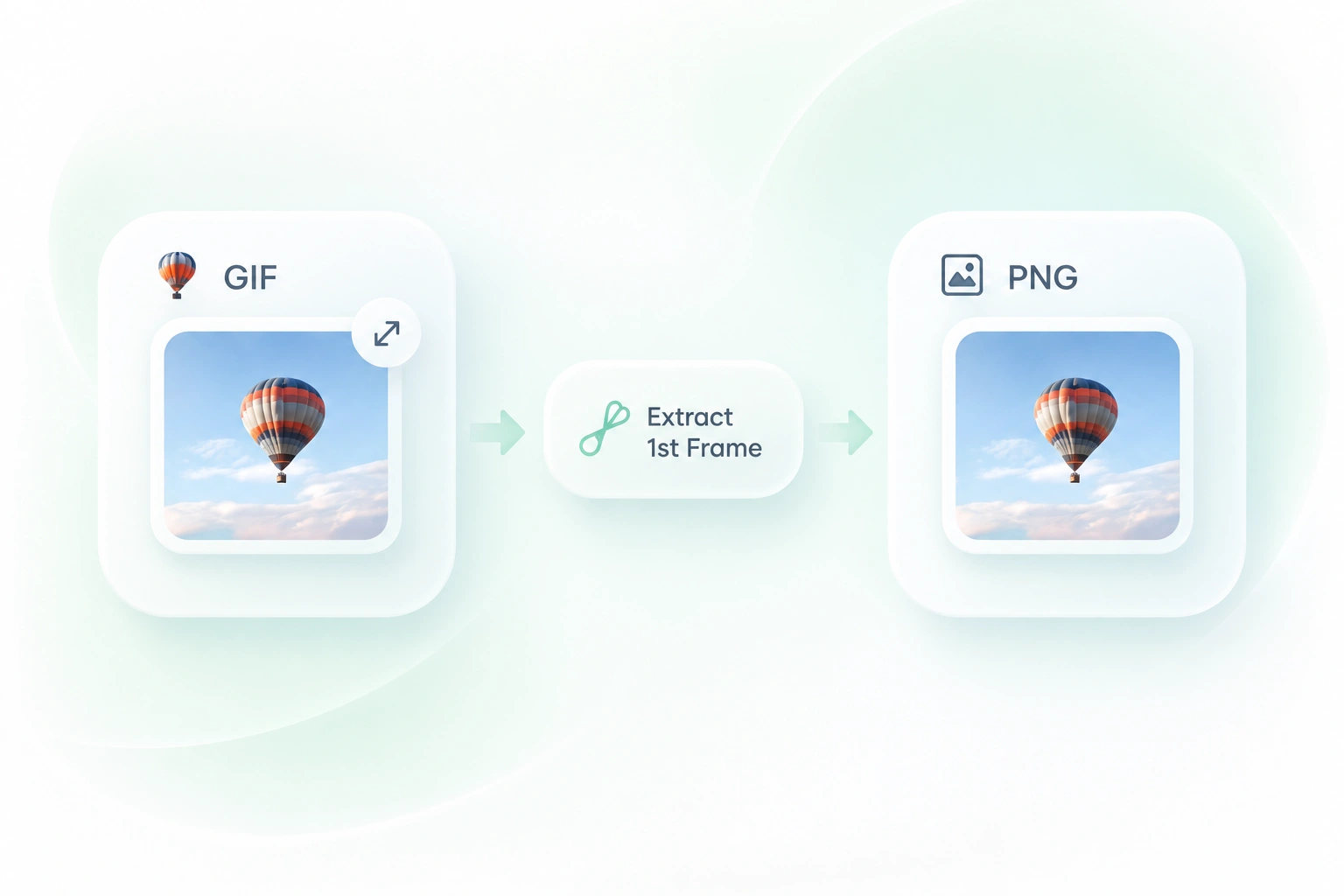
Convert GIF to PNG as a Single Still
A document or slide may need just one image rather than a moving GIF. First-frame extraction in WPS gives you a PNG still, so you can work with a static output without exporting the entire sequence.

Use WPS’s online GIF to PNG converter to save a still image or split an animation into separate frames. Choose the output you need, review the PNG results, and download them for editing or documentation.
or drag and drop files here
GIF, up to 100 MB
Choose whether to export only the first frame or split the entire GIF into PNG frames.
Add the source GIF and review the file information. Decide whether you need one still image or the animation’s frames.
Select the first-frame or full-sequence option, then choose Convert to PNG. Review the output frames before saving.
Download the PNG result or frame sequence. Keep the frame order when your next task involves editing or rebuilding the animation.
A document or slide may need just one image rather than a moving GIF. First-frame extraction in WPS gives you a PNG still, so you can work with a static output without exporting the entire sequence.
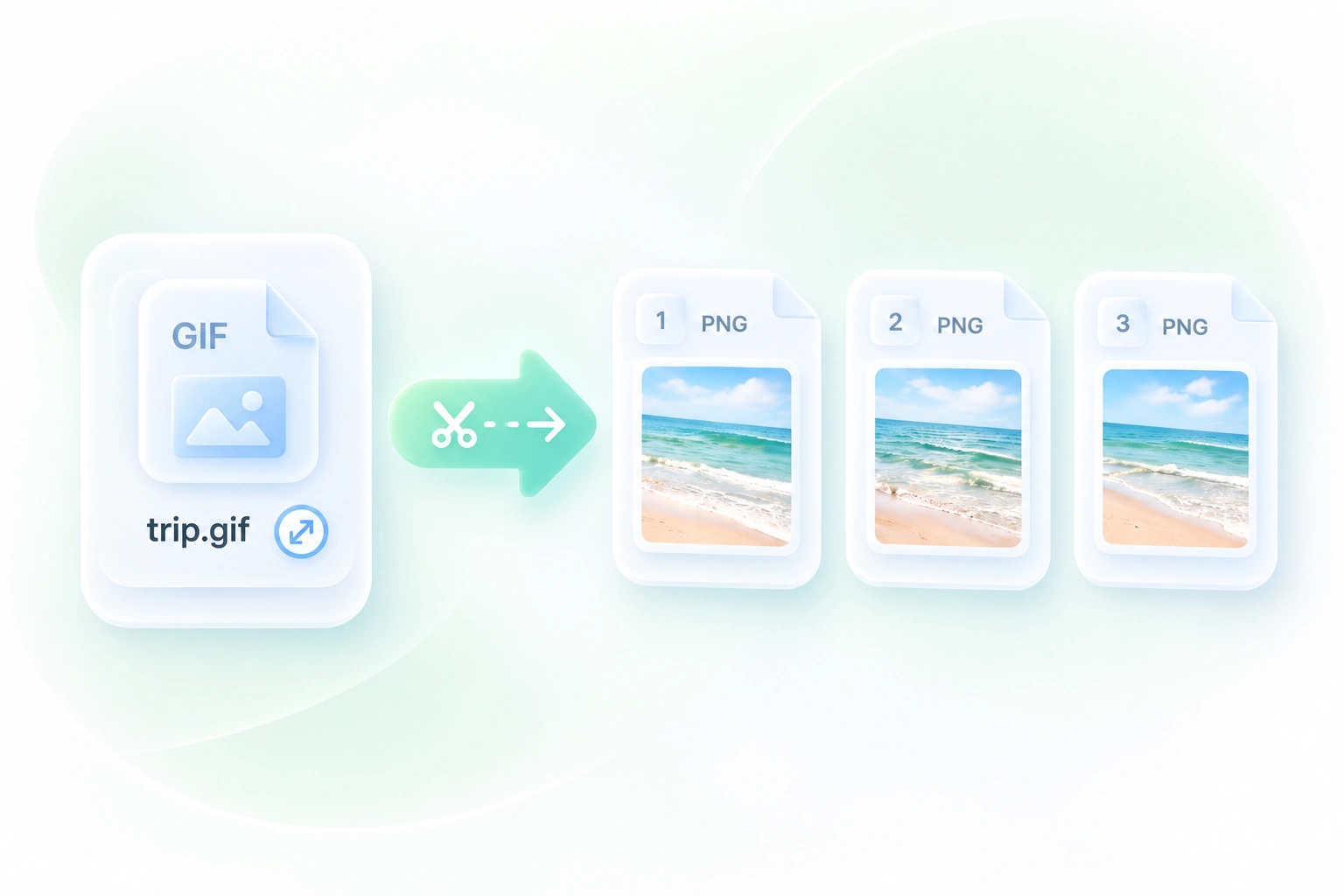
An animated image is awkward to inspect as one moving file. GIF to PNG sequence conversion exports separate frames, so you can review changes and take selected images into an editing workflow.
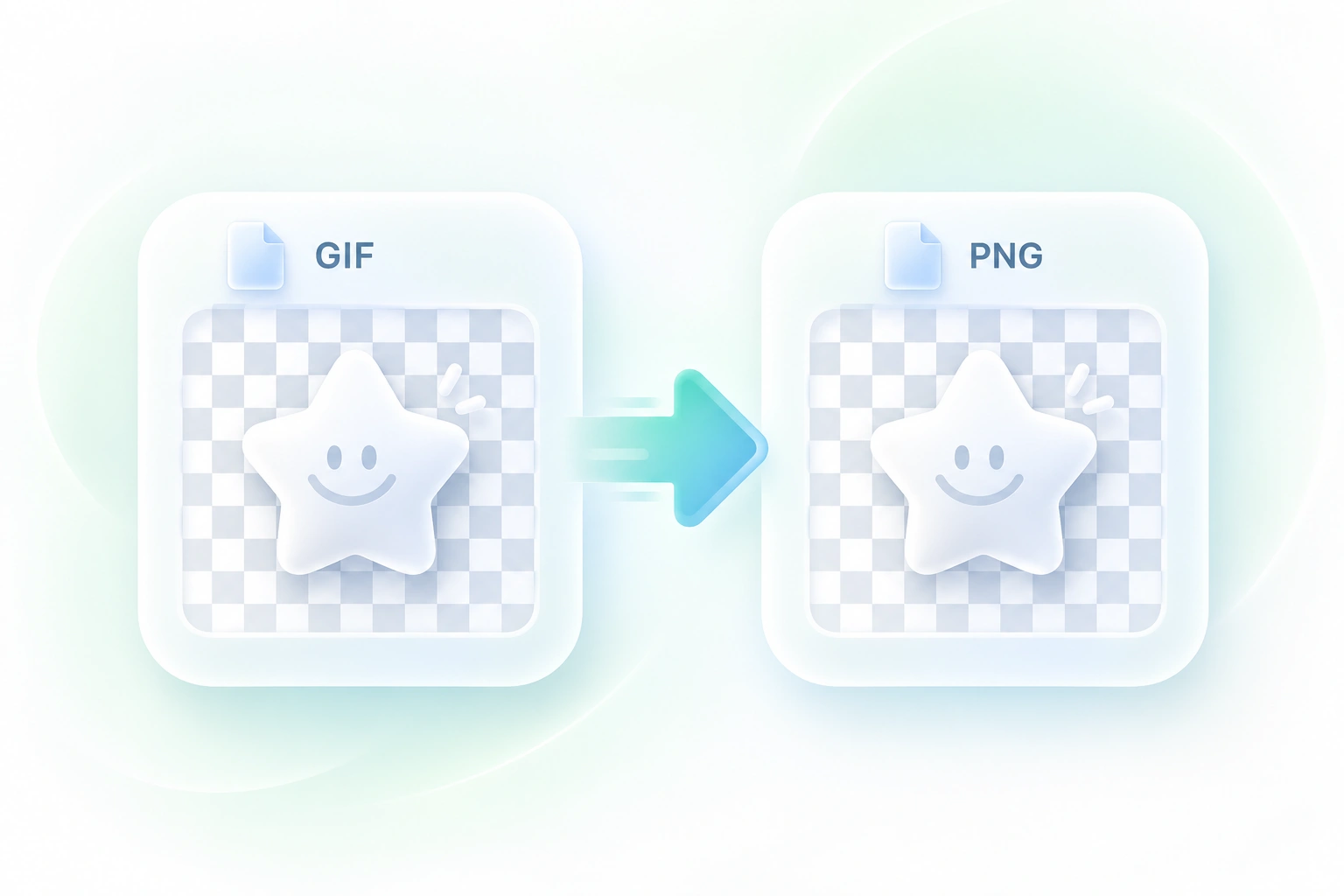
A frame with a transparent background should remain useful over another design. The converter maps GIF transparency into PNG alpha, so existing clear areas remain available in the still output. It does not remove an opaque background.
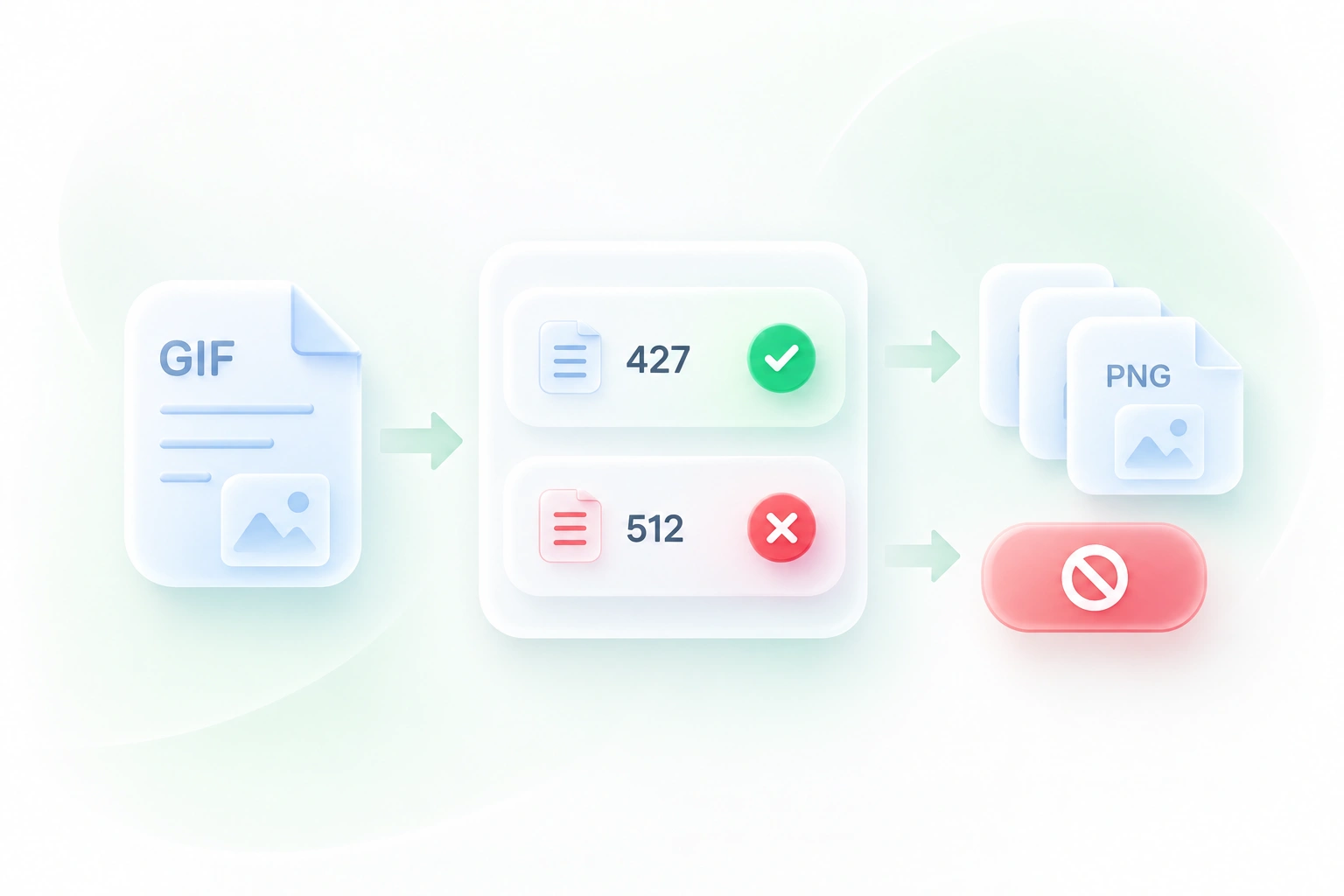
A short animation can contain more frames than expected. The tool reports the frame count before conversion, so you can judge the size of the export task and choose between a single still and a sequence.
Still-image or frame-sequence export, transparency support, and clear previews for everyday image tasks.

Extract GIF frames to inspect a transition or compare successive poses. Keep the source GIF alongside the images because PNG files alone do not retain playback timing.
Design and motion teams

Convert an animated GIF to PNG stills for a written guide. Select frames that show distinct steps instead of placing many near-identical images in the document.
Support teams and educators

Use a GIF to PNG sequence for a frame-based design task. Review transparent edges and choose only the frames needed for the new composition.
Content creators

Extract tables from JPG images and turn them into editable Excel spreadsheets.
Convert HEIC photos to JPG for use in documents, uploads, and everyday sharing.

Turn HTML files or pasted code into PowerPoint presentations for your next deck.

Convert WebP images to JPG for use in documents, presentations, and image uploads.

Turn JPG images and slide screenshots into PPTX files for presentation work.

Convert JPG images to PNG for your next design, document, or image editing task.

Convert PNG images to JPG for photo uploads, document images, and daily sharing.

Convert Word documents to HTML for website content, publishing, and web projects.

Convert WebP images to PNG for use in graphics, documents, and image editing.
Upload the GIF, choose the first-frame or full-sequence output, and select Convert to PNG. Review and download the resulting image files.
Yes. Choose the option to split the animation into separate frames. The exported PNGs are still images that you can organize or use in another editing workflow.
A sequence of PNG files is not itself a playing animation. It provides individual still frames. Keep the original GIF if you need its playback behavior or timing reference.
The tool supports converting the GIF’s indexed transparency into PNG alpha. This preserves existing transparent areas; it does not make an opaque background transparent.
No. A different output format does not restore colors or detail missing from the GIF source. Review the extracted frame at its intended display size.
Choose first-frame extraction if the opening frame is the still you need. If you need a later moment, export the sequence and select the relevant frame from the results.