JPG to SVG Converter

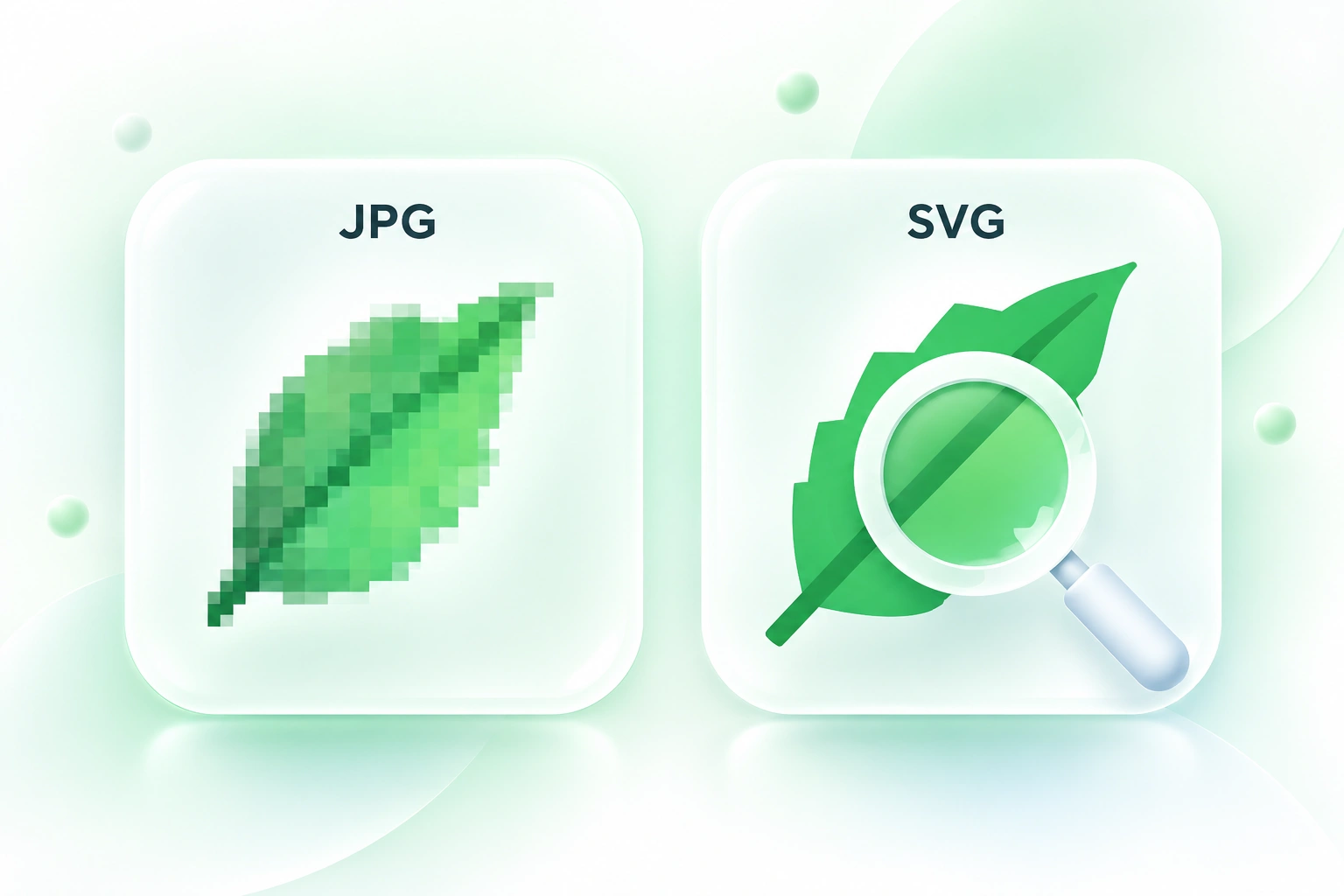
Use WPS’s online JPG to SVG converter to trace JPEG logos, icons, and simple artwork into vector paths. Adjust colors and simplification, compare the preview with your original, and export the SVG for further editing.

or drag and drop files here

JPG or JPEG, up to 5 MB

Best for logos, icons, and simple artwork

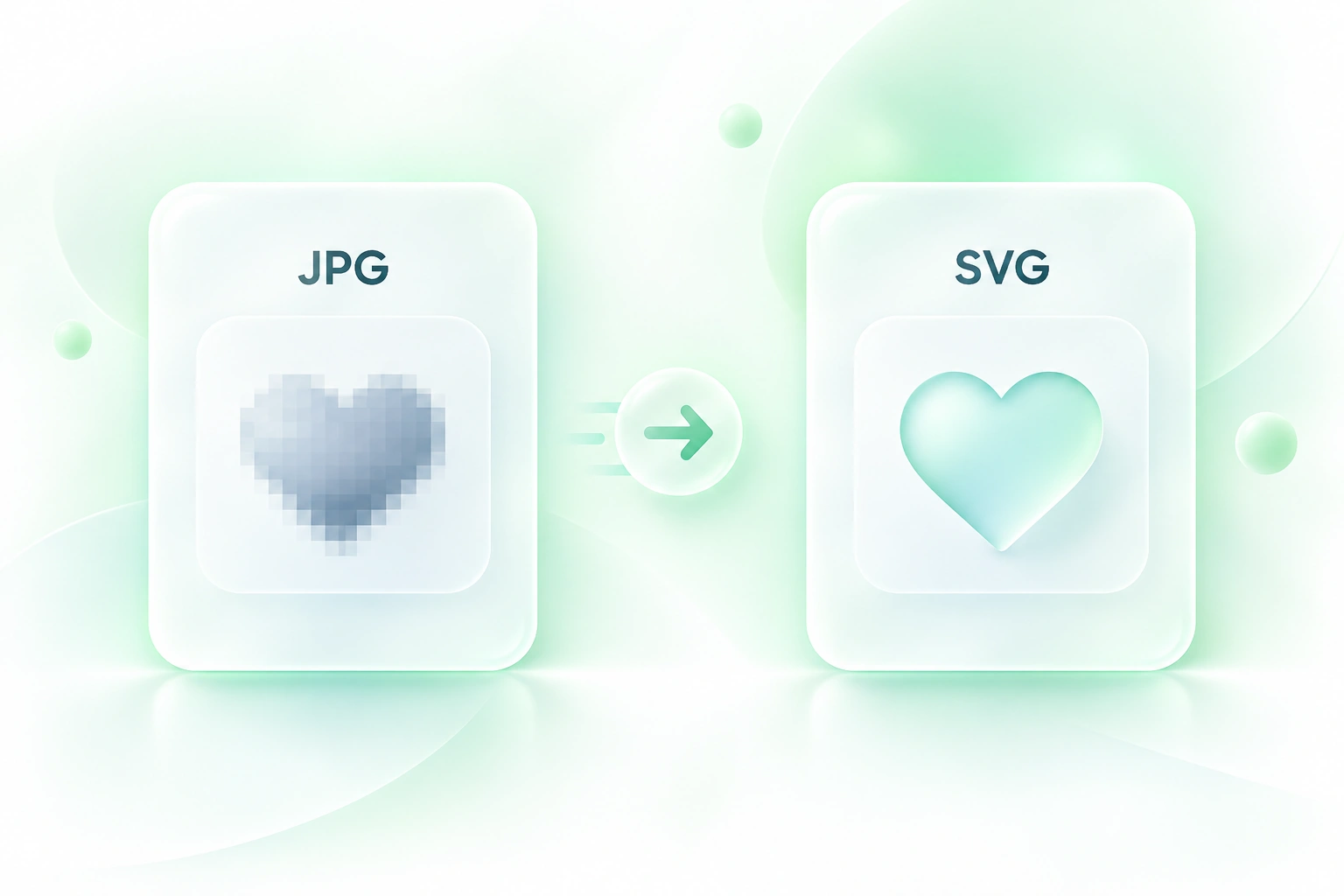
Photo-like images can be converted, but the SVG result will look posterized and use simplified shapes.

Tracing settings

Adjust color detail and path smoothing before converting.

Tracing settings
8
232
50%
0%100%
Ready to convert.

Vector result

Compare the source JPG with the generated SVG and inspect the trace output.

Colors—
Paths—
Nodes—

Original JPG

100%

Generated SVG

100%

SVG code

Inspect or copy the generated markup.

Free to Use
No Sign-Up
No Ads
Any Browser
Free to Use
No Sign-Up
No Ads
Any Browser

How to Convert JPG to SVG in 3 Steps

  1. Step 1: Upload JPG or JPEG artwork

    Choose a source with clear shapes. Simple artwork is a better starting point for tracing than a photograph with fine textures.

  2. Step 2: Tune and convert

    Set the color count and path simplification. Select Convert to SVG and inspect the generated paths.

  3. Step 3: Compare and export

    Review the original and vector previews side by side. Download the SVG or copy its code after checking the details that matter.

Convert JPEG to SVG Vector Shapes

Convert JPEG to SVG Vector Shapes

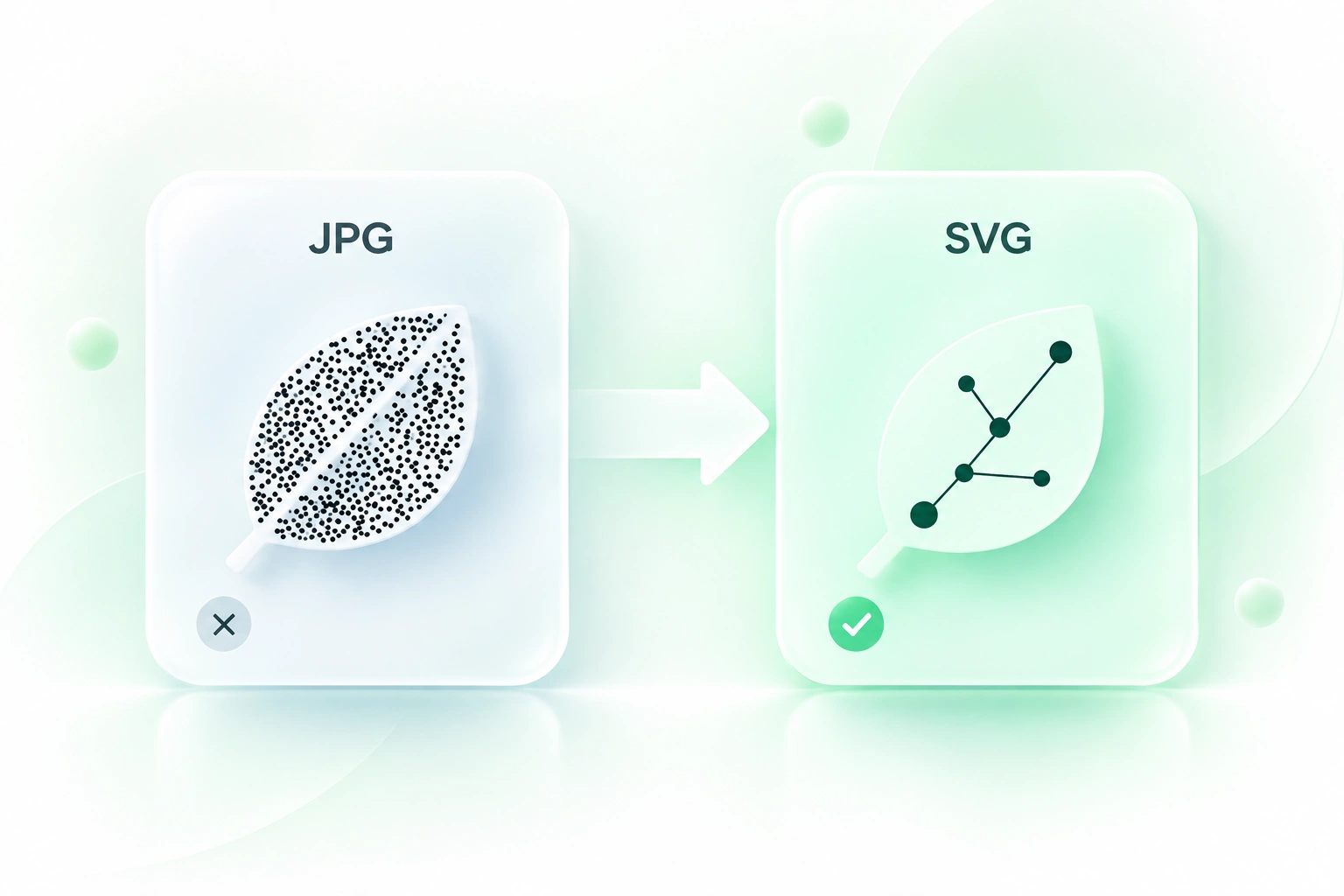
A JPEG logo provides pixels rather than editable vector paths. WPS’s JPG to SVG converter traces visible shapes, so you have a vector starting point for a design workflow. It does not recreate the original source layers or typography.
Try It Now
Vectorize JPG Artwork with Fewer Colors

Vectorize JPG Artwork with Fewer Colors

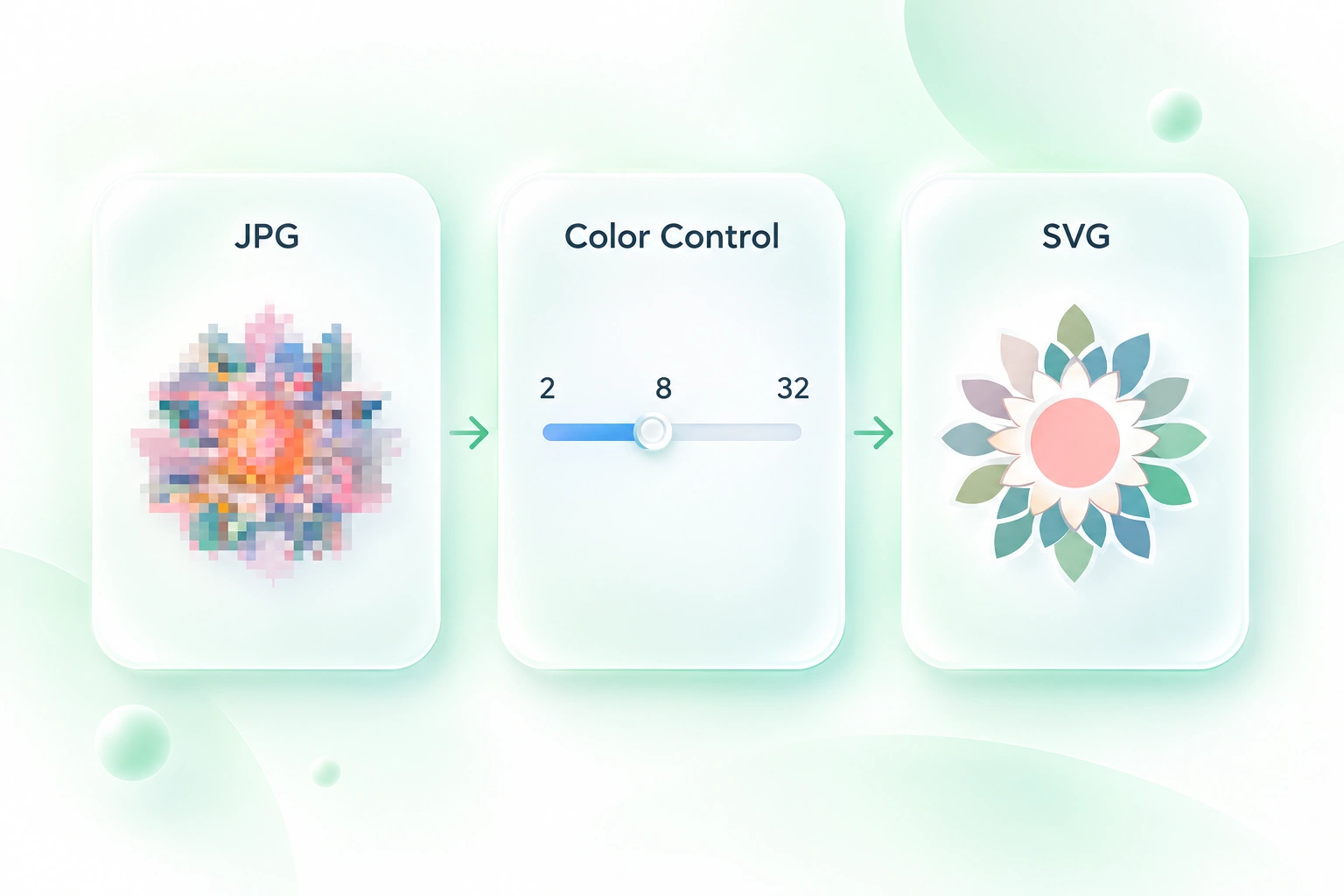
Minor color variations can make a trace more complex than the design needs. Color-count control lets you vectorize JPG artwork with a simpler palette, so you can balance recognizable shapes against unnecessary complexity.

Try It Now
Simplify SVG Paths for Easier Editing

Simplify SVG Paths for Easier Editing

Dense traced outlines can be difficult to refine. Path simplification adjusts contour detail, so you can compare a simpler trace with the source before moving into a vector editor. Inspect corners and thin strokes after changing it.

Try It Now
Compare Your JPG to Vector Result

Compare Your JPG to Vector Result

A generated SVG can change the appearance of small details. Side-by-side previews and path statistics let you inspect the JPG to vector result, so you can decide whether to adjust the settings before exporting it.

Try It Now

Logo references

Convert JPEG to SVG from a simple logo reference when no vector master is available. Check lettering and contours carefully before using the trace in a brand asset.

Logo references

Designers

Icons and symbols

Use JPG to SVG online for bold icons or symbols. Inspect small gaps and edges at the size where the artwork will be used.

Icons and symbols

Product teams

Flat illustrations

Trace a limited-color illustration into SVG paths. Retain the JPEG reference and refine the output in a compatible editor as your project requires.

Flat illustrations

Creators and students

JPG to SVG FAQ

01

How do I convert JPG to SVG?

Upload the JPG or JPEG, adjust the color and simplification settings, then select Convert to SVG. Compare the previews and download the result or copy its code.

02

Does this also work as a JPEG to SVG converter?

Yes. The uploader accepts JPG and JPEG images. Both extensions refer to JPEG image data, and the same tracing workflow applies.

03

Is renaming JPG to SVG enough?

No. A name change does not convert pixel data into paths. This tool traces shapes into SVG markup; the resulting vector shapes should be checked against the source.

04

Are photos suitable for this conversion?

Detailed photographs can produce simplified shapes or a posterized appearance. The workflow is better suited to simple logos, icons, and flat artwork than to exact photographic reproduction.

05

Will vectorizing restore a low-resolution image?

No. Tracing interprets the available pixels; it cannot recover missing source detail. Start with the clearest available image and inspect the output before using it as final artwork.

06

Can I edit the downloaded SVG?

You can open the SVG paths in an editor that supports the format. Review how the file imports, and refine the shapes there. The result is not the original layered design file.