JPG to WebP Converter

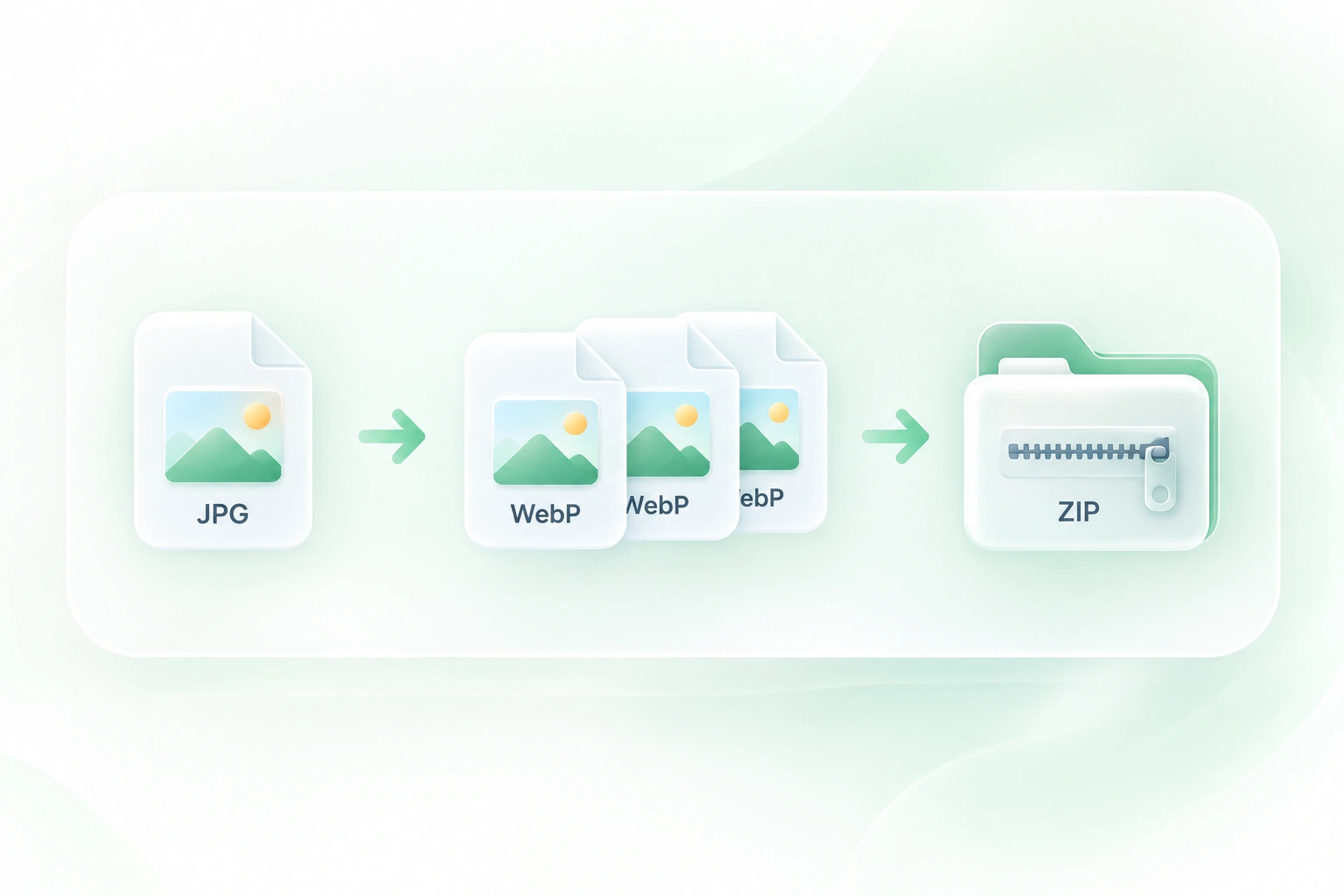
Convert JPG to WebP online with WPS for website photos and digital content. Use this JPEG to WebP converter to process related images together, compare the results, and save individual files or a ZIP package.

or drag and drop files here

JPG/JPEG, up to 20 files, 20 MB each

Quality settings
80
1100
Metadata
Selected images
0 files
No files selected
0%
Preparing conversion…
0 files in this batch
Files0
Quality80
Converted files0
Original size0 B
WebP size0 B
Savings0.0%
Free to Use
No Sign-Up
No Ads
Any Browser
Free to Use
No Sign-Up
No Ads
Any Browser

How to Convert JPG to WebP in 3 Steps

  1. Step 1: Add JPG or JPEG files

    Upload the photos you want to convert. Use a related set when you want to compare and organize the results together.

  2. Step 2: Run the conversion

    Select Convert to WebP. Inspect the output preview and size information rather than choosing a result by file size alone.

  3. Step 3: Download your images

    Save individual files or download all results as a ZIP. Keep the source JPEGs as your reference copies.

Convert JPEG to WebP for Website Images

Convert JPEG to WebP for Website Images

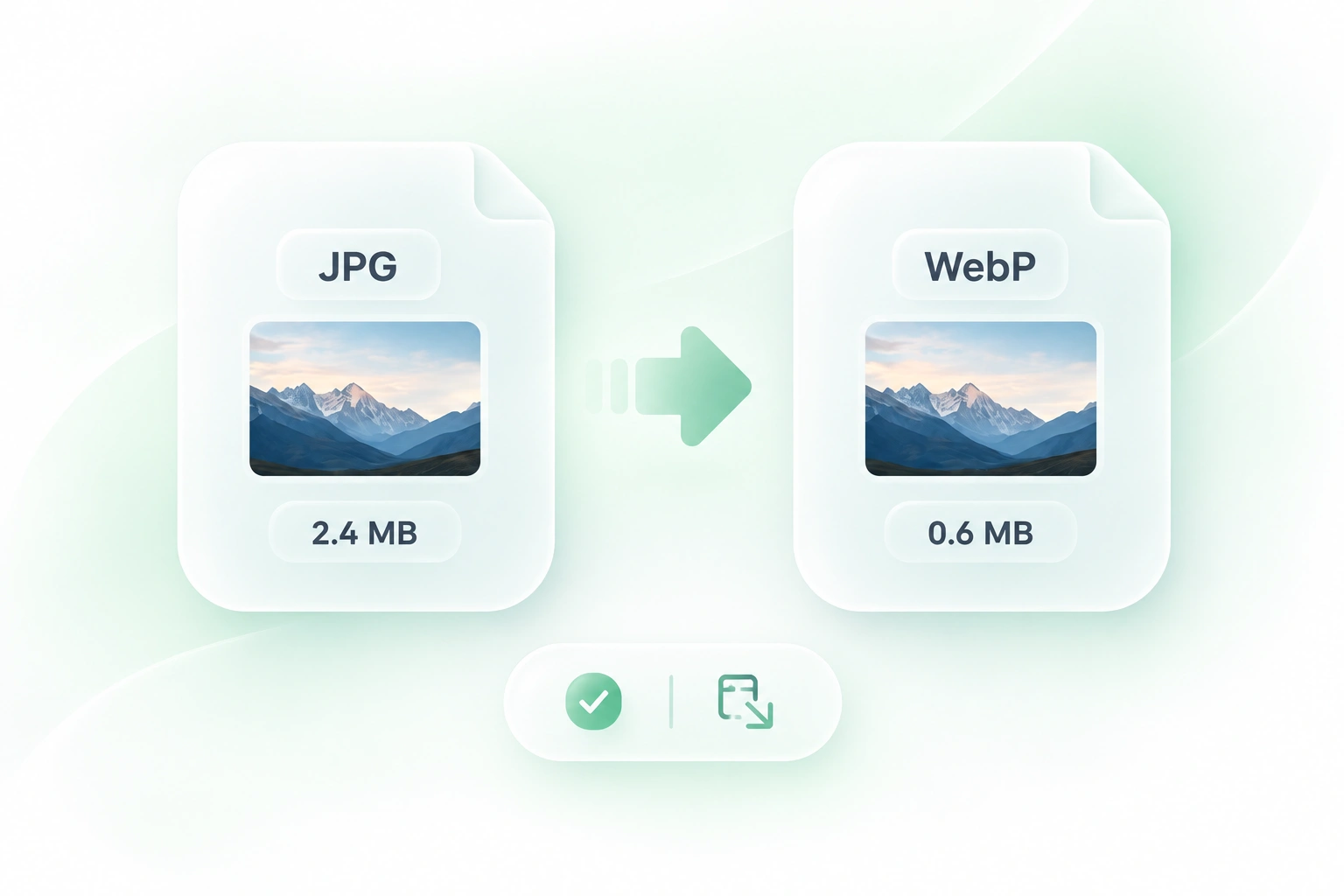
A website image pipeline may request WebP while your photo library uses JPEG. WPS’s JPG to WebP converter generates the required format, so you can prepare a version for that pipeline without recreating the image.
Try It Now
Bulk Convert JPG Photos in One Job

Bulk Convert JPG Photos in One Job

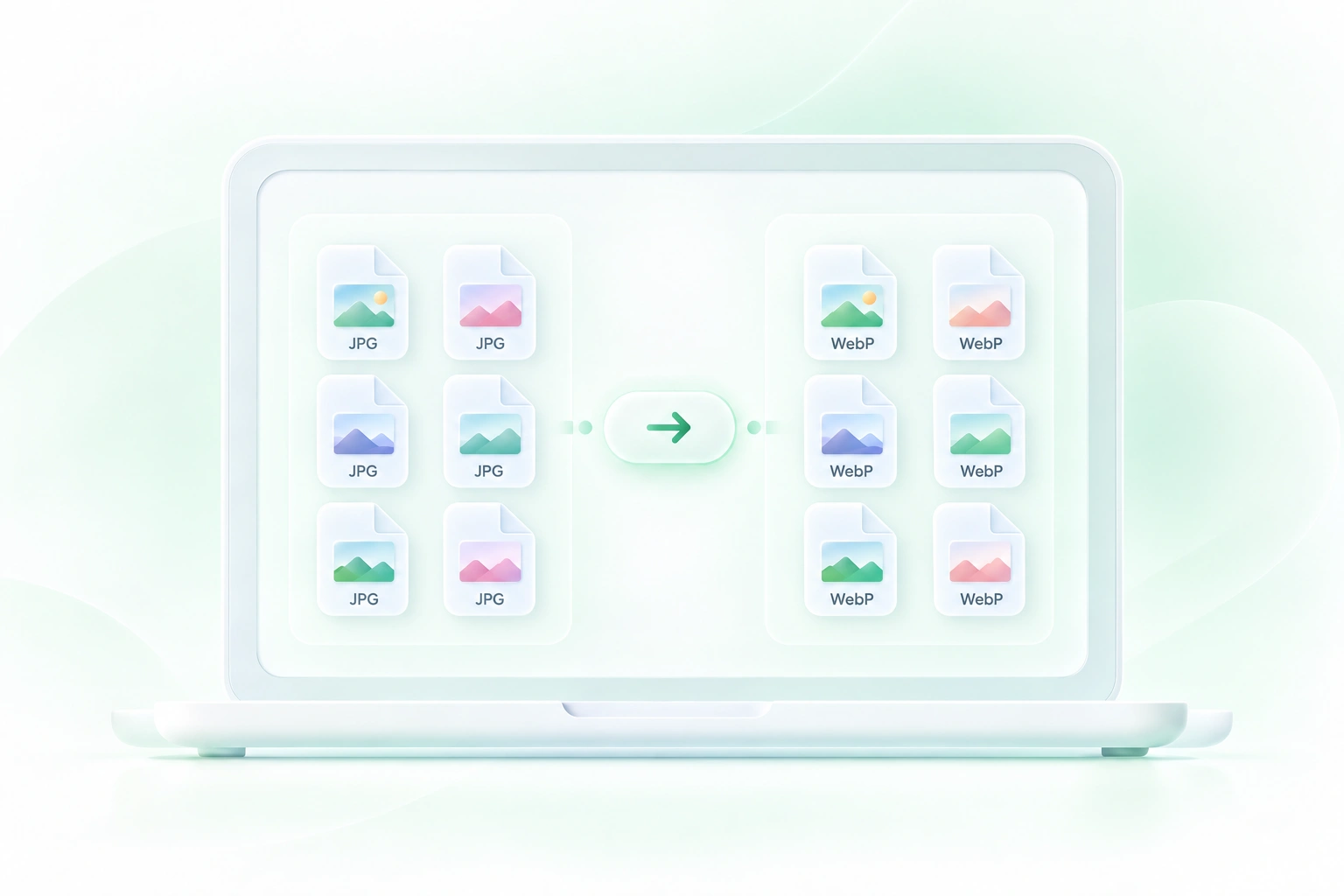
A gallery or product update can involve many related images. Batch conversion processes them in one workflow, so you can review a group of JPEG to WebP results without repeating every step for each file.

Try It Now
Compare WebP Image Detail and File Size

Compare WebP Image Detail and File Size

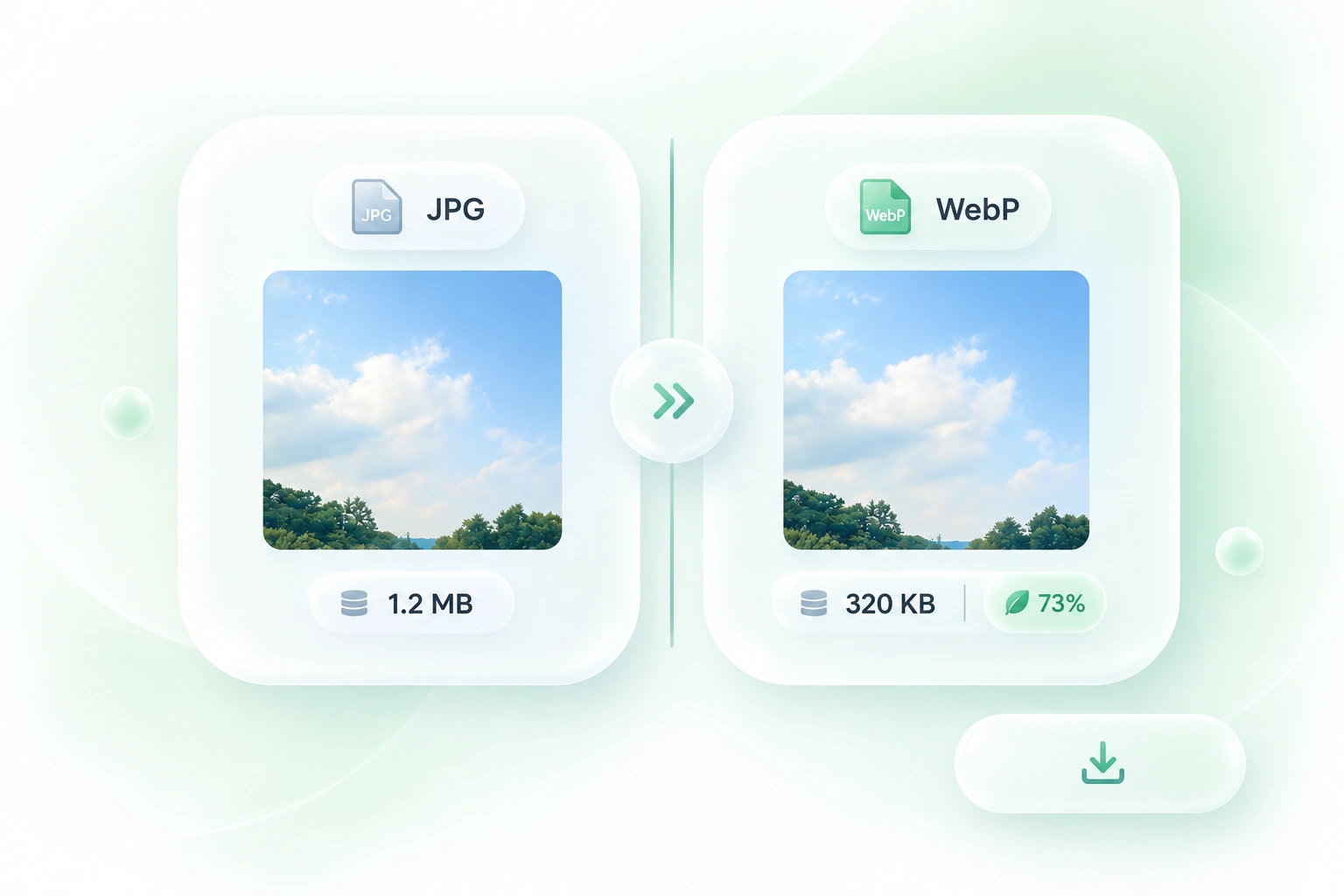
Compression choices are hard to judge from a file-size number alone. The comparison preview and size details let you inspect the result, so you can spot changed textures or edges before using the image in published content.

Try It Now
Download JPG to WebP Results as a ZIP

Download JPG to WebP Results as a ZIP

A single replacement image and a full asset handoff need different packaging. Individual downloads and ZIP export let you choose the right delivery format, so the converted files fit the size of your task.

Try It Now

Why Users Choose Our JPG to WebP Converter

Batch conversion, image-detail previews, and convenient ZIP downloads for website image workflows.

Product photography

Convert JPEG to WebP for a product-photo upload workflow. Compare fine textures and text on packaging before selecting a converted image for the storefront.

Product photography

Ecommerce teams

Article images

Use JPG to WebP online when your publishing system accepts WebP. Review the output at the size used in the article, not just in a large preview.

Article images

Editors and publishers

Gallery updates

For JPG to WebP bulk conversion, keep a related set together and download the ZIP. Review filenames and results before updating the gallery.

Gallery updates

Website maintainers

JPG to WebP FAQ

01

How do I convert JPG to WebP?

Upload JPG or JPEG images, select Convert to WebP, and compare the results. Download individual files or use Download All ZIP for the complete set.

02

Does the converter accept JPEG files?

Yes. JPG and JPEG are common extensions for the same image format. Use the same conversion workflow for either extension.

03

Can I use this for JPG to WebP bulk conversion?

Yes. Add several source images and process them together. Review each result and follow the current file guidance shown in the uploader.

04

Will every WebP be smaller than the original JPG?

No. The result depends on the source image and conversion settings. Compare the displayed file sizes; do not assume that changing the format always reduces the file.

05

Does a JPG to WebP compressor restore image detail?

No. Compression and format conversion do not recreate detail already lost in a JPEG. Inspect important edges and textures in the comparison preview.

06

Should I replace all JPEG images on a website?

Choose based on actual output quality, size, and support in your publishing system. Retain source files and test your pages after any asset replacement.