PNG to ICO Converter

Convert PNG to ICO online with WPS for a website favicon, Windows icon, or shortcut. Choose the sizes to include, review each preview, and save an ICO file that packages your selected icon sizes together.

or drag and drop files here

PNG, up to 50 MB

Uploaded PNG preview
PNG ·
×Square sourceBest results start at 256×256+
Square icon readyYour PNG is already square, so each icon size will scale directly with transparency preserved.
Output sizes
Select the icon sizes to package into one ICO file.
Included icon sizes
Creating multi-size icon package…
Transparency is preserved in every selected size.
Icon previews
Preview every embedded size on light or dark backgrounds.
—
Favicon snippet
Use this ICO file in your website head.
HTML
Free to Use
No Sign-Up
No Ads
Any Browser
Free to Use
No Sign-Up
No Ads
Any Browser

How to Convert PNG to ICO in 3 Steps

  1. Step 1: Upload your PNG

    Choose a PNG with a recognizable shape and enough detail for small sizes. Review how the source fits a square icon.

  2. Step 2: Choose the icon sizes

    Select the sizes you need and the fitting option for a non-square image. Use Convert to ICO to generate the previews.

  3. Step 3: Inspect and download

    Check small details on light and dark backgrounds. Download the ICO and use the favicon snippet if it matches your website setup.

Convert PNG to ICO with Multiple Sizes

Convert PNG to ICO with Multiple Sizes

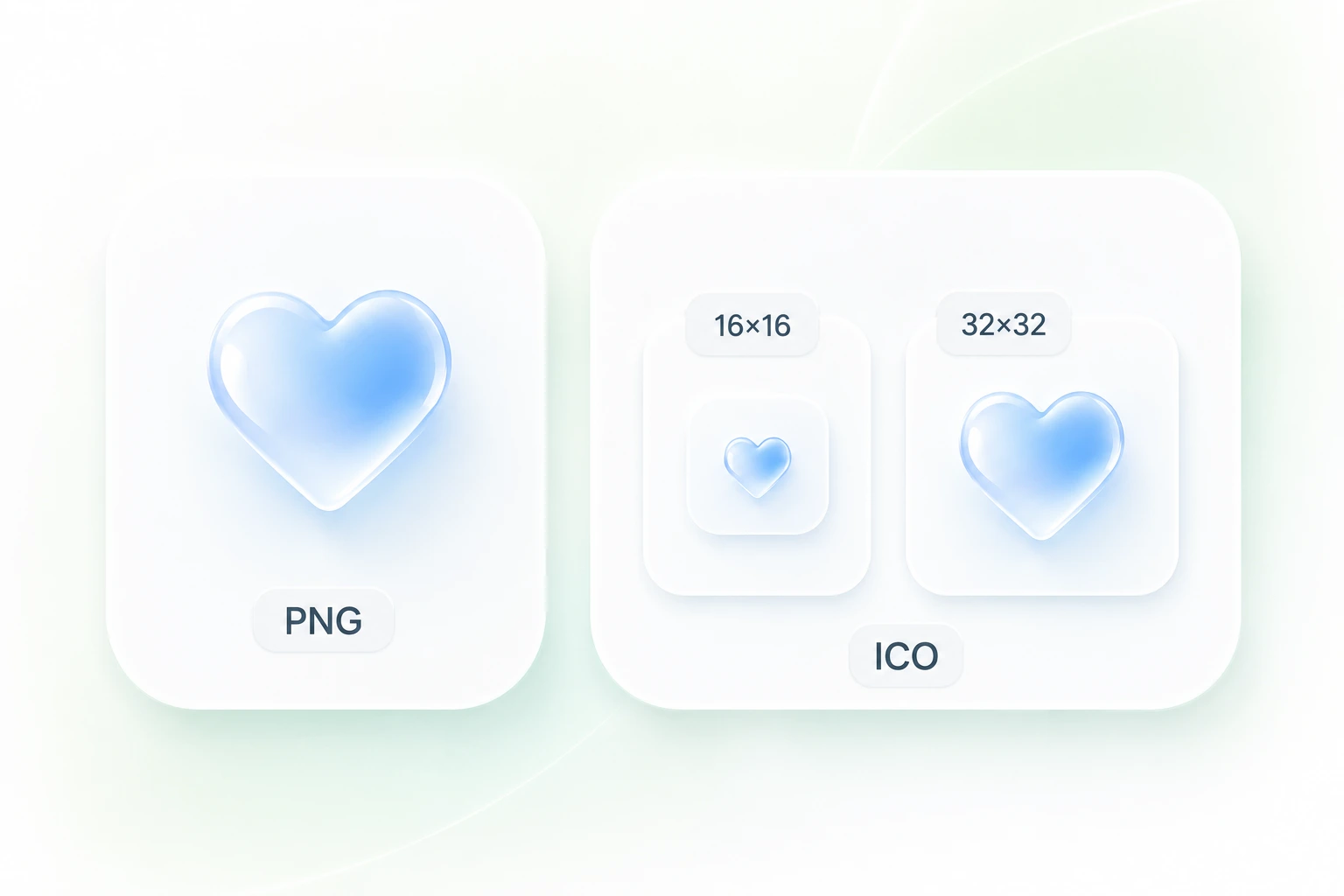
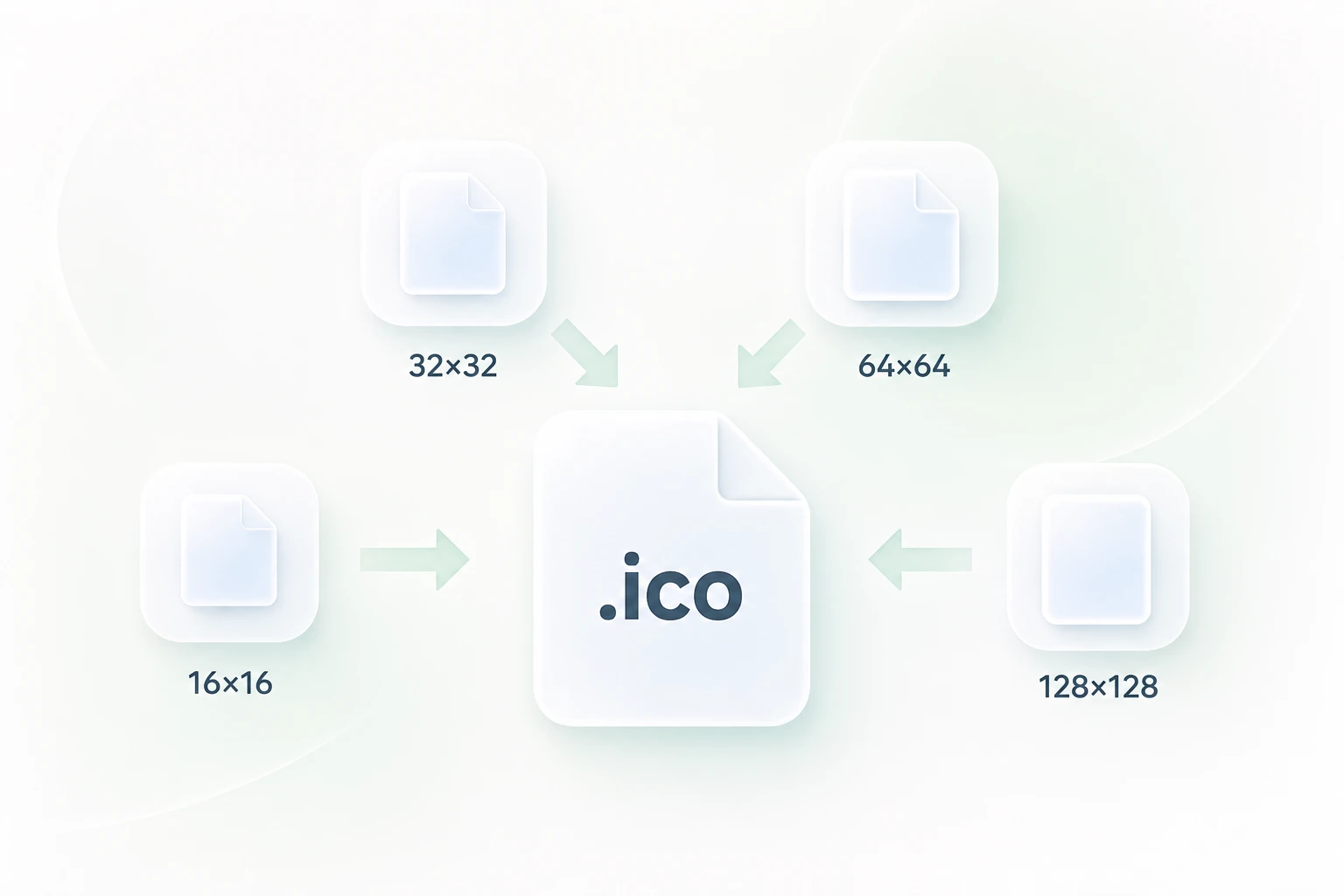
An icon can appear at different sizes across a desktop or website. WPS’s PNG to ICO converter packages selected sizes into one file, so you can hand off a multi-size icon without managing a separate file for each size.
Try It Now
Keep PNG Transparency in Your ICO File

Keep PNG Transparency in Your ICO File

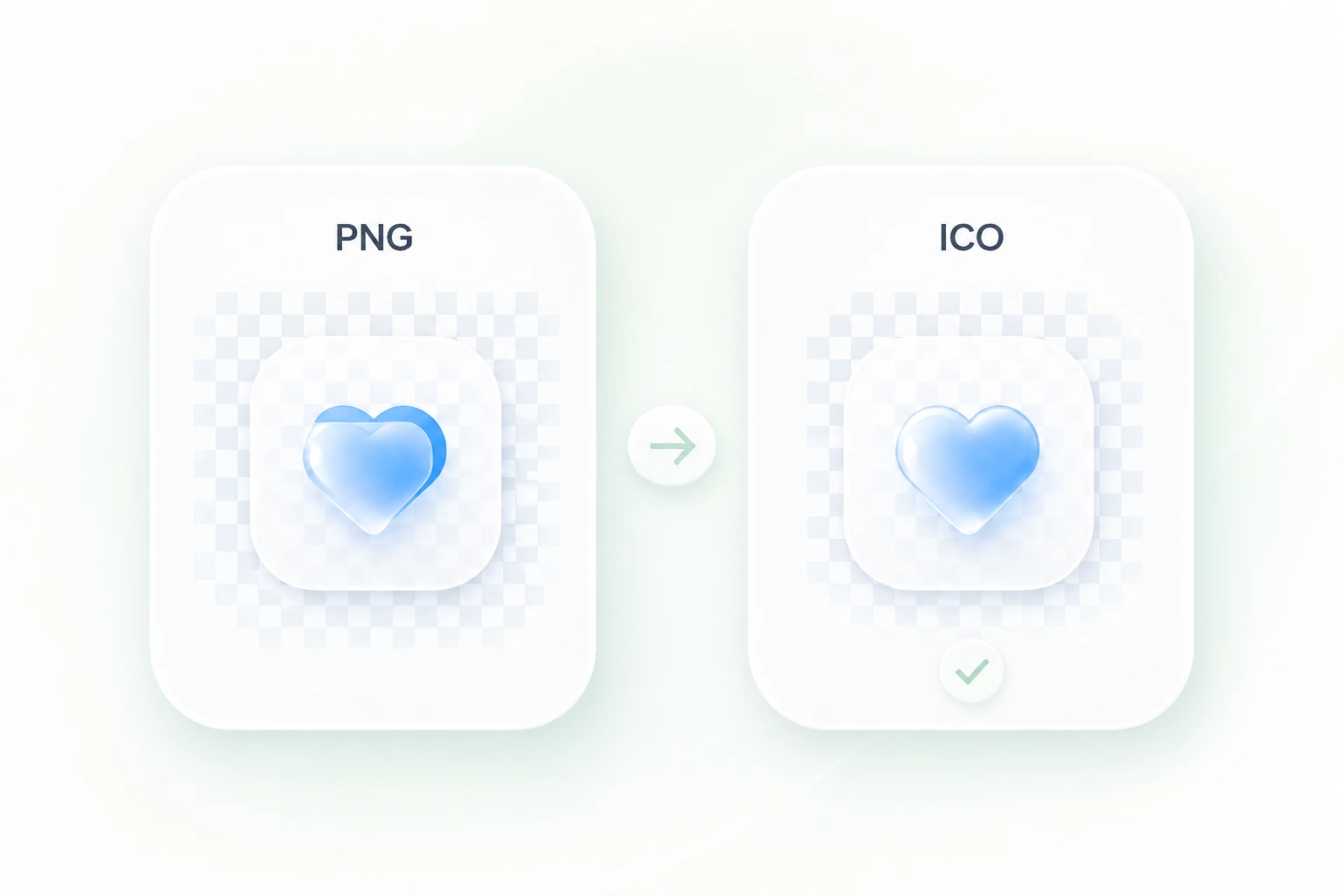
A solid box around an icon can clash with its destination. PNG alpha-channel handling carries the transparent areas into the ICO output, so you can keep an existing cutout shape. Review edges on both light and dark backgrounds.

Try It Now
Fit PNG Artwork into a Square Icon

Fit PNG Artwork into a Square Icon

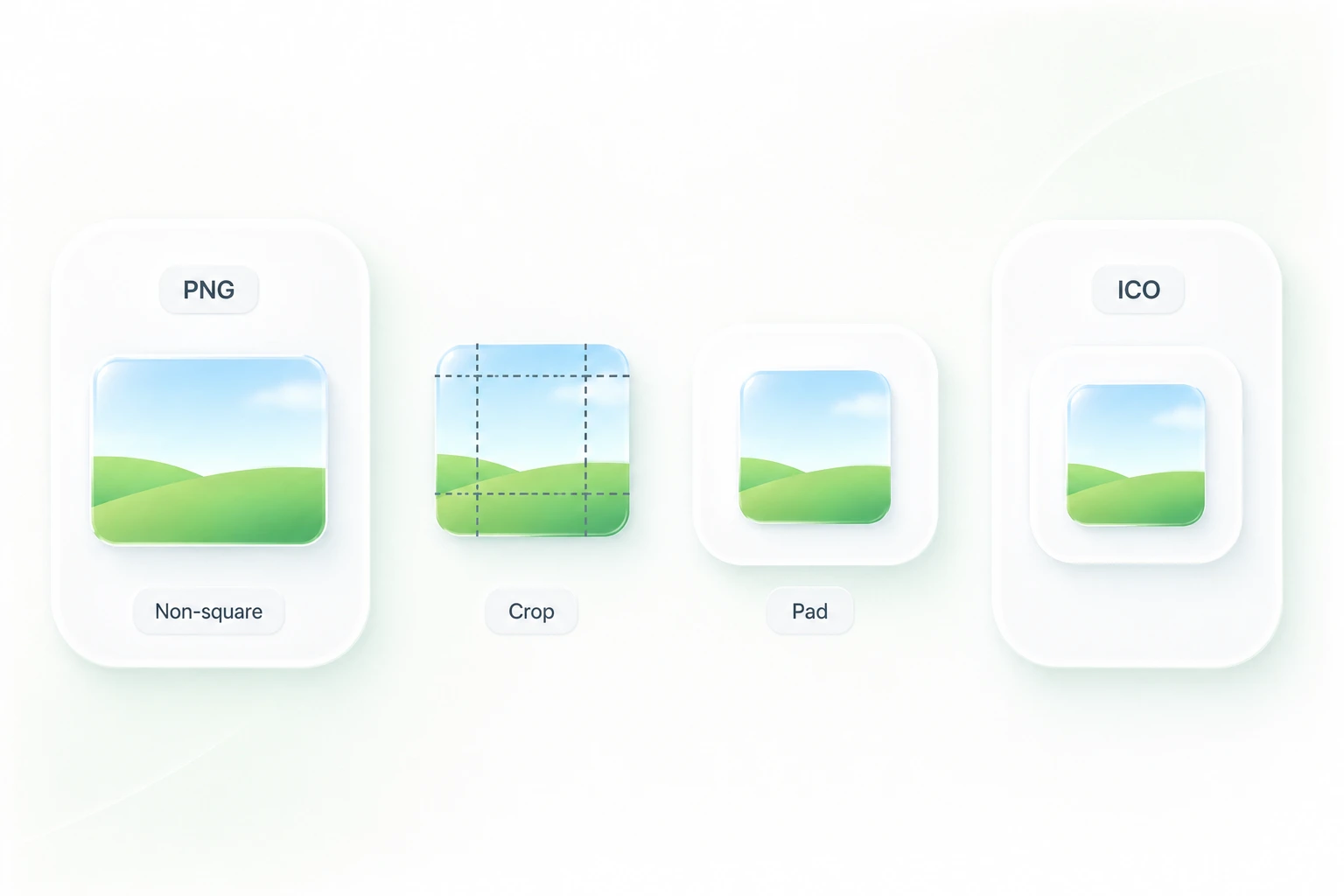
A rectangular source can become distorted if forced into a square. Cropping and padding options let you choose how to fit the artwork, so a PNG to icon conversion can keep the important part of the design in view.

Try It Now
Preview Your PNG to Favicon Result

Preview Your PNG to Favicon Result

A detailed logo can become hard to recognize as a favicon. Separate size previews let you inspect the result before download, so you can simplify the source or revise the selected sizes when fine details no longer read clearly.

Try It Now

Why Users Choose Our PNG to ICO Converter

Simple conversions, flexible icon sizes, and a straightforward workflow for everyday icon tasks.

Website favicons

Use the PNG to favicon workflow for a site icon. Check the smallest preview and adapt the supplied icon link snippet to your actual file location.

Website favicons

Web developers

Application assets

Create an ICO from an approved PNG brand asset. Select sizes requested by your application’s packaging process and inspect the result before adding it to a build.

Application assets

Software teams

Desktop shortcuts

Convert a simple PNG to ICO for a shortcut icon. A bold silhouette usually remains easier to recognize than fine text when displayed at a small size.

Desktop shortcuts

Individual users

01

How do I convert PNG to ICO?

Upload the PNG, choose the icon sizes and fitting option, then select Convert to ICO. Inspect the size previews and download the generated file.

02

Can I use this for PNG to favicon conversion?

Yes. Generate an ICO and use it as a favicon where your site setup accepts ICO files. The supplied snippet is a starting point; update its file path to match your website.

03

Does the ICO keep PNG transparency?

The converter supports the source PNG alpha channel. Check the output on light and dark backgrounds. A PNG with an opaque background will not have that background automatically removed.

04

Can one ICO contain several sizes?

Yes. Choose multiple sizes before conversion to package them into a single ICO. Select the sizes required by the site, shortcut, or application that will use it.

05

What should I do with a non-square PNG?

Choose cropping to fill the square or padding to retain more of the original composition. Review the preview so that important edges or lettering are not cut off.

06

Does renaming .png to .ico work?

No. Renaming changes the file name, not the file format. Use a PNG to ICO converter to generate the ICO structure and selected icon sizes.