Convert TIF to JPG for Image Handoffs
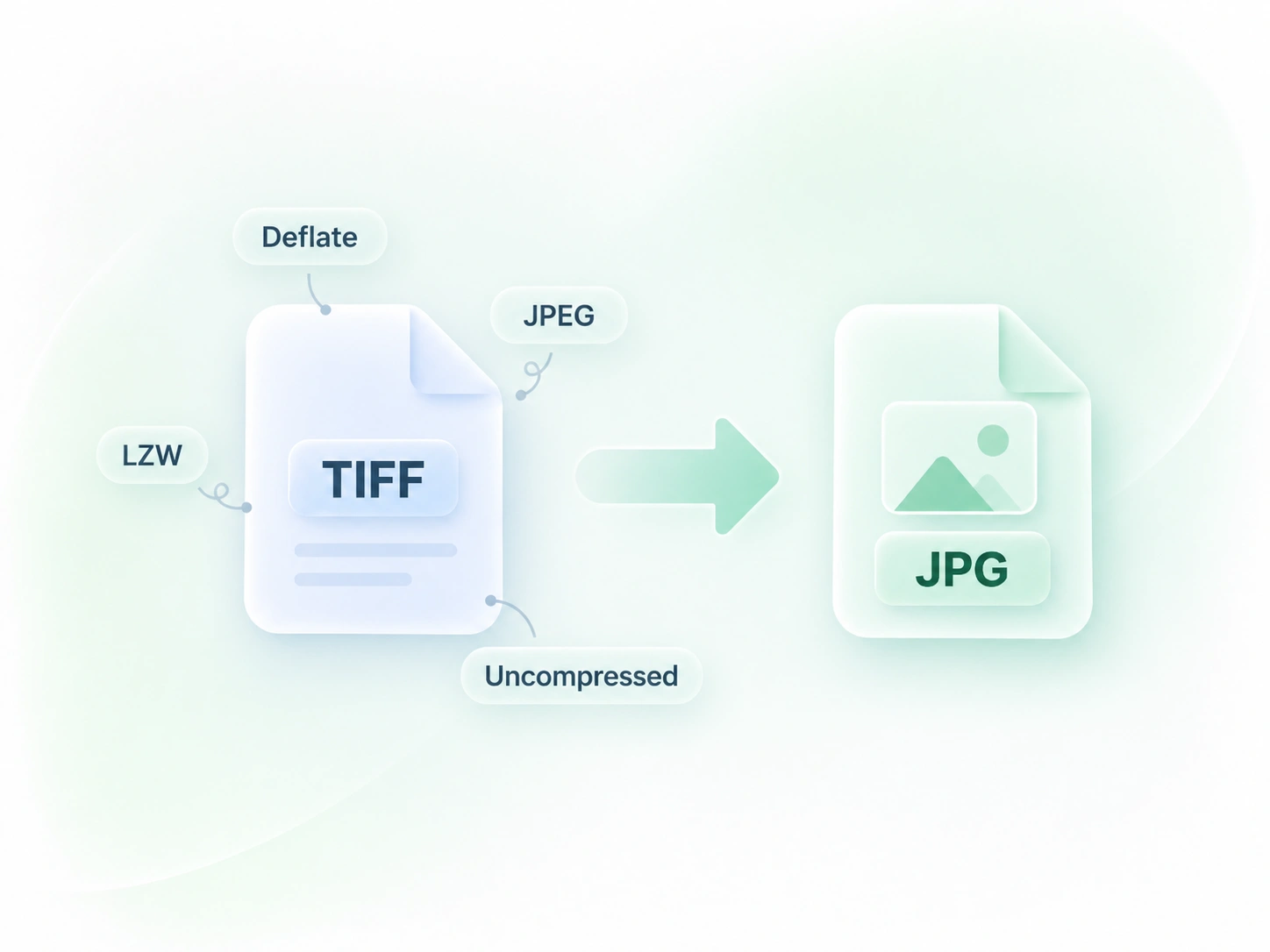
A document or upload process may request JPEG rather than TIFF. WPS’s TIFF to JPG converter decodes supported images into JPG output, so you can prepare a copy for that process while retaining the original file.

Use WPS’s online TIFF to JPG converter to prepare image copies or separate pages from a scan. Review the decoded pages and converted results, then download individual JPG files or the multi-page package.
or drag and drop files here
TIFF, up to 100 MB
Conversion settings
Higher quality keeps more detail and creates larger JPG files.
Decoding TIFF pages, optimizing color for sRGB, and exporting JPG files.
Converted JPG files
0 JPG pages are ready. Download them individually or as a ZIP package.
Convert your TIFF file to preview each page as a JPG and download the result.
Ready to convert again.
Choose your source image or scan. Review the file and page information before starting conversion.
Select Convert to JPG and inspect the page thumbnails. Check orientation, color, and text readability in the output.
Save a single-page JPG or collect multiple page images in a ZIP. Retain the TIFF source for later processing or archival work.
A document or upload process may request JPEG rather than TIFF. WPS’s TIFF to JPG converter decodes supported images into JPG output, so you can prepare a copy for that process while retaining the original file.
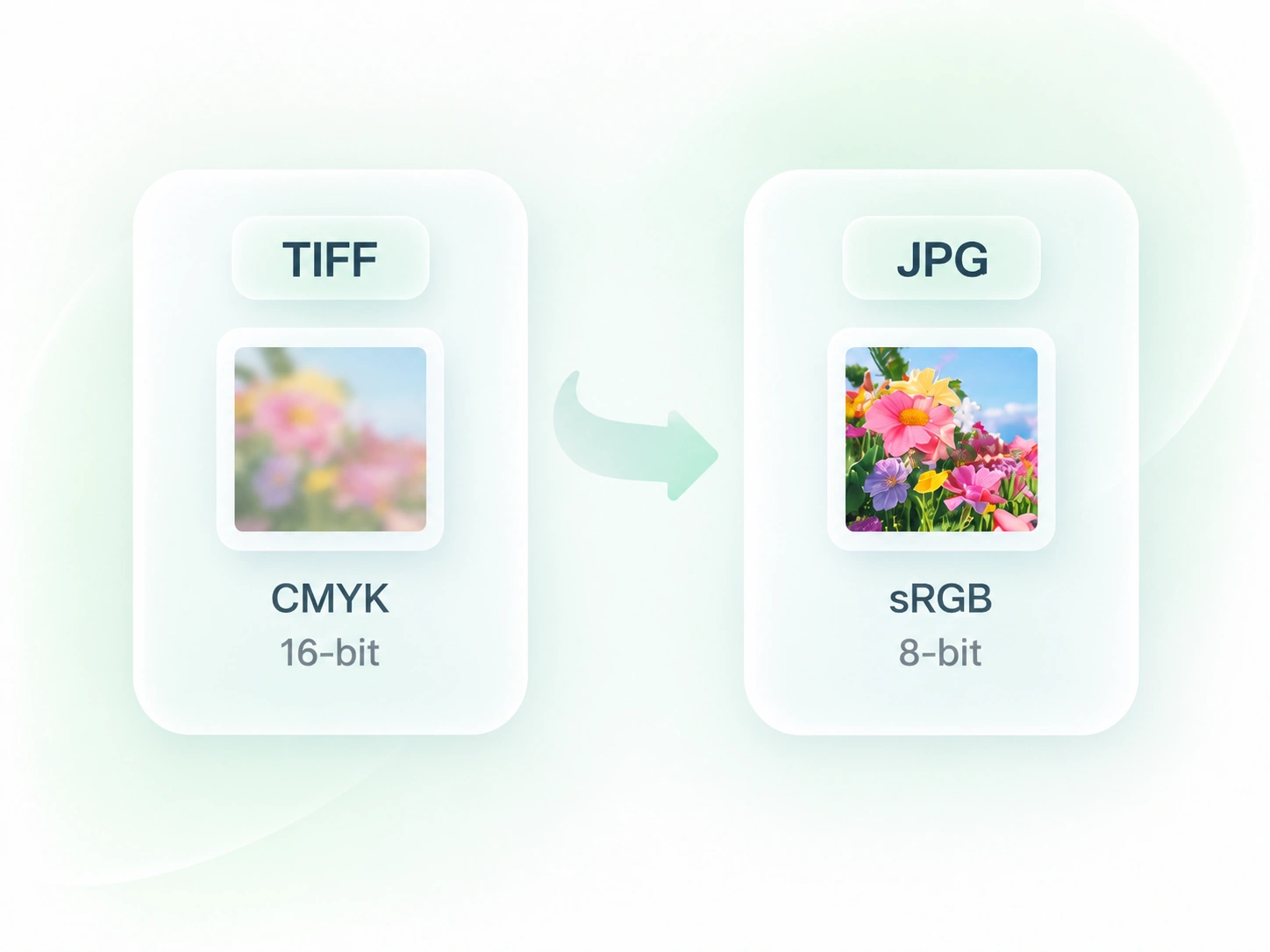
CMYK color and high-bit-depth data need handling when moving into a standard JPG workflow. The converter maps supported inputs to sRGB, 8-bit output, so you have a screen-oriented copy to review rather than relying on the source settings alone.
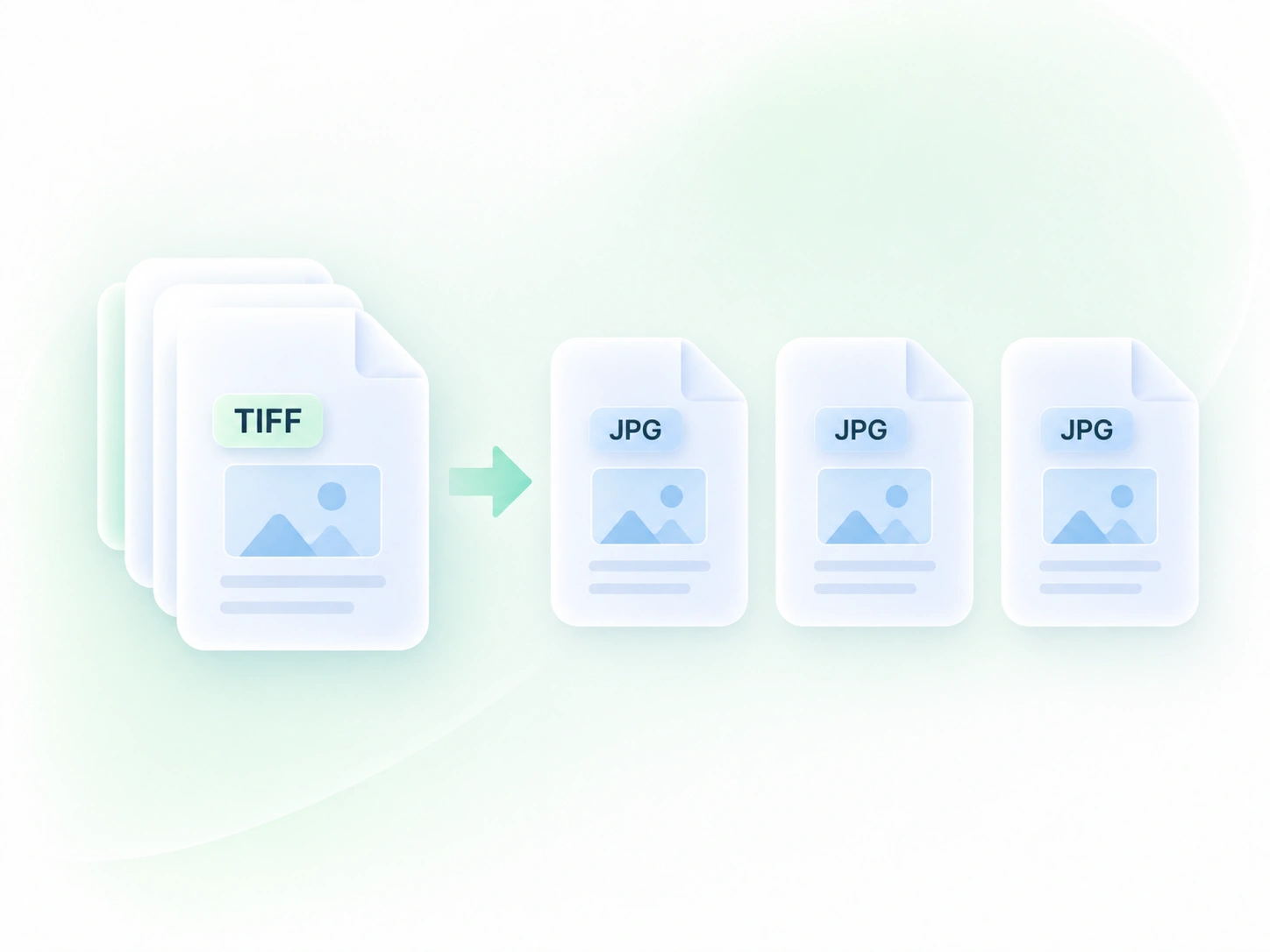
A multi-page TIFF can be awkward when you need pages individually. Page-by-page decoding produces separate JPG images, so you can select and organize the pages required by your next document or handoff.
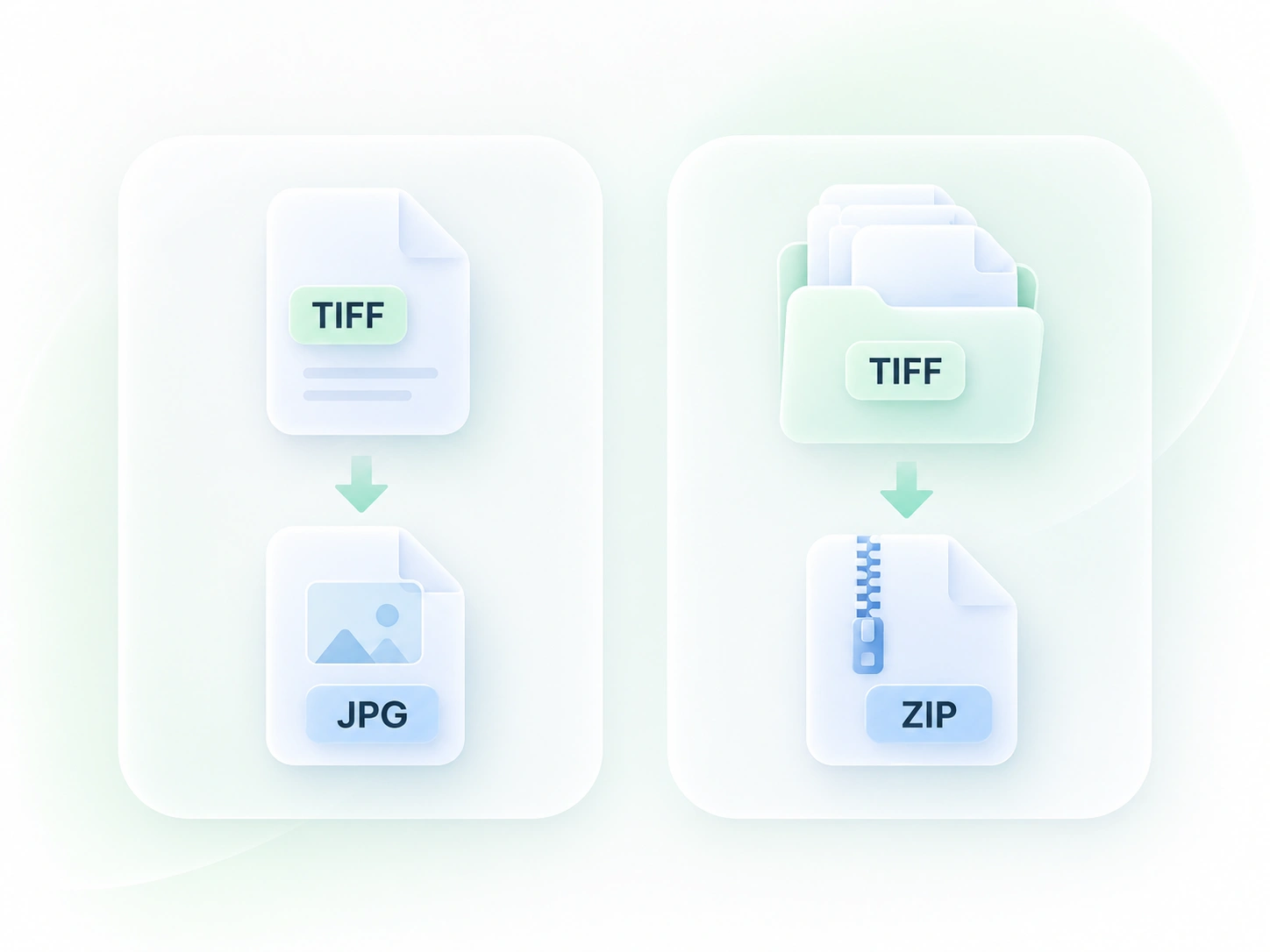
A scan with many pages can create a scattered set of downloads. Page thumbnails and ZIP packaging let you review and collect the outputs, so the converted pages remain manageable as a single job.
Color-ready JPG output, multipage conversion, and convenient ZIP downloads for image handoffs.

Convert TIFF to JPG online when a workflow needs separate image pages. Inspect small text and page orientation before attaching the results to a document.
Office and administrative teams

Prepare a TIFF to JPEG review copy for a digital handoff. Compare color and detail and keep the original TIFF for further editing.
Photographers and collaborators

Use a multipage TIFF to JPG workflow to organize scan pages as separate images. Confirm the output page count and order before sharing the collection.
Researchers and students

Extract tables from JPG images and turn them into editable Excel spreadsheets.
Convert HEIC photos to JPG for use in documents, uploads, and everyday sharing.

Turn HTML files or pasted code into PowerPoint presentations for your next deck.

Convert WebP images to JPG for use in documents, presentations, and image uploads.

Turn JPG images and slide screenshots into PPTX files for presentation work.

Convert JPG images to PNG for your next design, document, or image editing task.

Convert PNG images to JPG for photo uploads, document images, and daily sharing.

Convert Word documents to HTML for website content, publishing, and web projects.

Convert WebP images to PNG for use in graphics, documents, and image editing.
Upload the TIFF, select Convert to JPG, and review the resulting pages. Download a single image or the available package for a multi-page file.
TIF and TIFF are common extensions for the same image-format family. When looking for TIF to JPG conversion, use a valid TIFF source and follow the uploader’s current file guidance.
The tool supports decoding multiple TIFF pages into separate JPG outputs. Review the thumbnails, page count, and ordering before downloading the full set.
JPG is a lossy image format, and conversion may also reduce bit depth or change color handling. Keep the TIFF original when preserving source data matters; review the JPG for its intended use.
Do not assume it will. A standard JPG is a flattened, opaque image and does not preserve all TIFF capabilities. Choose this output for a raster copy, not as a replacement for the source master.
Fine text and linework can change with JPEG compression and resizing. Review the downloaded page at its intended size before using it in a document or evidence handoff.