Convert Animated WebP to GIF
An upload form may require GIF rather than WebP. WPS’s animated WebP to GIF conversion carries the sequence into a GIF output, so you can prepare a version for that destination. Preview the result before sharing it.
Use WPS’s online WebP to GIF converter for a still image or an animated WebP. Review the GIF preview, playback details, and output size before saving a copy for a workflow that requires GIF.
or drag and drop files here
WEBP, up to 10 MB
Processing...
Choose your .webp image. The tool checks whether the source contains a single image or an animation.
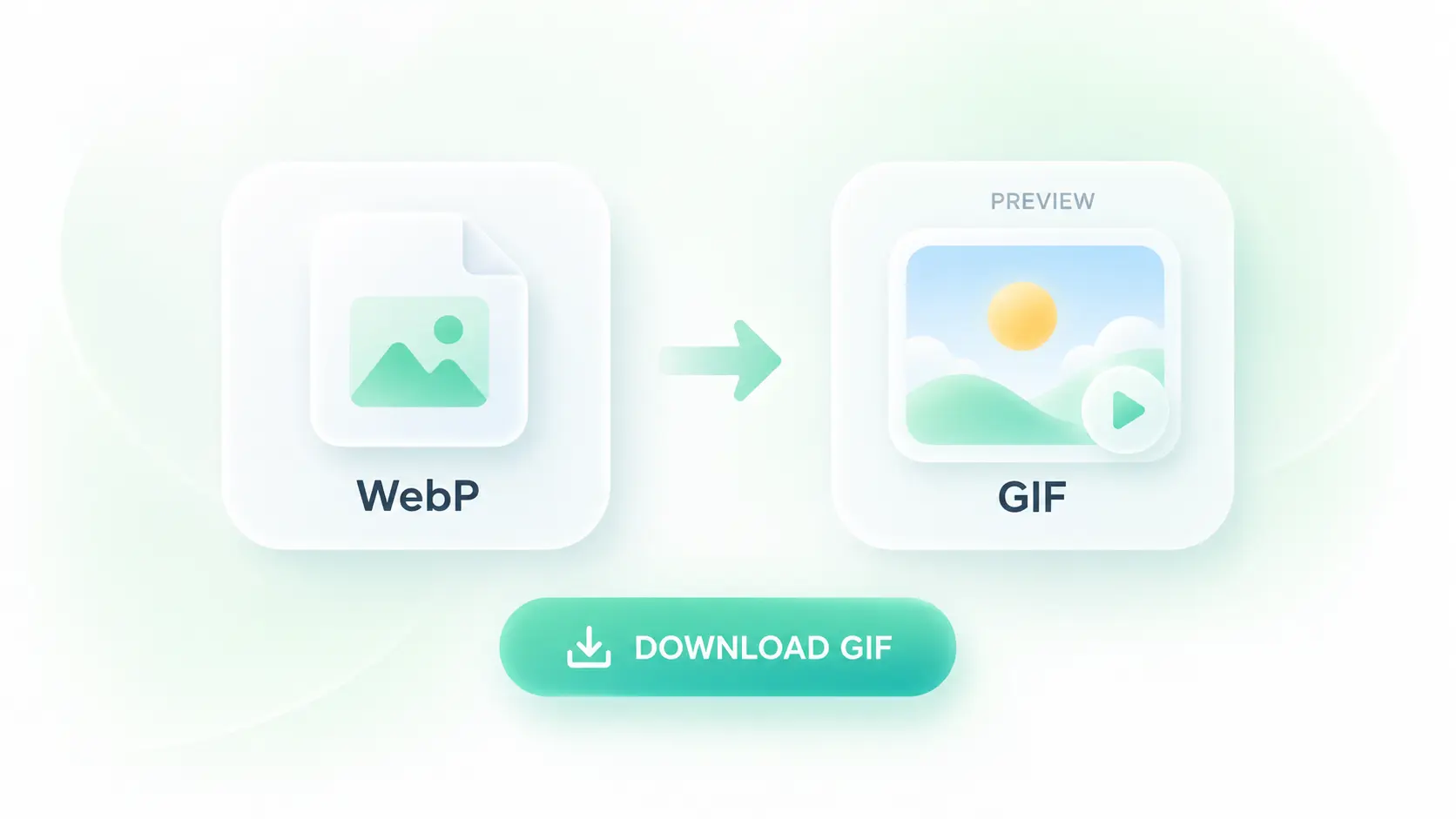
Wait for the GIF result and inspect its preview. For animated files, check the motion, frame count, and duration.
Save the result and check it in the app or page where you plan to use it. Keep the WebP original for future edits.
An upload form may require GIF rather than WebP. WPS’s animated WebP to GIF conversion carries the sequence into a GIF output, so you can prepare a version for that destination. Preview the result before sharing it.
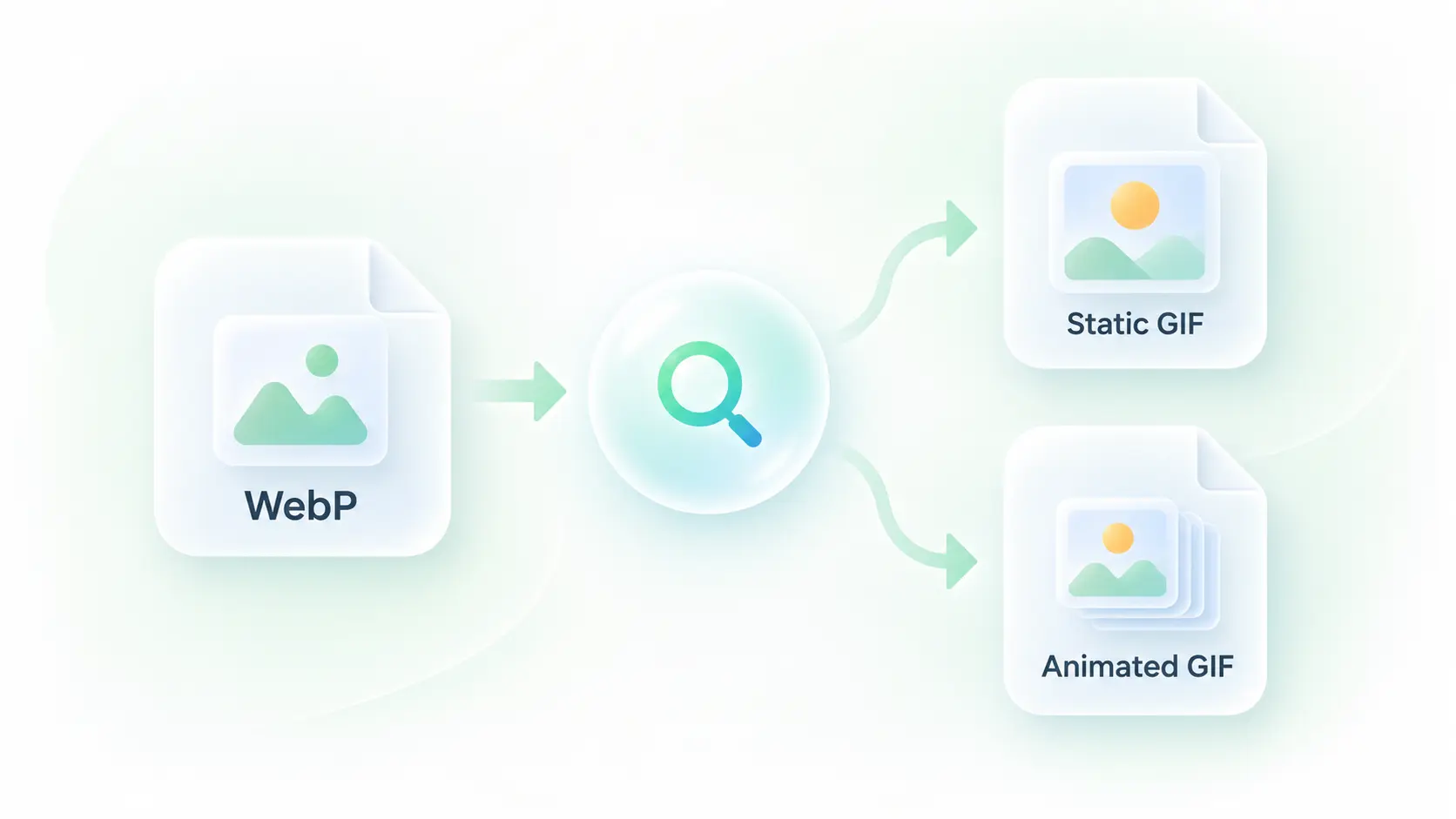
It is not always obvious whether a WebP contains multiple frames. Automatic source detection selects a still or animated GIF output, so you can use the same upload workflow without inspecting the file structure yourself.
A changed frame delay can alter the feel of a short animation. The converter carries source timing and loop settings into the GIF workflow, so you can compare the playback against the original before saving.
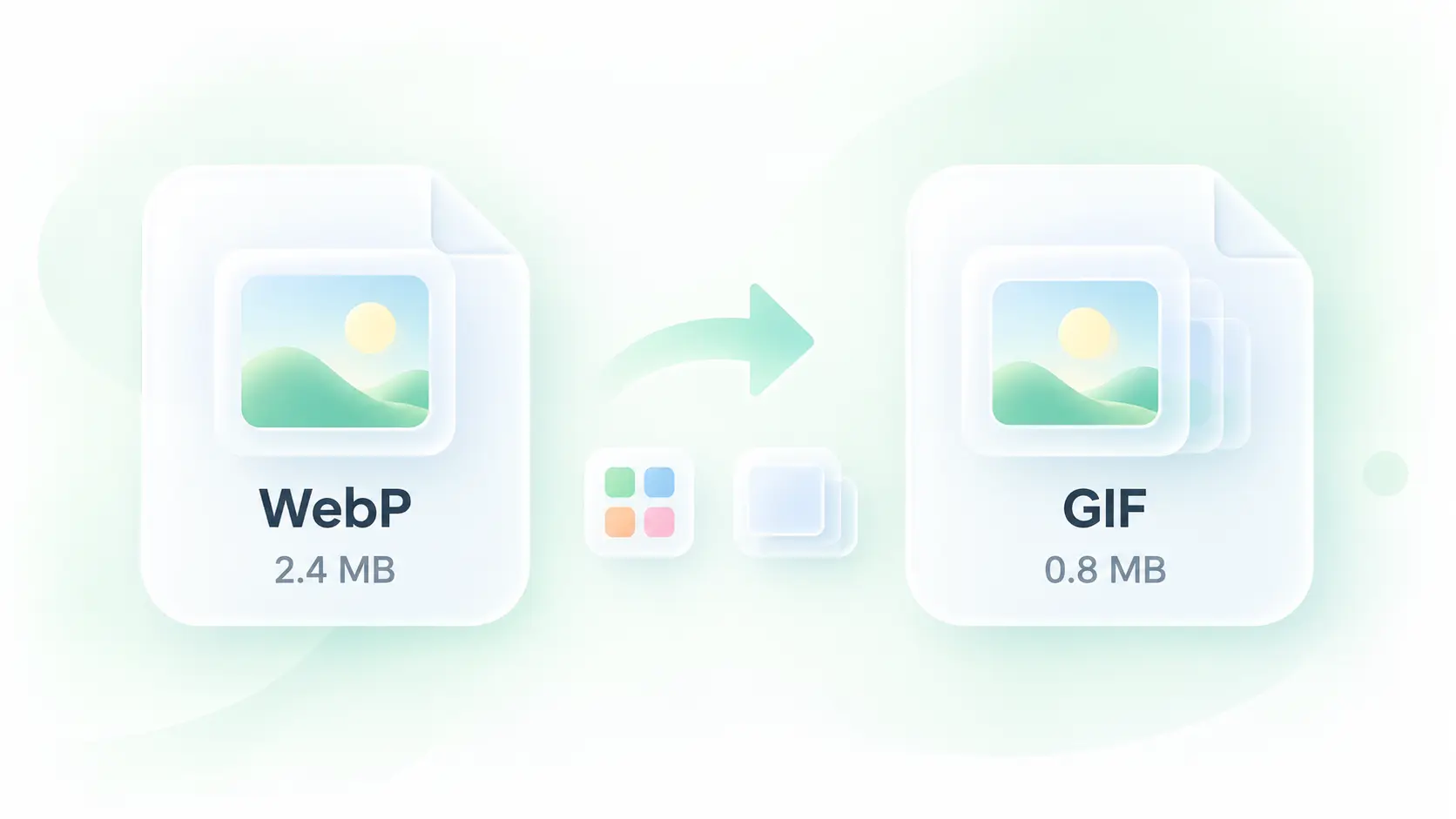
GIF conversion can change color detail and increase file size. A playback preview and output-size details let you evaluate the result, so you can decide whether the GIF fits your destination instead of assuming it will be smaller.
Still or animated conversion, frame-timing support, and clear playback previews for GIF workflows.

Convert WebP to GIF for a short reaction or demonstration where GIF is the requested format. Check the loop and colors in the destination before posting.
Community and content teams

Use an animated GIF to show a short sequence of interface changes. Make sure the motion remains readable at the size used in the help article.
Support and documentation teams

Use WebP to GIF online when a legacy content field requests a still GIF. A single-frame source remains a still image rather than gaining new motion.
Website maintainers

Extract tables from JPG images and turn them into editable Excel spreadsheets.
Convert HEIC photos to JPG for use in documents, uploads, and everyday sharing.

Turn HTML files or pasted code into PowerPoint presentations for your next deck.
Convert WebP images to JPG for use in documents, presentations, and image uploads.

Turn JPG images and slide screenshots into PPTX files for presentation work.

Convert JPG images to PNG for your next design, document, or image editing task.

Convert PNG images to JPG for photo uploads, document images, and daily sharing.

Convert Word documents to HTML for website content, publishing, and web projects.

Convert WebP images to PNG for use in graphics, documents, and image editing.
Upload the WebP file, wait for the result, and review the preview. Use Download to save the GIF. For animation, check timing and appearance before sharing.
Yes. The tool supports animated WebP input and a GIF sequence output. Review the converted animation, especially color transitions and the loop, against your original.
No. Converting a single-frame WebP produces a still GIF. Format conversion does not invent extra frames or animate objects in the image.
Not necessarily. The formats compress images differently, and a GIF can be larger. Use the displayed output size to judge the actual result.
GIF has more limited color and transparency representation than WebP. Smooth gradients and partly transparent edges can change during conversion; inspect these areas in the preview.
Use the Download control after reviewing the result. Saving a converted file is different from simply renaming a .webp extension to .gif, which does not change the image data.