"I needed a fast way to add Confidential watermarks to client reports. This tool saved me hours every week."
Michael Turner
Operations Manager
Easily add text or image watermarks to PDF files in seconds. Customize position, transparency, rotation, and page range. No software required. Securely generate and download watermarked PDFs instantly.
or drag and drop a PDF file
 Free and UnlimitedNo Signup RequiredSave TimeNo Ads
Start by uploading your PDF document securely. The tool supports fast upload for single or multiple files without requiring installation or registration.

Choose text or image watermark, adjust opacity, rotation, placement, and select specific pages to apply the watermark exactly where needed.

Generate your final PDF instantly. Download a clean, secured file with watermark applied and ready for sharing or publishing.
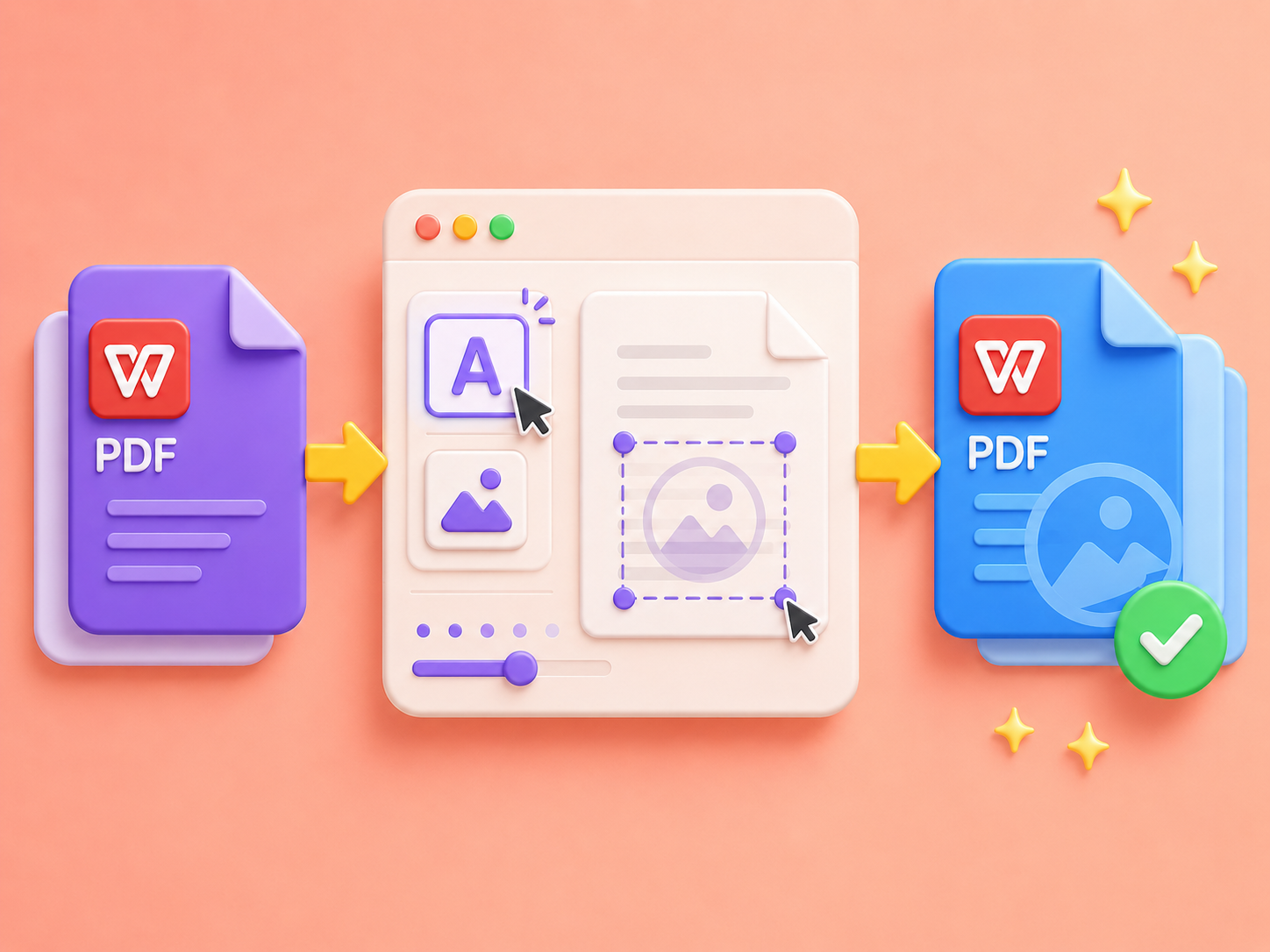
Add text or image watermarks to PDF files in just a few clicks. Upload your PDF, choose a watermark type, adjust position and transparency, then generate the final file instantly. No complicated settings or editing experience needed, making PDF watermarking fast and beginner-friendly.
Add Watermark NowApply watermarks to PDF documents without changing the original formatting, fonts, images, or page structure. The watermark is added as a clean overlay, helping you protect files while keeping reports, contracts, invoices, and presentations fully readable and professionally formatted.
Protect PDF Layout

Use this PDF Watermark tool directly in your browser without downloading or installing any software. Upload your file, set watermark preferences, and process everything online. Save time and avoid complex desktop tools or plugins.
Try OnlineGenerate watermarked PDFs instantly with a streamlined workflow. After customization, the tool processes your file in seconds and exports a secure, ready-to-download PDF. No delays, no extra steps, just fast and reliable watermarking output.
Generate watermarked PDF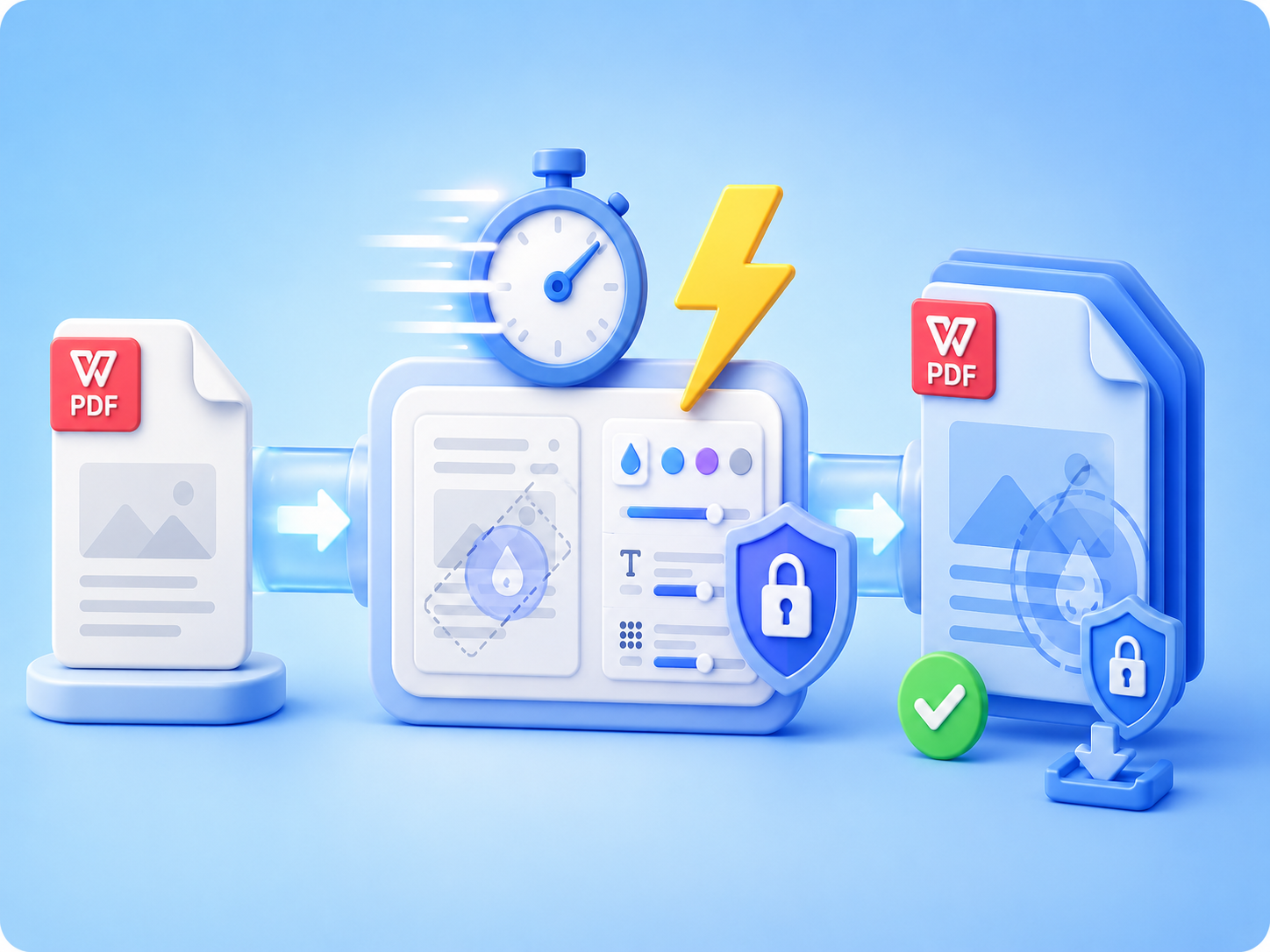

Convert WEBP images to high-quality PNG format quickly and securely.

Easily change Apple HEIC photos to standard JPG format for universal viewing.

Transform WEBP graphics into universally supported JPG images in seconds.

Convert next-gen AVIF image files into widely compatible JPG format.

Convert iPhone HEIC images to transparent and high-resolution PNGs.

Change AVIF files to PNG format while preserving image quality and transparency.

Compile your HEIC photos into a secure and shareable PDF document.

Extract tabular data from JPG images and convert them into editable Excel spreadsheets.

Save your MP3 tracks as compact M4A files for clear online playback.

"I needed a fast way to add Confidential watermarks to client reports. This tool saved me hours every week."
Michael Turner
Operations Manager

"I use it to add my logo to invoices. It keeps my branding consistent and looks very professional."
Olivia Brooks
Freelance Designer

"No software, no setup. I just upload my PDFs and download them with watermark in seconds."
Sophia Bennett
Marketing Specialist

