"I had to upload a profile photo under 100KB for an office system. Reduce Image Size let me enter the target file size and download a smaller image that was ready to submit."
Michael Carter
Operations Coordinator
Upload an image, enter a target file size, compress the image near that size, and download the optimized file for uploads, emails, forms, and daily sharing.
or drag and drop an image file

 Free and UnlimitedNo Signup RequiredSave TimeNo Ads
Upload your image to Reduce Image Size from your device. The tool checks image format, dimensions, and file size before compression.

Enter the file size you need, such as 100KB, 200KB, or another target KB. Reduce Image Size adjusts compression, image dimensions, and format settings to get close to your target.

Preview the compressed file details, then download the smaller image for online forms, emails, school portals, office systems, websites, or social sharing.
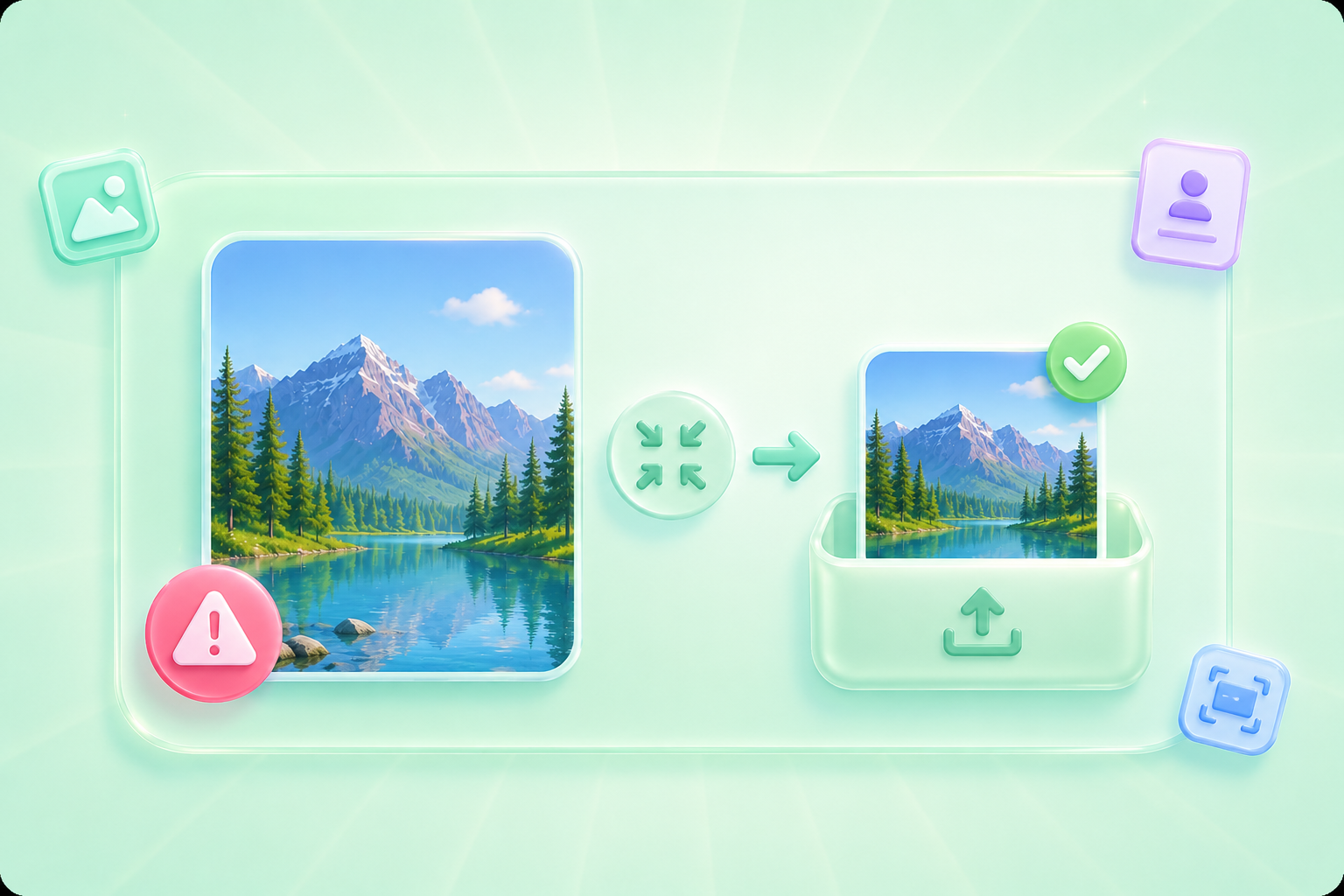
Many websites, school portals, job applications, and office systems reject images that are larger than a required file size. Reduce Image Size helps you upload an image and enter a target size, such as 100KB, so you can create a smaller file that is easier to submit. It is useful when you need profile photos, ID images, document scans, or form attachments to fit strict upload limits.
Reduce To Target KBCompressing an image too much can make text blurry, faces unclear, or product details hard to see. Reduce Image Size lowers file size through compression quality, dimension scaling, and format conversion, helping you get close to the target KB while keeping the image practical for documents, slides, emails, and everyday sharing.
Compress Image Clearly

Large photos can slow down uploads, exceed email attachment limits, or make documents harder to share. Reduce Image Size helps general users, office workers, and students compress images to smaller files for reports, homework, resumes, presentations, chat apps, and shared folders. Enter the target KB once and download a lighter image for faster delivery.
Compress For SharingDifferent images need different compression methods. Reduce Image Size can lower file size by adjusting compression quality, scaling dimensions, or converting the image format when needed. This helps you create a smaller downloadable image without manually testing multiple settings, making it easier to meet KB limits for work, school, websites, and daily uploads.
Start Image Compression

Convert WEBP images to high-quality PNG format quickly and securely.

Easily change Apple HEIC photos to standard JPG format for universal viewing.

Transform WEBP graphics into universally supported JPG images in seconds.

Convert next-gen AVIF image files into widely compatible JPG format.

Convert iPhone HEIC images to transparent and high-resolution PNGs.

Change AVIF files to PNG format while preserving image quality and transparency.

Compile your HEIC photos into a secure and shareable PDF document.

Extract tabular data from JPG images and convert them into editable Excel spreadsheets.

Save your MP3 tracks as compact M4A files for clear online playback.

"I had to upload a profile photo under 100KB for an office system. Reduce Image Size let me enter the target file size and download a smaller image that was ready to submit."
Michael Carter
Operations Coordinator

"My class portal had a strict image size limit. Reduce Image Size helped me compress my photo near the required KB without guessing settings one by one."
Emily Parker
University Student

"I use Reduce Image Size before sending image-heavy reports. Smaller files are easier to email, upload, and store with the rest of my project documents."
Sarah Miller
Marketing Assistant

