"I used this tool to remove confidential pages before sending a client proposal. The page preview made it easy to delete exactly what I needed without damaging the PDF layout."
Jason Reed
Project Consultant
Upload your PDF, select the pages you want to remove, and download a clean new PDF instantly. This Remove Page from PDF tool keeps your original formatting while helping you delete blank, duplicate, outdated, or confidential pages online.
or drag and drop a PDF file
 Free and UnlimitedNo Signup RequiredSave TimeNo Ads
Upload the PDF you want to edit directly from your device. Large and multi-page PDF files are supported.

Preview page thumbnails, choose the pages you want to delete, and confirm your selection before processing.

The tool removes selected pages and instantly generates a new PDF ready for download and sharing.
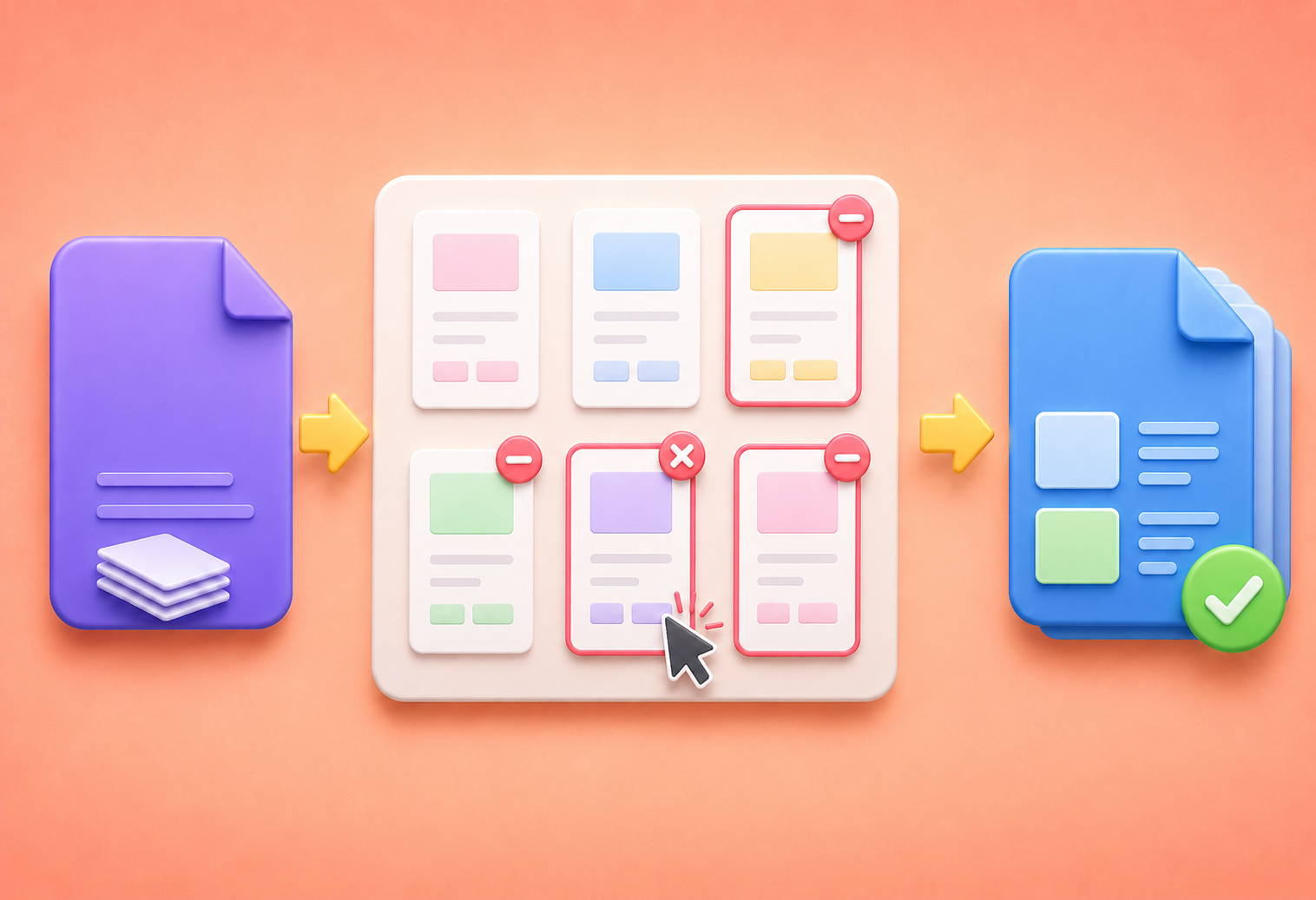
This Remove Page from PDF tool helps you quickly delete blank pages, duplicate pages, outdated content, or confidential information from your PDF files. After uploading your PDF, you can preview page thumbnails, select unwanted pages, and generate a cleaner PDF without affecting the remaining pages or layout.
Remove PDF PagesMany PDF editors change spacing, fonts, or page alignment after editing. This Remove Page from PDF tool preserves the original PDF structure while removing selected pages. Your remaining pages stay clear, organized, and ready for printing, sharing, or submitting online.
Start removing Online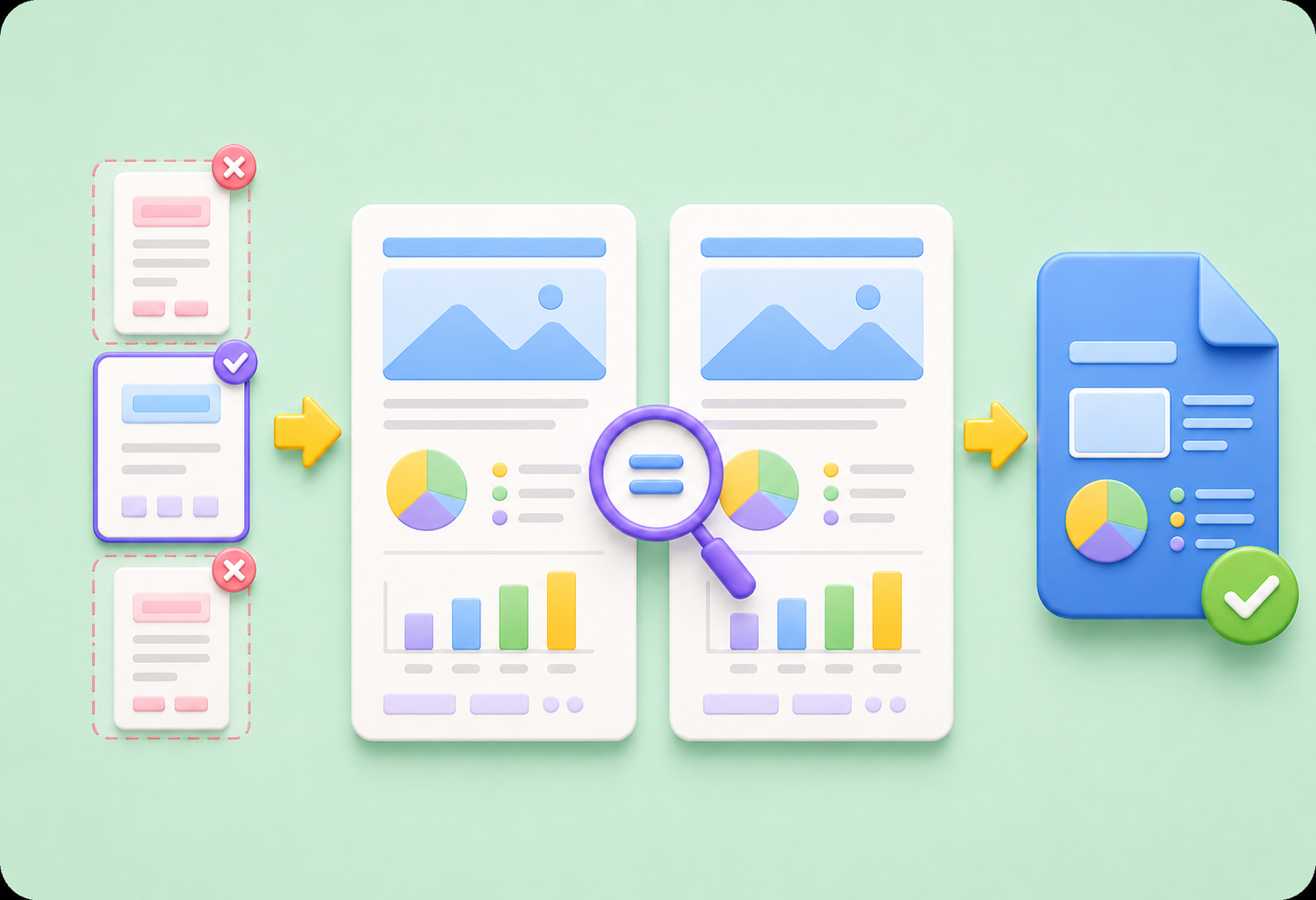
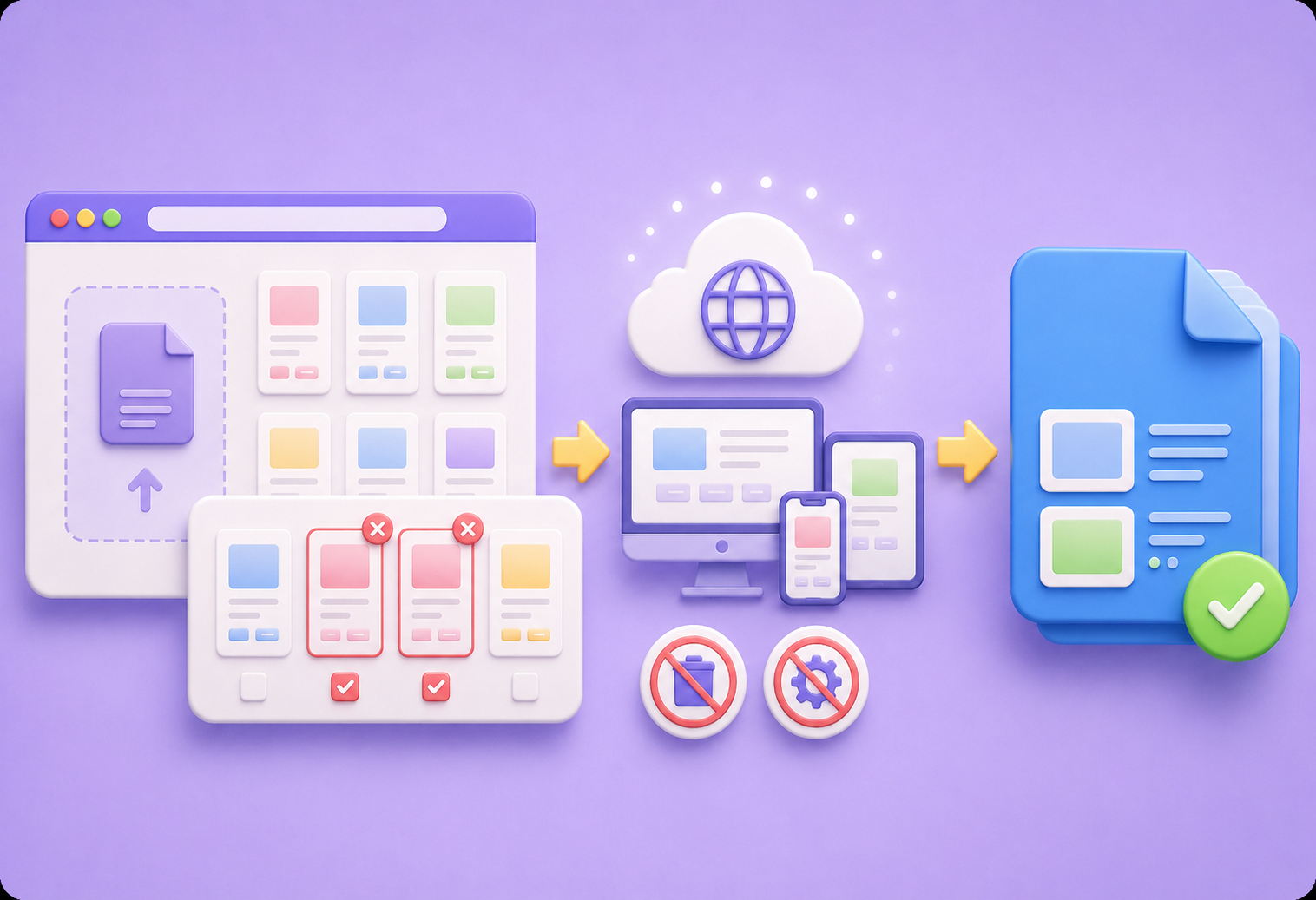
You can remove pages from PDF files directly in your browser without installing desktop software or configuring complicated settings. Upload your file, select the pages to delete, and process the PDF online in just a few clicks from any device.
Start OnlineAfter deleting unwanted pages, the tool immediately creates a new PDF file that is ready to download. You can quickly share cleaner documents, submit updated files, or save storage space without waiting for manual processing or additional editing steps.
Download New PDF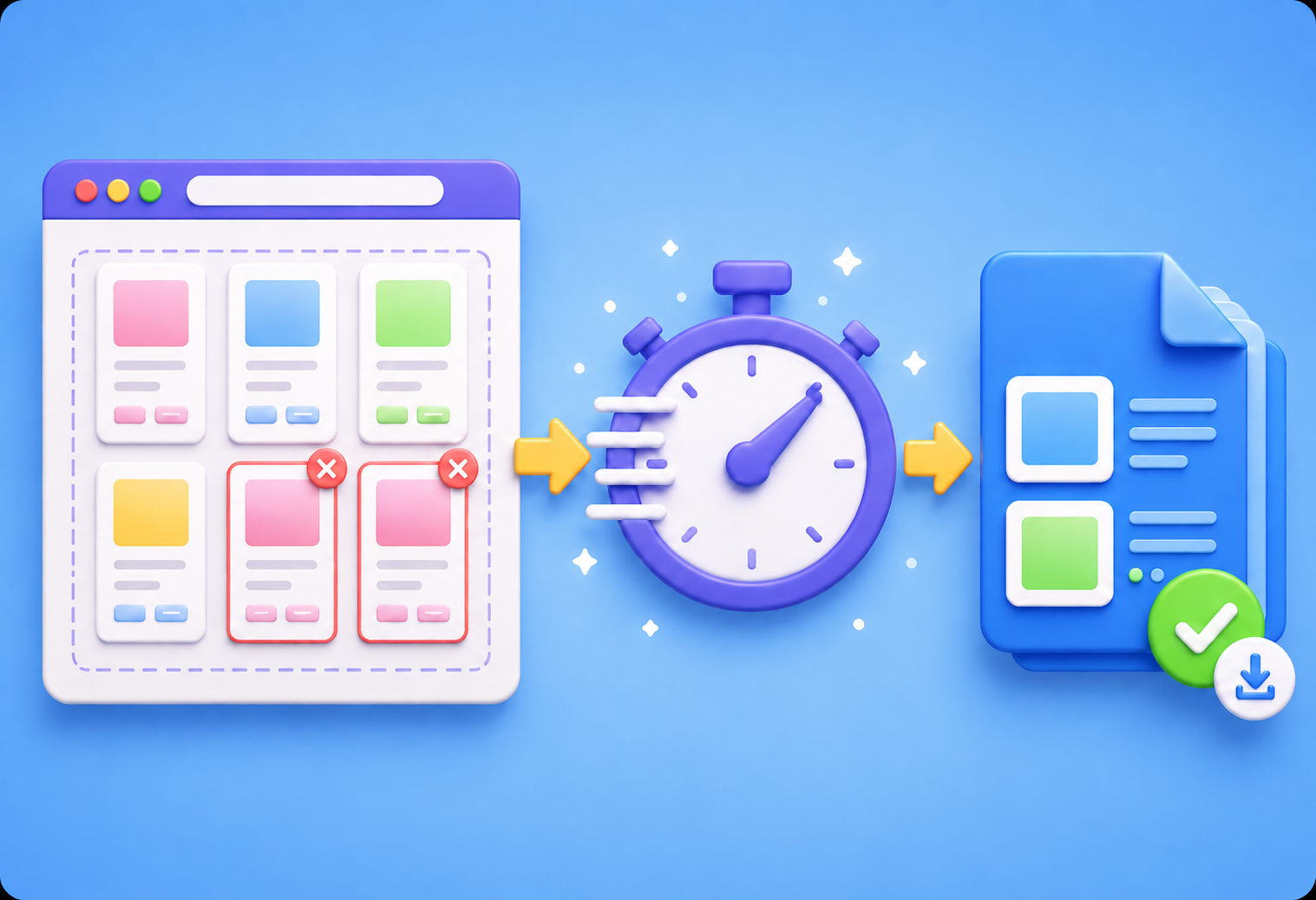

Convert WEBP images to high-quality PNG format quickly and securely.

Easily change Apple HEIC photos to standard JPG format for universal viewing.

Transform WEBP graphics into universally supported JPG images in seconds.

Convert next-gen AVIF image files into widely compatible JPG format.

Convert iPhone HEIC images to transparent and high-resolution PNGs.

Change AVIF files to PNG format while preserving image quality and transparency.

Compile your HEIC photos into a secure and shareable PDF document.

Extract tabular data from JPG images and convert them into editable Excel spreadsheets.

Save your MP3 tracks as compact M4A files for clear online playback.

"I used this tool to remove confidential pages before sending a client proposal. The page preview made it easy to delete exactly what I needed without damaging the PDF layout."
Jason Reed
Project Consultant

"I cleaned up a 120-page PDF by removing duplicate pages in minutes. The new PDF downloaded instantly and looked exactly like the original."
Olivia Brooks
Operations Coordinator

"I needed to delete blank pages from scanned documents before uploading them to a portal. The process was simple and worked directly in my browser."
Sophia Bennett
Administrative Assistant

