

'%3e%3cpath%20d='M8%200C12.4183%200%2016%203.58172%2016%208C16%2012.4183%2012.4183%2016%208%2016C3.58172%2016%200%2012.4183%200%208C0%203.58172%203.58172%200%208%200ZM11.6162%204.38379C11.2257%203.99337%2010.5927%203.99338%2010.2021%204.38379L8%206.58594L5.79785%204.38379C5.40732%203.99334%204.77429%203.99329%204.38379%204.38379C3.99331%204.77429%203.99335%205.40733%204.38379%205.79785L6.58594%208L4.38379%2010.2021C3.99348%2010.5927%203.99341%2011.2257%204.38379%2011.6162C4.77426%2012.0066%205.40734%2012.0065%205.79785%2011.6162L8%209.41406L10.2021%2011.6162C10.5927%2012.0066%2011.2257%2012.0067%2011.6162%2011.6162C12.0067%2011.2257%2012.0066%2010.5927%2011.6162%2010.2021L9.41406%208L11.6162%205.79785C12.0066%205.40735%2012.0066%204.77429%2011.6162%204.38379Z'%20fill='%23080E17'%20fill-opacity='0.46'/%3e%3c/g%3e%3cdefs%3e%3cclipPath%20id='clip0_3761_713'%3e%3crect%20width='16'%20height='16'%20fill='white'/%3e%3c/clipPath%3e%3c/defs%3e%3c/svg%3e)




'%3e%3cpath%20fill-rule='evenodd'%20clip-rule='evenodd'%20d='M21.4999%2010.9993C21.4999%205.20009%2016.7986%200.498901%2010.9993%200.498901C5.19994%200.498901%200.498657%205.20009%200.498657%2010.9993C0.498657%2016.2404%204.33858%2020.5844%209.35855%2021.3722V14.0346H6.69238V10.9993H9.35855V8.68594C9.35855%206.05427%2010.9262%204.60062%2013.3248%204.60062C14.4736%204.60062%2015.6753%204.80571%2015.6753%204.80571V7.38979H14.3512C13.0468%207.38979%2012.64%208.19921%2012.64%209.0296V10.9993H15.5523L15.0867%2014.0346H12.64V21.3722C17.66%2020.5844%2021.4999%2016.2404%2021.4999%2010.9993Z'%20fill='%231568EA'/%3e%3c/g%3e%3c/svg%3e)


'%3e%3cpath%20d='M2.42045%2022.1876H6.31818V12.7217L0.75%208.54553V20.5171C0.75%2021.4414%201.49892%2022.1876%202.42045%2022.1876Z'%20fill='%234285F4'/%3e%3cpath%20d='M19.682%2022.1876H23.5797C24.5041%2022.1876%2025.2502%2021.4387%2025.2502%2020.5171V8.54553L19.682%2012.7217'%20fill='%2334A853'/%3e%3cpath%20d='M19.682%205.48293V12.7216L25.2502%208.54543V6.31816C25.2502%204.25236%2022.8921%203.07469%2021.2411%204.31361'%20fill='%23FBBC04'/%3e%3cpath%20d='M6.31824%2012.7217V5.48303L13.0001%2010.4944L19.6819%205.48303V12.7217L13.0001%2017.733'%20fill='%23EA4335'/%3e%3cpath%20d='M0.75%206.31816V8.54543L6.31818%2012.7216V5.48293L4.75909%204.31361C3.10534%203.07469%200.75%204.25236%200.75%206.31816Z'%20fill='%23C5221F'/%3e%3c/g%3e%3cdefs%3e%3cclipPath%20id='clip0_2954_7305'%3e%3crect%20width='24.5'%20height='18.375'%20fill='white'%20transform='translate(0.75%203.8125)'/%3e%3c/clipPath%3e%3c/defs%3e%3c/svg%3e)


Few things derail a paper faster than a similarity report you did not expect. You read the sources, you wrote the paragraphs yourself, and the report still highlights a sentence you paraphrased too closely, a definition you picked up from a lecture slide, or a statistic that never got its citation.
The fix is to check your own draft before you hand it in. A free plagiarism checker compares your text against web pages, papers, and its own index, then shows you exactly which passages already exist elsewhere. The catch is that "free" means something different in every tool: some cap each scan at a thousand words, some hide the report behind a sign-up, and a few well-known brands only offer checking on a paid plan.
This guide walks through what a free check can and cannot prove, compares five checkers whose free tiers are genuinely usable, and shows how to repair the passages they flag in WPS Writer before you submit.
5 Best Free Plagiarism Checkers in 2026 (Free Limits Compared)
What a Free Plagiarism Checker Can and Cannot Detect
A plagiarism checker breaks your document into phrases and looks for those phrases in sources it has indexed. What comes back is a similarity report: a percentage, a list of matched sources, and the passages responsible for the matches. That report is useful evidence, but it is not a verdict, and it is not the same thing as an academic integrity review.
What the report shows you
Direct copying. Long strings of words that match a source word for word, including sentences lifted from a website or another student’s draft.
Close paraphrase. Your sentence keeps the original structure or most of the original wording, which still counts as plagiarism even though nothing was copied exactly.
Missing attribution. Ideas, statistics, and definitions that came from a source but appear in your text without an in-text citation.
Legitimate matches. Quoted material, titles, standard phrases, and your own reference list, which are flagged as matches but are not plagiarism when they are cited correctly.
Where the free tier stops
Word caps. Most free tools accept a limited slice of text per scan, so a full thesis has to be checked in sections.
A smaller index. Paid academic databases reach journals and paywalled books that free web checkers cannot see, so a clean free report is not proof that nothing matches.
Structure and media. Images, charts, tables, code, and translated passages usually fall outside text-matching, even when they need attribution.
AI text detection. Many tools now add an AI score, but that is a separate, unreliable signal rather than proof of plagiarism.
Treat the percentage as a to-do list rather than a grade. A high score can come from a well-cited literature review, and a low score can still hide a missing citation.
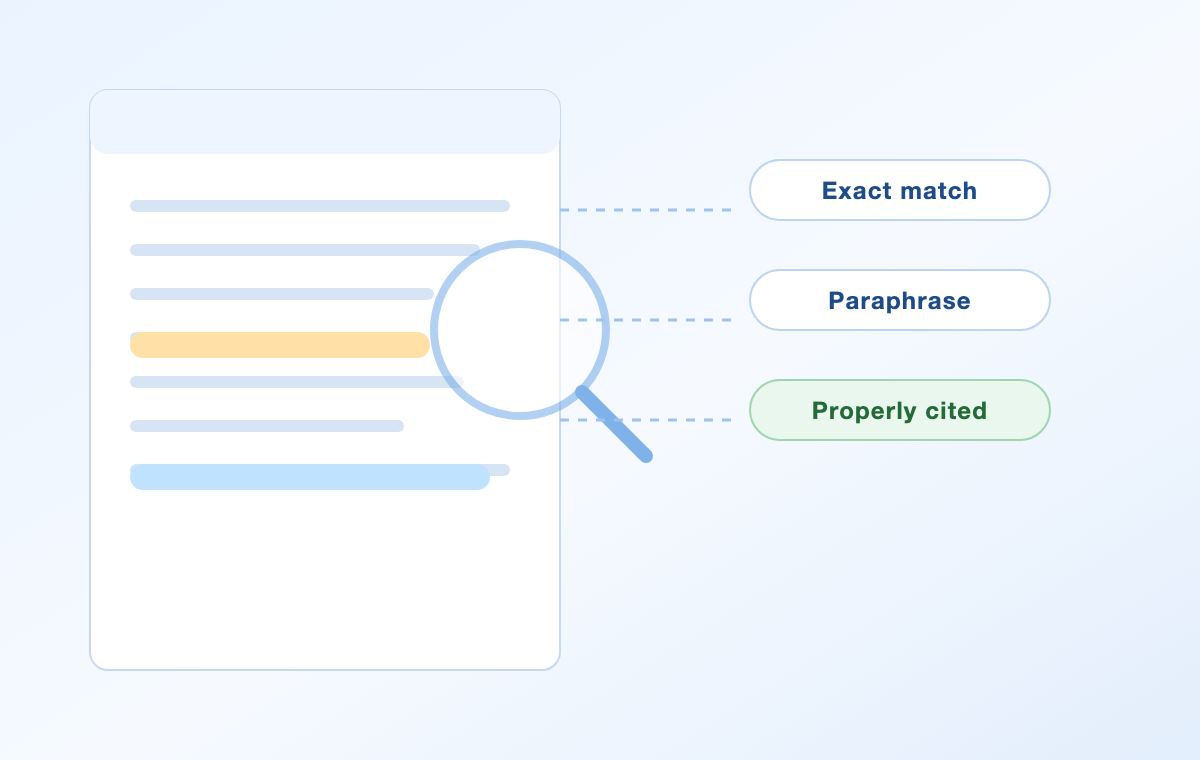
Free plagiarism checker report with citations


5 Best Free Plagiarism Checkers in 2026
Every tool below lets you run a scan without paying. The differences are in how much text each free scan accepts, whether you need an account, and what the free report actually includes. Limits below were checked against each vendor’s own site in September 2026, and vendors change them often, so confirm the current cap before you rely on it.
1. Quetext
Quetext offers a free version that checks content for plagiarism and returns basic AI-detection insights, with the usual free-tier restrictions on check length and report depth. Its premium plans add unlimited checks, detailed AI scores, a citation generator, and the paraphrasing tool.
2. SmallSEOTools Plagiarism Checker
SmallSEOTools states that its free plagiarism checker supports up to 1,000 words per scan with no sign-up required, and it splits the results into two panels so you can compare your text with the matched sources side by side. Longer or repeated scans move into the paid plans.
3. Plagiarism Detector
Plagiarism Detector runs a free online check with a 1,000-word limit per submission, and it also accepts a page URL or a file upload instead of pasted text. Paid tiers raise the monthly word allowance if you check long documents regularly.
4. PrepostSEO Plagiarism Checker
PrepostSEO lets visitors and registered free users run checks with a limited word count, and its paid plans raise the cap to between 10,000 and 25,000 words depending on the tier. The free route is a reasonable fit for single sections rather than whole reports.
5. Check-Plagiarism.com
Check-Plagiarism.com advertises a free checker with a 1,000-word limit per check and no limit on the number of checks you run, which makes it practical for a long document when you split it into parts. It is aimed at students and teachers who need a quick duplication scan.
Checkers that are not actually free
Two popular names usually come up in the same searches, but their checking features sit behind a subscription. Grammarly describes its plagiarism check as a Premium feature, and QuillBot’s plagiarism checker is part of its Premium plan, while the free tier covers grammar and limited paraphrasing. If your budget is zero, start with the five tools above.
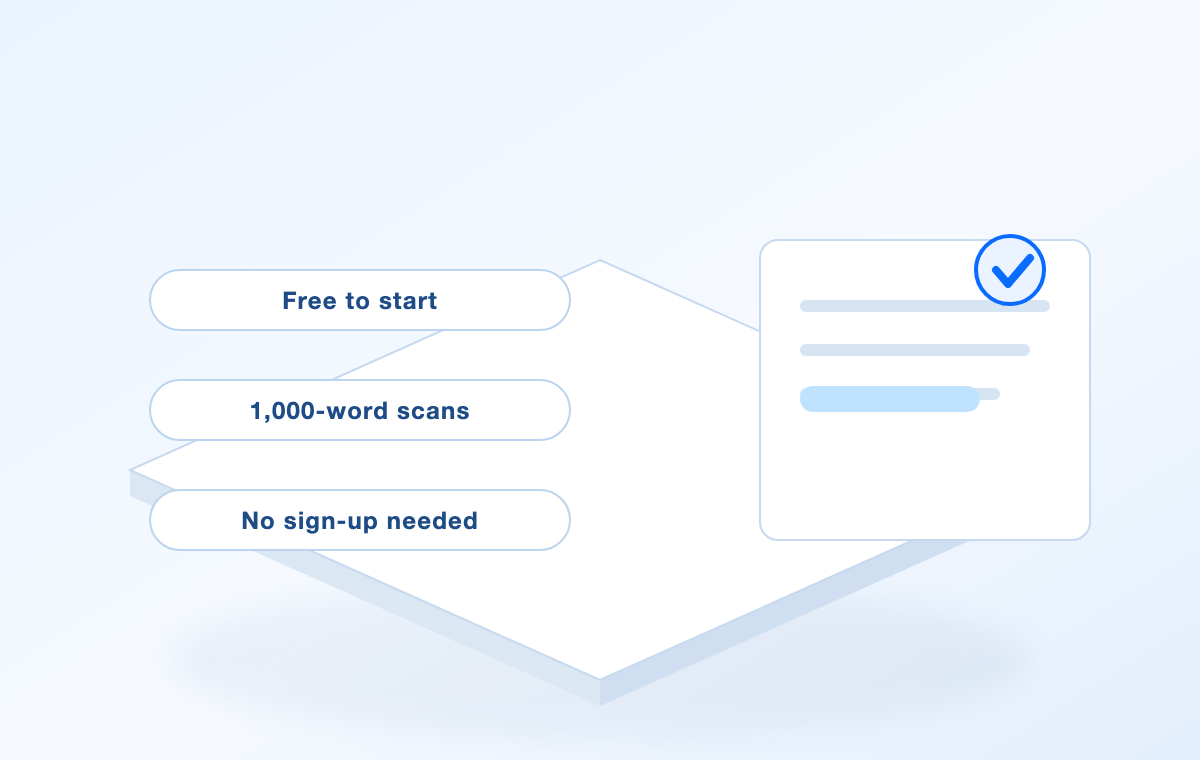
Free plagiarism checker limits at a glance
How to Use a Free Plagiarism Checker Step by Step
The scan itself takes a few minutes. What matters is preparing the text and reading the report properly.
Prepare the text you will submit. Work from the final draft, not an outline. If your document lives in WPS Writer, select the body text and copy it, or save a copy of the file first so the checked version and the submitted version match.
Check the word limit before you paste. If the tool caps scans at 1,000 words, split the document into sections of roughly 800 words so no part is cut off mid-sentence.
Paste the text or upload the file. Most free checkers accept pasted text, and a few also accept a document or a URL.
Run the scan and wait for the report. Free queues can take longer during busy periods, so avoid closing the tab.
Read the highlights, not the headline number. Open each match and sort it into one of three buckets: needs a citation, needs a genuine rewrite, or already quoted and cited.
Keep the report. Save or screenshot the matched sources so you can show your work if a tutor or editor asks how you handled a passage.
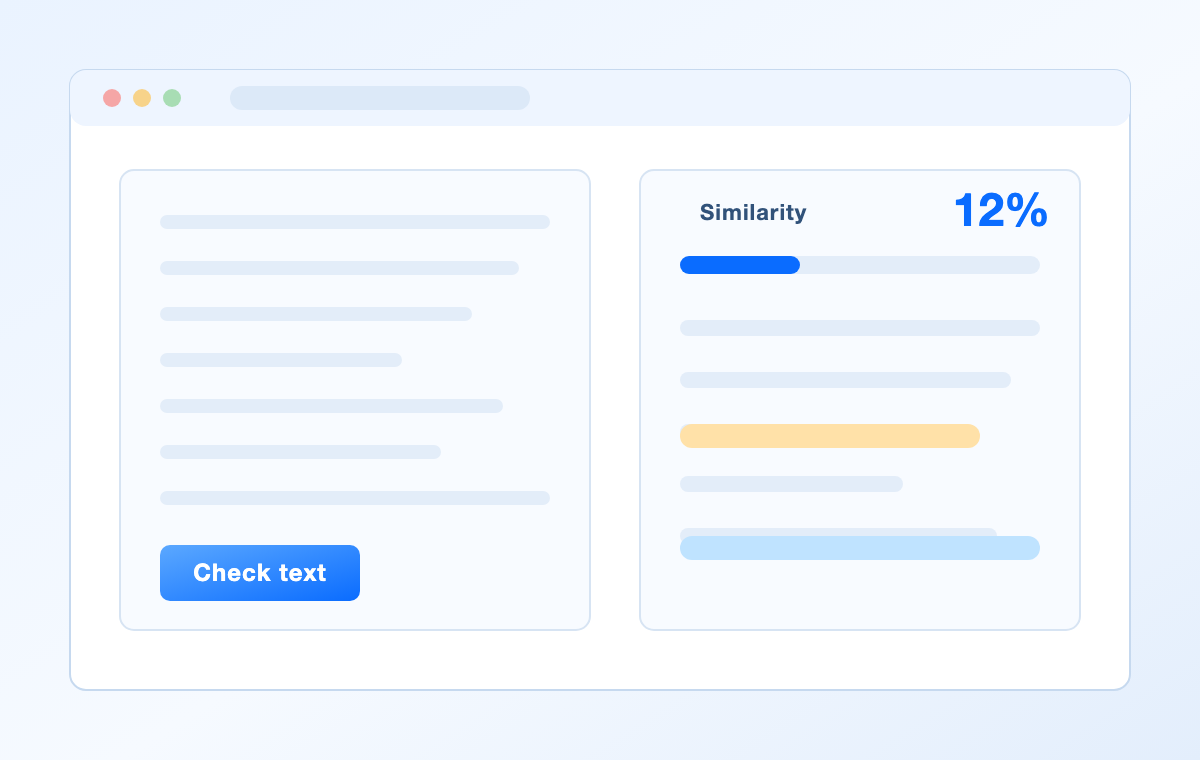
Free plagiarism checker scan result panel
How to Fix Text Flagged by a Free Plagiarism Checker
Every highlight gets one of three honest fixes. Add a citation when the idea belongs to someone else, quote and cite when you want to keep the exact wording, and rewrite when the sentence is too close to the source to stand on its own.
Rewriting is where most drafts go wrong. Changing a few synonyms keeps the original structure and still reads as copied. A real paraphrase means reading the source, closing it, and writing the idea in a sentence you would actually say out loud, then citing where the idea came from.
Repair a flagged passage in WPS Writer
Open the draft in WPS Writer. It is a free, Word-compatible editor that opens .doc and .docx files, so you can keep working in the same document you will submit.
Select the flagged sentence and ask WPS AI to rewrite it. WPS AI can polish wording, change the tone, expand short text, or shorten a long paragraph, which gives you a different sentence to work from instead of a synonym swap.
Edit the result in your own voice. Read the suggestion against the source, keep only the parts that are genuinely yours, and make sure the meaning still matches what the source actually says.
Add the citation. Put the in-text reference next to the sentence and add the full entry to your reference list, so the match is attributed rather than hidden.
Re-run the checker on the revised section. Confirm the passage now shows as quoted and cited, or is no longer a close match.
One warning worth stating plainly: rewriting text with any tool purely to slip past a detector is academic misconduct, and detectors are built to notice it. Use AI to help you say the idea in your own words and cite it, not to disguise someone else’s work. Our guide to avoiding plagiarism covers the same rules from the citation side.
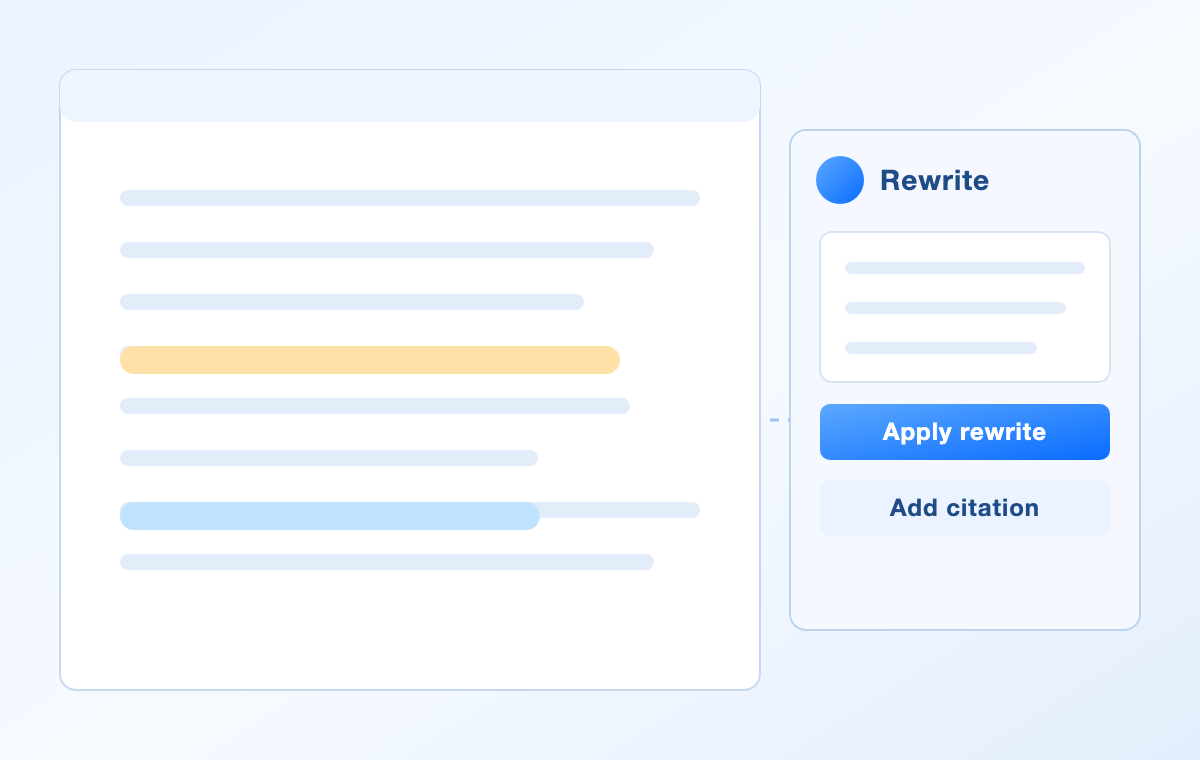
Rewriting flagged text with AI rewrite
Why WPS Writer Pairs Well With a Free Plagiarism Checker
Checking your work is only half the job; the other half happens in the document. WPS Office Writer is the free word processor that keeps both halves in one place, with a Microsoft Word-compatible interface and .docx files you can share without conversion.
Free to use. Writer is the free word-processing component of WPS Office, and it edits .doc and .docx files so classmates and editors can open your draft as usual.
WPS AI inside the document. WPS AI can draft content, rewrite and polish text, adjust the tone, summarize long documents, translate them, and check spelling without leaving the file, which is exactly what flagged passages need.
Templates and formatting. Built-in templates, styles, and layout tools cover reports, essays, resumes, and letters, so the final document looks submitted rather than assembled.
Check, fix, export. Run a free plagiarism check on your section, repair it in Writer, then export the finished file as .docx or PDF from the same window.
If you would rather start from a prompt, the free AI text generator and the rewording tool work directly in your browser, and everything you produce can be opened in Writer afterwards. Download WPS Office to keep the writing and the clean-up in one place.
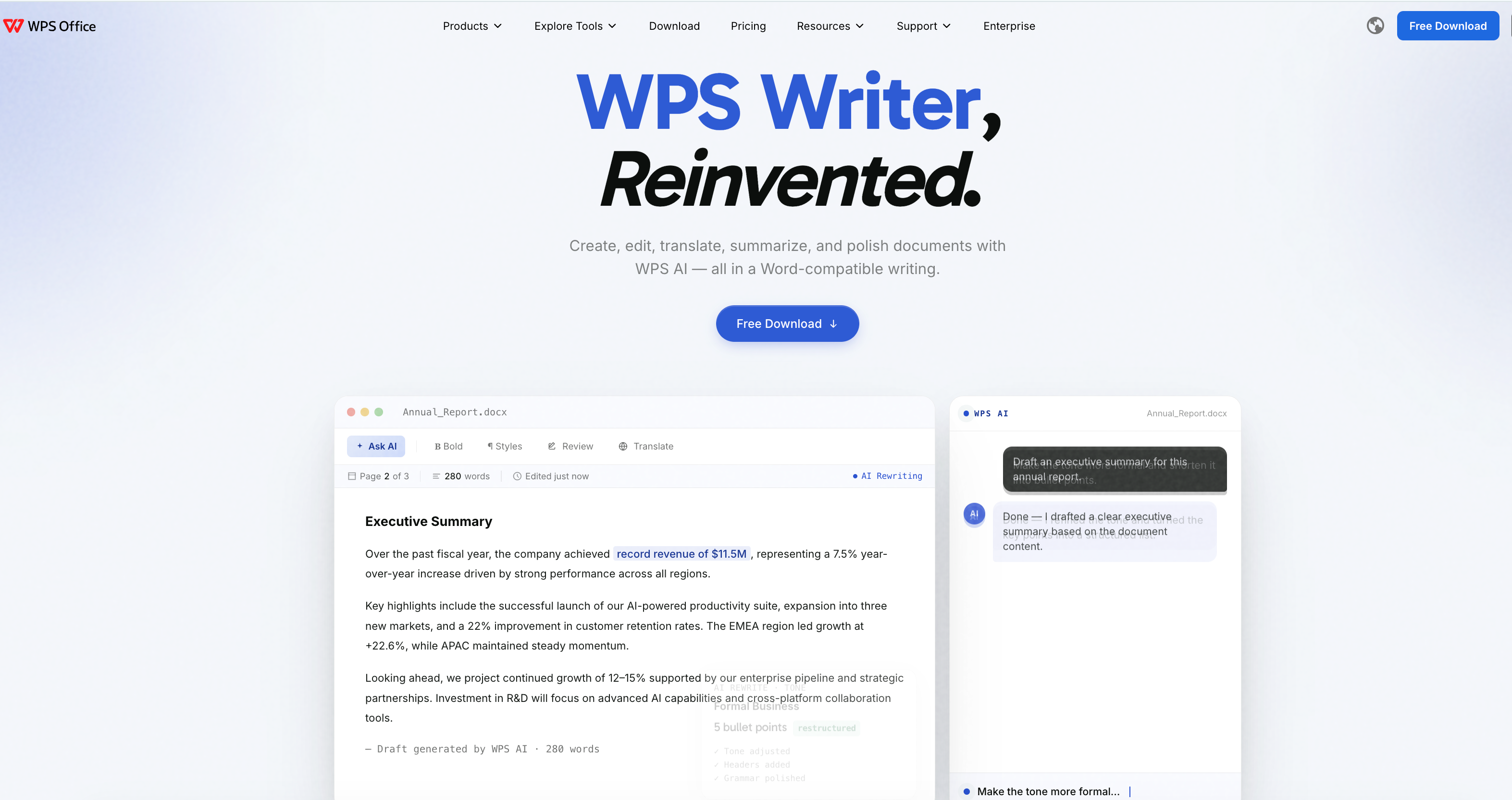
WPS Writer with WPS AI panel
FAQs
Is there a free plagiarism checker with no word limit?
Almost all free checkers cap each scan instead of capping the number of scans. SmallSEOTools, Plagiarism Detector, and Check-Plagiarism.com state a 1,000-word limit per check, so the practical workaround is to split a long document into sections and check each part. Unlimited checking generally requires a paid plan.
Can I check a Word document for plagiarism for free?
Yes. Open the .docx in WPS Writer, copy the body text, and paste it into one of the free checkers above. If the tool accepts uploads, such as Plagiarism Detector, you can submit the file directly instead of pasting the text.
Do free plagiarism checkers detect AI-written text?
Most now add an AI-detection score alongside the similarity report, but the two measure different things and AI scores are not reliable proof either way. Check your school or publisher’s policy on AI assistance rather than relying on the score alone.
Is a 10% similarity score plagiarism?
Not by itself. Quoted material, a standard phrase, a title, or your own reference list all create matches. Open the highlighted passages and check whether each one is quoted and cited correctly before you decide anything.
Can I use AI rewriting to avoid plagiarism?
Rewriting text with AI purely to hide copied work is academic misconduct. WPS AI is useful for restating an idea in different words and improving clarity, but the source still has to be cited, and you still have to confirm the rewrite says the same thing as the original.


'%3e%3cpath%20d='M19.9911%204.11386V6.471H18.5894C18.0775%206.471%2017.7322%206.57814%2017.5536%206.79243C17.3751%207.00671%2017.2858%207.32814%2017.2858%207.75671V9.44421H19.9019L19.5536%2012.0871H17.2858V18.8639H14.5536V12.0871H12.2769V9.44421H14.5536V7.49779C14.5536%206.39064%2014.8632%205.53201%2015.4822%204.92189C16.1013%204.31177%2016.9257%204.00671%2017.9554%204.00671C18.8304%204.00671%2019.509%204.04243%2019.9911%204.11386Z'%20fill='%23333333'/%3e%3c/g%3e%3cdefs%3e%3cclipPath%20id='clip0_2938_8199'%3e%3crect%20width='16'%20height='16'%20fill='white'%20transform='translate(8%204.00671)'/%3e%3c/clipPath%3e%3c/defs%3e%3c/svg%3e)
'%3e%3cpath%20d='M17.5237%2010.7813L23.4811%204H22.0699L16.8949%209.88693L12.7648%204H8L14.2469%2012.9029L8%2020.0133H9.4112L14.8725%2013.7952L19.2352%2020.0133H24M9.92053%205.04213H12.0885L22.0688%2019.0224H19.9003'%20fill='%23333333'/%3e%3c/g%3e%3cdefs%3e%3cclipPath%20id='clip0_2938_8200'%3e%3crect%20width='16'%20height='16.0134'%20fill='white'%20transform='translate(8%204)'/%3e%3c/clipPath%3e%3c/defs%3e%3c/svg%3e)


