

'%3e%3cpath%20d='M8%200C12.4183%200%2016%203.58172%2016%208C16%2012.4183%2012.4183%2016%208%2016C3.58172%2016%200%2012.4183%200%208C0%203.58172%203.58172%200%208%200ZM11.6162%204.38379C11.2257%203.99337%2010.5927%203.99338%2010.2021%204.38379L8%206.58594L5.79785%204.38379C5.40732%203.99334%204.77429%203.99329%204.38379%204.38379C3.99331%204.77429%203.99335%205.40733%204.38379%205.79785L6.58594%208L4.38379%2010.2021C3.99348%2010.5927%203.99341%2011.2257%204.38379%2011.6162C4.77426%2012.0066%205.40734%2012.0065%205.79785%2011.6162L8%209.41406L10.2021%2011.6162C10.5927%2012.0066%2011.2257%2012.0067%2011.6162%2011.6162C12.0067%2011.2257%2012.0066%2010.5927%2011.6162%2010.2021L9.41406%208L11.6162%205.79785C12.0066%205.40735%2012.0066%204.77429%2011.6162%204.38379Z'%20fill='%23080E17'%20fill-opacity='0.46'/%3e%3c/g%3e%3cdefs%3e%3cclipPath%20id='clip0_3761_713'%3e%3crect%20width='16'%20height='16'%20fill='white'/%3e%3c/clipPath%3e%3c/defs%3e%3c/svg%3e)



'%3e%3cpath%20fill-rule='evenodd'%20clip-rule='evenodd'%20d='M21.4999%2010.9993C21.4999%205.20009%2016.7986%200.498901%2010.9993%200.498901C5.19994%200.498901%200.498657%205.20009%200.498657%2010.9993C0.498657%2016.2404%204.33858%2020.5844%209.35855%2021.3722V14.0346H6.69238V10.9993H9.35855V8.68594C9.35855%206.05427%2010.9262%204.60062%2013.3248%204.60062C14.4736%204.60062%2015.6753%204.80571%2015.6753%204.80571V7.38979H14.3512C13.0468%207.38979%2012.64%208.19921%2012.64%209.0296V10.9993H15.5523L15.0867%2014.0346H12.64V21.3722C17.66%2020.5844%2021.4999%2016.2404%2021.4999%2010.9993Z'%20fill='%231568EA'/%3e%3c/g%3e%3c/svg%3e)


'%3e%3cpath%20d='M2.42045%2022.1876H6.31818V12.7217L0.75%208.54553V20.5171C0.75%2021.4414%201.49892%2022.1876%202.42045%2022.1876Z'%20fill='%234285F4'/%3e%3cpath%20d='M19.682%2022.1876H23.5797C24.5041%2022.1876%2025.2502%2021.4387%2025.2502%2020.5171V8.54553L19.682%2012.7217'%20fill='%2334A853'/%3e%3cpath%20d='M19.682%205.48293V12.7216L25.2502%208.54543V6.31816C25.2502%204.25236%2022.8921%203.07469%2021.2411%204.31361'%20fill='%23FBBC04'/%3e%3cpath%20d='M6.31824%2012.7217V5.48303L13.0001%2010.4944L19.6819%205.48303V12.7217L13.0001%2017.733'%20fill='%23EA4335'/%3e%3cpath%20d='M0.75%206.31816V8.54543L6.31818%2012.7216V5.48293L4.75909%204.31361C3.10534%203.07469%200.75%204.25236%200.75%206.31816Z'%20fill='%23C5221F'/%3e%3c/g%3e%3cdefs%3e%3cclipPath%20id='clip0_2954_7305'%3e%3crect%20width='24.5'%20height='18.375'%20fill='white'%20transform='translate(0.75%203.8125)'/%3e%3c/clipPath%3e%3c/defs%3e%3c/svg%3e)


AI is now part of everyday school and office work—drafting emails, summarizing PDFs, cleaning spreadsheets, and translating reports. The hard part for beginners is usually not the click path; it is the jargon. Acronyms like LLM, OCR, and ML show up in tutorials and product pages with little explanation.
This AI glossary is a plain-English dictionary of common AI terms. Each definition stays short and practical, so you can follow product docs, write clearer prompts, and use office AI features with less guesswork.
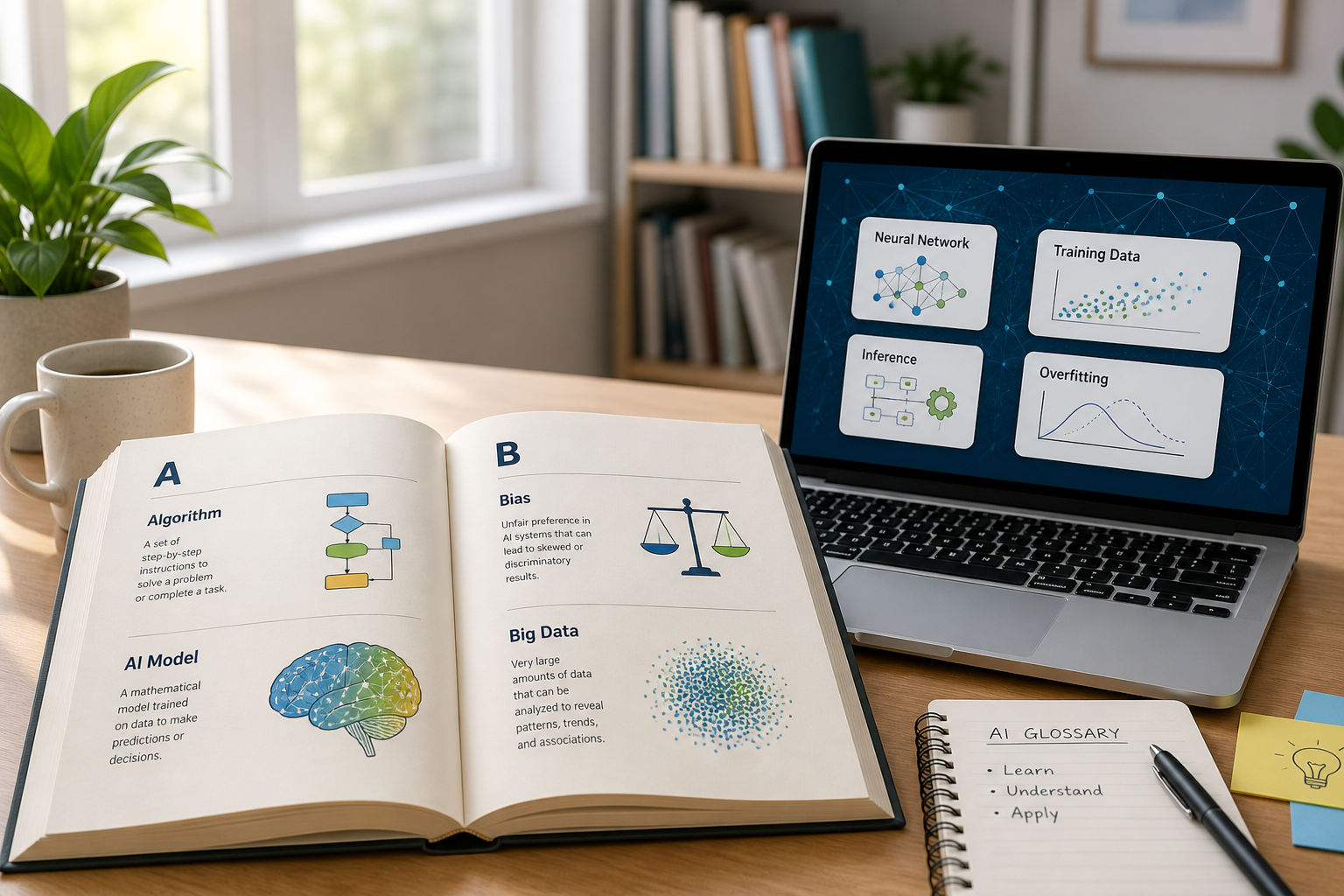
Quick Reference: Common AI Terms at a Glance
| Term | Plain-English meaning |
|---|---|
| AI / ML / Deep learning | The tech stack that learns patterns and powers modern assistants |
| Generative AI / LLM | Systems that create new text, tables, or other outputs from prompts |
| Prompt / Token / Context window | How you instruct the model—and how much text it can handle at once |
| Summarize / Paraphrase / Translate | Everyday writing helpers inside documents |
| OCR / AI data analysis | Turning scans and spreadsheets into usable digital work |
Basic Core AI Terms
Artificial Intelligence (AI)
Artificial intelligence is the broad field of technology that lets computers and software take on tasks that usually need human judgment—understanding language, generating content, solving problems, and spotting patterns in data. In daily work, AI often means faster drafting, translation, summarization, and data cleanup.
Machine Learning (ML)
Machine learning is a core branch of AI. Instead of hard-coding every rule, a system learns patterns from training data and improves as it sees more examples. That is why the same product can get better at rewriting emails or sorting rows after stronger data and training.
Deep Learning
Deep learning is a more advanced form of machine learning that uses layered neural networks. It powers tougher jobs such as image recognition, facial recognition search, speech analysis, long-document understanding, and high-quality content generation.
Generative AI
Generative AI creates new output—text, tables, images, structured documents, or analysis—rather than only classifying or scoring existing data. If you ask for a report outline or a rewritten paragraph, you are using generative AI.
AI Model & Technical Glossary
Large Language Model (LLM)
An LLM is an AI model trained on large amounts of text. It can follow natural-language instructions, reason through multi-step requests, rewrite copy, and produce structured documents. Most modern chat and office AI features sit on top of an LLM.
Prompt
A prompt is the instruction you give an AI tool. Clear, specific prompts—audience, tone, format, and goal—usually produce stronger, more usable results than vague one-liners.
Example: “Rewrite this paragraph for a U.S. college essay in a formal tone, keep the facts, and cut it to 120 words.”
Prompt Engineering
Prompt engineering is the practice of shaping those instructions so the model returns professional, on-target output. Think of it as writing a better brief—not learning a new programming language.
Context Window
The context window is how much text and conversation history a model can hold in one go. A larger window helps with long reports, full articles, and multi-page PDFs without losing earlier sections.
Fine-Tuning
Fine-tuning adapts a general model with specialized data so it fits a narrower job—academic writing, business reporting, or formal document style—more consistently.
Token
A token is a small text unit (parts of words, punctuation, and symbols) that models use to process language. Token limits affect how long a chat can run and how much content you can analyze or generate in one pass.
Model Parameters
Parameters are the learned numerical weights inside a model. In simple terms, they store what the model “knows.” Bigger models often handle harder reasoning tasks better, though size is not the only quality signal.
Inference
Inference is the live moment when a model reads your input and returns an answer. Faster inference feels snappier for everyday office edits and Q&A.
Office-Focused AI Terms
AI Assistant
An AI assistant is AI built into the apps you already use. It can summarize, rewrite, polish, translate, analyze data, and help with layout without forcing you into a separate browser tab. WPS AI inside WPS Office is one example of this office-first approach.
OCR (Optical Character Recognition)
OCR turns text in scans, photos, and screenshots into editable digital text. It is useful when you need to digitize paper files or clean up archived materials.
AI Summarization
AI summarization pulls out key points, arguments, and figures from long text—meeting notes, articles, or reports—so you can skim the essentials first.
AI Paraphrasing
AI paraphrasing rewrites sentences while keeping the meaning. People use it to improve flow, fix awkward grammar, and raise formality for school or workplace documents.
AI Translation
AI translation converts documents across languages quickly and can adjust wording for academic or business tone when you need more than a word-for-word swap.
AI Data Analysis
AI data analysis helps process spreadsheet data, spot trends, run basic stats, and turn numbers into clearer takeaways for reports and presentations.
How Beginners Should Use This AI Glossary
Learn the core stack first: AI → ML → generative AI → LLM.
Master the controls next: prompt, context window, and tokens—these decide output quality and length limits.
Practice office actions: summarize, paraphrase, translate, OCR, and sheet analysis on real files.
Finish in a document: move the result into DOCX, XLSX, or PDF so classmates, managers, or clients can open it cleanly.
Put These AI Terms to Work in Your Documents
Knowing the vocabulary matters most when you apply it. After you summarize a PDF, paraphrase a section, or translate a draft, you still need a clean file teammates can open.
WPS AI in WPS Office keeps those office-focused AI actions—summarize, rewrite, translate, and spreadsheet help—next to the document you are editing, so you practice the terms above while finishing real paperwork.
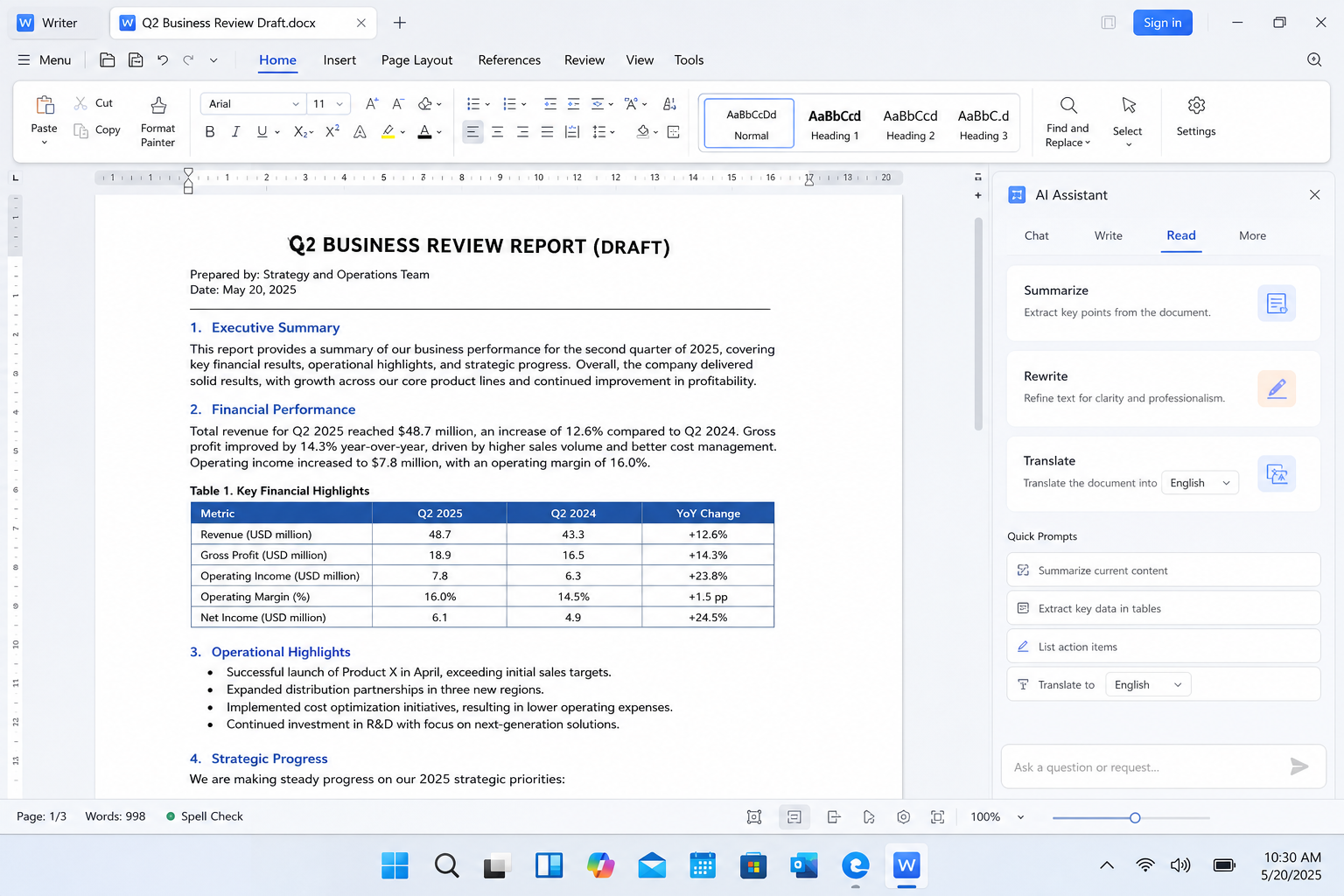
| Glossary idea | How WPS AI helps in practice |
|---|---|
| Prompt + AI assistant | Ask for a rewrite or summary without leaving Writer |
| AI summarization | Condense long docs and PDFs into key points |
| AI paraphrasing / translation | Polish tone and language inside the file |
| AI data analysis | Work with tables and sheet insights in Spreadsheets |
Download WPS Office, open your DOCX, XLSX, or PDF, and try one glossary concept at a time—starting with a clear prompt for summarize or paraphrase.


FAQ
What is an AI glossary used for?
It gives beginners plain definitions of common AI terms so tutorials, product pages, and AI tools are easier to follow.
What is the difference between AI, machine learning, and deep learning?
AI is the broad field. Machine learning is how systems learn from data. Deep learning is a powerful subset of ML that uses layered neural networks for complex tasks.
What does LLM mean in simple terms?
An LLM is a large language model—an AI trained on lots of text so it can chat, rewrite, and generate structured documents.
Why do prompts matter so much?
The prompt is the brief. Clear goals, tone, and format usually produce better output than vague one-line asks.
Which office AI terms should beginners learn first?
Start with AI assistant, prompt, summarization, paraphrasing, translation, OCR, and AI data analysis—these show up most often in school and workplace files.
Conclusion
This AI glossary covers the vocabulary beginners meet most often: foundational ideas (AI, ML, generative AI), model basics (LLM, prompt, token, context window), and office-ready actions (summarize, paraphrase, translate, OCR, data analysis). Learn the terms, then apply them inside real documents with tools like WPS AI—so the jargon turns into faster, clearer daily work.

'%3e%3cpath%20d='M19.9911%204.11386V6.471H18.5894C18.0775%206.471%2017.7322%206.57814%2017.5536%206.79243C17.3751%207.00671%2017.2858%207.32814%2017.2858%207.75671V9.44421H19.9019L19.5536%2012.0871H17.2858V18.8639H14.5536V12.0871H12.2769V9.44421H14.5536V7.49779C14.5536%206.39064%2014.8632%205.53201%2015.4822%204.92189C16.1013%204.31177%2016.9257%204.00671%2017.9554%204.00671C18.8304%204.00671%2019.509%204.04243%2019.9911%204.11386Z'%20fill='%23333333'/%3e%3c/g%3e%3cdefs%3e%3cclipPath%20id='clip0_2938_8199'%3e%3crect%20width='16'%20height='16'%20fill='white'%20transform='translate(8%204.00671)'/%3e%3c/clipPath%3e%3c/defs%3e%3c/svg%3e)
'%3e%3cpath%20d='M17.5237%2010.7813L23.4811%204H22.0699L16.8949%209.88693L12.7648%204H8L14.2469%2012.9029L8%2020.0133H9.4112L14.8725%2013.7952L19.2352%2020.0133H24M9.92053%205.04213H12.0885L22.0688%2019.0224H19.9003'%20fill='%23333333'/%3e%3c/g%3e%3cdefs%3e%3cclipPath%20id='clip0_2938_8200'%3e%3crect%20width='16'%20height='16.0134'%20fill='white'%20transform='translate(8%204)'/%3e%3c/clipPath%3e%3c/defs%3e%3c/svg%3e)


