

'%3e%3cpath%20d='M8%200C12.4183%200%2016%203.58172%2016%208C16%2012.4183%2012.4183%2016%208%2016C3.58172%2016%200%2012.4183%200%208C0%203.58172%203.58172%200%208%200ZM11.6162%204.38379C11.2257%203.99337%2010.5927%203.99338%2010.2021%204.38379L8%206.58594L5.79785%204.38379C5.40732%203.99334%204.77429%203.99329%204.38379%204.38379C3.99331%204.77429%203.99335%205.40733%204.38379%205.79785L6.58594%208L4.38379%2010.2021C3.99348%2010.5927%203.99341%2011.2257%204.38379%2011.6162C4.77426%2012.0066%205.40734%2012.0065%205.79785%2011.6162L8%209.41406L10.2021%2011.6162C10.5927%2012.0066%2011.2257%2012.0067%2011.6162%2011.6162C12.0067%2011.2257%2012.0066%2010.5927%2011.6162%2010.2021L9.41406%208L11.6162%205.79785C12.0066%205.40735%2012.0066%204.77429%2011.6162%204.38379Z'%20fill='%23080E17'%20fill-opacity='0.46'/%3e%3c/g%3e%3cdefs%3e%3cclipPath%20id='clip0_3761_713'%3e%3crect%20width='16'%20height='16'%20fill='white'/%3e%3c/clipPath%3e%3c/defs%3e%3c/svg%3e)



'%3e%3cpath%20fill-rule='evenodd'%20clip-rule='evenodd'%20d='M21.4999%2010.9993C21.4999%205.20009%2016.7986%200.498901%2010.9993%200.498901C5.19994%200.498901%200.498657%205.20009%200.498657%2010.9993C0.498657%2016.2404%204.33858%2020.5844%209.35855%2021.3722V14.0346H6.69238V10.9993H9.35855V8.68594C9.35855%206.05427%2010.9262%204.60062%2013.3248%204.60062C14.4736%204.60062%2015.6753%204.80571%2015.6753%204.80571V7.38979H14.3512C13.0468%207.38979%2012.64%208.19921%2012.64%209.0296V10.9993H15.5523L15.0867%2014.0346H12.64V21.3722C17.66%2020.5844%2021.4999%2016.2404%2021.4999%2010.9993Z'%20fill='%231568EA'/%3e%3c/g%3e%3c/svg%3e)


'%3e%3cpath%20d='M2.42045%2022.1876H6.31818V12.7217L0.75%208.54553V20.5171C0.75%2021.4414%201.49892%2022.1876%202.42045%2022.1876Z'%20fill='%234285F4'/%3e%3cpath%20d='M19.682%2022.1876H23.5797C24.5041%2022.1876%2025.2502%2021.4387%2025.2502%2020.5171V8.54553L19.682%2012.7217'%20fill='%2334A853'/%3e%3cpath%20d='M19.682%205.48293V12.7216L25.2502%208.54543V6.31816C25.2502%204.25236%2022.8921%203.07469%2021.2411%204.31361'%20fill='%23FBBC04'/%3e%3cpath%20d='M6.31824%2012.7217V5.48303L13.0001%2010.4944L19.6819%205.48303V12.7217L13.0001%2017.733'%20fill='%23EA4335'/%3e%3cpath%20d='M0.75%206.31816V8.54543L6.31818%2012.7216V5.48293L4.75909%204.31361C3.10534%203.07469%200.75%204.25236%200.75%206.31816Z'%20fill='%23C5221F'/%3e%3c/g%3e%3cdefs%3e%3cclipPath%20id='clip0_2954_7305'%3e%3crect%20width='24.5'%20height='18.375'%20fill='white'%20transform='translate(0.75%203.8125)'/%3e%3c/clipPath%3e%3c/defs%3e%3c/svg%3e)


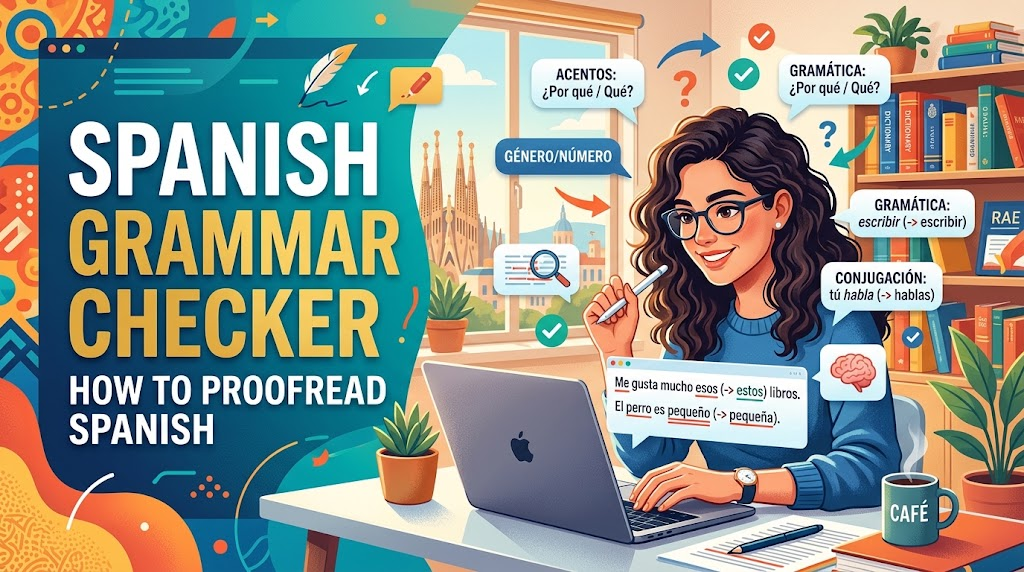
Spanish punishes small mistakes. A missing accent changes a verb's tense, a wrong article makes a noun sound off, and one mismatched ending can move the subject of a sentence without you noticing.
This guide walks through a Spanish grammar check in WPS Writer: confirm the proofing language, run AI Spell Check over the Spanish text, work through the correctness and refinement suggestions, and then handle the agreement, mood, and regional choices a checker cannot settle for you.
How to Run a Spanish Grammar Check in WPS Writer
WPS AI Spell Check reviews spelling, grammar, and readability inside the document you are already editing, and it supports more than one language, which is what makes it usable on a Spanish draft or on a bilingual file with an English abstract.
Open the Spanish document in WPS Writer.
Set the proofing language to Spanish first, from the language or review settings. If the document is still marked as English, correct Spanish words are underlined as mistakes and the real errors disappear into the noise.
Open WPS AI and turn on AI Spell Check.
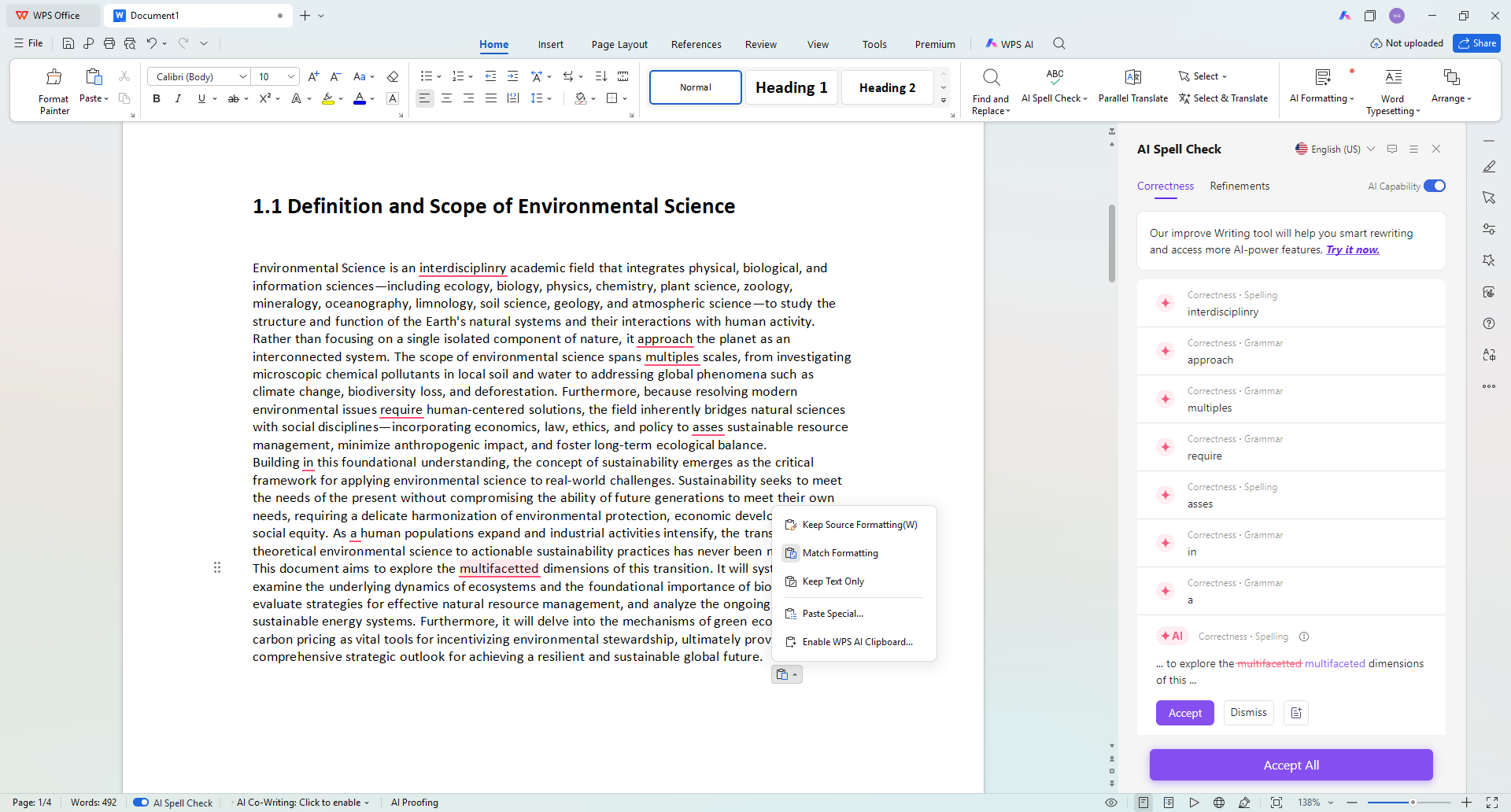
WPS Writer AI spelling and grammar sidebar
Read the score at the top of the panel. Average, Good, and Excellent give you a fast sense of how much editing is left before you start fixing anything.
Work through the Correctness list one item at a time. Accept, dismiss, or edit by hand — do not accept a suggestion you cannot explain in Spanish.
Switch to Refinements afterwards for wording and readability. This is where repeated words and clumsy connectors get cleaned up.
Use the bulk accept option only after you have read the list, never before.
Read the paragraph yourself one more time. Agreement and register are easier to hear than to read.
Two passes work better than one: run the checker on the whole document to catch the obvious mistakes, then return to the paragraphs that carry your argument and edit them slowly.


Errors a Spanish Grammar Checker Leaves to You
A checker compares your sentence with patterns it has seen before. It is good at accents and verb forms, and weaker at meaning, so expect to settle these by hand. For a wider view of dedicated tools, see this comparison of spelling and grammar check tools.
Ser or estar. Both translate as "to be", and a checker rarely knows whether you meant "está aburrido" or "es aburrido". Decide from context.
Subjunctive triggers. Expressions of doubt, emotion, or desire push the next verb into the subjunctive. Suggestions here are worth reading closely rather than accepting.
Paragraph-length agreement. A checker can match an adjective to the nearest noun, not to the subject three clauses back. Long sentences are where this shows up.
Spain or Latin America. Vosotros and ustedes, coche and carro, ordenador and computadora: the checker accepts both, but your reader may not. Pick one variety and stay in it.
False friends. "Actual", "realizar", and "embarazada" mean something different from the English words they resemble, and no spell checker will flag them.

WPS AI multi language grammar correction
The Best Free Alternative: WPS Office
A Spanish grammar checker website works well for a single paragraph, but it asks you to paste text out of the document that gives it meaning. WPS Office keeps the check inside the file, next to your headings, footnotes, and tables.
AI Spell Check for spelling, grammar, and readability suggestions in the same editor as the draft.
Multi-language support, so Spanish sections and English sections can live in one document.
AI Document Summary, plus translation for the documents that start in English, such as this English to Spanish translation workflow.
A Microsoft-like interface that keeps accents and formatting when you open a .docx file.
Free for personal use on desktop, web, and mobile.
WPS Writer is the part of the suite that owns the proofing tools, so the checker, the summary panel, and your draft stay in one window.
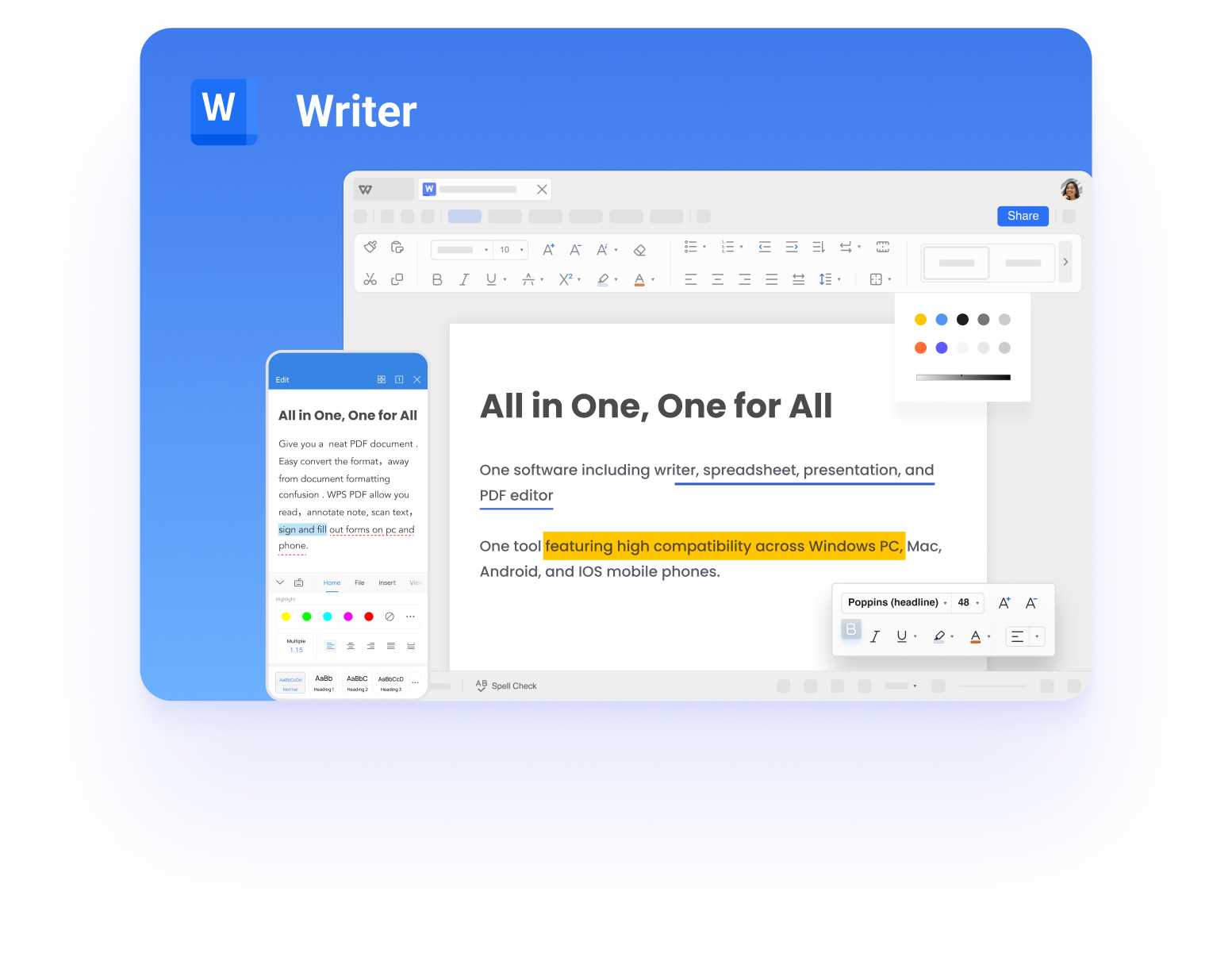
WPS Writer all in one interface
Use the automated pass to clear the mechanical errors, and keep the last read for the parts of Spanish that still depend on what you meant to say.
FAQs
Does WPS AI Spell Check work on Spanish?
Yes. AI Spell Check supports multiple languages and reports spelling, grammar, and readability suggestions for the document you are editing, including Spanish text.
Why does the checker mark correct Spanish words as mistakes?
The proofing language is usually still set to English. Change it to Spanish in the language or review settings, then confirm the underlines move to the words that are actually wrong.
Can a Spanish grammar checker fix missing accents?
It catches most missing or misplaced tildes, along with inverted question and exclamation marks. Names, brand names, and borrowed words still deserve a manual check.
Should I write in European or Latin American Spanish?
Follow whoever will read the document. Checkers accept both varieties, so set your spelling preference and review regional vocabulary yourself.
Is a grammar check enough before I submit a Spanish text?
No. Use it as a first pass, then read the document aloud or have a fluent speaker review the paragraphs where the meaning matters most.


'%3e%3cpath%20d='M19.9911%204.11386V6.471H18.5894C18.0775%206.471%2017.7322%206.57814%2017.5536%206.79243C17.3751%207.00671%2017.2858%207.32814%2017.2858%207.75671V9.44421H19.9019L19.5536%2012.0871H17.2858V18.8639H14.5536V12.0871H12.2769V9.44421H14.5536V7.49779C14.5536%206.39064%2014.8632%205.53201%2015.4822%204.92189C16.1013%204.31177%2016.9257%204.00671%2017.9554%204.00671C18.8304%204.00671%2019.509%204.04243%2019.9911%204.11386Z'%20fill='%23333333'/%3e%3c/g%3e%3cdefs%3e%3cclipPath%20id='clip0_2938_8199'%3e%3crect%20width='16'%20height='16'%20fill='white'%20transform='translate(8%204.00671)'/%3e%3c/clipPath%3e%3c/defs%3e%3c/svg%3e)
'%3e%3cpath%20d='M17.5237%2010.7813L23.4811%204H22.0699L16.8949%209.88693L12.7648%204H8L14.2469%2012.9029L8%2020.0133H9.4112L14.8725%2013.7952L19.2352%2020.0133H24M9.92053%205.04213H12.0885L22.0688%2019.0224H19.9003'%20fill='%23333333'/%3e%3c/g%3e%3cdefs%3e%3cclipPath%20id='clip0_2938_8200'%3e%3crect%20width='16'%20height='16.0134'%20fill='white'%20transform='translate(8%204)'/%3e%3c/clipPath%3e%3c/defs%3e%3c/svg%3e)


