Grammar Checker

Paste your text to review possible grammar issues and decide which edits make the writing clearer. Use the online grammar checker when you want another look at a working draft. Review the suggested edits in context, especially where a phrase carries a technical meaning or deliberate tone.

English (US)
arrow
Select writing style (optional)
arrow
0 / 8000
Free and Unlimited
No Signup Required
Save Time
No Ads
Free to Use
No Sign-Up
No Ads
Any Browser

How to Use Grammar Checker

  1. Step 1: Paste Your Draft

    Paste the text you want to check. Paste a complete section so you can read suggested changes with the nearby sentences.

  2. Step 2: Check Grammar and Review Suggestions

    Run the grammar check and read the flagged suggestions. Look for suggestions around sentence structure, punctuation, and wording.

  3. Step 3: Apply the Edits You Want

    Apply the changes you agree with, then read the edited text in full. Read the revised paragraph aloud after applying the changes you agree with.

Check Grammar and Wording in a Draft

Check Grammar and Wording in a Draft

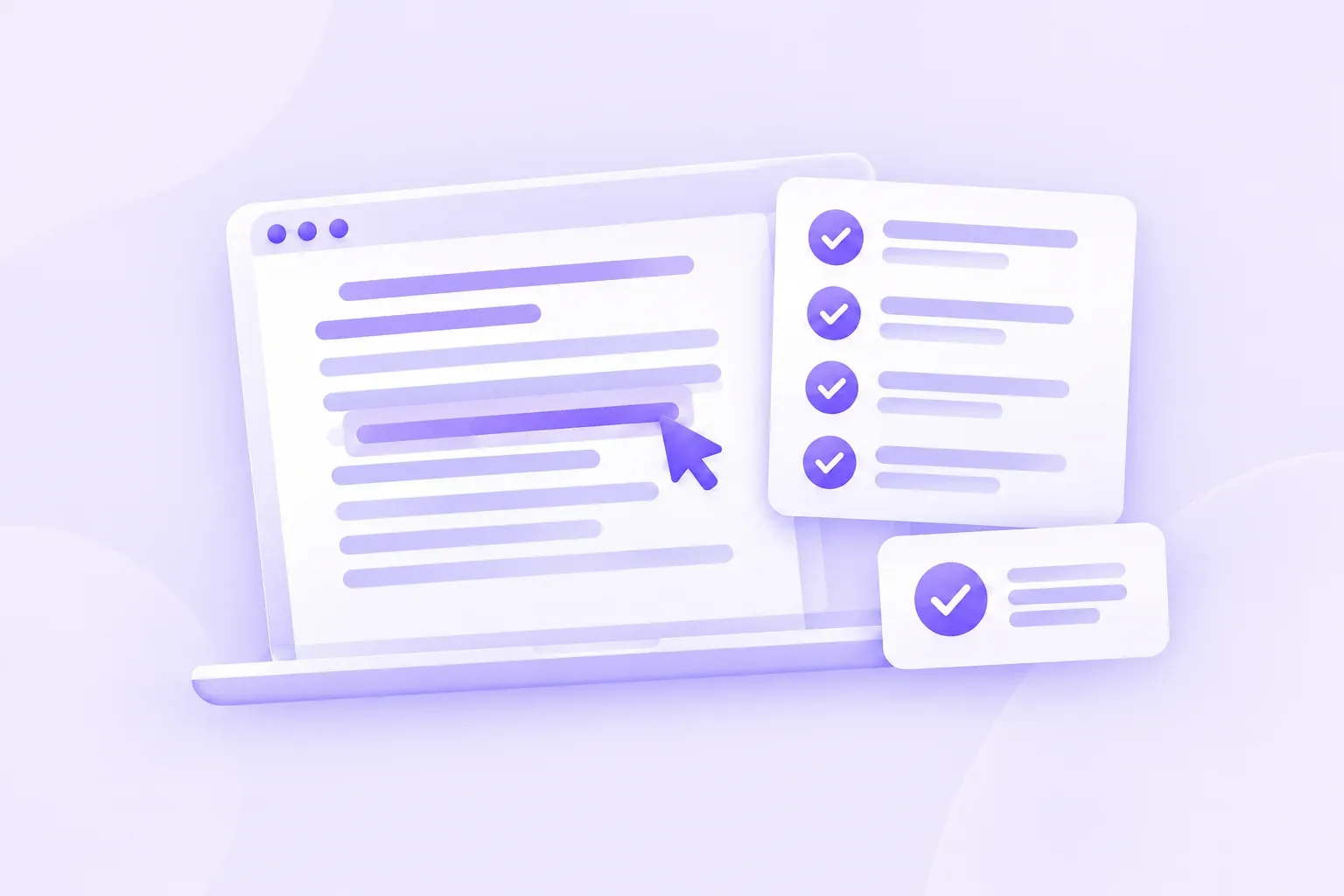
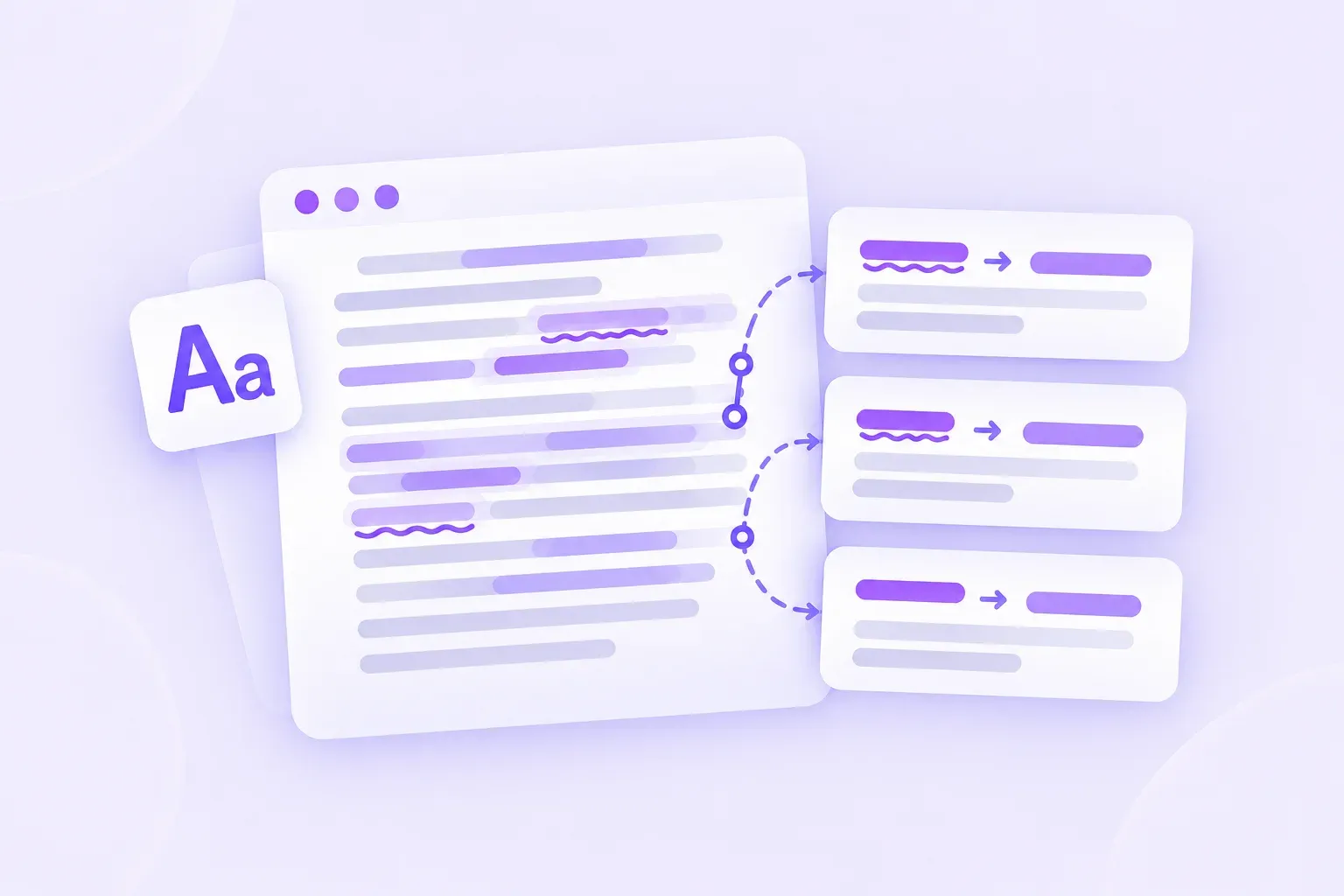
Check the text before an email, report, or assignment goes out. The grammar checker can help you find possible errors before a draft goes out. Focus on suggestions that make the message clearer for the reader, especially in an important instruction or a sentence with several clauses.
Try It Now
Review Grammar Suggestions in Context

Review Grammar Suggestions in Context

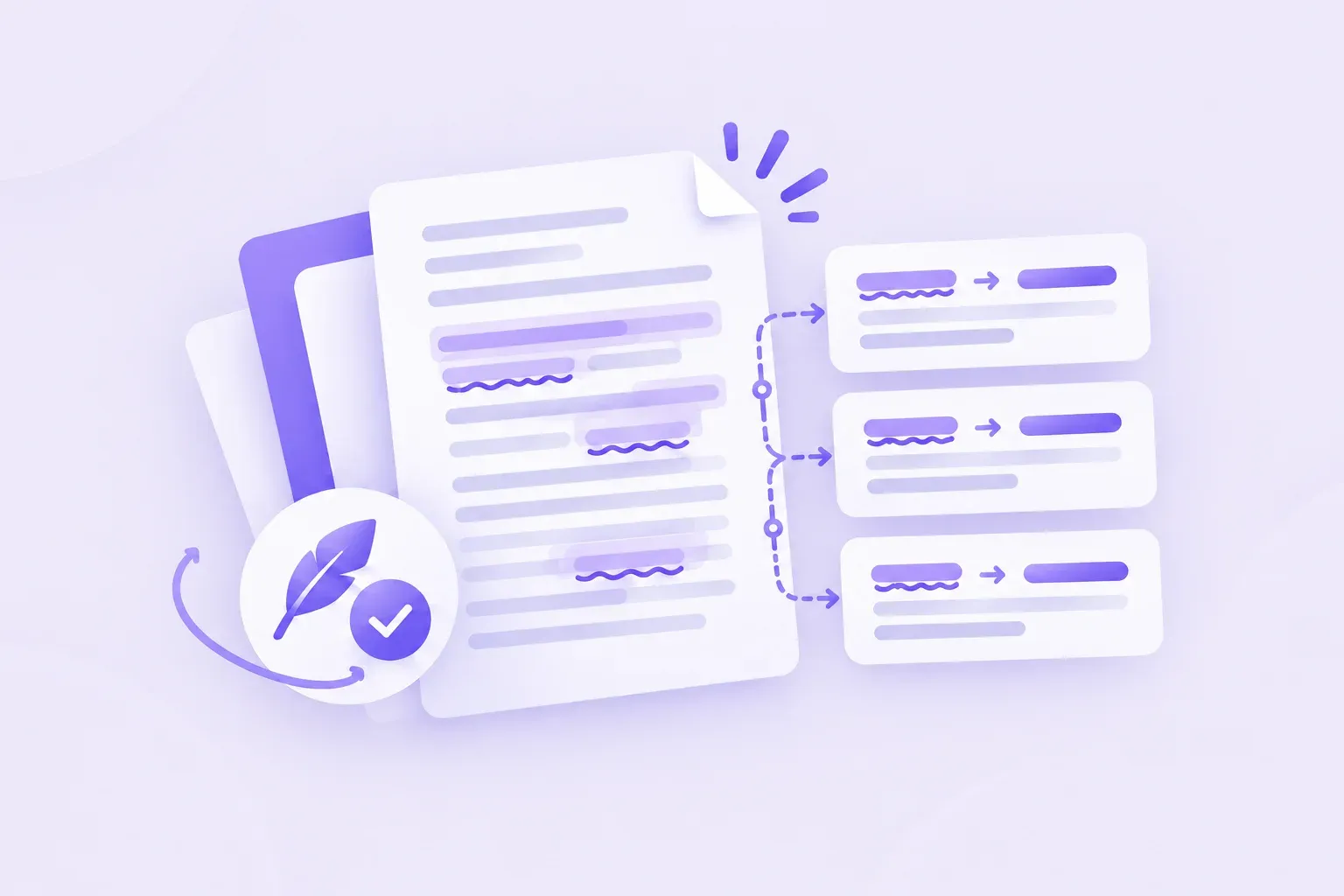
Compare suggestions with the full sentence so the correction fits the intended meaning. Read each change with the surrounding text. A word that looks wrong in isolation may be part of a proper name, industry term, or house style used elsewhere in the draft.

Try It Now
Catch Punctuation That Changes the Meaning

Catch Punctuation That Changes the Meaning

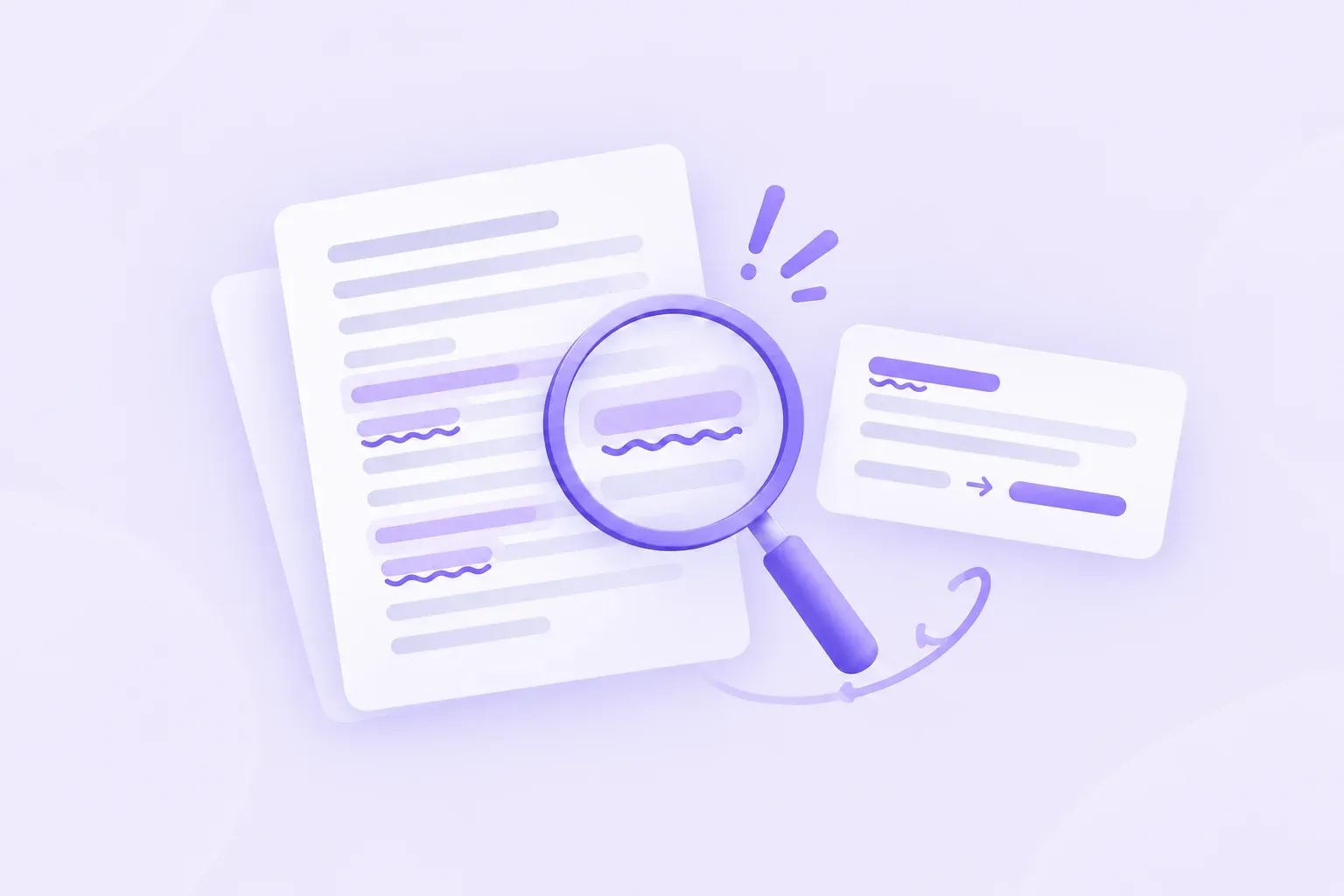
Inspect flagged punctuation in lists, long sentences, and instructions. Punctuation choices matter when readers need to tell items in a list apart or follow an instruction in order. Check whether changing a comma or adding a pause changes the intended meaning.

Try It Now
Apply Approved Changes to Your Original Draft

Apply Approved Changes to Your Original Draft

Apply the changes you want and keep terminology or style choices that are intentional. Apply edits one at a time when a paragraph carries important details. Reread the finished version to catch places where an acceptable individual change sounds awkward beside another one.

Try It Now

Customer Stories

How people save time by achieving excellence with our grammar check tools.

James Peterson

I was preparing wording for an email and used the grammar checker to review suggestions in the draft. I needed a chance to look at the language before sending the message, particularly whether a suggested change would still communicate the point I wanted to make.

James Peterson

Project Manager

Maria Gonzalez

I used the tool for a proofreading pass on a draft. I read the grammar suggestions in the context of the writing I already had, since the usefulness of a change depended on whether it fit the sentence and the rest of the draft.

Maria Gonzalez

Accountant

Emily Watson

I was proofreading a draft and used the grammar suggestions to help guide the review. I treated the comments as places to look more carefully at my own text, so I could decide what wording I wanted to keep in the document.

Emily Watson

Reporter

Your Questions, Answered

01

What does a grammar checker flag?

It can suggest corrections to potential grammar, punctuation, and wording issues. Review each suggestion in context. Review the result against the sentence you intended to write before accepting it.

02

Can I check a whole paragraph?

Paste the paragraph and read the suggestions from start to finish. Use a representative paragraph if you are checking the tone of a longer section.

03

Should I accept every suggestion?

Keep changes that serve your meaning and leave deliberate wording intact. Leave specialist terms and deliberate style choices in place when the suggestion changes their meaning.

04

Can I use a grammar checker for an email before sending it?

Yes. Review suggested changes alongside the recipient's context and check names, dates, and details yourself. Verify any links, names, and dates separately from the grammar suggestions.

05

What if a suggestion changes the meaning of a technical sentence?

Keep the source wording or revise it manually when the suggested change removes an important distinction. Read the source sentence beside the revision and keep the technical meaning stable.

06

Can a grammar check replace reading the whole draft?

Use the suggestions as a first pass, then read the complete draft to check flow, consistency, and intended tone. A second read also helps catch transitions that a sentence-by-sentence check can miss.