

'%3e%3cpath%20d='M8%200C12.4183%200%2016%203.58172%2016%208C16%2012.4183%2012.4183%2016%208%2016C3.58172%2016%200%2012.4183%200%208C0%203.58172%203.58172%200%208%200ZM11.6162%204.38379C11.2257%203.99337%2010.5927%203.99338%2010.2021%204.38379L8%206.58594L5.79785%204.38379C5.40732%203.99334%204.77429%203.99329%204.38379%204.38379C3.99331%204.77429%203.99335%205.40733%204.38379%205.79785L6.58594%208L4.38379%2010.2021C3.99348%2010.5927%203.99341%2011.2257%204.38379%2011.6162C4.77426%2012.0066%205.40734%2012.0065%205.79785%2011.6162L8%209.41406L10.2021%2011.6162C10.5927%2012.0066%2011.2257%2012.0067%2011.6162%2011.6162C12.0067%2011.2257%2012.0066%2010.5927%2011.6162%2010.2021L9.41406%208L11.6162%205.79785C12.0066%205.40735%2012.0066%204.77429%2011.6162%204.38379Z'%20fill='%23080E17'%20fill-opacity='0.46'/%3e%3c/g%3e%3cdefs%3e%3cclipPath%20id='clip0_3761_713'%3e%3crect%20width='16'%20height='16'%20fill='white'/%3e%3c/clipPath%3e%3c/defs%3e%3c/svg%3e)




'%3e%3cpath%20fill-rule='evenodd'%20clip-rule='evenodd'%20d='M21.4999%2010.9993C21.4999%205.20009%2016.7986%200.498901%2010.9993%200.498901C5.19994%200.498901%200.498657%205.20009%200.498657%2010.9993C0.498657%2016.2404%204.33858%2020.5844%209.35855%2021.3722V14.0346H6.69238V10.9993H9.35855V8.68594C9.35855%206.05427%2010.9262%204.60062%2013.3248%204.60062C14.4736%204.60062%2015.6753%204.80571%2015.6753%204.80571V7.38979H14.3512C13.0468%207.38979%2012.64%208.19921%2012.64%209.0296V10.9993H15.5523L15.0867%2014.0346H12.64V21.3722C17.66%2020.5844%2021.4999%2016.2404%2021.4999%2010.9993Z'%20fill='%231568EA'/%3e%3c/g%3e%3c/svg%3e)


'%3e%3cpath%20d='M2.42045%2022.1876H6.31818V12.7217L0.75%208.54553V20.5171C0.75%2021.4414%201.49892%2022.1876%202.42045%2022.1876Z'%20fill='%234285F4'/%3e%3cpath%20d='M19.682%2022.1876H23.5797C24.5041%2022.1876%2025.2502%2021.4387%2025.2502%2020.5171V8.54553L19.682%2012.7217'%20fill='%2334A853'/%3e%3cpath%20d='M19.682%205.48293V12.7216L25.2502%208.54543V6.31816C25.2502%204.25236%2022.8921%203.07469%2021.2411%204.31361'%20fill='%23FBBC04'/%3e%3cpath%20d='M6.31824%2012.7217V5.48303L13.0001%2010.4944L19.6819%205.48303V12.7217L13.0001%2017.733'%20fill='%23EA4335'/%3e%3cpath%20d='M0.75%206.31816V8.54543L6.31818%2012.7216V5.48293L4.75909%204.31361C3.10534%203.07469%200.75%204.25236%200.75%206.31816Z'%20fill='%23C5221F'/%3e%3c/g%3e%3cdefs%3e%3cclipPath%20id='clip0_2954_7305'%3e%3crect%20width='24.5'%20height='18.375'%20fill='white'%20transform='translate(0.75%203.8125)'/%3e%3c/clipPath%3e%3c/defs%3e%3c/svg%3e)


Tell Me, now commonly shown as Search, is a Microsoft Office feature. Do not assume WPS Office provides a command box under the same name. In WPS, begin with the visible ribbon, Quick Access Toolbar customization, and help resources that your own desktop build exposes.
Tell Me (now Search) is a Microsoft Office feature; WPS Office does not ship a command box under that name. The shortcuts and toolbar options below must be confirmed in your desktop build because menu names and keys can differ between WPS Office versions and platforms.
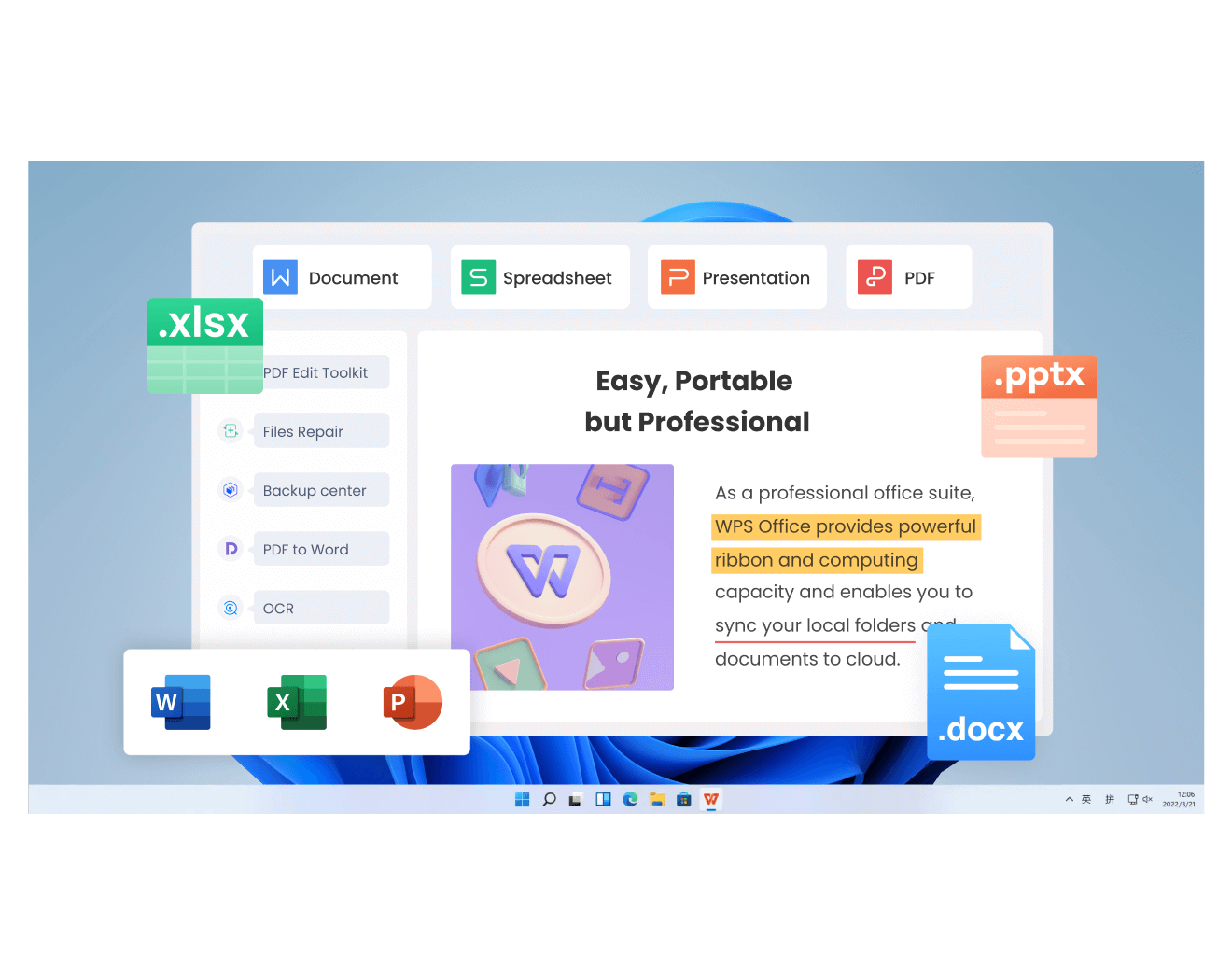
Do Things Quickly with Tell Me: Finding Tools in WPS Office
The Short Answer: Tell Me Is Microsoft, Not WPS
Tell Me, now commonly shown as Search, is a Microsoft Office feature. Do not assume WPS Office provides a command box under the same name. In WPS, begin with the visible ribbon, Quick Access Toolbar customization, and help resources that your own desktop build exposes.
Work on a copy first, make one change at a time, and inspect the result at normal zoom and in the final export. This avoids carrying an incorrect object selection, conversion choice, or visual adjustment through the rest of the document.
- Identify the selected object or file state before opening a format menu.
- Use the available desktop control, then confirm the visible result.
- Save a copy and re-open or export it when the result will be shared.
Tell Me (now Search) is a Microsoft Office feature; WPS Office does not ship a command box under that name. The shortcuts and toolbar options below must be confirmed in your desktop build because menu names and keys can differ between WPS Office versions and platforms.
For Microsoft’s Tell Me behavior, consult Microsoft Support; it does not establish a WPS feature.


Find a Command When You Forgot Where It Is
Tell Me, now commonly shown as Search, is a Microsoft Office feature. Do not assume WPS Office provides a command box under the same name. In WPS, begin with the visible ribbon, Quick Access Toolbar customization, and help resources that your own desktop build exposes.
Work on a copy first, make one change at a time, and inspect the result at normal zoom and in the final export. This avoids carrying an incorrect object selection, conversion choice, or visual adjustment through the rest of the document.
- Identify the selected object or file state before opening a format menu.
- Use the available desktop control, then confirm the visible result.
- Save a copy and re-open or export it when the result will be shared.
Tell Me (now Search) is a Microsoft Office feature; WPS Office does not ship a command box under that name. The shortcuts and toolbar options below must be confirmed in your desktop build because menu names and keys can differ between WPS Office versions and platforms.
WPS Office: Command-Finding Tools by Application
Tell Me, now commonly shown as Search, is a Microsoft Office feature. Do not assume WPS Office provides a command box under the same name. In WPS, begin with the visible ribbon, Quick Access Toolbar customization, and help resources that your own desktop build exposes.
Work on a copy first, make one change at a time, and inspect the result at normal zoom and in the final export. This avoids carrying an incorrect object selection, conversion choice, or visual adjustment through the rest of the document.
- Identify the selected object or file state before opening a format menu.
- Use the available desktop control, then confirm the visible result.
- Save a copy and re-open or export it when the result will be shared.
Tell Me (now Search) is a Microsoft Office feature; WPS Office does not ship a command box under that name. The shortcuts and toolbar options below must be confirmed in your desktop build because menu names and keys can differ between WPS Office versions and platforms.
WPS Office do things quickly with tell me workflow
Keyboard-First Workflow: Shortcut Hints and Alt Key Tips
Before you continue, verify the exact object, file, or command that is selected. Then apply one adjustment and compare the result with the original. This small check prevents a familiar problem: a setting can appear to have changed while it was applied to a different object, a converted copy, or a view that does not match the final export. Keep the original available, save a named revision, and confirm the result again after reopening the document on the platform that will receive it.
Tell Me, now commonly shown as Search, is a Microsoft Office feature. Do not assume WPS Office provides a command box under the same name. In WPS, begin with the visible ribbon, Quick Access Toolbar customization, and help resources that your own desktop build exposes.
Work on a copy first, make one change at a time, and inspect the result at normal zoom and in the final export. This avoids carrying an incorrect object selection, conversion choice, or visual adjustment through the rest of the document.
- Identify the selected object or file state before opening a format menu.
- Use the available desktop control, then confirm the visible result.
- Save a copy and re-open or export it when the result will be shared.
Tell Me (now Search) is a Microsoft Office feature; WPS Office does not ship a command box under that name. The shortcuts and toolbar options below must be confirmed in your desktop build because menu names and keys can differ between WPS Office versions and platforms.
Pin the Commands You Use Every Day
Before you continue, verify the exact object, file, or command that is selected. Then apply one adjustment and compare the result with the original. This small check prevents a familiar problem: a setting can appear to have changed while it was applied to a different object, a converted copy, or a view that does not match the final export. Keep the original available, save a named revision, and confirm the result again after reopening the document on the platform that will receive it.
Tell Me, now commonly shown as Search, is a Microsoft Office feature. Do not assume WPS Office provides a command box under the same name. In WPS, begin with the visible ribbon, Quick Access Toolbar customization, and help resources that your own desktop build exposes.
Work on a copy first, make one change at a time, and inspect the result at normal zoom and in the final export. This avoids carrying an incorrect object selection, conversion choice, or visual adjustment through the rest of the document.
- Identify the selected object or file state before opening a format menu.
- Use the available desktop control, then confirm the visible result.
- Save a copy and re-open or export it when the result will be shared.
Tell Me (now Search) is a Microsoft Office feature; WPS Office does not ship a command box under that name. The shortcuts and toolbar options below must be confirmed in your desktop build because menu names and keys can differ between WPS Office versions and platforms.
Troubleshooting Shortcut Conflicts and Missing Command Search
Before you continue, verify the exact object, file, or command that is selected. Then apply one adjustment and compare the result with the original. This small check prevents a familiar problem: a setting can appear to have changed while it was applied to a different object, a converted copy, or a view that does not match the final export. Keep the original available, save a named revision, and confirm the result again after reopening the document on the platform that will receive it.
Tell Me, now commonly shown as Search, is a Microsoft Office feature. Do not assume WPS Office provides a command box under the same name. In WPS, begin with the visible ribbon, Quick Access Toolbar customization, and help resources that your own desktop build exposes.
Work on a copy first, make one change at a time, and inspect the result at normal zoom and in the final export. This avoids carrying an incorrect object selection, conversion choice, or visual adjustment through the rest of the document.
- Identify the selected object or file state before opening a format menu.
- Use the available desktop control, then confirm the visible result.
- Save a copy and re-open or export it when the result will be shared.
Tell Me (now Search) is a Microsoft Office feature; WPS Office does not ship a command box under that name. The shortcuts and toolbar options below must be confirmed in your desktop build because menu names and keys can differ between WPS Office versions and platforms.
FAQs
Is Tell Me available in WPS Office?
Tell Me is a Microsoft Office feature. Do not assume WPS supplies a command box under that name.
What is the WPS equivalent of Alt+Q?
There is no verified one-to-one equivalent. Use visible ribbon paths, Quick Access Toolbar customization, and the help resources exposed by your build.
Can I customize the Quick Access Toolbar in WPS Office?
Look for the toolbar’s customization controls in your desktop build and add only commands you use repeatedly; menu labels can vary by version.
Where is the search box in WPS Office?
Do not rely on a Microsoft Search location. If your WPS build has no command search field, use menus, shortcut hints, or Help instead.
Why does a shortcut work on Windows but not Mac?
Key combinations and modifier behavior differ by platform and version. Confirm the shortcut in the app’s own documentation or interface.

Summary
Do things quickly with Tell Me in Microsoft Office, then use cautious, practical ways to find tools in WPS Office. Start with the correct object or file, keep a copy, and verify the result in the version you use.

'%3e%3cpath%20d='M19.9911%204.11386V6.471H18.5894C18.0775%206.471%2017.7322%206.57814%2017.5536%206.79243C17.3751%207.00671%2017.2858%207.32814%2017.2858%207.75671V9.44421H19.9019L19.5536%2012.0871H17.2858V18.8639H14.5536V12.0871H12.2769V9.44421H14.5536V7.49779C14.5536%206.39064%2014.8632%205.53201%2015.4822%204.92189C16.1013%204.31177%2016.9257%204.00671%2017.9554%204.00671C18.8304%204.00671%2019.509%204.04243%2019.9911%204.11386Z'%20fill='%23333333'/%3e%3c/g%3e%3cdefs%3e%3cclipPath%20id='clip0_2938_8199'%3e%3crect%20width='16'%20height='16'%20fill='white'%20transform='translate(8%204.00671)'/%3e%3c/clipPath%3e%3c/defs%3e%3c/svg%3e)
'%3e%3cpath%20d='M17.5237%2010.7813L23.4811%204H22.0699L16.8949%209.88693L12.7648%204H8L14.2469%2012.9029L8%2020.0133H9.4112L14.8725%2013.7952L19.2352%2020.0133H24M9.92053%205.04213H12.0885L22.0688%2019.0224H19.9003'%20fill='%23333333'/%3e%3c/g%3e%3cdefs%3e%3cclipPath%20id='clip0_2938_8200'%3e%3crect%20width='16'%20height='16.0134'%20fill='white'%20transform='translate(8%204)'/%3e%3c/clipPath%3e%3c/defs%3e%3c/svg%3e)


