

'%3e%3cpath%20d='M8%200C12.4183%200%2016%203.58172%2016%208C16%2012.4183%2012.4183%2016%208%2016C3.58172%2016%200%2012.4183%200%208C0%203.58172%203.58172%200%208%200ZM11.6162%204.38379C11.2257%203.99337%2010.5927%203.99338%2010.2021%204.38379L8%206.58594L5.79785%204.38379C5.40732%203.99334%204.77429%203.99329%204.38379%204.38379C3.99331%204.77429%203.99335%205.40733%204.38379%205.79785L6.58594%208L4.38379%2010.2021C3.99348%2010.5927%203.99341%2011.2257%204.38379%2011.6162C4.77426%2012.0066%205.40734%2012.0065%205.79785%2011.6162L8%209.41406L10.2021%2011.6162C10.5927%2012.0066%2011.2257%2012.0067%2011.6162%2011.6162C12.0067%2011.2257%2012.0066%2010.5927%2011.6162%2010.2021L9.41406%208L11.6162%205.79785C12.0066%205.40735%2012.0066%204.77429%2011.6162%204.38379Z'%20fill='%23080E17'%20fill-opacity='0.46'/%3e%3c/g%3e%3cdefs%3e%3cclipPath%20id='clip0_3761_713'%3e%3crect%20width='16'%20height='16'%20fill='white'/%3e%3c/clipPath%3e%3c/defs%3e%3c/svg%3e)




'%3e%3cpath%20fill-rule='evenodd'%20clip-rule='evenodd'%20d='M21.4999%2010.9993C21.4999%205.20009%2016.7986%200.498901%2010.9993%200.498901C5.19994%200.498901%200.498657%205.20009%200.498657%2010.9993C0.498657%2016.2404%204.33858%2020.5844%209.35855%2021.3722V14.0346H6.69238V10.9993H9.35855V8.68594C9.35855%206.05427%2010.9262%204.60062%2013.3248%204.60062C14.4736%204.60062%2015.6753%204.80571%2015.6753%204.80571V7.38979H14.3512C13.0468%207.38979%2012.64%208.19921%2012.64%209.0296V10.9993H15.5523L15.0867%2014.0346H12.64V21.3722C17.66%2020.5844%2021.4999%2016.2404%2021.4999%2010.9993Z'%20fill='%231568EA'/%3e%3c/g%3e%3c/svg%3e)


'%3e%3cpath%20d='M2.42045%2022.1876H6.31818V12.7217L0.75%208.54553V20.5171C0.75%2021.4414%201.49892%2022.1876%202.42045%2022.1876Z'%20fill='%234285F4'/%3e%3cpath%20d='M19.682%2022.1876H23.5797C24.5041%2022.1876%2025.2502%2021.4387%2025.2502%2020.5171V8.54553L19.682%2012.7217'%20fill='%2334A853'/%3e%3cpath%20d='M19.682%205.48293V12.7216L25.2502%208.54543V6.31816C25.2502%204.25236%2022.8921%203.07469%2021.2411%204.31361'%20fill='%23FBBC04'/%3e%3cpath%20d='M6.31824%2012.7217V5.48303L13.0001%2010.4944L19.6819%205.48303V12.7217L13.0001%2017.733'%20fill='%23EA4335'/%3e%3cpath%20d='M0.75%206.31816V8.54543L6.31818%2012.7216V5.48293L4.75909%204.31361C3.10534%203.07469%200.75%204.25236%200.75%206.31816Z'%20fill='%23C5221F'/%3e%3c/g%3e%3cdefs%3e%3cclipPath%20id='clip0_2954_7305'%3e%3crect%20width='24.5'%20height='18.375'%20fill='white'%20transform='translate(0.75%203.8125)'/%3e%3c/clipPath%3e%3c/defs%3e%3c/svg%3e)


If you are searching for a Microsoft Office Professional Plus 2010 product key, you are probably trying to reinstall Office, activate an old computer, or recover access to Word, Excel, PowerPoint, Outlook, Access, and Publisher files.
The important thing to know first: Office 2010 reached end of support on October 13, 2020, so Microsoft no longer provides security updates or technical support for it.
That does not mean every old Office 2010 installation immediately stops working. But it does mean you should avoid “free product key” lists, key generators, cracked installers, and suspicious activation tools. They are often invalid, unsafe, or illegal, and they may expose your files or computer to malware.
What a Microsoft Office Professional Plus 2010 product key can and cannot do
A Microsoft Office Professional Plus 2010 product key is not just a random code that unlocks Office forever. It is tied to a specific license type, activation method, and installation channel. Office Professional Plus 2010 was mainly distributed through volume licensing, academic/business programs, and certain subscription channels, not as a normal consumer retail box in the same way as Home and Student or Home and Business editions.
That matters because a key found online may not match your installer, your license type, or your organization’s activation system. Even if a key appears to work briefly, it may later fail validation or violate the license terms.
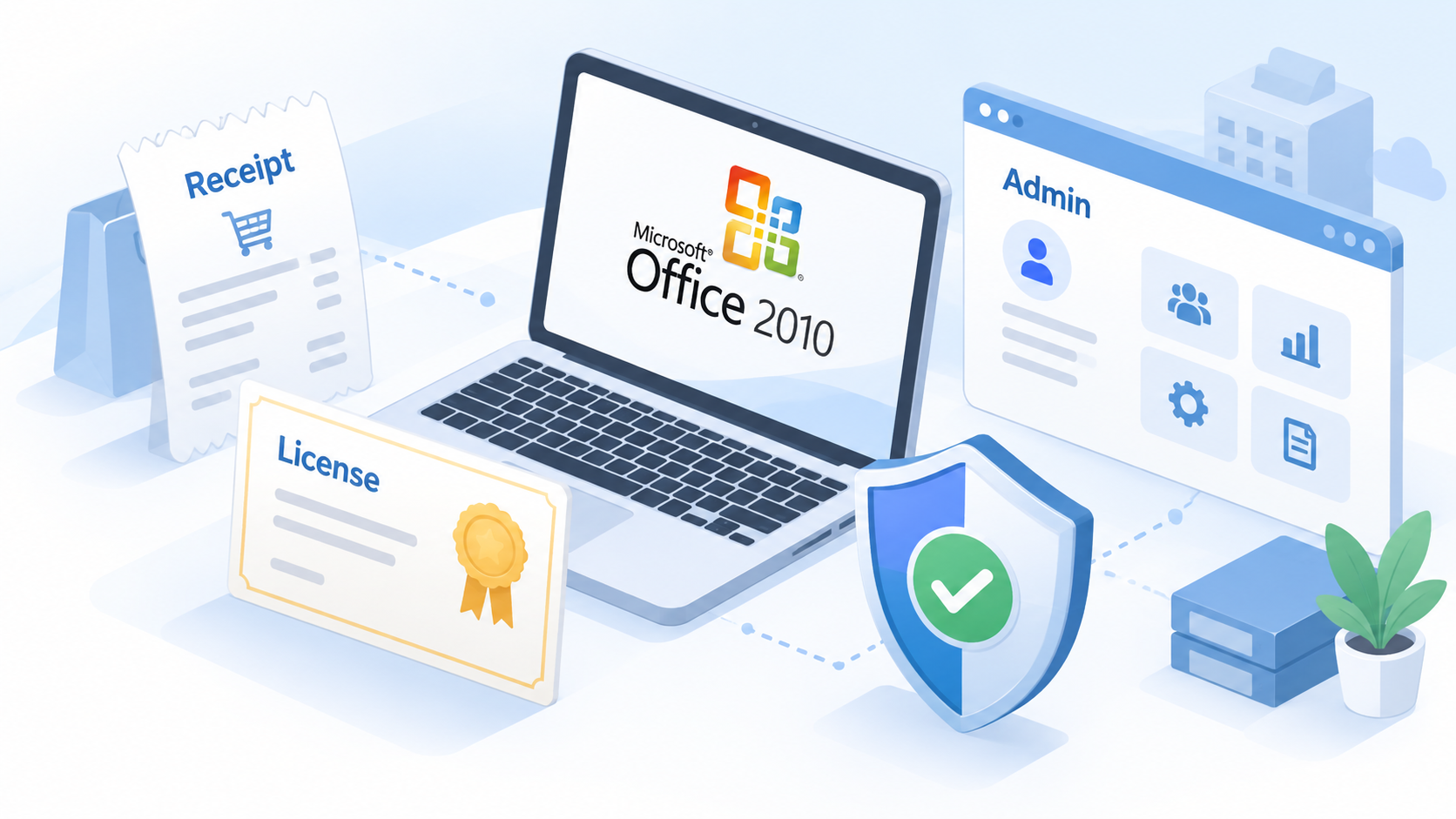
Before entering any key, check where your license originally came from:
If it was provided by a school or employer, contact the IT administrator.
If it was part of a volume license agreement, use the organization’s authorized licensing portal or activation server.
If it was purchased personally, look for the original receipt, confirmation email, packaging, or Microsoft account history.
If it came from an unknown website, auction listing, or “lifetime key” seller, treat it as risky.


Why free Microsoft Office Professional Plus 2010 product key lists are risky
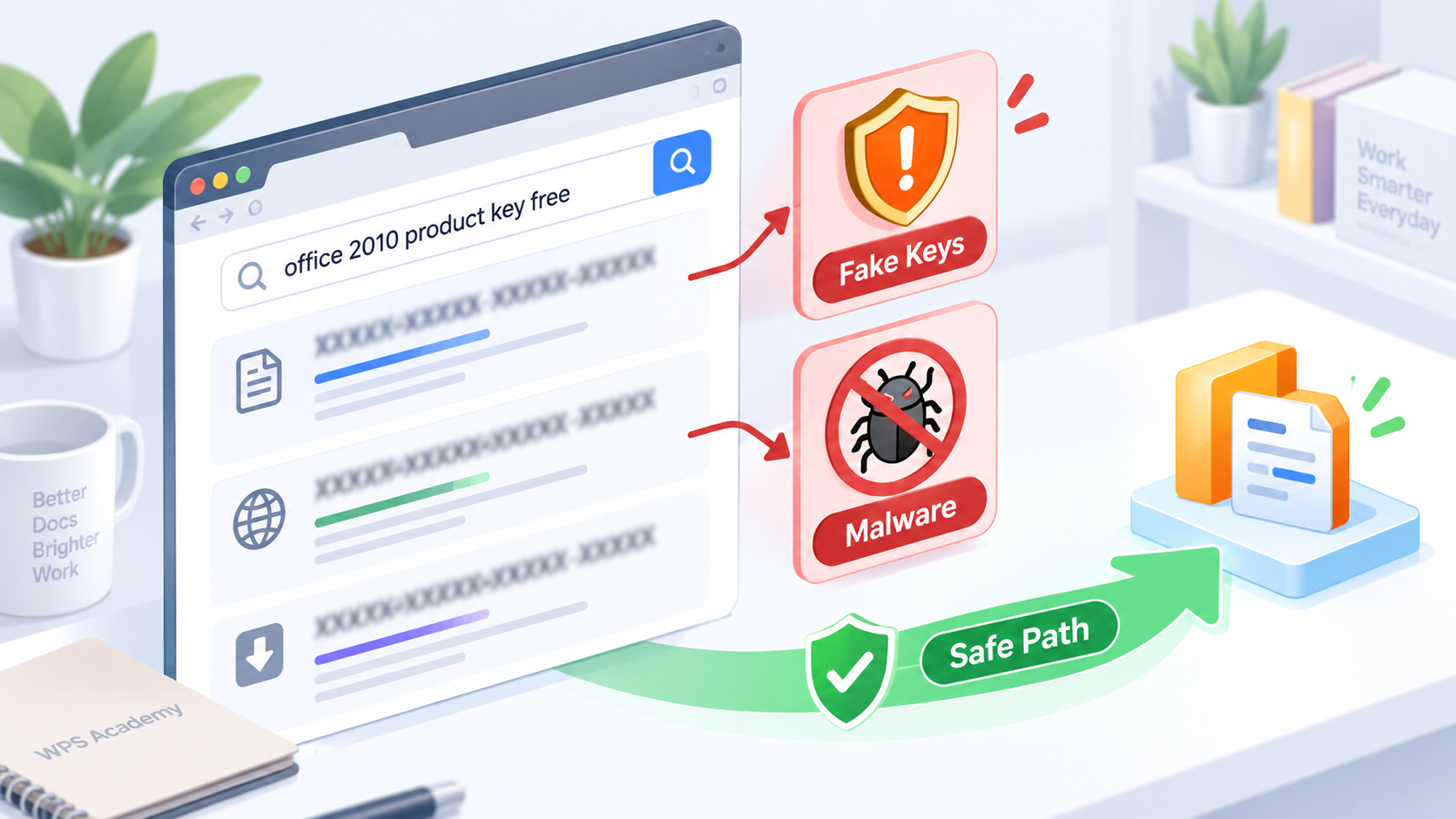
Many pages targeting this keyword publish long lists of supposed Office 2010 Professional Plus keys. These pages usually do not explain where the keys came from, whether they are still valid, or whether using them is legal. Some also bundle “activation tools” or modified installers, which can be much more dangerous than a failed activation attempt.
The common risks include:
The key is already blocked, overused, or tied to another organization.
The installer may include malware or unwanted software.
The activation may break after a Windows update or reinstall.
You may lose time troubleshooting an unsupported product.
Business users may create licensing and compliance problems.
If your goal is simply to open or edit old Office files, using a safer office suite may be faster than trying to revive an unsupported Office 2010 installation.
How to handle a legitimate Microsoft Office Professional Plus 2010 product key
If you already own a legitimate Microsoft Office Professional Plus 2010 product key, keep the process simple and cautious.
First, confirm that your installer matches the edition. A Professional Plus key may not activate a different Office 2010 edition. Next, make sure you are installing from a trusted source, such as your organization’s software portal or original installation media. Avoid repacked downloads, unofficial ISO files, and “pre-activated” installers.
If activation fails, do this instead:
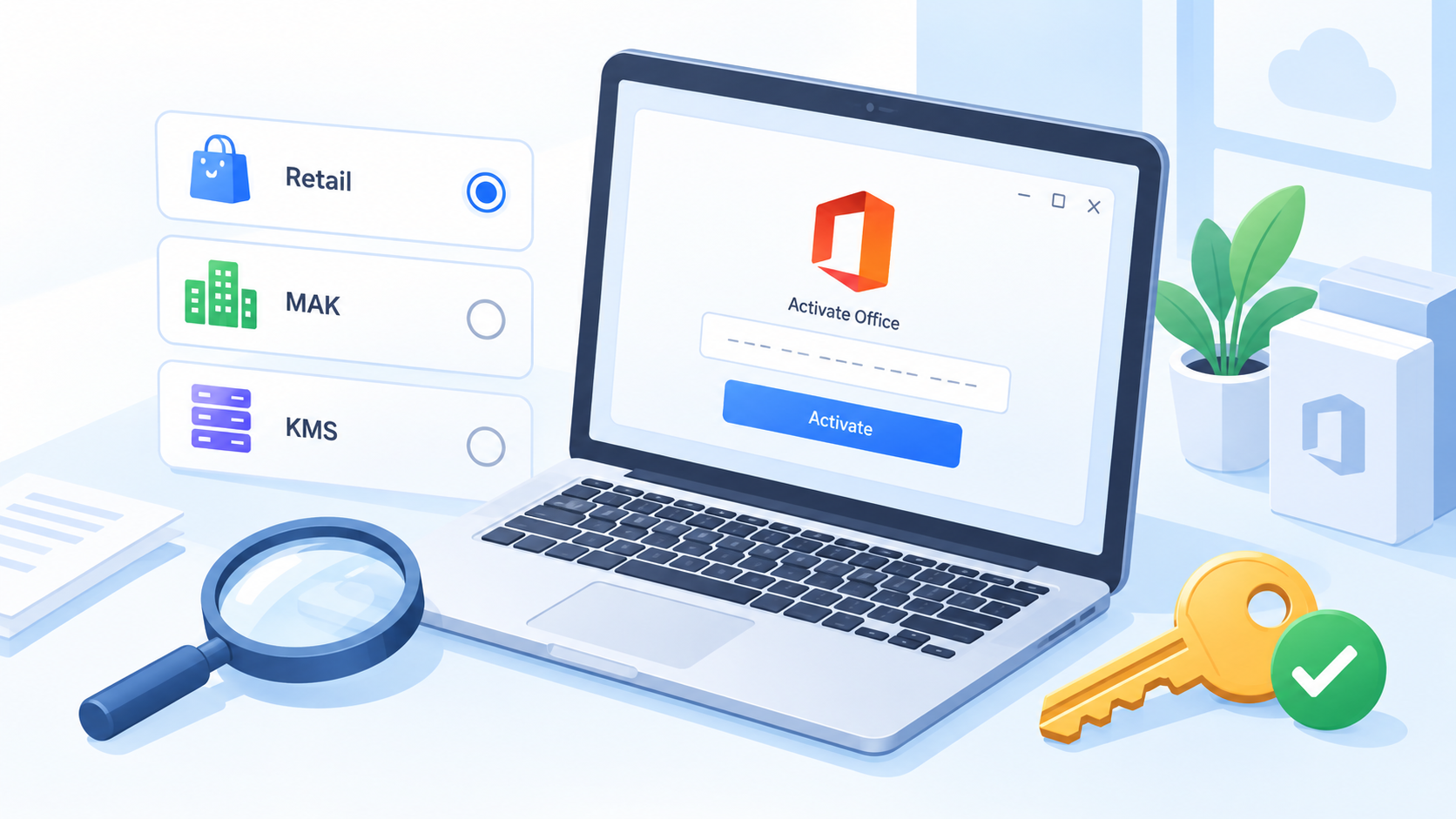
Check whether the product key was meant for retail, MAK, or KMS activation.
Confirm whether your organization still supports Office 2010 activation.
Make sure the computer date, Windows installation, and network connection are normal.
If it is a company license, ask IT whether activation limits have been reached.
Consider upgrading if the old license cannot be verified.
Because Office 2010 is no longer supported, even a successful activation should be treated as a temporary solution rather than a long-term setup for sensitive work.
The Best Free Alternative: WPS Office
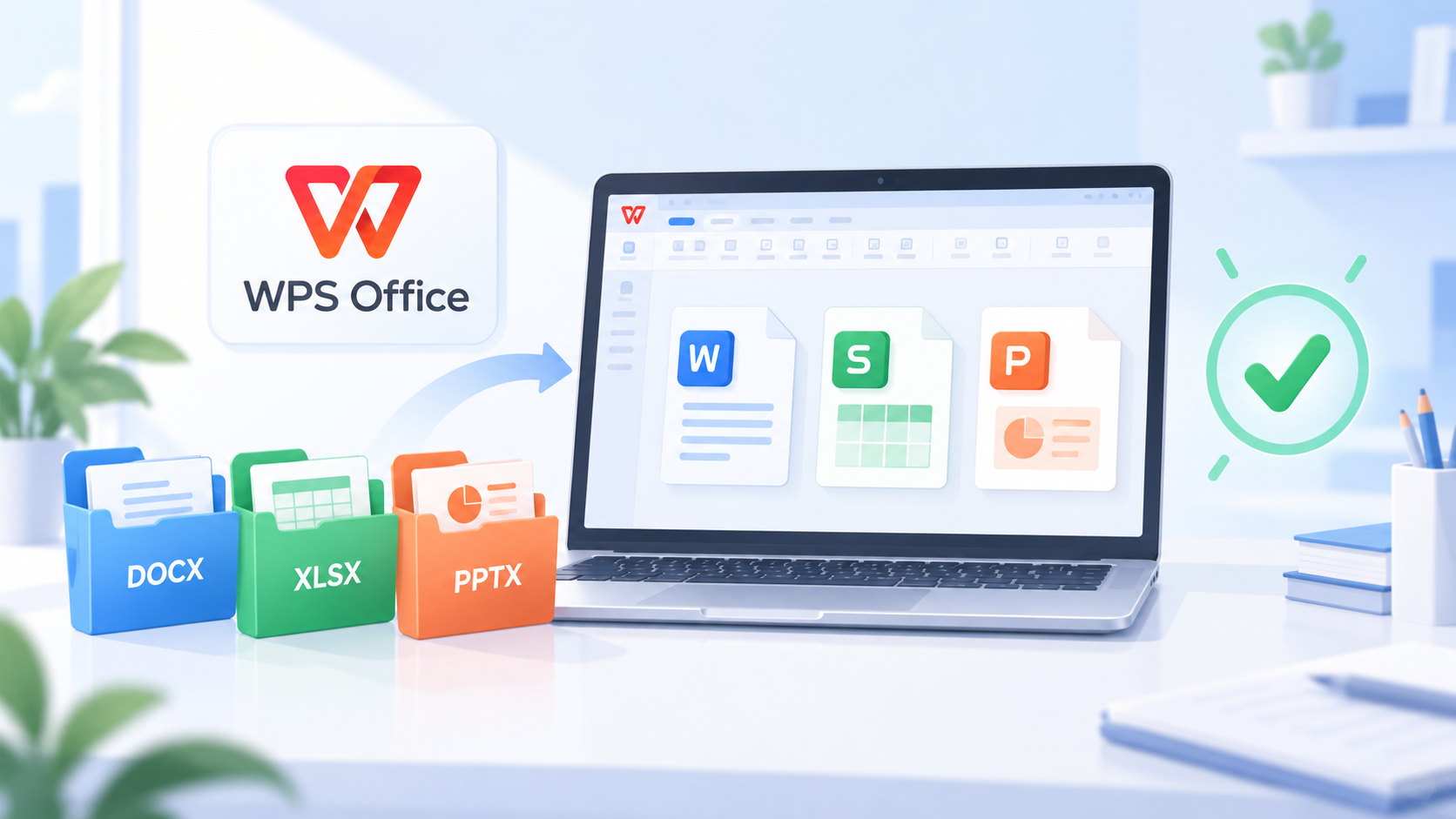
If your real need is opening DOCX, XLSX, PPTX, or older Office files, you may not need Office 2010 at all. Modern office suites can open and edit many Office formats without requiring an Office 2010 product key.
WPS Office is one practical option for users who need to read, edit, and export Word, Excel, PowerPoint, and PDF files. It supports common Microsoft Office file formats and is easier to install on current systems than an unsupported 2010 suite.
A safe workflow is:
Install WPS Office from the official WPS website.
Open your old Word, Excel, or PowerPoint file.
Review fonts, formulas, charts, macros, and page layout.
Save a backup copy before editing.
Export to PDF if you need a stable sharing format.
For simple documents, spreadsheets, presentations, and PDFs, this path is usually faster and safer than hunting for a Microsoft Office Professional Plus 2010 product key online.
When you should upgrade instead of using a Microsoft Office Professional Plus 2010 product key
You should consider upgrading if you use Office files for business, finance, contracts, customer data, or school submissions. The main reason is security: Office 2010 no longer receives security updates. Files from email attachments, shared drives, or unknown sources can carry risks, especially when macros are involved.
Upgrade or switch tools if:
You work with sensitive documents.
You need cloud collaboration.
You use Outlook with modern email services.
You frequently receive files from outside your organization.
Your Office 2010 product key cannot be verified.
Microsoft 365, newer perpetual Office versions, and WPS Office are all more practical choices for current devices. The best option depends on whether you need Microsoft’s cloud services, advanced Excel features, or a lightweight office suite for everyday documents.
FAQs
Can I get a free Microsoft Office Professional Plus 2010 product key?
No reliable or legal source provides free public product keys for Office Professional Plus 2010. Public key lists are usually invalid, unauthorized, or unsafe.
Does Office 2010 still work after end of support?
Existing installations may still run, but Microsoft ended support for Office 2010 on October 13, 2020. That means no new security updates or technical support.
Why does my Office 2010 product key not work?
The key may not match the edition, may have reached its activation limit, may belong to a volume license system, or may no longer be supported by your organization.
Is Office Professional Plus 2010 a retail product?
Office Professional Plus 2010 was mainly associated with volume licensing and business/organization distribution, so activation often depends on the original licensing channel.
Can WPS Office open Office 2010 files?
Yes, WPS Office can open many common Word, Excel, and PowerPoint formats, including DOCX, XLSX, and PPTX. Complex macros, advanced formatting, or specialized add-ins should be checked carefully after opening.


'%3e%3cpath%20d='M19.9911%204.11386V6.471H18.5894C18.0775%206.471%2017.7322%206.57814%2017.5536%206.79243C17.3751%207.00671%2017.2858%207.32814%2017.2858%207.75671V9.44421H19.9019L19.5536%2012.0871H17.2858V18.8639H14.5536V12.0871H12.2769V9.44421H14.5536V7.49779C14.5536%206.39064%2014.8632%205.53201%2015.4822%204.92189C16.1013%204.31177%2016.9257%204.00671%2017.9554%204.00671C18.8304%204.00671%2019.509%204.04243%2019.9911%204.11386Z'%20fill='%23333333'/%3e%3c/g%3e%3cdefs%3e%3cclipPath%20id='clip0_2938_8199'%3e%3crect%20width='16'%20height='16'%20fill='white'%20transform='translate(8%204.00671)'/%3e%3c/clipPath%3e%3c/defs%3e%3c/svg%3e)
'%3e%3cpath%20d='M17.5237%2010.7813L23.4811%204H22.0699L16.8949%209.88693L12.7648%204H8L14.2469%2012.9029L8%2020.0133H9.4112L14.8725%2013.7952L19.2352%2020.0133H24M9.92053%205.04213H12.0885L22.0688%2019.0224H19.9003'%20fill='%23333333'/%3e%3c/g%3e%3cdefs%3e%3cclipPath%20id='clip0_2938_8200'%3e%3crect%20width='16'%20height='16.0134'%20fill='white'%20transform='translate(8%204)'/%3e%3c/clipPath%3e%3c/defs%3e%3c/svg%3e)


