



'%3e%3cpath%20fill-rule='evenodd'%20clip-rule='evenodd'%20d='M21.4999%2010.9993C21.4999%205.20009%2016.7986%200.498901%2010.9993%200.498901C5.19994%200.498901%200.498657%205.20009%200.498657%2010.9993C0.498657%2016.2404%204.33858%2020.5844%209.35855%2021.3722V14.0346H6.69238V10.9993H9.35855V8.68594C9.35855%206.05427%2010.9262%204.60062%2013.3248%204.60062C14.4736%204.60062%2015.6753%204.80571%2015.6753%204.80571V7.38979H14.3512C13.0468%207.38979%2012.64%208.19921%2012.64%209.0296V10.9993H15.5523L15.0867%2014.0346H12.64V21.3722C17.66%2020.5844%2021.4999%2016.2404%2021.4999%2010.9993Z'%20fill='%231568EA'/%3e%3c/g%3e%3c/svg%3e)


'%3e%3cpath%20d='M2.42045%2022.1876H6.31818V12.7217L0.75%208.54553V20.5171C0.75%2021.4414%201.49892%2022.1876%202.42045%2022.1876Z'%20fill='%234285F4'/%3e%3cpath%20d='M19.682%2022.1876H23.5797C24.5041%2022.1876%2025.2502%2021.4387%2025.2502%2020.5171V8.54553L19.682%2012.7217'%20fill='%2334A853'/%3e%3cpath%20d='M19.682%205.48293V12.7216L25.2502%208.54543V6.31816C25.2502%204.25236%2022.8921%203.07469%2021.2411%204.31361'%20fill='%23FBBC04'/%3e%3cpath%20d='M6.31824%2012.7217V5.48303L13.0001%2010.4944L19.6819%205.48303V12.7217L13.0001%2017.733'%20fill='%23EA4335'/%3e%3cpath%20d='M0.75%206.31816V8.54543L6.31818%2012.7216V5.48293L4.75909%204.31361C3.10534%203.07469%200.75%204.25236%200.75%206.31816Z'%20fill='%23C5221F'/%3e%3c/g%3e%3cdefs%3e%3cclipPath%20id='clip0_2954_7305'%3e%3crect%20width='24.5'%20height='18.375'%20fill='white'%20transform='translate(0.75%203.8125)'/%3e%3c/clipPath%3e%3c/defs%3e%3c/svg%3e)


A missing Microsoft Office Professional Plus 2016 product key can interrupt work when you reinstall Office or change computers. You may still have a valid license even if you cannot find the original email. The first step is to identify how you obtained Office, then follow the account, purchase-record, or IT support route that matches it.
This guide explains how to locate your license, check the installed key's last five characters, and address common activation problems. It also shows how WPS Office can help you continue editing documents without an Office product key.
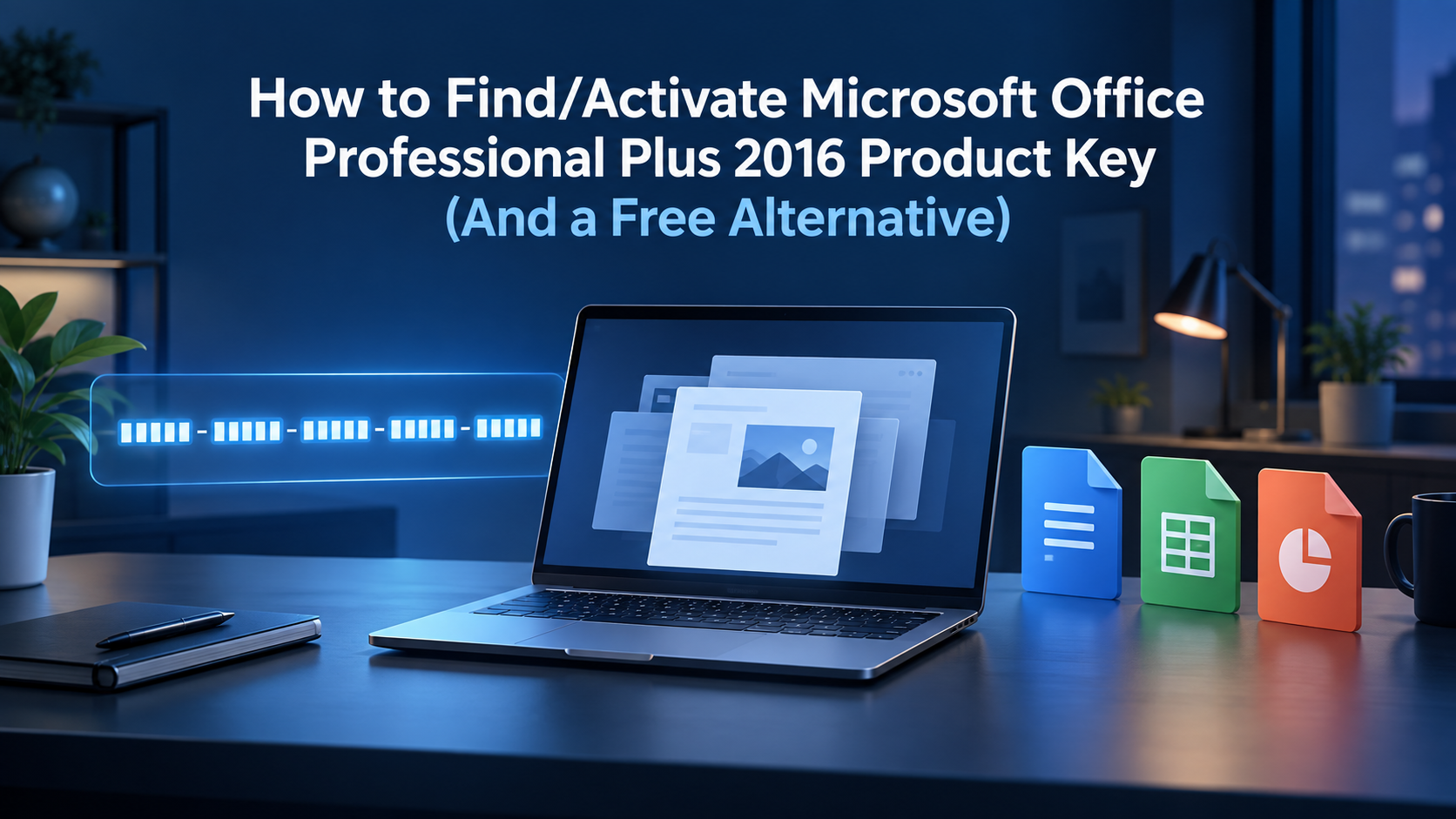
Understanding Microsoft Office Professional Plus 2016 Product Key
An Office product key contains 25 letters and numbers, usually arranged in five groups: XXXXX-XXXXX-XXXXX-XXXXX-XXXXX. This example shows the format only; it is not an activation key. A valid key works with the corresponding product and licensing channel.
Professional Plus is typically supplied through organization licensing for businesses and schools. Office Standard is also an organizational edition; Professional Plus is not simply the same product with a different name. Consumer editions such as Home & Student or Home & Business have different application bundles and purchase terms. Microsoft 365 Personal is a subscription, not another name for Professional Plus 2016.
Professional Plus 2016 was also available to eligible employees through the older Home Use Program (HUP), now called the Workplace Discount Program. Do not confuse an individual HUP purchase with a centrally managed company installation.
Microsoft account and order history: Check the account used for a personal purchase and the original order details.
HR or IT: HR may help identify an older employee benefit; IT manages organizational licenses and activation.
Purchase email: Search for “Office 2016,” “Professional Plus,” “Home Use Program,” and the seller's name. Check archived email and attachments.



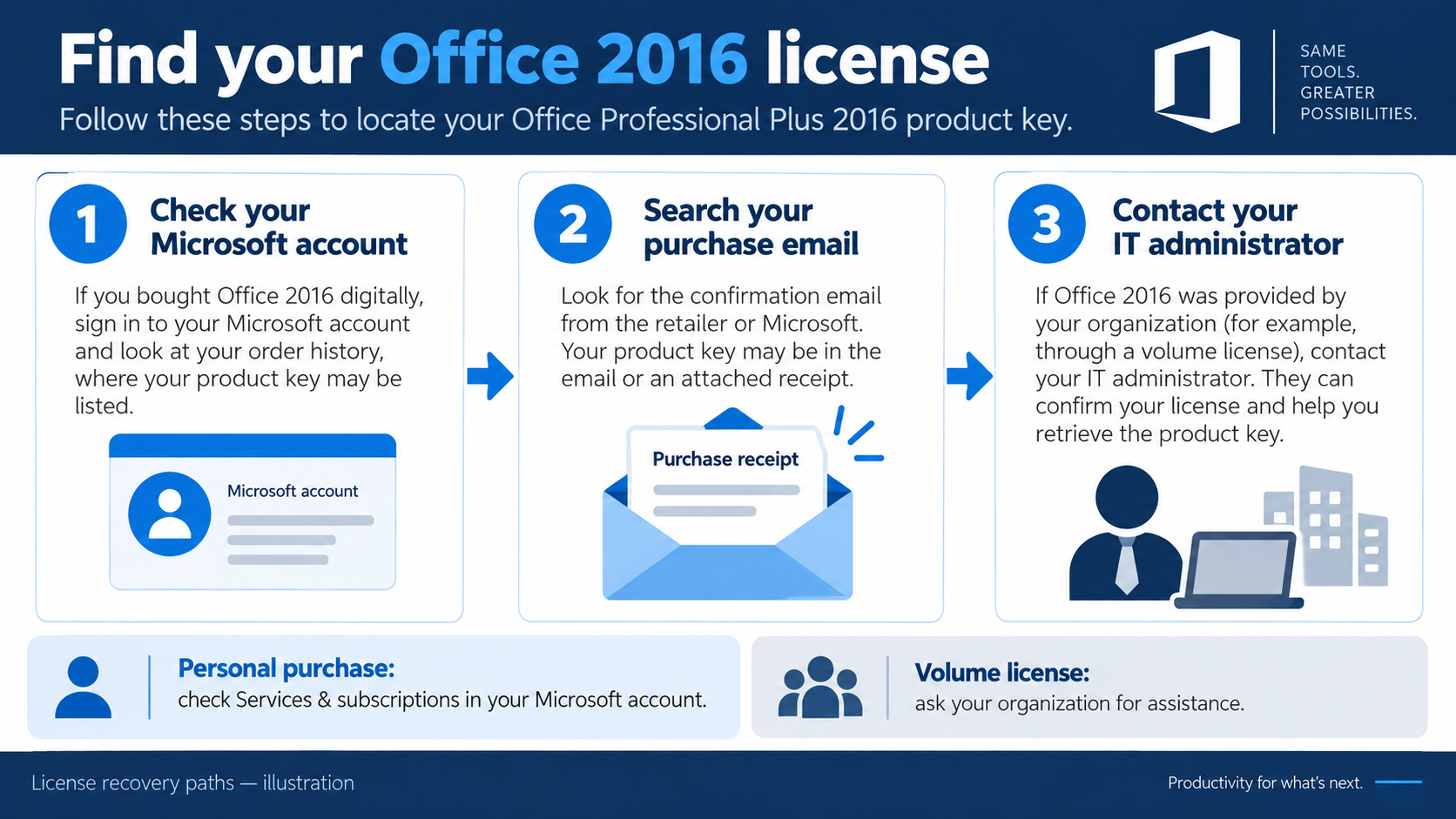
How to Locate Your Lost Office 2016 Product Key
Check Services & Subscriptions and your purchase records
Sign in to Microsoft Account — Services & Subscriptions using the account associated with your purchase.
Look for the Office license and available installation options. An account-linked license may let you reinstall without showing the complete original key.
If Professional Plus does not appear, check your original order email or the applicable Workplace Discount Program order details.
For an employer-managed installation, ask IT to confirm your entitlement and activation method. Its volume license normally will not appear as a personal account purchase.
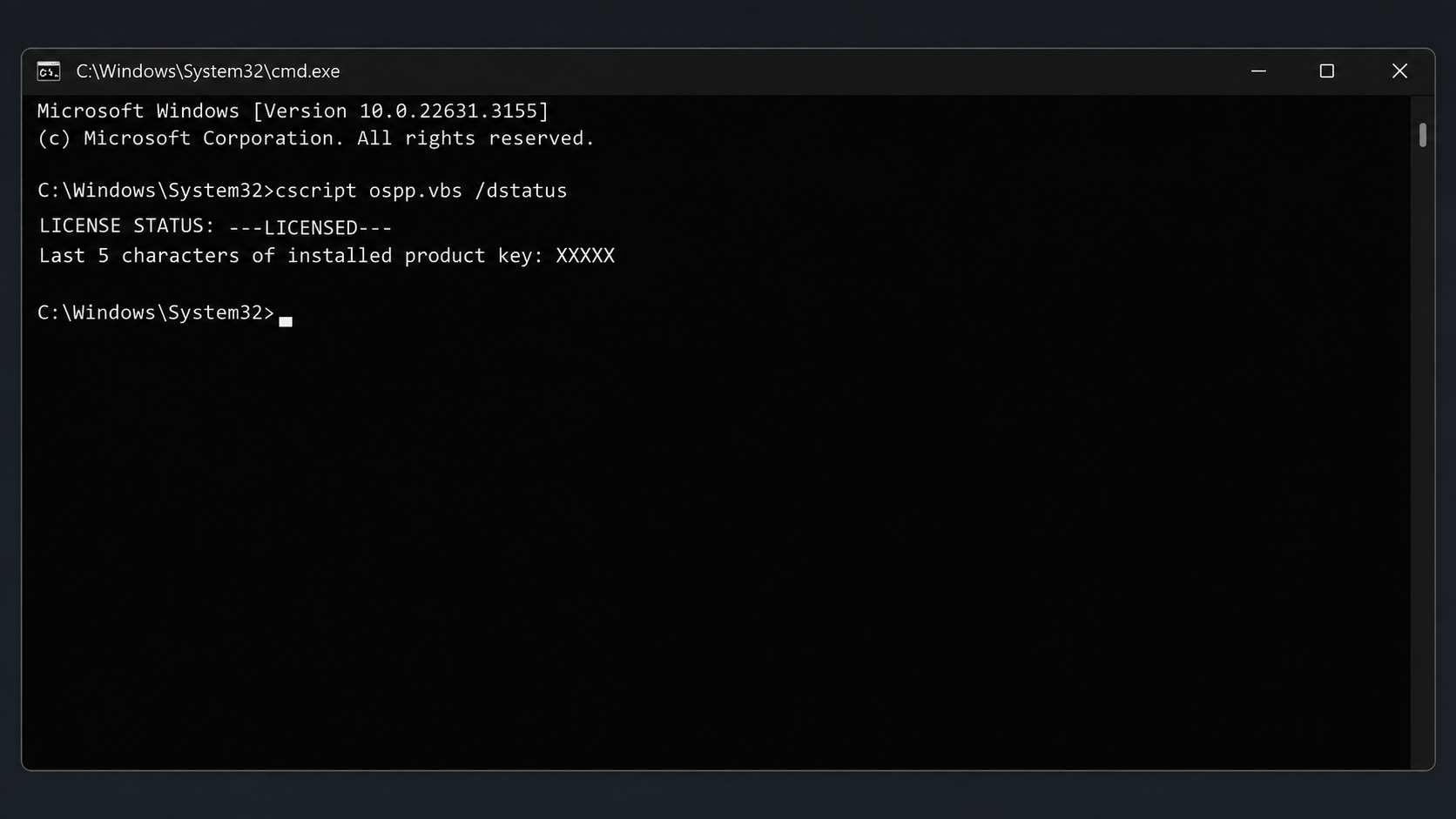
Use CMD to check the installed key's last five characters
On Windows, the Office licensing script can report the installed license status and key suffix. It cannot recover the complete 25-character key or create a license.
Search for Command Prompt, right-click it, and choose Run as administrator. On a managed PC, ask IT if you lack administrator access.
Locate
ospp.vbsin your installed Office folder. A common Office 2016 location is shown below.Run the command matching the actual script location.
cscript "C:\Program Files\Microsoft Office\Office16\ospp.vbs" /dstatus
For 32-bit Office installed on 64-bit Windows, a common alternative is:
cscript "C:\Program Files (x86)\Microsoft Office\Office16\ospp.vbs" /dstatus
Some installations include \root\ before Office16. If the script is not found, check that path rather than downloading a replacement script. From the folder containing the installed script, the equivalent command is:
cscript ospp.vbs /dstatus
Find LICENSE STATUS and Last 5 characters of installed product key. Use the suffix to compare your records or help IT identify the installation. A KMS client's suffix may identify a generic setup key. This is a diagnostic command, not an activation command.
Activate through the correct channel
For an eligible older HUP purchase, open an Office app and use the product-key entry option in the setup prompt; Microsoft documents the link I don't want to sign in or create an account for this purchase type. Enter your purchased key and follow the prompts. For account-linked purchases, use the associated account. For volume licensing, follow IT's MAK, KMS, or Active Directory activation instructions. Check the result under File → Account.
A friendly security reminder: Avoid “free key generators,” unofficial activators, and suspicious key-only offers. Downloaded tools can contain Trojans or other malware, and an unauthorized key may later be blocked. Use original purchase records and official software sources.
Common Product Key Issues & Troubleshooting
| Issue | Possible cause | What to do |
|---|---|---|
| Invalid or blocked key | A typing error, mismatched edition/channel, revoked key, or activation limit. | Confirm the exact product and order. Ask the seller or IT to investigate the error. |
| Activation appears to expire | A managed activation may need renewal through the organization's infrastructure. This does not mean every perpetual Office 2016 license expires. | Contact IT and reconnect to its approved network or VPN as instructed. |
| Key cannot be redeemed in a personal account | A volume-license Professional Plus key is not intended for consumer redemption using a personal Outlook address. | Use the organization's activation process. Check older HUP purchases separately. |
| Activation fails after changing devices | Hardware changes, device limits, or license assignment and transfer conditions. | Check the applicable purchase terms and ask IT or Microsoft about reactivation. |
Microsoft documents that MAK activation has an activation allowance and that major hardware changes can require reactivation. KMS uses organizational infrastructure.
A one-device limit does not automatically mean a license can never move to another computer. Transfer eligibility depends on the license terms; volume-license assignments should be handled by the organization.
Also check the computer's clock, internet access, and whether multiple Office copies are installed. Record the exact error before changing anything.

Why Modern Teams & Individuals Are Moving Beyond Office 2016
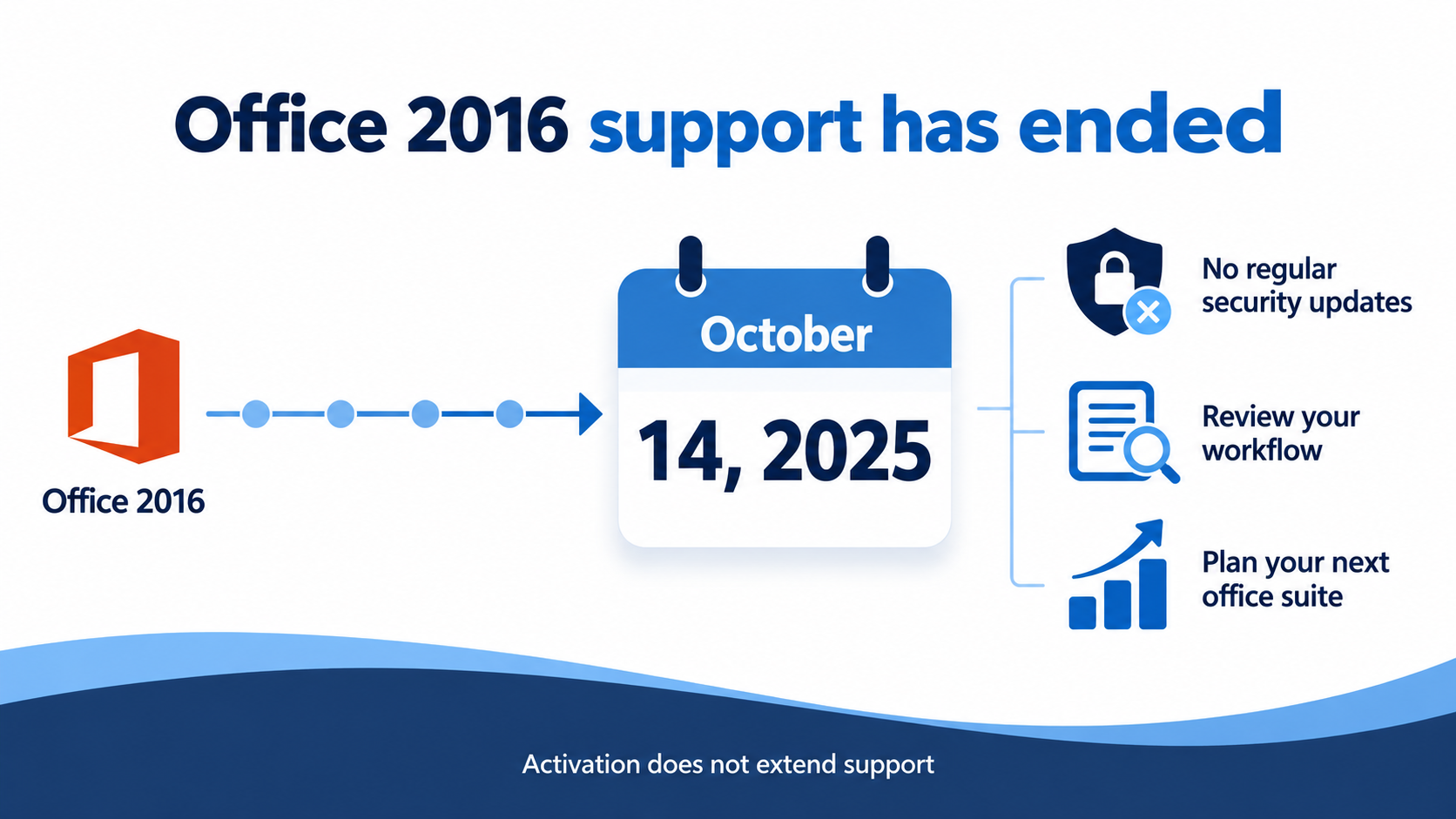
Office 2016 support ended on October 14, 2025. Microsoft no longer supplies its regular security updates, bug fixes, or technical support. The applications may continue to run, but finding a valid key does not restart that support lifecycle.
Office 2016 also predates today's integrated generative AI assistants. Its older collaboration capabilities should not be equated with the current experience in actively developed office platforms. For teams working across devices and shared documents, that gap is a reason to reassess their tools.
Replacing the suite has a budget impact: Microsoft 365 involves recurring subscription costs, while a newer perpetual Office edition involves an upfront purchase. Pricing depends on the region, plan, and number of users. Compare the features you actually need before paying for a replacement; everyday document work may fit a free office suite.
The Best Free Alternative: WPS Office
For everyday writing, spreadsheets, and presentations, WPS Office is a practical free alternative to consider. Writer, Spreadsheets, and Presentation handle the familiar Microsoft file formats in one suite.
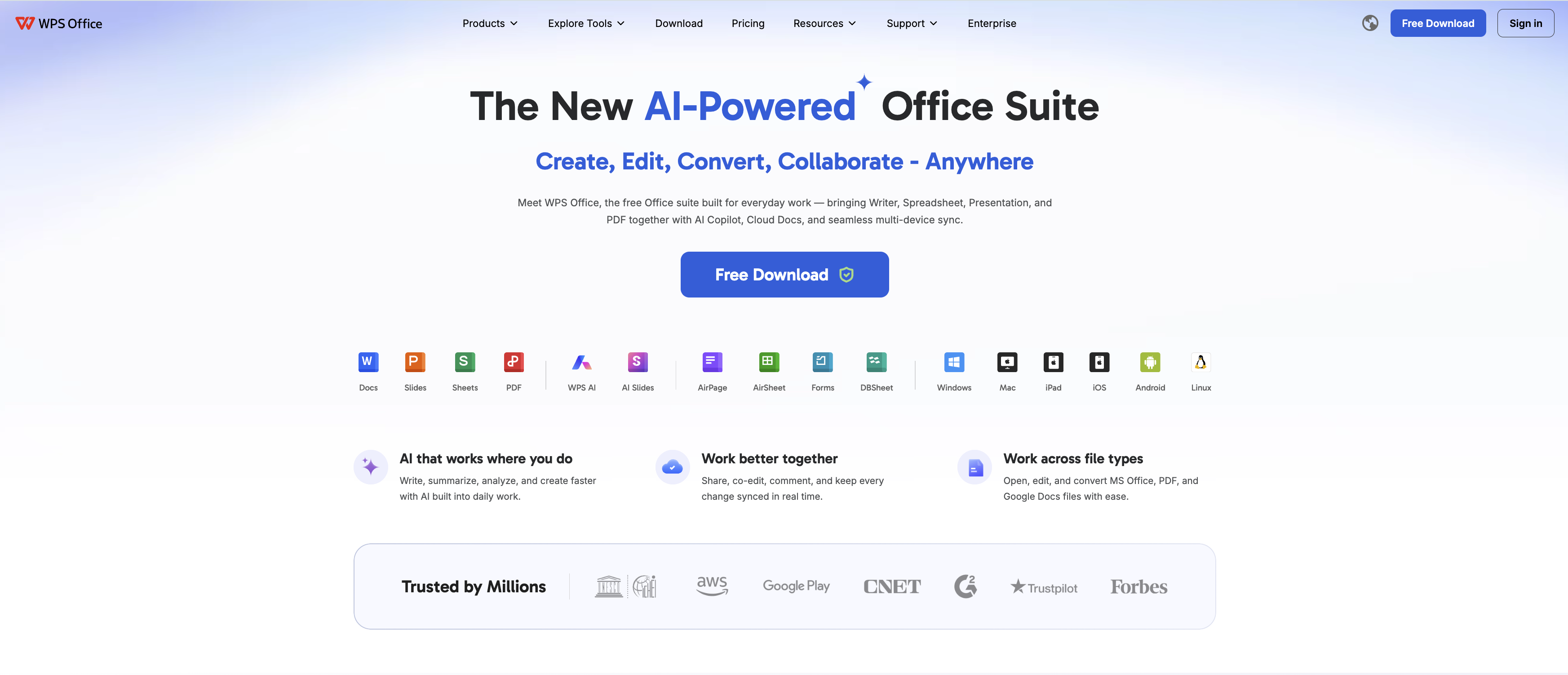
The reconstructed WPS interface below illustrates a migration checklist; it is not a captured live session.
Work with DOCX, XLSX, and PPTX
WPS supports opening, editing, and saving .docx, .xlsx, and .pptx files. This makes it convenient to keep working with documents created in Office 2016. Compatibility is strong for common files, but a blanket promise of “100% perfect formatting” would overlook differences in fonts, complex layouts, macros, and specialized features. Test important files before moving an entire workflow.
Start basic editing without an Office product key
Download WPS Office from its official website, install it, and open your file in the appropriate app. Core editing does not require a Microsoft 25-character key. Cloud services and some features require a WPS account, while premium features have separate plan requirements.
To keep the original safe, choose Menu/File → Save As and save a copy in the required format. The illustrative workflow below shows DOCX selected. Menu names and layout may vary by WPS version. Reopen the copy and check its layout before sharing.
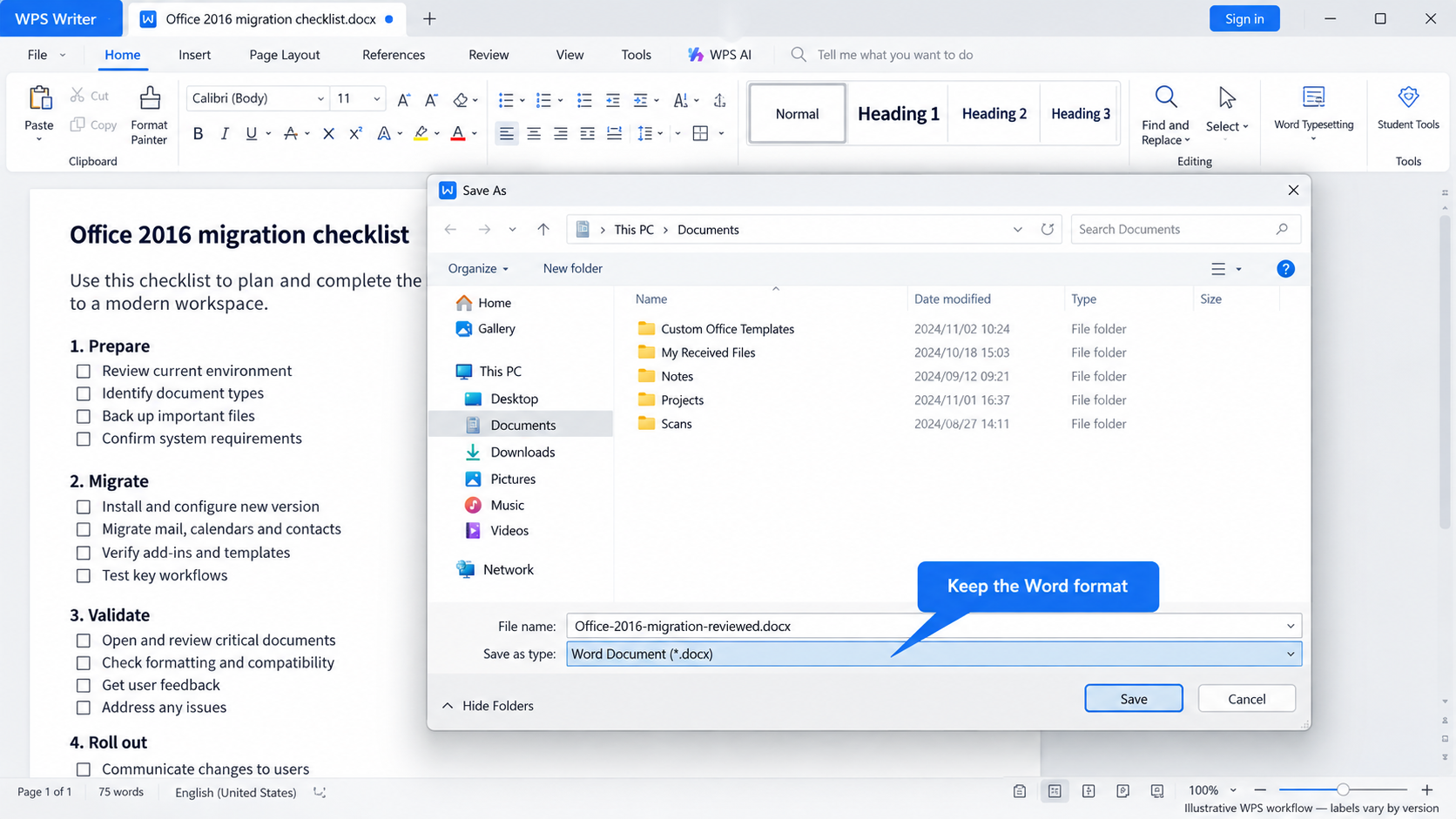
See the detailed WPS document-saving walkthrough for more guidance.
PDF tools, templates, and cloud collaboration
PDF conversion and editing: WPS offers PDF-to-Word conversion and PDF editing tools alongside its office apps. Full editing and conversion access may require a paid plan.
Office templates: Browse the WPS template library for documents, spreadsheets, and slides. Free options are available; premium templates and download allowances vary.
Cloud work across devices: WPS Cloud supports synchronized files and collaboration on supported cloud documents. Sign in and use cloud storage to access that workflow; local files do not automatically become shared documents. Storage and service availability depend on the plan and platform.
Check the WPS plan comparison for the current distinction between free core features and paid PDF, template, storage, and AI benefits.
Use WPS AI for writing and spreadsheet assistance
WPS AI can assist with drafting, rewriting, summarizing, and spreadsheet formulas in supported versions. For example, use it to create a first draft of a project update or suggest a formula, then review the result. This adds modern assistance beyond the original Office 2016 feature set, although availability, usage limits, and paid access vary. Verify AI-generated facts and calculations before relying on them.
FAQs
Can I open Office Pro Plus 2016 files in WPS Office?
Yes. WPS Writer, Spreadsheets, and Presentation support common Office formats including DOCX, XLSX, and PPTX. Check complex formatting, macros, and specialized features before sharing important files. This does not mean every Professional Plus application or file type has a WPS equivalent.
Is WPS Office free to use without a product key?
Yes. Basic document, spreadsheet, and presentation editing is available without a Microsoft Office product key. Advanced PDF tools, some templates, AI features, and additional cloud storage may require a paid plan. WPS does not activate Microsoft Office.
Can the CMD command show my full Office product key?
No. The ospp.vbs /dstatus check reports license information and the final five characters of the installed key; it does not reveal a complete 25-character key.
Can I redeem a Professional Plus key in a personal Microsoft account?
Usually not when it comes from a volume license. Check whether the license was a personal purchase, an employee benefit, or an organization-managed installation before trying to redeem it.
Does WPS Office activate Microsoft Office 2016?
No. WPS Office is a separate office suite. It can help you work with common document formats, but it cannot activate or validate a Microsoft Office license.


'%3e%3cpath%20d='M19.9911%204.11386V6.471H18.5894C18.0775%206.471%2017.7322%206.57814%2017.5536%206.79243C17.3751%207.00671%2017.2858%207.32814%2017.2858%207.75671V9.44421H19.9019L19.5536%2012.0871H17.2858V18.8639H14.5536V12.0871H12.2769V9.44421H14.5536V7.49779C14.5536%206.39064%2014.8632%205.53201%2015.4822%204.92189C16.1013%204.31177%2016.9257%204.00671%2017.9554%204.00671C18.8304%204.00671%2019.509%204.04243%2019.9911%204.11386Z'%20fill='%23333333'/%3e%3c/g%3e%3cdefs%3e%3cclipPath%20id='clip0_2938_8199'%3e%3crect%20width='16'%20height='16'%20fill='white'%20transform='translate(8%204.00671)'/%3e%3c/clipPath%3e%3c/defs%3e%3c/svg%3e)
'%3e%3cpath%20d='M17.5237%2010.7813L23.4811%204H22.0699L16.8949%209.88693L12.7648%204H8L14.2469%2012.9029L8%2020.0133H9.4112L14.8725%2013.7952L19.2352%2020.0133H24M9.92053%205.04213H12.0885L22.0688%2019.0224H19.9003'%20fill='%23333333'/%3e%3c/g%3e%3cdefs%3e%3cclipPath%20id='clip0_2938_8200'%3e%3crect%20width='16'%20height='16.0134'%20fill='white'%20transform='translate(8%204)'/%3e%3c/clipPath%3e%3c/defs%3e%3c/svg%3e)


