

'%3e%3cpath%20d='M8%200C12.4183%200%2016%203.58172%2016%208C16%2012.4183%2012.4183%2016%208%2016C3.58172%2016%200%2012.4183%200%208C0%203.58172%203.58172%200%208%200ZM11.6162%204.38379C11.2257%203.99337%2010.5927%203.99338%2010.2021%204.38379L8%206.58594L5.79785%204.38379C5.40732%203.99334%204.77429%203.99329%204.38379%204.38379C3.99331%204.77429%203.99335%205.40733%204.38379%205.79785L6.58594%208L4.38379%2010.2021C3.99348%2010.5927%203.99341%2011.2257%204.38379%2011.6162C4.77426%2012.0066%205.40734%2012.0065%205.79785%2011.6162L8%209.41406L10.2021%2011.6162C10.5927%2012.0066%2011.2257%2012.0067%2011.6162%2011.6162C12.0067%2011.2257%2012.0066%2010.5927%2011.6162%2010.2021L9.41406%208L11.6162%205.79785C12.0066%205.40735%2012.0066%204.77429%2011.6162%204.38379Z'%20fill='%23080E17'%20fill-opacity='0.46'/%3e%3c/g%3e%3cdefs%3e%3cclipPath%20id='clip0_3761_713'%3e%3crect%20width='16'%20height='16'%20fill='white'/%3e%3c/clipPath%3e%3c/defs%3e%3c/svg%3e)




'%3e%3cpath%20fill-rule='evenodd'%20clip-rule='evenodd'%20d='M21.4999%2010.9993C21.4999%205.20009%2016.7986%200.498901%2010.9993%200.498901C5.19994%200.498901%200.498657%205.20009%200.498657%2010.9993C0.498657%2016.2404%204.33858%2020.5844%209.35855%2021.3722V14.0346H6.69238V10.9993H9.35855V8.68594C9.35855%206.05427%2010.9262%204.60062%2013.3248%204.60062C14.4736%204.60062%2015.6753%204.80571%2015.6753%204.80571V7.38979H14.3512C13.0468%207.38979%2012.64%208.19921%2012.64%209.0296V10.9993H15.5523L15.0867%2014.0346H12.64V21.3722C17.66%2020.5844%2021.4999%2016.2404%2021.4999%2010.9993Z'%20fill='%231568EA'/%3e%3c/g%3e%3c/svg%3e)


'%3e%3cpath%20d='M2.42045%2022.1876H6.31818V12.7217L0.75%208.54553V20.5171C0.75%2021.4414%201.49892%2022.1876%202.42045%2022.1876Z'%20fill='%234285F4'/%3e%3cpath%20d='M19.682%2022.1876H23.5797C24.5041%2022.1876%2025.2502%2021.4387%2025.2502%2020.5171V8.54553L19.682%2012.7217'%20fill='%2334A853'/%3e%3cpath%20d='M19.682%205.48293V12.7216L25.2502%208.54543V6.31816C25.2502%204.25236%2022.8921%203.07469%2021.2411%204.31361'%20fill='%23FBBC04'/%3e%3cpath%20d='M6.31824%2012.7217V5.48303L13.0001%2010.4944L19.6819%205.48303V12.7217L13.0001%2017.733'%20fill='%23EA4335'/%3e%3cpath%20d='M0.75%206.31816V8.54543L6.31818%2012.7216V5.48293L4.75909%204.31361C3.10534%203.07469%200.75%204.25236%200.75%206.31816Z'%20fill='%23C5221F'/%3e%3c/g%3e%3cdefs%3e%3cclipPath%20id='clip0_2954_7305'%3e%3crect%20width='24.5'%20height='18.375'%20fill='white'%20transform='translate(0.75%203.8125)'/%3e%3c/clipPath%3e%3c/defs%3e%3c/svg%3e)


Studying in 2026 usually means juggling lecture slides, long PDF readings, scattered notes, and an exam date that always arrives too soon. AI study tools promise to lighten that load: they summarize readings, turn notes into flashcards and quizzes, and help you plan what to study next. The catch is that these tools only help if you use them with a clear method — otherwise you get fast, generic output that does not survive contact with the exam.
This guide explains what AI study tools are and what they can do, walks through a step-by-step workflow for using them well, covers the benefits and risks you should keep in mind, and introduces WPS Office as a free all-in-one alternative with AI built in.

How to Use AI Study Tools to Study Smarter
What Are AI Study Tools?
AI study tools are applications that use machine learning and natural language processing to help you learn faster from your own course materials. Instead of searching the web for generic explanations, you feed them your lecture notes, textbook chapters, slides, or PDF readings, and they produce personalized study aids: summaries, flashcards, practice questions, and study plans.
What separates them from traditional study methods is personalization at scale. A manual summary of a 40-page reading might take an hour; an AI summary takes seconds, and because it is generated from your own materials, it reflects the terms, examples, and emphasis your instructor actually used. The same material can be reshaped into different formats — a summary for a quick review, flashcards for memorization, and quiz questions to test whether you truly understand it.
The workflow is simple in principle: upload or open your material, let the AI identify key concepts and relationships, then turn that analysis into the study aid you need for the task at hand.
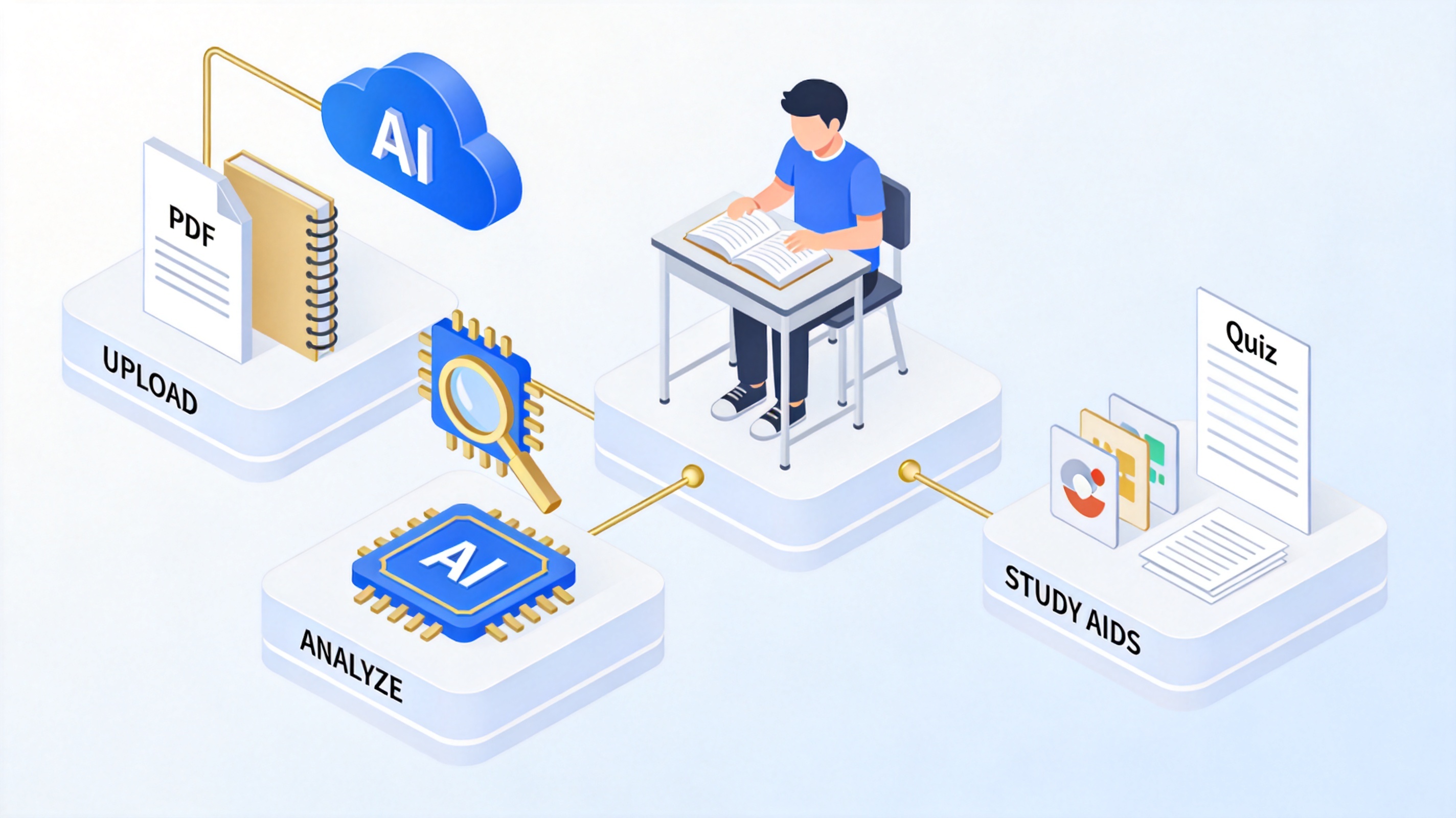
AI study tools upload analyze study aids workflow


What AI Study Tools Can Do for Students
Most AI study tools for students fall into a few practical categories. Knowing which tool fits which task is what makes the difference between studying smarter and just generating more pages.
Summarizing readings and documents. AI can compress a long textbook chapter, research paper, or PDF into the core arguments and evidence. This is ideal for a first pass: you skim the summary, decide which sections deserve a full read, and go into the details with context already in place.
Generating flashcards and key terms. Feed in your notes and the AI extracts definitions, dates, formulas, and vocabulary, then formats them as flashcards you can review daily. This works best for fact-heavy subjects like anatomy, law, or languages.
Creating practice quizzes. AI can turn any chapter into multiple-choice or short-answer questions with unlimited variations. Testing yourself is one of the most reliable ways to retain information, and AI removes the chore of writing the questions yourself.
Structuring messy notes. If your notes are a wall of half-sentences, AI can reorganize them into a clean outline with headings and hierarchy, so you can spot gaps and confusing areas before the exam.
Planning study time. Describe your subjects, exam dates, and available hours, and an AI assistant can draft a realistic study schedule, prioritize high-weight exams, and adjust the plan when life gets in the way.
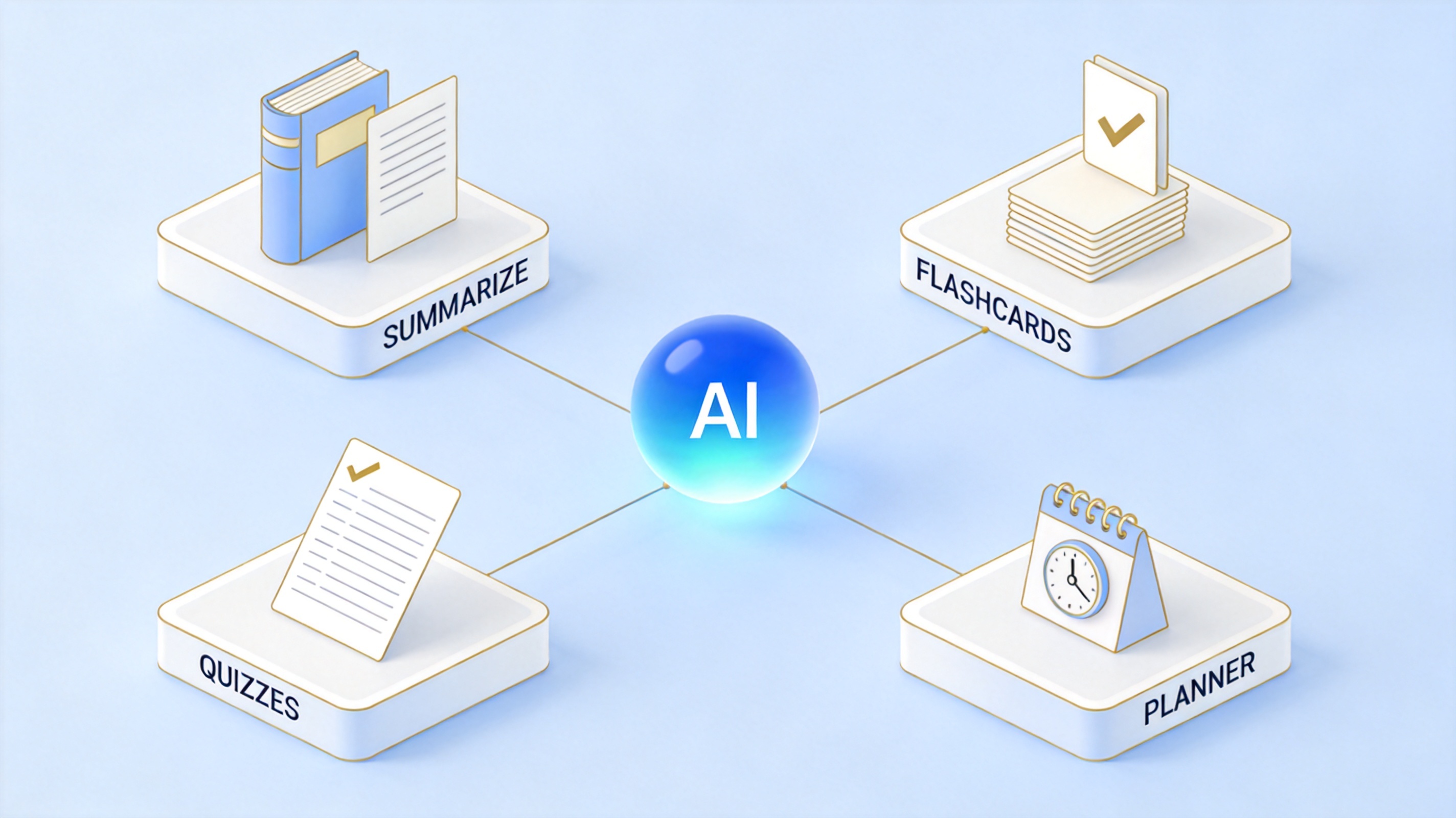
AI study tools summarize flashcards quizzes planner
How to Use AI Study Tools Step by Step
A repeatable workflow matters more than the specific tool you pick. Here is a five-step method you can apply to any course:
Collect your material in one place. Gather the lecture slides, readings, and your own notes for one course or one exam into a single folder. AI output is only as good as the source material, so include your instructor's slides and terminology, not just a generic topic.
Start with a summary pass. Ask the AI to summarize each reading into key points. Read the summary first, then decide which sections need a full, careful read. Use the summary to frame questions you want the deep read to answer.
Turn notes into active study aids. Convert the summarized material into flashcards for memorization and quiz questions for testing. Ask the AI to explain any concept you got wrong in a different way, with an example, until it sticks.
Check everything against the source. AI can misread a table, oversimplify a nuanced argument, or state something confidently that is simply wrong. Treat every AI-generated fact, definition, and citation as unverified until you have checked it against your textbook or lecture slides.
Review on a schedule. Put the flashcards and quizzes into a regular review cycle — for example, same-day review, then every few days — and let a study plan keep you honest. Spaced repetition beats one long cramming session.
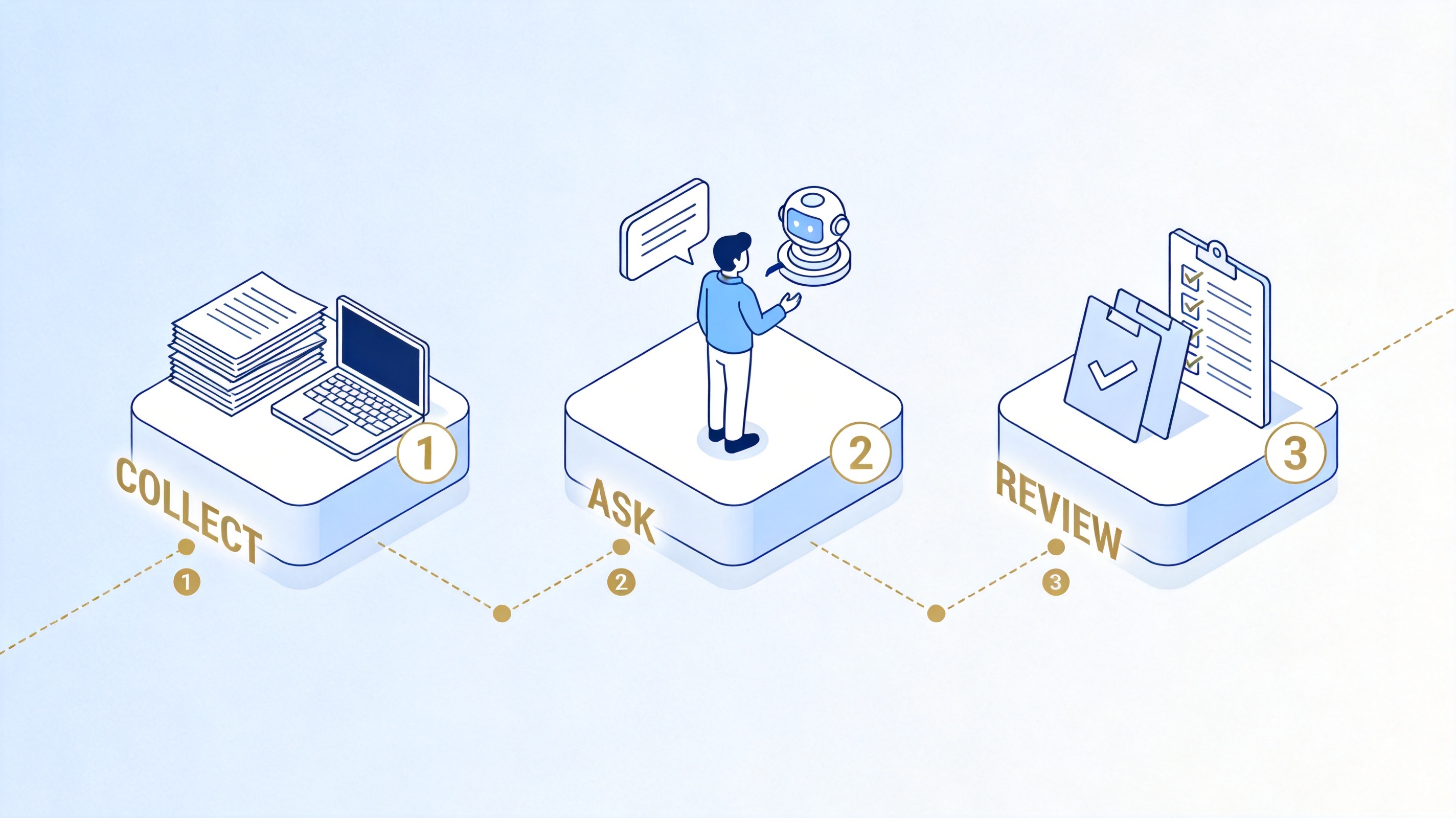
collect ask review AI study tools workflow
Uses and Risks of AI Study Tools
Used well, AI study tools give you three real advantages: speed (summaries and study aids in seconds instead of hours), personalization (aids built from your own course materials), and consistency (quizzes and review schedules that are easy to keep up). They also improve accessibility — long readings become skimmable, and complex concepts can be re-explained as many times as you need.
The risks are just as real. AI output can contain factual errors, and models can invent plausible-sounding citations. Over-reliance is the quieter danger: if AI does all your summarizing and question-writing, the deep processing that actually builds understanding happens less and less. And schools differ on what AI use is acceptable — some encourage it, others require disclosure or restrict it for graded work.
The safe pattern is to treat AI as a tutor and assistant, never a substitute: use it to prepare materials and test yourself, verify what it tells you against primary sources, and follow your institution's AI policy.
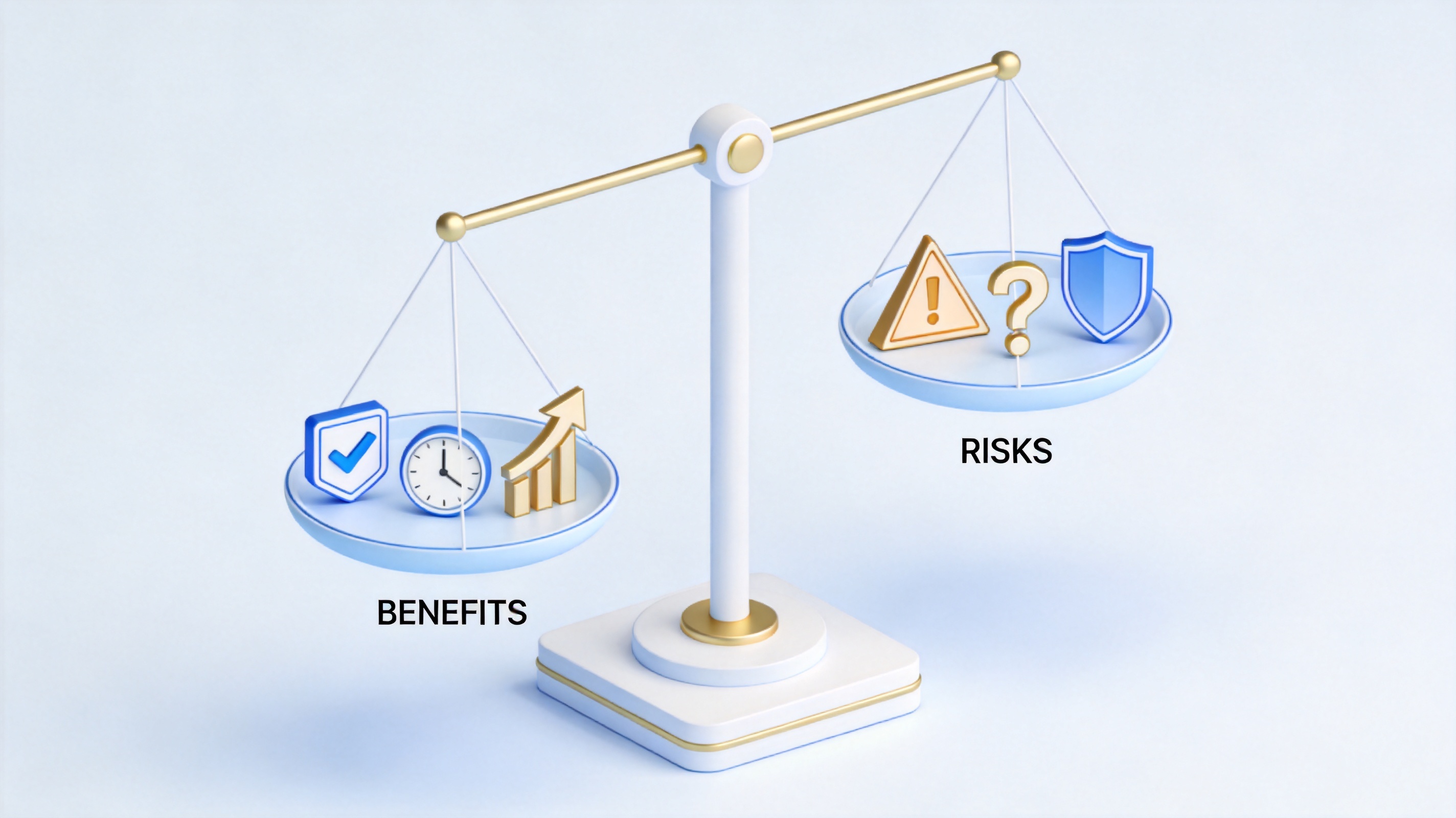
benefits and risks of AI study tools
The Best Free Alternative: WPS Office
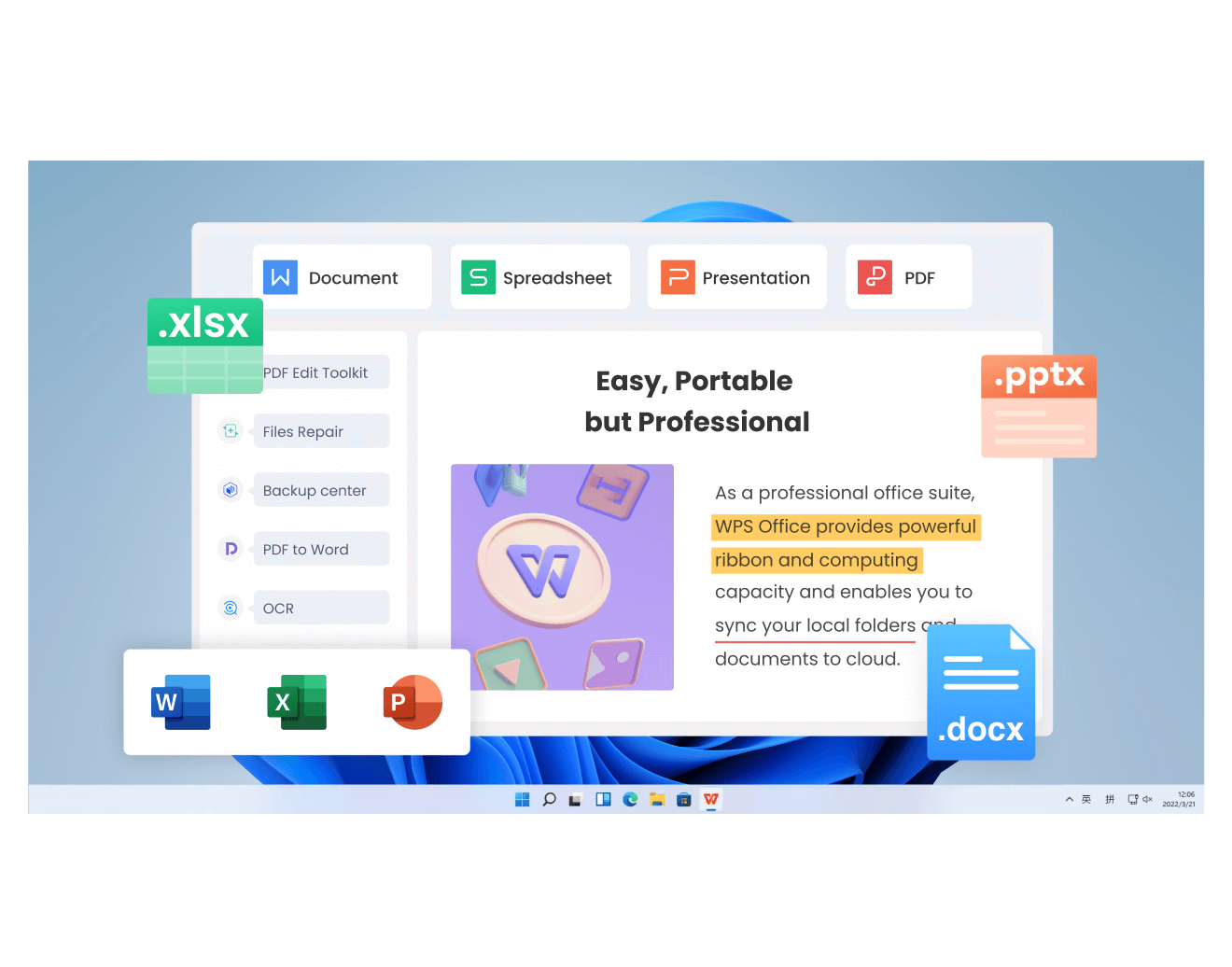
Many AI study tools are standalone web apps: you upload a PDF to one site, generate flashcards in another, write your essay in a third, and pay a subscription for each. WPS Office takes a different approach — it is a free all-in-one office suite with WPS AI built in, covering Writer, Spreadsheet, Presentation, and PDF tools in a single download for Windows, macOS, Linux, iOS, and Android.
For studying specifically, WPS AI covers the whole cycle of working with course material:
Summarize and chat with your readings. Open a long PDF or document in WPS and use the AI assistant to generate a summary of the key points, or ask questions about the content directly. This handles textbook chapters, journal articles, and instructor handouts alike, and it works inside the document — the summary appears next to the text you will actually study.
Draft and rewrite notes and assignments. In WPS Writer, WPS AI can brainstorm an outline, expand bullet points into paragraphs, polish wording, and adjust tone. If you want a deeper walkthrough of essay work, see this guide to using an AI essay writer step by step, or this overview of a free AI essay writing tool with no sign up.
Build study materials and presentations. With AI Slides, you can turn a topic or outline into a presentation draft — useful for seminar talks and group project reports. Combined with the suite's templates for notes, schedules, and planners, you can assemble flashcards, review sheets, and a study calendar without leaving the app.
Work with any file your courses use. WPS Office opens and edits Microsoft Word, Excel, and PowerPoint files, handles PDF creation and conversion, and supports Google Docs files — so group project files, professor-shared slides, and department templates all work the same way.
Because everything lives in one suite, the workflow from the earlier sections runs without app-switching: summarize the reading in place, draft your own notes beside it, generate a presentation for your seminar, and export the final assignment to PDF. For students who want capable AI study tools without stacking up subscriptions, this combination is the easiest starting point. You can try the AI features through the free AI summarizer and see how it fits your study routine.
FAQs
Are AI study tools worth it for students?
Yes, if you use them for the right tasks. They save the most time on summarizing long readings, generating flashcards and practice quizzes, and organizing messy notes. They are worth less when you expect them to replace understanding — you still need to read, verify, and practice yourself.
Are there free AI study tools?
Yes. Many tools offer free tiers, and WPS Office bundles AI features such as summarizing and rewriting into a free all-in-one suite, so you can build a full study workflow — summaries, notes, flashcards, and presentations — without paying for multiple subscriptions.
Can AI study tools be trusted to be accurate?
Not blindly. AI can misread data, oversimplify nuanced arguments, and produce confident but incorrect statements or invented citations. Always verify key facts, definitions, and references against your textbook, lecture slides, or original sources.
Is using AI study tools cheating?
It depends on how you use them and what your school allows. Using AI to summarize readings, build study aids, and improve your own drafts is widely acceptable; submitting AI-generated work as your own without permission is not. Check your institution's AI policy and disclose where required.
Which subjects benefit most from AI study tools?
Fact-heavy subjects like medicine, law, biology, history, and languages benefit most from AI flashcards and quizzes. Concept-heavy subjects like mathematics and philosophy benefit more from AI explanations and worked examples — but you should still solve problems yourself.


'%3e%3cpath%20d='M19.9911%204.11386V6.471H18.5894C18.0775%206.471%2017.7322%206.57814%2017.5536%206.79243C17.3751%207.00671%2017.2858%207.32814%2017.2858%207.75671V9.44421H19.9019L19.5536%2012.0871H17.2858V18.8639H14.5536V12.0871H12.2769V9.44421H14.5536V7.49779C14.5536%206.39064%2014.8632%205.53201%2015.4822%204.92189C16.1013%204.31177%2016.9257%204.00671%2017.9554%204.00671C18.8304%204.00671%2019.509%204.04243%2019.9911%204.11386Z'%20fill='%23333333'/%3e%3c/g%3e%3cdefs%3e%3cclipPath%20id='clip0_2938_8199'%3e%3crect%20width='16'%20height='16'%20fill='white'%20transform='translate(8%204.00671)'/%3e%3c/clipPath%3e%3c/defs%3e%3c/svg%3e)
'%3e%3cpath%20d='M17.5237%2010.7813L23.4811%204H22.0699L16.8949%209.88693L12.7648%204H8L14.2469%2012.9029L8%2020.0133H9.4112L14.8725%2013.7952L19.2352%2020.0133H24M9.92053%205.04213H12.0885L22.0688%2019.0224H19.9003'%20fill='%23333333'/%3e%3c/g%3e%3cdefs%3e%3cclipPath%20id='clip0_2938_8200'%3e%3crect%20width='16'%20height='16.0134'%20fill='white'%20transform='translate(8%204)'/%3e%3c/clipPath%3e%3c/defs%3e%3c/svg%3e)


