

6 min read
Feb 15, 2024
Microsoft Office 2016 Free Download Guide (Full Version)A complete step-by-step guide to downloading the Office 2016 installer safely. Learn about ISO options and key-free alternatives for students and home users.
Read more
Download the official Microsoft Office 2016 Professional Plus offline installer. Get the full suite including Word 2016, Excel 2016, and PowerPoint 2016 for Windows 10/11. Note: A valid product key is required for activation. If you need a free Office alternative without keys, download the compatible suite below.
Edit Office 2016 files (.docx/xlsx) without a product key.
Microsoft Office 2016 free download version is a major productivity update that introduced real-time collaboration (co-authoring), the "Tell Me" search box, and improved integration with OneDrive. It remains a popular choice for Windows 10 and 11 users who prefer a stable, non-subscription office suite.
While Office 2016 free download version is still functional, Microsoft has ended mainstream support, and extended support ends in October 2025. This means security updates will cease soon. If you are unable to activate Office 2016 or are concerned about future security, we highly recommend downloading the free WPS Office suite, which offers a similar interface and full file compatibility. To compare all Office download options, visit Microsoft Office Free Download for a complete guide across all versions and platforms.
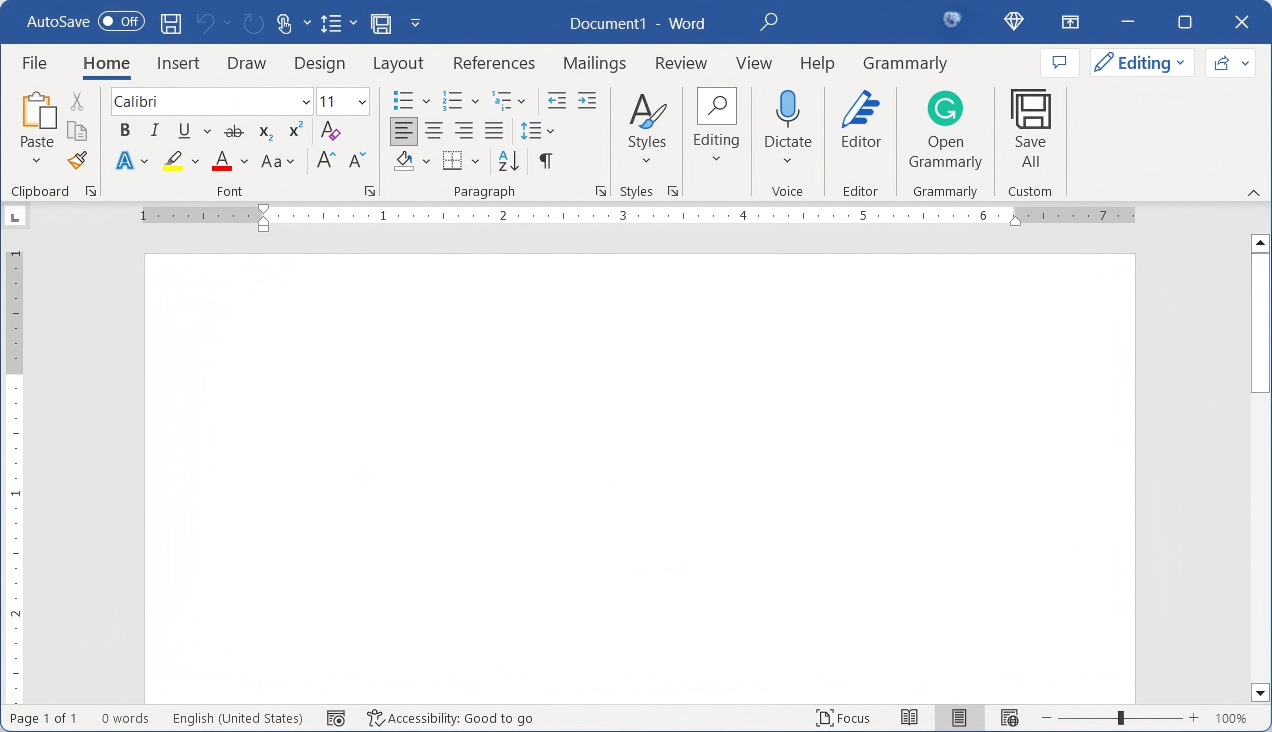
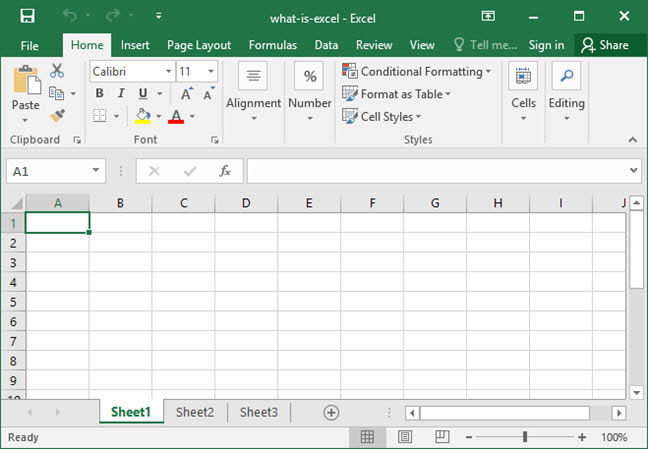
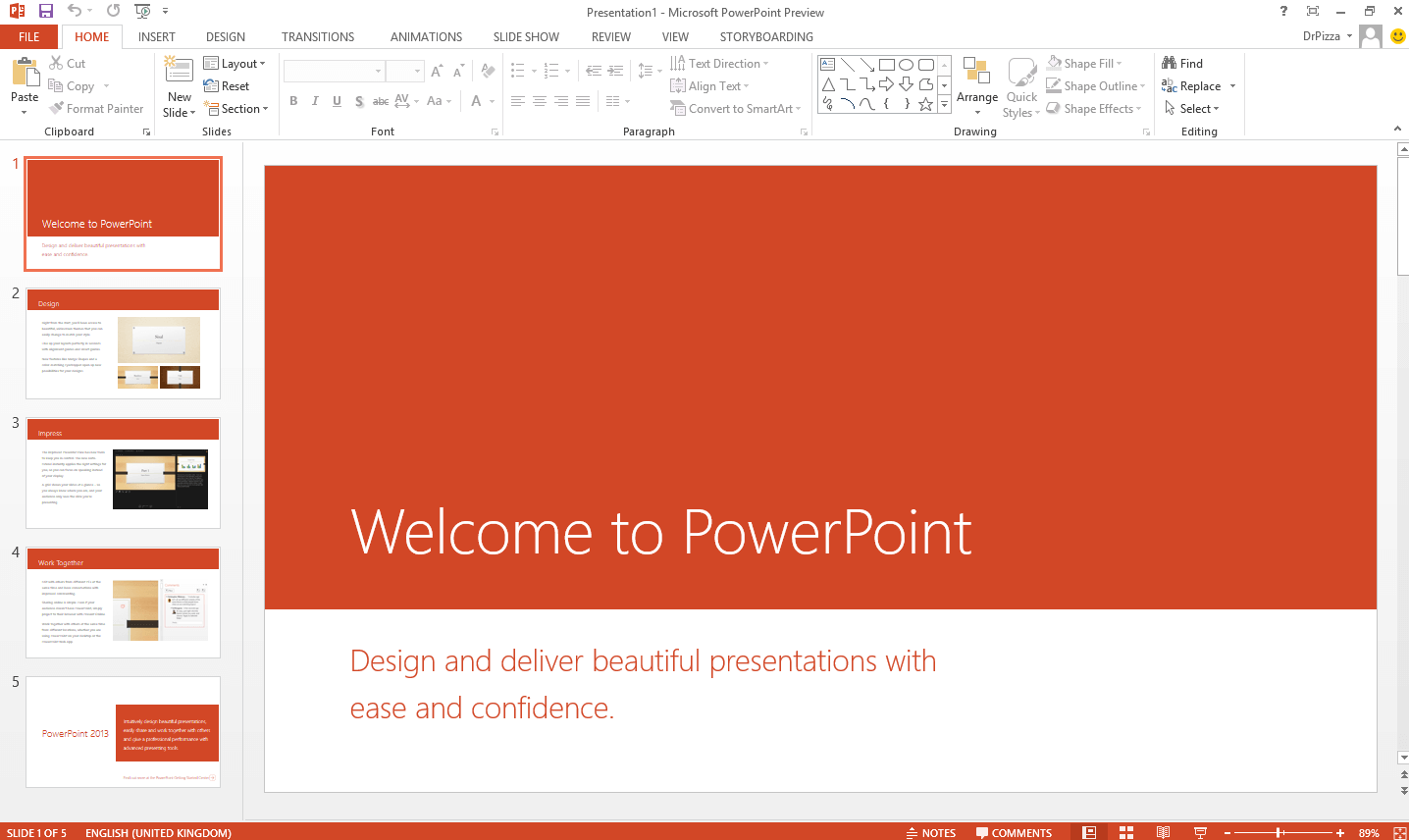
The full version of MS Office 2016 includes all essential apps designed to help you work more efficiently.
| Application | What It Does |
|---|---|
| 📝 Microsoft Word 2016 | Word processing program for creating and editing documents with formatting options, templates, and collaboration features. |
| 📊 Microsoft Excel 2016 | Spreadsheet application for data analysis, calculations, and creating charts with powerful functions and formulas. |
| 📽️ Microsoft PowerPoint 2016 | Presentation software for designing engaging slideshows with multimedia elements, slide transitions, and animation effects. |
| 📧 Microsoft Outlook 2016 | Email and personal information management tool for managing emails, calendars, contacts, and tasks. |
| 🗄️ Microsoft Access 2016 | Database management system for creating and managing databases, forms, reports, and queries. |
| 📓 Microsoft OneNote 2016 | Digital note-taking app to capture and organize ideas, notes, and multimedia content across multiple devices. |
| 🖨️ Microsoft Publisher 2016 | Desktop publishing tool for creating professional publications like brochures, flyers, and newsletters. |
Optimized for Windows 10 & 11 desktops.
Security updates stop in Oct 2025.
First classic version to support live editing.
Requires a paid key; no free version available.
User-friendly ribbon UI that Office veterans know and trust.
No advanced real-time co-editing or seamless cloud file sharing.
Full functionality without requiring an internet connection.
The UI hasn't evolved — modern suites offer a cleaner, more intuitive experience.
Reads legacy file formats that newer suites may struggle with.
Lacks deep integration with modern web services and online workflows.
Microsoft Office 2016 marked a significant shift towards cloud connectivity and teamwork. Unlike previous versions, it was built from the ground up to integrate with Windows 10. The installer provides offline access to Word 2016, Excel 2016, PowerPoint 2016, and Outlook 2016.
Important Activation Note: While you can download the ISO installer freely, activating Office 2016 legally requires a product key. Keys are becoming harder to find as Microsoft pushes users toward Microsoft 365 subscriptions. If you are stuck in the "Product Notice" or "Unlicensed Product" mode, consider switching to WPS Office, which provides a free, perpetual license solution.
| 1 | VTM6G-YPQ9Q-BVYJQ-37RYH-R4X38 |
| 2 | 22HGX-728MX-BBWX9-7BB8X-J96B4 |
| 3 | VYBBJ-TRJPB-QFQRF-QFT4D-H3GVB |
| 4 | XQNVK-8JYDB-WJ9W3-YJ8YR-WFG99 |
| 1 | GGG8W-PJFRT-8MRQH-X99J2-PPPVM |
| 2 | JNRGM-WHDWX-FJJG3-K47QV-DRTFM |
| 3 | GFVR6-3B64G-BWB8P-QDV62-XFV2R |
| 4 | VYBBJ-TRJPB-QFQRF-QFT4D-H3GVB |
| 5 | 6HJT3-2FGBC-DHKVV-672GY-VCJHK |
| 6 | P8TFP-JGFMM-XPV3X-3FQM2-8K4RP |
| 1 | YG9NW-3K39V-2T3HJ-93F3Q-G83KTP |
| 1 | PQCFB-YGXGC-TXB66-DH3VW-GCGYQ |
| 1 | GNFHQ-F6YQM-KQDGJ-327XX-KQBVC |
| 1 | WXY84-JN2Q9-RBCCQ-3Q3J3-3PFJ6 |
| 1 | PD3PC-RHNGV-FXJ29-8JK7D-RJRJK |
| 1 | 869NQ-FJ69K-466HW-QYCP2-DDBV6 |
| 1 | 7WHWN-4T7MP-G96JF-G33KR-W8GF4 |
| 1 | F47MM-N3XJP-TQXJ9-BP99D-8K837 |
| Feature | Office 2016 | WPS Office (Free) |
|---|---|---|
| Cost | Paid Key Required | Free |
| Cloud Support | OneDrive (Basic) | Google Drive, Dropbox, AirPage |
| Compatibility | Native (.docx/.xlsx) | 100% Compatible |
| PDF Tools | View Only | Edit, Convert, Sign |
| Updates | Ending 2025 | Continuous |
Tell Me Box
Smart command search bar in Word, Excel, and PowerPoint — find any feature instantly without digging through menus.
Smart Lookup
Check facts and define terms using Bing-powered search directly within your document — no browser needed.
Co-Authoring in Word
See others' edits in real-time — a major upgrade from the isolated editing experience of Office 2013.
Many users turn to cracked versions for Microsoft Office free download. Our step-by-step guide can help reduce associated risks.
Visit the Microsoft Office 2016 download source — you will find instructions and a download link for the crack version of Microsoft Office 2016.
Click on the download link to start the download process. It may take some time depending on your internet speed.
Once the download is complete, locate the downloaded file and extract the contents if necessary using WinRAR or 7-Zip.

After extracting the files, find the installation executable and run it by double-clicking to initiate the installation process.

Follow the on-screen instructions provided by the installer. Be cautious, as some crack versions may include additional software or modifications.
Once installation is complete, apply the crack or activation process as specified — this usually involves replacing certain files or using the included activation tool.
Already subscribed to Microsoft 365? Follow this simple step-by-step guide to download Office 2016 with ease.
Visit the official Microsoft Office download page by clicking the link.
On the website, scroll down to find the "Sign in to download Office" section. Sign in with your Microsoft account and follow the prompts.
Click the "Download" button and choose the version that matches your system requirements (32-bit or 64-bit).
The download will start automatically. Once completed, open the downloaded file.

Follow the on-screen prompts and agree to the terms and conditions.

Choose the installation type — typical, custom, or minimal — based on your preferences.
Select the installation location and click the "Install" button.

The installation process will begin. Wait a few minutes for it to complete.
Once installation is complete, click the "Close" button. Congratulations — your Microsoft Office 2016 free download is ready to use!

Yes, the offline installers (ISO) are still available for download. However, Microsoft no longer sells product keys for this version directly.
Yes, Office 2016 is the last version to fully support Windows 7 SP1. Newer versions like Office 2019/2021 require Windows 10 or 11.
Not by default. Some universities provide it, but typically they now provide Microsoft 365. For a completely free student alternative, WPS Office is the best choice.
Microsoft Office 2016 is no longer available for direct purchase from Microsoft. However, you can still find it through third-party retailers like Amazon. Make sure to buy from a trusted source to ensure it is a legitimate product.
Microsoft Office 2016 requires a valid product key for activation. Some users explore tools like KMSpico, but these are unofficial and may carry risks such as malware or software instability. Using a genuine product key or a Microsoft 365 subscription is recommended for the most secure experience.
Open any Office app such as Word or Excel, click the File tab, select Account, then click Update Options > Update Now. Follow the on-screen instructions to complete the update.
WPS Office is the best free alternative. It provides a familiar Microsoft-style interface, strong compatibility with Office file formats, and essential tools for word processing, spreadsheets, presentations, and PDFs — all subscription-free.

15 years of office industry experience, tech lover and copywriter. Follow me for product reviews, comparisons, and recommendations for new apps and software.
Don't risk your security. Use WPS Office for free. It's fully compatible, modern, and requires no activation key.
Create documents with smart lookup features.
Analyze data with new charts and forecasting.
Design presentations with improved collaboration.
The modern, subscription-based Office suite.
Best free alternative to Office 2016 with PDF tools.
A powerful and free tool to read, edit, and convert PDFs.
A complete step-by-step guide to downloading the Office 2016 installer safely. Learn about ISO options and key-free alternatives for students and home users.
Read more
Instructions to get the 64-bit offline installer for maximum performance. Ensure compatibility with modern Windows systems and avoid common installation errors.
Read more
Is your Office 2016 failing to activate? Troubleshoot common "Unlicensed Product" errors and explore legal, safe ways to use Office features without a key.
Read moreWhy look for cracked software? Get a secure, legitimate, and complete office suite that is fully compatible with Microsoft Office 2016 formats for free.
* Basic components (Writer, Spreadsheet, Presentation) are permanently free.
Open, edit, and save Word, Excel, and PowerPoint files seamlessly.