
Windows / Mac / MobileRecommended
Microsoft Office 365 Free Download
The newest cloud Office—free to try, always updated. Work, share, and sync from any device.
Your Guide for Windows, Mac & More
Looking for a free Microsoft Office download? Our site offers fast, direct downloads for every version on Windows 10, 11, and Mac. Enjoy 100% file compatibility and get your free Word, Excel, and PowerPoint easily today.
Welcome to the best place to get a free Microsoft Office download. We give you fast and direct download links to all versions with 100% file compatibility. Find the right version for your computer today and open any file perfectly at no cost.
Find your Office guide. Download WPS Office for free.
The newest cloud Office—free to try, always updated. Work, share, and sync from any device.
Latest perpetual desktop release—free guide. Enterprise-grade, no forced updates, long-term stability.
Perpetual desktop release—download guide. Dynamic Excel, no subscription, one-time install.
Stable perpetual Office—free setup, no monthly fees. Morph and Zoom for sharper, modern slides.
Proven classic suite—free, safe download links. Full Word, Excel, and PowerPoint for daily work.
Touch-ready design, free install. Clean interface with smooth docs, sheets, and decks.
Fast, lightweight—free pick for older PCs. Simple tools, low RAM, familiar classic menus.
Free Ribbon-era suite for everyday tasks. Compact install, offline use, broad Windows support.
Legacy classic—free and offline-ready. Opens vintage files on retro or low-spec machines.
Before you start any Microsoft Office free download, it helps to know exactly which edition matches your hardware, your budget, and the way you actually work. Microsoft now ships Office in two very different shapes: a subscription (Microsoft 365) that updates forever, and one-time "perpetual" releases such as Office 2021 and Office LTSC 2024 that you buy once and keep. On top of that, every release has its own system requirements, supported platforms, and end-of-support date. The flowchart below walks you through that decision in under a minute.
Whichever route you take, four factors decide the best free Microsoft Office download for you:
A subscription (Microsoft 365) keeps every app current and bundles cloud storage, while a perpetual license (Office 2021, LTSC 2024) is a single payment with no forced upgrades.
Weigh a recurring fee against a higher one-time price. If the cost is the dealbreaker, a free trial, Office on the web, or a free suite like WPS Office covers the essentials at no cost.
Match the edition to your device. Newer releases need Windows 10/11 or a recent macOS, while Office 2016 and 2010 run happily on older, lower-RAM machines.
Security matters. Microsoft 365 and the latest perpetual releases still receive patches, whereas Office 2013 and earlier are out of support and best kept offline.
Each Microsoft Office release targets a different kind of user. The table below compares the most popular versions side by side, from the cloud-based Microsoft 365 to the lightweight classics, so you can spot the right free Microsoft Office download at a glance.
| Version | License | Pricing model | Updates & support | Best for |
|---|---|---|---|---|
| Microsoft 365 | Subscription | Monthly / yearly | Always updated, full support | Multi-device users who want the latest AI & cloud features |
| Office LTSC 2024 | Perpetual | One-time | Security patches, no feature upgrades | Enterprises needing long-term stability |
| Office 2021 | Perpetual | One-time | Supported (mainstream) | Home users wanting a modern one-time buy |
| Office 2019 | Perpetual | One-time | Limited support window | Stable desktop work without subscriptions |
| Office 2016 | Perpetual | One-time | Out of mainstream support | Everyday tasks on Windows 10 PCs |
| Office 2013 & older | Perpetual | One-time | End of support (no patches) | Opening legacy files on retro/low-spec machines |
Tip: editions that are out of support no longer receive security fixes. If you must run an older release like Office 2013 or Office 2010, keep it off the public internet, or pair it with a continually updated free suite for anything sensitive.
The single biggest choice in any Microsoft Office download is subscription versus perpetual. A Microsoft 365 subscription costs less up front and never goes stale, but the fees repeat every year. A perpetual license (Office 2021 or LTSC 2024) costs more on day one yet never charges you again. The chart shows how the two compare as the years add up.
Choose it when you want:
Choose it when you want:
Still unsure? Match your situation to the profiles below to shortcut your Microsoft Office free download decision.
Check for free Microsoft 365 Education access through your school. No eligibility? Office on the web or a free suite covers essays and slides at zero cost.
A one-time Office 2021 license, or Microsoft 365 Family shared across the household, keeps everyone productive without surprises.
Office LTSC 2024 delivers long-term stability with no forced upgrades, while Microsoft 365 Business adds collaboration and admin controls.
Lightweight classics such as Office 2010 or Office 2016 run smoothly on older hardware with limited RAM.
Working across Mac, Android, and iOS? Pick a suite with native apps on every platform so your Word, Excel, and PowerPoint files travel with you.
If you simply need to open, edit, and create Office files for free forever, a fully free, 100% compatible alternative like WPS Office is the most practical pick.
"Free" can mean several things when it comes to Microsoft Office. Some routes are free forever, some are free for a limited time, and some are free only if you qualify. Here are the safe, legitimate ways to get a free Microsoft Office download or its equivalent, so you can avoid risky cracked installers.
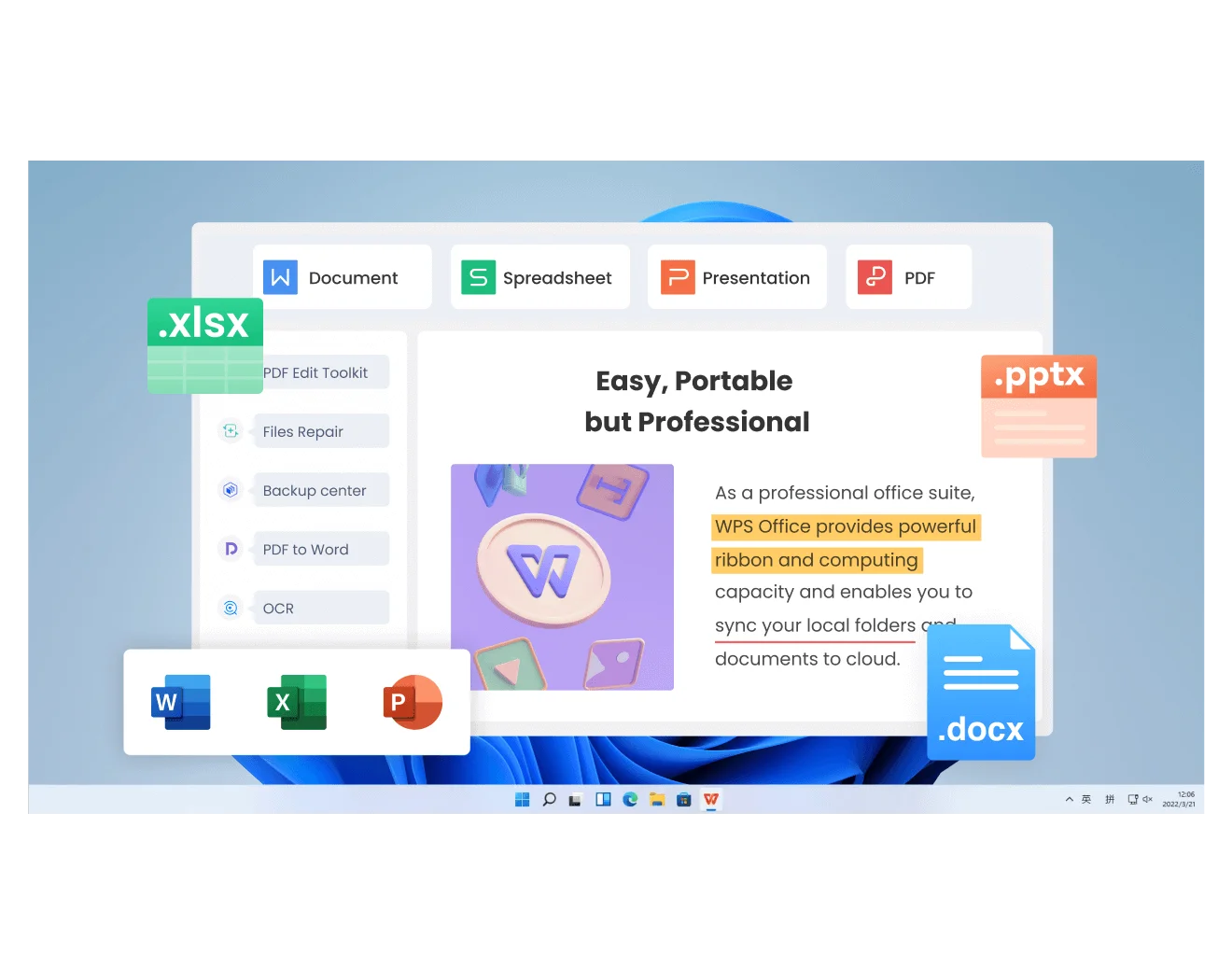
.docx, .xlsx, and .pptx with 100% compatibility, and stays continually updated.Avoid "free" pirated copies and key generators. They are illegal, frequently bundle malware, and never receive security updates. Sticking to official downloads or a genuinely free suite keeps your files and device safe.
Once you've picked a version, getting it running is straightforward. The five stages below apply to almost any Microsoft Office free download, whether you choose a subscription, a one-time license, or a free alternative.
Discover why our Microsoft Office Free Download page stands out. Whether you're looking for the latest Microsoft 365 or older versions like Office 2007 and 2010, our guide provides all the details you need to download and start using Office across various platforms.
Cross-Platform Compatibility: Seamlessly work across devices. With options for a Microsoft Office free download for Windows 11, Mac, Android, and iOS, your files are always accessible.
Essential Productivity Tools: Every MS Office free download includes the essentials: Word for documents, Excel for spreadsheets, and PowerPoint for presentations.
User-Friendly Interface: Microsoft Office is known for its intuitive design, making it easy for both beginners and experts to navigate and use its powerful features.
Vast Template Library: Get a head start on your projects with a wide range of professionally designed templates for resumes, reports, budgets, and presentations.
Ready to boost your productivity? Get your free Microsoft Office download now and unlock the powerful tools that millions rely on every day. Click the button below to get started.
The best free version of Microsoft Office depends on your needs. If you're looking for essential features, Office Online is the most accessible option, providing free cloud-based versions of Word, Excel, and PowerPoint. For students and educators, Microsoft 365 Education is available for free, offering the full suite of Office tools. For those who prefer an offline solution, older versions like Office 2010 and Office 2013 may also be downloaded for free through official channels with limited functionality.
To activate MS Office for free, you can use Microsoft 365 Education if you're a student or educator, which provides free access to Office tools. For other users, you can download the free trial of Microsoft 365 for a limited period. Always ensure you’re activating Office from a secure and authorized platform to avoid security risks.
The best way to download Microsoft Office free is by using trusted online guides like ours that offer information on official trials, free versions for students, and highly-compatible alternatives. This ensures you get a safe and functional software package.
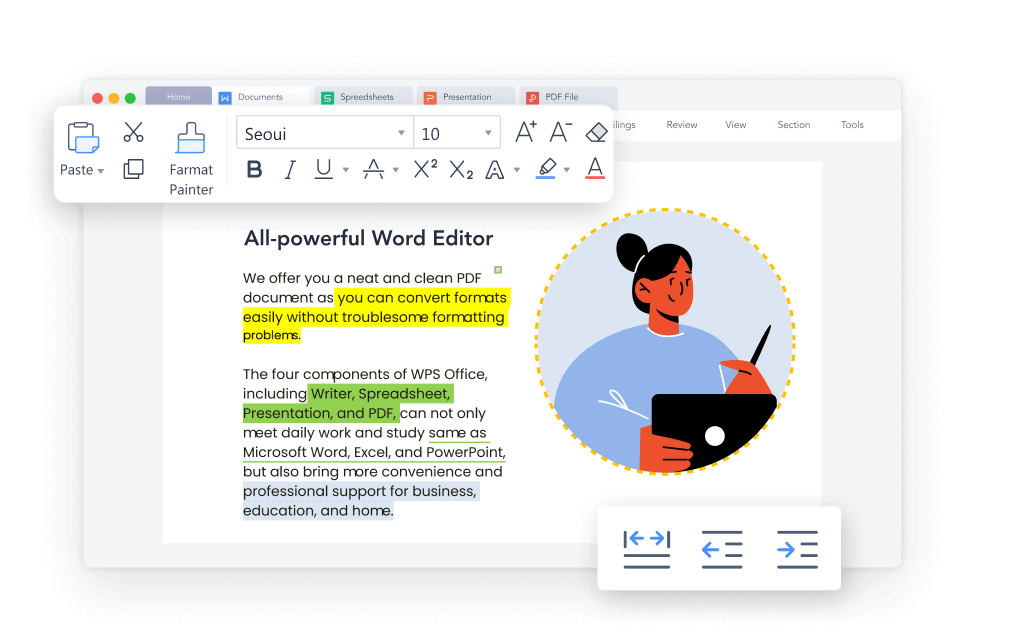
Looking for a reliable Word to download for free? Our guide helps you quickly access Microsoft Word, making document creation and editing fast and effortless.
Go to Word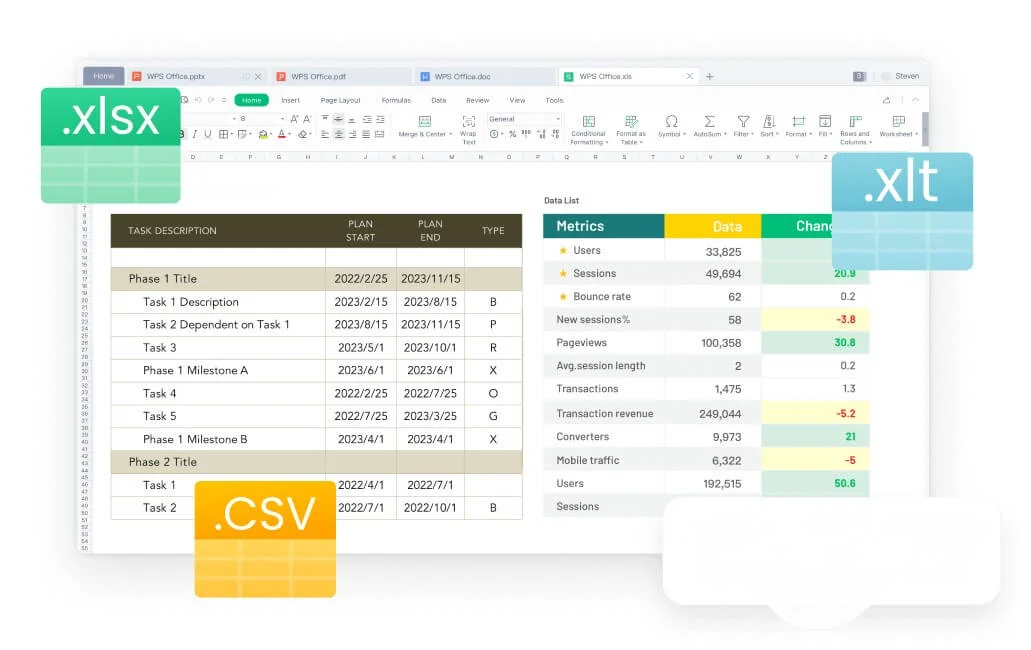
Find the best way to get a free Excel version. Our guide provides step-by-step instructions for accessing powerful spreadsheet tools for data analysis and management.
Go to Excel
Discover our free PowerPoint download guide to create impactful presentations with ease. Follow simple steps to get started and design professional slides in minutes.
Go to PowerPoint