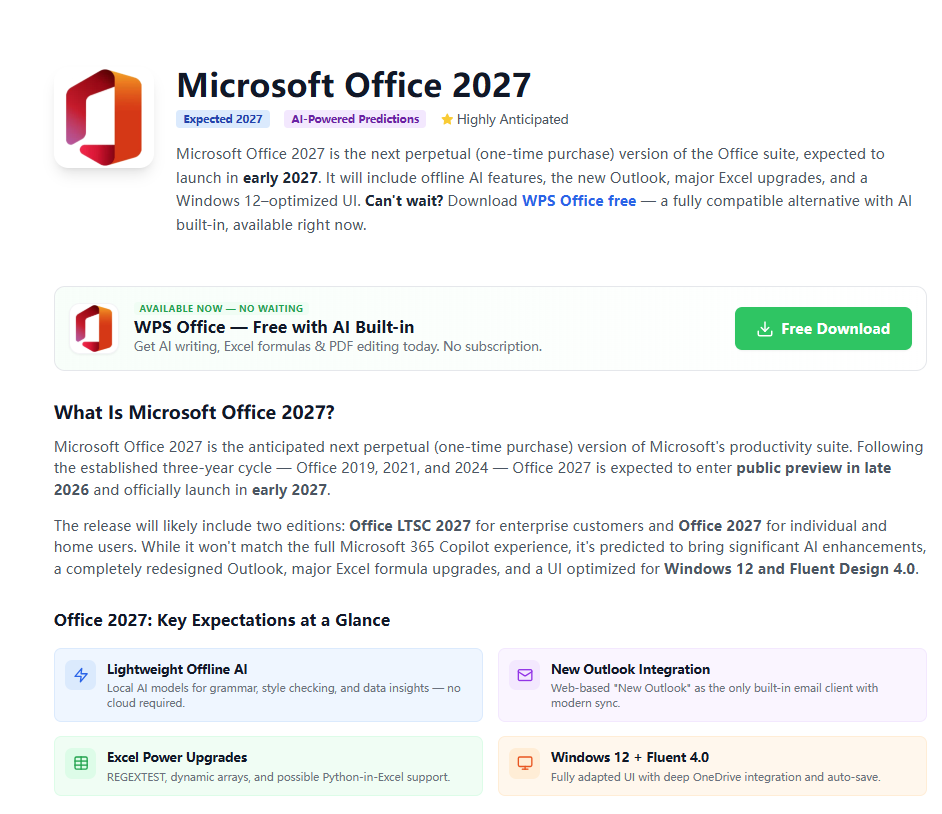
Microsoft Office 2027 is the next perpetual (one-time purchase) version of the Office suite, expected in early 2027 with offline AI, a redesigned Outlook, and Windows 12-optimized UI.
Read more
Download the full original the Microsoft Office 2003 free download Professional offline installer (ISO). Features the classic menu-driven interface for Word 2003, Excel 2003, and PowerPoint 2003. Please Note: Installation requires a valid 25-digit product key. For modern users on Windows 11/10 without a key, we suggest the free WPS Office alternative.
Fully compatible with Office 2003 .doc files. Secure for 2026.
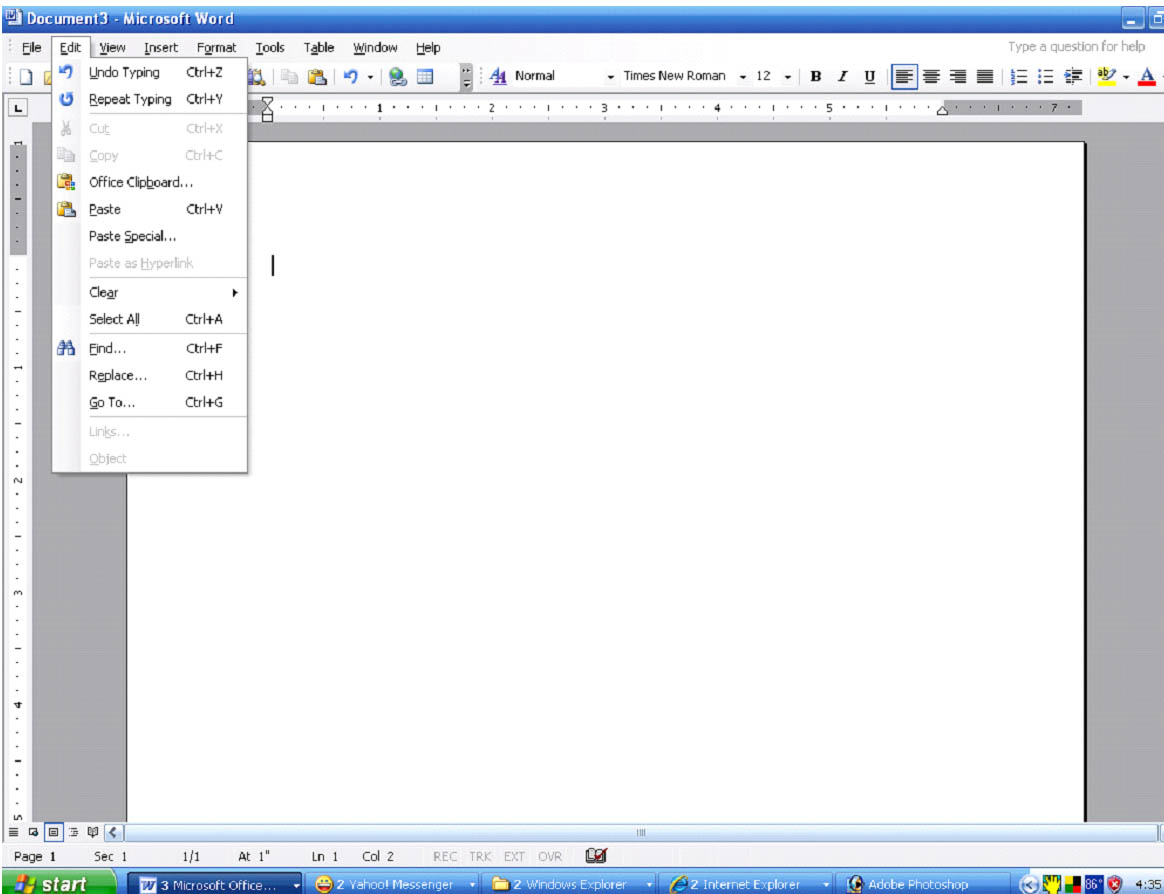
Microsoft Office 2003 was the last version to feature the classic dropdown menu system before the introduction of the Ribbon UI. It remains a favorite for nostalgic users and those using vintage hardware. The Professional edition of Microsoft Office 2003 includes Word, Excel, PowerPoint, Outlook, and Access 2003.
However, Office 2003 reached End of Support in 2014. This makes it highly vulnerable to modern cyber threats. Office 2003 lacks native support for the newer .docx and .xlsx formats without external compatibility packs. For safe, daily productivity on modern systems like Windows 10 or 11 in 2026, downloading the latest free WPS Office is the smarter, more secure choice. To compare all Office download options, visit Microsoft Office Free Download for a complete guide across all versions and platforms.
Runs perfectly on legacy systems with very low RAM.
No security patches for over a decade. Unsafe online.
Simple, non-ribbon interface for those who prefer tradition.
Doesn't natively open modern .docx or .xlsx files.
Commonly shared Microsoft Office 2003 activation keys. Use at your own risk — a genuine license or a modern suite like WPS Office is recommended for secure daily use.
Downloading the Microsoft Office 2003 free download is often a necessity for maintaining legacy workflows or reviving older computer hardware. As the last version of the suite that strictly used the classic toolbar interface, Office 2003 offers a level of simplicity that some users find more efficient than modern ribbon-based designs. It includes essential tools like Word 2003, Excel 2003, and PowerPoint 2003.
However, we must emphasize the security implications of running Office 2003 in 2026. Office 2003 is effectively "dead" software — it does not receive updates for new malware strains or phishing techniques. If you are looking for a tool to handle modern .docx files on Windows 11, downloading the free WPS Office suite is the recommended path to ensure both compatibility and robust data protection.
Before the Ribbon arrived in 2007, users relied on customizable toolbars. Office 2003 was the pinnacle of this toolbar-driven design era.
While it natively saved in .doc, Office 2003 was the first version to experiment with XML — though it lacks the modern open standard support found in WPS Office.
Introduced in Word 2003 to make reading long documents easier — a feature expanded into "Eye Protection Mode" in modern free alternatives like WPS Office.
Microsoft Office 2003 was a revolutionary suite of productivity tools. Each component was designed to enhance work efficiency:

Microsoft Word is a word processing application used to create and edit documents. Word 2003 includes spell checking, grammar checking, thesaurus, and the ability to create and insert tables, charts, and images.

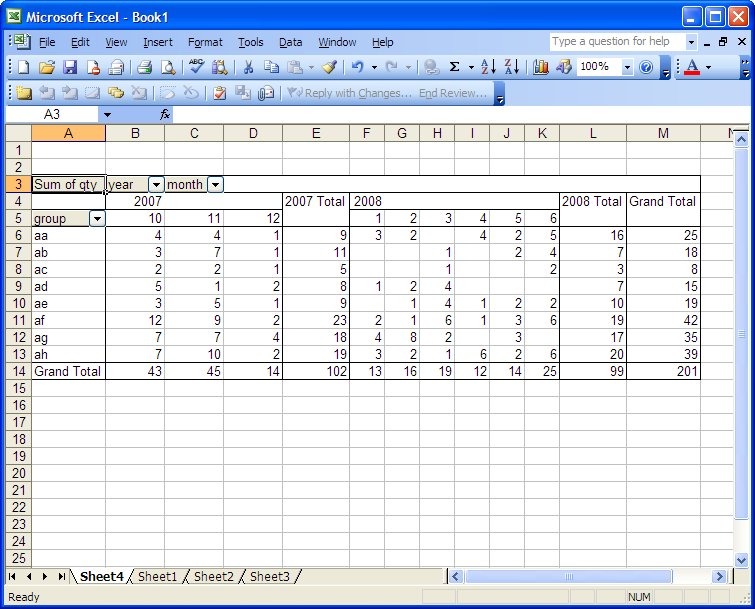
Microsoft Excel is a spreadsheet application used to perform calculations and create charts and graphs. Excel 2003 includes formulas, functions, and the ability to create pivot tables and pivot charts.

Microsoft PowerPoint is a presentation application used to create and deliver presentations. PowerPoint 2003 supports slides with text, images, and videos, plus animations and transitions.

Microsoft Outlook is an email client and personal information manager for email, contacts, and calendars. Outlook 2003 helps you create and send emails and manage your schedule.
| Attribute | Office 2003 | WPS Office (Free) |
|---|---|---|
| Security Support | Expired (Dangerous) | Active & Secure |
| Activation Method | Product Key (Rare) | No Key Required |
| Windows 11 Support | Not Compatible | Perfect Compatibility |
| Modern Formats (.docx) | External Plugin Needed | Native Support |
| PDF Tools | None | Full PDF Editor Included |
| System Requirements | Ultra Low (128MB RAM, Win XP only) | Low & Modern Compatible (Win 11/10) |
| AI Capabilities | None | WPS AI Built-in (Free Tier) |
| Cloud Storage | None (Fully Offline Only) | WPS Cloud (Free 1GB+) |
Summary: Office 2003 is purely for archival/retro use. For any modern professional or student work in 2026, downloading WPS Office provides a free, safe, and powerful experience that surpasses Office 2003 in every category that matters today.
Follow Part 2 from the official the Office 2003 free download download guide — split into downloading the setup file and running the installer. Ensure you meet the system requirements before proceeding.
Security Warning: Office 2003 has not received security patches since April 2014. It is unsafe for online use. Download WPS Office for a free, modern, and secure alternative.
Steps 1–5 — access the download source, retrieve the setup file, and verify it before installation.
Visit the trusted source for downloading Office 2003. You can use the Internet Archive link: Microsoft Office 2003 (English) — Free Download, Borrow, and Streaming.

On the webpage, find the download button for Office 2003 and click on it.

Follow the prompts to initiate the download process. Depending on your browser settings, you may be asked to choose a download location.
Allow the download to finish. The time taken will depend on your internet speed.
Once the download is complete, ensure the file is a genuine Office 2003 setup file.
Steps 6–10 — run the installer, enter your product key, choose components, and finish setup.
Locate the downloaded setup file and double-click to start the installation process.

The Installation Wizard will guide you through the setup. Follow the on-screen instructions.
Input the valid product key for Office 2003 when prompted.

Select the components and features you want to install. You can go with the default settings or customize as per your preferences.
Once the installation process is finished, you'll receive a confirmation message.
See why over 200 million users have replaced Office 2003 with WPS Office in 2026. Free, secure, and fully compatible with every Office 2003 file format.

All-in-one Document Workspace
Writer · Spreadsheet · Presentation · PDF

Cloud Sync & Cross-Device Access
Access your files anywhere, on any device

Smart Writing & AI Assistance
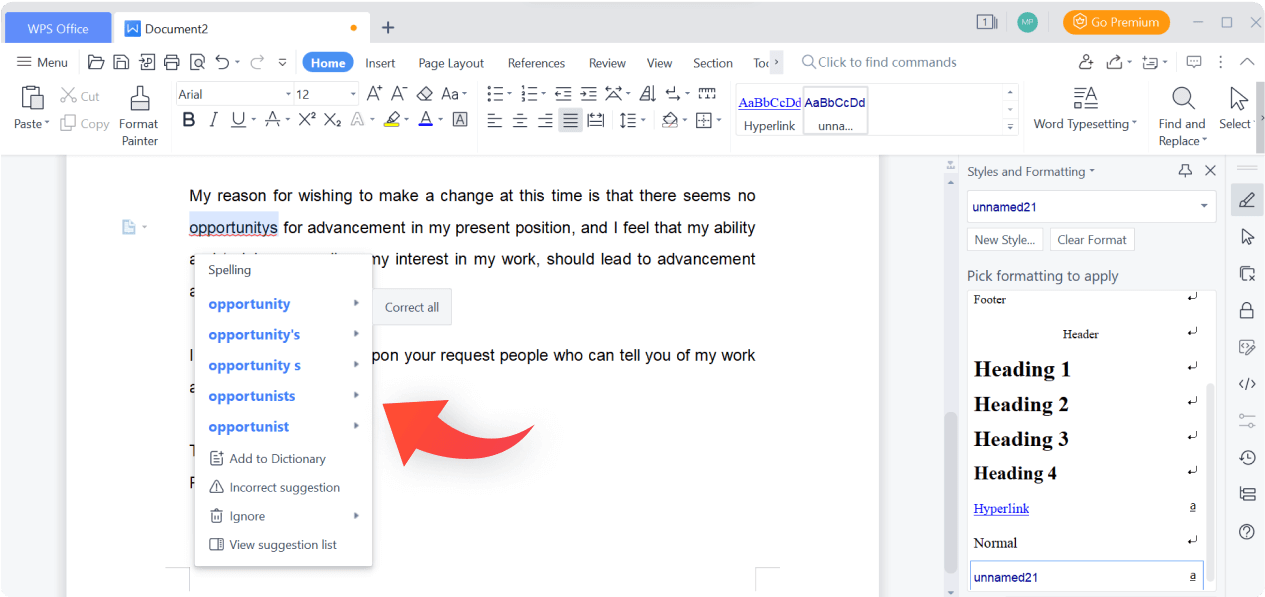
Grammar check · AI drafting · Summarize

Avoid the security risks of Office 2003. WPS is free, lightweight, and modern.
Legacy word processor with classic menus.
Archival spreadsheet tool for legacy data.
Classic presentation software.
The first Ribbon-based Office suite.
Modern, secure alternative to Office 2003.
Complete tool for reading and editing PDFs.

Microsoft Office 2027 is the next perpetual (one-time purchase) version of the Office suite, expected in early 2027 with offline AI, a redesigned Outlook, and Windows 12-optimized UI.
Read more
Download free, fully editable certificate of completion templates for WPS Writer or Microsoft Word. Print-ready in multiple professional designs — no design skills required.
Read more
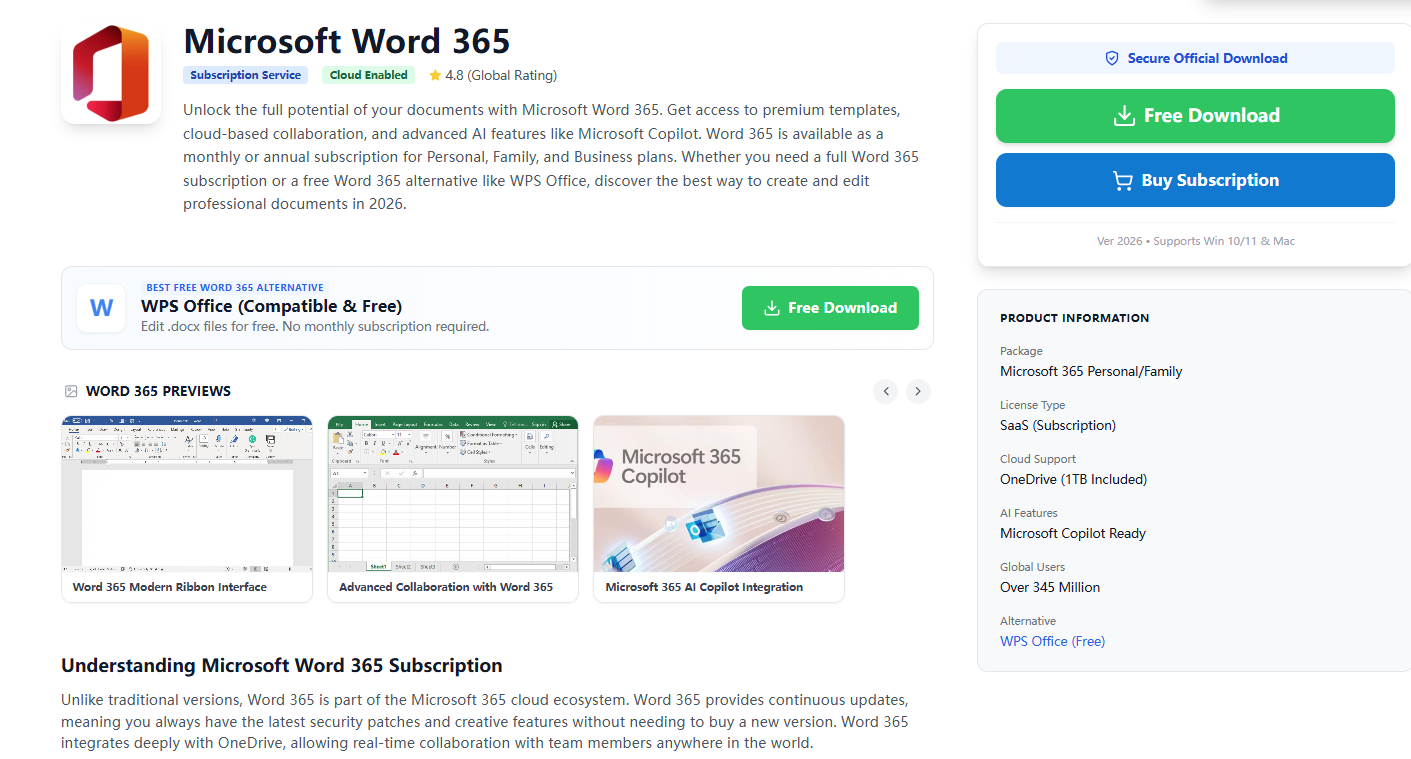
Download Microsoft Word 365 or explore free WPS Office alternatives. Compare subscription plans, AI features, and discover the best free option for editing .docx files in 2026.
Read moreDon't settle for risky, outdated software. WPS Office provides a free, modern experience that handles all legacy Word, Excel, and PowerPoint files with ease. Stay safe with a suite designed for today.
* Core features are permanently free for individuals.
Full support for Word, Excel, and PowerPoint files without a product key.