Free Microsoft Word Download Hub—Every Version, One Collection
Skip risky links. This Microsoft Office download cluster gathers free Word guides—2003 through 365—with safe installs and file compatibility across Windows, Mac, and mobile.
Download Microsoft Word for Free: Options for Every Need
Microsoft Word 365 Free Download
Newest cloud Word—free to try. Auto-updates, co-authoring, sync on any device.
Microsoft Word 2024 Free Download
Latest desktop Word—free download. Newest editor, full .docx compatibility.
Microsoft Word 2021 Free Download
Free perpetual install—enhanced editor and pro layouts, no subscription needed.
Microsoft Word 2019 Free Download
Free download with office-ready templates. Stable tools, no monthly fees.
Microsoft Word 2016 Free Download
Proven classic—free, safe links. Modern features for school, work, and home.
Microsoft Word 2013 Free Download
Free install—fast, familiar interface. Reliable writing on older and new PCs.
Microsoft Word 2010 Free Download
Lightweight free Word for old PCs. Simple menus, low RAM, quick setup.
Microsoft Word 2007 Free Download
Free Ribbon-era Word—compact, offline. Everyday docs on legacy Windows.
Microsoft Word 2003 Free Download
Legacy free download—offline classic. Opens vintage .doc files on retro PCs.
Microsoft Word for Android Free Download
Free Word app for Android—edit on the go. Quick install, touch-friendly.
Microsoft Word for Mac Free Download
Free Word on Mac—easy setup. Open, edit, and save docs natively on macOS.
How to Choose the Right Microsoft Word Version
Before you start any Microsoft Word free download, it helps to know which edition matches your hardware, your budget, and how you work. Microsoft Word ships in two shapes: a subscription (Microsoft 365) that updates forever, and one-time "perpetual" releases such as Word 2021 that you buy once and keep. Each release also has its own system requirements and end-of-support date. The flowchart below walks you through that choice in under a minute.
License model
A subscription (Microsoft 365) keeps Word current and bundles cloud storage, while a perpetual license is a single payment with no forced upgrades.
Budget
Weigh a recurring fee against a higher one-time price. If cost is the dealbreaker, a free trial, the web app, or a free suite like WPS Writer covers the essentials at no cost.
Platform & hardware
Match the edition to your device. Newer releases need Windows 10/11 or a recent macOS, while Word 2016 and 2010 run on older, lower-RAM machines.
Updates & support
Security matters. Microsoft 365 and the latest perpetual releases still get patches, whereas Word 2013 and earlier are out of support and best kept offline.
Microsoft Word Versions Compared
Each Word release targets a different kind of user. The table below compares the most popular versions side by side, from the cloud-based Microsoft 365 to the lightweight classics, so you can spot the right Microsoft Word free download at a glance.
| Version | License | Pricing model | Updates & support | Best for |
|---|---|---|---|---|
| Microsoft Word 365 | Subscription | Monthly / yearly | Always updated, full support | Multi-device users who want the latest AI & cloud features |
| Word 2024 / LTSC | Perpetual | One-time | Security patches, no feature upgrades | Latest one-time buyers and enterprises |
| Word 2021 | Perpetual | One-time | Supported (mainstream) | A modern one-time purchase |
| Word 2019 | Perpetual | One-time | Limited support window | Stable desktop work, no subscription |
| Word 2016 | Perpetual | One-time | Out of mainstream support | Everyday tasks on Windows 10 PCs |
| Word 2013 & older | Perpetual | One-time | End of support (no patches) | Opening legacy .docx files on old PCs |
Tip: editions that are out of support no longer get security fixes. If you must run an older release, keep it off the public internet or pair it with a continually updated free suite for anything sensitive.
Key Features You Get in Microsoft Word Free Download Version
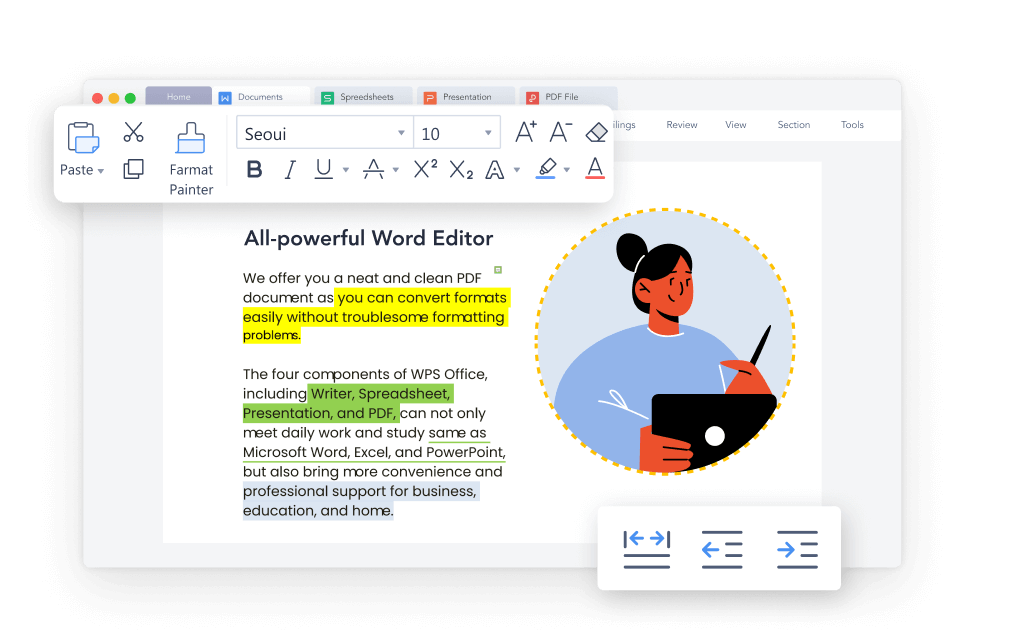
Whichever version you pick, Word packs the same core toolkit that has made it the standard for documents. Here are the features you will use most, all fully supported when you open .docx files in a free, compatible suite like WPS Writer too.
Templates & styles
Start fast with built-in resume, report, and letter templates, then keep formatting consistent with reusable styles.
Track Changes & comments
Review together: track every edit, leave comments, and accept or reject changes with a single click.
Mail merge
Generate personalized letters, labels, and emails in bulk straight from a spreadsheet or contact list.
AI writing & spell check
Polish drafts with AI-assisted suggestions and catch typos and grammar slips with smart spell check.
Export to PDF
Save or export any document as a pixel-perfect PDF, ready to share, sign, or print.
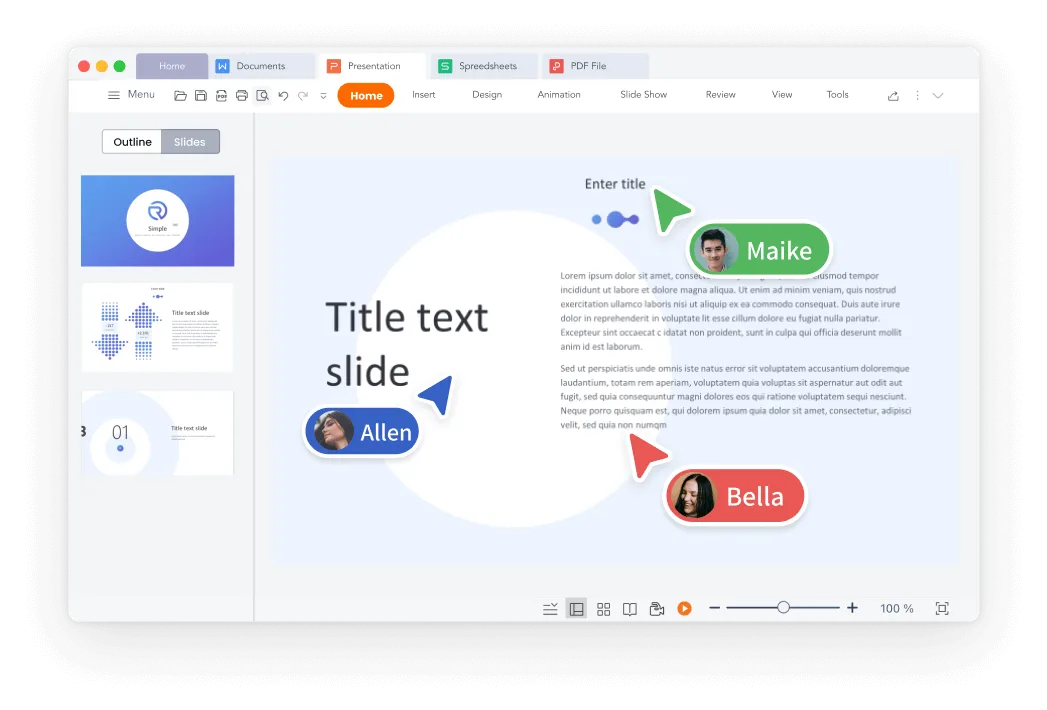
Real-time co-authoring
Work on the same document with others at once and watch every edit appear live in the cloud.
Microsoft Word Subscription vs. One-Time Purchase: Which Saves More?
The single biggest choice in any Microsoft Word free download is subscription versus perpetual. A Microsoft 365 subscription costs less up front and never goes stale, but the fees repeat every year. A perpetual Word license costs more on day one yet never charges you again. The chart shows how the two compare as the years add up.
Microsoft 365 (subscription)
- Always-current Word with the newest AI features
- Install across PC, Mac, tablet, and phone
- Generous cloud storage and easy sharing
- A low up-front cost you can cancel anytime
Word 2021 (perpetual)
- One payment with no recurring fees
- The same version for many years, no forced changes
- Offline, single-PC use that you fully own
- Predictable costs for a business or family
Is Microsoft Word Really Free? Your Legitimate Options
"Free" can mean several things for Word. Some routes are free forever, some are free for a limited time, and some are free only if you qualify. Here are the safe, legitimate ways to get a free Word download or its equivalent, so you can avoid risky cracked installers.
- Word on the web (always free): Sign in with a free Microsoft account to use the web version of Word. Great for light editing, limited for advanced features.
- Microsoft 365 free trial: Try the full desktop Word free for a limited period. Remember to cancel before it renews if you don't want to be charged.
- Microsoft 365 Education: Many students and teachers get the full suite, including Word, free with a valid school email.
- Older perpetual versions: Editions like Word 2010 and 2013 can sometimes be installed for free through official channels, but they are out of support.
- A free, compatible alternative: WPS Writer is free to download and use on every platform, opens and saves
.docxfiles with 100% compatibility, and stays continually updated.
Avoid "free" pirated copies and key generators. They are illegal, frequently bundle malware, and never receive security updates. Sticking to official downloads or a genuinely free suite keeps your files and device safe.
How to Free Download & Install Microsoft Word: Step by Step
Once you've picked a version, getting Word running is straightforward. The five stages below apply to almost any Microsoft Word free download, whether you choose a subscription, a one-time license, or a free alternative.
- Choose your version. Use the flowchart and comparison table above to settle on the edition that fits your device, budget, and update needs.
- Download the installer. Get the file only from an official or trusted source, and pick the correct 32-bit or 64-bit build (64-bit suits most modern PCs).
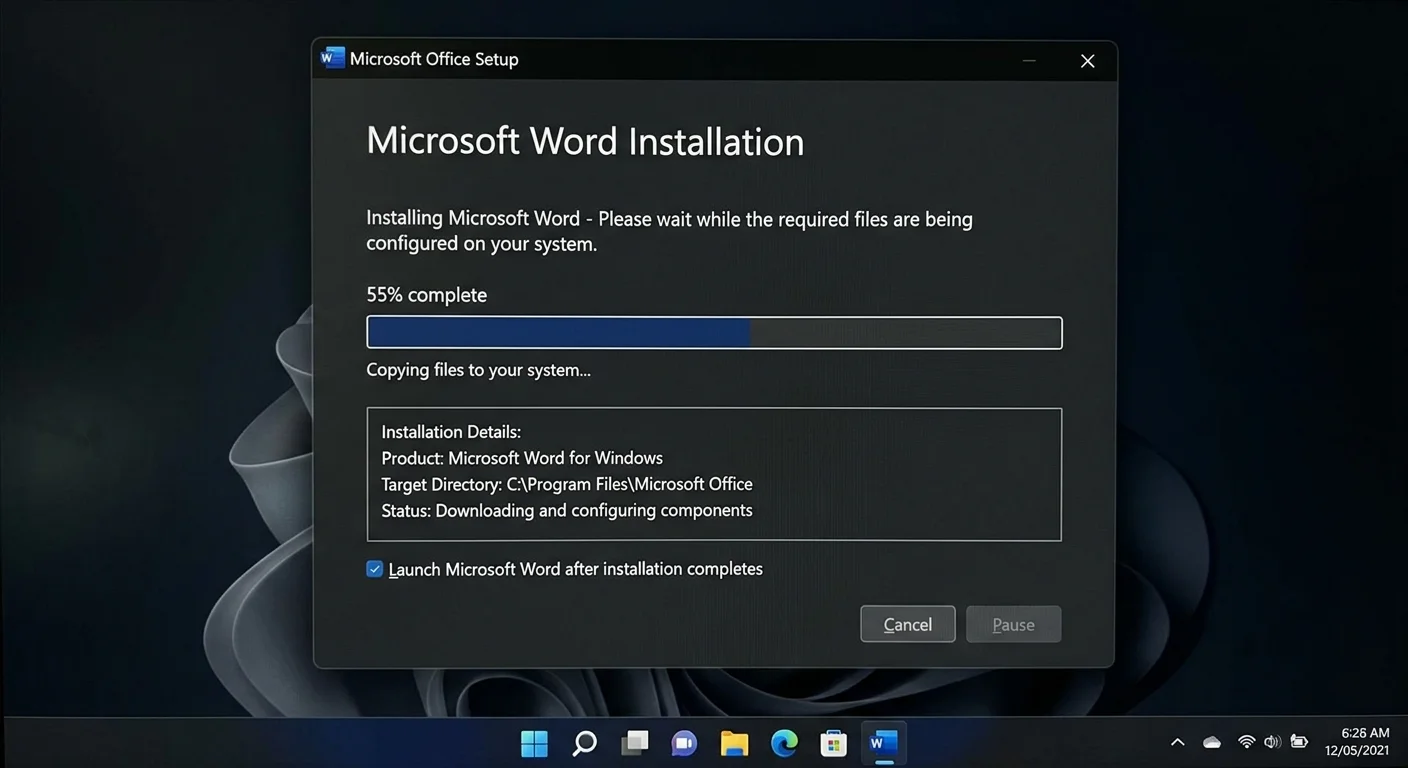
- Run the installation. Open the downloaded file and follow the on-screen steps. A typical install takes just a few minutes on broadband.
- Sign in or activate. For Microsoft 365 sign in with your account; for a perpetual license enter your product key. A free suite like WPS Writer needs no key at all.
- Start creating. Launch Word and open an existing .docx file to confirm everything renders correctly.
Frequently Asked Questions About MS Word Free Downloads
Which is the best version of Word?
The best version of Microsoft Word depends on your needs and device. For most users, Word 2016 and Word 2019 offer the most features and stability. If you’re looking for something free, Word Online is a great option, providing the essential tools for document editing. If you have specific compatibility needs or prefer older versions, Word 2007 and Word 2010 are still solid choices for basic tasks.
Is there a way to get Microsoft Word free for students?
Yes, Microsoft offers Microsoft 365 Education for free to students and educators. This includes Word, Excel, PowerPoint, and other Office tools. You just need to use your educational email address to sign up for this offer. This is an excellent way to get access to the full suite of Microsoft Office products without paying for a subscription.
Can I install MS Word on a laptop for free?
You can install Word for free on your laptop through Microsoft Office Online, which provides a cloud-based version of Word with most features. Additionally, you can get a free trial of Microsoft 365 for a limited time, which allows you to install Word on your laptop with full functionality. However, for long-term use, a paid subscription is required for the full version.
Get Started with Word—Your Essential Document Tool Awaits
Stop searching and start writing. Our curated resources make it simple to access Word at no cost. Pick your preferred version and device, follow the guide, and enjoy powerful document creation.
Free DownloadOther Helpful Collections for You
PowerPoint Free Download
Discover our free PowerPoint download guide to create impactful presentations with ease. Follow simple steps to get started and design professional slides in minutes.
Learn More →Excel Free Download
Find the best way to get an free Excel version. Our guide provides step-by-step instructions for accessing powerful spreadsheet tools for data analysis and management.
Office Free Download
Explore our free Office download resources for a complete productivity suite, including Word, Excel, and PowerPoint—perfect for all your work and study needs.