
Feb 20, 2026
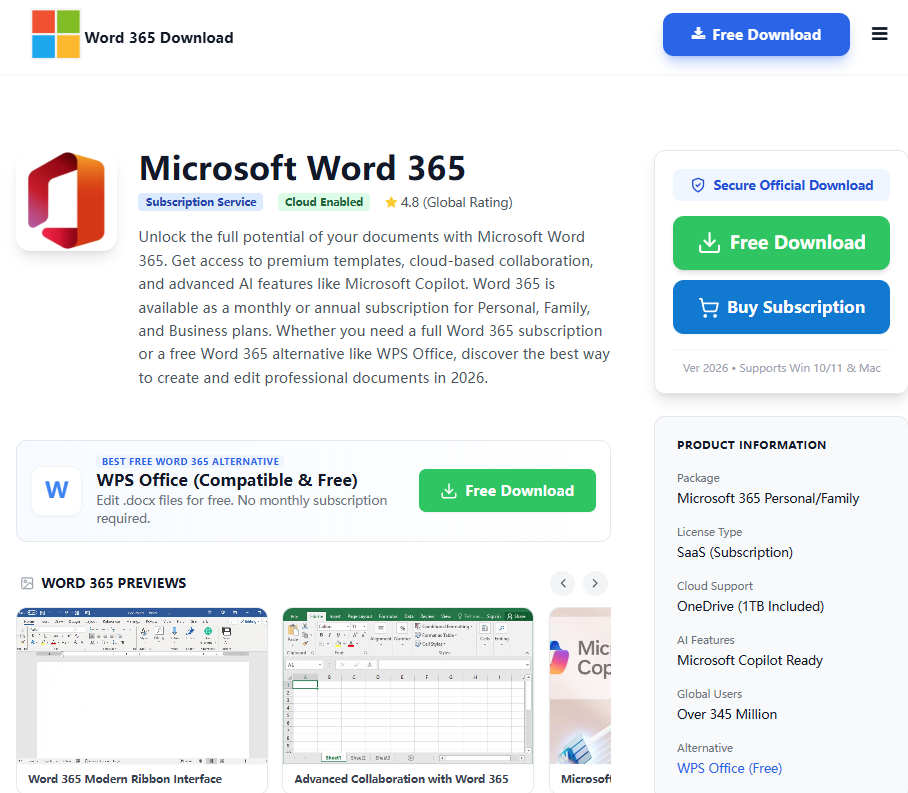
Microsoft Word 365 Free DownloadGet Microsoft Word 365 for free — explore official download options, system requirements, and top free alternatives available in 2026.
Read more
Get Microsoft Word 2013 — the original offline installer for Windows. This Word 2013 version introduced Touch Mode and PDF editing capabilities. Important: Full functionality requires a valid 25-digit product key. If you don't have one, we recommend downloading the free Word 2013 alternative which needs no key and offers modern security.
Opens .docx files safely. Perfect for Windows 10/11.
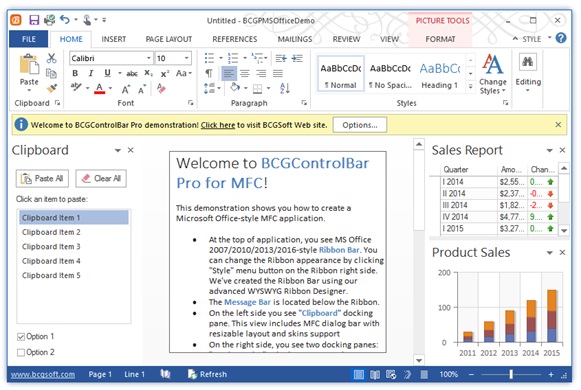
Microsoft Word 2013 was a significant step forward, introducing a cleaner, touch-friendly design and deeper cloud integration with SkyDrive (now OneDrive). Many users still search for a Word 2013 because it brought key features like PDF Reflow, allowing users to open and edit PDF content directly within Word, and a new Read Mode for a better on-screen reading experience.
However, extended support for the entire Office 2013 suite ended on April 11, 2023. This means Microsoft no longer provides security updates, technical support, or bug fixes. Running Word 2013 on a modern, internet-connected PC is not recommended due to security risks. Instead of an MS Word 2013, downloading the free WPS Office suite is the best modern alternative for safe document processing. To compare all Word download options, visit Microsoft Word Free Download for a complete guide across all versions and platforms.
A Word 2013 download is often considered by those looking for a non-subscription word processor with a familiar interface. The Microsoft Word 2013 was a popular choice for its balance of new features and classic desktop feel, running efficiently on older systems like Windows 7 and 8.
Critical Security Warning: It's vital to know that Word 2013 is unsupported software. Support ended in April 2023, meaning your computer is exposed to security threats if you use it. Rather than seeking an MS Word 2013 free download for day-to-day work, especially on Windows 10 or 11, downloading the free and secure WPS Writer is the only responsible choice to protect your data and privacy.
The default KMS keys used for volume licensing editions of Office 2013 are listed below. These are official KMS Client Setup Keys (GVLK) for volume-licensed deployments only.
| Product | KMS Client Setup Key (GVLK) |
|---|---|
| Office 2013 Professional Plus | YC7DK-G2NP3-2QQC3-J6H88-GVGXT |
| Office 2013 Standard | KBKQT-2NMXY-JJWGP-M62JB-92CD4 |
| Project 2013 Professional | FN8TT-7WMH6-2D4X9-M337T-2342K |
| Project 2013 Standard | 6NTH3-CW976-3G3Y2-JK3TX-8QHTT |
| Visio 2013 Professional | C2FG9-N6J68-H8BTJ-BW3QX-RM3B3 |
| Visio 2013 Standard | J484Y-4NKBF-W2HMG-DBMJC-PGWR7 |
| Access 2013 | NG2JY-H4JBT-HQXYP-78QH9-4JM2D |
| Excel 2013 | VGPNG-Y7HQW-9RHP7-TKPV3-BG7GB |
| InfoPath 2013 | DKT8B-N7VXH-D963P-Q4PHY-F8894 |
| Lync 2013 | 2MG3G-3BNTT-3MFW9-KDQW3-TCK7R |
| OneNote 2013 | TGN6P-8MMBC-37P2F-XHXXK-P34VW |
| Outlook 2013 | QPN8Q-BJBTJ-334K3-93TGY-2PMBT |
| PowerPoint 2013 | 4NT99-8RJFH-Q2VDH-KYG2C-4RD4F |
| Publisher 2013 | PN2WF-29XG2-T9HJ7-JQPJR-FCXK4 |
| Word 2013 | 6Q7VD-NX8JD-WJ2VH-88V73-4GBJ7 |
PDF Reflow
Open a PDF and reflow its content into an editable Word document automatically.
Read Mode
Organized columns view that hides editing UI for a clean, focused reading experience.
Touch Mode
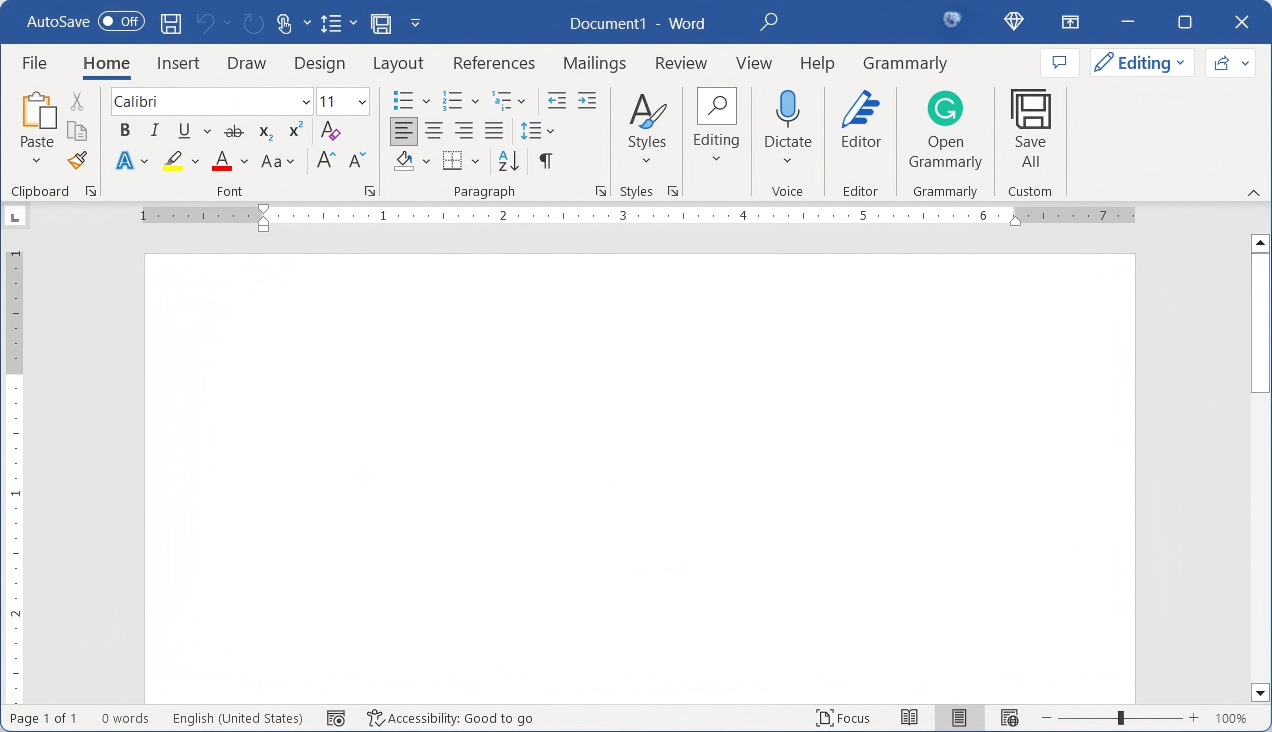
Optimized ribbon with larger buttons and spacing, designed for touch-screen devices.
| Feature | Word 2013 | WPS Writer (Free) |
|---|---|---|
| Security Updates | None (Ended 2023) | Yes, Continuous |
| Product Key | Required (Not Sold) | Not Required |
| Windows 11/10 Support | No (Unsupported) | Yes (Fully Optimized) |
| AI Features | None | Yes (Writing, Proofing) |
| PDF Editing | Basic (Reflow only) | Yes, Full Native Editing |
Verdict: While a Word 2013 free download was great for its time, the software is now obsolete and risky. For any real work, download WPS Writer for a free, secure, and feature-rich experience instead.
Sign in to Microsoft
Go to the Microsoft website and sign in to your account.

Open Services & Subscriptions
Select Services & Subscriptions at the top of the window.

Select Office 2013 & Click Install
Select Office 2013 and click Install.
Follow On-Screen Instructions
Follow the on-screen instructions to download and install the software.
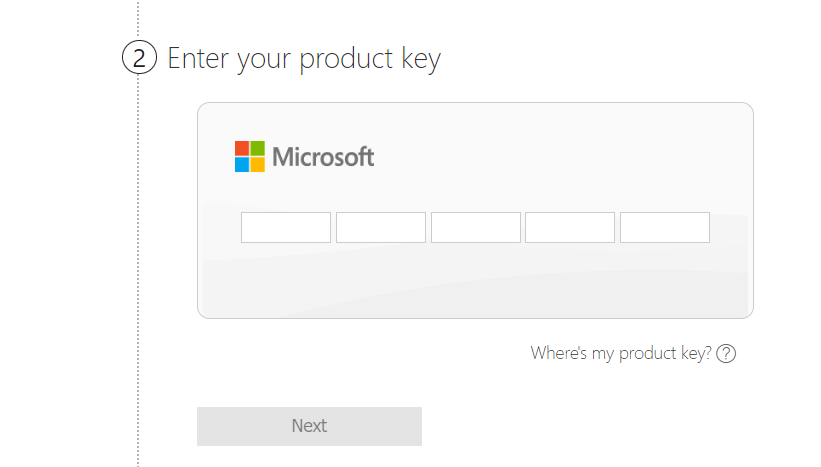
Enter Your Product Key
When prompted, enter your product key to activate the software.
WPS Office Writer is a free alternative to Microsoft Word 2013 that offers many of the same functions and features. The software is available for download as a standalone application or through the online service — completely free, with no ads.

Functions & Features
Spell check, word count, document formatting, rich templates, and Microsoft Office file format compatibility — all for free with no ads.
Compatibility
Works on Windows, Mac, and Linux operating systems — a truly cross-platform alternative to Word 2013.
Price
Completely free — no subscription, no purchase required. Get full word processing power without spending a cent.
You can get the Word 2013 download from this page, but Word 2013 requires a product key that Microsoft no longer sells. We recommend using WPS Writer, which is a genuinely free and secure alternative requiring no key.
No. Word 2013 is not officially supported or tested on Windows 11. Support ended in April 2023, making the Word 2013 download unstable and insecure on modern operating systems.
No, it is highly unsafe. Since support has ended, it receives no security patches, leaving your PC vulnerable to viruses, ransomware, and data breaches.
Word 2013 was sold with a perpetual license verified by a product key. As the product is discontinued, Microsoft no longer sells or provides these keys, and activation servers may be unreliable.
Yes, the MS Word 2013 free download was offered in both 32-bit (x86) and 64-bit (x64) editions. However, since Word 2013 is end-of-life software, we recommend downloading WPS Office instead, which fully supports modern 64-bit Windows 10 and 11.
Word 2013 was originally a one-time purchase, not a subscription product. You can still find the Word 2013 download free installer on this page, but it requires a product key for activation. If you want a truly free word processor with no subscription or product key, try WPS Writer.
This page provides a safe and verified Microsoft Word 2013 free download link for the legacy offline installer. Always avoid third-party sites offering cracked versions. For a secure, modern word processor that's free to use, we recommend downloading WPS Office.
The Word 2013 download, as part of the Office 2013 Professional Plus package, is approximately 700 MB to 1 GB depending on the edition (32-bit vs 64-bit). It requires at least 3 GB of free disk space for installation. WPS Office, by comparison, is a much lighter download at under 200 MB.

15 years of office industry experience, tech lover and copywriter. Follow me for product reviews, comparisons, and recommendations for new apps and software.

Don't risk your data with old software. Use WPS Writer for free. It's fully compatible, modern, and safe.
Every feature that made Word 2013 great is available in WPS Office — with modern security updates, zero cost, and no product key required.
Word 2013 introduced PDF Reflow. WPS takes it further with full native PDF editing, annotation, and conversion tools — all free.
Everything Word 2013 could do, WPS Writer does too — and more. Create, edit, and format documents with 100% MS Office file compatibility.
Word 2013 had Touch Mode. WPS runs natively on Windows, Mac, Linux, Android, and iOS — optimized for every screen and input method.
Get Microsoft Word 365 for free — explore official download options, system requirements, and top free alternatives available in 2026.
Read more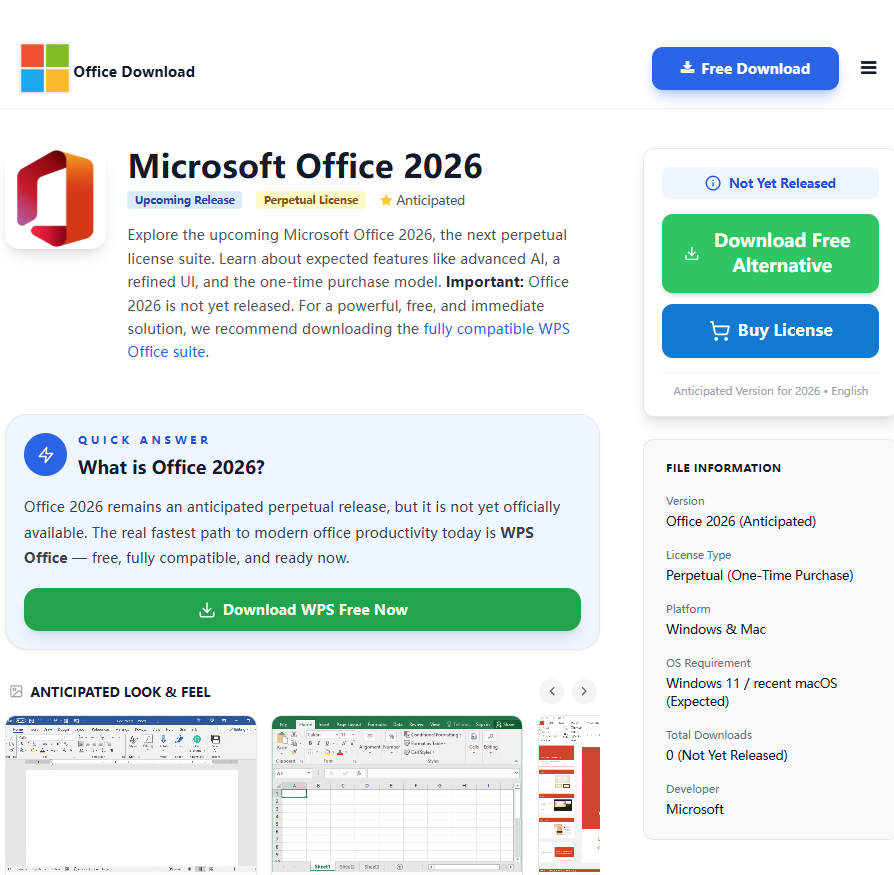
Discover everything about Microsoft Office 2026 — new features, release details, pricing, and the best free alternatives to try right now.
Read more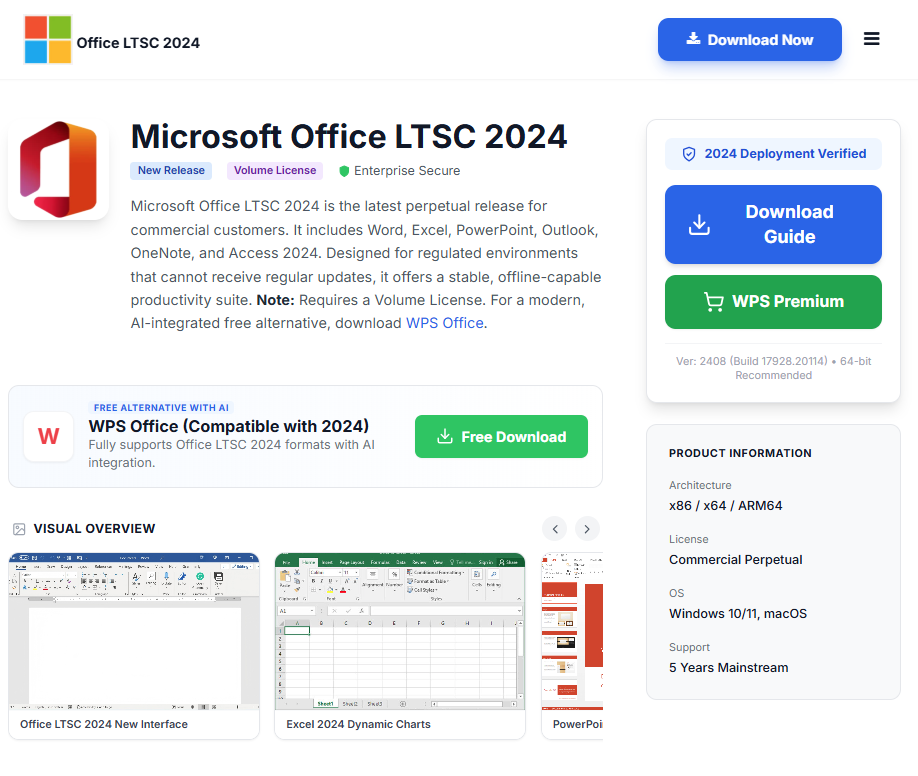
Learn how to download Microsoft Office LTSC 2024 safely, with installation guidance, licensing info, and free alternatives for every user.
Read moreWhy use insecure, outdated software? Get a complete, modern office suite that's fully compatible with all Microsoft formats for free. Experience a lightweight, powerful, and secure solution.
* Basic components (Writer, Spreadsheet, Presentation) are permanently free.
Open, edit, and save Word, Excel, and PowerPoint files seamlessly.