
5 min read
Apr 2026
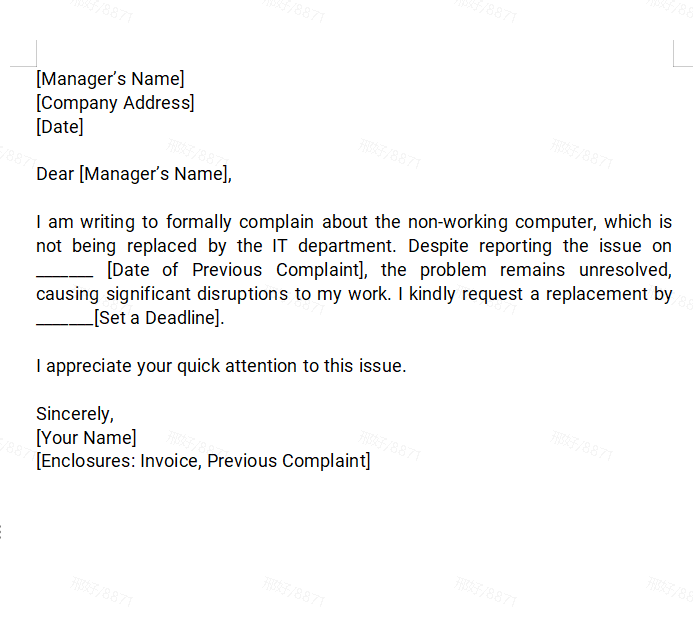
Free Formal Letter Templates for Word & WPS WriterDownload professionally crafted formal letter templates for WPS Writer or Microsoft Word — fully editable, print-ready, and free for personal or business use.
Read More
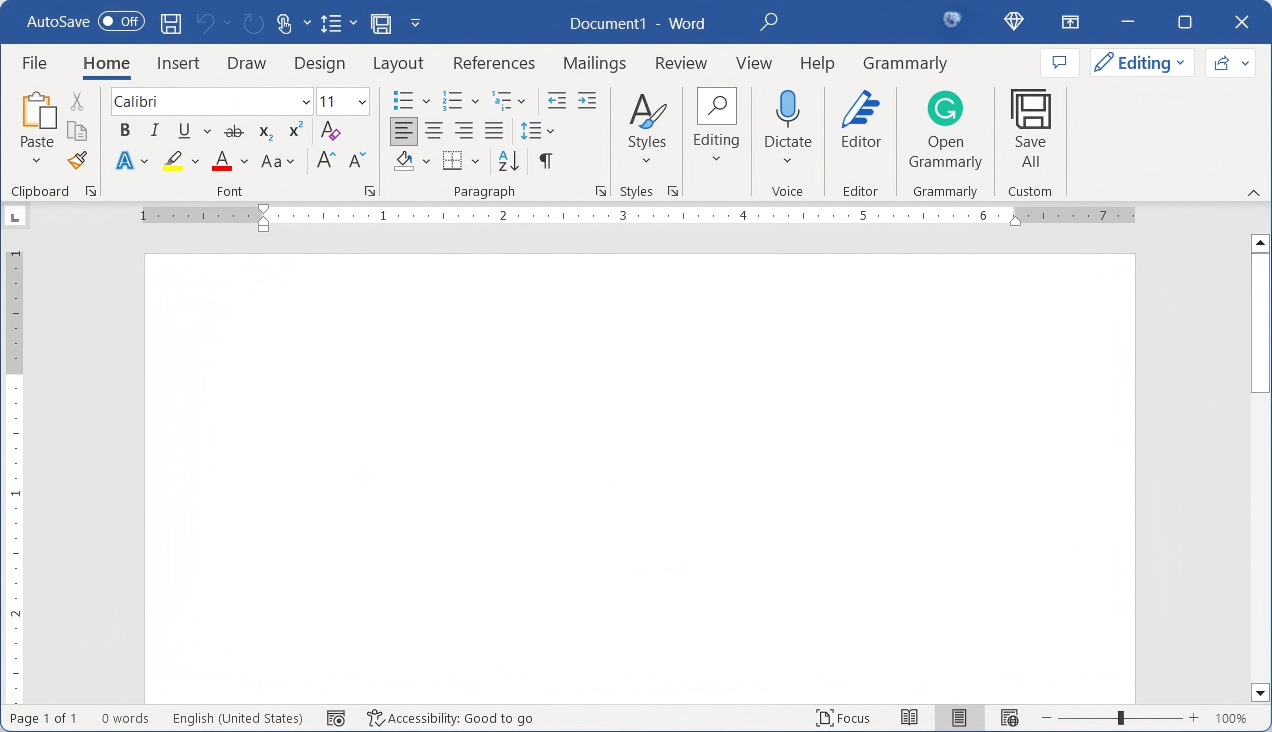
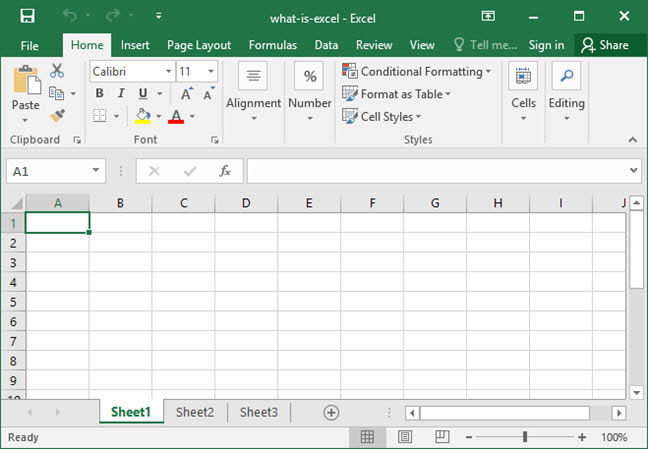
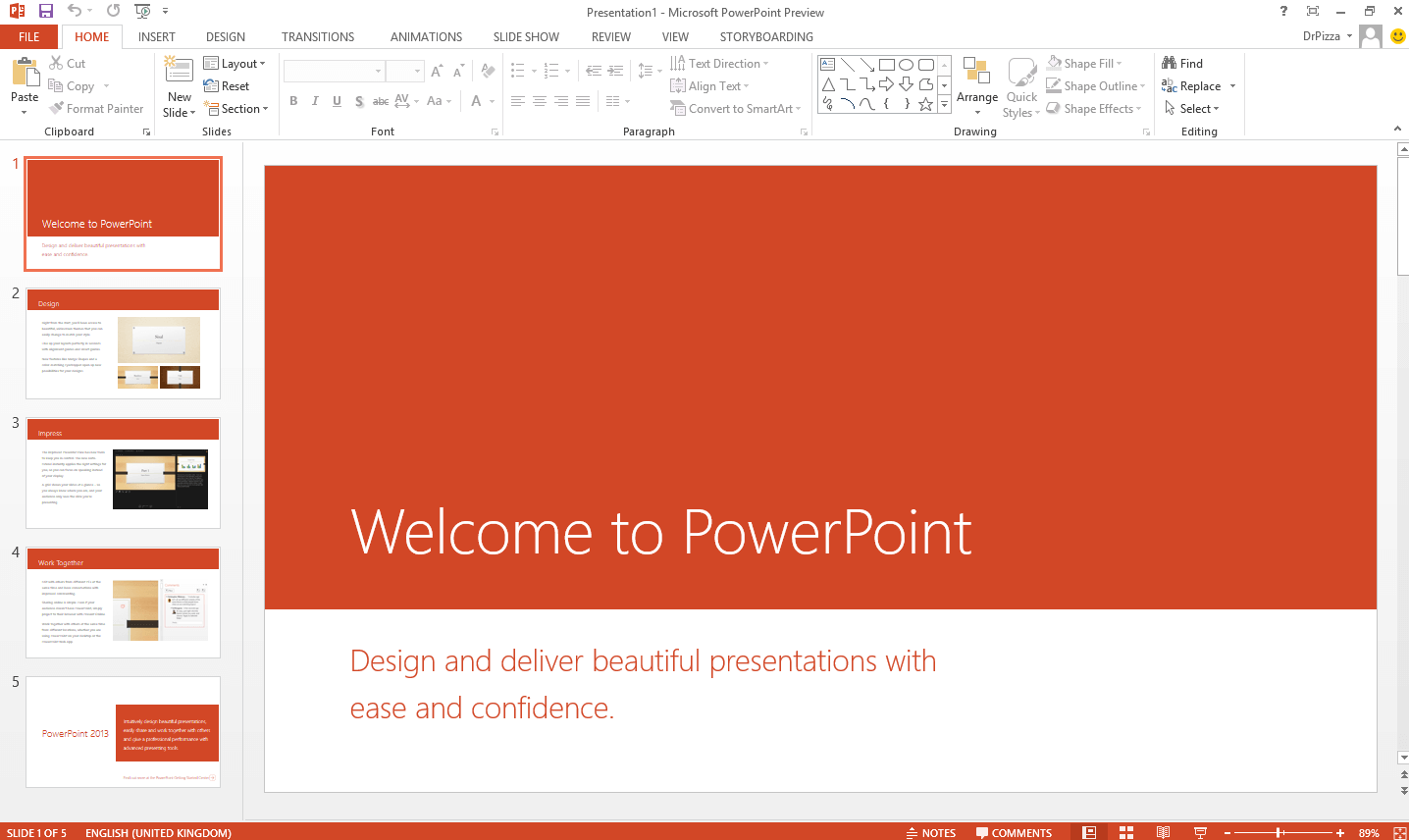
Microsoft Office LTSC 2024 free download is the latest perpetual release for commercial customers. It includes Word, Excel, PowerPoint, Outlook, OneNote, and Access 2024. Designed for regulated environments that cannot receive regular updates, it offers a stable, offline-capable productivity suite. Note: Requires a Volume License. For a modern, AI-integrated free alternative, download WPS Office.
Fully supports Office LTSC 2024 free download version formats with AI integration.
Office LTSC 2024 is the latest release for organizations that need a long-term servicing channel. Unlike the subscription-based Microsoft 365, LTSC 2024 is a perpetual license. It is designed for specialized scenarios, such as regulated devices that cannot accept frequent updates or manufacturing facilities that require a disconnected environment.
This version includes significant performance improvements, accessibility enhancements across all apps, and new features in Excel like dynamic charts and arrays. However, it does not include AI-powered features like Microsoft Copilot or cloud-based collaboration. To compare all Office download options, visit Microsoft Office Free Download for a complete guide across all versions and platforms.
Office LTSC 2024 is a perpetual license product — users pay once and receive only security updates and bug fixes for five years, with no new feature releases during that period. It is typically available under Volume Licensing for large-scale business deployment and is not sold through usual retail channels, making it difficult for individual consumers to purchase directly.
Office LTSC 2024 was engineered for specialized environments where internet connectivity is restricted or where software change introduces severe operational risks. It is not built for everyday consumers — it is built for the following three critical use cases.
Government agencies, military intelligence servers, research laboratories, and nuclear power plants use "air-gapped" networks. Since Microsoft 365 requires constant online pings to verify licenses, it is fundamentally incompatible. Office LTSC 2024 can be activated, deployed, and managed entirely offline via local volume licensing servers — ensuring zero data packets leave the facility.
Manufacturing CNC machinery, hospital medical displays, and bank ATMs run specialized software alongside document processing. If an office suite updates overnight — altering its API or registry files — it could cause catastrophic system disruptions. These industries require an office suite that remains identical for years, guaranteeing automated scripts and hardware interfaces never break.
Many SMBs resist the relentless accumulation of SaaS bills — a perpetual license is a predictable, one-time investment. More critically, legal firms, financial consultants, and proprietary tech developers have strict compliance rules prohibiting cloud AI from scanning their files. Office LTSC 2024 contains no Copilot or cloud data-scraping, ensuring confidential documents are never used to train external AI models.
No feature changes for 5 years, ensuring workflow stability.
Lacks modern AI tools like Copilot or cloud automation.
No recurring monthly subscription costs for enterprises.
Requires the Office Deployment Tool (ODT) to install.
Confidential documents stay 100% local, preventing unauthorized cloud data-scraping or AI model training.
Strictly capped support window. Microsoft terminates all security updates on October 9, 2029, forcing a new purchase cycle.
Zero unexpected UI changes, ensuring automated macros and legacy hardware plugins run for years without breaking.
No real-time co-authoring or modern formula updates, creating compatibility hurdles when working with Microsoft 365 vendors.
The Office LTSC 2024 release focuses on refining the desktop experience for professional users. Key updates include the inclusion of OneNote in the base installation and the removal of Microsoft Publisher, which is reaching its end-of-life.
Excel 2024 introduces over a dozen new functions for text and array manipulation, while PowerPoint 2024 adds support for "cameo," allowing users to insert a live camera feed into slides. These tools are optimized for performance on local hardware, ensuring speed even without an internet connection. For users who need these features with added AI assistance, WPS Office offers a lighter and more versatile solution.
| Feature | Office LTSC 2024 | WPS Office |
|---|---|---|
| AI Assistance | None | WPS AI Integrated |
| Cost | High (One-time VL) | Free Basic / Low Pro |
| Collaboration | Limited (Offline) | Real-time Cloud |
| Cloud Storage | None | WPS Cloud (Free 1GB+) |
| Platform Support | Windows / macOS | Win / Mac / Linux / iOS / Android |
| Update Model | Static (5-Year Lifecycle) | Regular Free Updates |
| Data Privacy | 100% Local (No Cloud Scan) | Local + Optional Cloud |
| PDF Editing | Not Included | Built-in PDF Editor |
| User Experience | Familiar Corporate UI | Intuitive & Lightweight |
| Customer Support | Enterprise VL Support | Regular Updates & Premium Support |
If you need a traditional office suite with a one-time cost and can accept the absence of cloud features, Office LTSC 2024 is a solid enterprise choice. However, if you are seeking an affordable, flexible, and feature-rich alternative — especially as an individual or small business — WPS Office is the better option.
Both suites cover core document work, but WPS Office adds modern capabilities that Office LTSC 2024 deliberately omits. Here are the key advantages for everyday productivity.
WPS Office provides innovative AI tools for content suggestions, real-time collaboration assistance, and translation — helping you work faster. Office LTSC 2024 includes no advanced AI capabilities.
Access your work from any device — Windows, macOS, Linux, iOS, or Android. Office LTSC 2024 is limited to Windows and macOS, primarily optimized for enterprise desktops.
WPS Office offers a free version covering core functionality and a reasonably priced premium tier. Office LTSC 2024 requires a one-time per-user volume license fee that can add up quickly across teams.
WPS Office includes integrated cloud storage and document sharing, making it ideal for remote teams. Office LTSC 2024 lacks built-in cloud collaboration features entirely.
Office LTSC 2024 is deployed using the Office Deployment Tool (ODT) — a command-line utility. Generally, downloading and installing requires purchasing a valid license through Microsoft's Volume Licensing Service Center or an authorized reseller. Office LTSC 2024 cannot be purchased by regular consumers through normal channels like the Microsoft Store.
Follow the steps below for a successful enterprise rollout.
Obtain the ODT from the Microsoft Download Center. Extract the setup.exe file to a dedicated local folder on your deployment server.
Use the Office Customization Tool at config.office.com to generate a configuration.xml file. Select "Office LTSC Professional Plus 2024" as the product. Microsoft also provides templates and guides for this purpose — the configuration file defines which Office components to install and your licensing preferences. Save the file as configuration.xml in the same folder as setup.exe.
Open Command Prompt as Administrator, navigate to your ODT folder using cd [path to your Office 2024 folder], then execute: setup.exe /configure configuration.xml. The installation process will begin automatically — wait until it completes on its own.
Once installation is complete, activate the software using the license linked to your purchase from the Volume Licensing Service Center (VLSC). For offline environments, volume activation can be configured to run entirely on your local network. After activation, the perpetual version remains permanently licensed.
Open any Office application such as Word, then go to the Account tab. Confirm that your product details show the suite is activated and ready to use. You should see Word, Excel, PowerPoint, and other selected apps available on your system.
No deployment tool, no volume license, no cost. Over 200 million users have already switched to WPS Office as a free, AI-powered alternative fully compatible with every Office LTSC 2024 file format.
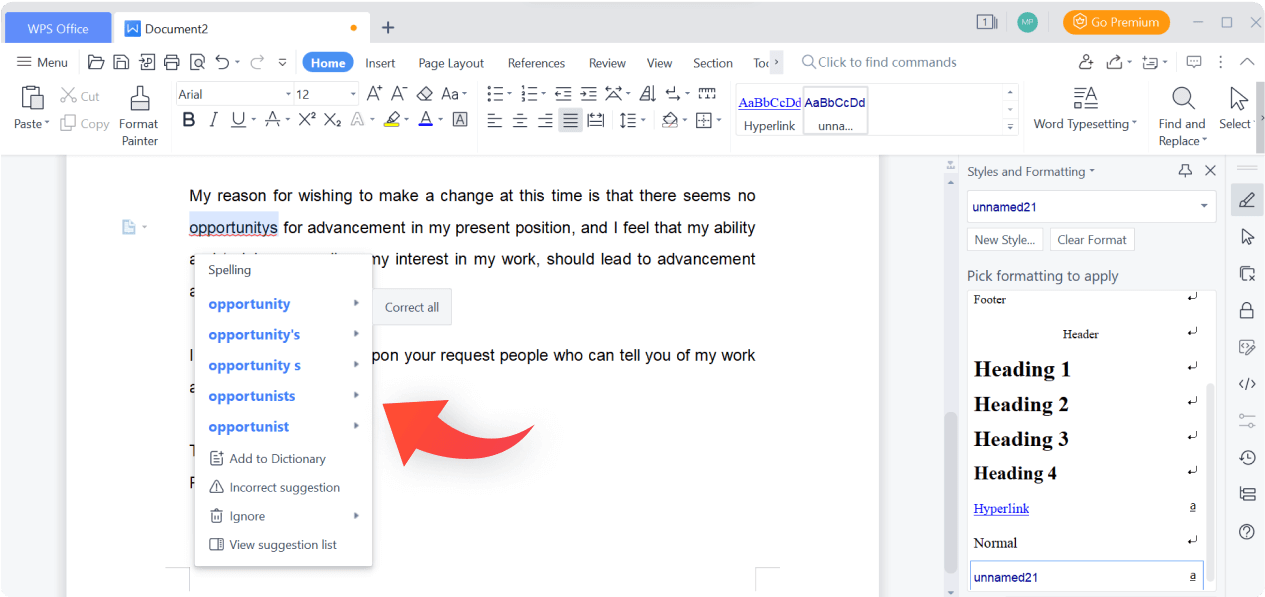
All-in-one Document Workspace
Writer · Spreadsheet · Presentation · PDF

Cloud Sync & Cross-Device Access
Access your files anywhere, on any device

Smart Writing & AI Assistance
Grammar check · AI drafting · Summarize
Office LTSC 2024 is an appropriate choice for companies that need a stable, unchanging software environment for at least five years — especially in regulated or offline scenarios. However, WPS Office provides a far more flexible and budget-friendly solution for individuals and small businesses. With an extremely user-friendly interface, cross-platform support, built-in PDF tools, cloud collaboration, and regular updates, WPS Office is well positioned to maximize everyday productivity. If you want an office suite with more features at little or no cost, WPS Office is the best alternative to Office LTSC 2024.
The best modern alternative to LTSC 2024. Lightweight, free, and AI-ready.
The previous perpetual release for enterprise.
Subscription-based suite with full AI Copilot.
Modern, AI-integrated office suite for all.
Advanced PDF editing and conversion tools.
Download professionally crafted formal letter templates for WPS Writer or Microsoft Word — fully editable, print-ready, and free for personal or business use.
Read More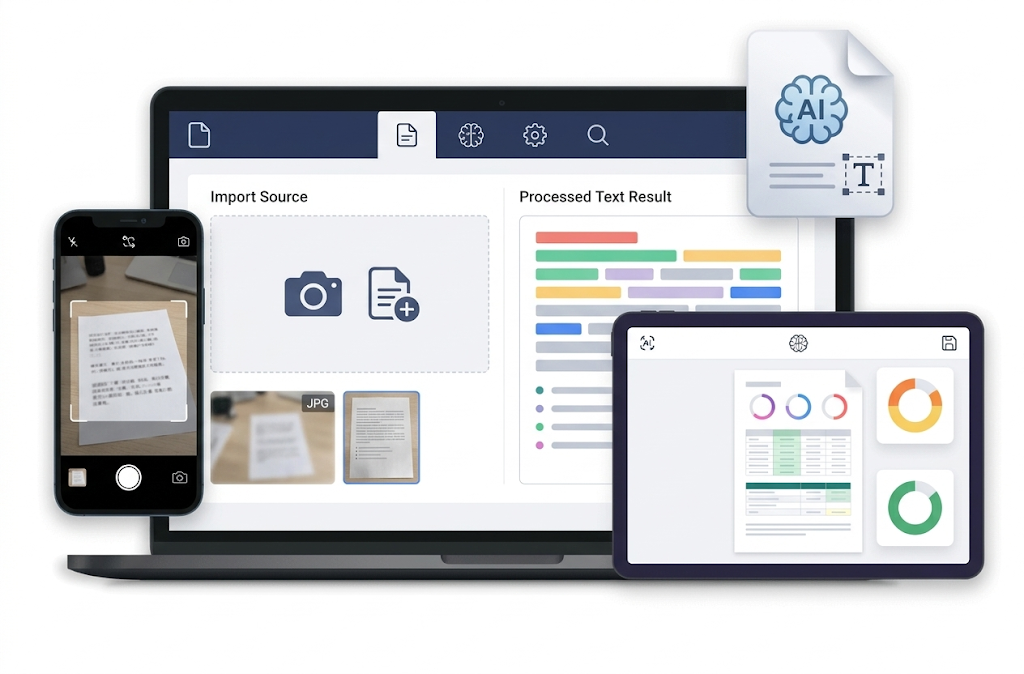
Use WPS AI to instantly extract, summarize, and reformat text from any document, PDF, or image — replacing hours of manual copy-paste work with a single click.
Read More
Download Microsoft Word 365 or explore free WPS Office alternatives with full .docx compatibility, built-in AI, and cloud storage — at zero cost.
Read MoreWPS Office offers a powerful, free, and AI-driven experience that's fully compatible with the Office LTSC 2024 free download files. No deployment tool needed—just download and start working.