
Free Formal Letter Format & Templates for Business & Job Applications
Need a correct formal letter format for employers, clients, or officials? Download free Word templates with standard block layout, edit salutations and body copy in WPS Writer, and send polished correspondence in minutes.
Top Formal Letter Format Templates for Word
Browse free formal letter format layouts for job applications, business inquiries, and official correspondence. Every template follows standard block format and opens in WPS Writer or Microsoft Word.
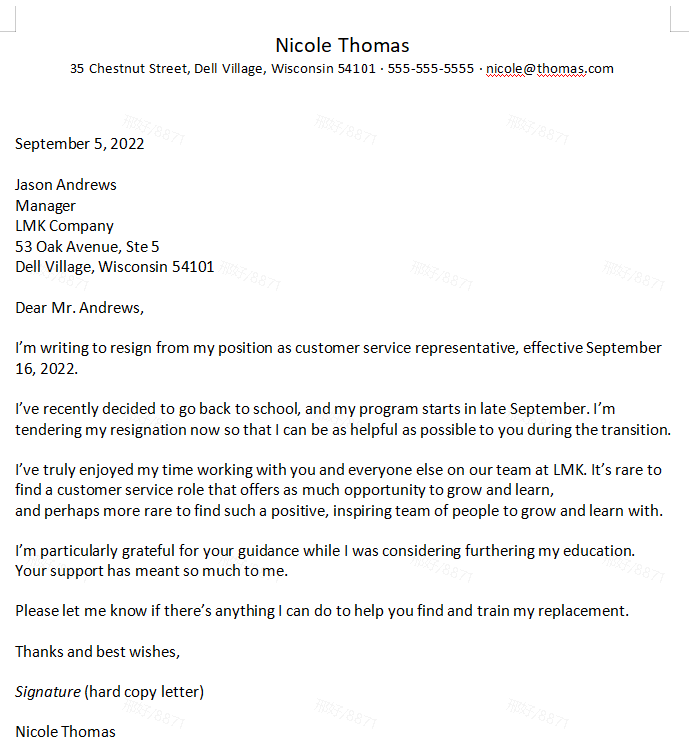
Professional Formal Letter
Word Template
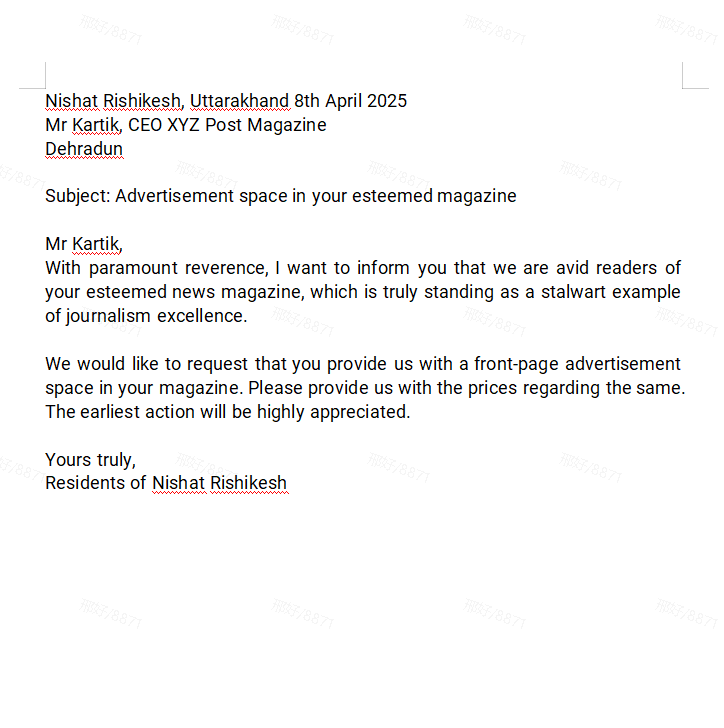
Modern Business Letter
Word Template
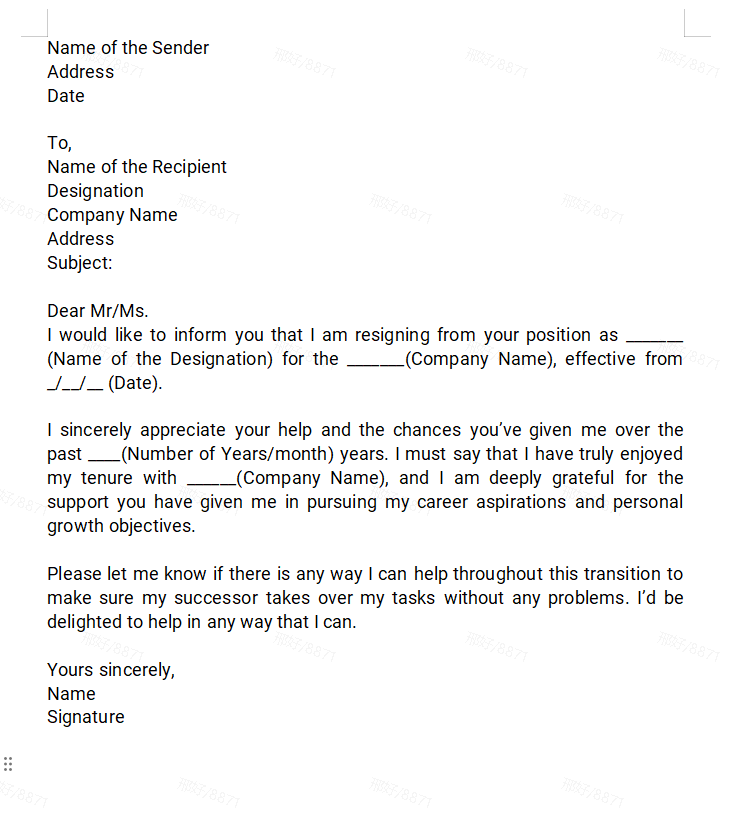
Minimalist Formal Letter
Word Template
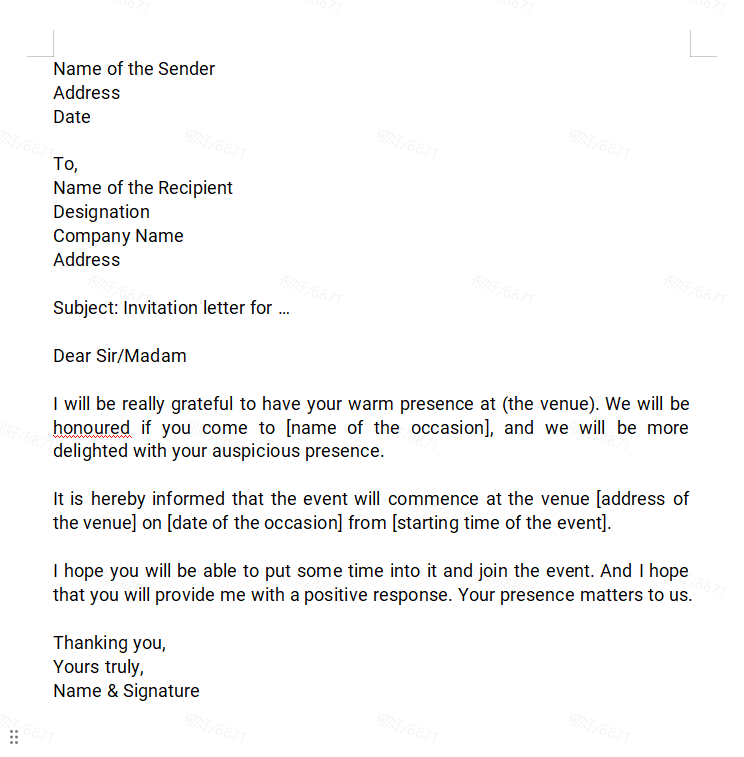
Corporate Letter Format
Word Template
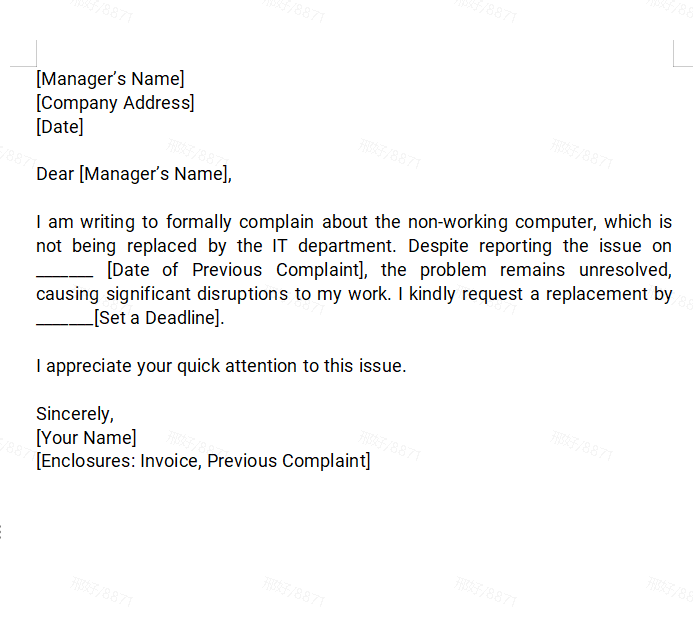
Simple Application Letter
Word Template
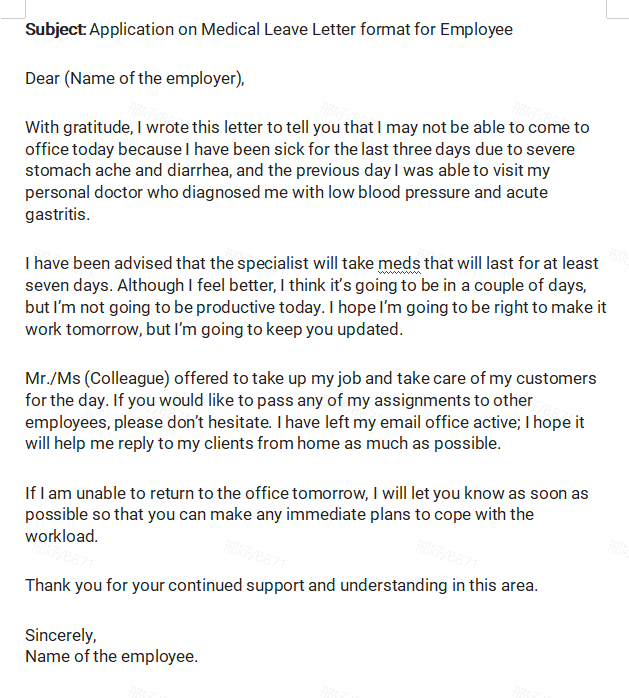
Official Correspondence Template
Word Template
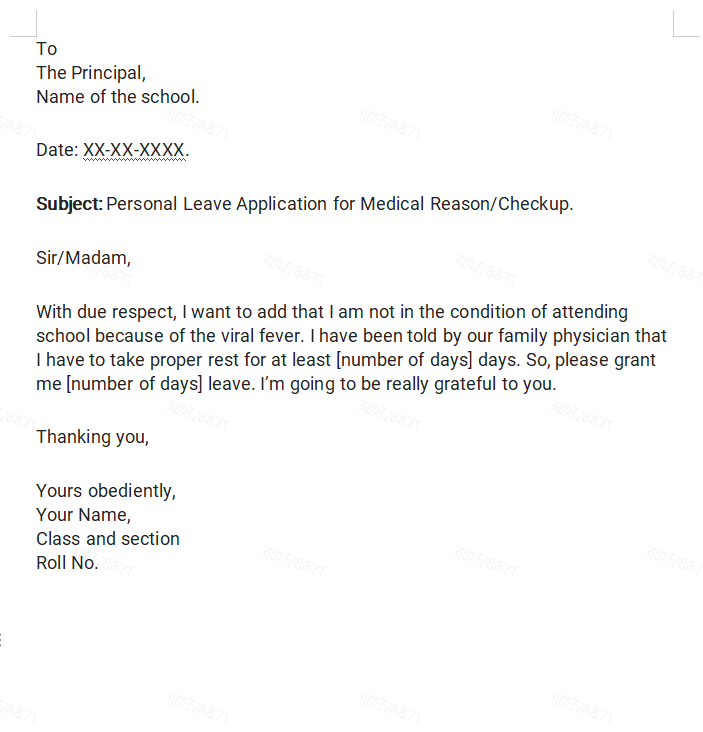
Clean Business Letter
Word Template
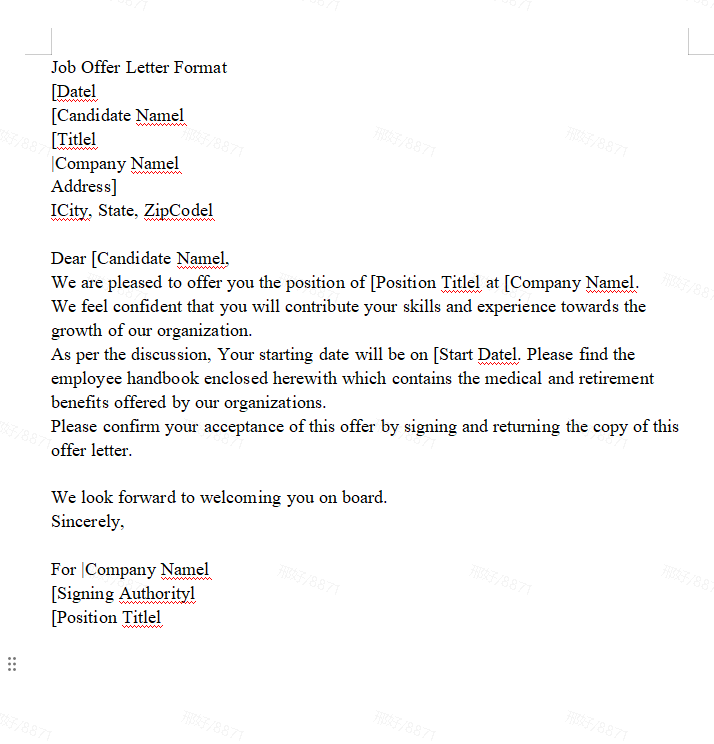
Standard Formal Letter
Word Template
How to Write a Perfect Formal Letter?
In professional and business communication, knowing how to write a proper formal letter is essential for leaving a lasting, credible impression. According to top-ranking search engine guidelines, an effective formal letter must adhere strictly to the standard block format?where all text is left-aligned, single-spaced, and separated by a double space between paragraphs.
To craft a compelling formal letter, you must execute these four core structural elements with precision:
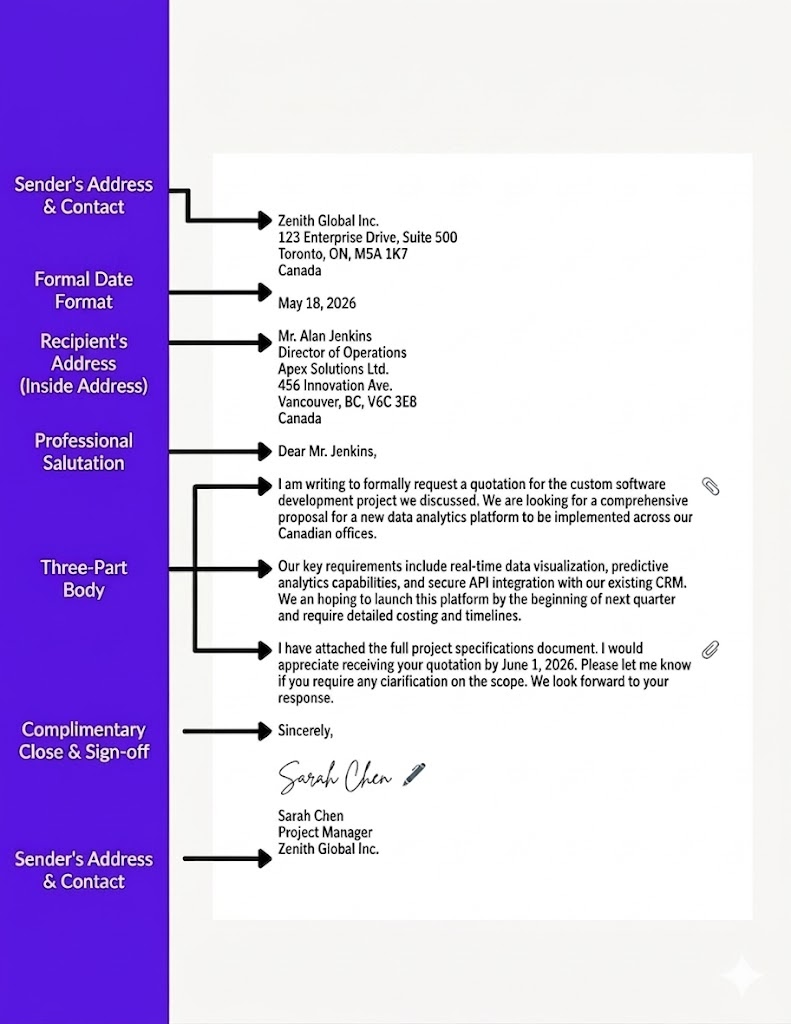
Accurate Header and Date
At the top left of your document, clearly state the Sender's Address (your contact info) followed by the Recipient's Address (inside address). In between these two blocks, insert the date. To maintain a professional standard and avoid cross-border confusion, always spell out the month entirely instead of using numbers (e.g., May 18, 2026).
Professional Salutation
Your opening greeting sets the tone for the entire correspondence. Choose your salutation based on how much information you have about the recipient:
- When the name is known: Use Dear + Title + Last Name (e.g., Dear Mr. Jenkins or Dear Dr. Green).
- When the name is unknown: Opt for the classic Dear Sir or Madam or a department-specific greeting like Dear Hiring Manager.
The Three-Part Body (Professional Tone)
Time is valuable in business, so your body paragraphs should be concise and direct. Maintain an objective, professional tone throughout, and strictly avoid informal contractions (write do not instead of don't).
- Opening: State your purpose immediately. Let the reader know exactly why you are writing.
- Middle: Provide the necessary context, facts, or supporting details. Keep it focused and logical.
- Closing: Conclude with a clear Call to Action (CTA), outlining the next steps or the specific response you expect.
Complimentary Close and Sign-Off
Your sign-off should align with how you addressed the recipient at the beginning. Traditional business letter etiquette dictates a clear rule:
- If you opened with the recipient's name, sign off with "Yours sincerely."
- If you opened with "Dear Sir or Madam," sign off with "Yours faithfully."
For modern corporate emails and more versatile professional correspondence, "Sincerely" or "Best regards" are globally accepted and highly effective.
Why Choose Our Formal Letter Format Templates?
Every free formal letter format on this page uses standard block layout?professional salutations, clear body structure, and sign-offs you can customize in WPS Writer.
ATS-Friendly Design
Formatted to be easily parsed by applicant tracking systems, ensuring your application gets seen by a human.
Fully Editable in Word/WPS
Easily change text, fonts, and colors in WPS Writer or MS Word to perfectly match your personal brand.
Professionally Structured
Clean, structured layouts that guide the recruiter's eye to your key qualifications and achievements.
Covers Various Scenarios
Find templates for job applications, business letters, thank-you notes, resignation letters, and more.
Instant Download
Get your template instantly with a single click. No sign-up or registration required to download.
AI Writing Assistant
Leverage WPS AI to draft compelling paragraphs, check grammar, and tailor your letter to the job description.
Quick formal letter format comparison
Choose the right formal letter format for your purpose?job applications, business inquiries, or official notices.
| Template type | Best for | Key strength |
|---|---|---|
| Classic business letter | Employers and corporate clients | Standard block format with clear sections |
| Application / cover letter | Job seekers and internships | ATS-friendly layout for recruiters |
| Official correspondence | Formal requests and notices | Professional tone and sign-off fields |
| Minimal formal letter | Quick one-page messages | Clean design, easy to customize |
How to Edit and Print a Formal Letter Format
WPS Writer makes business correspondence simple. Download a formal letter format template, update header and body text, export to PDF, and send professional letters in just a few steps.
Choose a Word template from the library above?such as Professional Formal Letter or Corporate Letter Format?and save the .docx file to your device.
Install WPS Office free at wps.com, open WPS Writer, and load your formal letter format file.
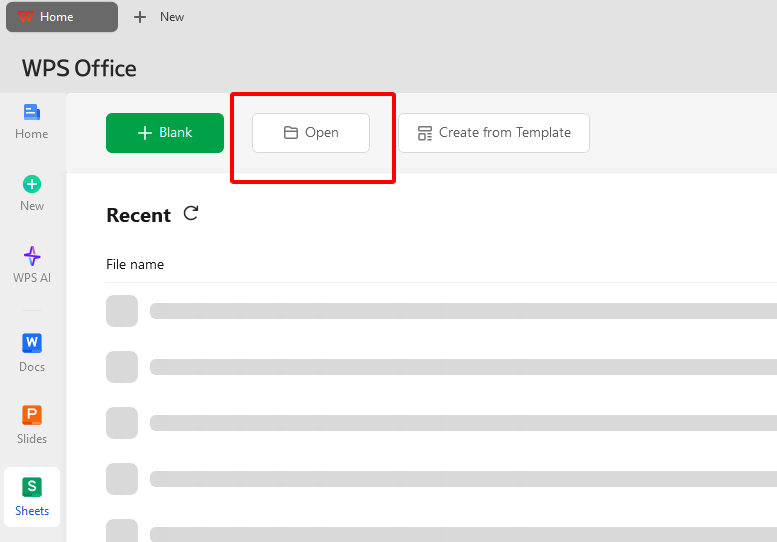
Add sender and recipient addresses, date, salutation, and three-part body copy. Keep block format?left-aligned, single-spaced, with a double space between paragraphs.
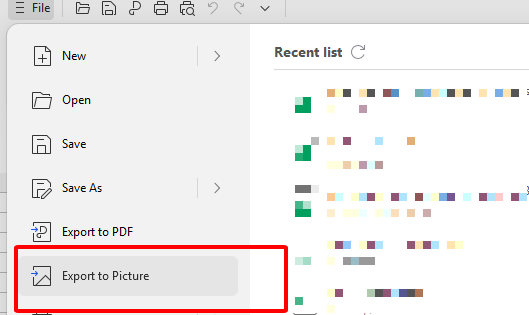
Go to File > Export to PDF to create a polished formal letter for email or printing.
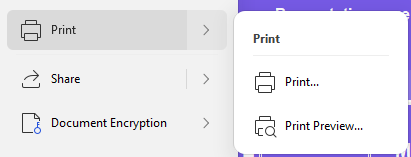
Click File > Print for a hard copy, or attach the PDF to email. Proofread salutation and complimentary close before sending.
A Free Office Suite to Simplify Formal Letter Format Workflows
WPS Office gives professionals a lightweight way to draft, format, export, and manage business letters?without paying for a separate Word or PDF subscription.
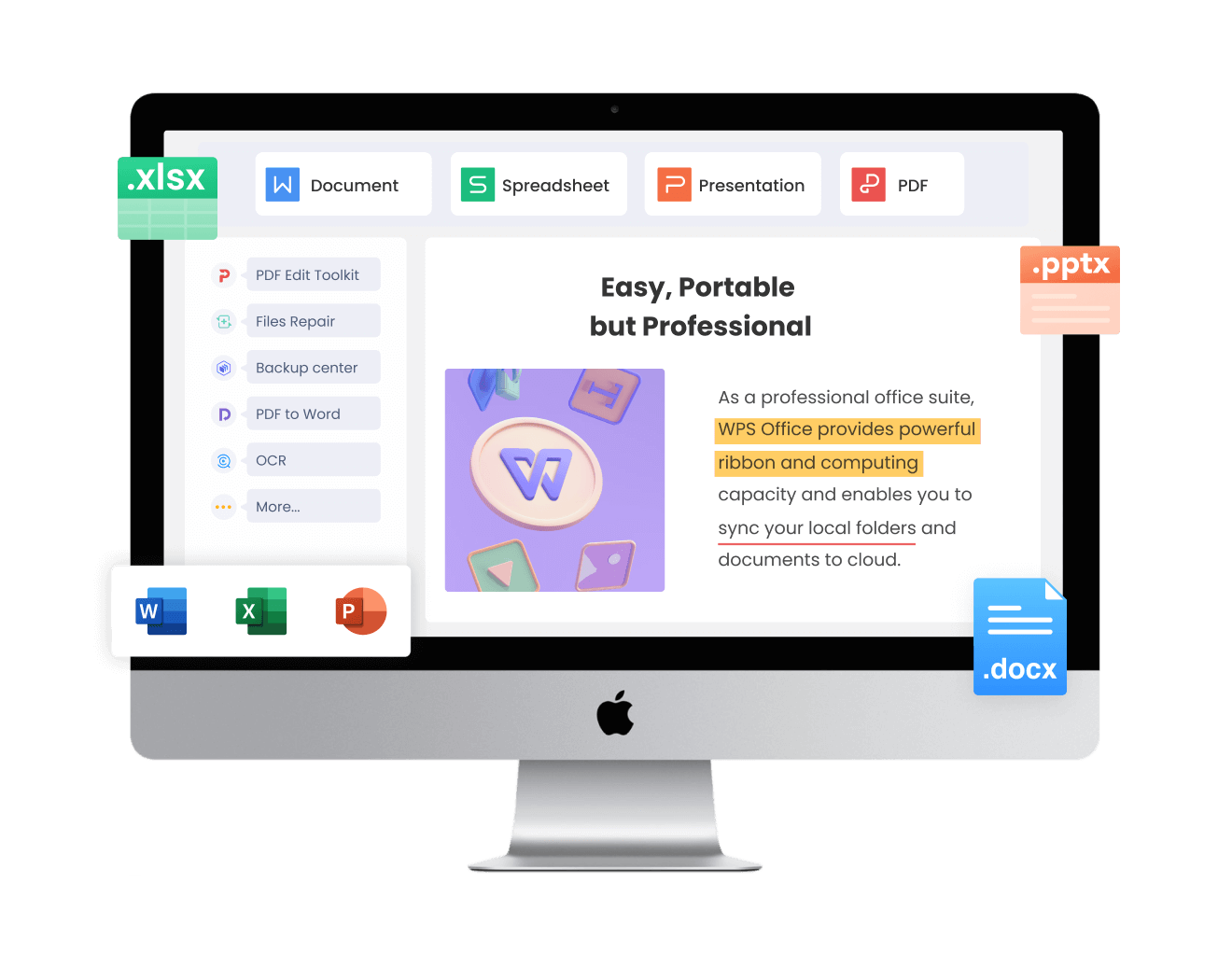
Free forever for letter writing
Edit formal letter formats in WPS Writer with no extra subscription fees.
Business letter library
Templates for applications, inquiries, thank-you notes, and official correspondence.
Full Word compatibility
Open and save .doc and .docx files without broken margins or fonts.
Built-in PDF export
Export your formal letter format to PDF for email or printing.
AI writing help
Use WPS AI to refine tone, fix grammar, and tailor salutations and body paragraphs.
Light and stable
Runs on Windows, Mac, Linux, Android, and iOS.
Pricing at a glance
Everything you need to write and export formal letters?without extra PDF or word-processing software.
| Plan | Cost | What you get |
|---|---|---|
| WPS Office Free | Free forever | Writer, formal letter format templates, Word editing, PDF export |
| Extra software required | None | PDF export included?no separate app needed |
Frequently Asked Questions
Find answers to common questions about our formal letter templates.
Yes, all the templates featured on this page are completely free to download and use for your personal and professional needs.
Our templates are primarily in .docx or .doc format, making them fully compatible with WPS Writer, Microsoft Word, Google Docs, and other major word processors.
Absolutely. We offer several designs that are perfect for cover letters and other job application correspondence. They are structured to be clear, professional, and ATS-friendly.
Yes, all elements in the templates are fully editable. You can easily change the fonts, colors, and layout to match your personal brand or specific requirements.
Edit Your Formal Letter Format with WPS Office?Free Download
WPS Writer is built for business correspondence: open any formal letter format, follow block layout rules, export PDF letters, and send with confidence?all in one free office suite.