
Extract Text from Image with AI
Convert Photos to Editable Text
- Instantly convert images (JPG, PNG) and scanned PDFs into editable text.
- Achieve high accuracy with our advanced AI-powered OCR technology.
- Process documents securely on your device—no uploads required.
- Access powerful OCR capabilities completely free within WPS Office.
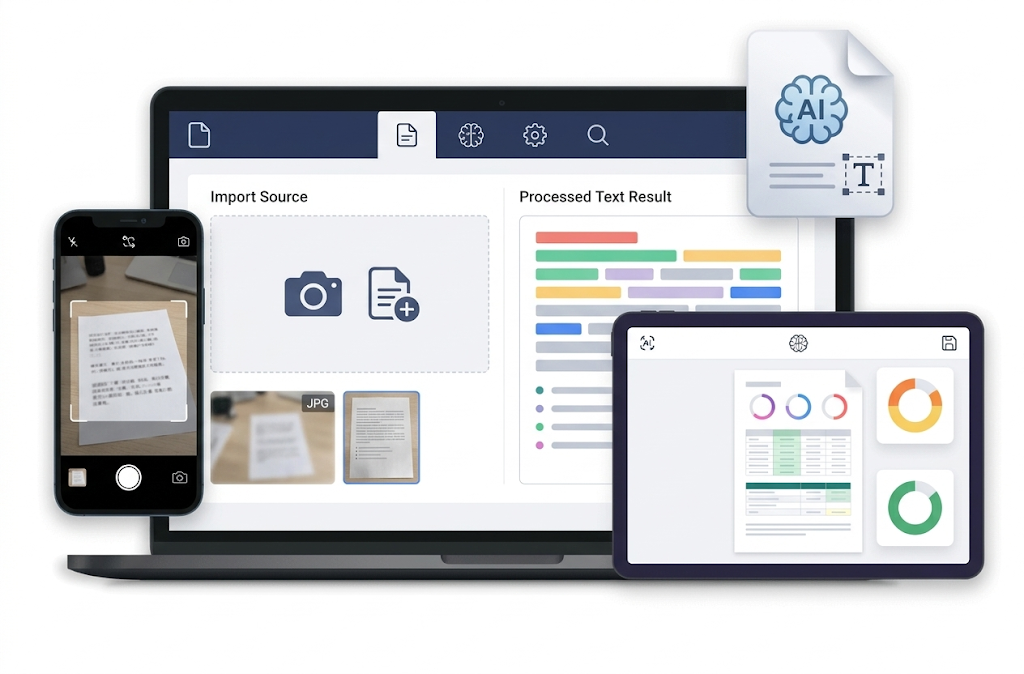
Powerful Image to Text Conversion – Fast and Accurate
Unlock the text hidden in your images and documents with our state-of-the-art OCR technology.
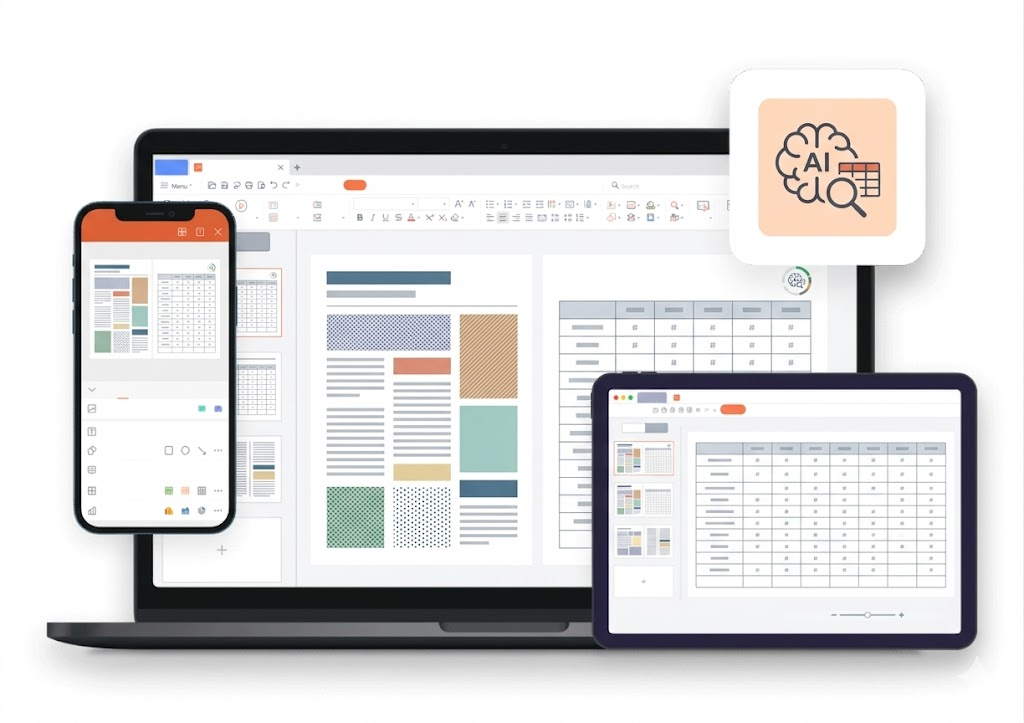
High-Accuracy OCR Engine
- Recognize text with exceptional precision, even in low-quality images.
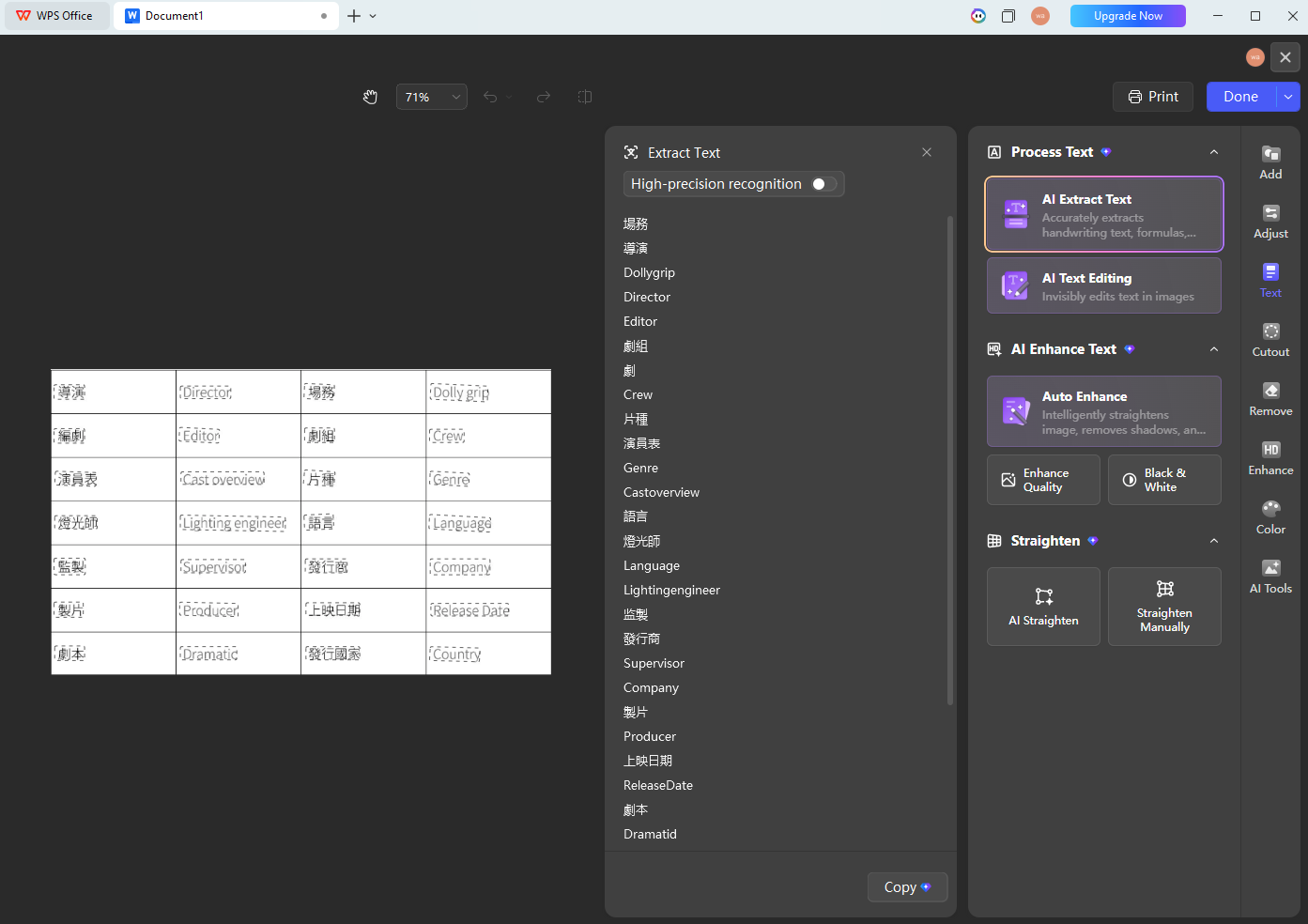
- Maintains original document layout, including columns and tables.
- Supports multiple languages for versatile text extraction.
- Our AI continuously learns to improve recognition accuracy.
Versatile Format Handling
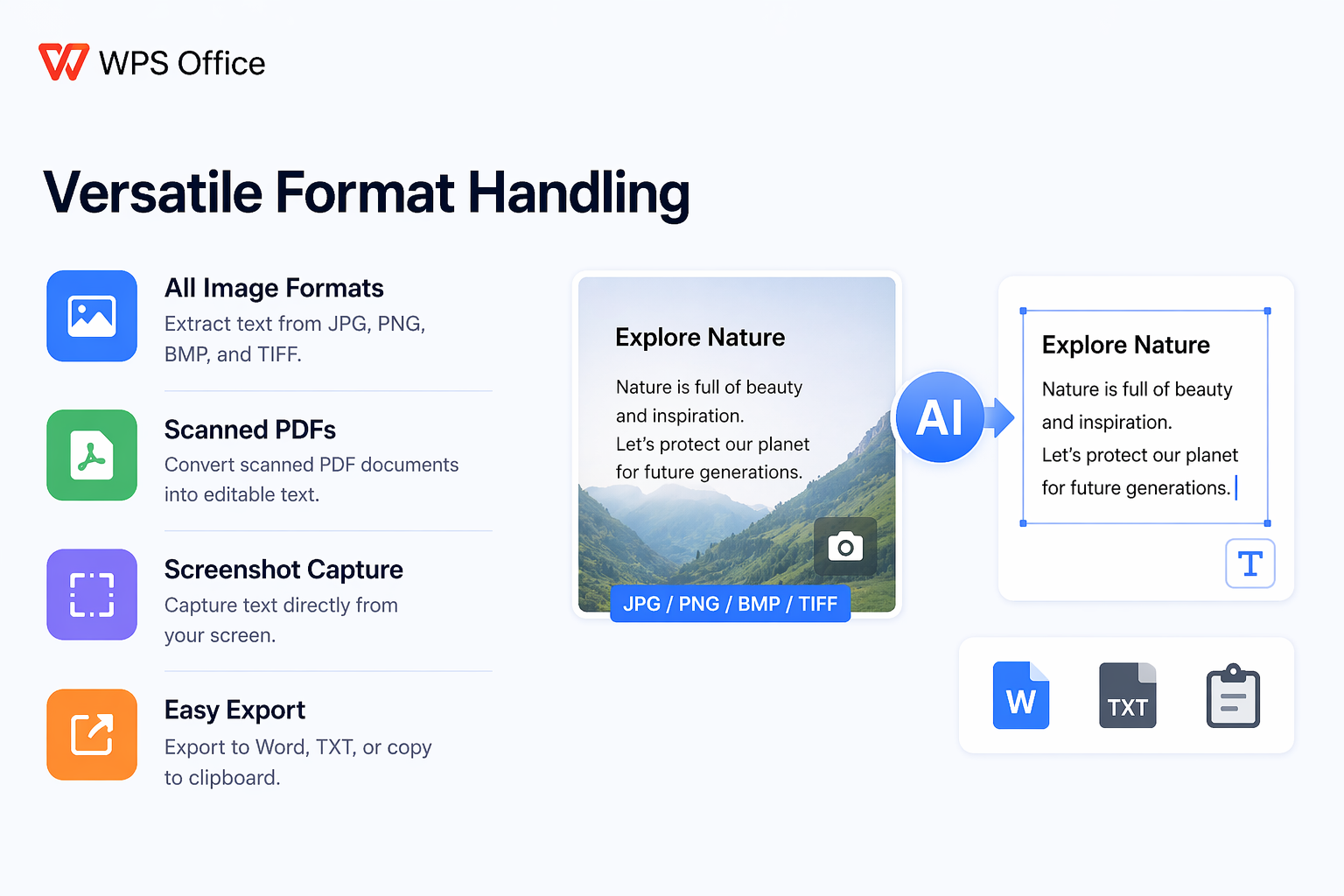
- Extract text from all major image formats like JPG, PNG, BMP, and TIFF.
- Seamlessly convert scanned PDF documents into searchable, editable text.
- Capture text directly from your screen with the built-in screenshot tool.
- Export extracted text to Word, TXT, or copy directly to your clipboard.
Secure and Integrated Workflow
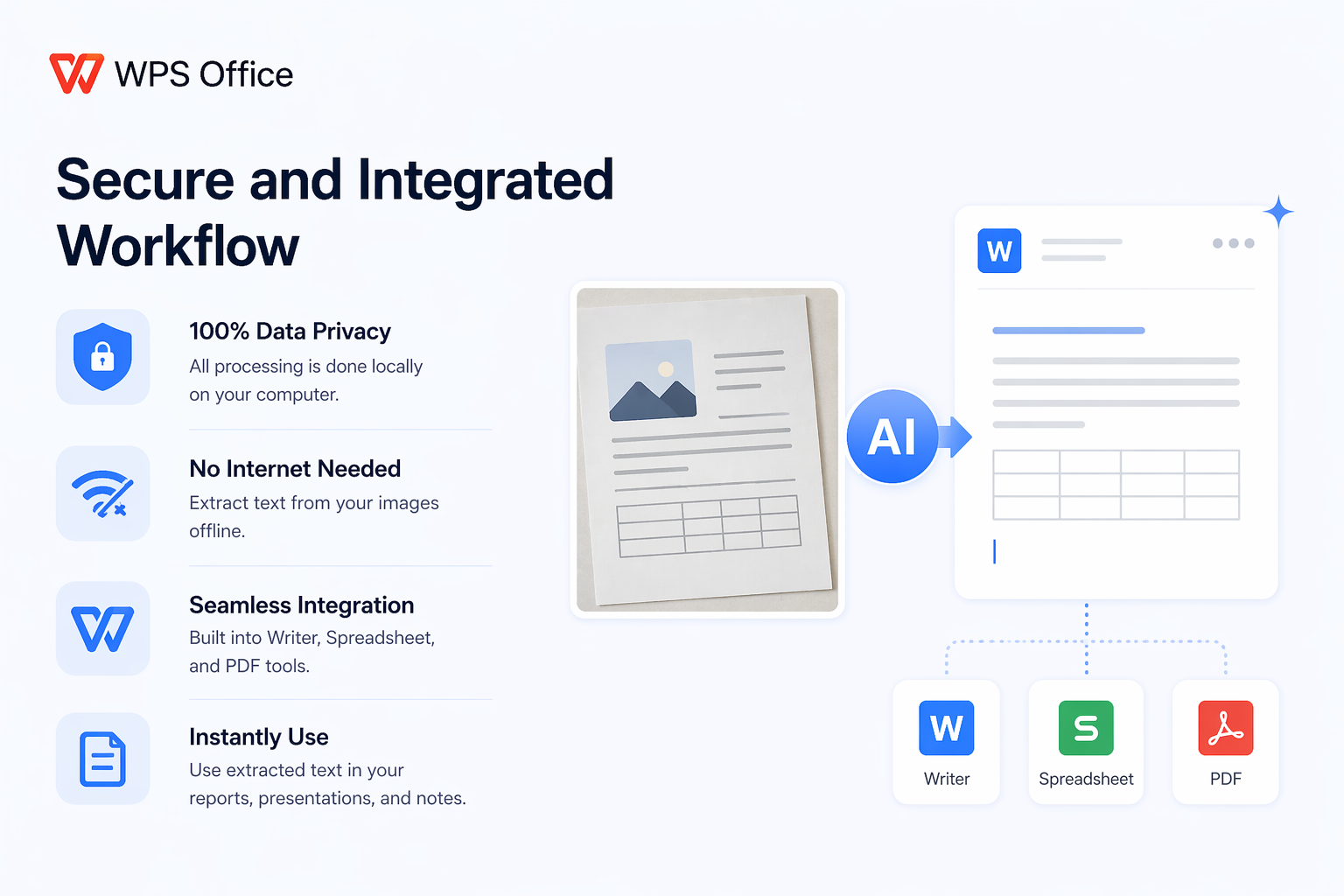
- All processing is done locally on your computer, ensuring 100% data privacy.
- No need for an internet connection to extract text from your images.
- Directly integrated into WPS Office Writer, Spreadsheet, and PDF tools.
- Instantly use extracted text in your reports, presentations, and notes.
Solution for Every Scenario
From classrooms to boardrooms, WPS OCR solves your real-world text extraction challenges in seconds.
Immersive Learning & Research
- Photograph book excerpts and convert to searchable study notes
- Digitize handwritten class notes and organize them in WPS Writer
- Build citation libraries from printed journal articles effortlessly
Business & Financial Office
- Convert paper invoices directly into editable Excel spreadsheets
- Preserve original table layouts, borders, and cell alignment
- Eliminate manual data entry errors for financial reconciliation
Multilingual Translation & Cross-border Communication
- Extract text from images in 100+ languages with high accuracy
- One-click translate extracted text to your preferred language
- Ideal for overseas travel, international trade, and global teams
How Our Users Digitize Their World
See how students, researchers, and professionals use our OCR tool to save time and effort.

Jenna S.
University Student
"This tool is a lifesaver! I just snap a photo of my textbook pages, extract the text, and make searchable study notes in minutes. It's saved me countless hours of typing."

Raj P.
Data Analyst
"I often receive data in scanned PDFs or images. The WPS OCR feature lets me quickly extract tables and figures into Spreadsheets for analysis. The accuracy is incredibly impressive."

Maria K.
Office Administrator
"We're digitizing years of paper archives. I use the 'Image to Text' tool to convert old invoices and letters into searchable digital files. It makes finding information so much faster."
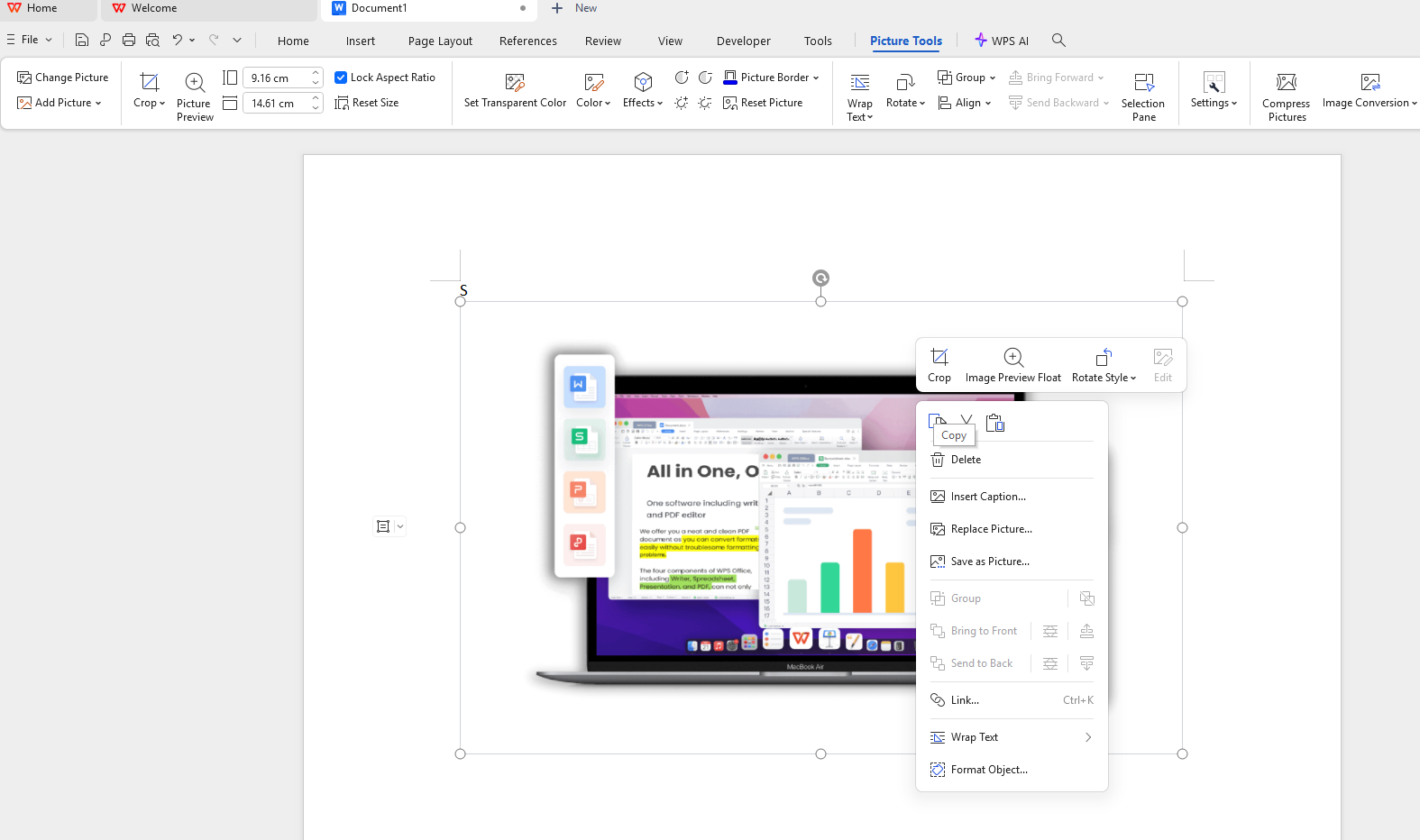
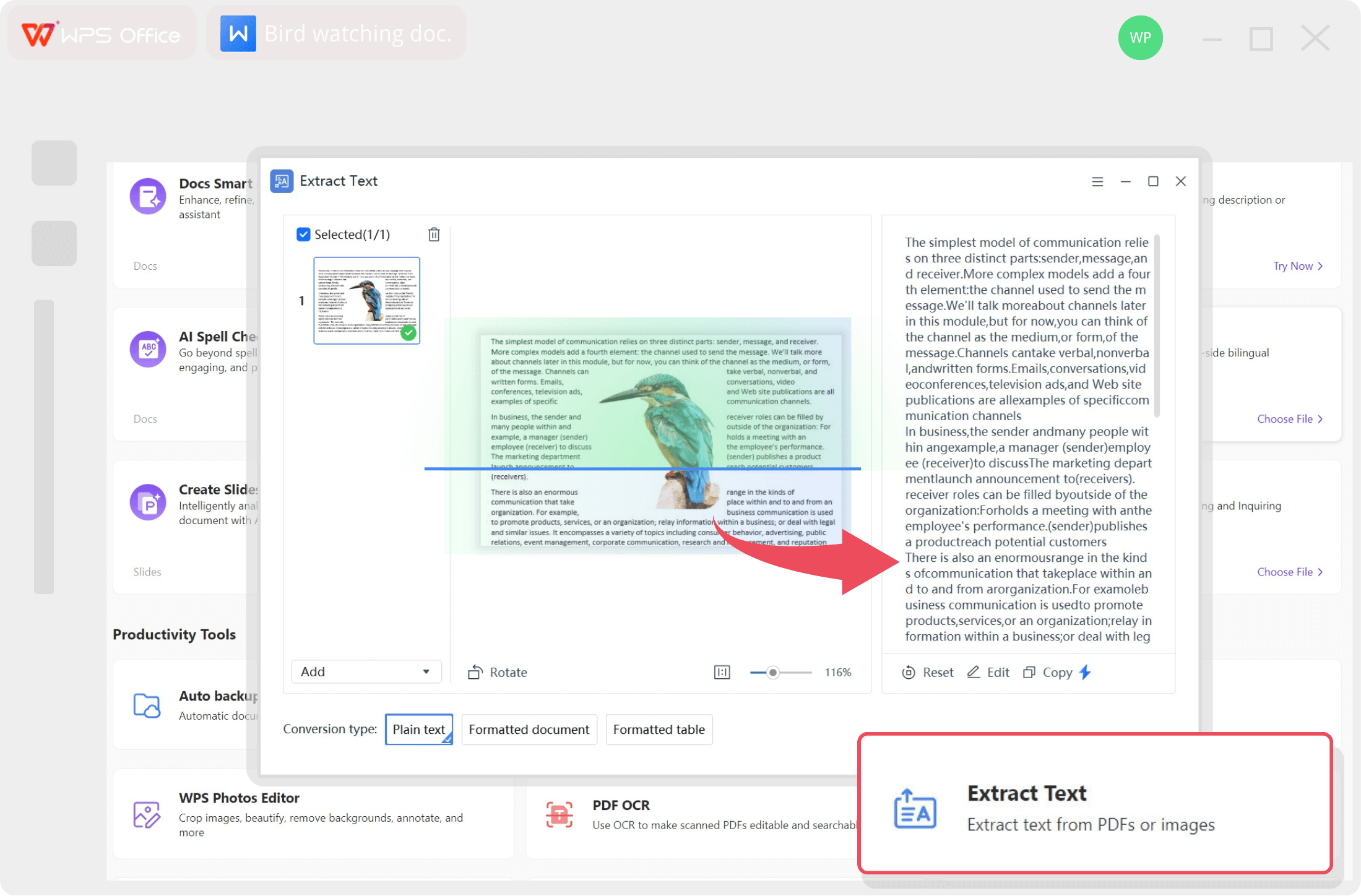
3 Easy Steps to Convert Image to Text
Start extracting text from your images in just a few clicks.
Enhance Your Document Workflow
After extracting text, use these powerful tools in WPS Office to perfect your work.
AI Summarizer
Quickly condense long passages of extracted text into key points and summaries.
Learn morePDF Editor
Insert your extracted text into PDF files, edit existing PDFs, or convert them.
Learn moreGrammar Check
Polish your converted text by fixing grammar, spelling, and punctuation errors with AI.
Learn moreDocument Translator
Extract text from an image in one language and instantly translate it to another.
Learn moreSentence Rewriter
Paraphrase and rephrase your extracted text to improve clarity and style.
Learn moreParaphrasing Tool
Rewrite entire sections of text to create unique content while keeping the original meaning.
Learn moreFrequently Asked Questions
Find answers to common questions about our free OCR tool.
Stop Typing, Start Extracting
Download WPS Office now and unlock the power of AI to instantly extract text from any image, completely free and fully secure.
Download for Free