![Microsoft Word 365 Free Download Guide [2026 Updated]](https://res-academy.cache.wpscdn.com/upload/seo-engine-admin/2026-02-28/7049b42ba984ff39d4bb99b2fb344274.png)
Looking to download Microsoft Word 365 for free? This 2026 updated guide covers official download options, system requirements, pricing details, and the best free alternatives available today.
Read more
Download the official the Microsoft Word 2019 free download standalone installer for Windows 10/11. This is a one-time purchase version with classic features. Important: Full functionality requires a valid 25-digit product key. If you seek a free, no-key solution, we recommend the free Word alternative.
Opens .docx files perfectly. Best for modern document editing.
Microsoft Word 2019 free download version is the standalone, perpetual license version of the world's most popular word processor. It includes a subset of features from Microsoft 365, such as Focus Mode, a new translator, and improved inking support. It's designed for users who prefer a one-time purchase over a subscription model.
While Word 2019 is a powerful tool, it's important to note its lifecycle. Mainstream support ended in October 2023, and security updates will cease after October 2025. This means it no longer receives feature updates and will become a security risk. For long-term use, a continuously updated solution like the free WPS Writer is recommended. To compare all Word download options, visit Microsoft Word Free Download for a complete guide across all versions and platforms.
Buy it once, own it forever. No subscription fees.
Feature set is frozen; misses out on new tools & AI.
Excellent for users without constant internet access.
Will become vulnerable to security threats after this date.
Downloading Microsoft Word 2019 provides access to a stable, feature-rich word processor without a subscription. It's the preferred choice for individuals and businesses who want to make a one-time purchase and use the software offline with a consistent set of tools. The installer provides the classic Word experience, familiar to millions.
Important Lifecycle Information: It's crucial to understand that Word 2019 follows Microsoft's Fixed Lifecycle Policy. It will receive no more feature updates, and its extended support, which only covers security patches, will end on October 14, 2025. For a future-proof and continuously updated experience, consider the free and secure WPS Writer as a powerful alternative.
| Feature | Word 2019 | Microsoft 365 | WPS Writer (Free) |
|---|---|---|---|
| Cost Model | One-Time Purchase | Subscription | Free |
| Feature Updates | None (Static) | Continuous | Continuous |
| AI Assistant | No | Yes (Copilot) | Yes (WPS AI) |
| PDF Editing | Limited (Save as) | Basic | Yes, Full Editing |
| Security Support | Ends Oct 2025 | Ongoing | Ongoing |
Verdict: Word 2019 is for users who need a basic, offline tool. For modern features, security, and value, WPS Writer is the superior free choice.
You can download the official the Word 2019 free download installer here, but activation requires a purchased product key. Word 2019 is not free software. For a truly free option, download WPS Writer, which has no fees or key requirements.
Yes, Word 2019 is fully compatible with Windows 10 and Windows 11. However, it will stop receiving security updates in October 2025, making it a potential risk after that date.
Microsoft has replaced Office 2019 with Office 2021 as its latest perpetual release. Finding new, legitimate keys for Office 2019 can be difficult. It's recommended to either purchase Office 2021 or use a free alternative like WPS Office.
Word 2019 is sold as a perpetual license. The product key is your proof of purchase and is used to activate and verify the software. Without a key, the program will operate in a limited, view-only mode.

Don't pay for Word. Use WPS Writer for free. It's fully compatible, modern, and always secure.
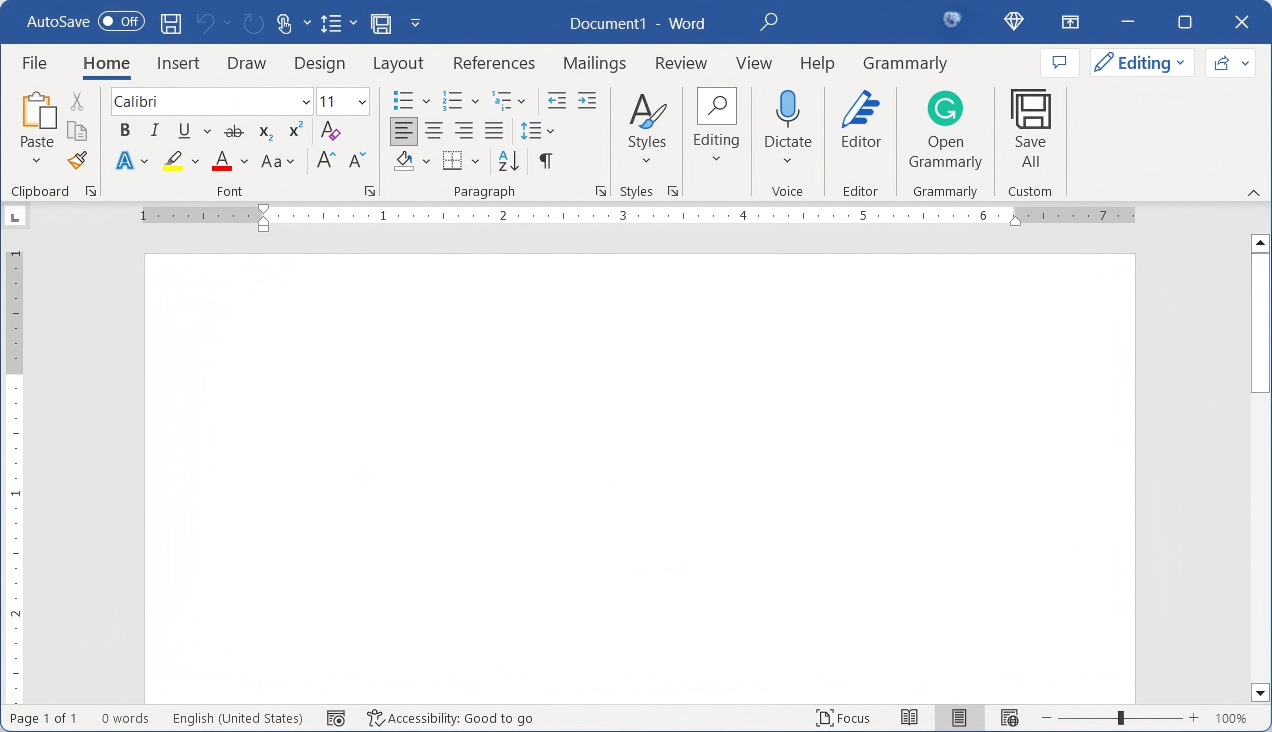
Standalone word processor. (Key required)
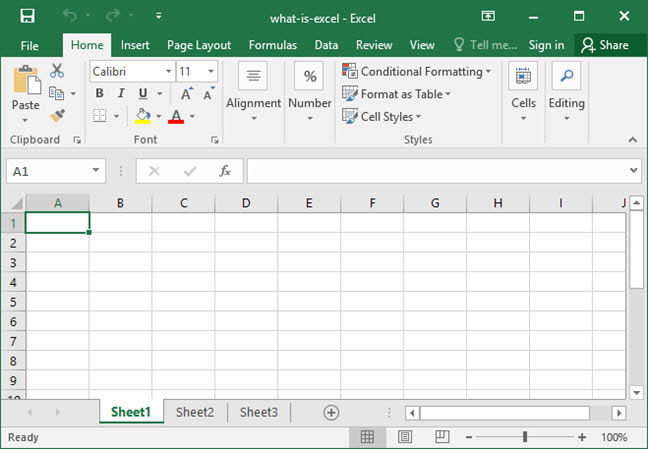
Standalone spreadsheet app. (Key required)
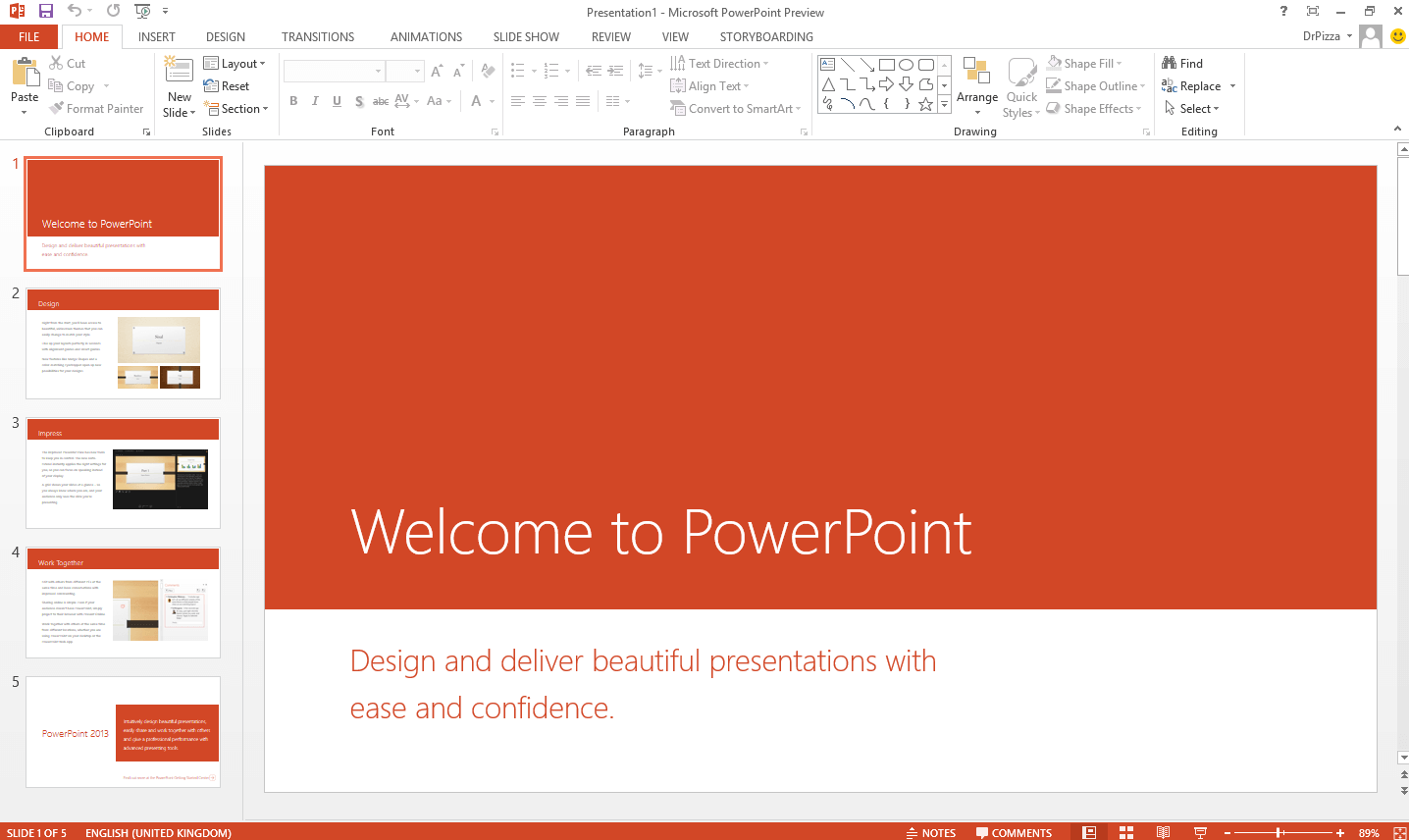
Standalone presentation app. (Key required)
Modern, subscription-based Office suite with AI.
Best free, secure, and modern alternative to Word.
A powerful and free tool to read, edit, and convert PDFs.
![Microsoft Word 365 Free Download Guide [2026 Updated]](https://res-academy.cache.wpscdn.com/upload/seo-engine-admin/2026-02-28/7049b42ba984ff39d4bb99b2fb344274.png)
Looking to download Microsoft Word 365 for free? This 2026 updated guide covers official download options, system requirements, pricing details, and the best free alternatives available today.
Read more![[2026 Updated]Microsoft Word 2010 Free Download Guide](https://res-academy.cache.wpscdn.com/upload/seo-engine-admin/2026-02-28/00142983268709c2ad0c22e70ec2e505.jpg)
Want to download Microsoft Word 2010 for free? Learn where to get it safely, system compatibility, activation tips, and whether this classic version is still worth using
Read more![Microsoft Word 2016 Free Download [A Comprehensive Guide]](https://res-academy.cache.wpscdn.com/upload/seo-engine-admin/2026-02-28/b5c0650f94e6bd9d034784d819df882f.png)
Download Microsoft Word 2016 safely with this complete guide. Explore official download methods, installation steps, activation advice, and free alternatives for modern devices.
Read moreWhy pay for Word? Get a complete, modern office suite that's fully compatible with all Microsoft formats for free. Experience a lightweight, powerful, and secure solution.
* Basic components (Writer, Spreadsheet, Presentation) are permanently free.
Open, edit, and save Word, Excel, and PowerPoint files seamlessly.