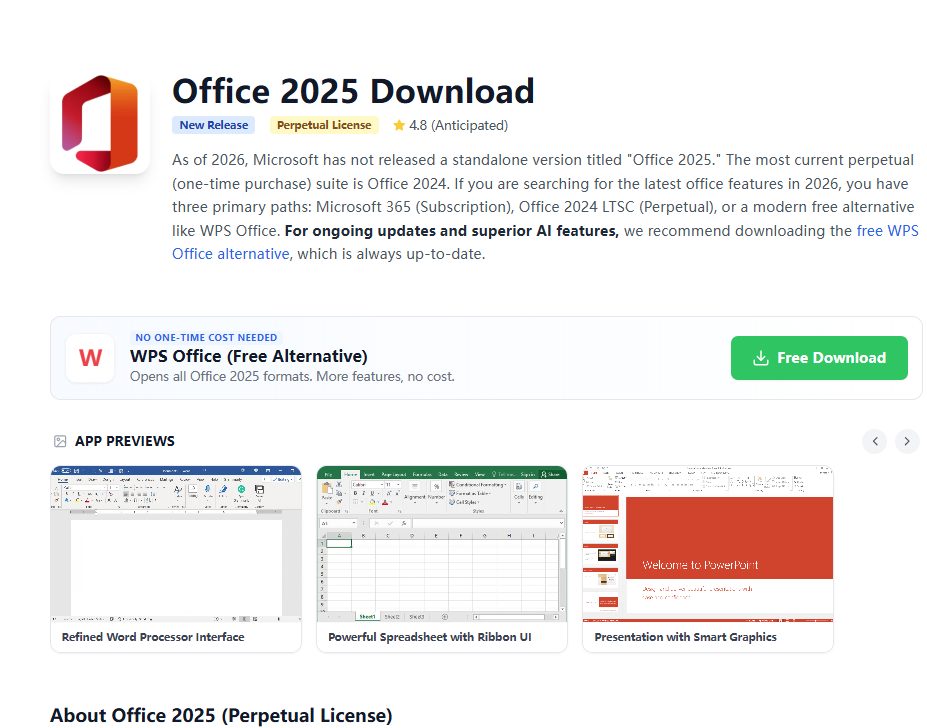
Explore the latest Microsoft Office 2025 updates, new Word 365 features, pricing changes, and how WPS Office stacks up as a free alternative.
Read Guide →
Unlock the full potential of your documents with the Microsoft Word 365 free download. Get access to premium templates, cloud-based collaboration, and advanced AI features like Microsoft Copilot. Word 365 is available as a monthly or annual subscription for Personal, Family, and Business plans. Whether you need a full Word 365 subscription or a free Word 365 alternative like WPS Office, discover the best way to create and edit professional documents in 2026.
Edit .docx files for free. No monthly subscription required.
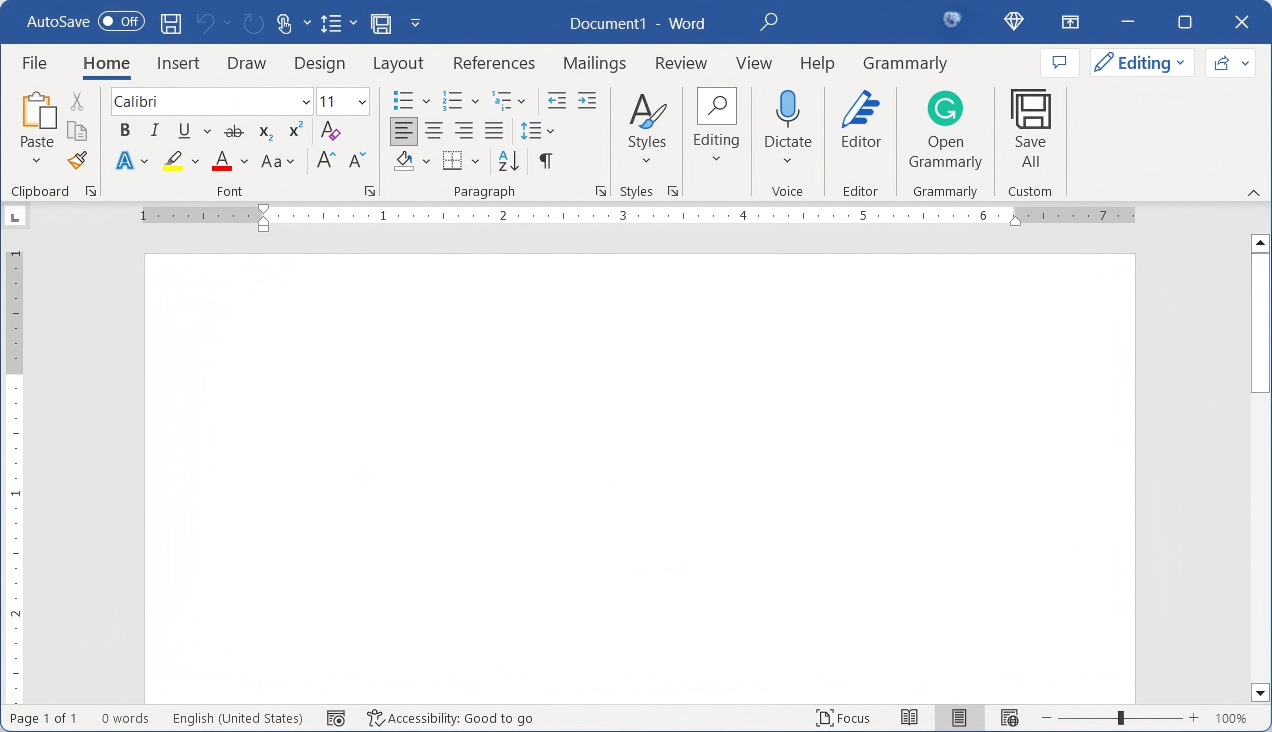
Unlike traditional versions, Word 365 is part of the Microsoft 365 cloud ecosystem. Word 365 provides continuous updates, meaning you always have the latest security patches and creative features without needing to buy a new version. Word 365 integrates deeply with OneDrive, allowing real-time collaboration with team members anywhere in the world.
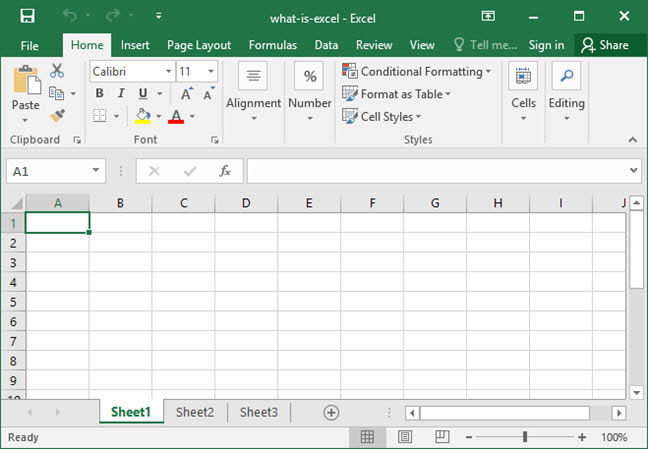
Whether you're a student, remote worker, or enterprise professional, Word 365 offers unmatched productivity tools designed for the modern age. The Word 365 mobile app lets you view and edit documents on the go, while the Word 365 desktop application delivers the full feature set including mail merge, macros, and advanced document comparison. A Microsoft Word 365 subscription also unlocks Excel 365, PowerPoint 365, and Teams under one plan.
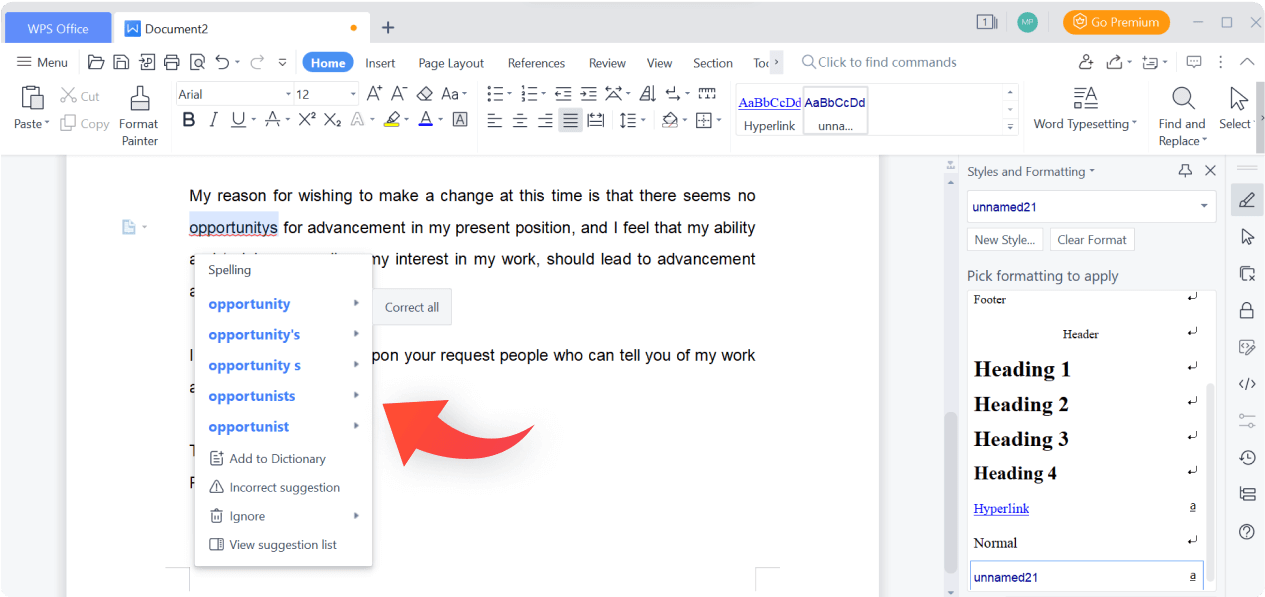
For users who find the monthly subscription model expensive, a free the Word 365 free download download alternative like WPS Office provides a similar desktop experience. WPS Office is fully compatible with all Word 365 .doc and .docx formats, ensuring your files look perfect regardless of which tool you use. To compare all Word download options, visit Microsoft Word Free Download for a complete guide across all versions and platforms.
Word 365 seamlessly syncs across PC, Mac, Tablet, and Smartphone via OneDrive.
Requires a monthly or annual subscription fee to keep full features.
Word 365 includes advanced grammar checks and Microsoft Copilot AI for smarter content creation.
Losing your Microsoft account means losing access to your local Word 365 app and Word 365 files.
The software is always up-to-date with the latest patches, features, and security updates.
One subscription allows a user to sign in on up to 5 devices simultaneously.
Choosing a Word 365 download means opting for the most feature-rich word processor available today. Word 365 is designed for modern workflows, featuring AI-assisted writing, advanced formatting, and cloud-first saving. Microsoft Word 365 is particularly powerful for students and business professionals who need to work on the same document simultaneously with others.
However, many users look for a Word 365 free download to avoid the recurring monthly costs. While Microsoft offers a web version of Word 365, it lacks many desktop features. This is why WPS Office has become the preferred choice for millions seeking a Word 365 alternative—providing a powerful, offline desktop application that handles all Word 365 files perfectly without the subscription price tag.
In 2026, the Word 365 ecosystem continues to expand with deeper AI integration and enhanced cloud collaboration. If you are evaluating whether to purchase a Word 365 subscription or switch to a free Word 365 alternative, this guide covers everything you need to make an informed decision. For most personal users, WPS Office delivers the same Word 365 document experience at zero cost.
| Feature | Word 365 | WPS Office (Free) |
|---|---|---|
| Cost | Subscription Monthly/Yearly | Free to Download & Use |
| Format Compatibility | Native (.docx, .doc) | 100% .docx Compatible |
| Interface | Modern Ribbon | Tabbed-style (Multi-file) |
| PDF Editor | View & Basic Edit | Advanced PDF Editing |
| Operating Systems | Windows, Mac, Mobile | Win, Mac, Linux, Mobile |
| AI Features | Microsoft Copilot (Paid Add-on) | WPS AI (Built-in Free Tier) |
| Cloud Storage | OneDrive 1TB (Subscription Only) | WPS Cloud (Free + Expandable) |
Verdict: Word 365 is the industry standard for professional enterprise environments with its deep Microsoft 365 ecosystem integration. However, for personal use, students, and SMBs who need a reliable Word 365 document editor without a subscription, WPS Office delivers zero-cost, high-performance Word 365 file compatibility — including the new AI and cloud storage features.
Follow these four steps to set up Word 365 on your Windows or Mac in minutes. Once installed, your Word 365 subscription activates all premium features including AI, OneDrive, and the full Microsoft 365 app bundle.
Go to the official Microsoft 365 website and sign in with your Microsoft account (Outlook, Hotmail, or Live). If you don't have one, create a free account first.
Choose between Personal ($6.99/mo), Family ($9.99/mo), or explore the 1-month free trial option to experience all features before committing.
Navigate to "Install Apps" in your account dashboard. Download the setup file (.exe for Windows or .pkg for Mac), then run it and follow the on-screen instructions.
Open the Word 365 app on your computer and log in with your Microsoft account. Your Word 365 subscription will activate automatically, unlocking all premium features including Copilot AI, OneDrive sync, and the complete Microsoft 365 suite.
Discover why over 200 million users worldwide choose WPS Office as their go-to Word 365 alternative in 2026. WPS Office opens every Word 365 document natively and mirrors the familiar Microsoft Word 365 interface — at zero cost.
All-in-one Document Workspace
Writer · Spreadsheet · Presentation · PDF
Cloud Sync & Cross-Device Access
Access your files anywhere, on any device
Smart Writing & AI Assistance
Grammar check · AI drafting · Summarize
The perfect alternative to Word 365. Professional, compatible, and free for everyone.
The leading word processor with AI features.
Advanced spreadsheets and data analysis.
Dynamic presentations with cloud sync.
Free web-based version of Microsoft Word.
Top-rated free Word 365 alternative.
Read, edit, and sign PDF documents easily.
Explore the latest Microsoft Office 2025 updates, new Word 365 features, pricing changes, and how WPS Office stacks up as a free alternative.
Read Guide →
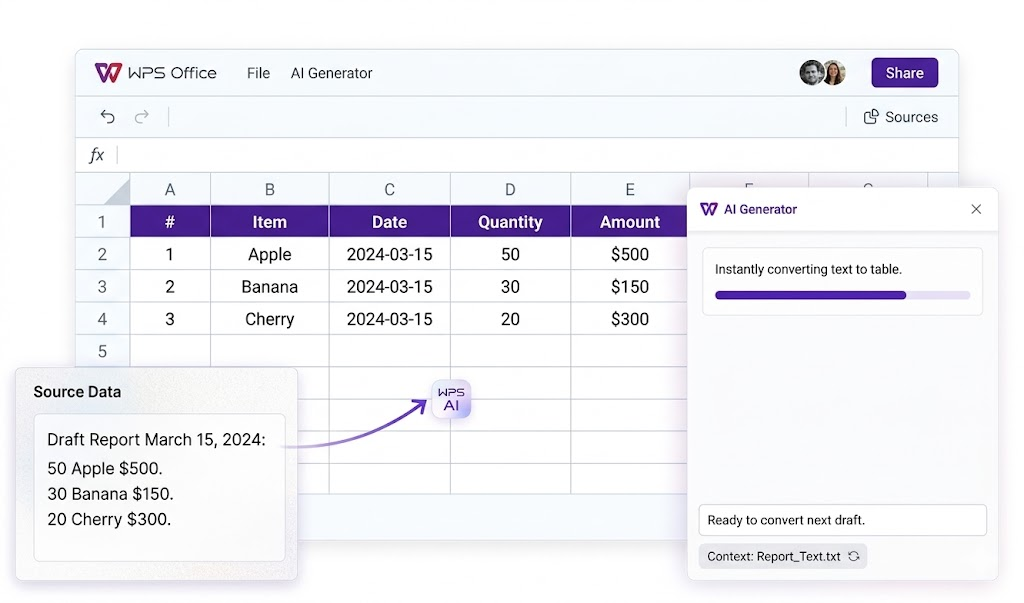
Generate professional tables in seconds using WPS AI — no Word 365 subscription required. Works with .docx, spreadsheets, and more.
Read Guide →
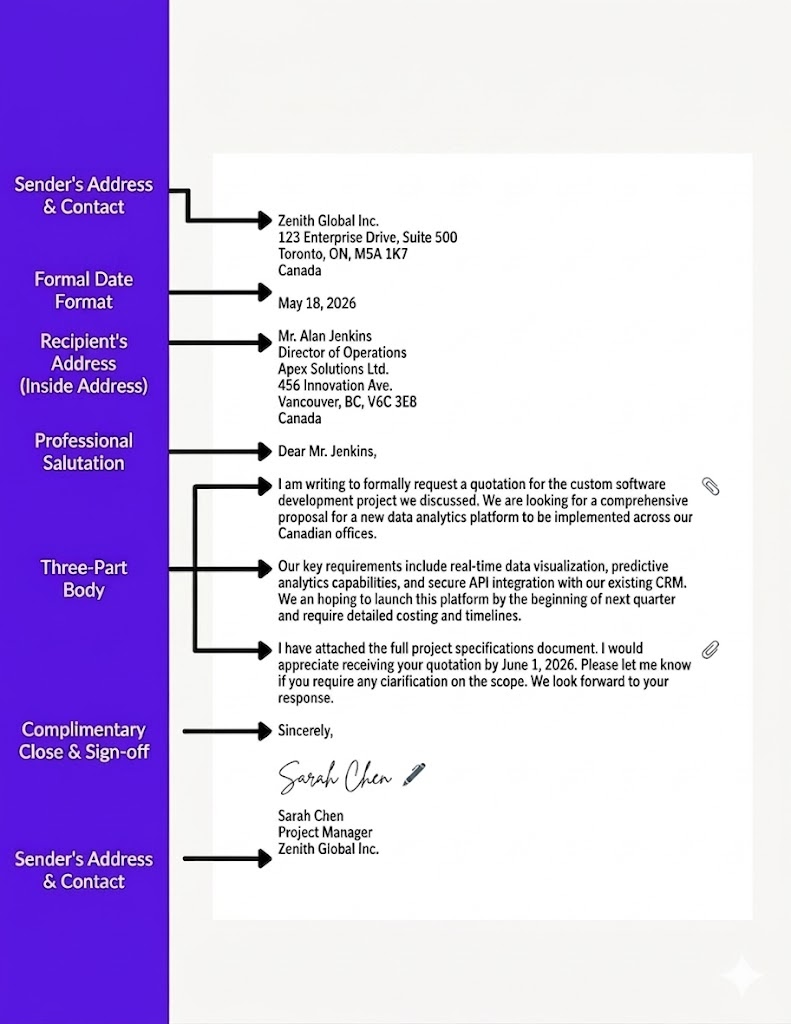
Need a correct formal letter format for employers, clients, or officials? Download free Word templates with standard block layout, edit salutations and body copy in WPS Writer
Read Guide →Stop paying monthly for document editing. WPS Office provides all the tools you need—Writer, Spreadsheets, Presentation, and PDF—in one free, lightweight application that is fully compatible with Word 365.
* Full compatibility with Word 365 files. Permanently free for individual users.
Open any .docx file without formatting loss. Fast, secure, and modern.