

'%3e%3cpath%20d='M8%200C12.4183%200%2016%203.58172%2016%208C16%2012.4183%2012.4183%2016%208%2016C3.58172%2016%200%2012.4183%200%208C0%203.58172%203.58172%200%208%200ZM11.6162%204.38379C11.2257%203.99337%2010.5927%203.99338%2010.2021%204.38379L8%206.58594L5.79785%204.38379C5.40732%203.99334%204.77429%203.99329%204.38379%204.38379C3.99331%204.77429%203.99335%205.40733%204.38379%205.79785L6.58594%208L4.38379%2010.2021C3.99348%2010.5927%203.99341%2011.2257%204.38379%2011.6162C4.77426%2012.0066%205.40734%2012.0065%205.79785%2011.6162L8%209.41406L10.2021%2011.6162C10.5927%2012.0066%2011.2257%2012.0067%2011.6162%2011.6162C12.0067%2011.2257%2012.0066%2010.5927%2011.6162%2010.2021L9.41406%208L11.6162%205.79785C12.0066%205.40735%2012.0066%204.77429%2011.6162%204.38379Z'%20fill='%23080E17'%20fill-opacity='0.46'/%3e%3c/g%3e%3cdefs%3e%3cclipPath%20id='clip0_3761_713'%3e%3crect%20width='16'%20height='16'%20fill='white'/%3e%3c/clipPath%3e%3c/defs%3e%3c/svg%3e)




'%3e%3cpath%20fill-rule='evenodd'%20clip-rule='evenodd'%20d='M21.4999%2010.9993C21.4999%205.20009%2016.7986%200.498901%2010.9993%200.498901C5.19994%200.498901%200.498657%205.20009%200.498657%2010.9993C0.498657%2016.2404%204.33858%2020.5844%209.35855%2021.3722V14.0346H6.69238V10.9993H9.35855V8.68594C9.35855%206.05427%2010.9262%204.60062%2013.3248%204.60062C14.4736%204.60062%2015.6753%204.80571%2015.6753%204.80571V7.38979H14.3512C13.0468%207.38979%2012.64%208.19921%2012.64%209.0296V10.9993H15.5523L15.0867%2014.0346H12.64V21.3722C17.66%2020.5844%2021.4999%2016.2404%2021.4999%2010.9993Z'%20fill='%231568EA'/%3e%3c/g%3e%3c/svg%3e)


'%3e%3cpath%20d='M2.42045%2022.1876H6.31818V12.7217L0.75%208.54553V20.5171C0.75%2021.4414%201.49892%2022.1876%202.42045%2022.1876Z'%20fill='%234285F4'/%3e%3cpath%20d='M19.682%2022.1876H23.5797C24.5041%2022.1876%2025.2502%2021.4387%2025.2502%2020.5171V8.54553L19.682%2012.7217'%20fill='%2334A853'/%3e%3cpath%20d='M19.682%205.48293V12.7216L25.2502%208.54543V6.31816C25.2502%204.25236%2022.8921%203.07469%2021.2411%204.31361'%20fill='%23FBBC04'/%3e%3cpath%20d='M6.31824%2012.7217V5.48303L13.0001%2010.4944L19.6819%205.48303V12.7217L13.0001%2017.733'%20fill='%23EA4335'/%3e%3cpath%20d='M0.75%206.31816V8.54543L6.31818%2012.7216V5.48293L4.75909%204.31361C3.10534%203.07469%200.75%204.25236%200.75%206.31816Z'%20fill='%23C5221F'/%3e%3c/g%3e%3cdefs%3e%3cclipPath%20id='clip0_2954_7305'%3e%3crect%20width='24.5'%20height='18.375'%20fill='white'%20transform='translate(0.75%203.8125)'/%3e%3c/clipPath%3e%3c/defs%3e%3c/svg%3e)


For the past year, generative AI has become an indispensable pillar of digital productivity. However, the landscape is shifting. Many professionals are currently asking: did microsoft removed copilot? The answer lies in a significant strategic pivot. As of April 15, 2026, the industry is witnessing the removal of Copilot Chat availability in M365 apps for a vast segment of the global workforce, marking a definitive end to the era of unrestricted, free AI access within traditional office suites.
1. The Fact: Microsoft Removed Free Copilot from Office Ecosystems
The headline that has dominated tech circles recently is the removal of Copilot Chat from Office apps for unlicensed users. While microsoft copilot was initially introduced as an integrated "freemium" feature to encourage adoption, the company has officially transitioned to a premium-only model for enterprise-grade functionality.
This change isn't universal, but it is impactful. Specifically, the Microsoft Copilot licensing changes April 15 2026 have introduced a Copilot Chat Basic vs Premium 2000 seat threshold. For large enterprises with over 2,000 seats, the free functionality is being eliminated entirely in favor of a paid subscription. For smaller organizations, "Basic" access remains but with heavy limitations that many fear will lead to a "productivity downgrade."

2. Analyzing the Major Limitation of the Free Version of Copilot
For users who do not transition to a paid plan, the microsoft removed copilot experience will be felt through several functional bottlenecks. When considering what is the major limitation of the free version of copilot, several factors emerge:
Workflow Throttling: Unlicensed users will face slower response times and reduced processing priority during peak business hours.
Feature Stripping in Core Apps: AI-driven drafting in Word, automated data visualization in Excel, and one-click slide generation in PowerPoint are being restricted.
The "Ad-Supported" Shift: "Basic" users will now see persistent upgrade prompts, turning their workspace into a marketing funnel for the $30/month premium tier.
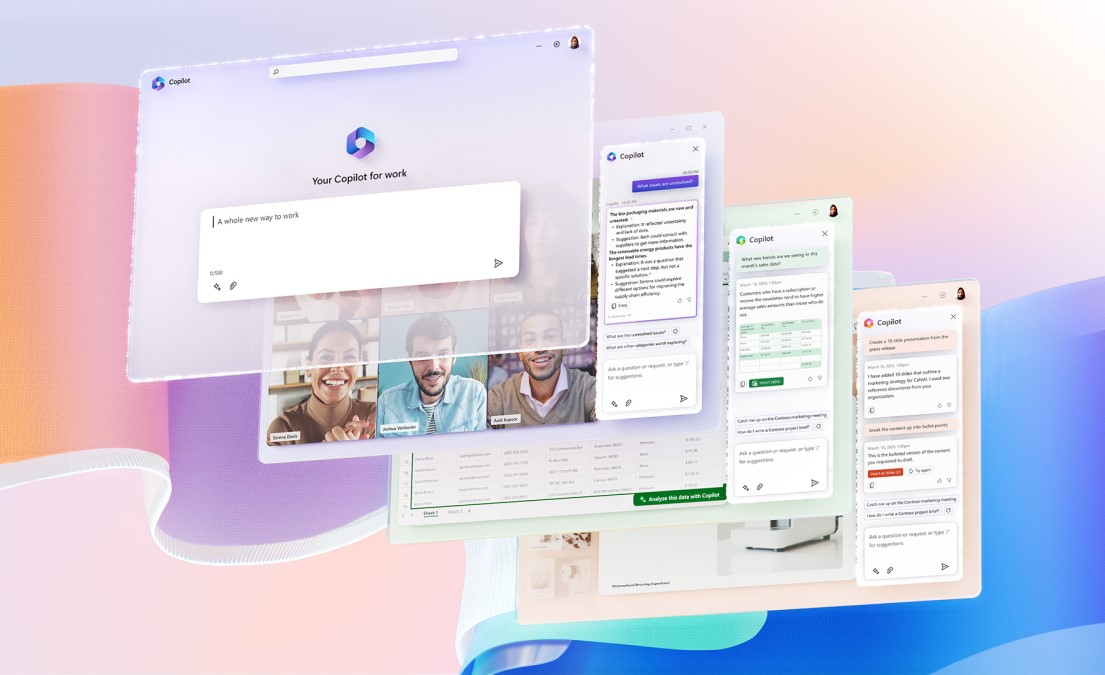
This CopilotPriceHike signals the end of free AI in enterprise apps from Microsoft, forcing teams to look for a viable copilot replace that doesn't compromise their budget or their output.
3. The 2026 AI Matrix: Price and Performance Comparison
As users react to the fact that microsoft removed free copilot access, the competitive landscape has become a battleground between established giants and agile innovators. Below is a comparison of how the market looks following the April 15 deadline.
| Feature / Tool | Microsoft Copilot (Premium) | OpenAI GPT-5.4 Use | Anthropic Claude (Office Plugin) | WPS AI (All-in-One) |
| Monthly Cost | $21 - $30 per user | $25 - $30 per user | $20 - $25 per user | Value-Driven / Freemium |
| Native Integration | High (M365) | Low (Standalone/API) | Medium (Plugins only) | Native (Writer, PDF, Sheets, Slides) |
| 2000 Seat Logic | Strict Threshold | N/A | N/A | Consistent for all users |
| Primary Drawback | CopilotPriceHike | Fragmented Workflow | High Latency in Plugins | Highly Accessible |
AI Productivity Comparison Table (Q2 2026)
While Microsoft is even moving to Microsoft remove copilot windows 11 for certain regions/unlicensed tiers to streamline their paid funnels, other AI titans like OpenAI and Anthropic remain expensive, standalone costs that don't always communicate perfectly with your local .docx or .xlsx files.
4. WPS AI: The Seamless, Cost-Effective Copilot Replace
As the market adjusts to the removal of Copilot Chat from Office apps, WPS Office International has emerged as the most logical transition point for users seeking a powerful, integrated, and user-friendly AI experience. WPS AI isn't just a substitute; in many ways, it is a specialized evolution designed for the modern content strategist and developer.
Unlocking Productivity with WPS AI Features
WPS AI provides a unified "All-in-One AI Hub" that addresses the exact pain points created by recent licensing changes:
Superior PDF Insight: While many tools struggle with document limits, WPS AI in PDF allows you to "Chat with PDF." You can summarize 100-page research papers, extract specific data points from complex contracts, and translate entire documents instantly.
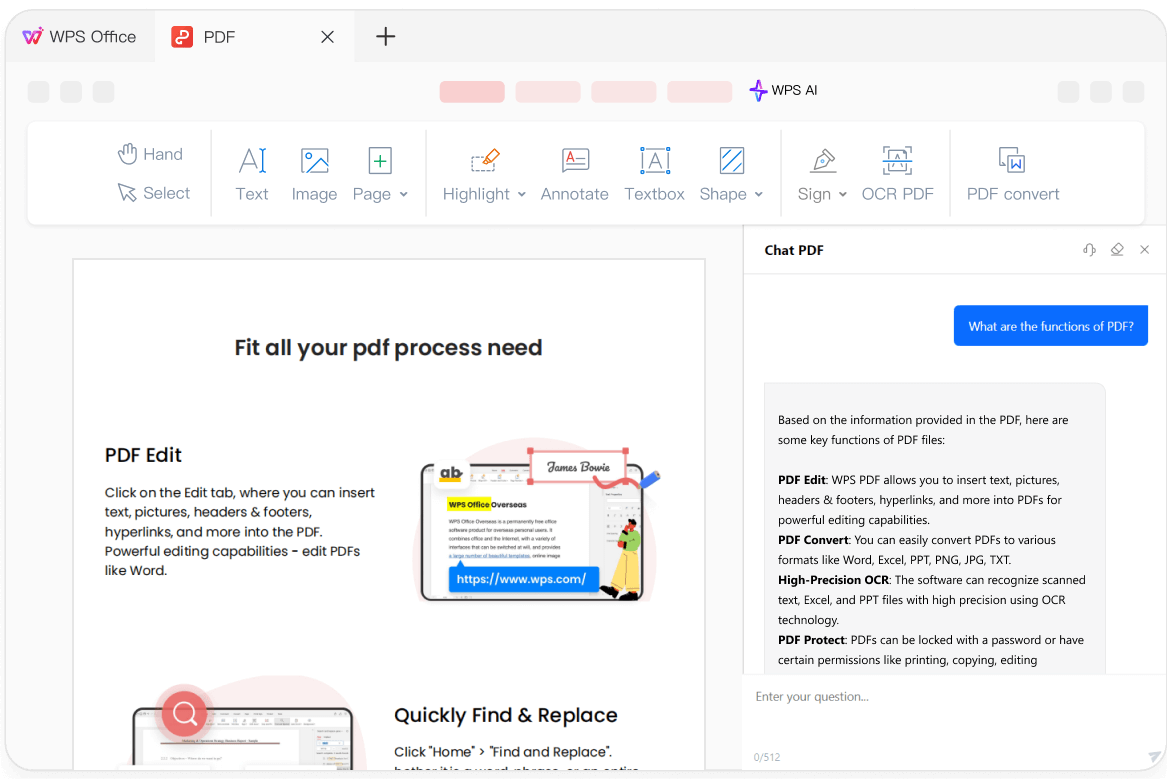
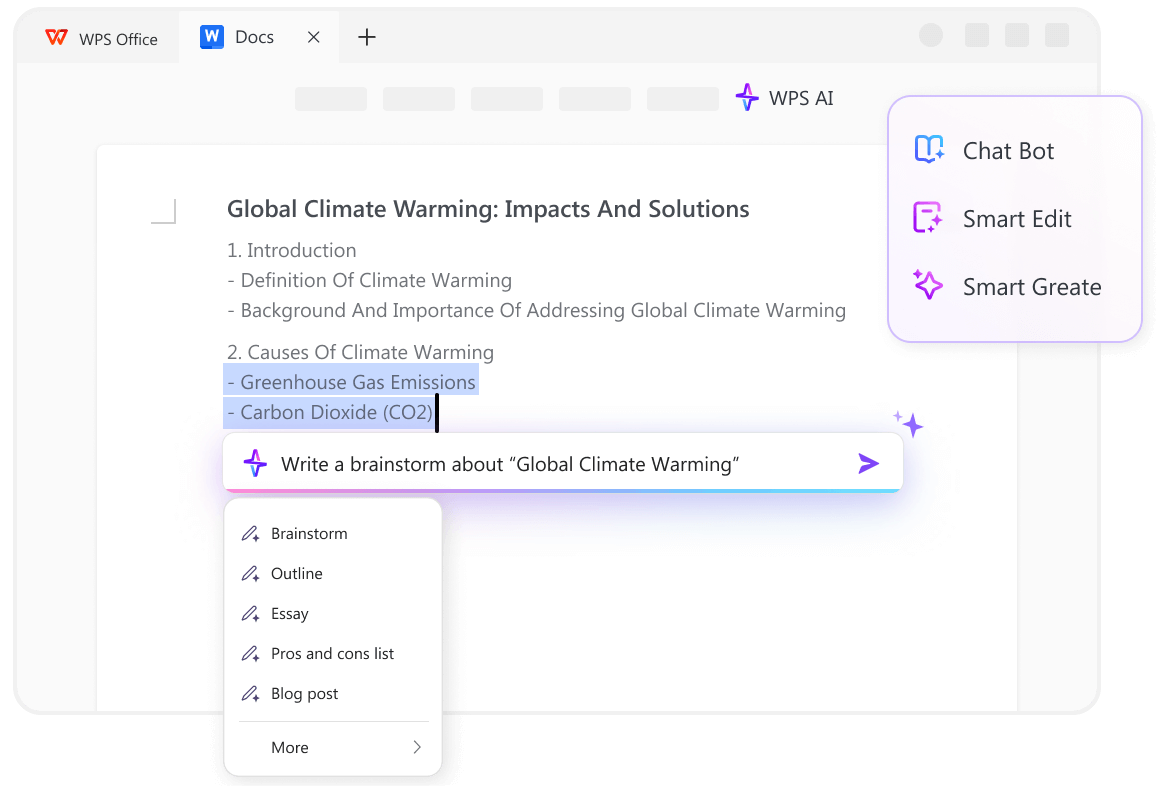
WPS PDF Summarizer WPS AI in Writer: Designed for content creators, the AI in Writer acts as a "content strategist." It can generate outlines, brainstorm SEO-friendly headlines, and rewrite paragraphs to match specific professional tones—all without the $30/month barrier.
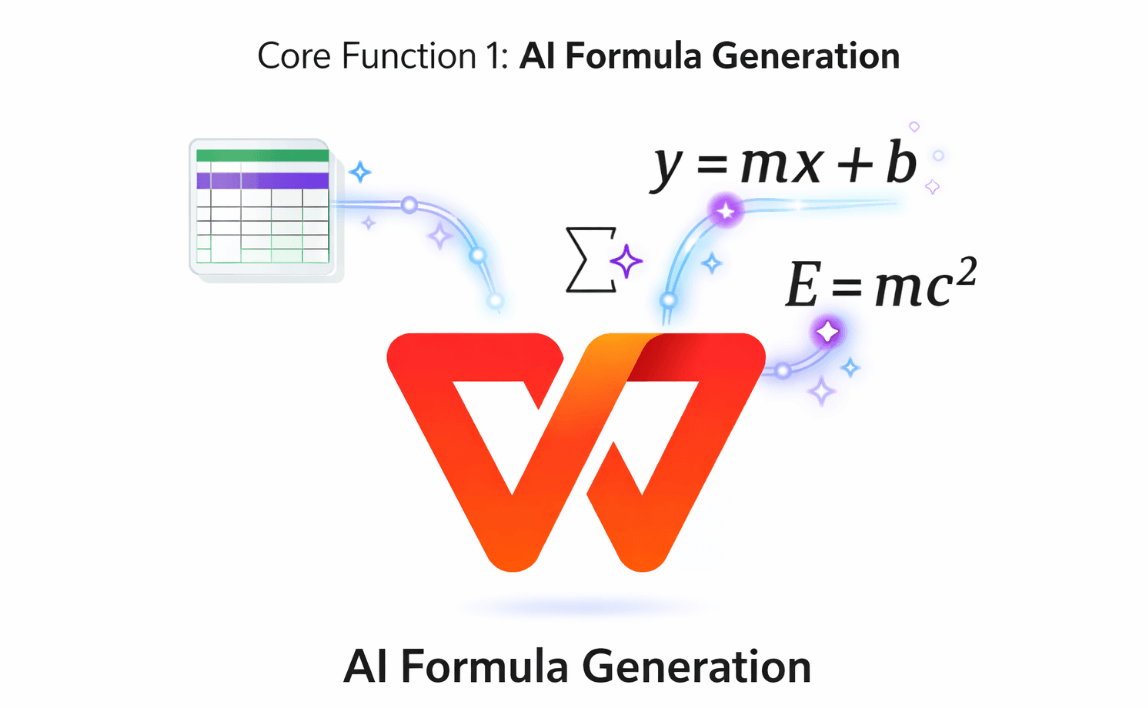
WPS AI Writer Intelligent Spreadsheets: For those frustrated that microsoft removed free copilot from Excel, WPS AI in Sheets simplifies data. It can generate complex formulas through natural language commands, helping you manage everything from SEO internal linking maps to complex financial compound interest models.
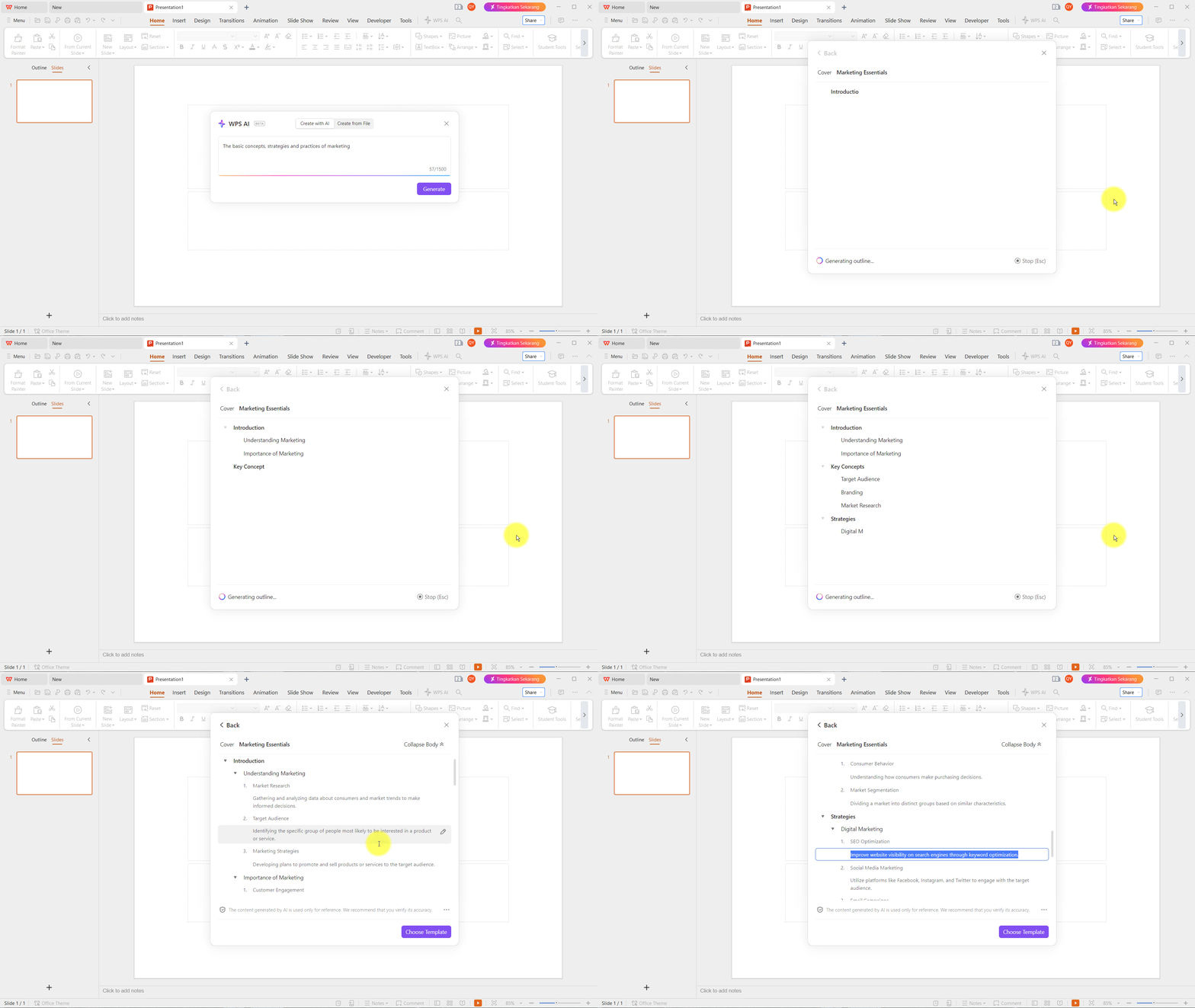
WPS AI Spreadsheet One-Click Presentations: WPS AI in Slides takes your text outline and automatically builds a professional slide deck, including layout and design, saving hours of manual formatting.
WPS AI Powerpoint 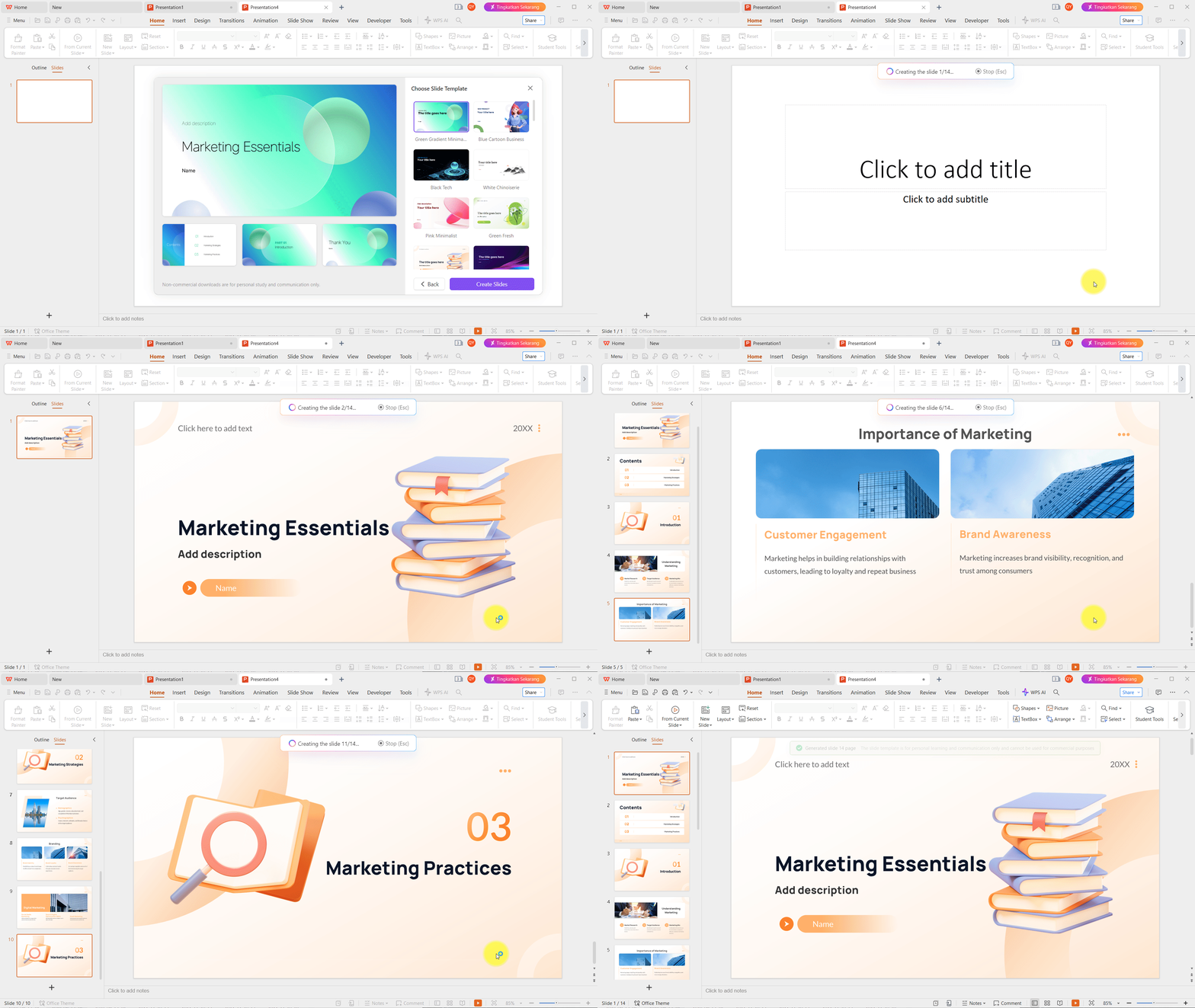
WPS AI Powerpoint
Conclusion: Choose a Tool Built for the User, Not the Paywall
The Microsoft Copilot licensing changes April 15 2026 represent a shift toward a closed ecosystem. However, your productivity should not be a subscription-based hostage. WPS Office International offers a globally compatible, AI-native environment that respects the user's need for both power and accessibility.
If you are currently feeling the impact of the microsoft removed copilot policy, it is time to experience an office suite that keeps the AI tools you love within reach.
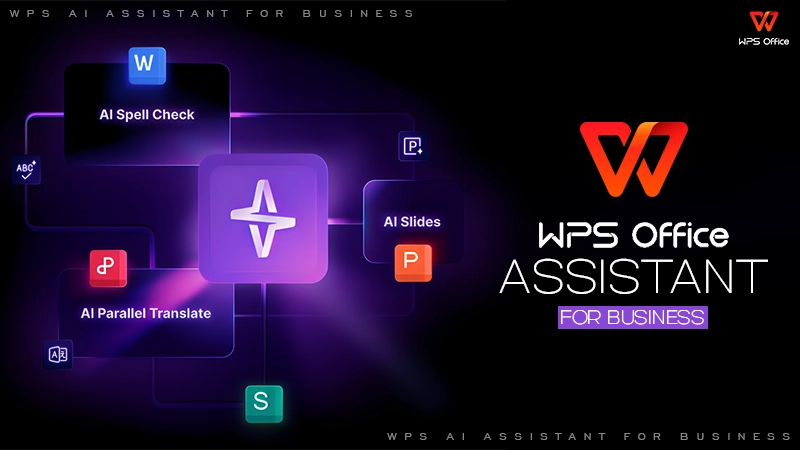
Discover the future of work.
https://www.wps.ai/
Frequently Asked Questions (FAQ)
Q1: Did Microsoft remove Copilot?Is Microsoft Copilot not free anymore?
A: Yes. Following the Microsoft Copilot licensing changes April 15 2026, free access has been removed from desktop apps for unlicensed users. To get it back in Word or Excel, Microsoft now requires a paid subscription ($21–$30/month).
Q2: What is the major limitation of the free version of Copilot now?
A: The "Basic" version is now heavily throttled, lacks native integration in desktop apps, and is subject to the 2000 seat threshold logic, making it unreliable for professional use.
Q3: Can WPS AI truly replace Microsoft Copilot?
A: Yes. WPS AI is a native copilot replace that works directly inside Writer, PDF, and Spreadsheets. It offers the same (and sometimes superior) AI drafting and data analysis without the steep CopilotPriceHike.
Q4: How does WPS AI handle PDFs compared to other tools?
A: WPS AI features a powerful Chat with PDF function. You can summarize, translate, and extract data from massive files instantly—a feature that remains restricted or complex in the Microsoft ecosystem.
Q5: Is it hard to switch my files from Microsoft to WPS?
A: Not at all. WPS Office is fully compatible with .docx, .xlsx, and .pptx. You can open your existing files and immediately use WPS AI features with zero formatting issues.
Ready to reclaim your AI edge? Don't let the end of free AI in enterprise apps Microsoft slow you down.

'%3e%3cpath%20d='M19.9911%204.11386V6.471H18.5894C18.0775%206.471%2017.7322%206.57814%2017.5536%206.79243C17.3751%207.00671%2017.2858%207.32814%2017.2858%207.75671V9.44421H19.9019L19.5536%2012.0871H17.2858V18.8639H14.5536V12.0871H12.2769V9.44421H14.5536V7.49779C14.5536%206.39064%2014.8632%205.53201%2015.4822%204.92189C16.1013%204.31177%2016.9257%204.00671%2017.9554%204.00671C18.8304%204.00671%2019.509%204.04243%2019.9911%204.11386Z'%20fill='%23333333'/%3e%3c/g%3e%3cdefs%3e%3cclipPath%20id='clip0_2938_8199'%3e%3crect%20width='16'%20height='16'%20fill='white'%20transform='translate(8%204.00671)'/%3e%3c/clipPath%3e%3c/defs%3e%3c/svg%3e)
'%3e%3cpath%20d='M17.5237%2010.7813L23.4811%204H22.0699L16.8949%209.88693L12.7648%204H8L14.2469%2012.9029L8%2020.0133H9.4112L14.8725%2013.7952L19.2352%2020.0133H24M9.92053%205.04213H12.0885L22.0688%2019.0224H19.9003'%20fill='%23333333'/%3e%3c/g%3e%3cdefs%3e%3cclipPath%20id='clip0_2938_8200'%3e%3crect%20width='16'%20height='16.0134'%20fill='white'%20transform='translate(8%204)'/%3e%3c/clipPath%3e%3c/defs%3e%3c/svg%3e)


