

'%3e%3cpath%20d='M8%200C12.4183%200%2016%203.58172%2016%208C16%2012.4183%2012.4183%2016%208%2016C3.58172%2016%200%2012.4183%200%208C0%203.58172%203.58172%200%208%200ZM11.6162%204.38379C11.2257%203.99337%2010.5927%203.99338%2010.2021%204.38379L8%206.58594L5.79785%204.38379C5.40732%203.99334%204.77429%203.99329%204.38379%204.38379C3.99331%204.77429%203.99335%205.40733%204.38379%205.79785L6.58594%208L4.38379%2010.2021C3.99348%2010.5927%203.99341%2011.2257%204.38379%2011.6162C4.77426%2012.0066%205.40734%2012.0065%205.79785%2011.6162L8%209.41406L10.2021%2011.6162C10.5927%2012.0066%2011.2257%2012.0067%2011.6162%2011.6162C12.0067%2011.2257%2012.0066%2010.5927%2011.6162%2010.2021L9.41406%208L11.6162%205.79785C12.0066%205.40735%2012.0066%204.77429%2011.6162%204.38379Z'%20fill='%23080E17'%20fill-opacity='0.46'/%3e%3c/g%3e%3cdefs%3e%3cclipPath%20id='clip0_3761_713'%3e%3crect%20width='16'%20height='16'%20fill='white'/%3e%3c/clipPath%3e%3c/defs%3e%3c/svg%3e)




'%3e%3cpath%20fill-rule='evenodd'%20clip-rule='evenodd'%20d='M21.4999%2010.9993C21.4999%205.20009%2016.7986%200.498901%2010.9993%200.498901C5.19994%200.498901%200.498657%205.20009%200.498657%2010.9993C0.498657%2016.2404%204.33858%2020.5844%209.35855%2021.3722V14.0346H6.69238V10.9993H9.35855V8.68594C9.35855%206.05427%2010.9262%204.60062%2013.3248%204.60062C14.4736%204.60062%2015.6753%204.80571%2015.6753%204.80571V7.38979H14.3512C13.0468%207.38979%2012.64%208.19921%2012.64%209.0296V10.9993H15.5523L15.0867%2014.0346H12.64V21.3722C17.66%2020.5844%2021.4999%2016.2404%2021.4999%2010.9993Z'%20fill='%231568EA'/%3e%3c/g%3e%3c/svg%3e)


'%3e%3cpath%20d='M2.42045%2022.1876H6.31818V12.7217L0.75%208.54553V20.5171C0.75%2021.4414%201.49892%2022.1876%202.42045%2022.1876Z'%20fill='%234285F4'/%3e%3cpath%20d='M19.682%2022.1876H23.5797C24.5041%2022.1876%2025.2502%2021.4387%2025.2502%2020.5171V8.54553L19.682%2012.7217'%20fill='%2334A853'/%3e%3cpath%20d='M19.682%205.48293V12.7216L25.2502%208.54543V6.31816C25.2502%204.25236%2022.8921%203.07469%2021.2411%204.31361'%20fill='%23FBBC04'/%3e%3cpath%20d='M6.31824%2012.7217V5.48303L13.0001%2010.4944L19.6819%205.48303V12.7217L13.0001%2017.733'%20fill='%23EA4335'/%3e%3cpath%20d='M0.75%206.31816V8.54543L6.31818%2012.7216V5.48293L4.75909%204.31361C3.10534%203.07469%200.75%204.25236%200.75%206.31816Z'%20fill='%23C5221F'/%3e%3c/g%3e%3cdefs%3e%3cclipPath%20id='clip0_2954_7305'%3e%3crect%20width='24.5'%20height='18.375'%20fill='white'%20transform='translate(0.75%203.8125)'/%3e%3c/clipPath%3e%3c/defs%3e%3c/svg%3e)


If you rely on a one-time-purchase copy of Microsoft Office 2021, October 13, 2026 is the date to plan around. The apps are not scheduled to switch off, but running them after support ends means accepting growing security, reliability, and compatibility risks.
This guide separates the consumer Office 2021 release from Office LTSC 2021, Microsoft 365, and Windows. It also compares the realistic replacement paths so you can decide whether to keep using the software temporarily, upgrade, subscribe, or move to a free compatible suite.
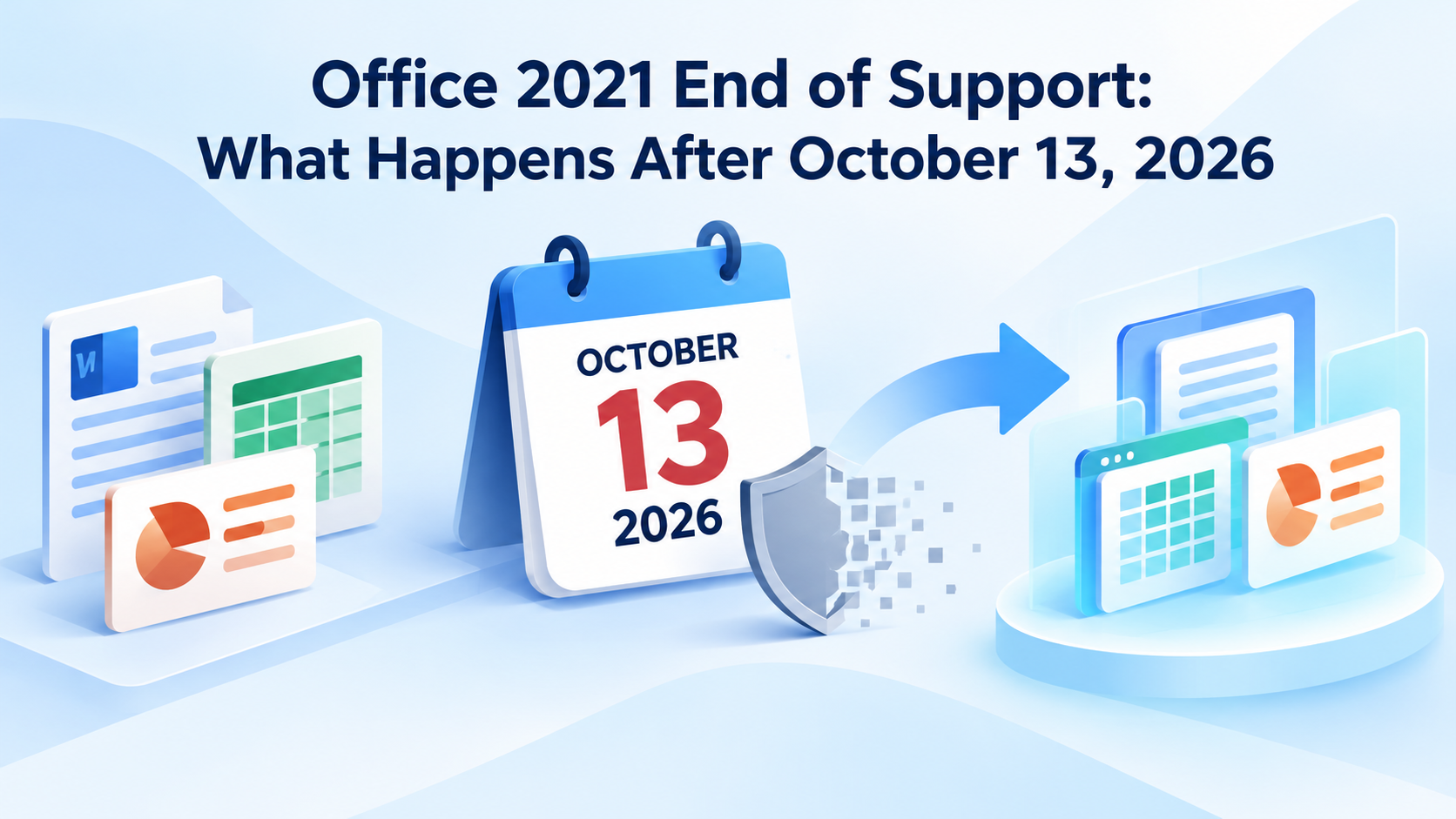
Office 2021 End of Support: What Happens After October 13, 2026
What Happens When Office 2021 End of Support Arrives
Microsoft lists October 13, 2026 as the end date for both the retail Office 2021 product and the volume-licensed Office LTSC 2021 release. After that date, Microsoft will no longer provide security updates, bug fixes, or technical support for those products.
That is an end-of-support event, not a remote deactivation or a statement that your license disappears. The clearest official sources are the Microsoft product lifecycle search and the Office LTSC 2021 announcement.
Office 2021: the perpetual consumer and small-business editions bought once for a specific device.
Office LTSC 2021: the volume-licensed release for organizations that need a fixed feature set.
Microsoft 365 Apps: a subscription product governed by the Modern Lifecycle Policy and supported while licensing, servicing, and system requirements stay current.
Windows: a separate product with its own lifecycle. Office support does not extend the life of Windows, and Windows support does not extend Office 2021 support.
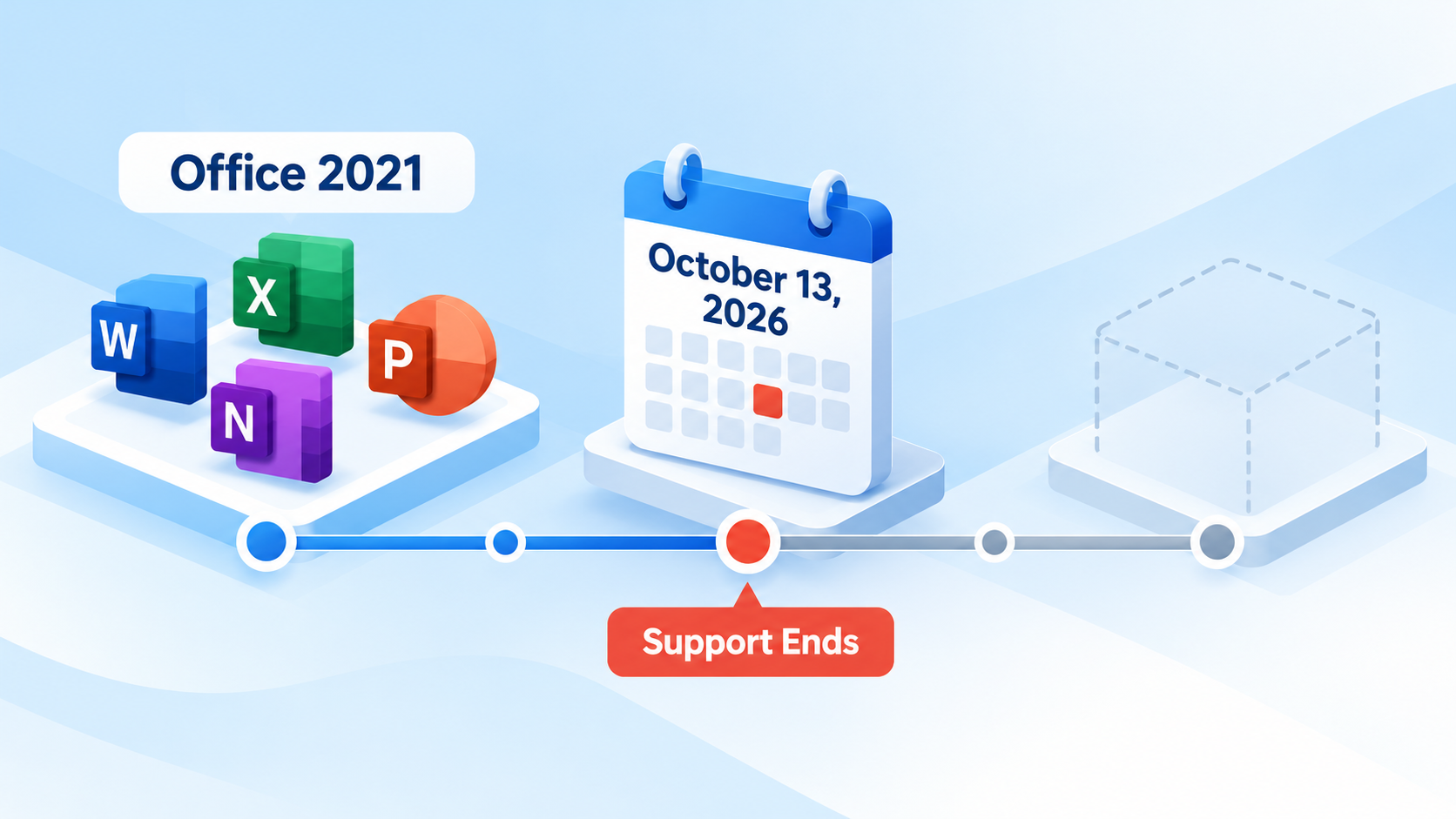
Office 2021 support ending timeline


Will Office 2021 Still Work After October 2026?
In most cases, yes. Installed and activated Office 2021 apps should continue to launch after October 13, 2026, and local Word, Excel, and PowerPoint files should still open. Microsoft does not describe end of support as a kill switch.
However, “still opens” is not the same as “safe and supported.” A future Windows update, cloud-service change, add-in update, or file-format edge case can create a problem that Microsoft is no longer obligated to fix for Office 2021. Back up important documents and avoid treating continued operation as a long-term security plan.
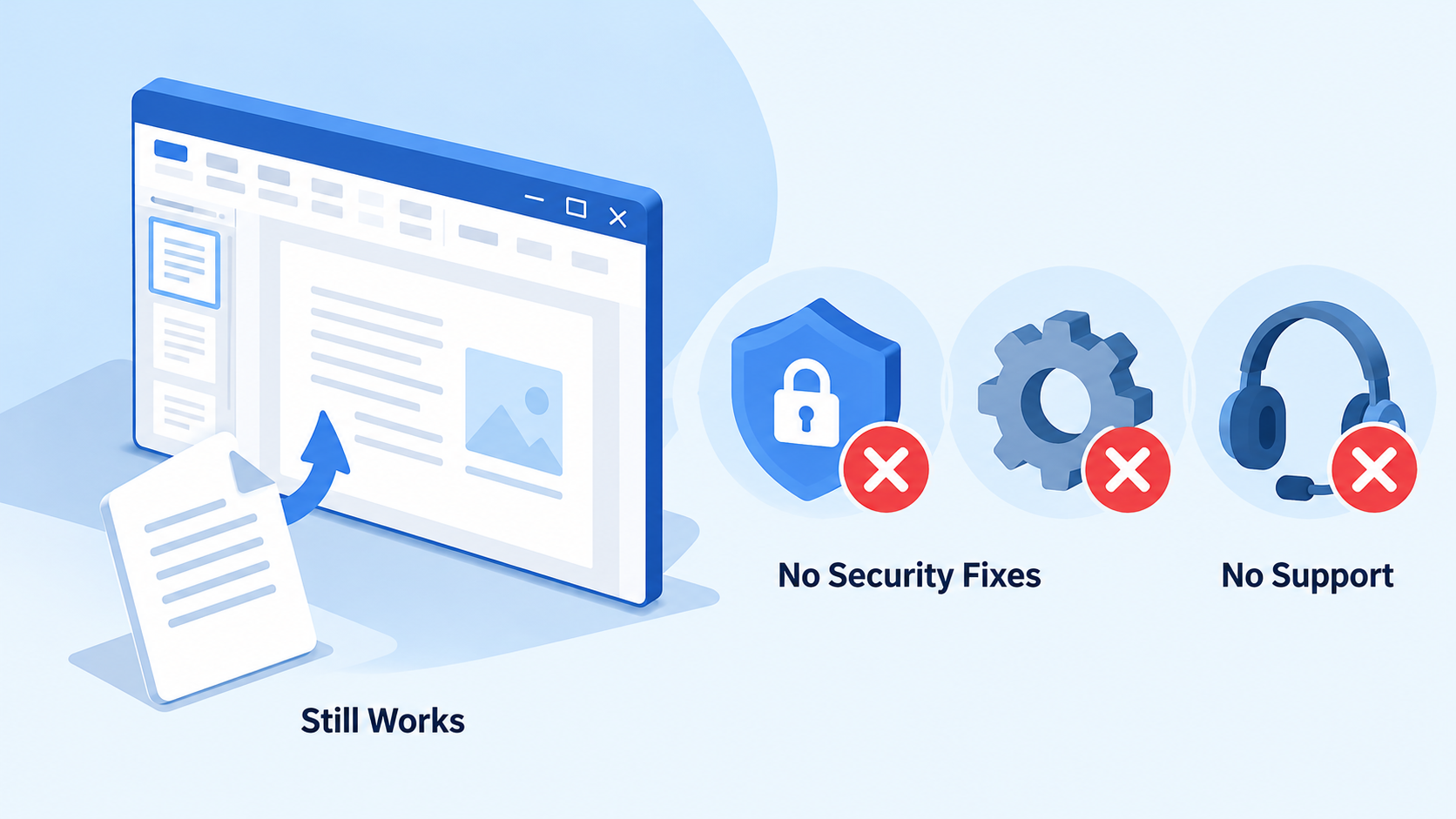
Office 2021 still works unsupported
Office 2021 End-of-Support Security, Bug, and Help Risks
The biggest change is the loss of security servicing. If researchers later find a vulnerability in Word, Excel, PowerPoint, Outlook, or another included app, Office 2021 will no longer receive the normal fix. That matters because Office files and email attachments are common routes for malicious content.
You also lose non-security fixes and Microsoft technical support. Over time, unsupported connections to Microsoft 365 services may encounter reliability or compatibility issues. For regulated organizations, unsupported software can also complicate internal controls, audits, cyber-insurance requirements, and vendor compliance checks.
Windows follows a separate clock. For example, mainstream Windows 10 Home and Pro support ended on October 14, 2025; special LTSC editions can have different dates. Check the exact Windows edition rather than assuming the Office 2021 date covers the operating system.
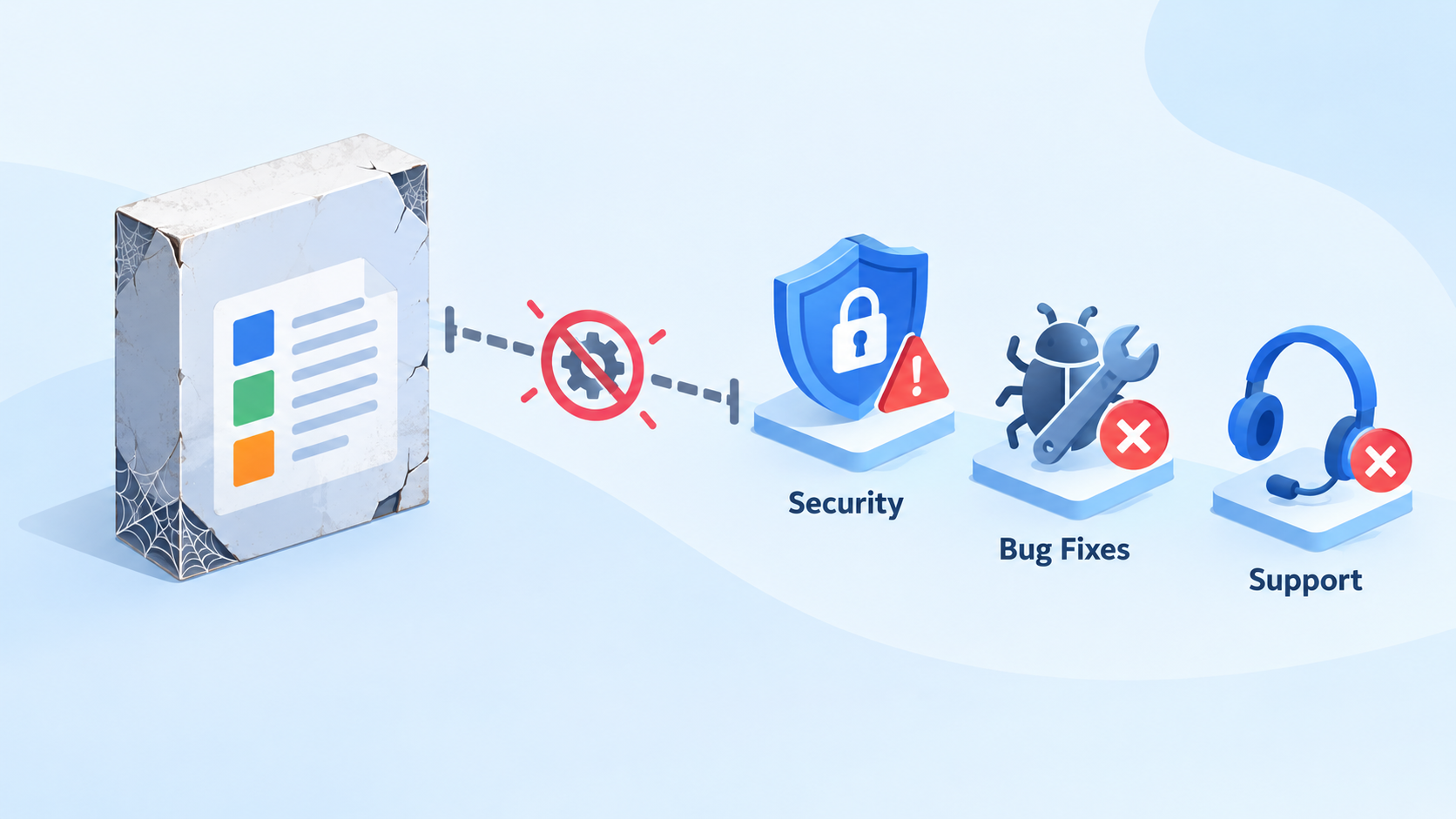
Unsupported Office security and reliability risks
Office 2021 End-of-Support Upgrade Options
What replaces Office 2021 depends on how you work:
Choose Office 2024 if you want another one-time purchase, primarily use desktop apps, and accept a fixed feature set with a published support lifecycle.
Choose Microsoft 365 if you want continuously updated apps, cloud storage, collaboration, and ongoing feature releases under a subscription.
Choose Office LTSC 2024 if your organization needs an on-premises, volume-licensed release. Microsoft specifically identifies it as the supported on-premises path for commercial customers not ready for Microsoft 365 Apps.
Choose a free Office alternative if your priority is opening and editing common Office formats without buying a new perpetual license or starting a subscription.
Before migrating, inventory macros, Outlook workflows, add-ins, templates, fonts, and line-of-business integrations. Test the files that matter most rather than judging compatibility from a simple document alone.
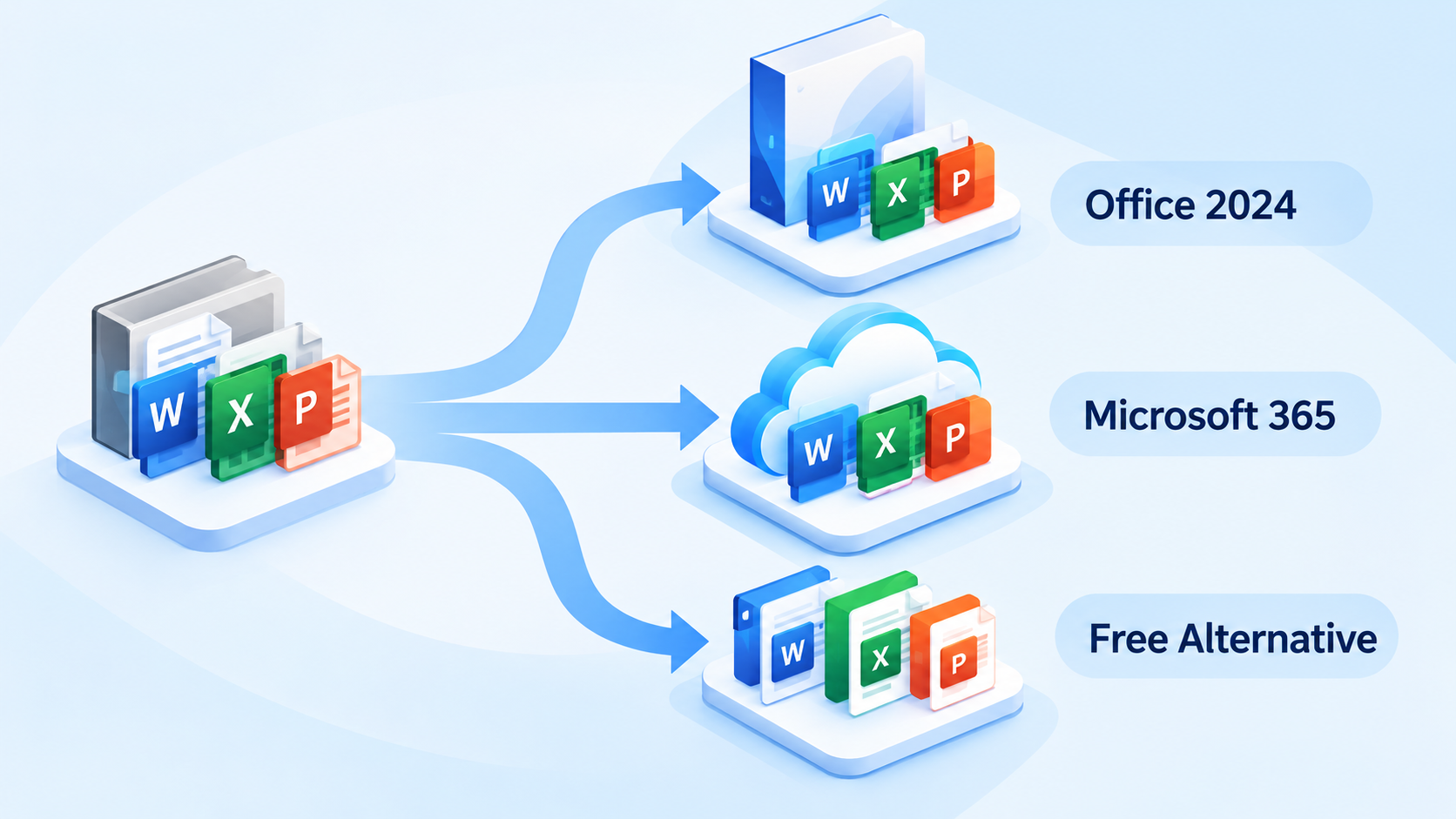
Office 2021 replacement upgrade choices
Office 2021 vs Office 2024 and Microsoft 365
Office 2024 is the closest conventional successor for individuals who prefer a perpetual license. Microsoft 365 is the stronger fit for people who want continuous servicing, multi-device use, cloud collaboration, and new features. Neither decision should be based only on whether Word and Excel are included.
| Decision factor | Office 2021 | Office 2024 | Microsoft 365 |
|---|---|---|---|
| License | One-time purchase | One-time purchase | Recurring subscription |
| Support position after Oct. 13, 2026 | Unsupported | Supported until its published end date | Continuously supported when kept current |
| Feature model | Fixed feature set | Newer fixed feature set | Ongoing feature and service updates |
| Cloud collaboration | Limited compared with current services | Depends on edition and services | Core part of the product |
| Best fit | Short transition only after support ends | Desktop-first, no subscription | Current features and collaboration |
Microsoft's existing Office 2024 guide can help if you need more detail on editions and installation choices.
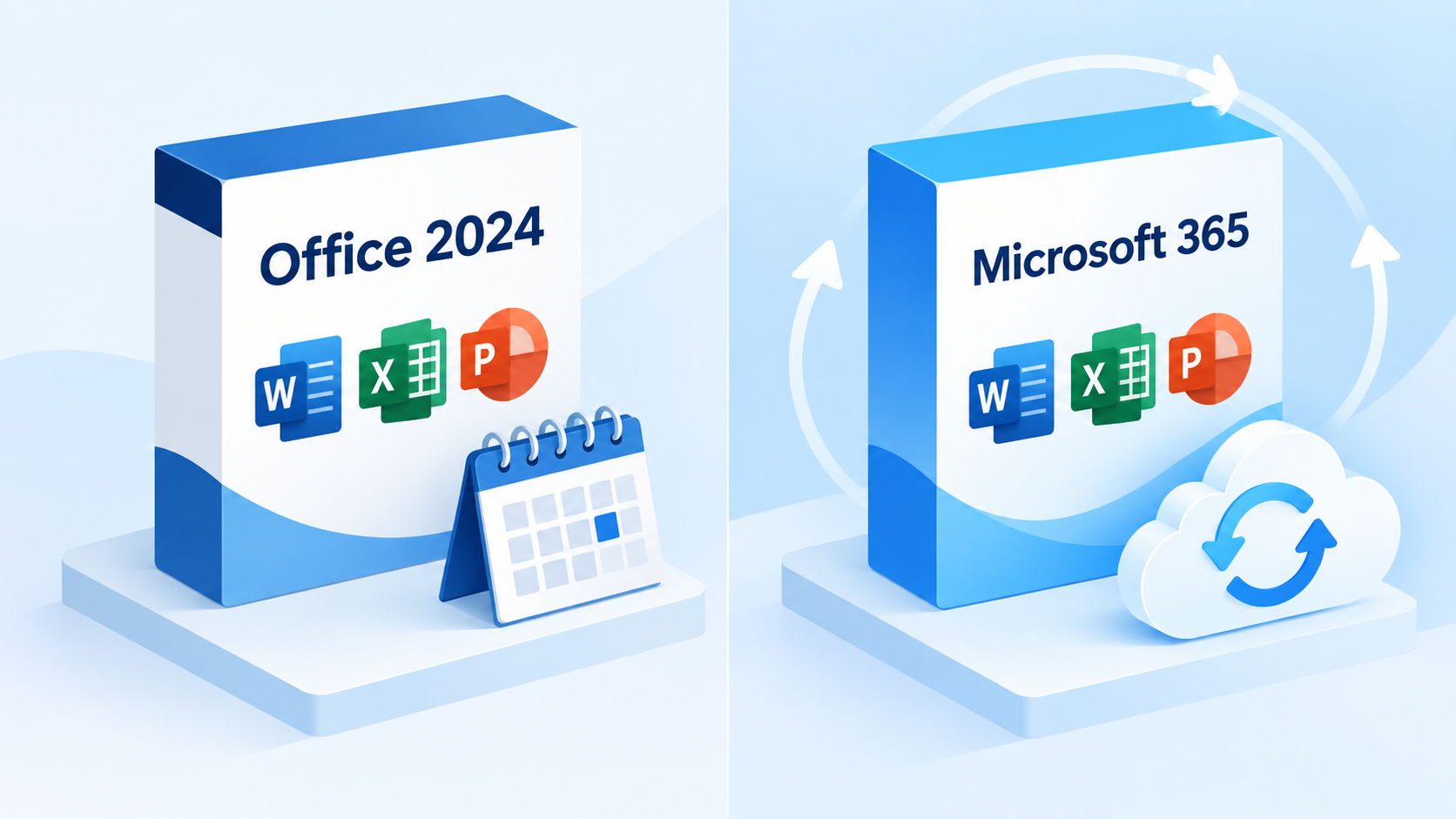
Office 2024 and Microsoft 365 comparison
Office 2021 Alternative Free Options to Consider
A free alternative can be sensible for students, home users, freelancers, and secondary computers. The key test is not whether the suite looks familiar; it is whether it preserves the documents and workflows you actually use.
Open representative DOCX, XLSX, and PPTX files and check layout, formulas, charts, comments, and fonts.
Test PDF export, printing, and file sharing.
Confirm whether macros, advanced add-ins, mail merge, or specialized data connections are required.
Check offline availability, supported operating systems, update policy, and account requirements.
Browser-based editors can be useful for collaboration, while desktop suites are often better for offline work and complex local files. A mixed approach is also possible: keep archived Office 2021 files, use a supported suite for everyday editing, and convert only when necessary.
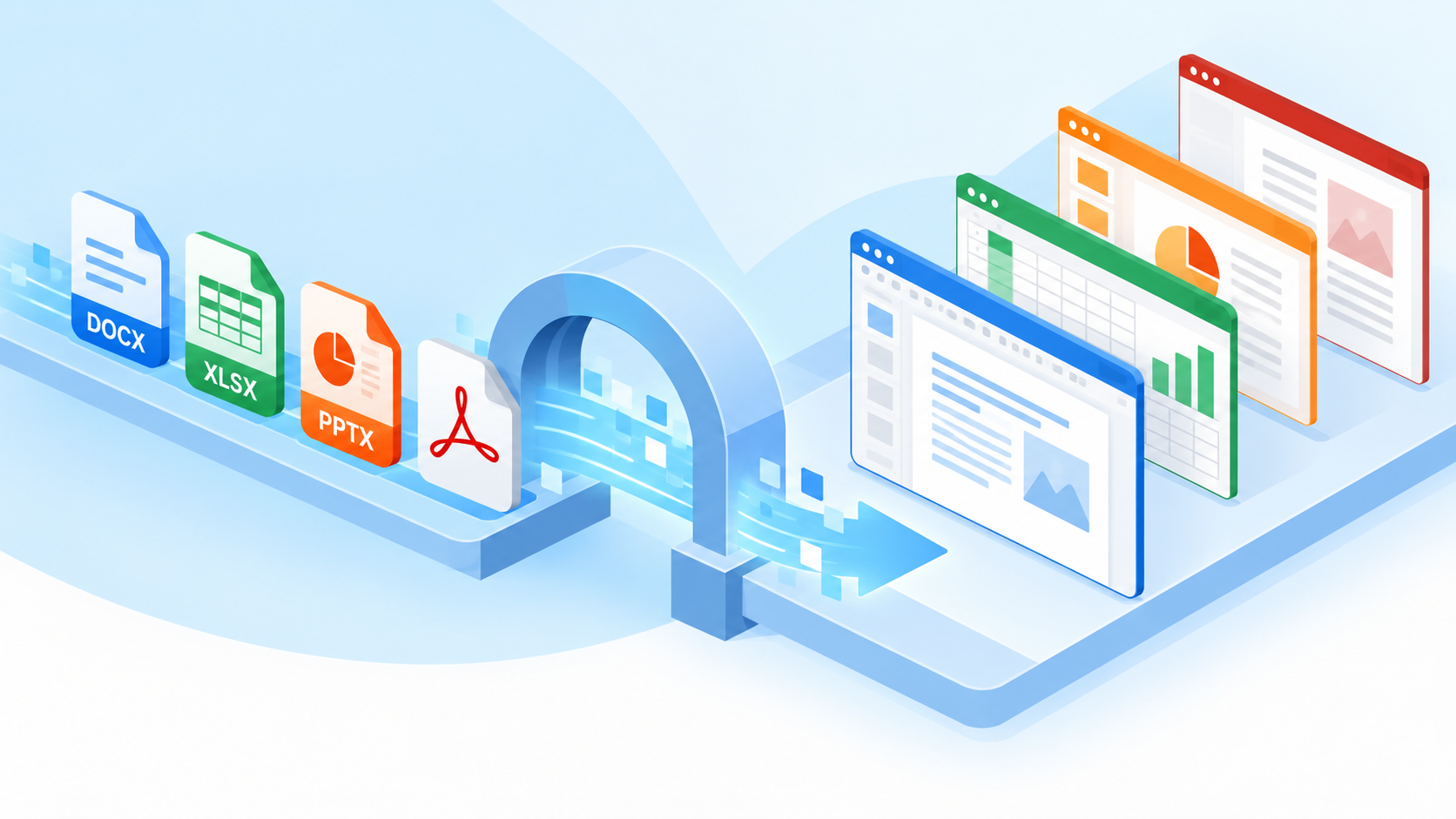
Free Office alternatives format compatibility
The Best Free Office 2021 Alternative: WPS Office
WPS Office is a practical option when the goal is to keep working with familiar document, spreadsheet, presentation, and PDF formats without immediately buying another Microsoft perpetual license. Its desktop interface reduces the learning curve for Office users, and the free tier covers common personal and productivity tasks.
The strongest reason to consider WPS is workflow coverage rather than a simple feature checklist.
| User need | WPS Office approach | Why it matters after Office 2021 |
|---|---|---|
| Quick access | Familiar ribbon-style desktop workspace | Less retraining during migration |
| Format flexibility | Works with common DOCX, XLSX, and PPTX files | Helps preserve everyday file exchange |
| All-in-one work | Writer, Spreadsheet, Presentation, and PDF tools | Reduces app switching |
| Export options | PDF and common document output workflows | Supports sharing across devices and teams |
| Pricing access | Useful free tier with optional paid capabilities | Avoids an immediate subscription decision |
Low-friction migration: a familiar interface for routine document work.
Broad daily coverage: office apps and PDF tools in one suite.
Accessible starting point: begin free, then evaluate premium or AI features only if needed.
Compatibility is not absolute for any third-party suite. Test VBA macros, complex Excel models, exact-font layouts, Outlook-dependent processes, and specialized add-ins before a full migration. For ordinary documents, spreadsheets, and presentations, WPS Office offers a legitimate, supported path away from an aging Office 2021 installation.
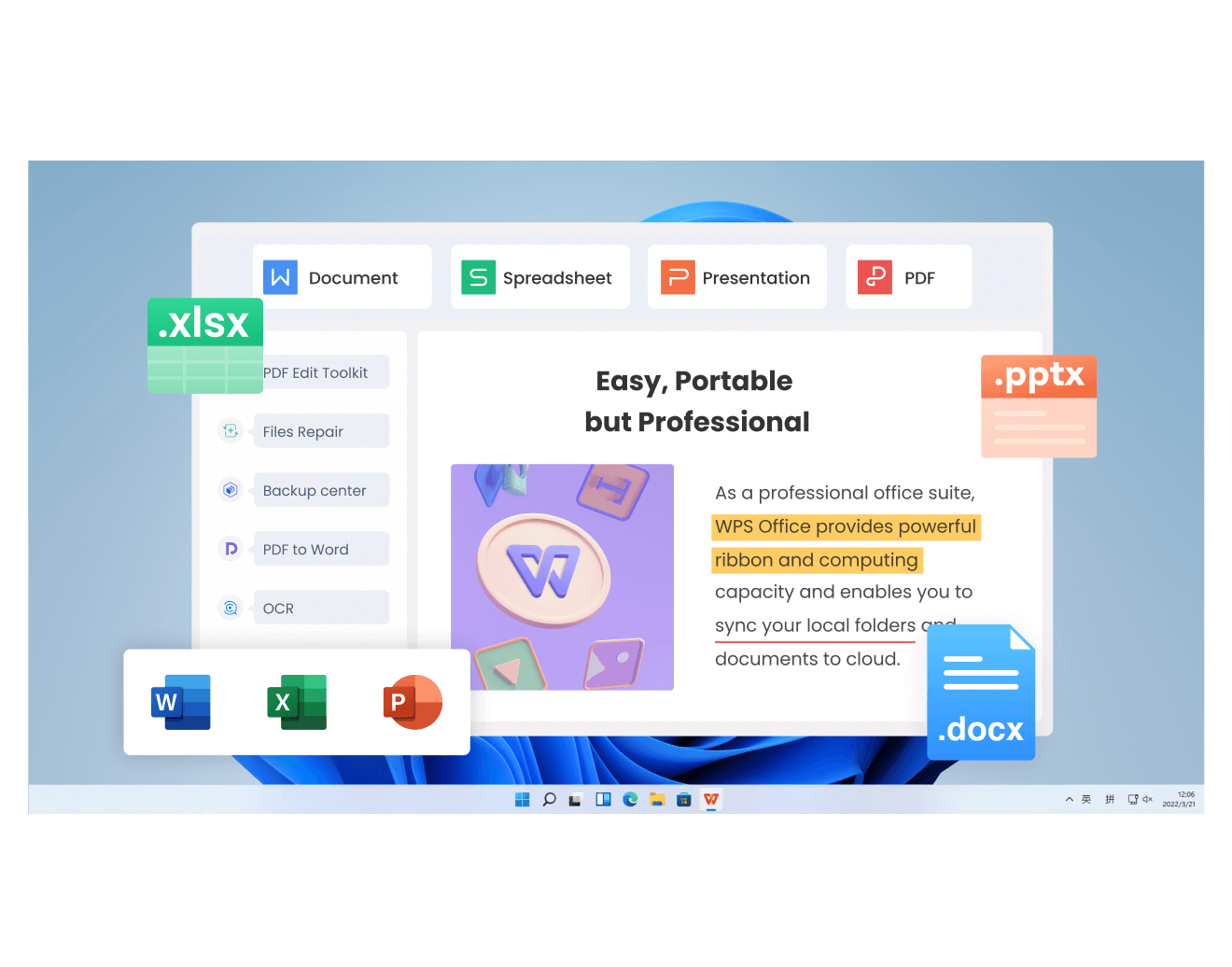
WPS Office four component interface
FAQs
Is Microsoft Office 2021 discontinued?
Sales availability and support status are different questions. Microsoft has published October 13, 2026 as Office 2021's end-of-support date. Existing licensed installations are not described as being remotely disabled on that date.
Will Office 2021 still work after October 2026?
It should generally continue to open and edit local files, but Microsoft will stop security updates, bug fixes, and technical support. Compatibility and reliability risks can increase over time.
Does Office LTSC 2021 end on the same date?
Yes. Microsoft says Office LTSC 2021 reaches end of support on October 13, 2026. It is the commercial volume-licensed release, while retail Office 2021 is aimed at individuals and smaller organizations.
Does the Office 2021 date also apply to Microsoft 365 or Windows?
No. Microsoft 365 Apps follows the Modern Lifecycle Policy and remains supported when licensed and kept current. Windows has its own lifecycle, which varies by version and edition.
What is the best free Office 2021 alternative?
The best option depends on file complexity and workflow. WPS Office is practical for users who want desktop Writer, Spreadsheet, Presentation, and PDF tools with common Microsoft format compatibility, but advanced macros and add-ins should be tested first.

'%3e%3cpath%20d='M19.9911%204.11386V6.471H18.5894C18.0775%206.471%2017.7322%206.57814%2017.5536%206.79243C17.3751%207.00671%2017.2858%207.32814%2017.2858%207.75671V9.44421H19.9019L19.5536%2012.0871H17.2858V18.8639H14.5536V12.0871H12.2769V9.44421H14.5536V7.49779C14.5536%206.39064%2014.8632%205.53201%2015.4822%204.92189C16.1013%204.31177%2016.9257%204.00671%2017.9554%204.00671C18.8304%204.00671%2019.509%204.04243%2019.9911%204.11386Z'%20fill='%23333333'/%3e%3c/g%3e%3cdefs%3e%3cclipPath%20id='clip0_2938_8199'%3e%3crect%20width='16'%20height='16'%20fill='white'%20transform='translate(8%204.00671)'/%3e%3c/clipPath%3e%3c/defs%3e%3c/svg%3e)
'%3e%3cpath%20d='M17.5237%2010.7813L23.4811%204H22.0699L16.8949%209.88693L12.7648%204H8L14.2469%2012.9029L8%2020.0133H9.4112L14.8725%2013.7952L19.2352%2020.0133H24M9.92053%205.04213H12.0885L22.0688%2019.0224H19.9003'%20fill='%23333333'/%3e%3c/g%3e%3cdefs%3e%3cclipPath%20id='clip0_2938_8200'%3e%3crect%20width='16'%20height='16.0134'%20fill='white'%20transform='translate(8%204)'/%3e%3c/clipPath%3e%3c/defs%3e%3c/svg%3e)


