

'%3e%3cpath%20d='M8%200C12.4183%200%2016%203.58172%2016%208C16%2012.4183%2012.4183%2016%208%2016C3.58172%2016%200%2012.4183%200%208C0%203.58172%203.58172%200%208%200ZM11.6162%204.38379C11.2257%203.99337%2010.5927%203.99338%2010.2021%204.38379L8%206.58594L5.79785%204.38379C5.40732%203.99334%204.77429%203.99329%204.38379%204.38379C3.99331%204.77429%203.99335%205.40733%204.38379%205.79785L6.58594%208L4.38379%2010.2021C3.99348%2010.5927%203.99341%2011.2257%204.38379%2011.6162C4.77426%2012.0066%205.40734%2012.0065%205.79785%2011.6162L8%209.41406L10.2021%2011.6162C10.5927%2012.0066%2011.2257%2012.0067%2011.6162%2011.6162C12.0067%2011.2257%2012.0066%2010.5927%2011.6162%2010.2021L9.41406%208L11.6162%205.79785C12.0066%205.40735%2012.0066%204.77429%2011.6162%204.38379Z'%20fill='%23080E17'%20fill-opacity='0.46'/%3e%3c/g%3e%3cdefs%3e%3cclipPath%20id='clip0_3761_713'%3e%3crect%20width='16'%20height='16'%20fill='white'/%3e%3c/clipPath%3e%3c/defs%3e%3c/svg%3e)




'%3e%3cpath%20fill-rule='evenodd'%20clip-rule='evenodd'%20d='M21.4999%2010.9993C21.4999%205.20009%2016.7986%200.498901%2010.9993%200.498901C5.19994%200.498901%200.498657%205.20009%200.498657%2010.9993C0.498657%2016.2404%204.33858%2020.5844%209.35855%2021.3722V14.0346H6.69238V10.9993H9.35855V8.68594C9.35855%206.05427%2010.9262%204.60062%2013.3248%204.60062C14.4736%204.60062%2015.6753%204.80571%2015.6753%204.80571V7.38979H14.3512C13.0468%207.38979%2012.64%208.19921%2012.64%209.0296V10.9993H15.5523L15.0867%2014.0346H12.64V21.3722C17.66%2020.5844%2021.4999%2016.2404%2021.4999%2010.9993Z'%20fill='%231568EA'/%3e%3c/g%3e%3c/svg%3e)


'%3e%3cpath%20d='M2.42045%2022.1876H6.31818V12.7217L0.75%208.54553V20.5171C0.75%2021.4414%201.49892%2022.1876%202.42045%2022.1876Z'%20fill='%234285F4'/%3e%3cpath%20d='M19.682%2022.1876H23.5797C24.5041%2022.1876%2025.2502%2021.4387%2025.2502%2020.5171V8.54553L19.682%2012.7217'%20fill='%2334A853'/%3e%3cpath%20d='M19.682%205.48293V12.7216L25.2502%208.54543V6.31816C25.2502%204.25236%2022.8921%203.07469%2021.2411%204.31361'%20fill='%23FBBC04'/%3e%3cpath%20d='M6.31824%2012.7217V5.48303L13.0001%2010.4944L19.6819%205.48303V12.7217L13.0001%2017.733'%20fill='%23EA4335'/%3e%3cpath%20d='M0.75%206.31816V8.54543L6.31818%2012.7216V5.48293L4.75909%204.31361C3.10534%203.07469%200.75%204.25236%200.75%206.31816Z'%20fill='%23C5221F'/%3e%3c/g%3e%3cdefs%3e%3cclipPath%20id='clip0_2954_7305'%3e%3crect%20width='24.5'%20height='18.375'%20fill='white'%20transform='translate(0.75%203.8125)'/%3e%3c/clipPath%3e%3c/defs%3e%3c/svg%3e)


Writing a Father’s Day card should not feel like a test. Most dads do not want perfect words—they want to know that you noticed what they do every day. Whether you are signing as a son, a daughter, a wife, or a friend, a short and sincere message beats a long generic one.
This guide collects ready-to-use Father’s Day card messages for every relationship, shares simple writing tips, and shows how to turn your message into a printable card for free.
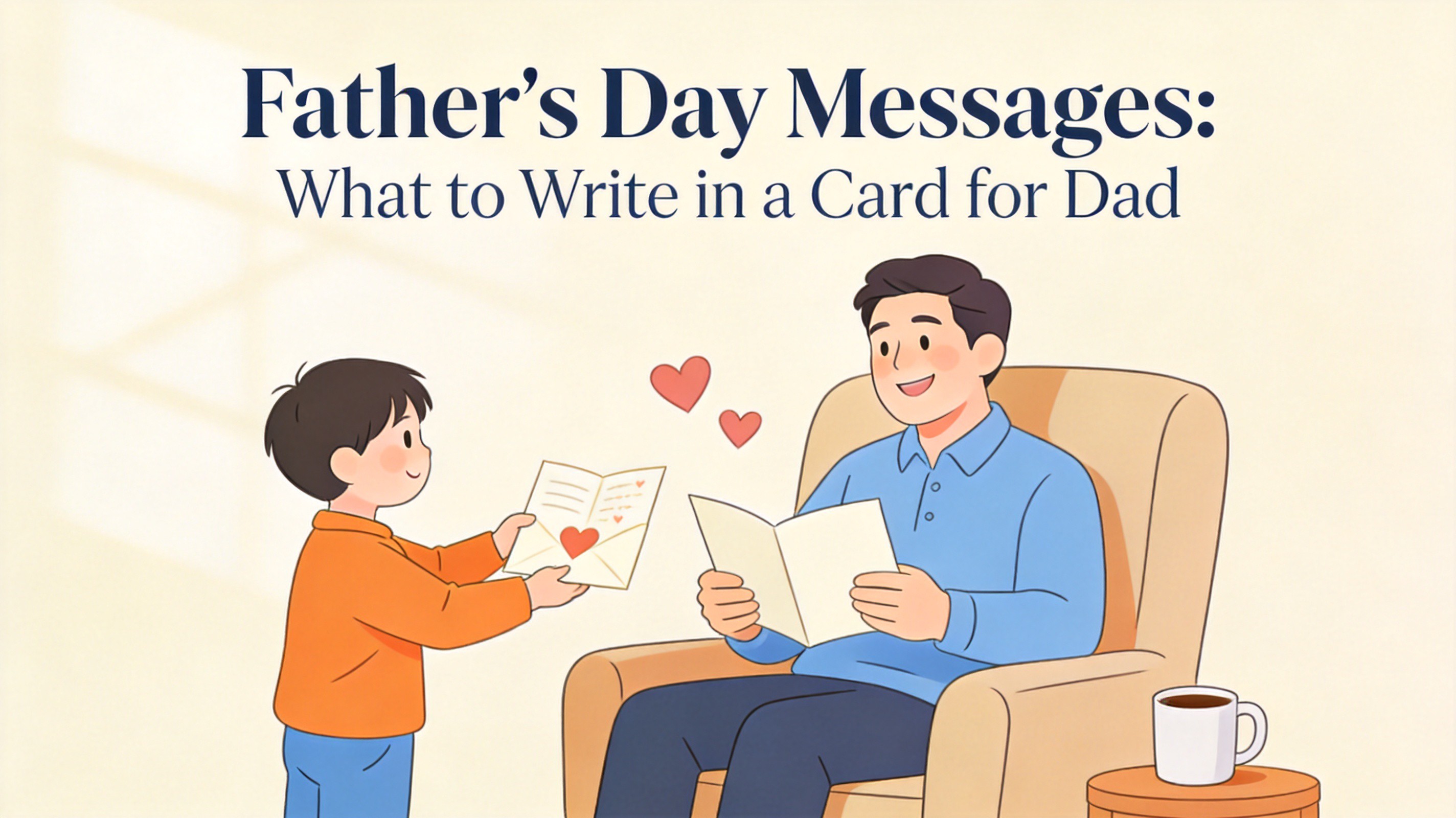
Father's Day Messages: What to Write in a Card for Dad
Father's Day Messages for Every Dad
Start with the message that matches your relationship, then swap in a detail that only your family would recognize. Each example below fits a standard card with room for two or three sentences.
Father's Day Messages From a Son
Dad, you taught me how to work hard and laugh often. Happy Father’s Day to my first role model.
Everything steady in my life, I learned by watching you. Thank you, Dad.
Thanks for every ride, every lesson, and every bad joke that somehow helped. Happy Father’s Day!
Father's Day Messages From a Daughter
You are my first hero and the standard I measure everyone against. Happy Father’s Day, Dad.
No matter how old I get, I will always be your little girl. Love you, Dad.
Thank you for showing me what love, patience, and strength look like. Happy Father’s Day!
Father's Day Messages From a Wife
Watching you be a father is one of my favorite things about you. Happy Father’s Day from all of us.
Our kids are lucky, and so am I. Thank you for everything you do for this family.
You make parenting look easy, even on the hard days. Happy Father’s Day, love.
Funny and Short Father's Day Messages
Happy Father’s Day, Dad! Your dad jokes alone deserve a card.
Thanks for the genes, the rides, and pretending to like my cooking.
Dad, you’re proof that heroes don’t always wear capes—sometimes they wear socks with sandals.
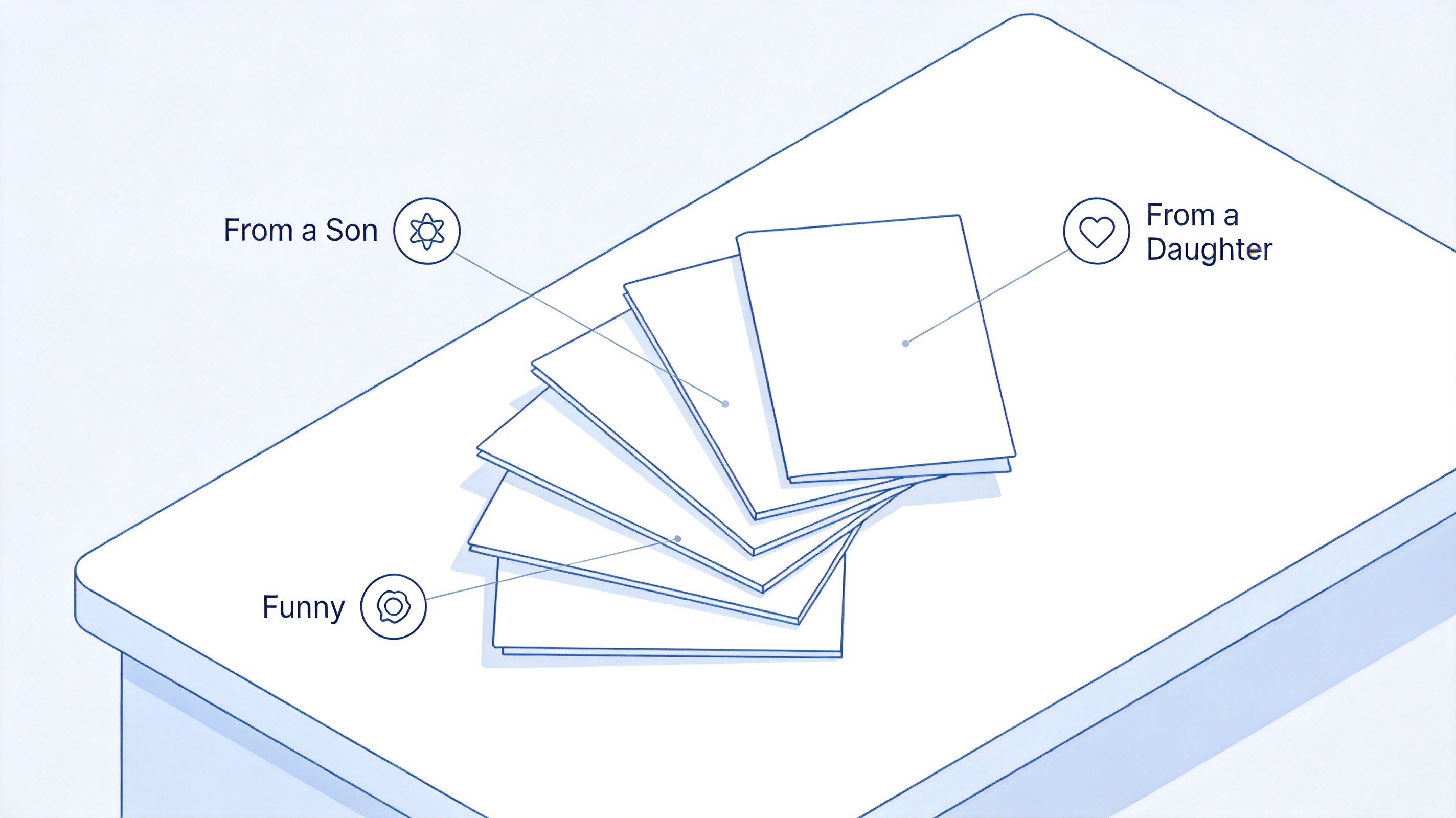
Fathers day messages from family


Tips for Writing Father's Day Messages That He Will Keep
A card stands out when it sounds like you and points to something real. Use these quick checks before you sign:
Name a specific memory. “Thanks for teaching me to ride a bike in the parking lot” lands harder than “thanks for everything.”
Keep it short. Two or three sentences are enough for most cards; length is not the point.
Lead with gratitude. Start with what he did, not with flowery buildup.
Match his humor. If he loves dad jokes, add one; if he is sentimental, keep it warm and plain.
End with a simple sign-off. “Love, [name]” or “Your favorite kid” works better than a long closing.
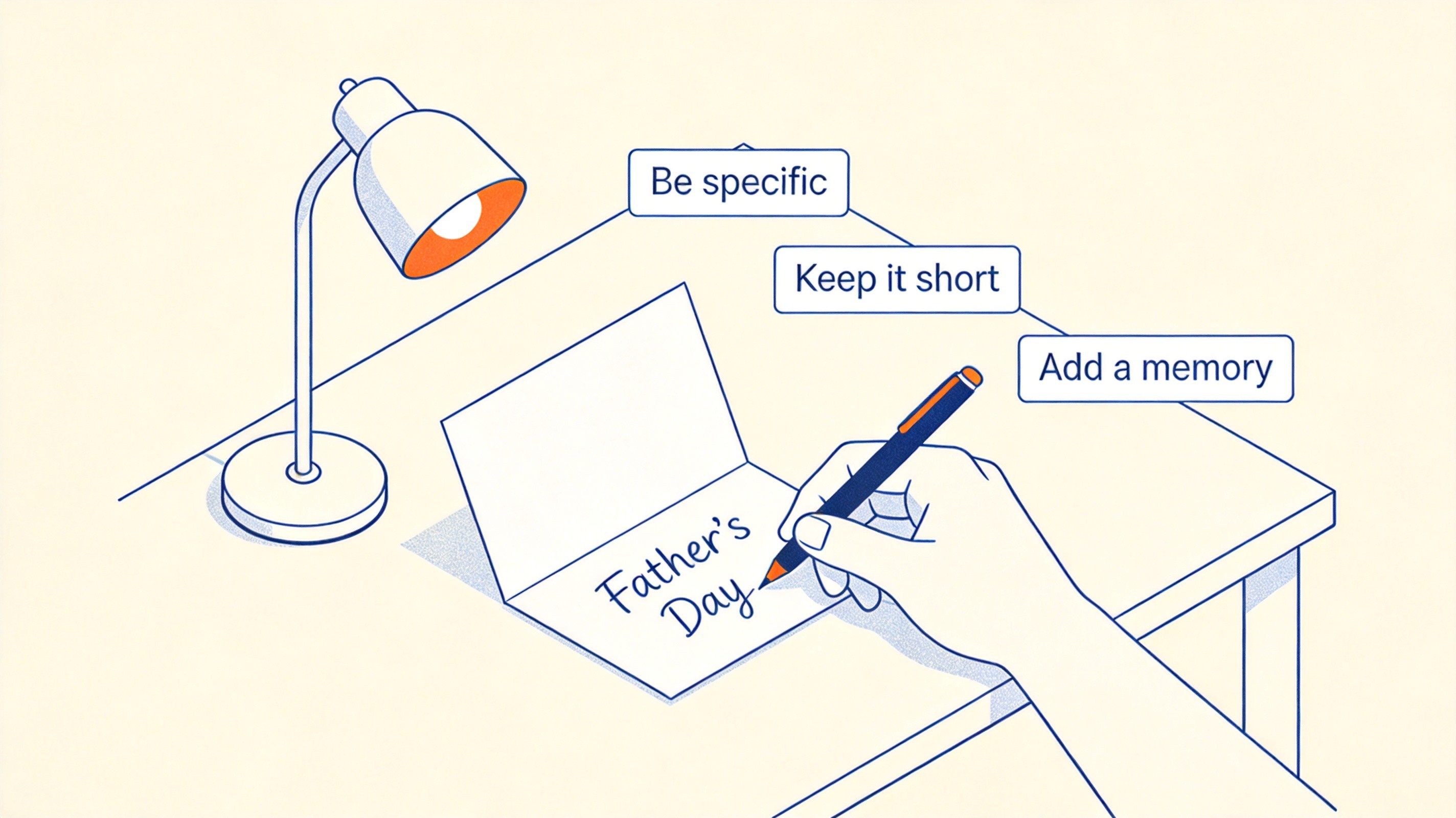
Tips for writing fathers day messages
The Best Free Alternative: WPS Office for Father's Day Cards
Handwriting is classic, but a designed card makes the message feel finished. Instead of paying for a card app, use WPS Office—free Writer templates, simple formatting, and print-ready pages.
Download WPS Office and open WPS Writer.
Go to WPS Templates and search for card or greeting card.
Pick a Father’s Day card template and replace the placeholder text with your message.
Adjust fonts and colors, then use File > Print for a fold-ready card, or Save As PDF to send it digitally.
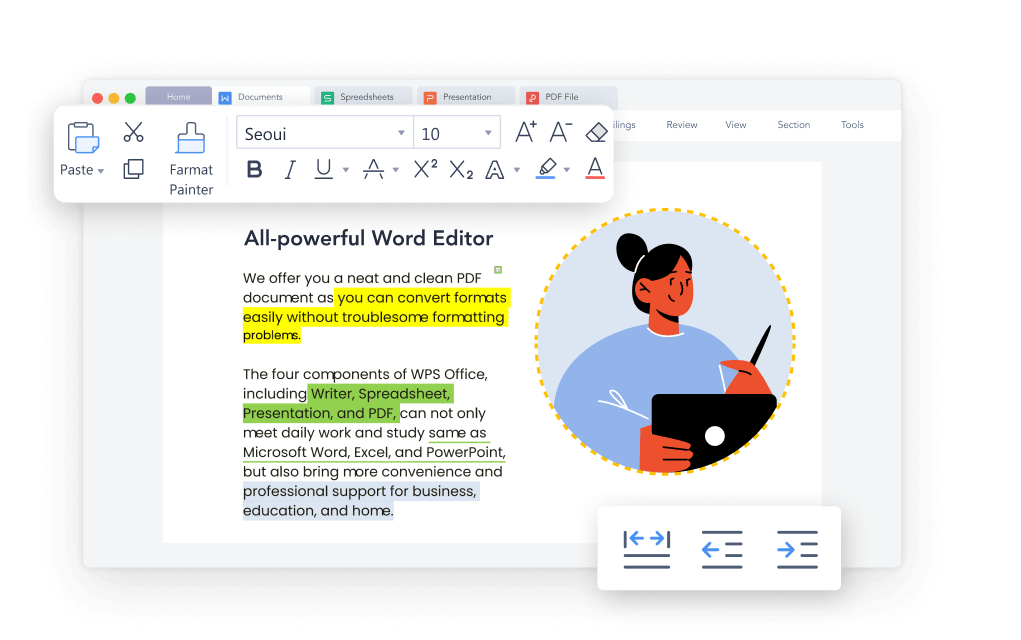
Create fathers day cards in WPS
FAQs
What should I write in a Father's Day card?
A short thank-you that names something specific he did—a lesson, a habit, or a memory—plus a warm closing line. Two or three sentences are enough.
What is the best message for a stepfather?
Acknowledge the choice he made: “You stepped up without being asked, and it means everything. Happy Father’s Day.” Keep it direct and sincere.
How long should a Father's Day message be?
Most cards work best at one to three sentences. Longer letters are welcome, but a short specific message is easier to write and more likely to be kept.
Can I use a funny Father's Day message?
Yes, if humor matches his style. A light joke followed by one sincere line—“Love you, Dad”—keeps the card funny without feeling dismissive.
Is WPS Office really free for making cards?
Yes. WPS Office is free to download and use, including Writer templates for greeting cards, and you can print or export your card to PDF at no cost.


'%3e%3cpath%20d='M19.9911%204.11386V6.471H18.5894C18.0775%206.471%2017.7322%206.57814%2017.5536%206.79243C17.3751%207.00671%2017.2858%207.32814%2017.2858%207.75671V9.44421H19.9019L19.5536%2012.0871H17.2858V18.8639H14.5536V12.0871H12.2769V9.44421H14.5536V7.49779C14.5536%206.39064%2014.8632%205.53201%2015.4822%204.92189C16.1013%204.31177%2016.9257%204.00671%2017.9554%204.00671C18.8304%204.00671%2019.509%204.04243%2019.9911%204.11386Z'%20fill='%23333333'/%3e%3c/g%3e%3cdefs%3e%3cclipPath%20id='clip0_2938_8199'%3e%3crect%20width='16'%20height='16'%20fill='white'%20transform='translate(8%204.00671)'/%3e%3c/clipPath%3e%3c/defs%3e%3c/svg%3e)
'%3e%3cpath%20d='M17.5237%2010.7813L23.4811%204H22.0699L16.8949%209.88693L12.7648%204H8L14.2469%2012.9029L8%2020.0133H9.4112L14.8725%2013.7952L19.2352%2020.0133H24M9.92053%205.04213H12.0885L22.0688%2019.0224H19.9003'%20fill='%23333333'/%3e%3c/g%3e%3cdefs%3e%3cclipPath%20id='clip0_2938_8200'%3e%3crect%20width='16'%20height='16.0134'%20fill='white'%20transform='translate(8%204)'/%3e%3c/clipPath%3e%3c/defs%3e%3c/svg%3e)


