

'%3e%3cpath%20d='M8%200C12.4183%200%2016%203.58172%2016%208C16%2012.4183%2012.4183%2016%208%2016C3.58172%2016%200%2012.4183%200%208C0%203.58172%203.58172%200%208%200ZM11.6162%204.38379C11.2257%203.99337%2010.5927%203.99338%2010.2021%204.38379L8%206.58594L5.79785%204.38379C5.40732%203.99334%204.77429%203.99329%204.38379%204.38379C3.99331%204.77429%203.99335%205.40733%204.38379%205.79785L6.58594%208L4.38379%2010.2021C3.99348%2010.5927%203.99341%2011.2257%204.38379%2011.6162C4.77426%2012.0066%205.40734%2012.0065%205.79785%2011.6162L8%209.41406L10.2021%2011.6162C10.5927%2012.0066%2011.2257%2012.0067%2011.6162%2011.6162C12.0067%2011.2257%2012.0066%2010.5927%2011.6162%2010.2021L9.41406%208L11.6162%205.79785C12.0066%205.40735%2012.0066%204.77429%2011.6162%204.38379Z'%20fill='%23080E17'%20fill-opacity='0.46'/%3e%3c/g%3e%3cdefs%3e%3cclipPath%20id='clip0_3761_713'%3e%3crect%20width='16'%20height='16'%20fill='white'/%3e%3c/clipPath%3e%3c/defs%3e%3c/svg%3e)




'%3e%3cpath%20fill-rule='evenodd'%20clip-rule='evenodd'%20d='M21.4999%2010.9993C21.4999%205.20009%2016.7986%200.498901%2010.9993%200.498901C5.19994%200.498901%200.498657%205.20009%200.498657%2010.9993C0.498657%2016.2404%204.33858%2020.5844%209.35855%2021.3722V14.0346H6.69238V10.9993H9.35855V8.68594C9.35855%206.05427%2010.9262%204.60062%2013.3248%204.60062C14.4736%204.60062%2015.6753%204.80571%2015.6753%204.80571V7.38979H14.3512C13.0468%207.38979%2012.64%208.19921%2012.64%209.0296V10.9993H15.5523L15.0867%2014.0346H12.64V21.3722C17.66%2020.5844%2021.4999%2016.2404%2021.4999%2010.9993Z'%20fill='%231568EA'/%3e%3c/g%3e%3c/svg%3e)


'%3e%3cpath%20d='M2.42045%2022.1876H6.31818V12.7217L0.75%208.54553V20.5171C0.75%2021.4414%201.49892%2022.1876%202.42045%2022.1876Z'%20fill='%234285F4'/%3e%3cpath%20d='M19.682%2022.1876H23.5797C24.5041%2022.1876%2025.2502%2021.4387%2025.2502%2020.5171V8.54553L19.682%2012.7217'%20fill='%2334A853'/%3e%3cpath%20d='M19.682%205.48293V12.7216L25.2502%208.54543V6.31816C25.2502%204.25236%2022.8921%203.07469%2021.2411%204.31361'%20fill='%23FBBC04'/%3e%3cpath%20d='M6.31824%2012.7217V5.48303L13.0001%2010.4944L19.6819%205.48303V12.7217L13.0001%2017.733'%20fill='%23EA4335'/%3e%3cpath%20d='M0.75%206.31816V8.54543L6.31818%2012.7216V5.48293L4.75909%204.31361C3.10534%203.07469%200.75%204.25236%200.75%206.31816Z'%20fill='%23C5221F'/%3e%3c/g%3e%3cdefs%3e%3cclipPath%20id='clip0_2954_7305'%3e%3crect%20width='24.5'%20height='18.375'%20fill='white'%20transform='translate(0.75%203.8125)'/%3e%3c/clipPath%3e%3c/defs%3e%3c/svg%3e)


An ODT file is a word-processing document in the OpenDocument Text format — the open standard used by LibreOffice, OpenOffice, and Google Docs. You can open it directly in WPS Writer or Microsoft Word (Word 2007 and later), edit it, and save it back as ODT or convert it to DOCX. Below is how to open it on every platform and how to convert it cleanly, because ODT-to-DOCX conversions do lose some things.
What Is an ODT File and How to Open It (Word, WPS, Google Docs)
What Makes ODT Different from DOCX
ODT is an open ISO standard maintained by OASIS, so any compliant app can read it — that's why governments and schools favor it. DOCX is Microsoft's proprietary format with deeper support for Word-specific features like tracked-changes metadata and certain field codes. A simple ODT letter opens identically anywhere; a heavily formatted manuscript may shift.
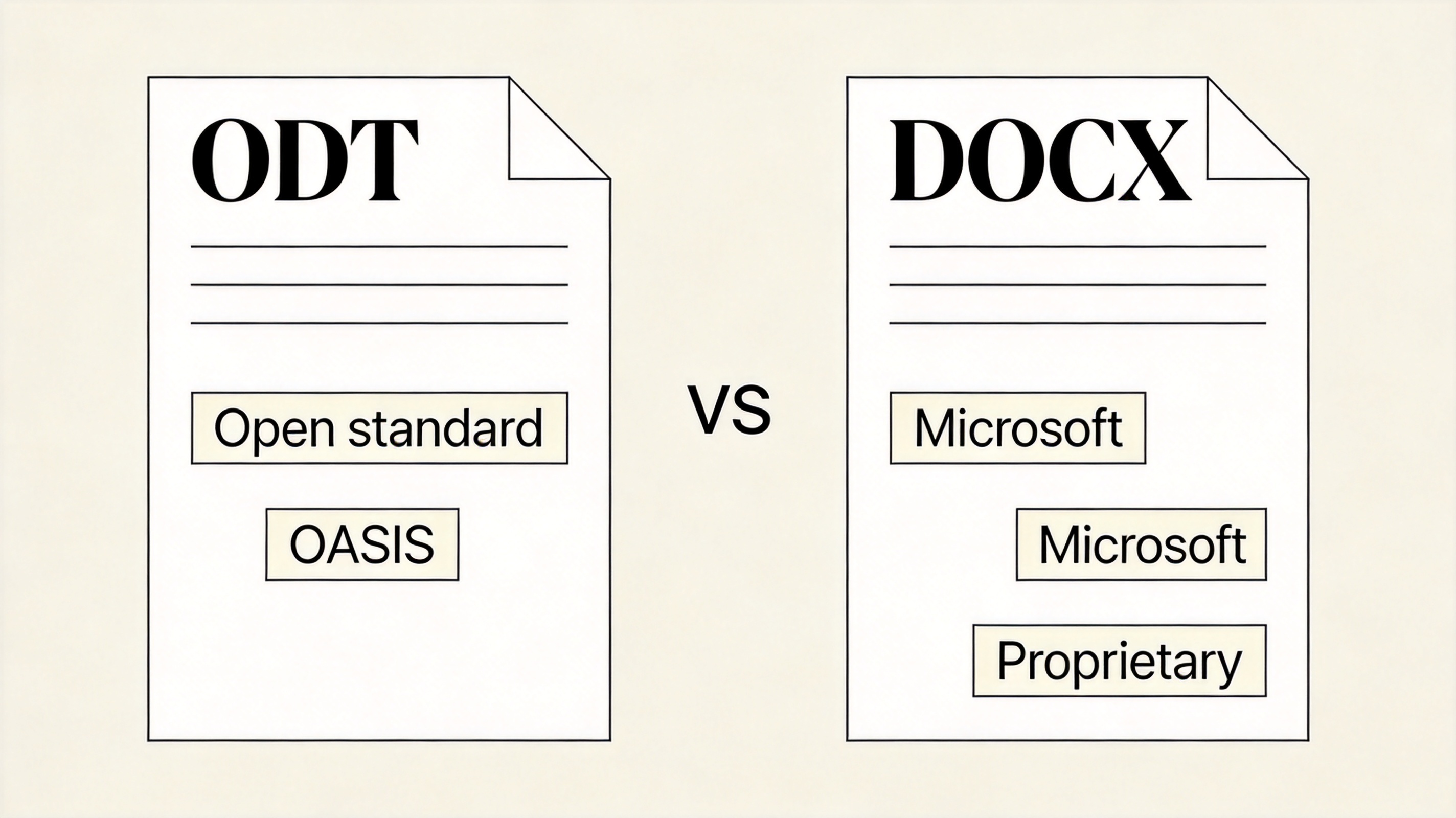
ODT versus DOCX formats
How to Open an ODT File on Every Platform
- Windows/Mac — open in WPS Writer (free) or LibreOffice; in Word, use File > Open and select the ODT directly.
- Google Docs — upload to Drive and open with Google Docs; formatting mostly survives.
- Mobile — WPS Office on iOS/Android opens ODT from email attachments or cloud drives.
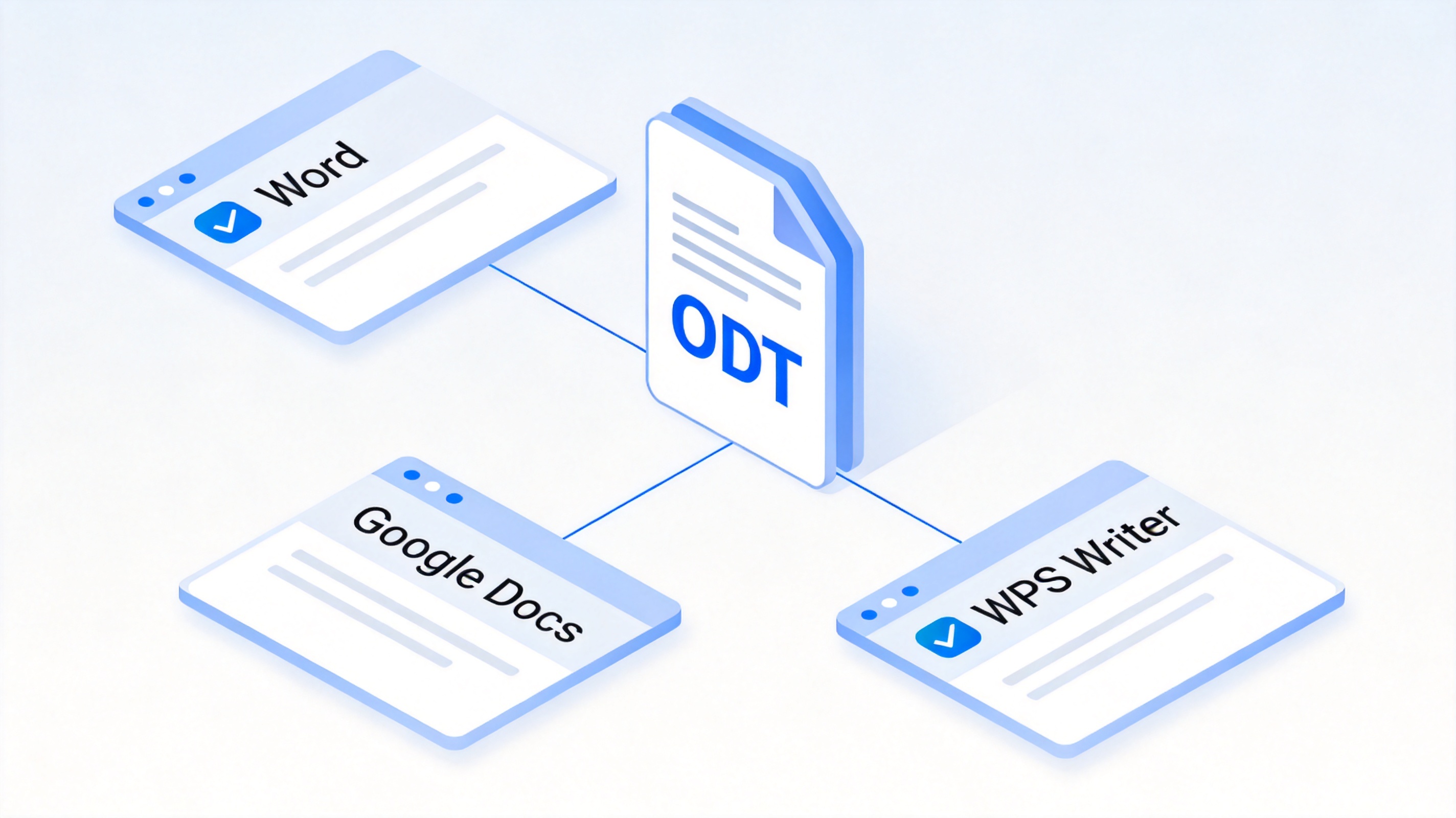
Open ODT on every platform
Converting ODT to DOCX (and Back) Without Breaking Formatting
- Open the file in WPS Writer or Word — both parse ODT natively.
- Save As / Export — choose DOCX; keep fonts standard (system-installed) to avoid substitution.
- Check the usual casualties — custom list numbering, index fields, and some drawing objects. Fix them in the saved copy, not the original.
- Keep the original ODT — if the document will return to a LibreOffice workflow, round-tripping DOCX can re-break layout; archive both.
For PDF output, our free ODT-to-PDF converter guide covers one-click export options.
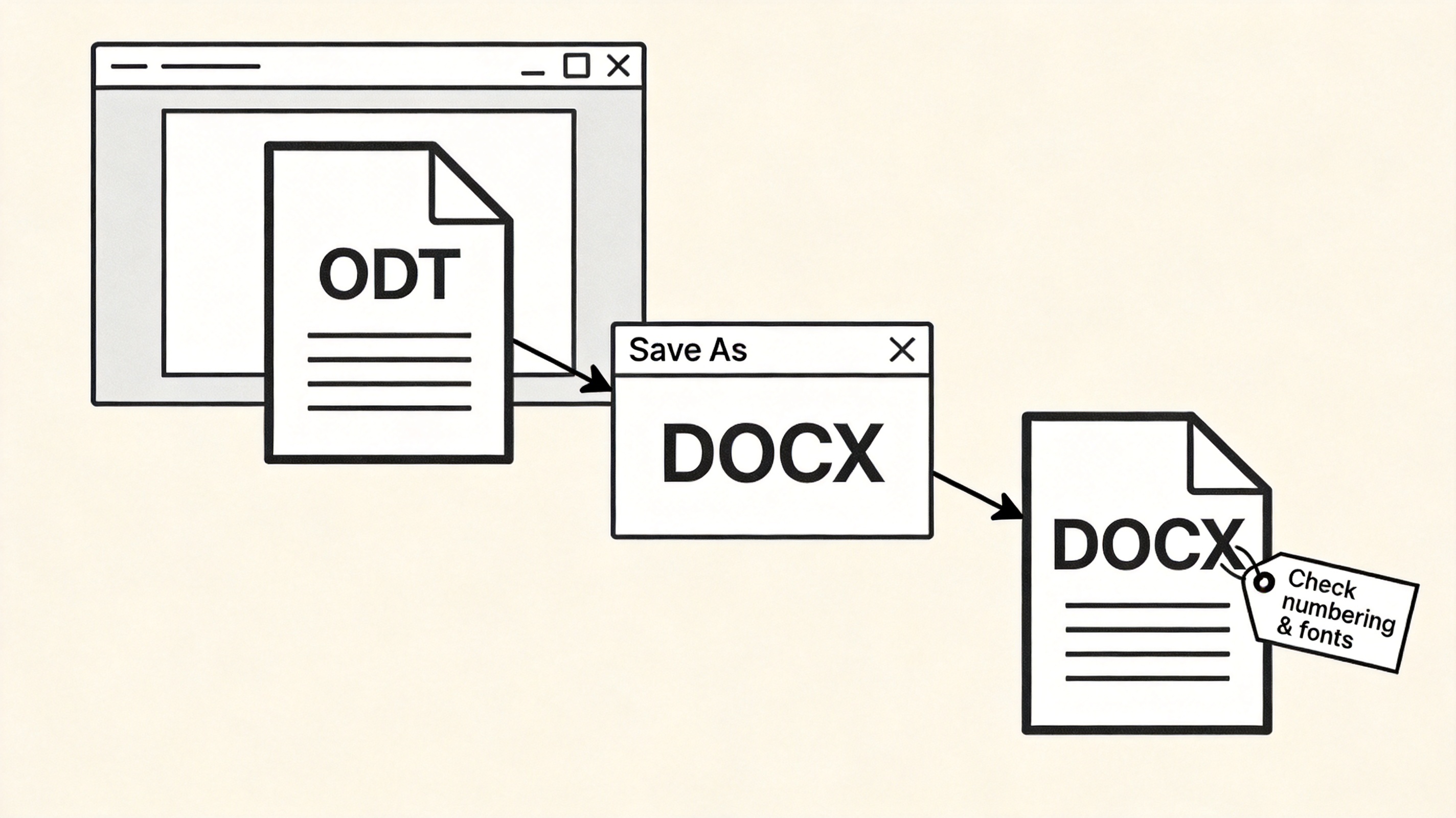
Convert ODT to DOCX workflow
The Best Free ODT Editor: WPS Office
If you received an ODT and don't want to install LibreOffice, WPS Writer opens and edits it natively — full formatting, comments, and track-changes support, in the same window where you handle DOCX, PDFs, and spreadsheets. It's free on Windows, macOS, Linux, iOS, and Android, and saves to any format including PDF. Download WPS Office and open that ODT now.
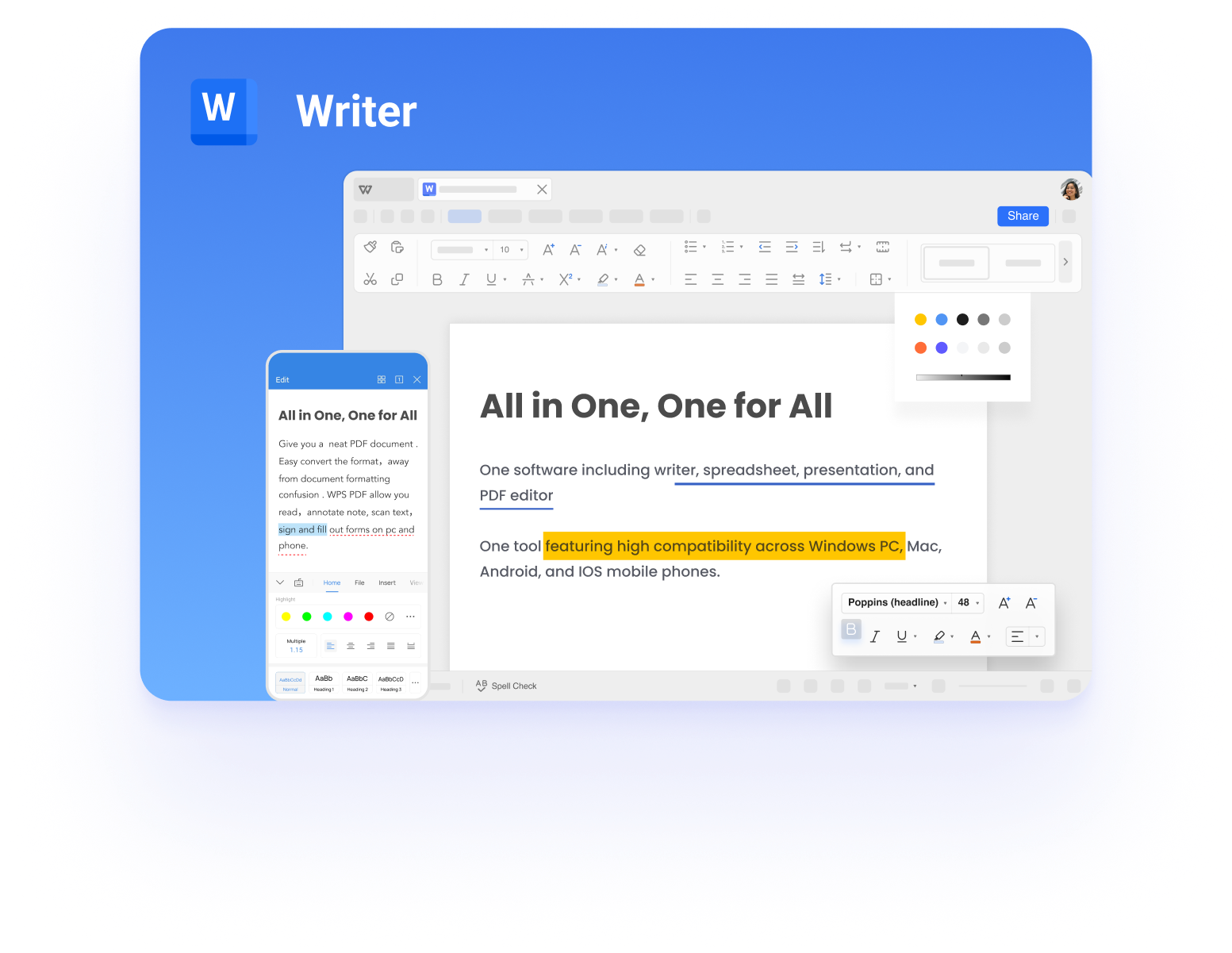
WPS Writer main interface
FAQs
Can Microsoft Word open ODT files?
Yes — Word 2007 and later opens and saves ODT directly via File > Open and Save As.
Is ODT the same as DOCX?
No. Both hold text documents, but ODT is the open OASIS standard and DOCX is Microsoft's format; feature support differs around metadata and fields.
How do I convert ODT to DOCX for free?
Open the file in WPS Writer or Word and Save As DOCX — free, and safer for formatting than random web converters.
Why does my ODT look different after conversion?
Non-standard fonts and ODT-specific list or field features shift between formats; standardize fonts and re-check numbering.
Is ODT outdated?
No — it remains the required format in many public-sector workflows and is actively maintained by OASIS.



'%3e%3cpath%20d='M19.9911%204.11386V6.471H18.5894C18.0775%206.471%2017.7322%206.57814%2017.5536%206.79243C17.3751%207.00671%2017.2858%207.32814%2017.2858%207.75671V9.44421H19.9019L19.5536%2012.0871H17.2858V18.8639H14.5536V12.0871H12.2769V9.44421H14.5536V7.49779C14.5536%206.39064%2014.8632%205.53201%2015.4822%204.92189C16.1013%204.31177%2016.9257%204.00671%2017.9554%204.00671C18.8304%204.00671%2019.509%204.04243%2019.9911%204.11386Z'%20fill='%23333333'/%3e%3c/g%3e%3cdefs%3e%3cclipPath%20id='clip0_2938_8199'%3e%3crect%20width='16'%20height='16'%20fill='white'%20transform='translate(8%204.00671)'/%3e%3c/clipPath%3e%3c/defs%3e%3c/svg%3e)
'%3e%3cpath%20d='M17.5237%2010.7813L23.4811%204H22.0699L16.8949%209.88693L12.7648%204H8L14.2469%2012.9029L8%2020.0133H9.4112L14.8725%2013.7952L19.2352%2020.0133H24M9.92053%205.04213H12.0885L22.0688%2019.0224H19.9003'%20fill='%23333333'/%3e%3c/g%3e%3cdefs%3e%3cclipPath%20id='clip0_2938_8200'%3e%3crect%20width='16'%20height='16.0134'%20fill='white'%20transform='translate(8%204)'/%3e%3c/clipPath%3e%3c/defs%3e%3c/svg%3e)


