

'%3e%3cpath%20d='M8%200C12.4183%200%2016%203.58172%2016%208C16%2012.4183%2012.4183%2016%208%2016C3.58172%2016%200%2012.4183%200%208C0%203.58172%203.58172%200%208%200ZM11.6162%204.38379C11.2257%203.99337%2010.5927%203.99338%2010.2021%204.38379L8%206.58594L5.79785%204.38379C5.40732%203.99334%204.77429%203.99329%204.38379%204.38379C3.99331%204.77429%203.99335%205.40733%204.38379%205.79785L6.58594%208L4.38379%2010.2021C3.99348%2010.5927%203.99341%2011.2257%204.38379%2011.6162C4.77426%2012.0066%205.40734%2012.0065%205.79785%2011.6162L8%209.41406L10.2021%2011.6162C10.5927%2012.0066%2011.2257%2012.0067%2011.6162%2011.6162C12.0067%2011.2257%2012.0066%2010.5927%2011.6162%2010.2021L9.41406%208L11.6162%205.79785C12.0066%205.40735%2012.0066%204.77429%2011.6162%204.38379Z'%20fill='%23080E17'%20fill-opacity='0.46'/%3e%3c/g%3e%3cdefs%3e%3cclipPath%20id='clip0_3761_713'%3e%3crect%20width='16'%20height='16'%20fill='white'/%3e%3c/clipPath%3e%3c/defs%3e%3c/svg%3e)



'%3e%3cpath%20fill-rule='evenodd'%20clip-rule='evenodd'%20d='M21.4999%2010.9993C21.4999%205.20009%2016.7986%200.498901%2010.9993%200.498901C5.19994%200.498901%200.498657%205.20009%200.498657%2010.9993C0.498657%2016.2404%204.33858%2020.5844%209.35855%2021.3722V14.0346H6.69238V10.9993H9.35855V8.68594C9.35855%206.05427%2010.9262%204.60062%2013.3248%204.60062C14.4736%204.60062%2015.6753%204.80571%2015.6753%204.80571V7.38979H14.3512C13.0468%207.38979%2012.64%208.19921%2012.64%209.0296V10.9993H15.5523L15.0867%2014.0346H12.64V21.3722C17.66%2020.5844%2021.4999%2016.2404%2021.4999%2010.9993Z'%20fill='%231568EA'/%3e%3c/g%3e%3c/svg%3e)


'%3e%3cpath%20d='M2.42045%2022.1876H6.31818V12.7217L0.75%208.54553V20.5171C0.75%2021.4414%201.49892%2022.1876%202.42045%2022.1876Z'%20fill='%234285F4'/%3e%3cpath%20d='M19.682%2022.1876H23.5797C24.5041%2022.1876%2025.2502%2021.4387%2025.2502%2020.5171V8.54553L19.682%2012.7217'%20fill='%2334A853'/%3e%3cpath%20d='M19.682%205.48293V12.7216L25.2502%208.54543V6.31816C25.2502%204.25236%2022.8921%203.07469%2021.2411%204.31361'%20fill='%23FBBC04'/%3e%3cpath%20d='M6.31824%2012.7217V5.48303L13.0001%2010.4944L19.6819%205.48303V12.7217L13.0001%2017.733'%20fill='%23EA4335'/%3e%3cpath%20d='M0.75%206.31816V8.54543L6.31818%2012.7216V5.48293L4.75909%204.31361C3.10534%203.07469%200.75%204.25236%200.75%206.31816Z'%20fill='%23C5221F'/%3e%3c/g%3e%3cdefs%3e%3cclipPath%20id='clip0_2954_7305'%3e%3crect%20width='24.5'%20height='18.375'%20fill='white'%20transform='translate(0.75%203.8125)'/%3e%3c/clipPath%3e%3c/defs%3e%3c/svg%3e)


HTML PPT is becoming a new trend in AI presentation workflows. Instead of building slides page by page in PowerPoint, users can create browser-based presentations with HTML, CSS, and JavaScript.The reason it is popular is simple: HTML PPT is easier for AI to generate, edit, restyle, present, export, and share. For business reports, product launches, training decks, and technical talks, this makes the whole presentation process much more flexible.
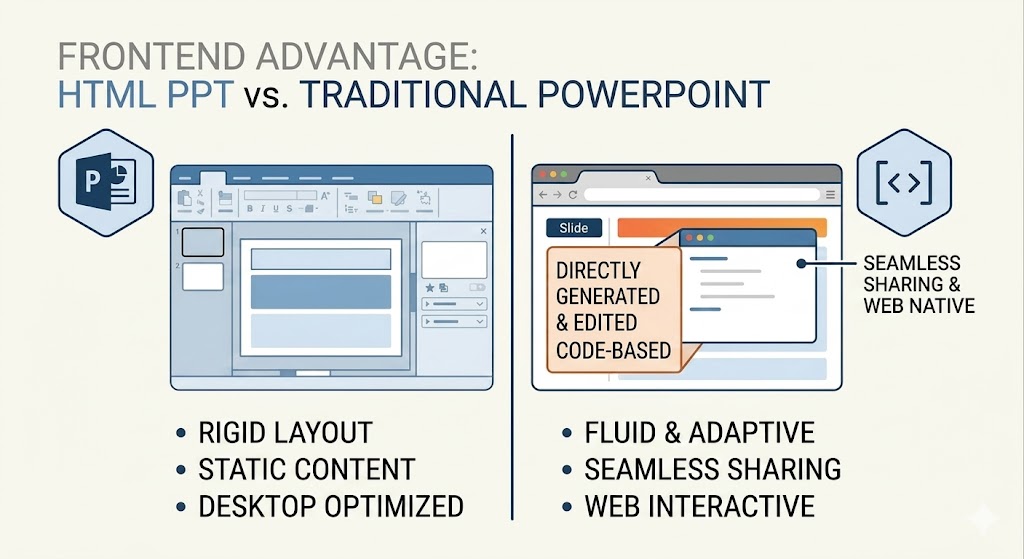
But HTML PPT becomes truly useful when it is paired with an HTML PPT Skill. A skill gives the AI agent a ready-made workflow: templates, themes, layouts, animations, speaker notes, preview logic, and export options.
So HTML PPT is not just another slide format. It is becoming an AI-native way to create presentations.
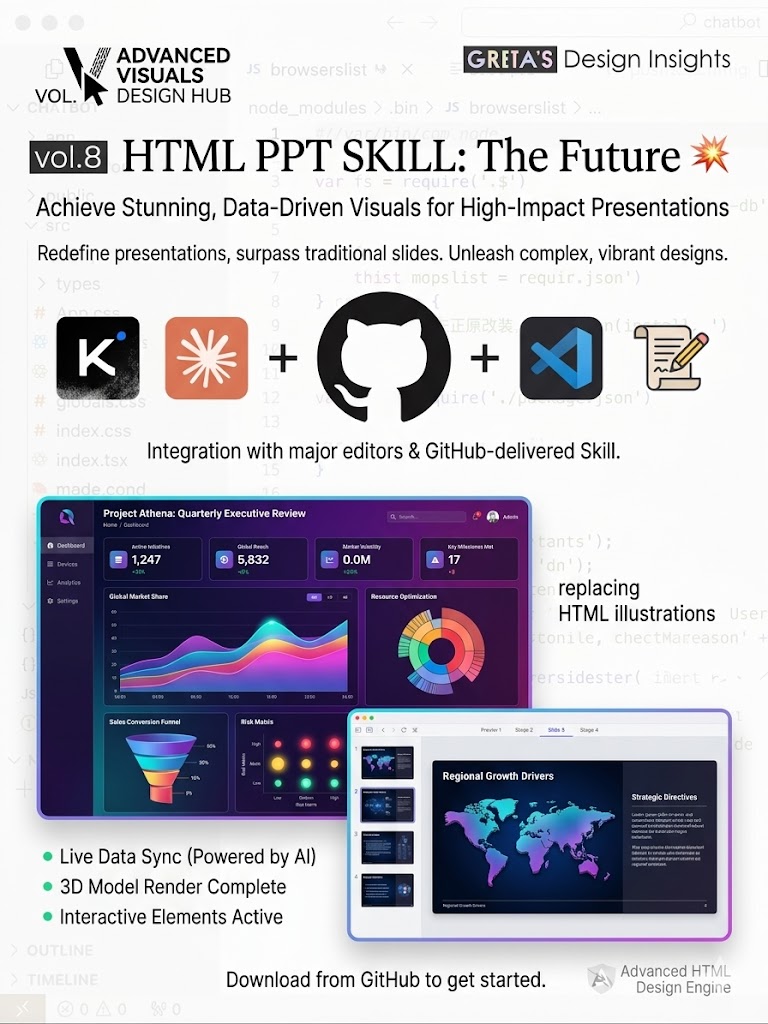
Supercharge Your Presentation Workflow with HTML PPT
An HTML PPT Skill is a ready-made presentation workflow that helps AI agents create web-based presentations.
Instead of asking AI to design every slide from scratch, a skill gives the AI a structured system to work with:
- Presentation templates
- Visual styles
- Slide layouts
- Animation patterns
- Speaker notes
- Browser preview
- Export and sharing workflows
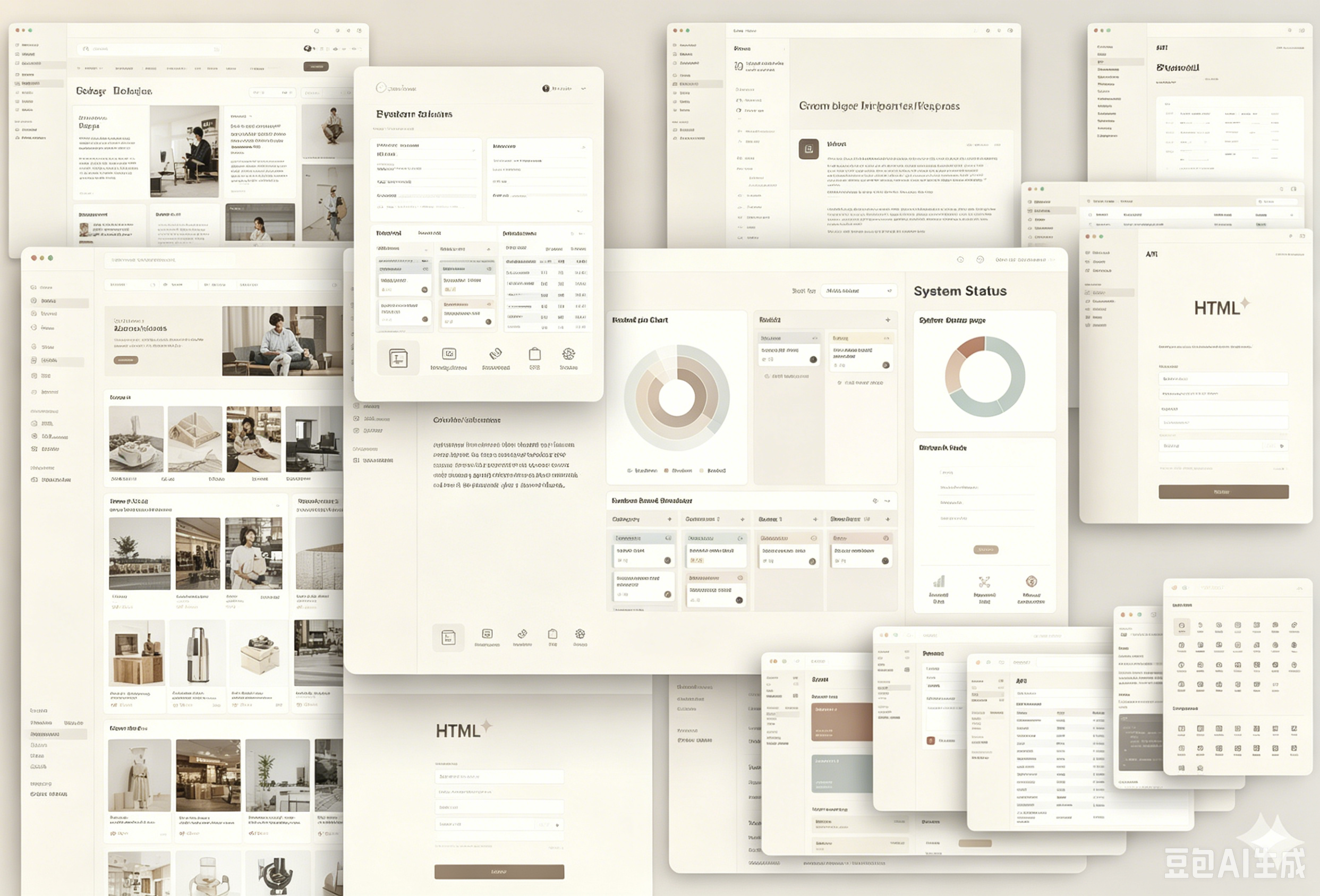
This is important because most people do not want to write HTML or CSS by hand. They want to describe the content, choose a style, preview the result, and get a usable deck.
Before Using HTML PPT Skills, Choose the Right AI Agent Tool
Before we look at specific HTML PPT Skills, it is important to clarify one thing: these skills usually run inside an AI coding or agent environment.
They are not traditional PowerPoint plugins. They are workflow packages that an AI agent can read and execute.
Depending on the skill, you may use tools such as Claude Code, Cursor, Codex, or other AgentSkill-compatible environments. The basic workflow is:
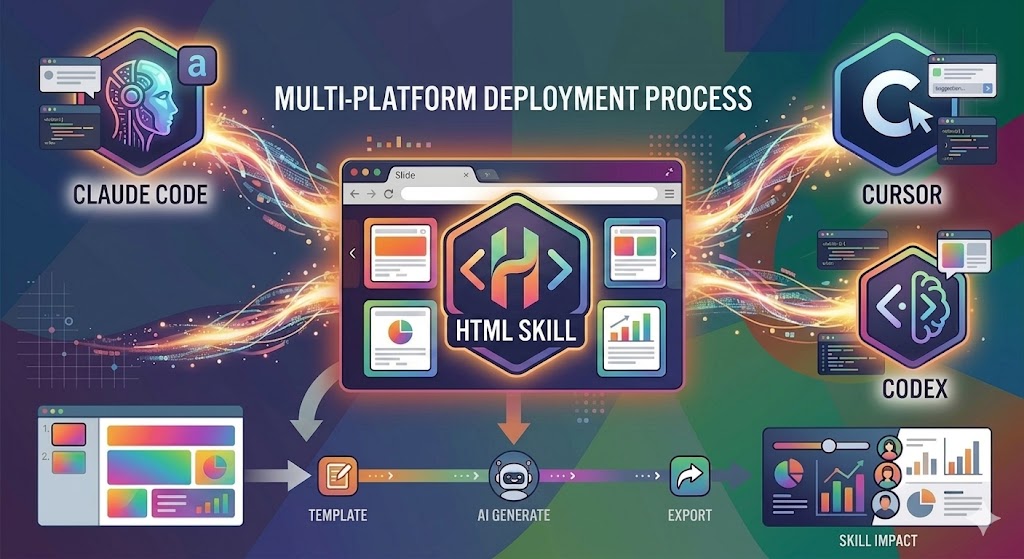
Once this is clear, the two GitHub projects below become much easier to understand. They are not just template libraries. They show how AI agents can be guided to create better HTML presentations.
Two GitHub HTML PPT Skills Worth Studying
Two open-source projects show the direction clearly.
The first one is zarazhangrui/frontend-slides: https://github.com/zarazhangrui/frontend-slides. It describes itself as a Claude Code skill for creating animation-rich HTML presentations, either from scratch or by converting existing PowerPoint files.
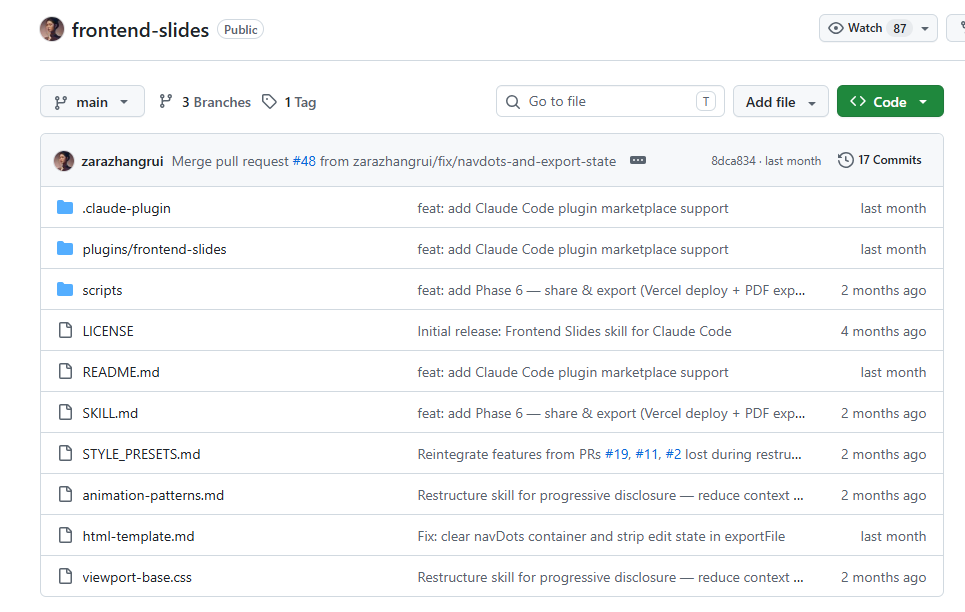
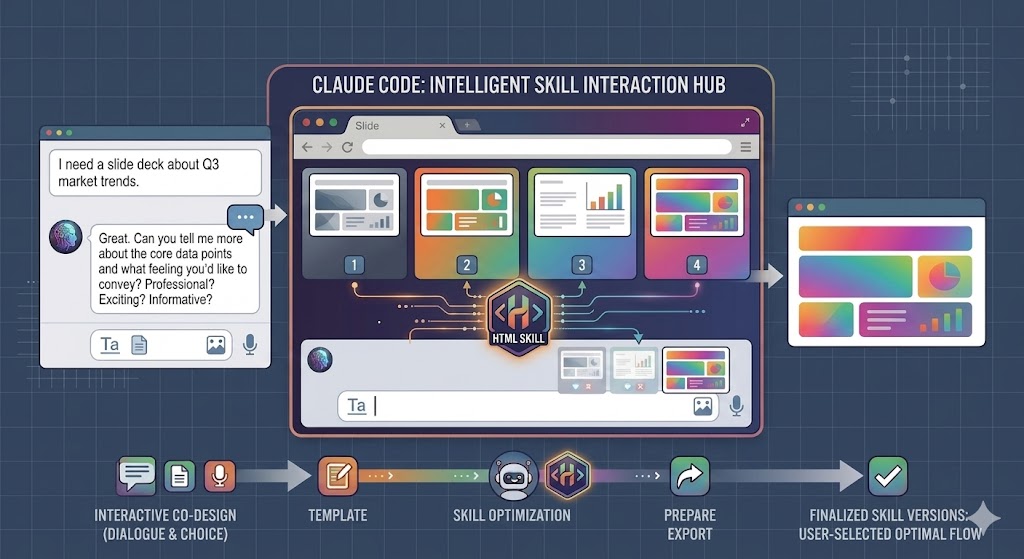
Its biggest value is that it is designed for non-designers. The workflow is not 'write CSS yourself.' Instead, the skill can ask about your content, ask about the feeling you want, generate visual style previews, and let you choose the version you like.
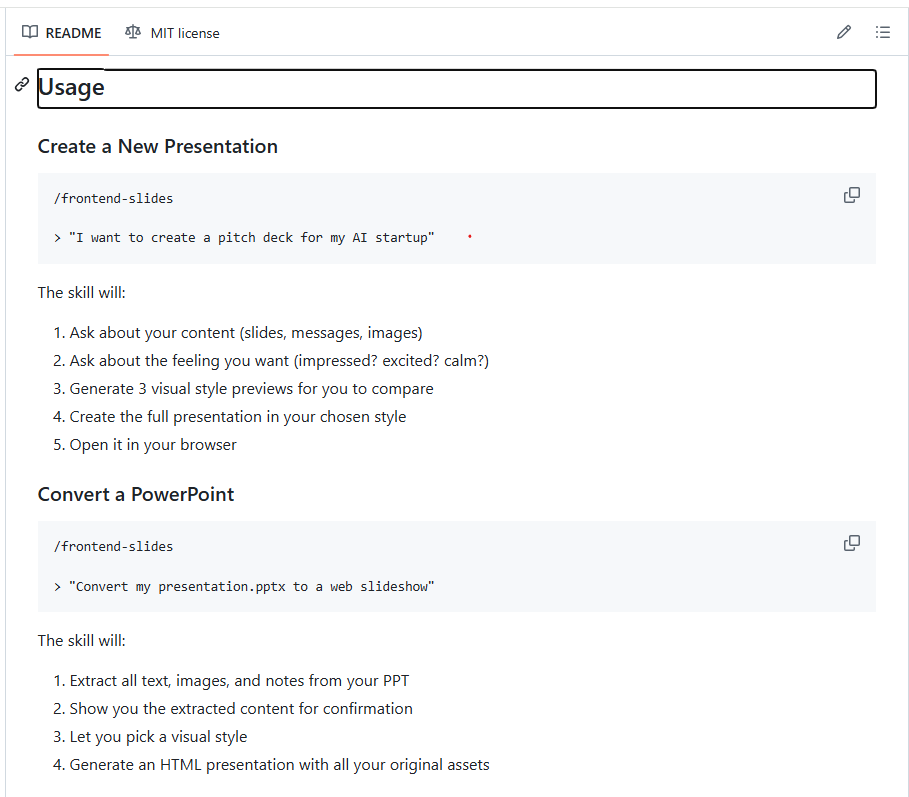
According to its README section, when you create a new presentation, the skill will ask about your content, ask about the feeling you want, generate three visual style previews, create the full presentation in your chosen style, and open it in your browser.
It also supports PowerPoint conversion. You can ask it to convert an existing .pptx file into a web slideshow. The skill will extract text, images, and notes from the PPT, show the extracted content for confirmation, let you pick a visual style, and then generate an HTML presentation with the original assets preserved.
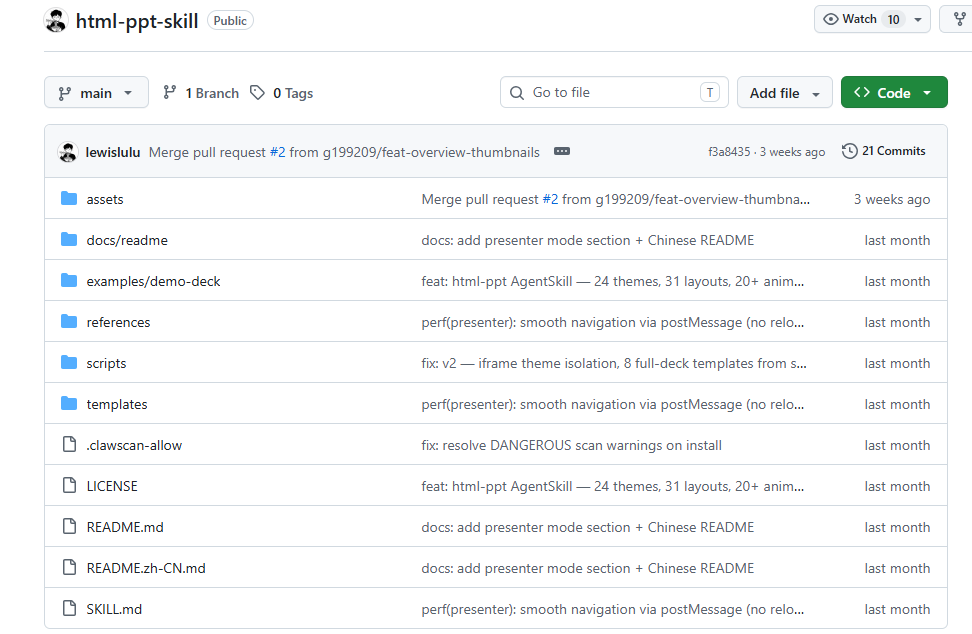
The second project is lewislulu/html-ppt-skill: https://github.com/zarazhangrui/frontend-slides. It focuses more on a professional HTML presentation studio.
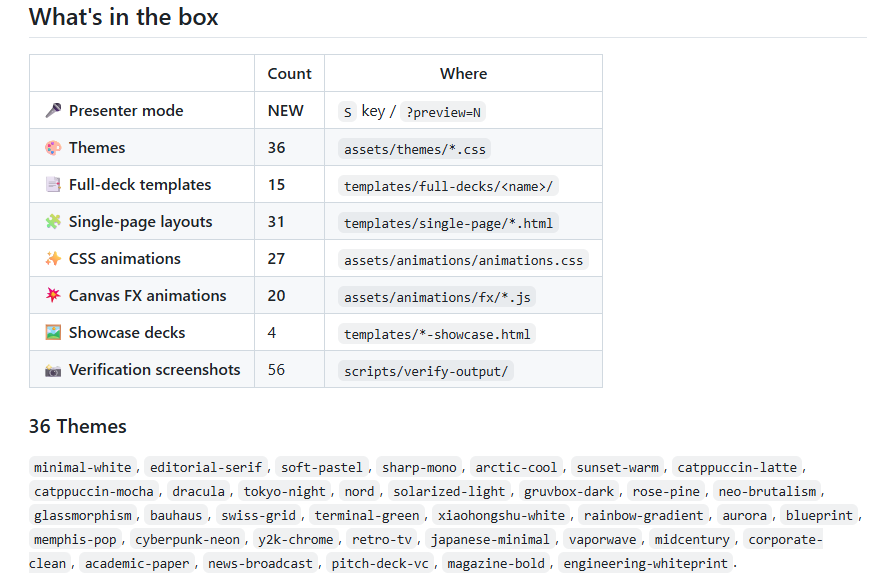
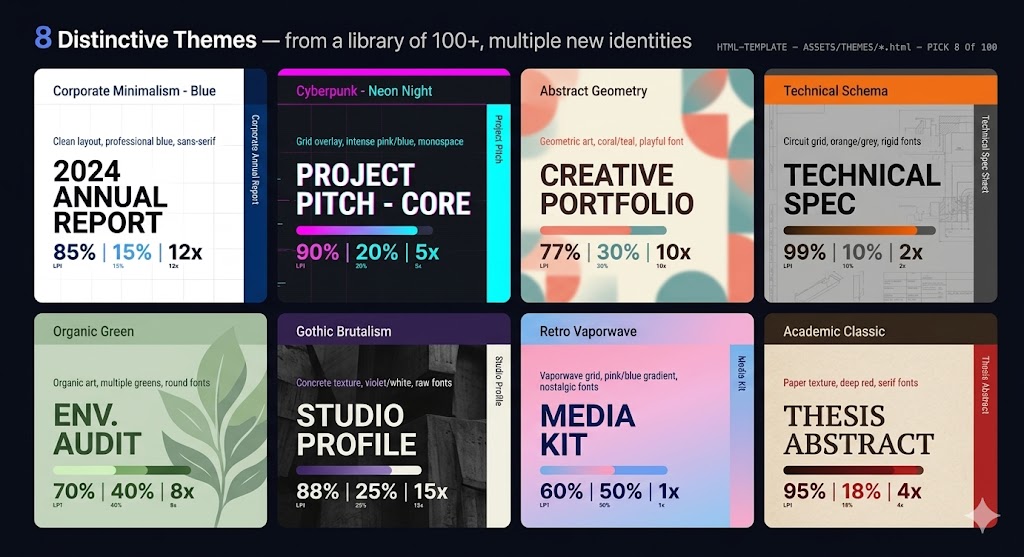
It provides 36 themes, 15 full deck templates, 31 single-page layouts, 27 CSS animations, 20 Canvas FX animations, showcase decks, presenter mode, keyboard navigation, and a PNG rendering workflow.
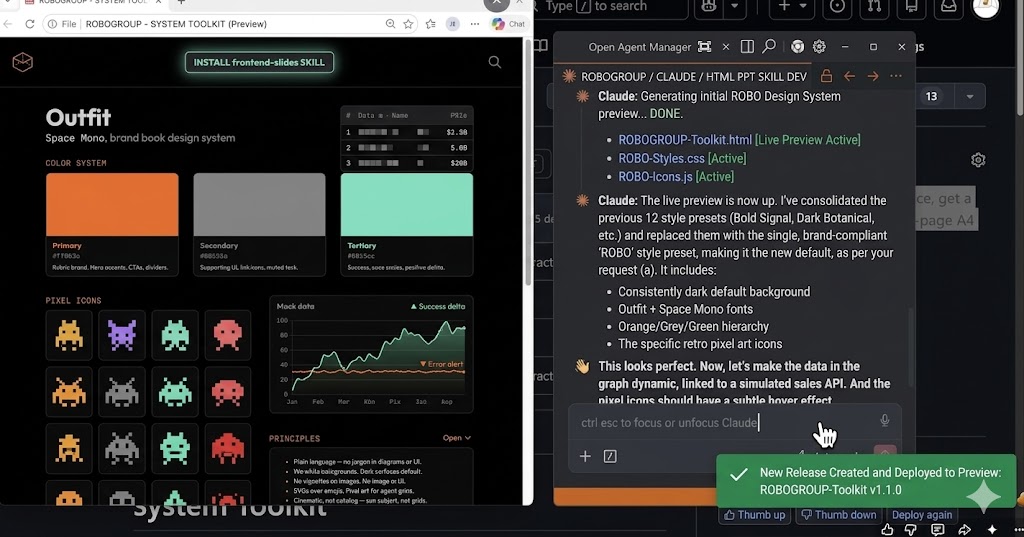
Its standout feature is presenter mode. In any deck, you can press S to open a separate presenter window with current slide preview, next slide preview, speaker script, and timer.
How to Use HTML PPT Skill
If you use frontend-slides, the basic usage is very simple.
To create a new presentation:
The skill will guide you through the process. It does not immediately generate random slides. It first asks what content you have, what message you want to deliver, and what visual feeling you want.
That makes the workflow more practical for real presentation work.
To convert an existing PowerPoint:
The skill can extract the text, images, and notes from the original PPT, then help you rebuild it as an HTML presentation.
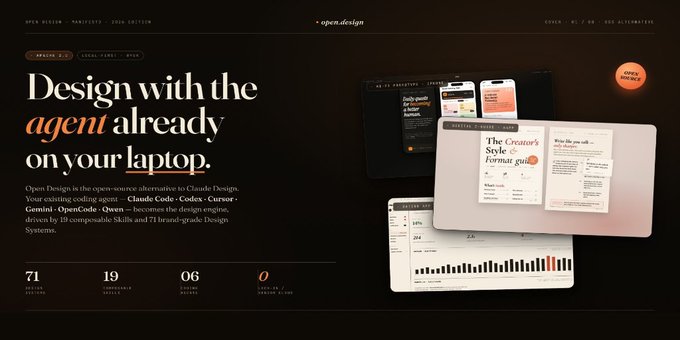
If you use html-ppt-skill, installation can be done with:
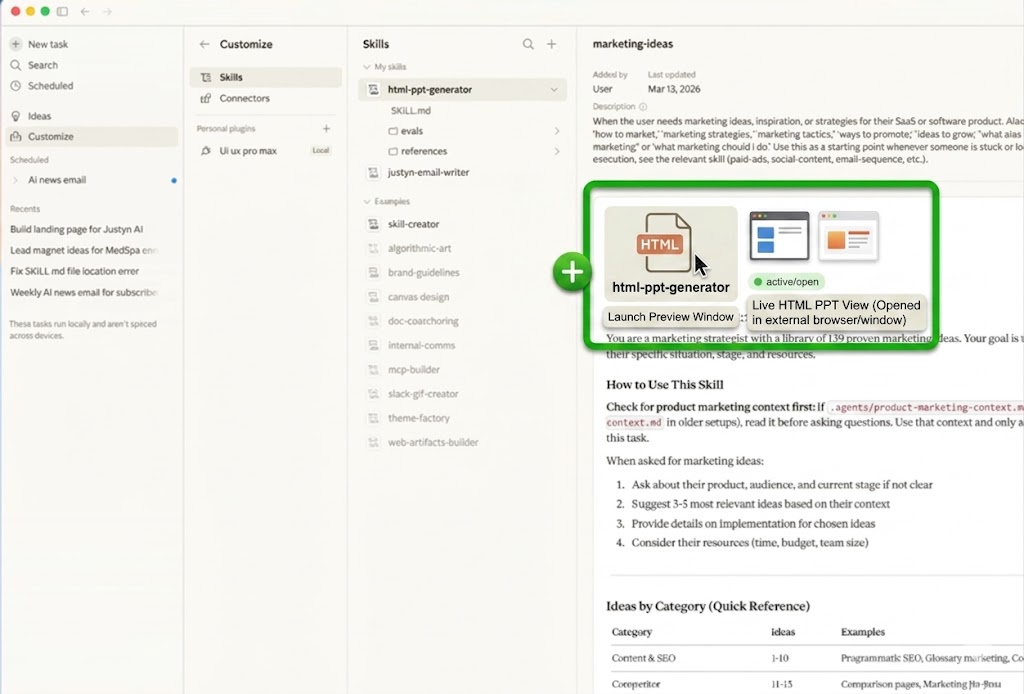
Then you can ask the agent:
The point is not only that AI can generate slides. The point is that the skill gives AI a presentation system: themes, layouts, templates, animations, and runtime features.
A Practical Workflow: Build a Business Report HTML PPT
Let’s take a common workplace scenario: you need to create a business report presentation.
In the traditional PPT workflow, you usually start with a blank file or an old template. Then you manually adjust titles, charts, colors, spacing, icons, and transitions.
With HTML PPT Skill, the workflow can be different.
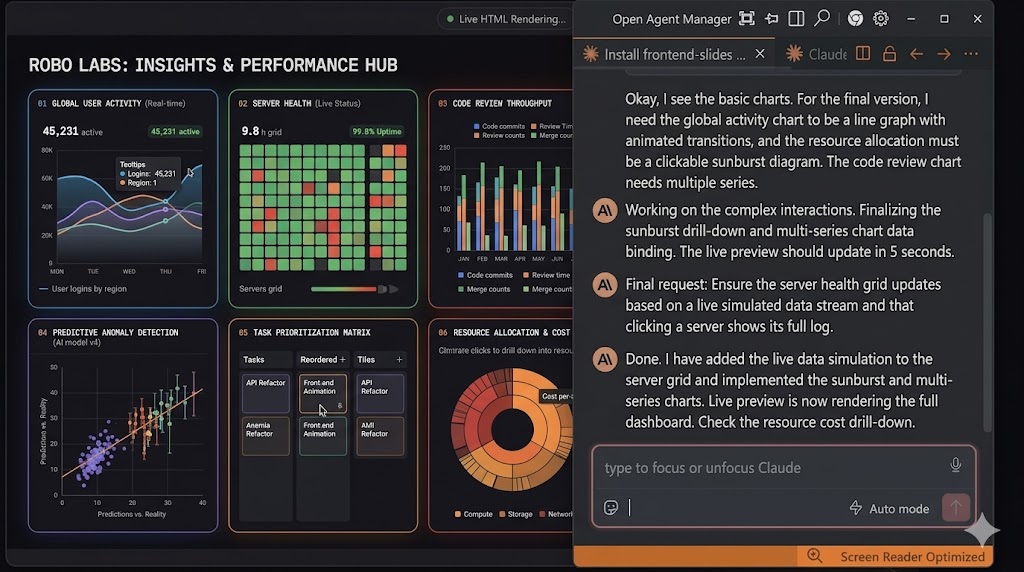
Step 1: Let the skill understand your content
Using the frontend-slides style of workflow, you can start by giving the AI your business context:
The skill can then ask follow-up questions about the content, key messages, slide count, and visual direction.
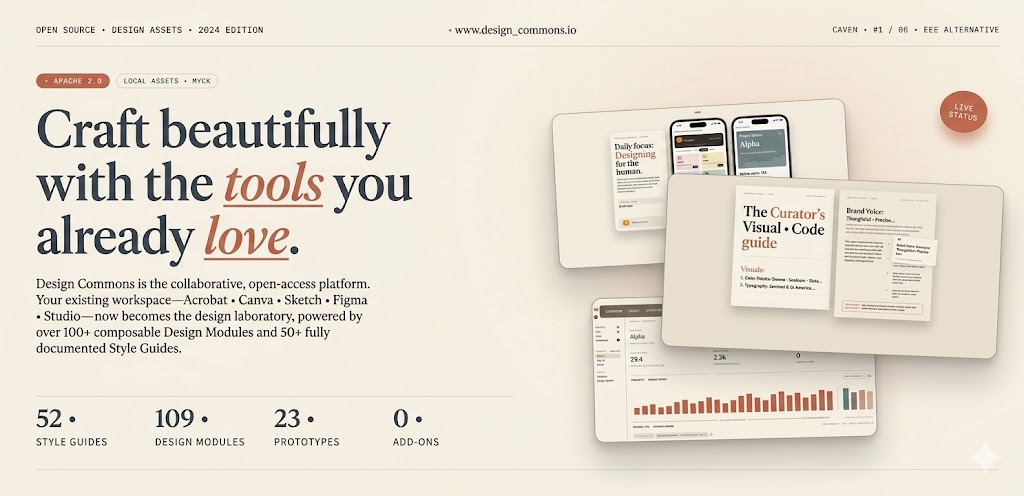
This is useful because a good business deck is not just a collection of charts. It needs a clear message.
Step 2: Choose the visual feeling instead of designing manually
One strong idea from frontend-slides is “visual style discovery.”
Many users cannot describe design preferences in technical terms. They may not know whether they need a Swiss layout, editorial style, dark theme, or corporate design.
So instead of forcing users to describe everything, the skill can generate multiple visual previews and let the user choose.
For a business report, you might ask:
This turns design selection into a visual decision, not a CSS decision.
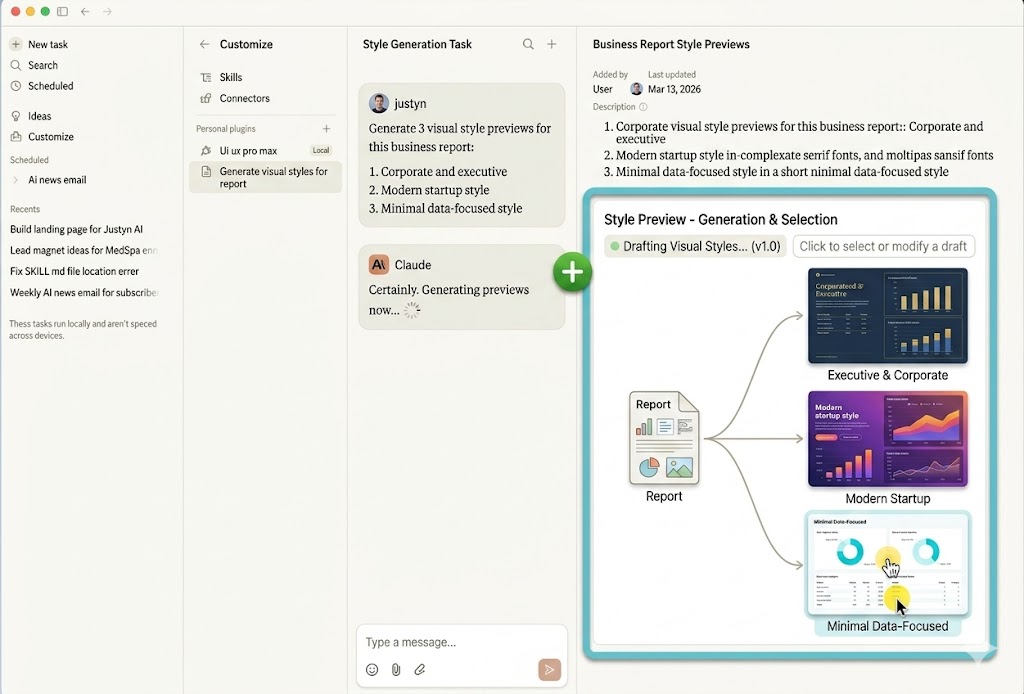
Step 3: Generate the full deck in the chosen style
After choosing the direction, ask the skill to create the deck:
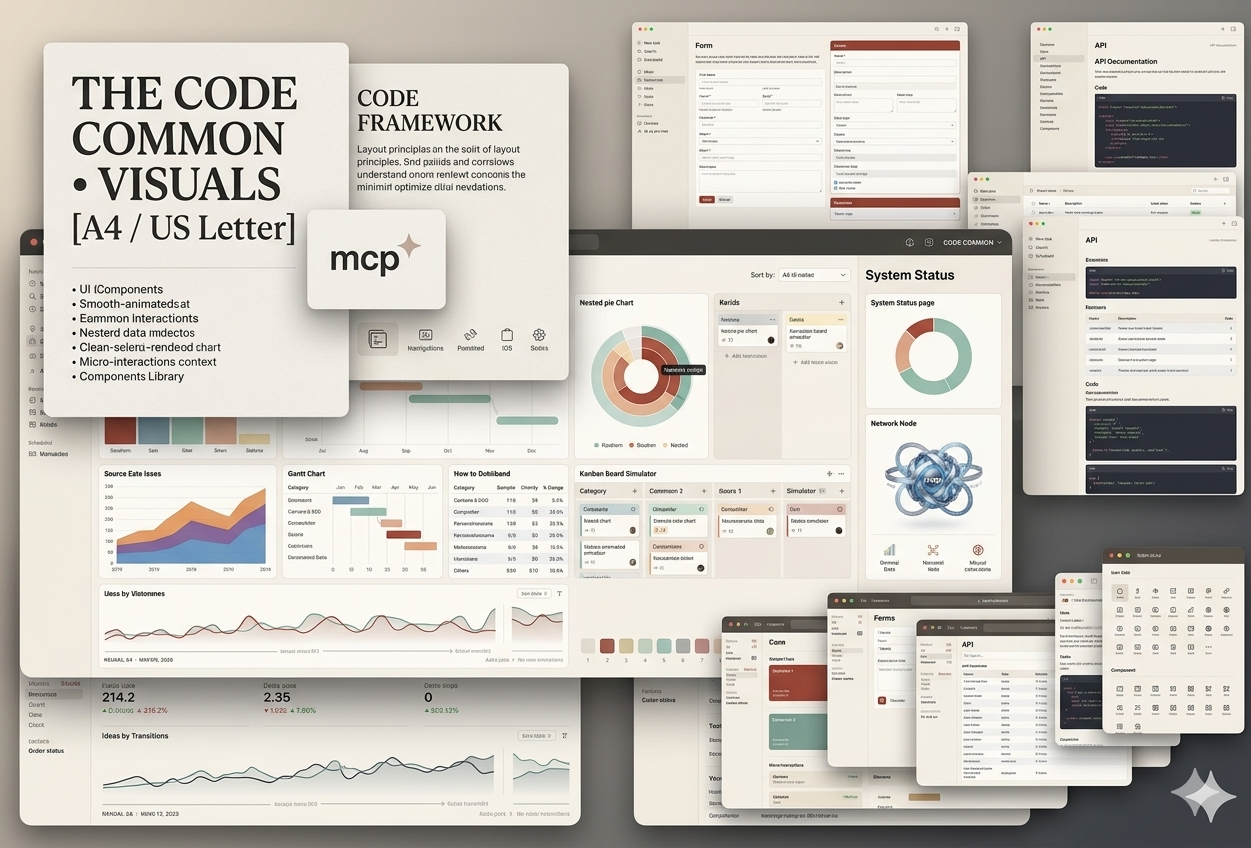
Here, html-ppt-skill can provide useful layout support. Its layout library includes pages such as KPI grids, tables, charts, comparison pages, roadmap pages, process steps, and summary pages.
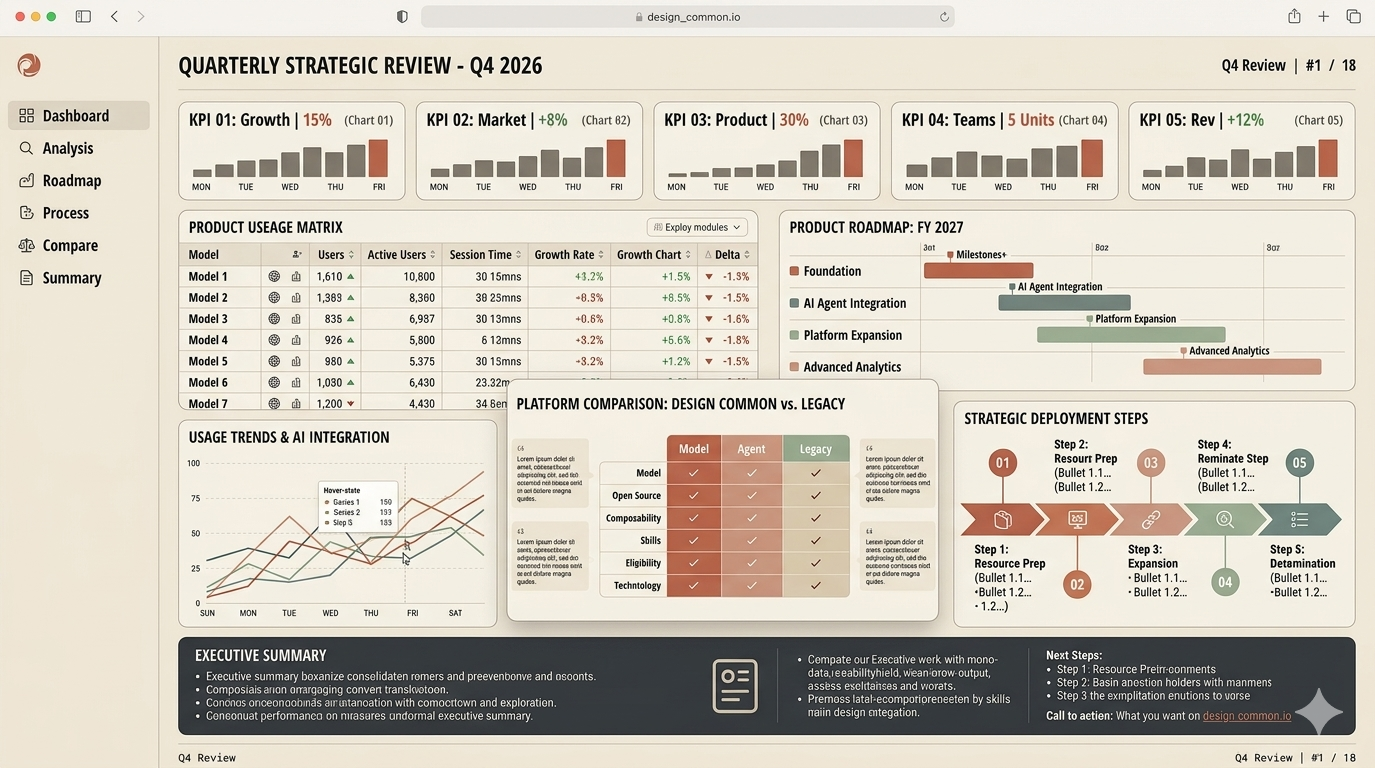
That means AI can map your business content into real presentation structures instead of plain bullet pages.
Step 4: Add polish with themes, layouts, and animations
This is where HTML PPT Skill becomes more powerful than a basic AI slide generator.
With html-ppt-skill, you can choose from different themes and templates. For business use, themes like corporate-clean, pitch-deck-vc, swiss-grid, or minimal-white are more suitable than overly decorative styles.
You can prompt:
The skill can also use CSS animations or Canvas FX when needed, but for a business report, subtle transitions are usually better than heavy visual effects.
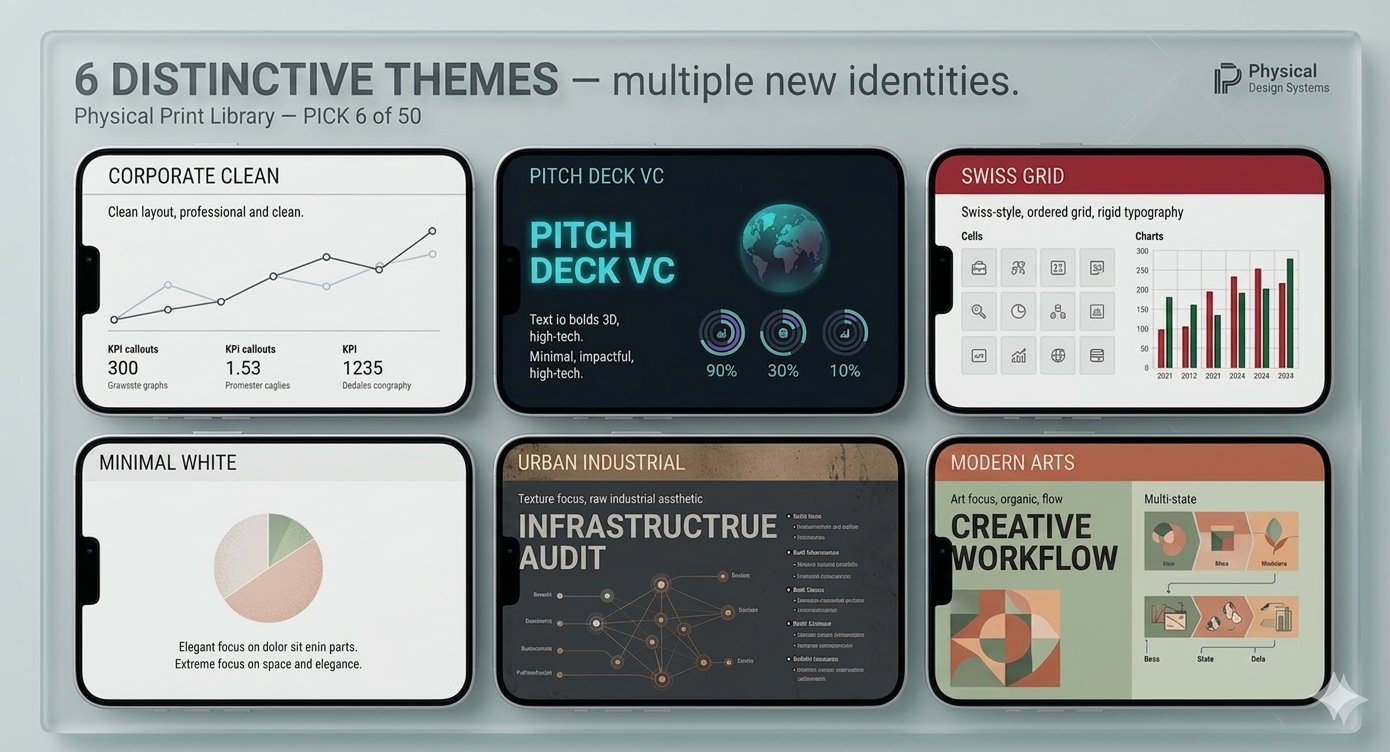
Step 5: Present with speaker notes and presenter mode
A major advantage of HTML PPT is that presentation delivery can be built into the same file.
In html-ppt-skill, presenter mode lets you press S to open a presenter window. It can show the current slide, next slide, speaker script, and timer.
For a business report, this is extremely useful.
You can ask:
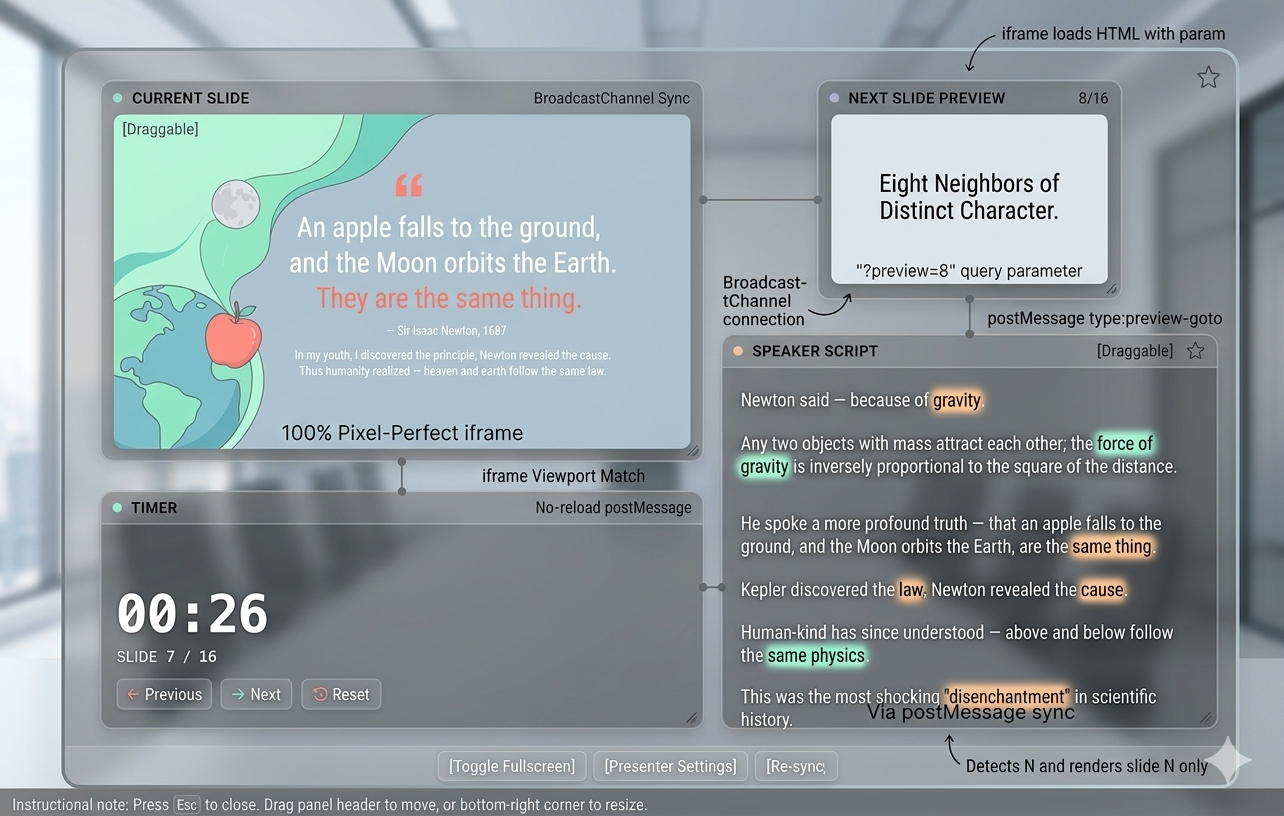
This means the output is not just a deck. It is closer to a complete presentation package.
Step 6: Share or export the final result
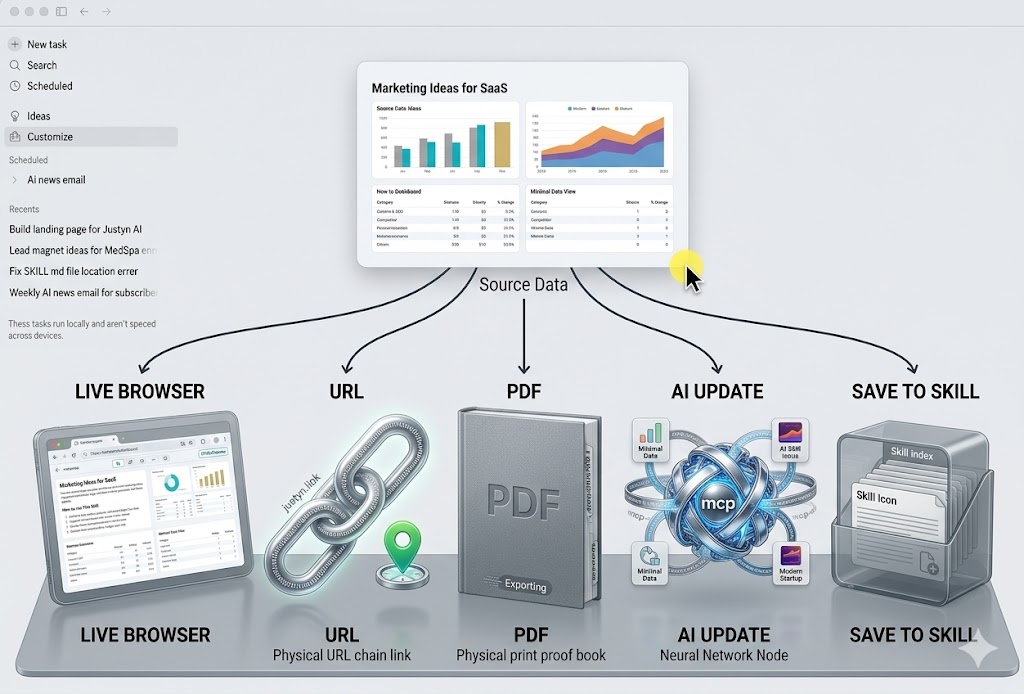
frontend-slides also highlights two practical sharing options: deploying to a Live URL and exporting to PDF.
For example, after creating a presentation, you can deploy it:
Or export it to PDF:
This is one of the biggest reasons HTML PPT fits modern workflows.
A business report can be presented live in a browser, shared as a URL, exported as a PDF, or updated later with AI.
It is no longer just a static file passed around in email.
More HTML PPT Skills to Explore
Besides the two main projects above, GitHub also has many related HTML PPT and PPT-to-HTML tools. You can search keywords like HTML PPT skill, AI presentation skill, PPT to HTML, web presentation, or HTML deck.
Here are three quick examples:
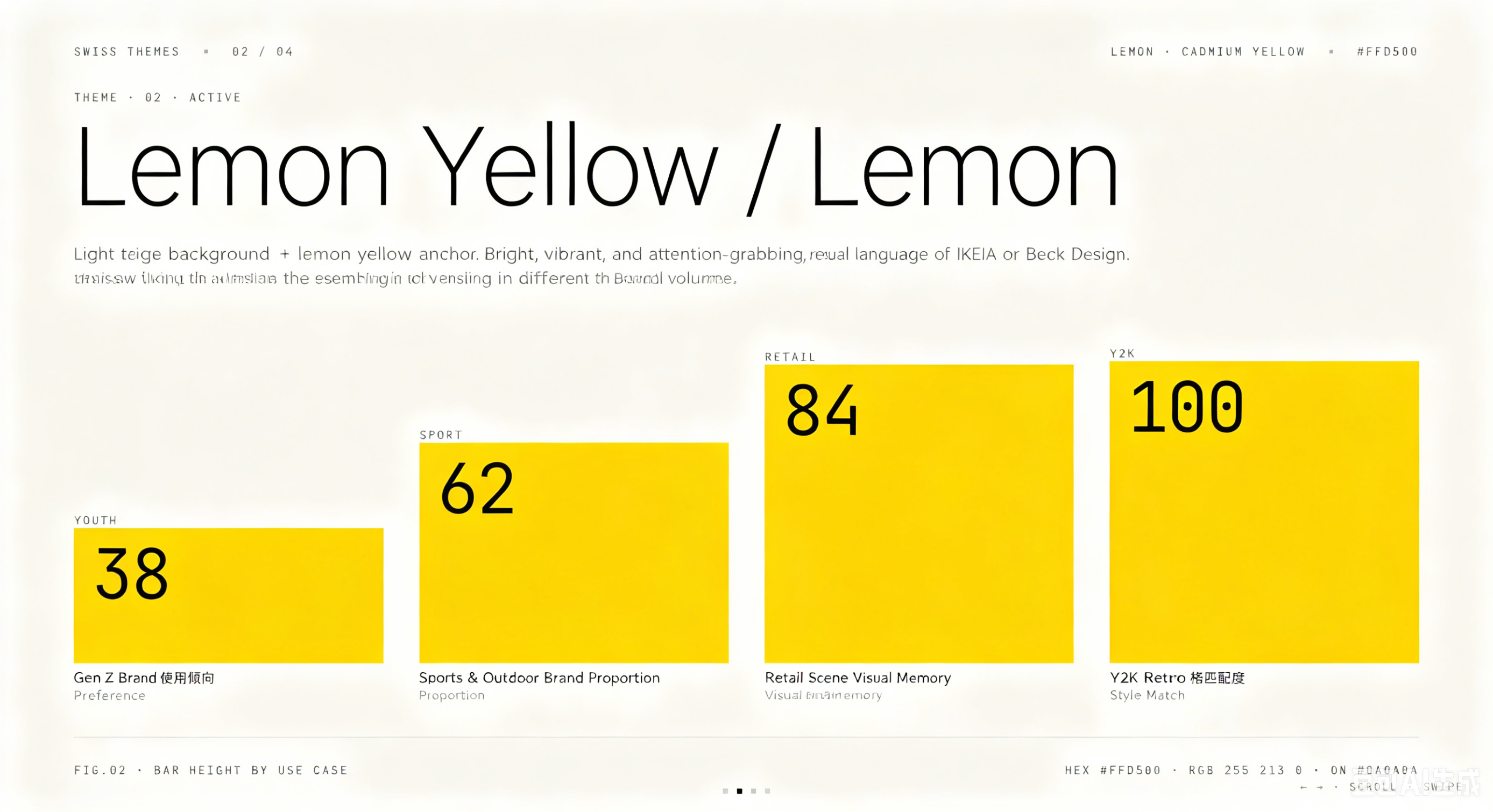
op7418/guizang-ppt-skill focuses on polished single-file HTML decks, visuals, and social covers. Its highlights are two strong visual systems: editorial magazine style and Swiss international style. It is useful when you want a deck with a more distinctive visual identity.
Example prompt:
Unclecheng-li/AI-Animation-Skill is more suitable for animated explainer content. It can turn educational or technical text into HTML presentation animations, with PPT templates and flowchart-style animation templates. It is useful for video materials, classroom teaching, and technical sharing.
Example workflow:
g21589/PPTX2HTML is not an AI skill, but it is useful in the HTML PPT ecosystem. It converts .pptx files into HTML with pure JavaScript and supports text, images, charts, tables, SVG drawings, groups, themes, and layouts. It is helpful when you already have old PowerPoint files and want to move them into a web-based workflow.
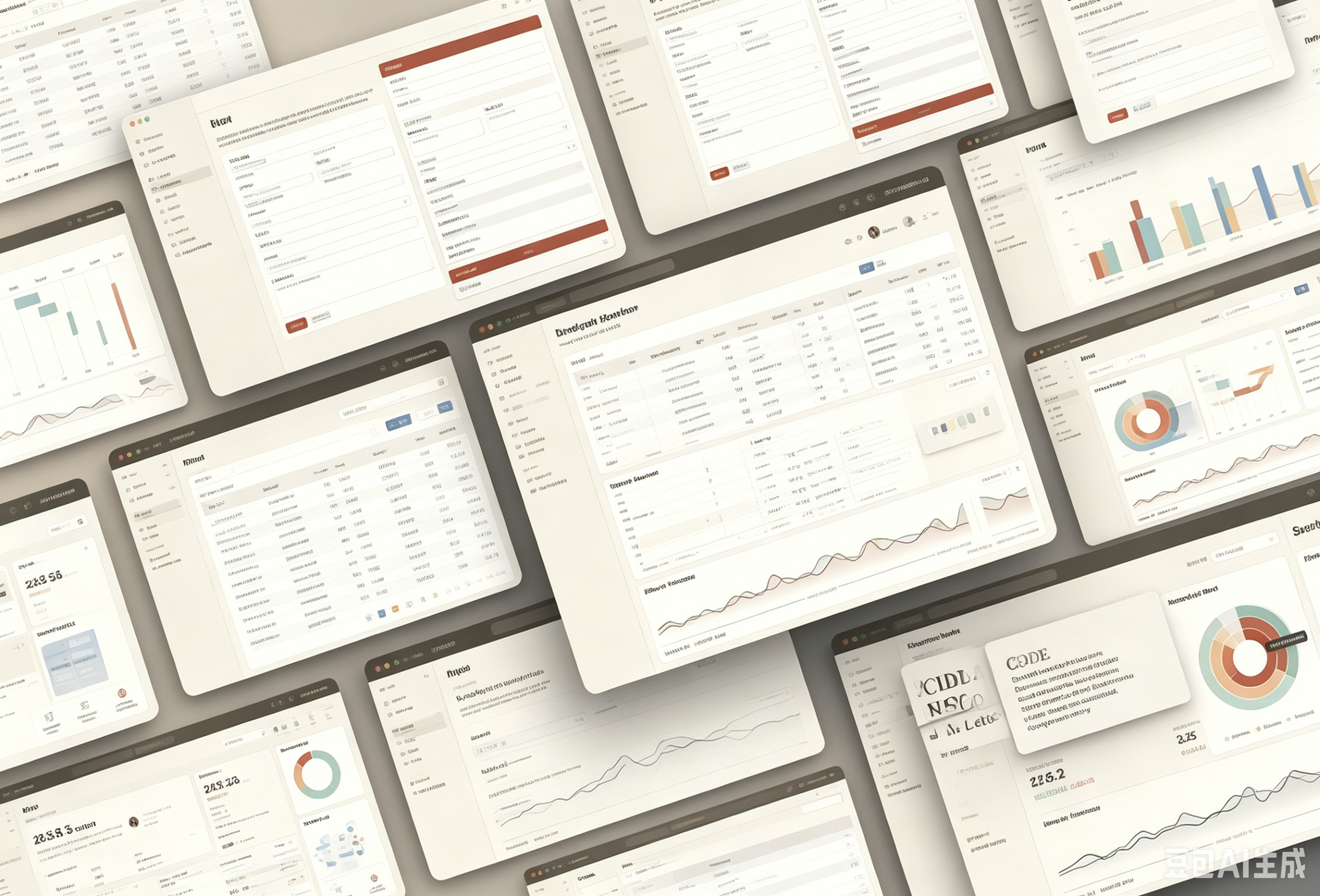
When choosing other HTML PPT tools on GitHub, do not only look at stars. Check whether the project solves your specific problem: generating new slides, converting old PPT files, creating animations, providing templates, supporting preview, or exporting for sharing.
Why WPS Is Still Useful in an HTML PPT Workflow
HTML PPT is great for AI-generated, web-based presentations, but many workplace tasks still start with traditional files: PPT, Word documents, spreadsheets, or PDFs.
That is where WPS Office can help. You can use WPS to open and edit existing PPT files, organize report content, check documents, and prepare materials before converting or rebuilding them with an HTML PPT Skill.
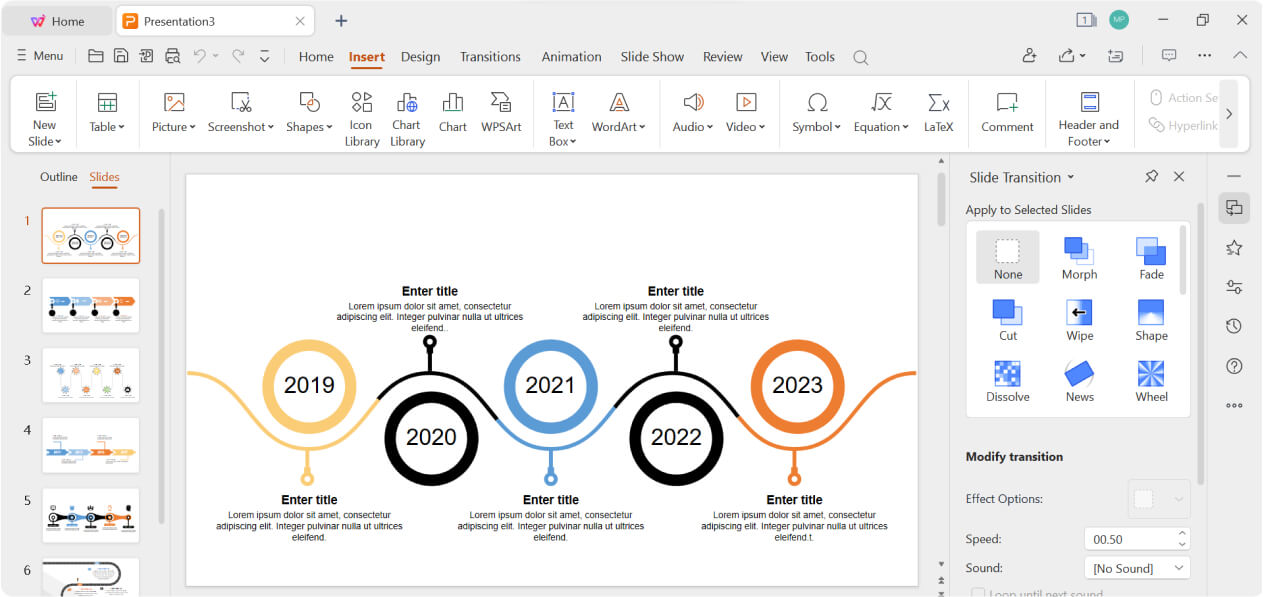
A practical workflow can be:
WPS is not a replacement for HTML PPT Skill. It is a useful starting point for everyday Office work before you move into a more AI-native presentation workflow.
For users who still work with PPT files, reports, spreadsheets, and PDFs, WPS Office is a practical tool to download and use alongside HTML PPT.


Final Thoughts
HTML PPT is not just a new way to make slides. It is becoming a more AI-native workflow for creating, editing, presenting, and sharing presentations.
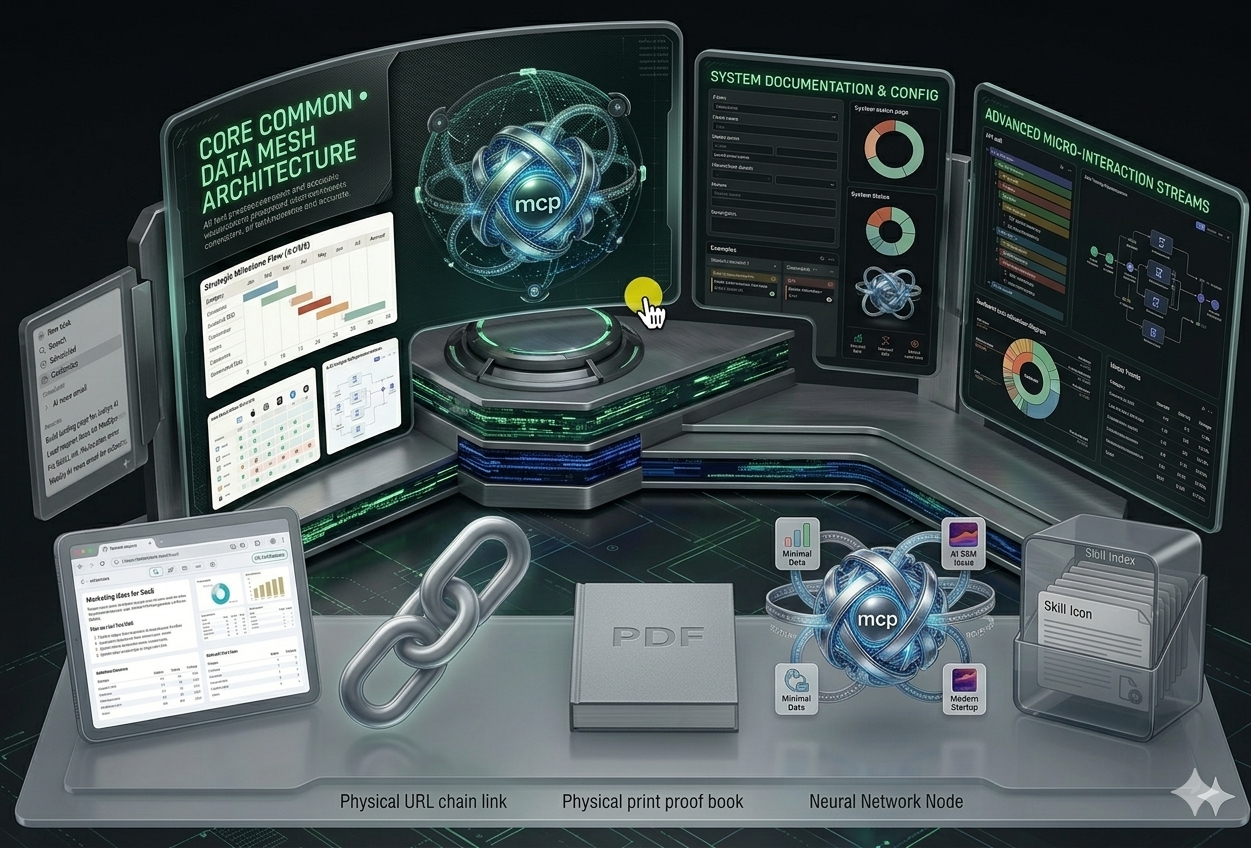
The key is not to find one perfect tool, but to understand what each HTML PPT Skill is good at. Some are better for polished templates, some for visual style discovery, some for animation, and some for converting old PowerPoint files.
If you create business reports, product decks, training materials, or technical presentations often, HTML PPT Skills are worth exploring now.


'%3e%3cpath%20d='M19.9911%204.11386V6.471H18.5894C18.0775%206.471%2017.7322%206.57814%2017.5536%206.79243C17.3751%207.00671%2017.2858%207.32814%2017.2858%207.75671V9.44421H19.9019L19.5536%2012.0871H17.2858V18.8639H14.5536V12.0871H12.2769V9.44421H14.5536V7.49779C14.5536%206.39064%2014.8632%205.53201%2015.4822%204.92189C16.1013%204.31177%2016.9257%204.00671%2017.9554%204.00671C18.8304%204.00671%2019.509%204.04243%2019.9911%204.11386Z'%20fill='%23333333'/%3e%3c/g%3e%3cdefs%3e%3cclipPath%20id='clip0_2938_8199'%3e%3crect%20width='16'%20height='16'%20fill='white'%20transform='translate(8%204.00671)'/%3e%3c/clipPath%3e%3c/defs%3e%3c/svg%3e)
'%3e%3cpath%20d='M17.5237%2010.7813L23.4811%204H22.0699L16.8949%209.88693L12.7648%204H8L14.2469%2012.9029L8%2020.0133H9.4112L14.8725%2013.7952L19.2352%2020.0133H24M9.92053%205.04213H12.0885L22.0688%2019.0224H19.9003'%20fill='%23333333'/%3e%3c/g%3e%3cdefs%3e%3cclipPath%20id='clip0_2938_8200'%3e%3crect%20width='16'%20height='16.0134'%20fill='white'%20transform='translate(8%204)'/%3e%3c/clipPath%3e%3c/defs%3e%3c/svg%3e)


