
Batch Rename Files
Rename Multiple Files in Seconds
- Instantly rename hundreds of files with custom rules.
- Add sequential numbering, prefixes, and suffixes with ease.
- Find and replace text across multiple filenames in one go.
- Completely free and integrated within WPS Office for maximum convenience.

Bulk Rename Files in One Click
Discover the features that make our bulk rename tool the perfect solution for organizing your digital life.
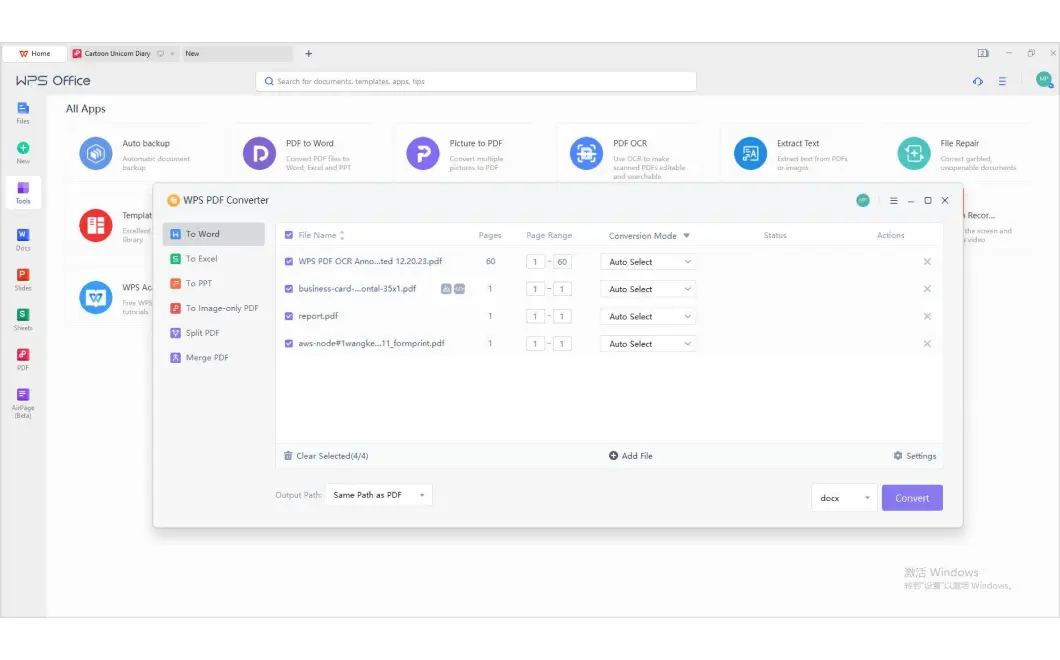
Mass Rename Files with Custom Rules
- Add custom prefixes or suffixes to categorize your files instantly.
- Insert dates, times, or parent folder names into filenames automatically.
- Change the case of filenames to uppercase, lowercase, or title case.
- Combine multiple rules for complex and precise renaming tasks.
Bulk Rename Tool with Find & Replace
- Quickly replace unwanted text or characters in multiple filenames.
- Remove or insert text at a specific position in the filename.
- Use regular expressions for advanced and pattern-based replacements.
- Correct typos or update project names across a whole folder of files.
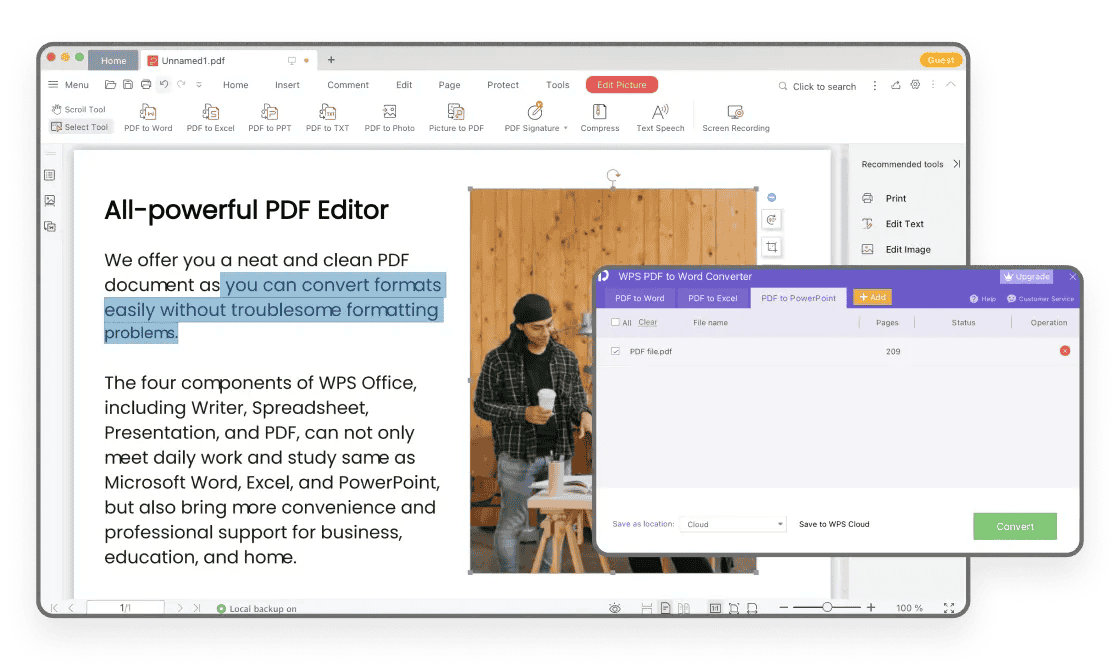
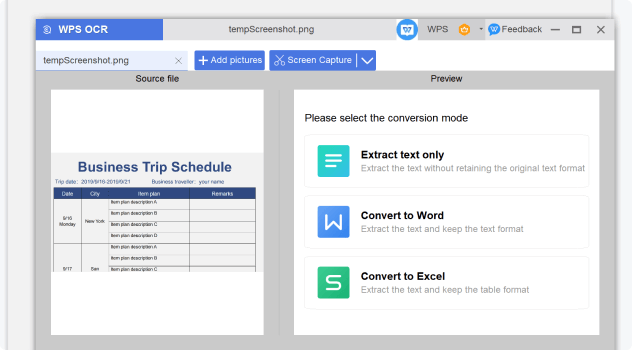
Batch Renamer with Sequential Numbering
- Add ascending or descending numbers to your filenames automatically.
- Customize the starting number, increment, and number of digits (padding).
- Perfect for organizing photo albums, document versions, or episode lists.
- Ensure a logical and consistent order for all your files.
Universal Compatibility
Works seamlessly on Windows, Mac, and Linux. Rename any file type, from documents to media.
Intuitive Interface
A user-friendly design means you can start renaming in seconds, no complex commands needed.
Live Preview & Safety
See all changes before you commit. The live preview function helps prevent mistakes and ensures accuracy.
Why Users Choose Our Batch File Renamer
From photographers to project managers, people are using our tool to reclaim their time.

Sarah J.
Photographer
"After a photoshoot, I have hundreds of files like 'IMG_5834.jpg'. With this tool, I can rename them all to 'ClientName-Event-001.jpg' in under a minute. It's a lifesaver!"

Mark T.
Researcher
"I handle dozens of research papers and data files daily. The batch rename feature lets me standardize filenames with dates and version numbers, keeping my work organized and easy to find."

Linda C.
Office Administrator
"Cleaning up our shared server used to be a nightmare of inconsistent file names. Now I can quickly enforce a company-wide naming convention. The 'Find and Replace' is my favorite feature."
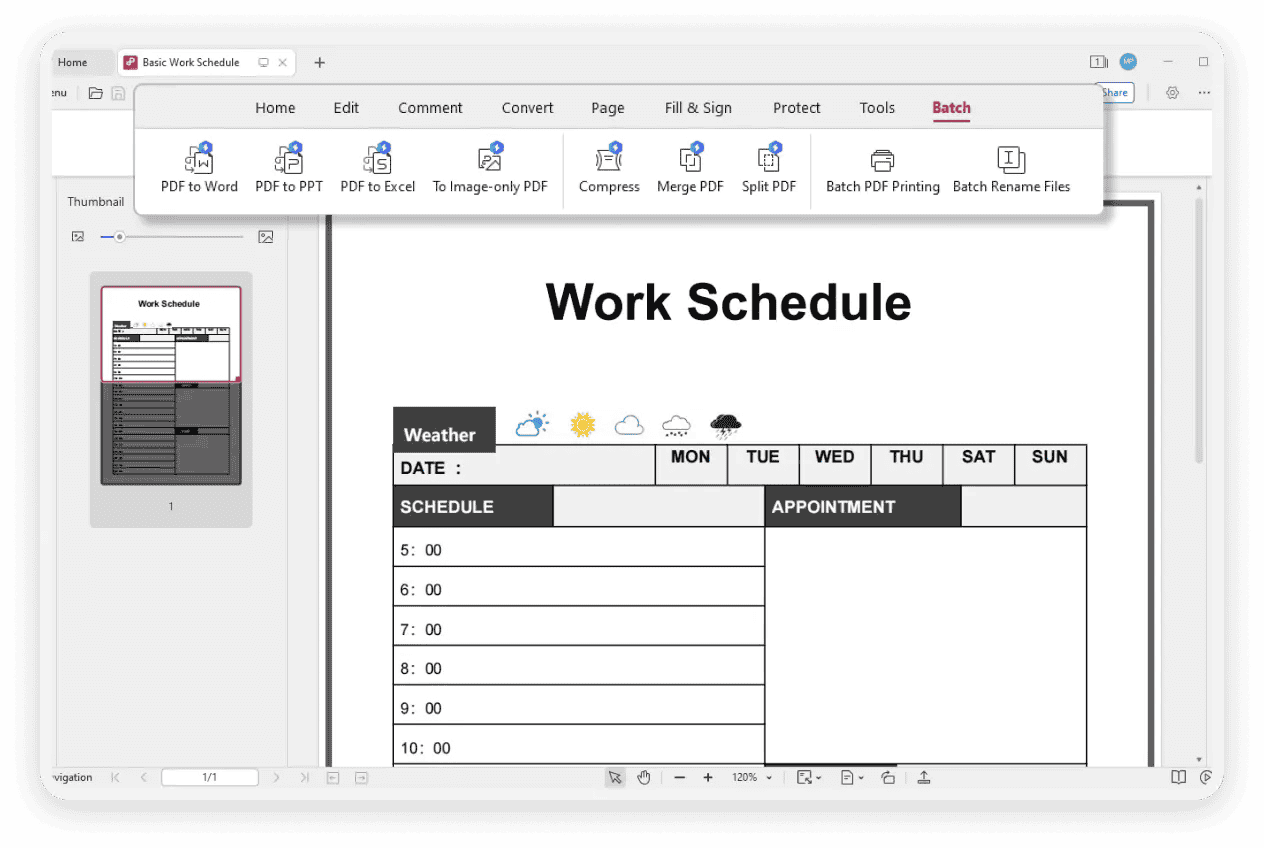
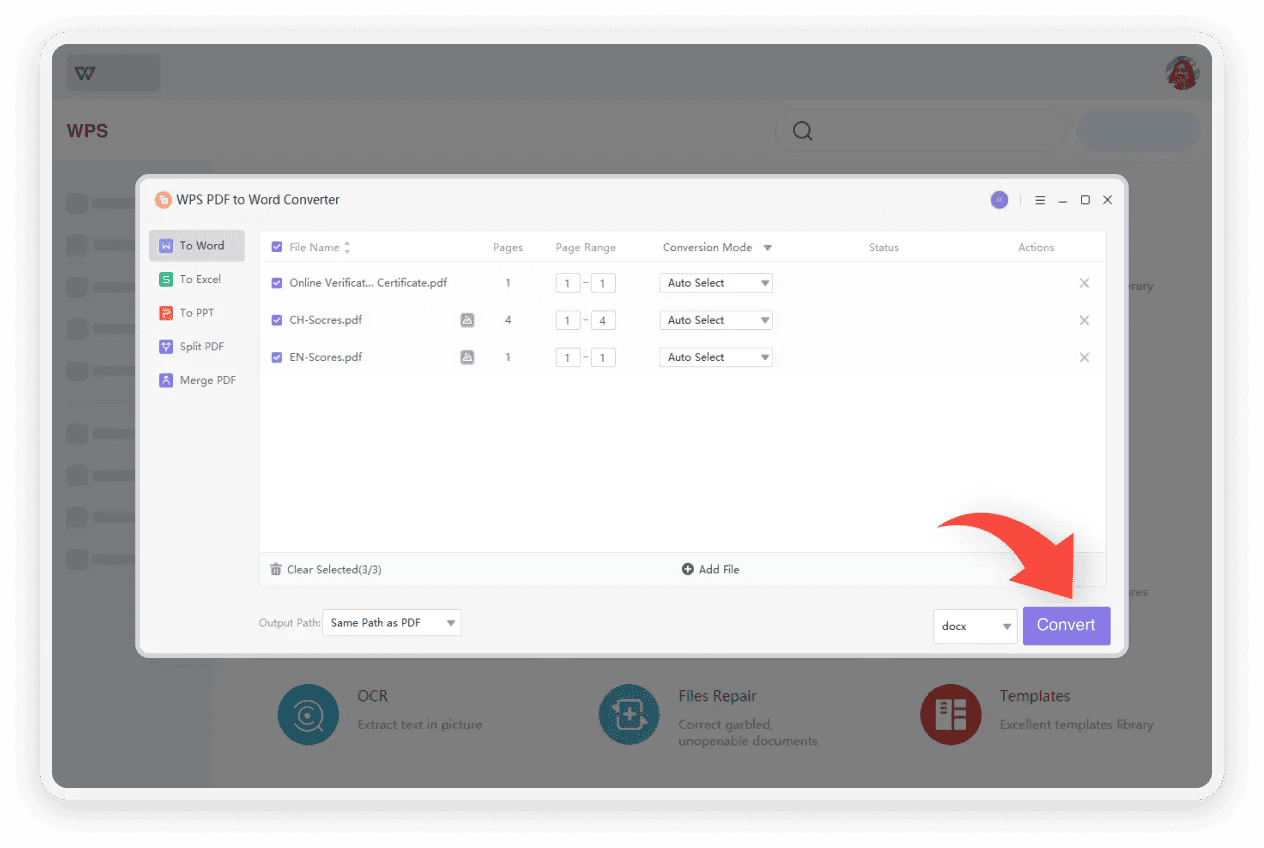
How to Rename Multiple Files at Once
Get started with our powerful bulk renamer in just a few clicks.
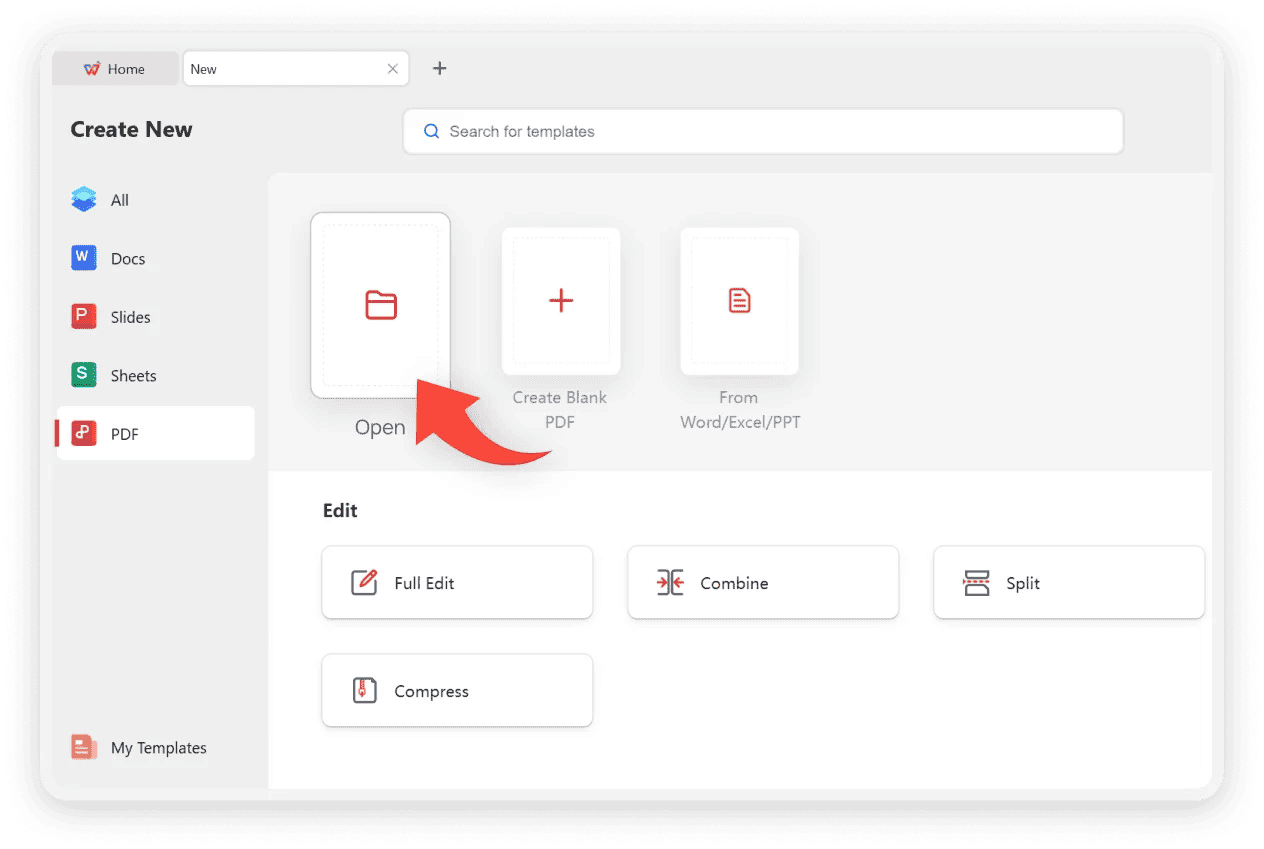
More File Tools Beyond Bulk Renamer
Discover all the powerful PDF tools available in WPS Office to enhance your document workflow.
Print Multiple PDFs
Batch print numerous PDF files at once, saving time and simplifying large printing jobs.
Learn moreOrganize PDF
Rearrange, delete, rotate, or extract pages to structure your PDF documents perfectly.
Learn moreSplit PDF
Break a large PDF into smaller, more manageable files by page ranges or individual pages.
Learn moreAdd Page Numbers
Easily insert and customize page numbers in your PDF for better navigation and reference.
Learn morePDF Filler
Fill out interactive and non-interactive PDF forms quickly with text, checkmarks, and signatures.
Learn moreLearn More About Mass File Renamer
Find answers to common questions about the batch file renamer.
Get Started with Bulk Rename Utility Download
Download WPS Office now to access the powerful batch rename tool. Stop wasting time on repetitive tasks and take control of your file management today.
Multiple Rename Options
Add, replace, number, and change case—all in one tool.
100% Free & Secure
A powerful feature included in the free WPS Office suite.
Boost Productivity
Save hours of manual work with intelligent file renaming.